 Table of Content
Sometimes a YouTube video has the answer you need, but it’s buried somewhere in half an hour of footage. A student wants one explanation from a lecture. A blogger wants a quote from an interview. Scrubbing back and forth to find a few lines wastes time.
A transcript fixes that. When words turn into text you can search for a name or phrase in seconds. You can copy passages into your notes and later check them against the video.
Language adds a wrinkle for Indian viewers. Some videos have captions. Some videos do not have captions in the language you need. The best tool depends on the video and on what you plan to do with the text.
The 10 sites below cover different jobs. Some just copy text from a single video. Others offer downloads, summaries, or batch processing.
Quick Comparison
Tool | Main use | Suitable for |
| YouTubeToTranscript | Extracting and translating captions | Everyday users |
| youtube-transcript.io | Bulk extraction and downloads | Researchers and developers |
| Tactiq | Timestamped transcripts | English-language videos |
| NoteGPT | Transcripts and study notes | Students |
| YouTube Transcript AI | Quick, no-account transcripts | One-off grabs |
| YTTranscript.AI | Captions and subtitle files | Video creators and students |
| Kome AI | Transcripts and summaries | Multilingual reference work |
| Happy Scribe | AI and human transcription | Professional work |
| TheBestPDF | YouTube-to-text conversion | Existing TheBestPDF users |
| Tubetranscript.com | Basic transcripts | Casual one-offs |
1. YouTubeToTranscript
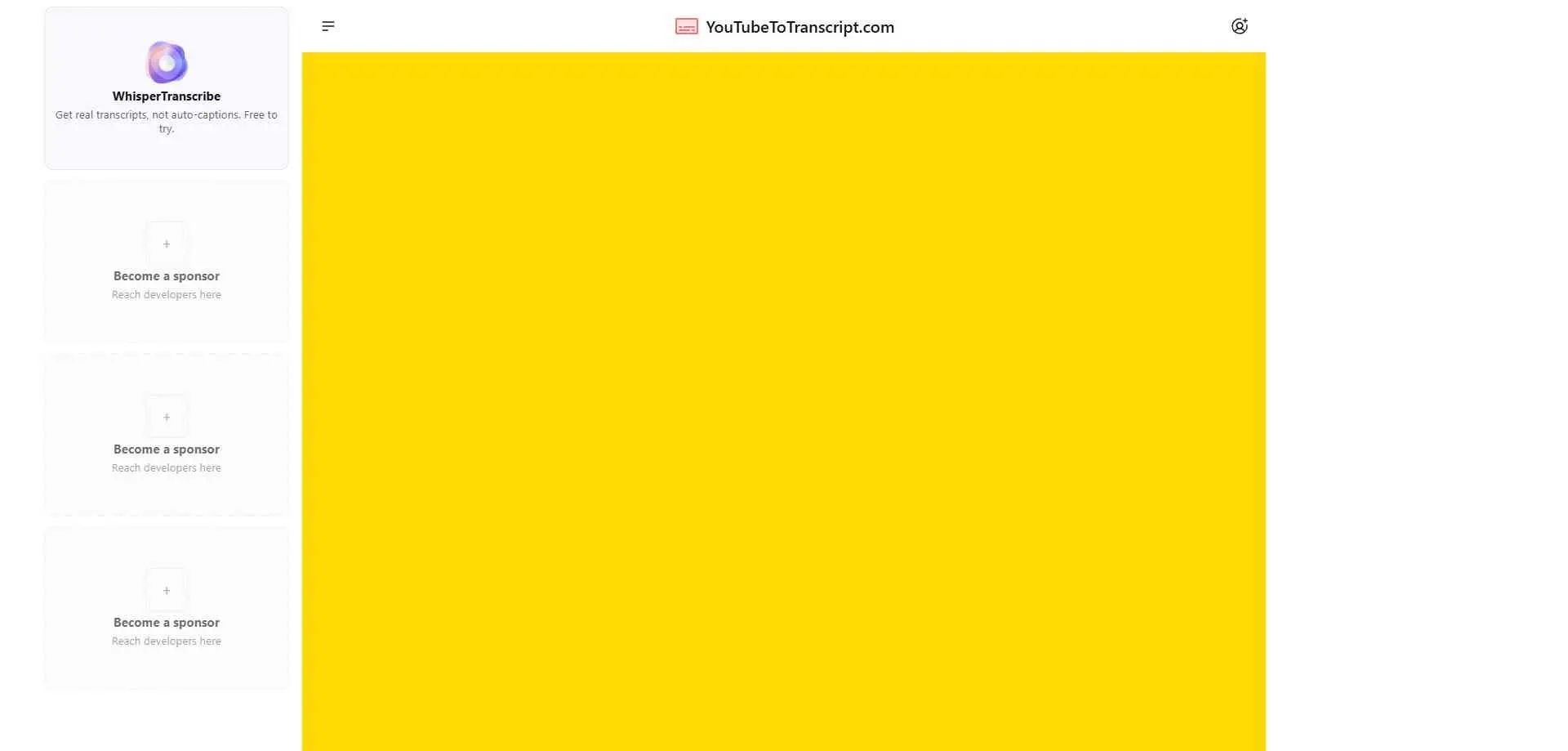
YouTubeToTranscript is simple and easy to use. Paste a URL, get text. There’s no account, no cap on how many transcripts you pull, and it translates into 125+ languages. The main limitation is the output. Paste a YouTube URL and the site gives you the video transcript right away. It does not list a direct file download option, but you get a copy button so you can easily paste the text into Google Docs or Microsoft Word.
What it does: Free, unlimited transcripts with translation.
Best for: Anyone who just wants the words.
2. youtube-transcript.io
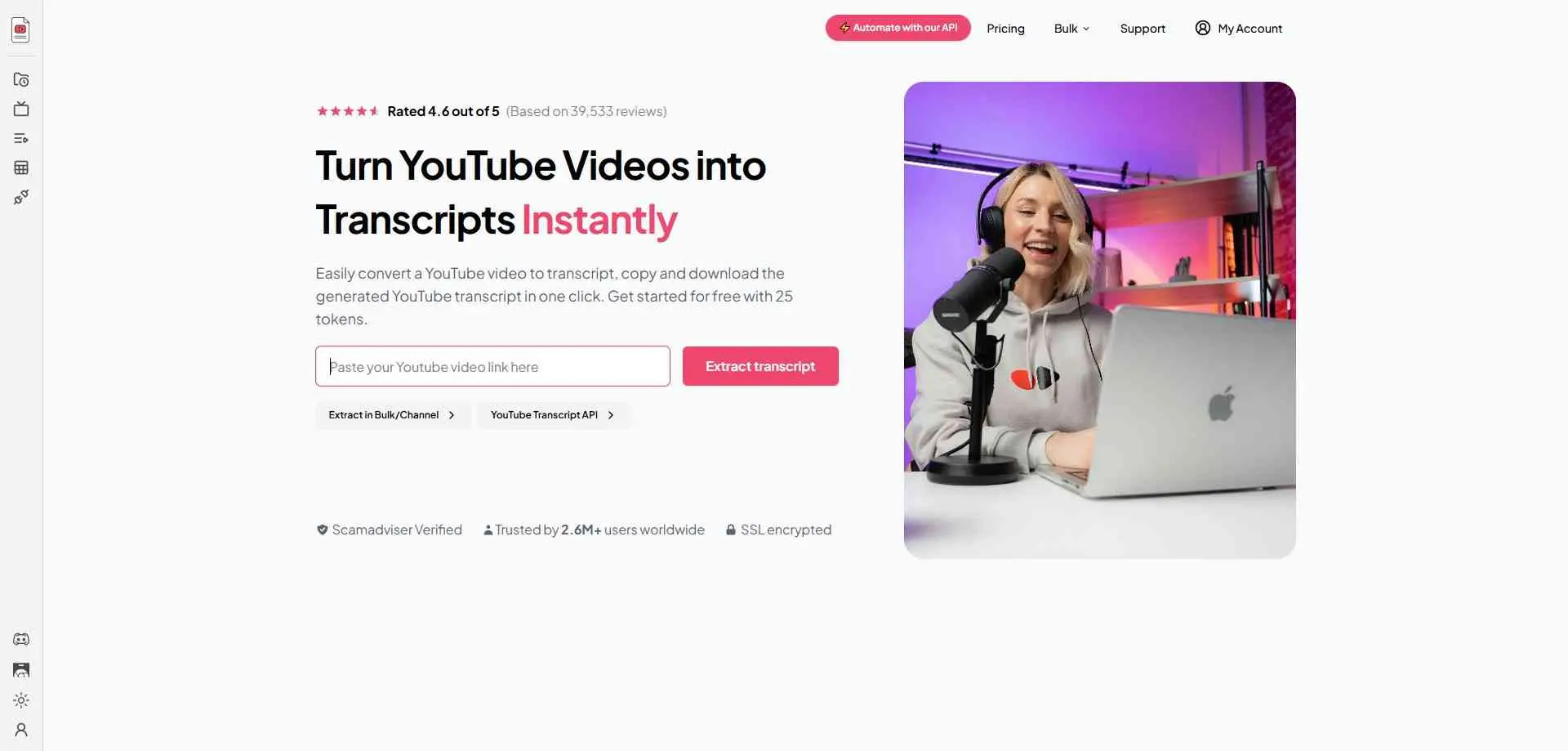
youtube-transcript.io is more useful when the job involves several videos. It exports to TXT, SRT, VTT and CSV, handles whole playlists and channels, and has an API for developers. New users get 25 free tokens, though few sources disagree on whether they reset daily or monthly. The next tier costs $9.99 a month. Read up on how the tokens work before starting a big batch, since that’s where people get stuck.
What it does: Multi-format export, bulk extraction, API access.
Best for: Researchers and developers pulling transcripts in volume.
3. Tactiq
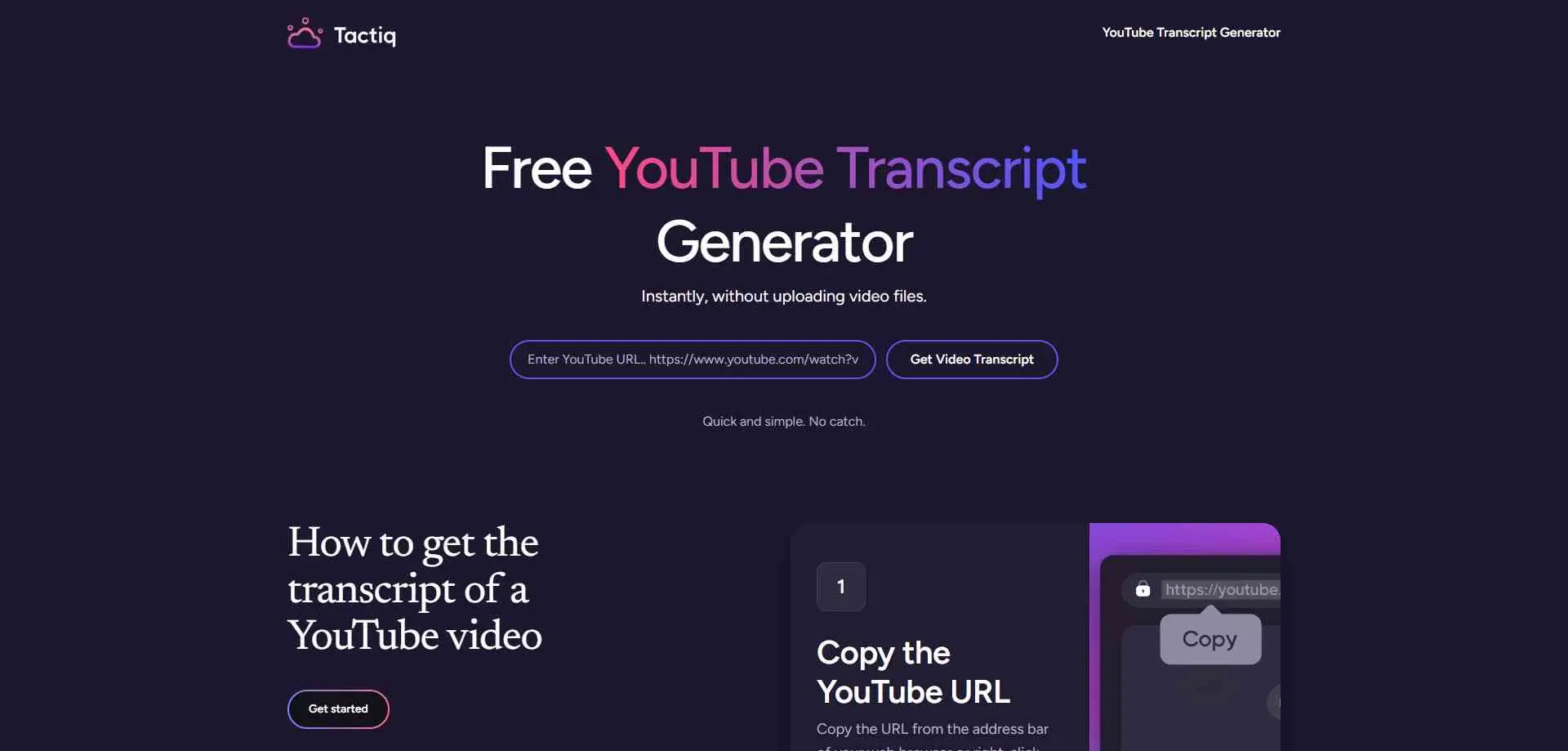
Tactiq is a free YouTube transcript generator. The process is simple. You simply just enter the URL. Then you can generate the text which you can copy. Download it as a TXT file. The tool works with timestamps which lets you jump to the spot in the video. You can download the text. There is also a Chrome extension. It keeps you on YouTube. The free version has a limit. You can get between 5 and 10 transcripts a month. The number depends on the source.
What it does: Timestamped transcripts, a Chrome extension, TXT and DOCX export.
Best for: People who also transcribe Zoom or Meet calls.
4. NoteGPT
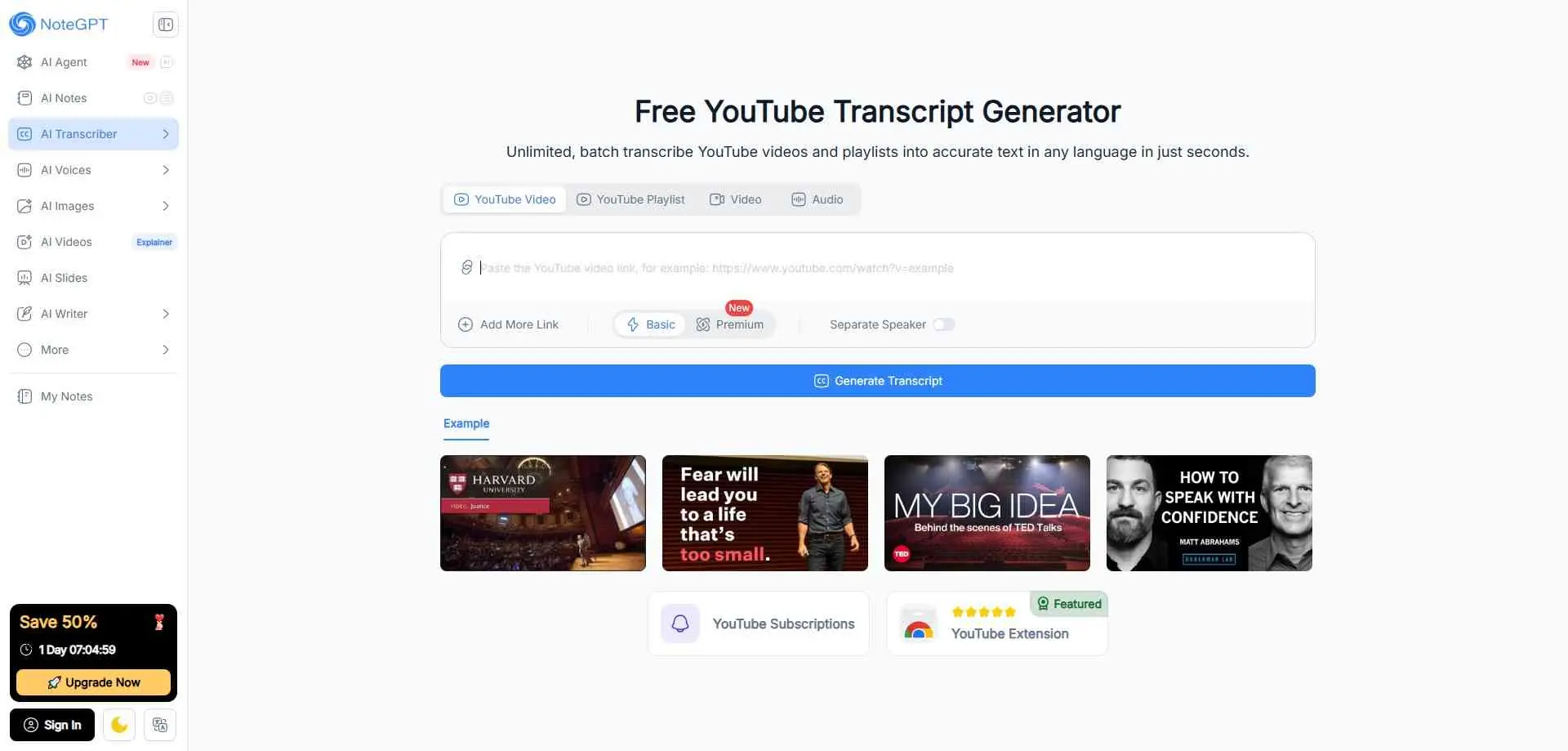
NoteGPT does the most once you have a transcript. You can toggle timestamps, edit the text in your browser, then turn it into a summary, mind map or flashcards. Pulling the text needs no login. The platform also has summaries and note-taking tools. It has free use with daily caps, and paid plans cap the length of videos with no existing subtitles (120 minutes on Pro, which costs $9.99 a month).
What it does: Editable transcripts, plus summaries, mind maps and flashcards.
Best for: Students turning lectures into study notes.
5. YouTube Transcript AI
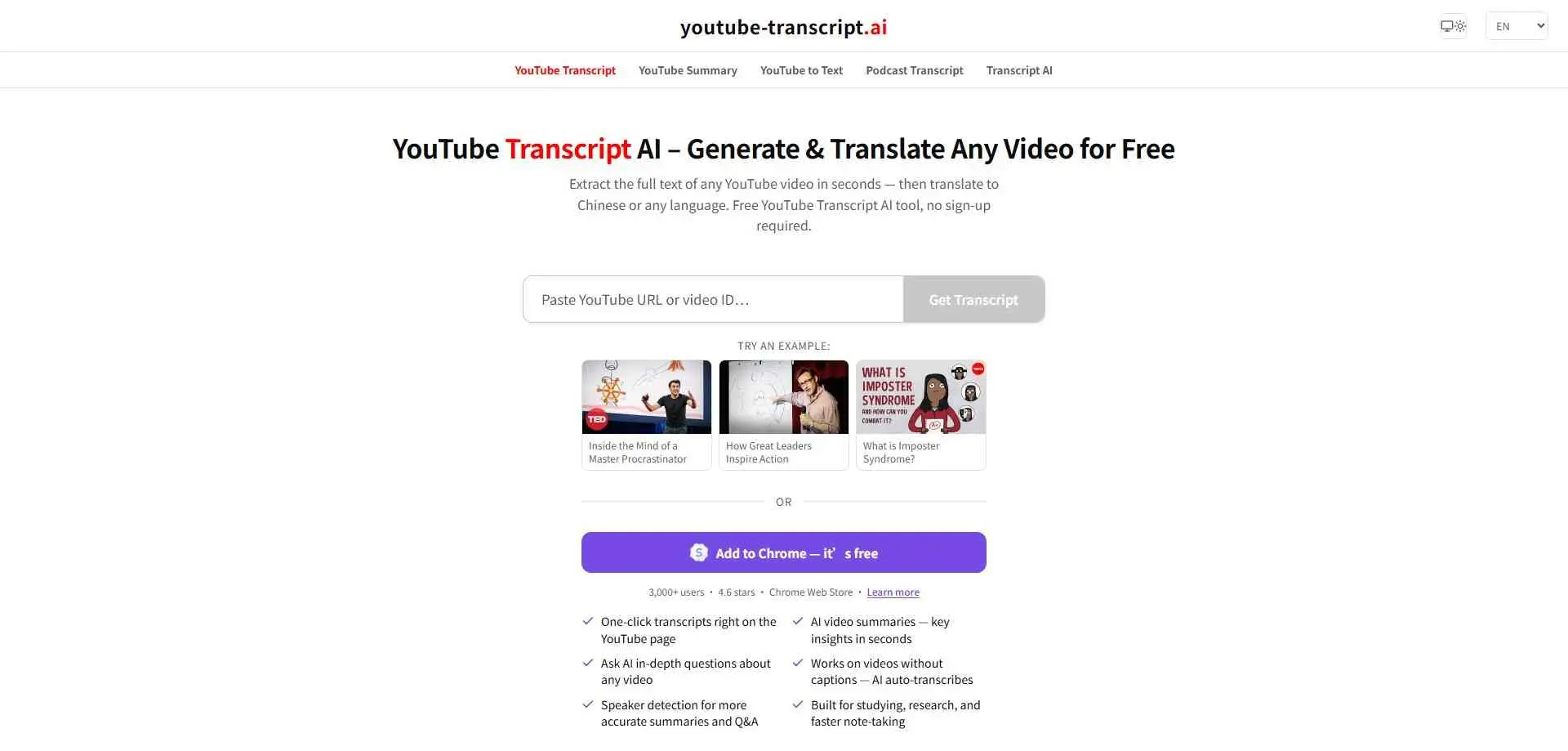
YouTube Transcript AI lets users enter a YouTube URL or video ID to retrieve the text. The service advertises a few extra tools, including video summaries, audio detection, and a feature for asking questions about a recording. These can be helpful when a lecture is long and the goal is to find one explanation or prepare a short set of notes.
What it does: Fast, free transcripts with TXT output.
Best for: Quick grabs when you don’t want an account.
6. YTTranscript.AI
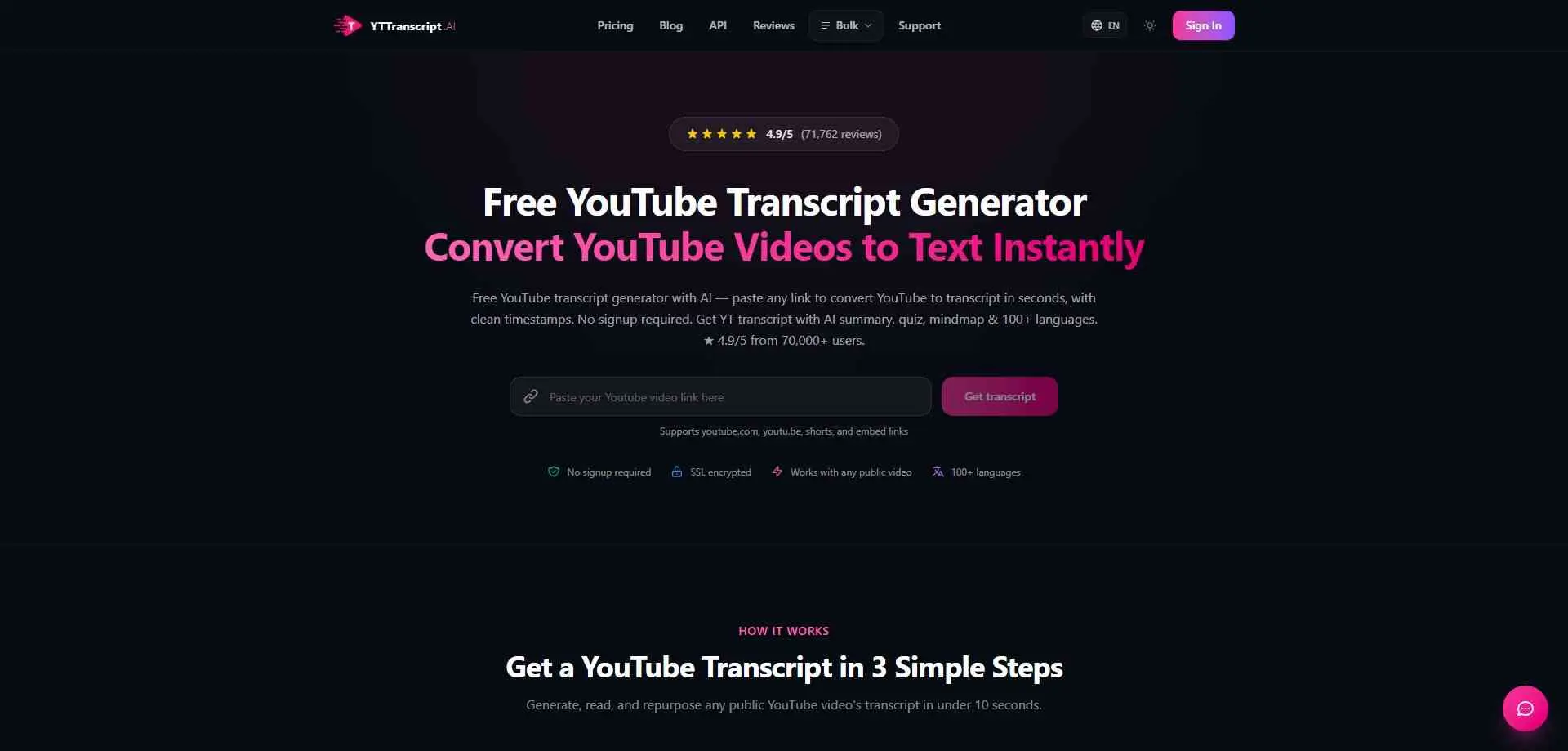
YTTranscript.AI is especially useful when the output format matters. It can find existing captions from public YouTube videos, including supported Shorts and embedded videos, and allows users to keep or remove timestamps. You can download TXT, SRT and VTT files and the site adds summary pages, quizzes, mind maps and a bulk and channel mode.
If you plan to reuse a long video rather than just read it, AI clip generators can pick out useful moments and cut them into shorter clips.
What it does: Caption extraction with SRT and VTT export, plus AI summaries and quizzes.
Best for: People who want study tools bundled in and can live with a small free quota.
7. Kome AI
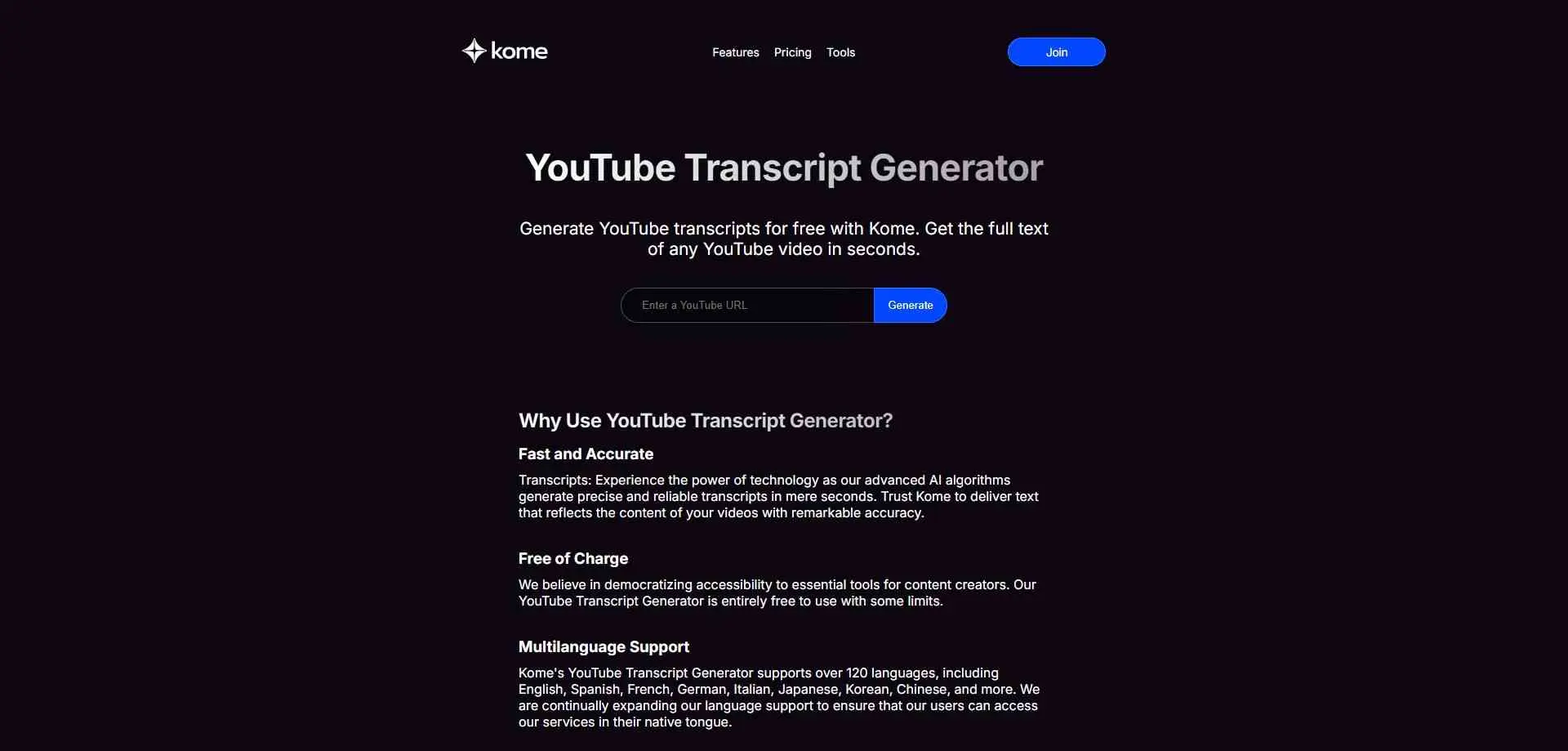
KOME AI keeps its transcript generator simple. Enter the YouTube URL and generate the text. The site claims that it support for more than 120 languages and free use within its limits.
The website describes its generator as an AI transcription tool, so its approach is not limited to copying an existing caption track. Results will still depend on the recording and language. The free plan includes 5 summary credits.
What it does: Transcripts in 120+ languages, plus summaries and a browser extension.
Best for: Multilingual work where timestamps don’t matter.
8. Happy Scribe
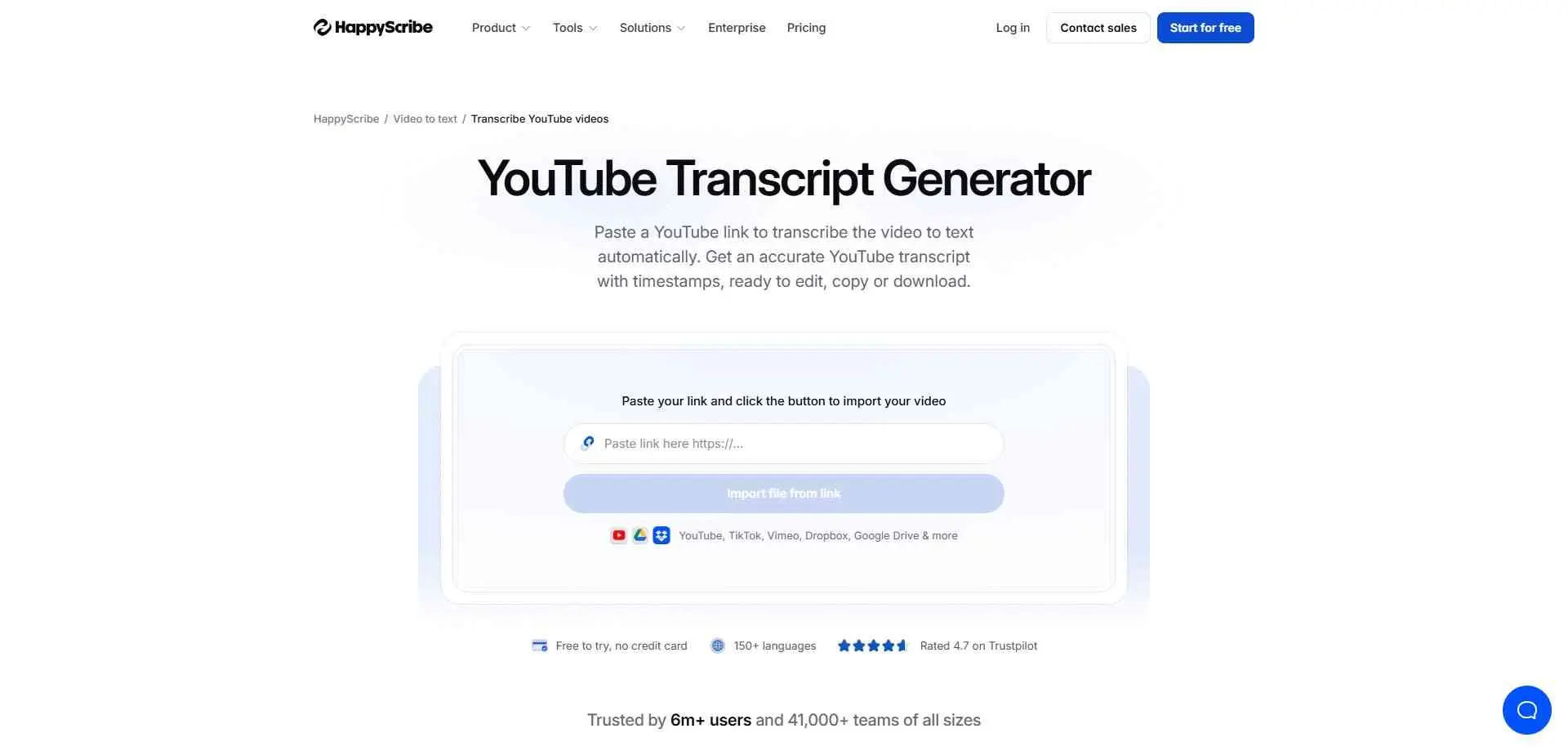
This is the first tool here that actually transcribes audio, so it handles videos without captions. It supports 120+ languages and exports to TXT, DOCX, PDF, SRT and VTT. The AI version claims about 85% accuracy, which doesn’t beat YouTube’s own captions. The real selling point is the human option at $2 a minute (about $120 an hour) for 99% accuracy.
What it does: AI and human transcription in 120+ languages, with a browser editor.
Best for: Videos without captions, or work that needs near-perfect text.
9. TheBestPDF
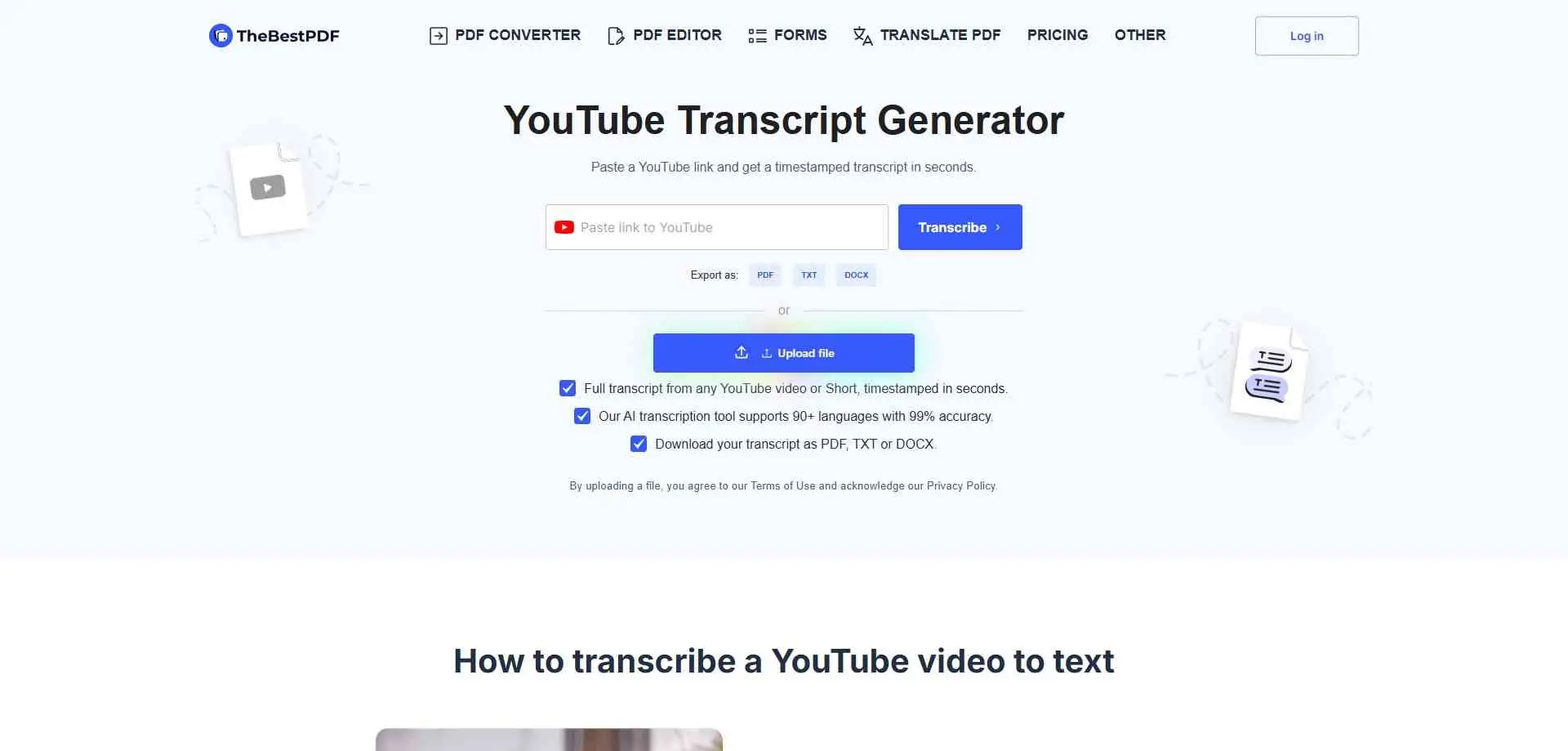
TheBestPDF is a PDF toolkit from a Cyprus-based company, and the transcript generator is a side feature. The page promises timestamped results in seconds, 90+ languages, and PDF, TXT or DOCX downloads. It also claims 99% accuracy. That’s the vendor’s own number, and it’s far above the roughly 85% Happy Scribe quotes for AI transcription, so treat it as unproven.
What it does: Transcripts from links or uploads, with PDF, TXT and DOCX export.
Best for: Teams already paying for TheBestPDF.
10. Tubetranscript.com
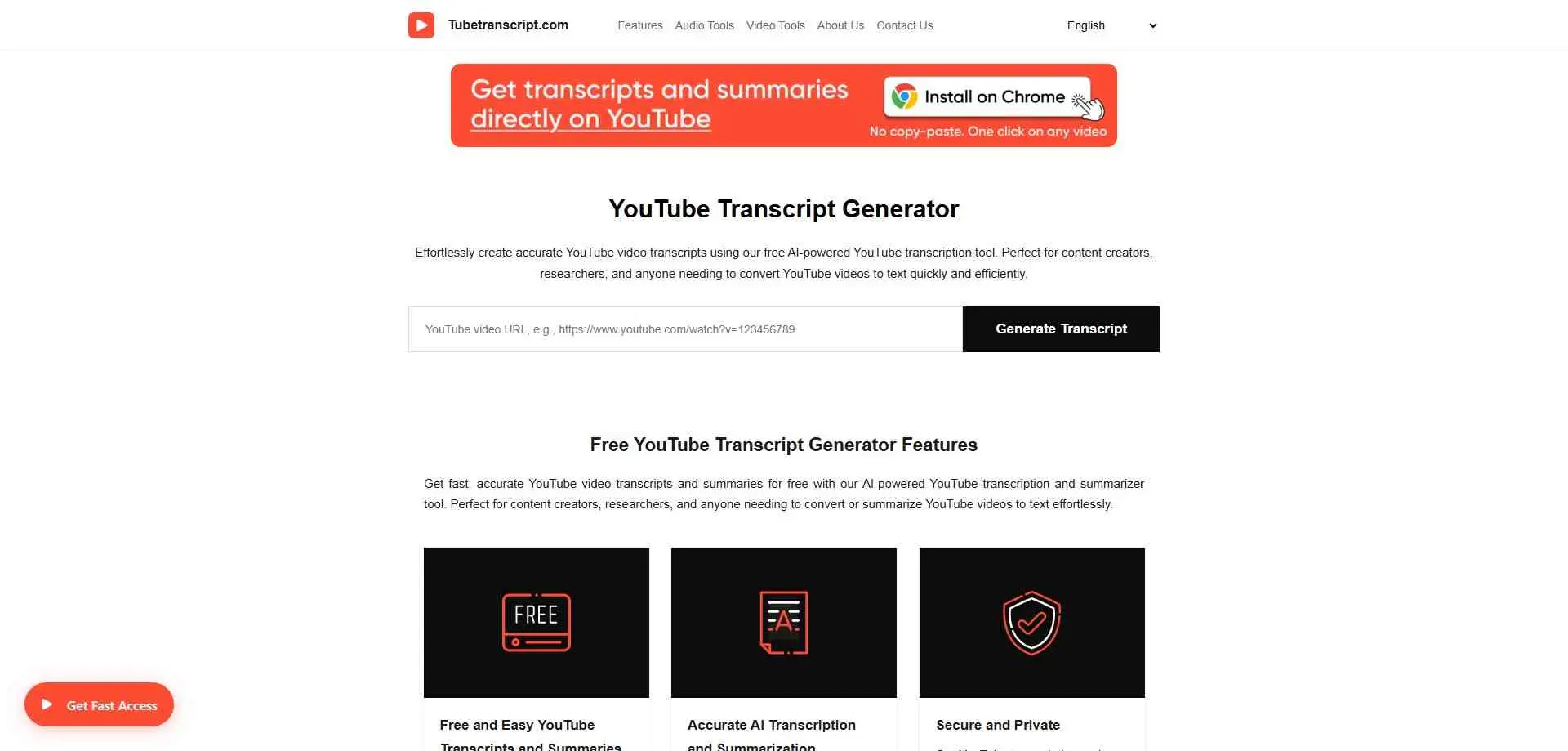
TubeTranscript.com works in your browser. Paste an URL from YouTube and you get the text of the video. You can read the transcript (the written words of what is said in the video) or ask the site to write a short summary.
The language menu includes Hindi, English and many other languages. This can help Indian viewers. But what you get depends on the language of the video and the captions (the text that shows on screen) it has.
What it does: Free YouTube-to-text conversion, details unverified.
Best for: Casual one-offs, tested first.
How to Choose the Right YouTube Transcript Generator
First, check whether the video already has captions, because that decides which tool will work. YTTranscript.AI relies on existing YouTube captions. NoteGPT and YouTube Transcript AI say they can generate text for videos without them.
Next, decide what happens to the text. TXT or copy and paste is usually enough for notes or blog research. SRT or VTT is better for editing the subtitles as it has timing. If you have a lot of videos look for bulk extraction and playlist support.
Language needs a check too. A tool can advertise dozens of languages without transcribing each one accurately. Look at the language of your actual video and test a short sample before committing.
Last, read the usage limits. Free tools often cap transcripts, summaries or AI actions. Don’t pay for features you’ll rarely use.
Conclusion
For basic extraction, YouTubeToTranscript, Tactiq and Kome AI are the easiest places to start. youtube-transcript.io suits bulk work, and NoteGPT suits anyone turning transcripts into study notes. YouTube Transcript AI is a quick option when you don’t want an account.
YTTranscript.AI gives you subtitle files and study tools, as long as the video already has captions.
Happy Scribe is the one to pick when a video has no captions or the text needs to be close to perfect. TheBestPDF only makes sense if you already pay for it. Tubetranscript.com is worth a quick test and not much more.
Before settling on a service, run it on a video like the ones you watch most. Check that it returns the right language and that the text is good enough for what you need.