 Table of Content
A good interview may last an hour. Most long videos, whether a webinar, podcast, or livestream, usually only have a few really good parts. The main hassle is finding those moments and editing them down for social media when you do not have hours to spend in a video editor.
Finding those moments is one part of the job. Turning them into short videos that make sense without the surrounding context takes more time - trimming pauses, adjusting the framing, adding captions, making sure the clip doesn’t end mid-sentence.
That’s where AI clip generators come in. You upload a video. Give a link and the software searches for parts that could stand alone as clips. Some tools also add captions, edit and schedule posts so you spend less time preparing each post.
We looked at 10 tools that tackle this differently. Most are built around repurposing existing videos. One is better for creating fresh marketing videos than cutting up a long recording - worth knowing before you pick one.
Quick Comparison
Tool | Main Focus | Good Choice For |
| OpusClip | Automatic clipping and editing | Creators and podcasters |
| WayinVideo | Clip discovery and bulk editing | Teams publishing regularly |
| Choppity | Clips, captions and publishing | Creators and agencies |
| Vizard.ai | Short clips and team collaboration | Marketers and video teams |
| OpenShorts | Open-source video clipping | Technical users who want control |
| Klap | Ranked clips and automatic reframing | YouTube creators |
| Vmaker AI | Clip generation and video editing | Creators making content in several languages |
| Exemplary AI | Transcript-based clipping and editing | Teams working with interviews and recordings |
| Creatify.ai | AI-generated marketing videos | Ecommerce and advertising teams |
| Flowjin | Branded clips and social publishing | Brands and content marketers |
1. OpusClip
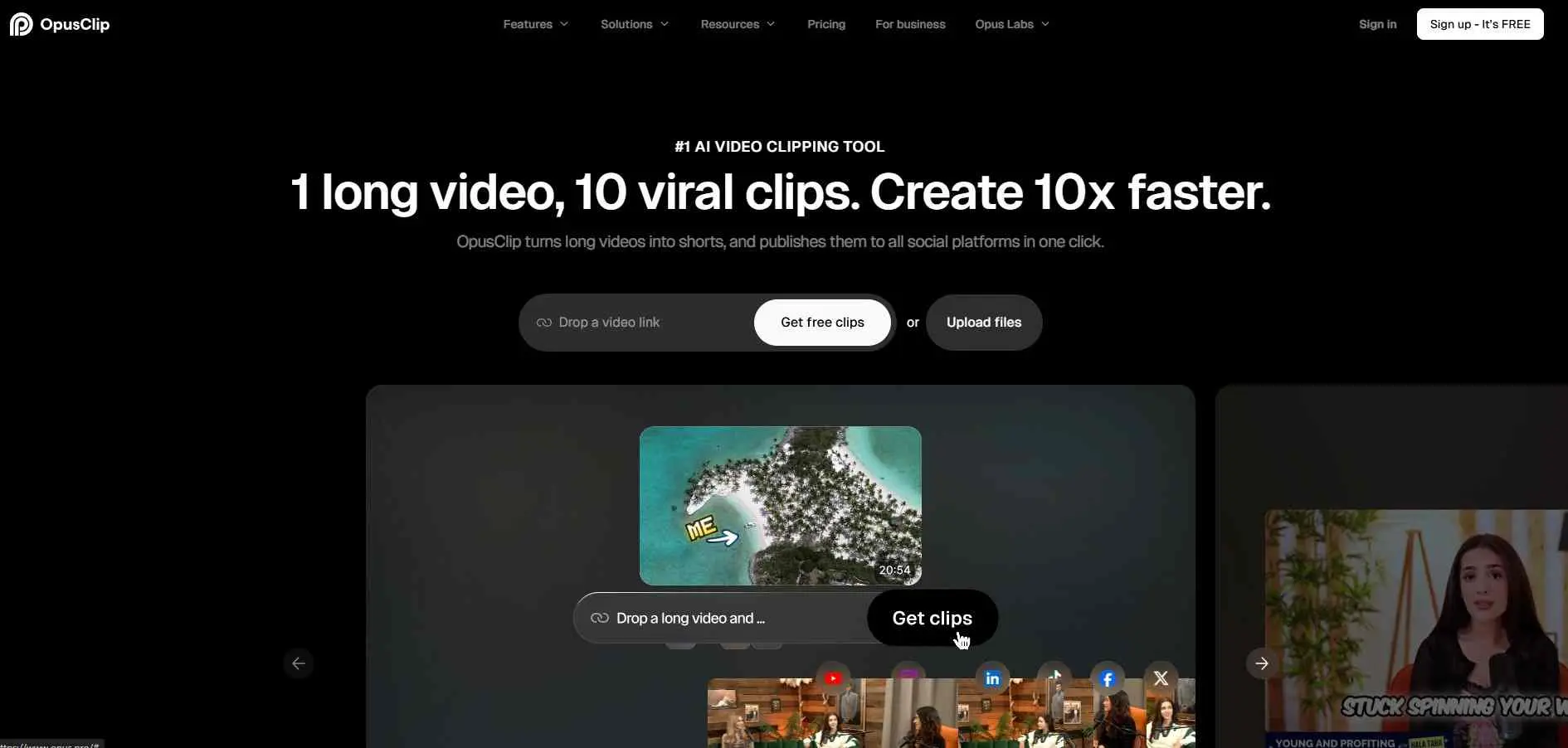
OpusClip is a good choice for people who publish long videos often and want to gain more from each recording. OpusClip scans for highlights, turns them into clips, adds captions and changes framing for vertical video.
You can pull in content from YouTube, Google Drive, Vimeo, Zoom and supported platforms or simply upload a file. Beyond clipping OpusClip has a tool for B‑roll, audio improvement, voiceovers and reframing - useful if you want to clean up results without downloading everything and starting over in an editor.
What it does well
- Finds highlights and produces short clips with captions
- Handles reframing, B-roll, audio enhancement, and voiceover
- Works with content from several video platforms
Good choice for: YouTubers, podcasters, and creators who want to turn one recording into several social posts.
2. WayinVideo
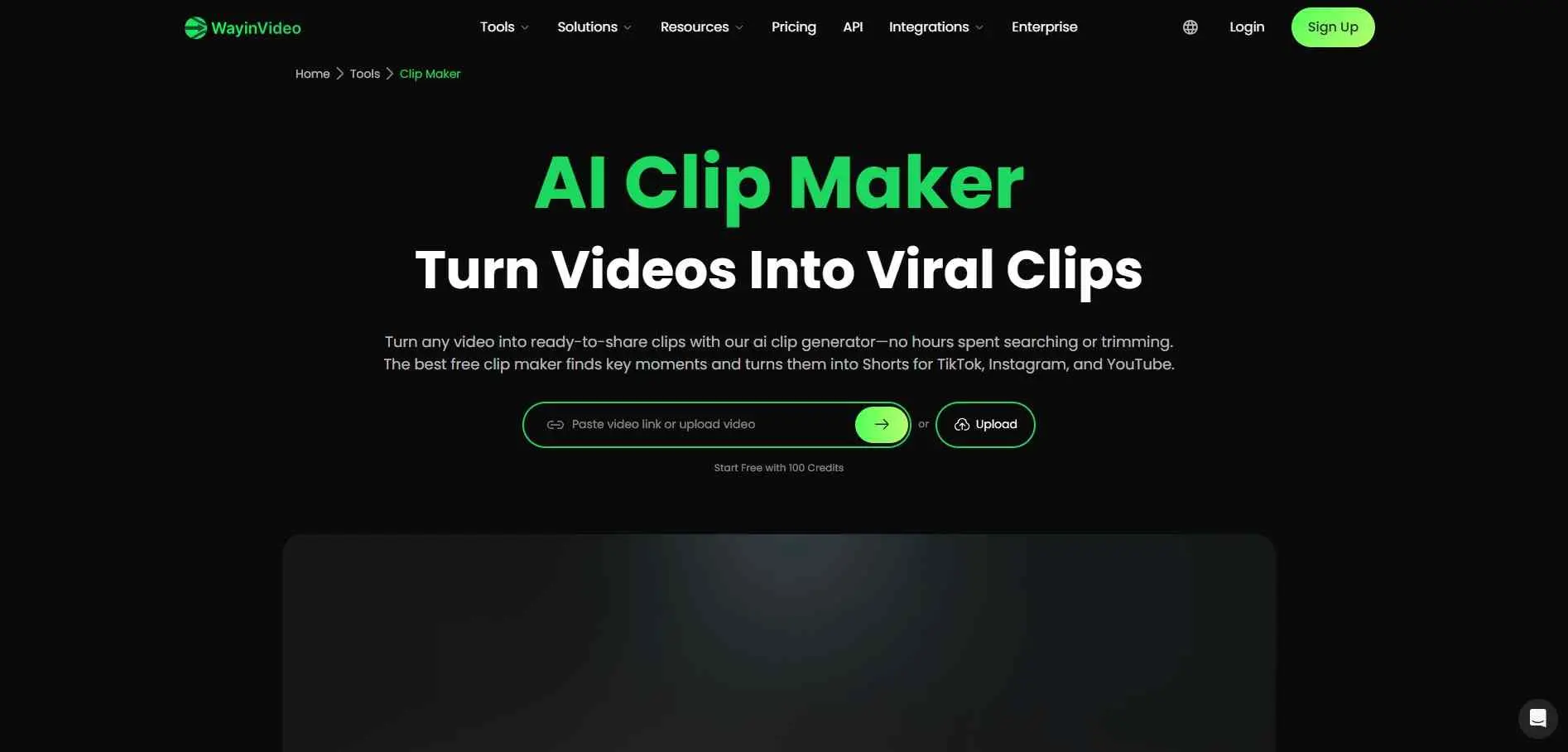
WayinVideo looks good when you want more than trimming. WayinVideo’s clip maker spots moments in long videos. WayinVideo’s transcript editor lets you cut words or sections by editing the text which is usually faster than moving clip edges on a timeline.
The reframing tools are solid too. WayinVideo adapts layouts for footage types such as interviews, podcasts, debates and gaming videos. WayinVideo also offers options for editing, subtitle styles and scheduling.
What it does well
- Finds and ranks useful moments from long videos
- Edits through transcripts and adjusts framing for social platforms
- Supports bulk editing and scheduled publishing
Good choice for: Content teams and social media managers who need to prep and publish clips on a regular schedule.
3. Choppity
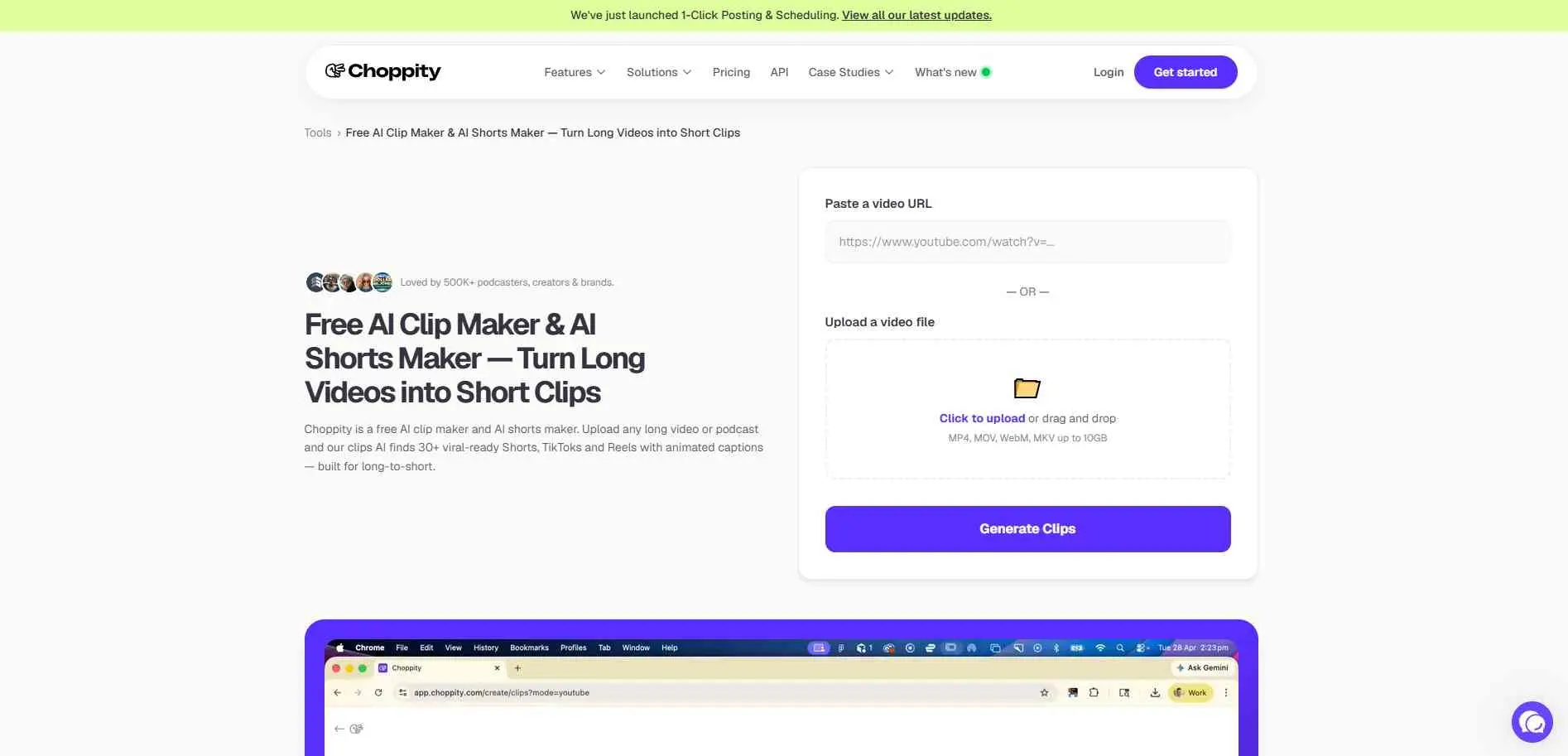
Choppity goes beyond finding short sections in a longer video. Its clip generator can produce multiple candidates from a podcast or long recording, with animated captions and vertical framing. The company advertises 30 or more potential clips - actual results depend on the source material, so treat that number with skepticism.
You can work from the transcript, add B-roll, and search for specific moments instead of accepting every suggested cut. Choppity also handles content planning, scheduling, and direct posting.
What it does well
- Generates short clips with captions and automatic framing
- Lets you edit by text and search for specific moments
- Includes scheduling and publishing tools
Good choice for: Podcasters, agencies, and creators who need both clip editing and help managing their social content.
4. Vizard.ai
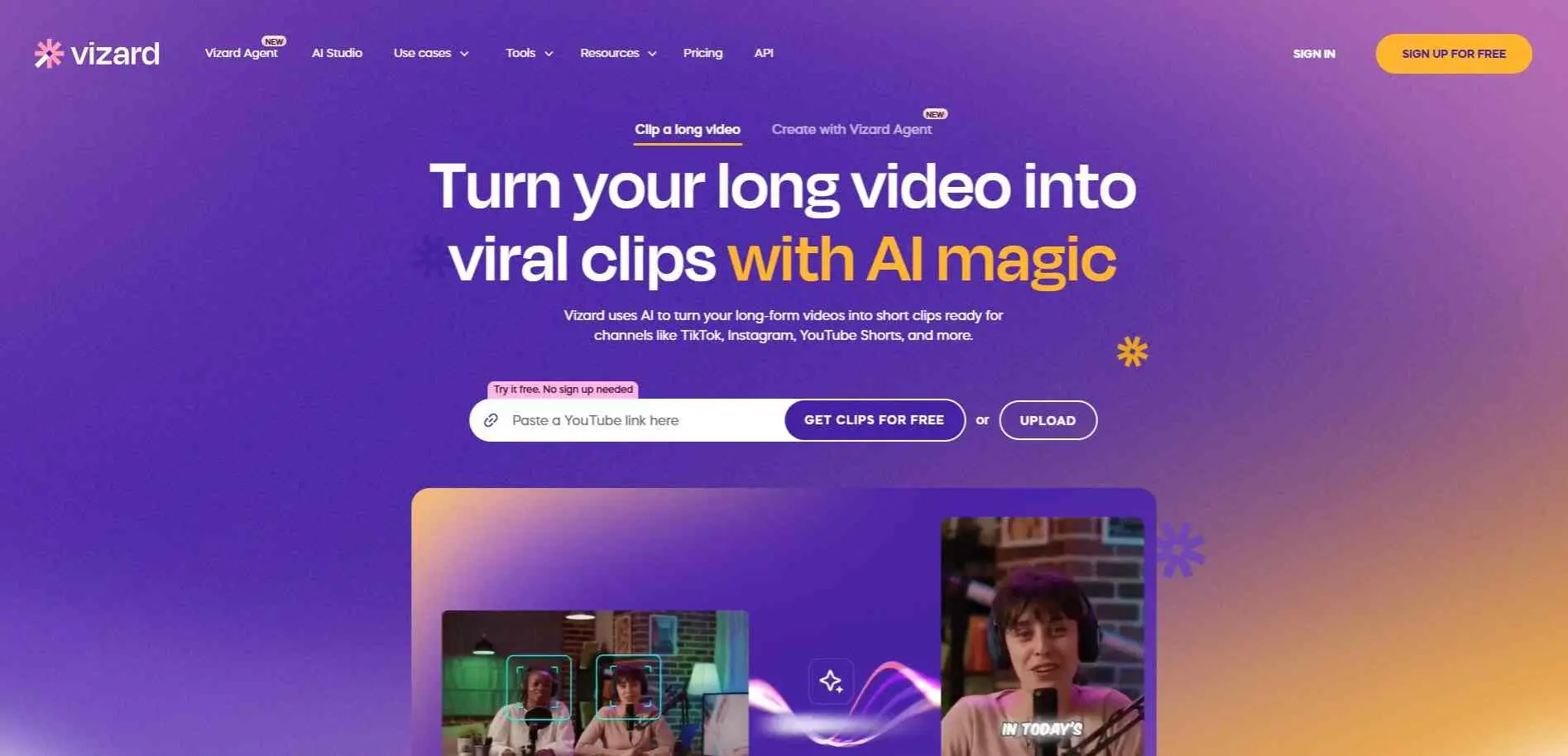
Vizard.ai is another good option for clip generating. If you play a long recording at one of these tools, it finds the good segments, chops it down and crops all of it for TikTok, Reels or Shorts. You get quick captions, more B-roll, and social posts ready to go. It saves a lot of time if your team turns webinars into daily video clips.
You do not have to spend hours scrubbing through timelines just to get a few short posts out the door, which is actually a pretty huge time saver.
What it does well
- Finds highlights and reframes them for vertical platforms
- Adds captions and other editing tools
- Provides a shared workspace for team collaboration
Good choice for: Marketing teams, freelancers, and creators who work with webinars, interviews, or recorded presentations.
5. OpenShorts
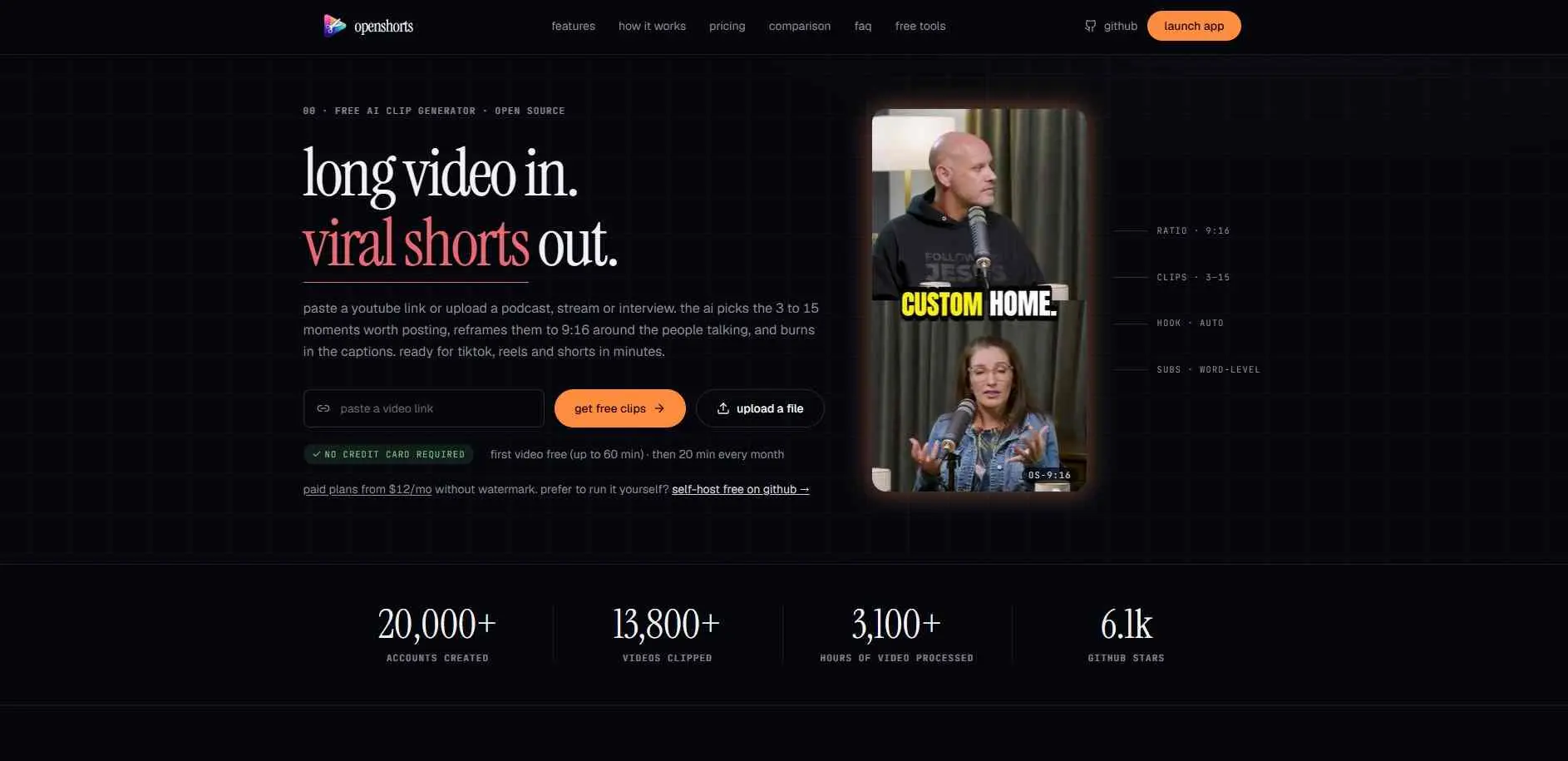
OpenShorts goes a different direction: it’s an open-source clip generator with a hosted version alongside it. It can turn podcasts, interviews, webinars, and livestreams into vertical clips with subtitles and automatic reframing.
You can use the cloud version straight away without setup, or just self-host it through Docker. The self-hosted option is free and open-source, though you`ll need your own API keys and have to manage the setup yourself. That rules it out for most people.
What it does well
- Detects highlights and creates vertical clips with subtitles
- Supports cloud processing as well as self-hosting
- Includes dubbing and direct social publishing
Good choice for: Developers, technically confident creators, and teams that want more control over their video workflow.
6. Klap
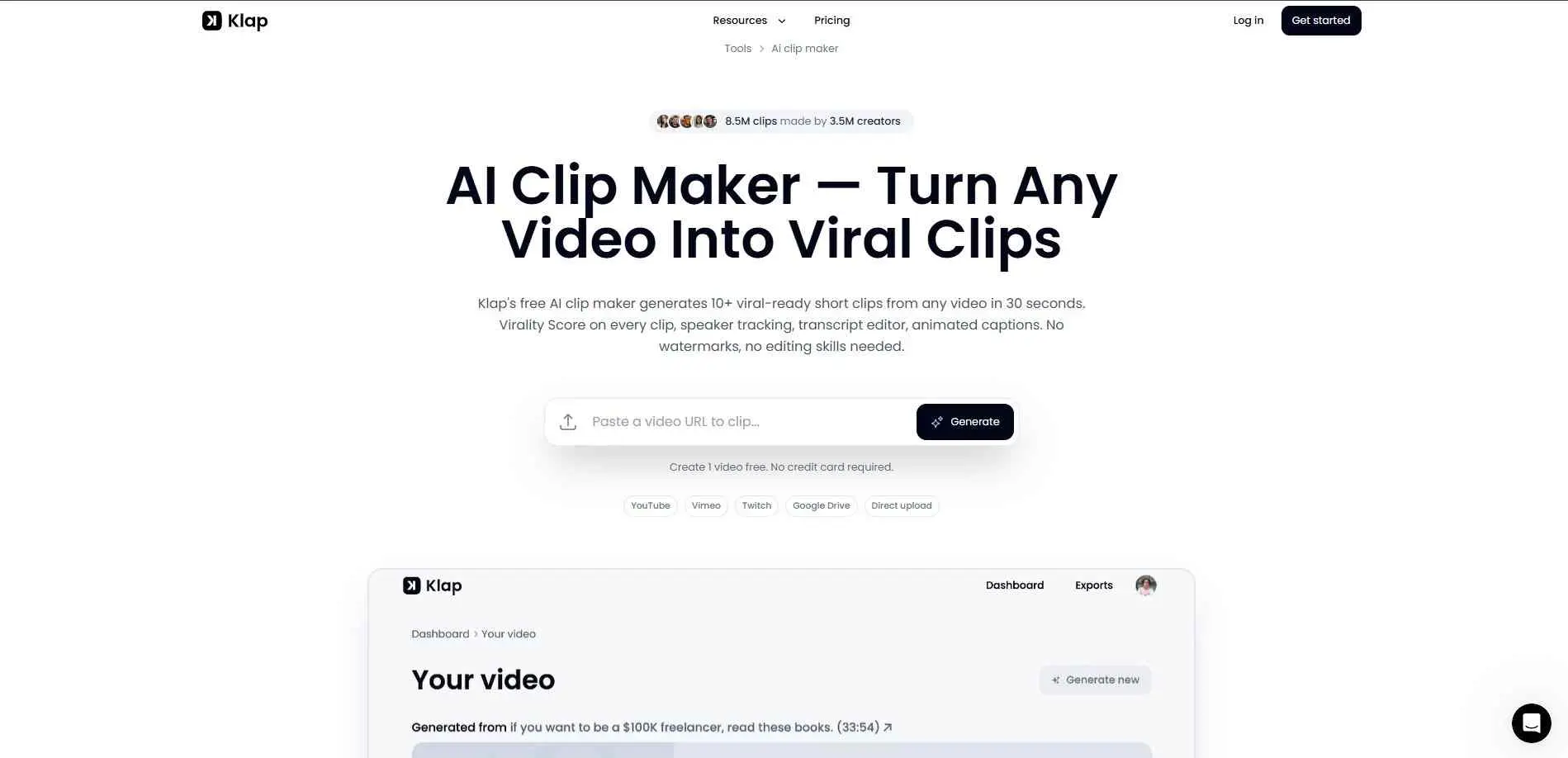
If you hate spending hours in video editing, Klap comes in quite handy. Just post a link or upload a file and it gives you TikTok, Reels or Shorts clips. It automatically tracks who is speaking, reframes the video and adds animated captions.
Each clip gets a score to indicate its potential. Think of it as a sorting tool, not a guarantee. The transcript editor is the more useful feature for most people – edit the selected words directly to refine a segment, rather than hunting through the full video timeline.
What it does well
- Produces multiple short clips from supported long videos
- Adds captions, vertical framing, and speaker tracking
- Offers clip scoring and transcript-based editing
Good choice for: YouTube creators and podcasters who want to generate and review several clip options from one recording.
7. Vmaker AI
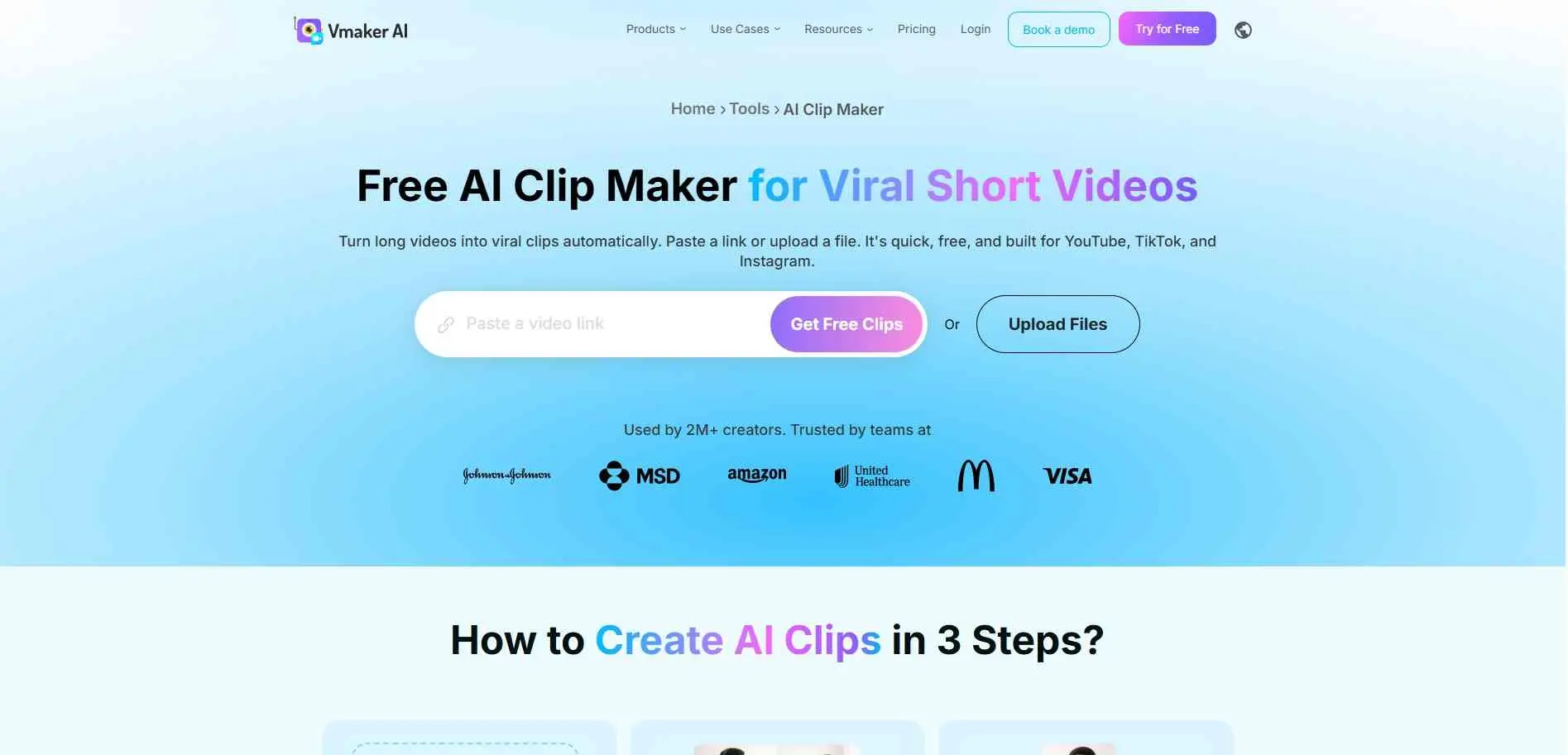
Vmaker AI tries to cover more of the editing process after a clip has been selected. It looks at audio and visual cues - tone, facial expressions - to find moments that might work as short videos.
The prompt-based clip search is also useful when you remember a specific topic or exchange from a long recording but don’t want to scrub through the whole thing. It also includes extra tools for translation, dubbing, background removal, and AI B-roll.
What it does well
- Uses audio and scene cues to find potential highlights
- Supports prompt-based clip search and automatic reframing
- Includes subtitles, dubbing, translation, and B-roll tools
Good choice for: Creators and marketing teams making short videos for different audiences or languages.
8. Exemplary AI
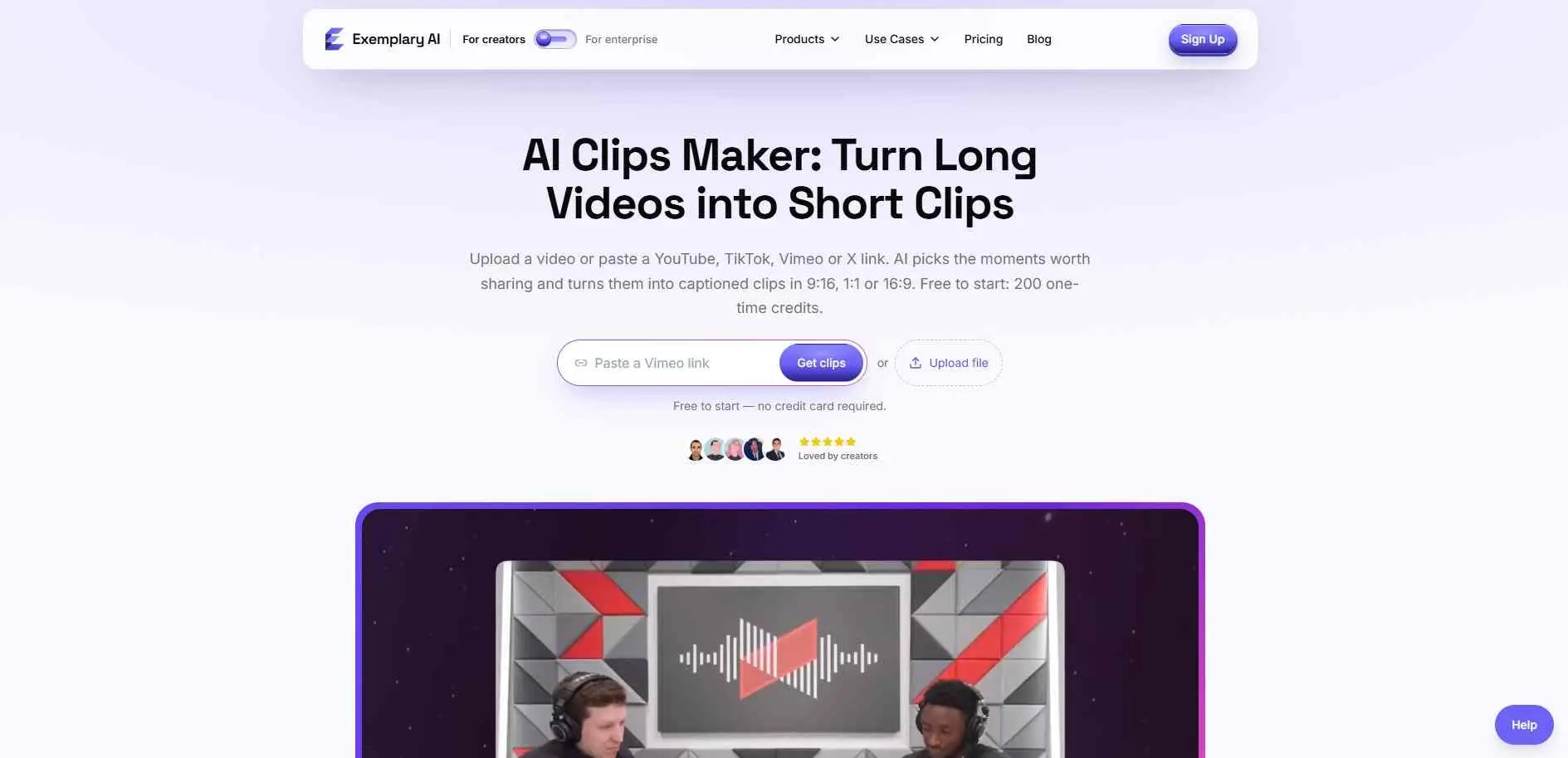
If you deal with transcripts a lot, Exemplary AI is pretty handy. It handles the actual audio transcription, highlights good clip ideas, and scores them for you. You can also just grab any chunk of the transcript yourself and make a clip right from that specific spot.
That manual option matters more than it might seem. Automated systems don’t always pick the moment you had in mind - especially in interviews, where a question and its answer need to stay together. It handles summaries and transcript creation too, so clips can sit inside a broader content process rather than standing alone.
What it does well
- Creates clips from transcripts and suggests moments automatically
- Lets you select specific lines for manual clip creation
- Supports editing with text, images, logos, and B-roll
Good choice for: Teams working with interviews, meetings, webinars, and other recorded conversations.
9. Creatify.ai
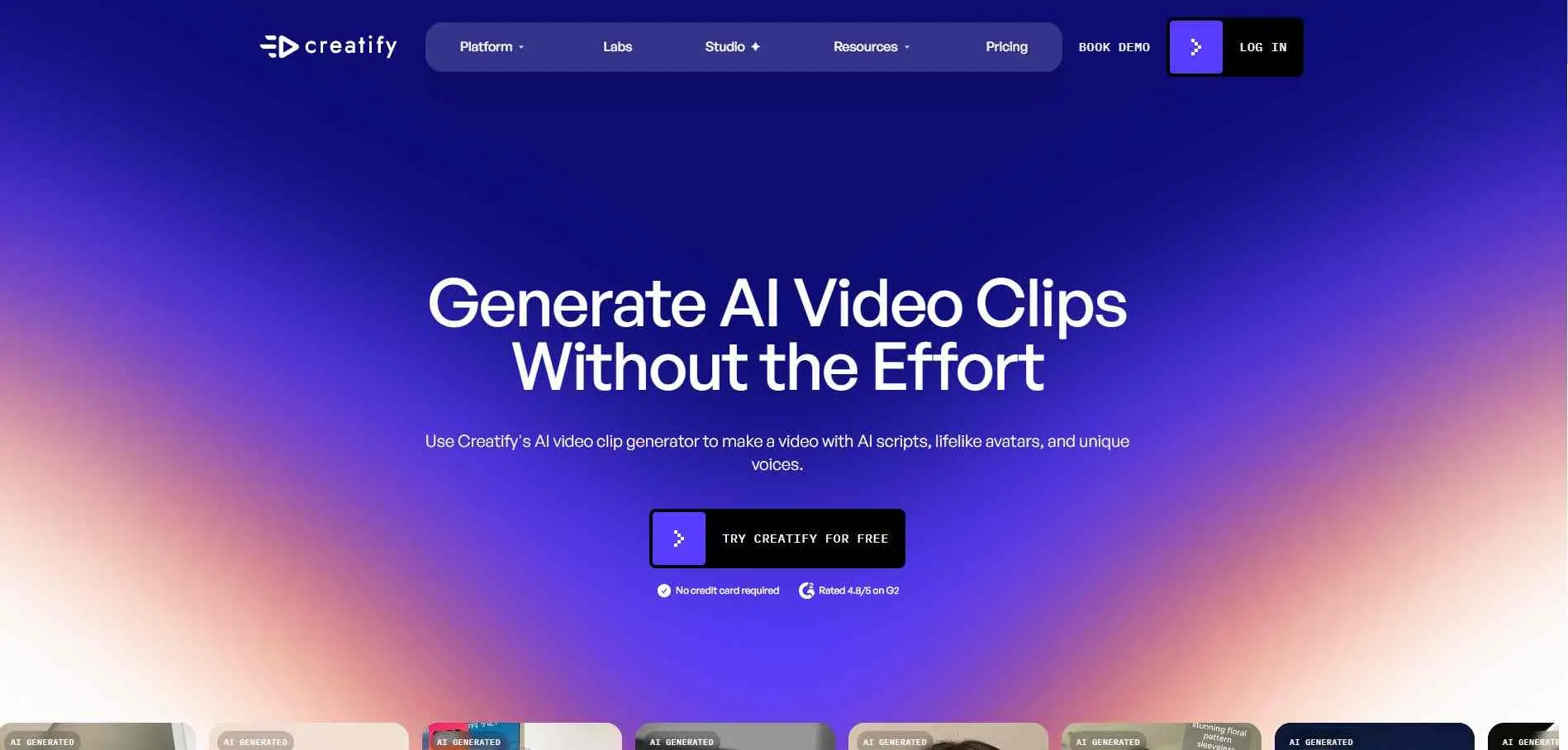
Creatify.ai belongs on this list with one important note: it’s focused on creating marketing videos, not extracting highlights from an existing recording.
Give it a product URL, and it uses the page details to help build a video storyboard. It handles AI scripts, voice options, and digital avatars - including a custom avatar option. That setup works for a business that needs product videos but doesn’t have footage or someone on camera for each one. If your main goal is turning a two-hour podcast into Shorts, the other tools here are the better fit.
What it does well
- Builds marketing videos from product URLs
- Offers AI scripts, voices, and digital avatars
- Supports variations for testing different advertising approaches
Good choice for: Ecommerce businesses, advertisers, and marketing teams creating product videos without filming.
10. Flowjin
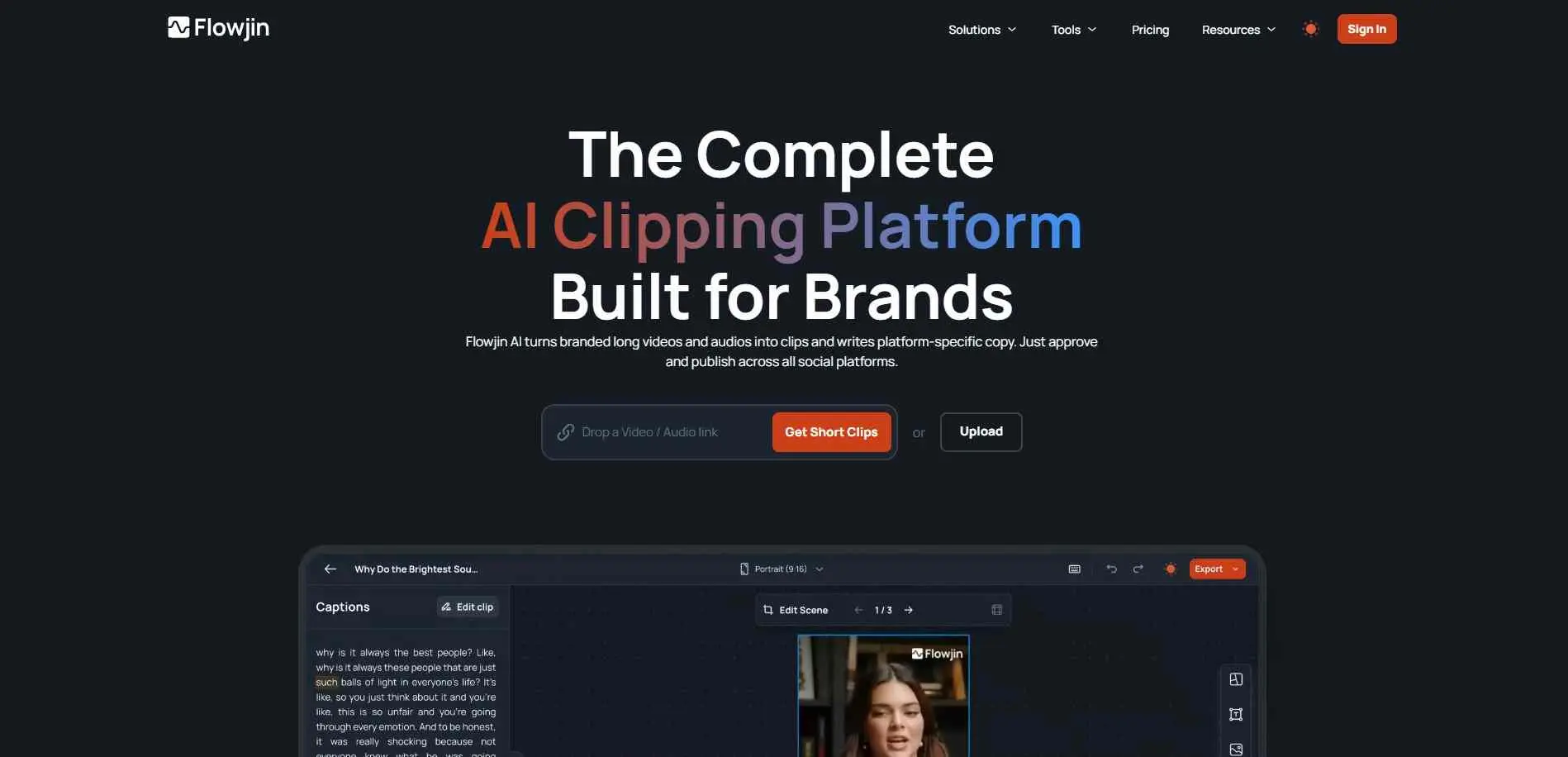
Flowjin takes the pain out of turning long videos or audio into quick social posts. Instead of building every post from scratch, you just feed it your full recording, and it pulls out key clips with captions. It even drafts titles, hashtags, and descriptions for each channel.
Customize clips with your branding on them, set the schedule, and you are pretty much done. If a webinar, founder interview, or podcast needs to supply several weeks of content, that’s what Flowjin is built for.
What it does well
- Turns long videos and audio into short, captioned clips
- Drafts social copy for supported platforms
- Handles branded editing, scheduling, and publishing
Good choice for: Brands, founders, and content marketers repurposing podcasts, webinars, and interviews into regular social posts.
How to Choose the Right AI Clip Generator
Start with the videos you already have. If most of your content is podcasts, interviews, or talking-head videos, look for reliable highlight detection, solid captions, and reframing that keeps the speaker in frame. OpusClip, Klap, Vizard, and WayinVideo are reasonable places to start.
If you’re working with a team, pay attention to what happens after a clip is made. Choppity, Flowjin, and Vizard comes with publishing and team tools that stop all the annoying back and forth.
OpenShorts is worth checking out if you prefer open source software and have the technical skills to run it yourself. But if you just want to create product ads instead of short a video recording, Creatify is a much better fit.
Before paying for any tool, test it with a video from your normal work. Check that clips cut in reasonable spots and captions do not need non-stop editing. Also make sure the framing stays clean when a few different people speak on camera.
For a final quality check, compare the output against common social media video mistakes, especially around platform format, mobile readability, and captions.
Conclusion
The right clip generator depends on what you need once the recording ends. OpusClip, Klap, and Vizard are solid starting points for turning existing footage into shorter social videos. WayinVideo and Choppity make more sense when editing and publishing are part of a larger routine. Vmaker AI and Exemplary AI are better for refining clips and working directly with transcripts.
OpenShorts is worth considering if you want more control over the software itself. Flowjin fits a more structured, brand-led publishing workflow. Creatify is the outlier - for product- focused marketing videos, not repurposing recordings.
Test two tools with the same source video before committing. You’ll quickly see which one finds moments worth sharing and which one just gives you more editing work.