 Table of Content
Ask ten people which AI image generator is best and you’ll get ten different answers. They’re usually asking it to do ten different things. A logo with a headline you can actually read, a product photo, a game character, a painterly filter for a wedding photo: those are four separate jobs, and no one tool does all of them well.
A lot of real work - branding, typography, upscaling old photos, blending character concepts - happens on tools built for exactly one job, not a general-purpose chatbot that also makes pictures. These are 10 of them, and we’re telling you what each is genuinely good at, not pretending they’re interchangeable.
This isn’t a ranked countdown. It’s a working reference for people who already know what they’re trying to make and just want the right tool for that specific job.
The Honest 2026 Landscape
Here’s the thing most roundups won’t say outright: these 10 tools aren’t competing on the same axis. Three of them (Deep Art AI, Artbreeder, Magnific) aren’t even text-to-image generators in the traditional sense - they transform or enhance images you already have. Flora isn’t a model at all; it’s a workspace that runs other people’s models. So instead of ranking them 1 to 10, we’re grouping by job: what are you actually trying to make?
That distinction matters more than it sounds like it should. Someone searching for “best AI image generator” while trying to restore a grandparent’s old photograph needs Magnific, not Midjourney. Someone building brand assets for a client needs Recraft, not a chatbot. Matching the tool to the task saves far more time than chasing whichever model tops this month’s benchmark.
Recraft - Brand-Consistent Design and Editable Vectors
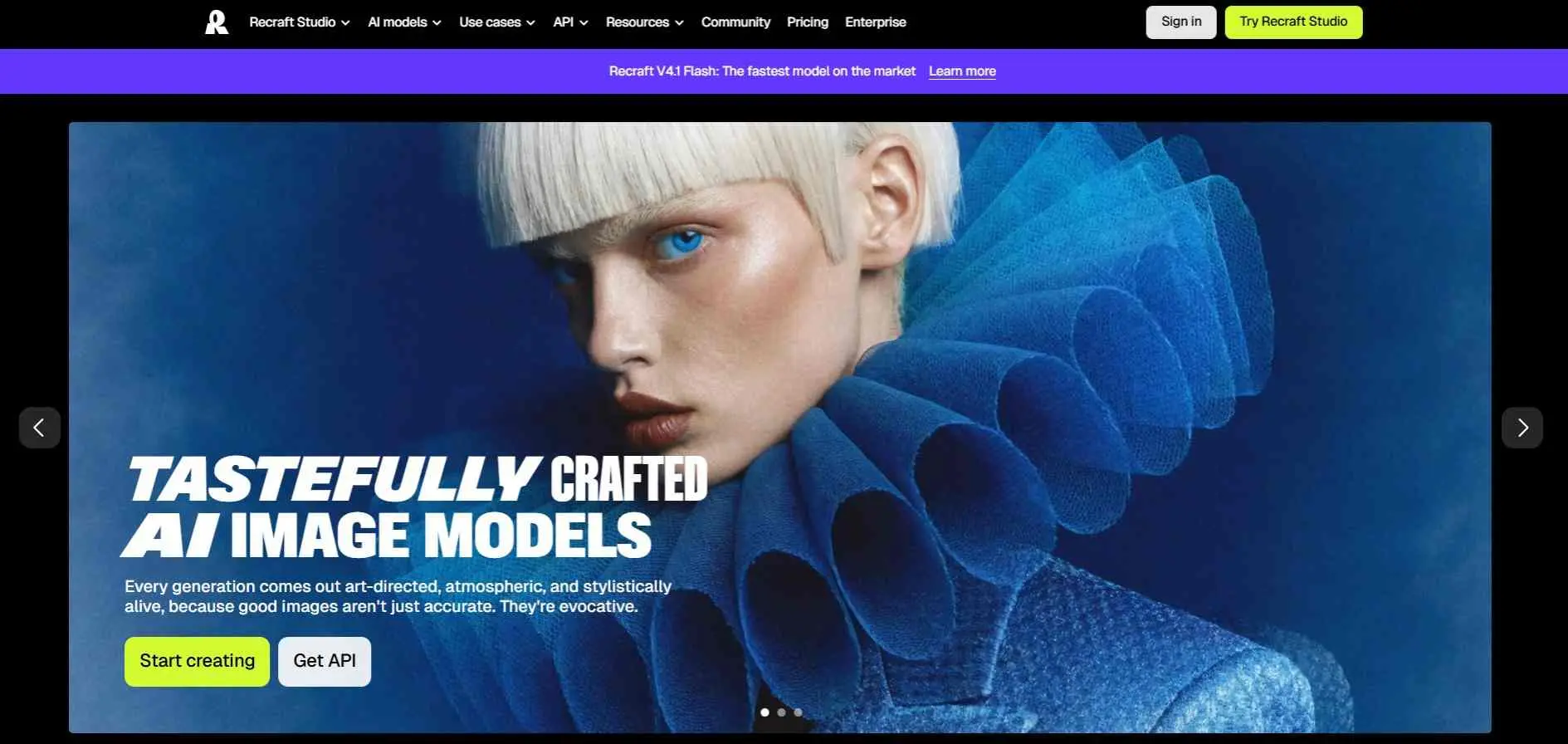
Recraft is the one to try when you need a logo or icon that scales. It outputs native SVG vector files, which most generators can`t, and it can hold a brand style steady across a set of assets. Free credits renew daily, but free images are public and not licensed for commercial use.
Recraft runs dedicated models for vector art and illustration rather than one generalist model stretched thin. Paid plans start at about $10 to $12 a month, and a Pro tier runs close to $48. Some reviewers find the pricing hard to follow.
Key Features:
- Generates vectors directly, so you get editable graphics instead of flat images.
- Turns a handful of your own images into a reusable custom style, with no training step.
- Includes mockups, background removal, an AI eraser and an upscaler, so you don’t need a second app.
Best For:
Good for designers and marketing teams who need logos, icons and illustrations that all look like the same person made them.
Reve - Prompt Accuracy and Spatial Composition
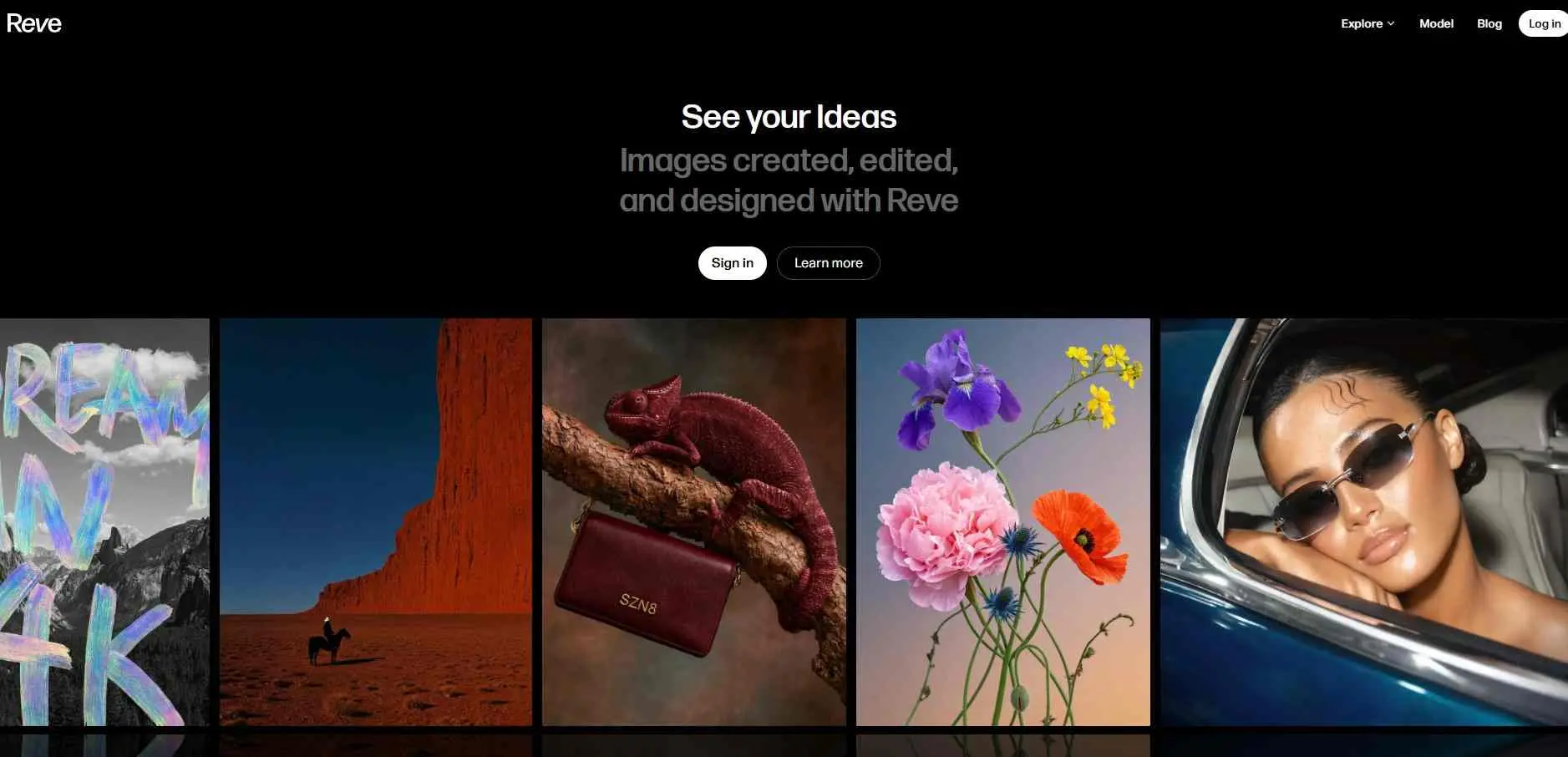
Reve`s reputation is prompt-following. Write a long, specific scene with objects in set positions and it tends to place them as asked, which suits anyone tired of rerolling. It`s cheap too, at roughly one to two and a half cents an image depending on the source.
Pricing is messy across reviews: one describes pay-as-you-go credits, $5 for 500, while others list $7.99 or $20 plans. It`s also the newest model here, and its training data isn`t fully disclosed, which matters to some commercial buyers.
Key Features:
- Plan the layout before it renders, and you can edit that layout to change the image.
- Renders natively at 4K (16MP), so files are print-ready without a separate upscale.
- Combines plain-language edits with a drag-and-drop editor. Reve says edits hold up better over many rounds than other models.
Best For
People who write detailed prompts and want the image to match them.
Ideogram - Typography and Text-in-Image
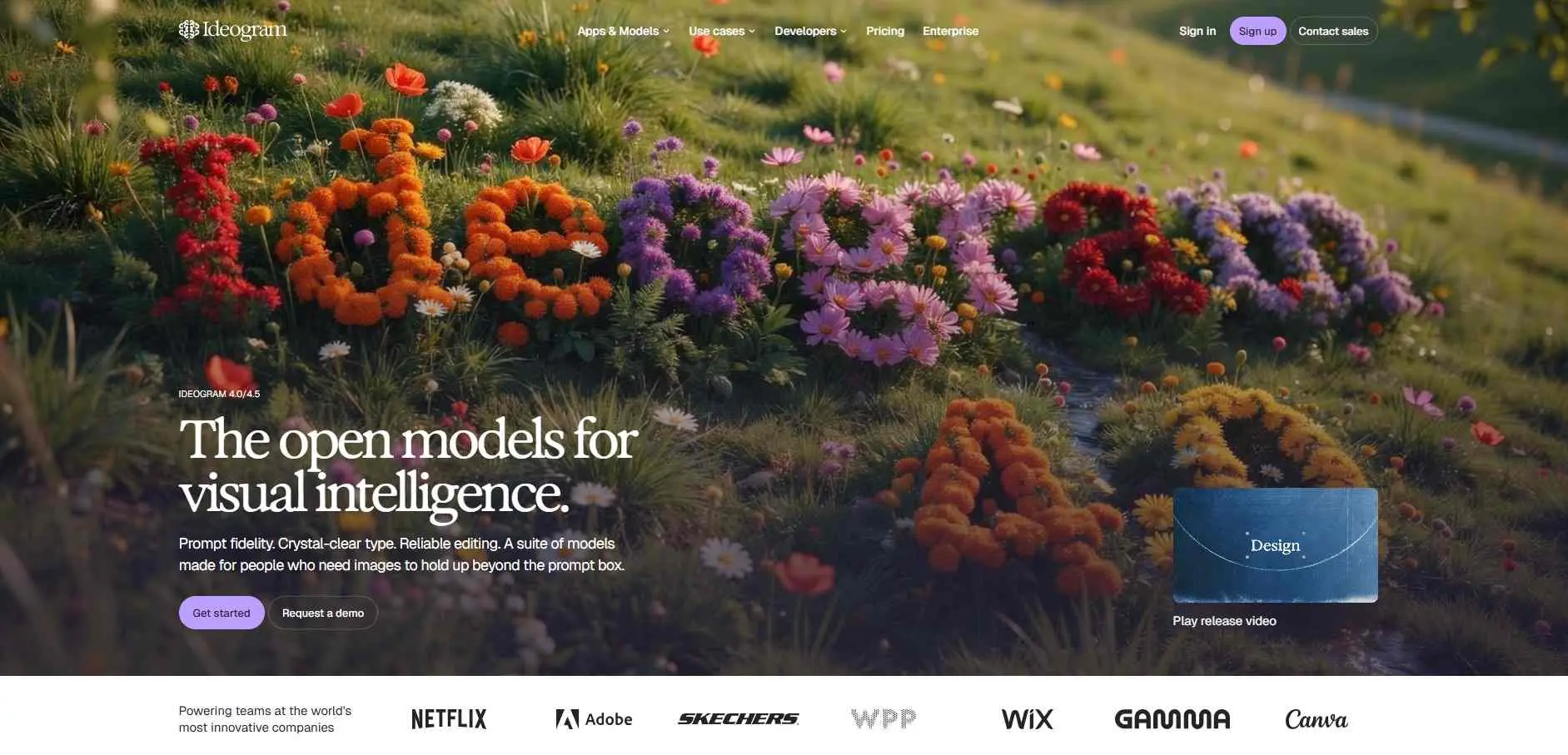
Ideogram is the tool that you should use when an image contains words. Many generators distort a poster headline. Ideogram usually writes the words correctly which is why Ideogram appears often in logo, poster and social graphics work. If logos are your main job, our roundup of the best AI logo generators covers tools built for that.
Version 4.0 arrived in June 2026, added bounding‑box layout control, which lets you place a headline or object exactly where you want it.
Key Features:
- Text comes out readable in most layouts. Ideogram 4.5 is built around this.
- The 4.0 weights are open for local use under its license.
- One API covers image and video models, and an MCP connection lets Claude or Cursor generate images directly.
Best For
Anything where the words in the image have to be right: posters, logos, thumbnails, packaging.
Flux AI - Developer Control and Open Weights
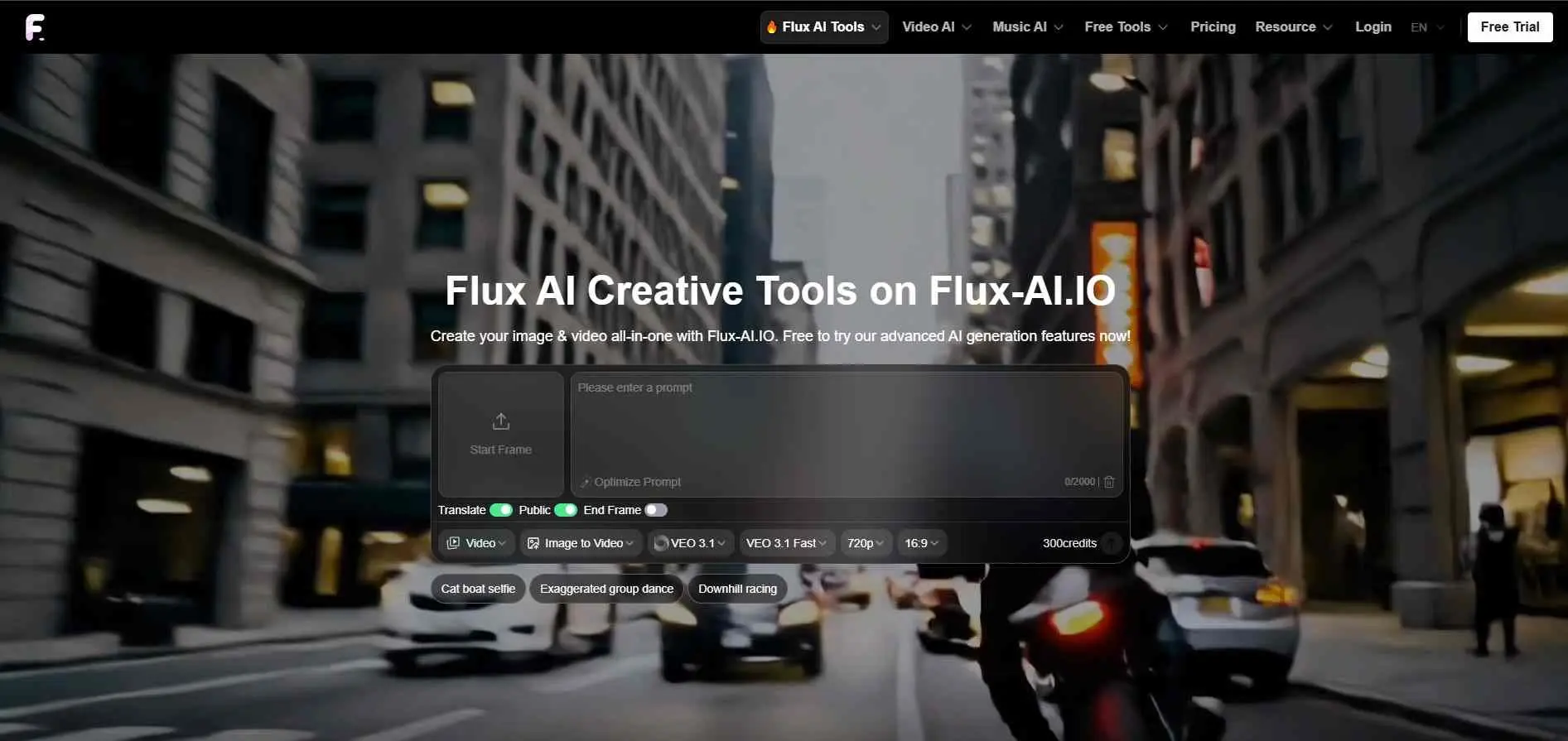
Flux is the pick for anyone who wants to get under the hood. It’s open-weight, API-first, and self-hostable, which makes it the obvious choice for developers building image generation into their own product rather than using a hosted app.
It also consistently scores well on lighting quality among technical reviewers. The cost is a steeper learning curve - this isn’t a tool you open and immediately get studio-quality results from without some setup.
Key Features:
- Gives you several Flux models in one place: Pro (up to 4MP), Dev (open-weight) and Flex (adjustable speed and quality).
- Flux Kontext edits images using multiple references.
- New users get 40 free credits plus 20 more for daily check-ins, and the site also has video, photo restore and virtual try-on tools.
Best For
People who want to try several Flux models in one place without setting up anything.
Deep Art AI - Neural Style Transfer, Not Generation
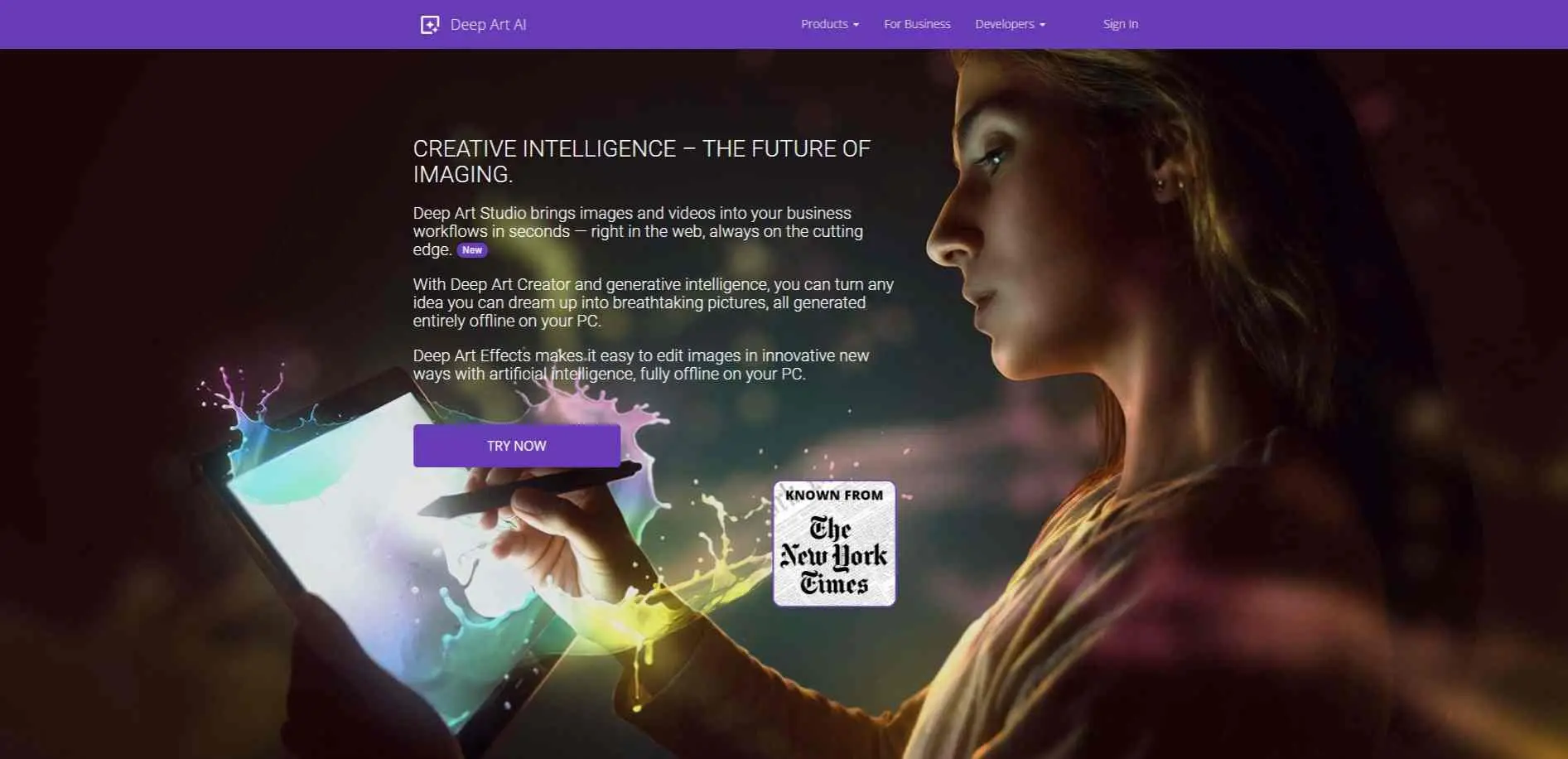
This one isn`t really a prompt-to-image generator. Deep Art Effects turns photos you already have into paintings and sketches, with 120-plus filters on desktop and 40-plus styles in the phone app.
It has a GAN option for generating concepts, but style effects are the point. It`s free to start, with watermarks and lower resolution. The premium version removes the watermark and gives Full HD (1920px). Pay-once and subscription options both exist.
Key Features:
- Turn your photos into painted or stylized artwork.
- Enlarges images up to 4x and can also colorize them and cut out backgrounds automatically.
- Runs offline in the desktop software, so your pictures stay on your machine.
Best For
Anyone who wants to turn existing photos into painted or stylized art.
Artbreeder - Genetic Image Blending
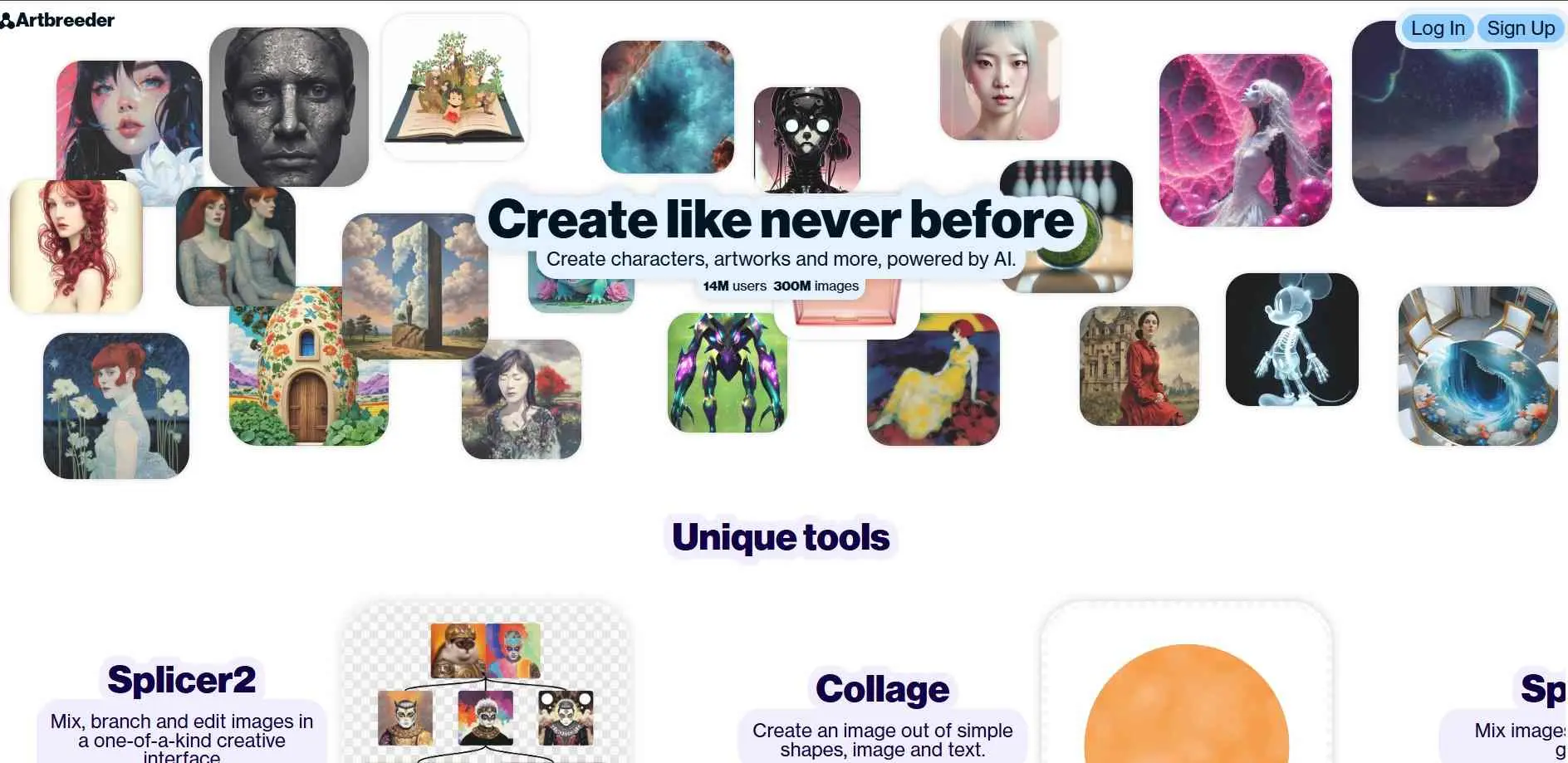
Forget prompts for a second. Artbreeder works by blending, crossbreeding, and evolving existing images into new variations through sliders, not typed descriptions. It’s a genuinely strong niche pick for character design and portrait exploration, where nudging your way toward a result beats describing it from scratch.
Where it falls down is precision - if you need a specific scene rendered exactly, the genetic-blending approach trades that control for happy accidents instead.
Key Features:
- Gene sliders change traits like age, color and style, so you adjust an image instead of writing a prompt.
- The Mixer blends two or more images, and you set how much each one counts.
- Composer and Collager build an image from text, shapes and existing pictures.
Best For
Character designers, writers and game artists exploring portraits and creature concepts.
Stable Diffusion (Web) - Free and Self-Hosted
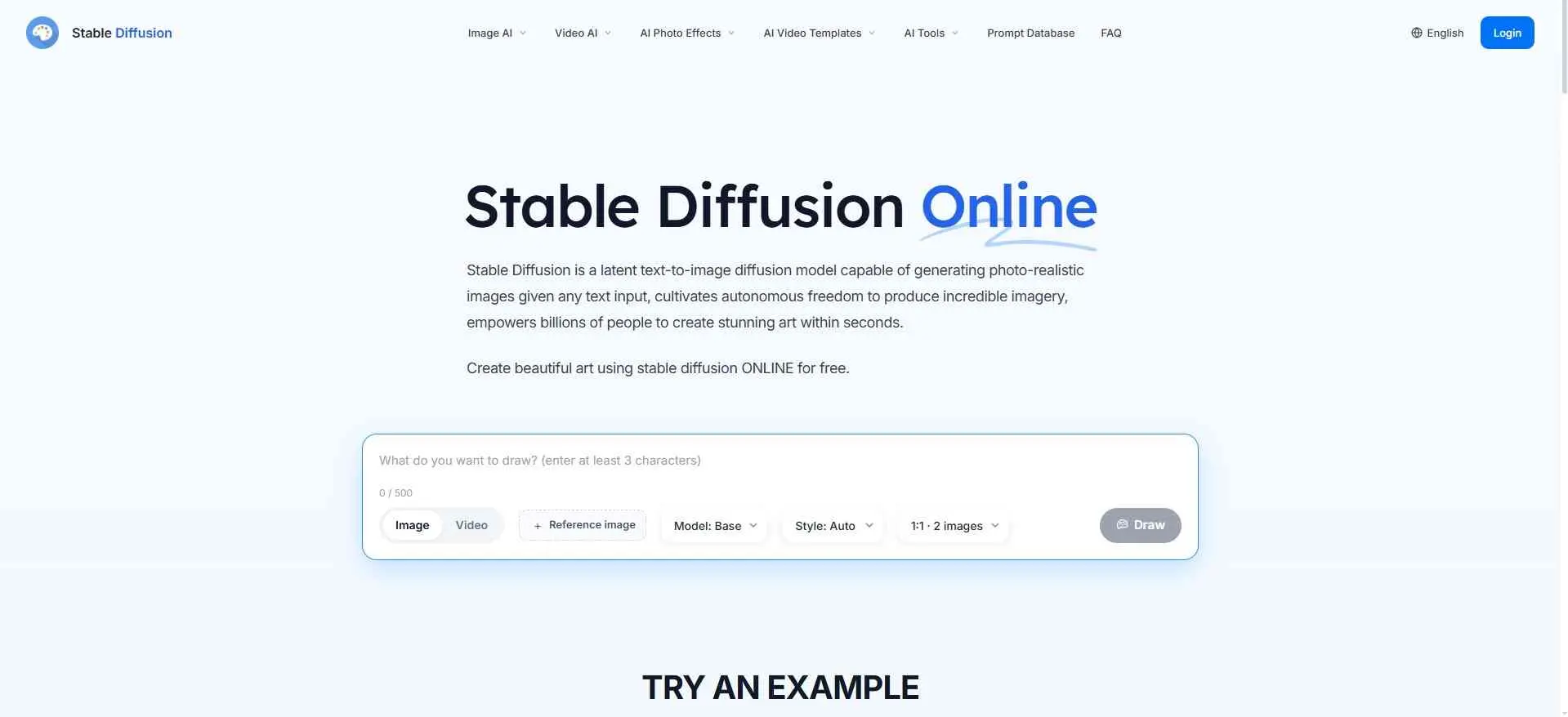
Stable Diffusion remains the backbone; a huge chunk of the AI image ecosystem is quietly built on, and the web version gives you free access without installing anything locally.
It’s the right call if budget is the primary constraint or you want a model you can run entirely under your own control. While out of the box it does not compare to paid frontier models in terms of text generation and photo-realistic images, this has been improved upon significantly by the open environment.
Key Features:
- Free text-to-image in the browser, with no code or install.
- A prompt database with 9 million+ prompts to borrow from.
- The site says it doesn’t store your prompts or images. It also says output falls under CC0 public domain.
Best For
Beginners and anyone on a zero budget who wants free text-to-image in the browser.
Flora - A Multi-Model Workflow Canvas
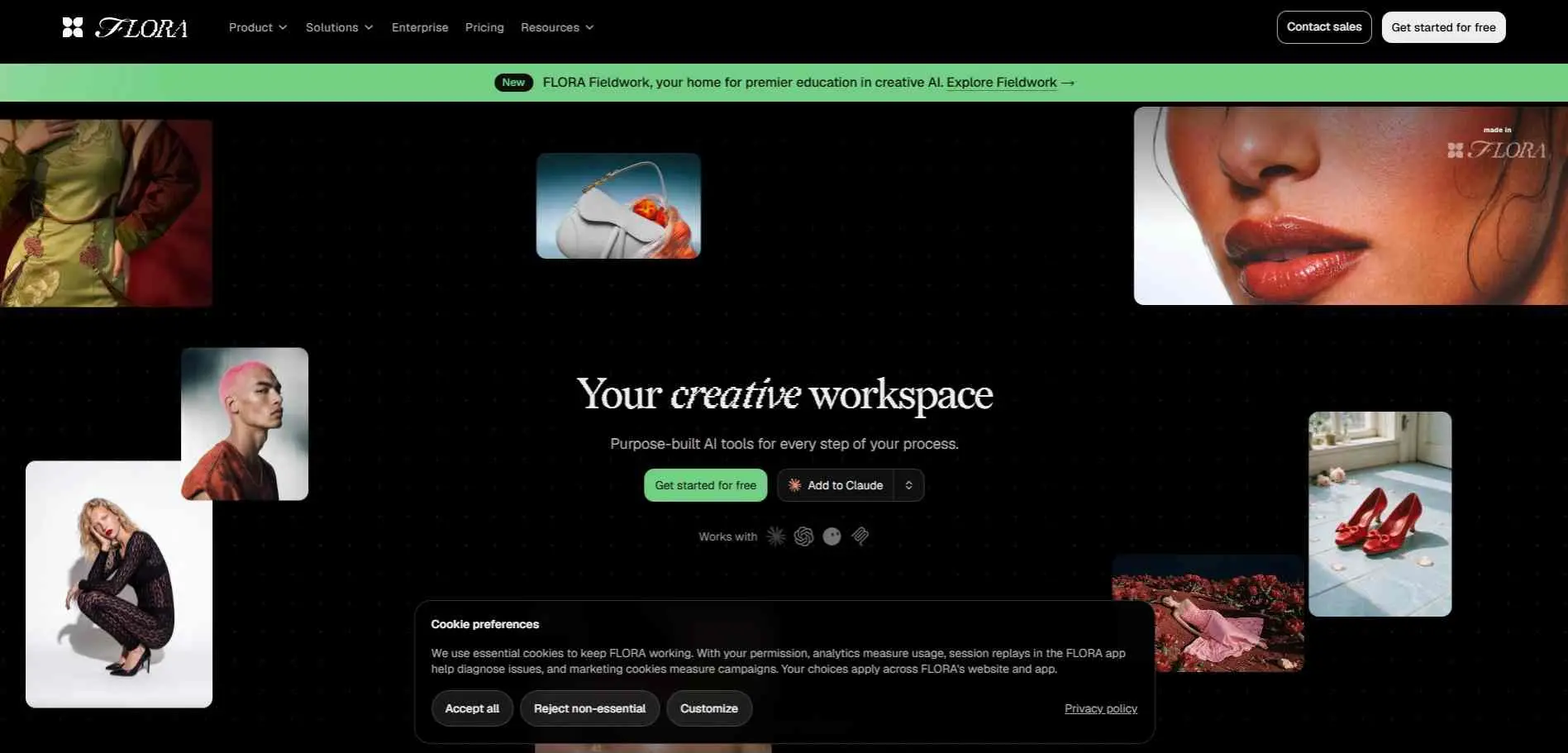
Flora isn’t a single generator - it’s a node-based infinite canvas that wires 50+ image, video, and text models together so you can route a project through several tools without leaving one workspace.
Think of it as the control room rather than any one camera. That makes it genuinely useful for teams running repeatable production pipelines, but it comes with a real learning curve, and you’re still paying for (or routing through) the underlying models it connects to.
Key Features:
- One infinite canvas runs 50+ image, video and text models, so you don’t switch tabs.
- Techniques are ready-made workflows like Character Lock, Logo to Brand Identity and Font Builder. You can run them as they are or open them on your canvas.
- The whole team can iterate in real time. An MCP and API connection lets you run Flora from Claude or your own code.
Best For
Creative teams, agencies and brand studios running repeatable production work.
Magnific - AI Upscaling That Invents Detail
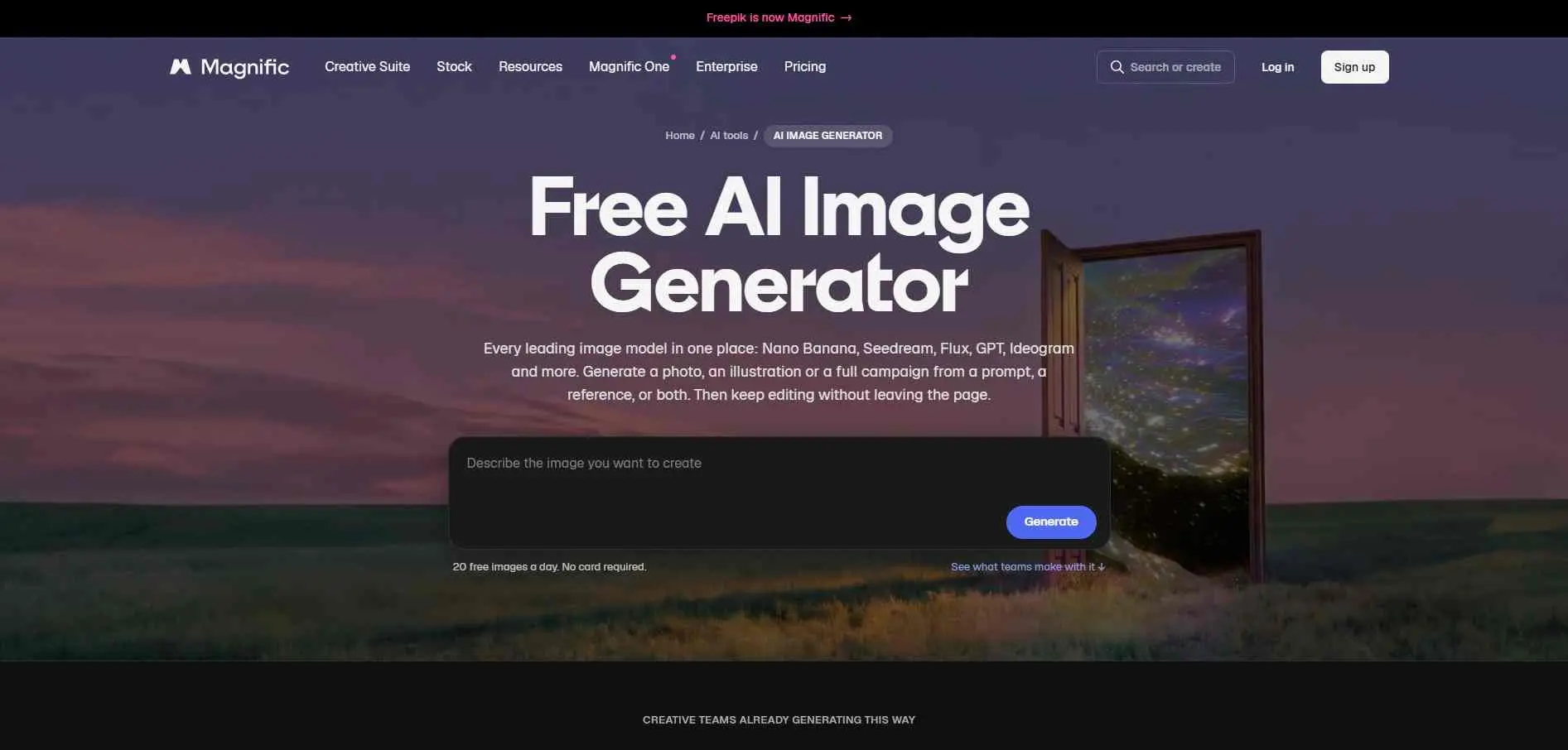
Magnific isn’t for generating images from scratch - it’s for making an existing image dramatically bigger and sharper without the mushy, soft result you get from basic upscaling.
It uses diffusion to hallucinate plausible fine detail (texture, hair, fabric) rather than just stretching pixels, which makes it a favorite with photographers and anyone doing old-photo restoration or print-size enlargement. It’s paid-only with no free tier, and it’s solving a narrower problem than most tools on this list - know that going in.
Key Features:
- Gives you 15+ models in one generator, including Nano Banana, Seedream, Flux, GPT Image, Ideogram and Recraft.
- After generating, you can upscale to 4K and beyond, expand the frame, remove the background, relight or change the camera angle.
- Custom characters and styles keep faces, products and looks consistent across a campaign.
Best For
People who want a lot of models in one place and want to keep editing the image without leaving the page.
Leonardo AI - Full Generative Platform for Creative Production
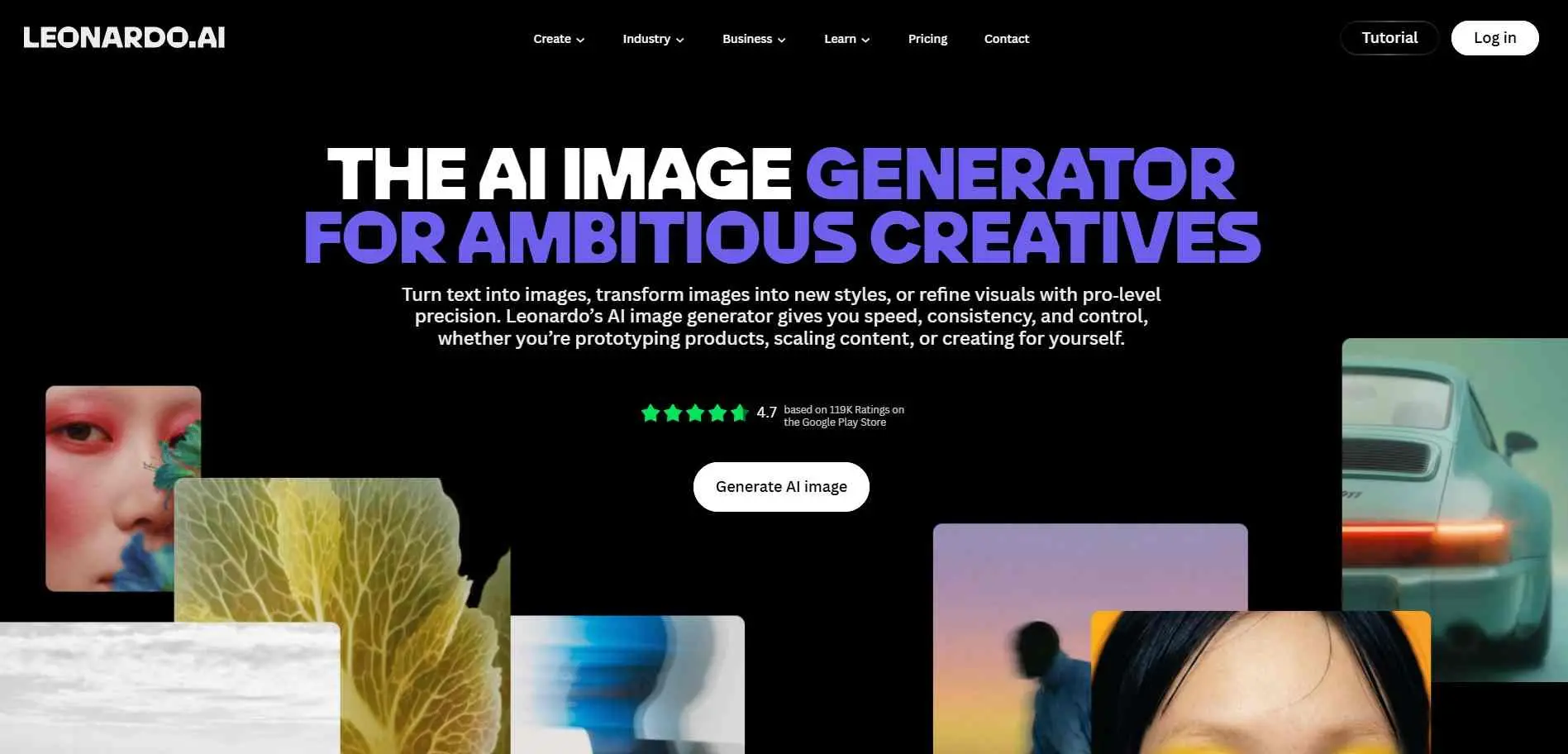
Leonardo is the closest thing on this list to an all-rounder: fine-tuned custom models, a real-time canvas, and strong support for game assets and concept art, backed by a genuinely generous free tier.
It’s a good landing spot if you want one platform that covers generation, light editing, and style control without stitching several tools together. It won’t out-upscale Magnific or out-vector Recraft, but for general creative production, it’s the most complete single package here.
Key Features:
- Realtime Canvas turns your rough strokes into a finished image as you draw.
- You can train custom models on your own images to keep a style or character consistent.
- Image and video generation, a canvas editor and an upscaler sit in one workspace.
Best For
Game artists, concept artists and marketers who want one platform for most of the job.
Quick Comparison
Tool | Best For | Pricing | Key Limitation |
| Recraft | Brand/vector design | Credit-based | Weak on photorealism |
| Reve | Prompt accuracy | Free tier + paid | Smaller ecosystem |
| Ideogram | Typography | Free tier + $7/mo+ | Narrower general range |
| Flux | Dev/open-weight control | Free + API pricing | Steep learning curve |
| Deep Art AI | Style transfer | Freemium | Not a text-to-image generator |
| Artbreeder | Genetic blending | Free + $8.99/mo+ | Less precise control |
| Stable Diffusion | Free/self-hosted | Free | Weaker out-of-box realism |
| Flora | Multi-model workflows | Freemium, Pro $29/mo | Learning curve, pays for underlying models |
| Magnific | AI upscaling | From $39/mo, no free tier | Narrow use case, pricey |
| Leonardo AI | All-around generation | Free tier + $12/mo+ | Not a specialist leader anywhere |
Which One Should You Actually Use?
Need brand assets? Recraft. Need a prompt followed exactly? Reve. Putting text in the image? Ideogram. Building your own product on top of a model? Flux. Turning a photo into art? Deep Art AI. Evolving character concepts? Artbreeder. No budget at all? Stable Diffusion. Running a multi-step production pipeline? Flora. Rescuing a low-res image? Magnific. Want one tool that does a bit of everything well? Leonardo AI.
Final Verdict
Pick the job first, then the tool. A tool that spells headlines well won’t necessarily make a good vector logo, and a flexible canvas won’t beat a text specialist at typography.
Before you pay, run the same three prompts through two or three of these. Check the license on anything you plan to sell. And find out who actually runs the site you’re typing into.
Most of the disappointment with these tools comes from picking by buzz and then discovering, after the credits are spent, that the tool was never built for the job.