

 Table of Content
Here`s a common story. A sales team buys a lead tool and loads up 5,000 contacts. Three weeks later, half the emails have bounced and nobody has replied. The tool wasn`t broken. It just did a different job than the one the team needed.
That happens because lead generation software covers three totally different jobs. Some tools find contact details, like emails and phone numbers. Some show you
which companies look ready to buy right now. And some just send your cold emails for you. A few try to do all three at once.
This list sorts ten tools by job, so you can see what you are really paying for. Prices come from recent review sites and vendor pages that do not always agree. Where they differ, you will see a range. Check the website before you buy anything.
What is lead generation software?
Lead generation software helps a business to find and contact potential customers. Typically this means finding companies, the people who make decisions there, and their work email addresses and phone numbers for B2B sales.
Some verify details or organize outreach. Others identify companies visiting your website.
A payroll provider, for example, might find hotel owners with one tool and email them with another.
How Lead Generation Software Works
Most teams follow a simple process:
- Choose a target: Set the industry, company size, location, and job roles you want.
- Find prospects: Search a contact database or identify interested companies.
- Check details: Look for contacts in databases or pinpoint companies showing interest.
- Contact prospects: Check email and phone number information and whether the account fits well.
- Measure results: Track replies, meetings, qualified opportunities, and sales.
A contact finder cannot fix poor outreach. More emails cannot fix a weak prospect list. If you haven`t mapped these steps yet, planning a lead generation process is a good place to start.
The Different Lead Generation Platform Models
Looking at feature lists to compare platforms completely misses the point. You have to look at what kind of lead you actually need and your next step.
Contact databases: Seamless.AI, Cognism, and Lusha find people and their business details.
Sales intelligence: ZoomInfo and 6sense help bigger teams research accounts, spot buying signals, and pick where to focus.
Data enrichment: Clay pulls data from several sources into one prospecting workflow.
Outreach: Instantly is built for email campaigns. Hunter and Apollo pair contact discovery with outreach.
Website visitor identification: Leadinfo shows which companies visit your site, even if nobody fills out a form.
Starting Prices
Tool | Free Plan | Paid From | Best For |
| Seamless.AI | Yes, 50 credits | About $147/month | High volume |
| Cognism | No | About 15K-25K/year | Europe |
| Lusha | Yes, small | About 36-50/user/month | Quick lookups |
| ZoomInfo | No | About 15K-24K/year | Large companies |
| 6sense | No | About $30K+/year | Big sales teams |
| Clay | Yes, 100 credits | About 149-167/month | Custom workflows |
| Instantly | Trial | About 30-38/month | Cold email |
| Hunter | Yes | About 34-49/month | Finding emails |
| Apollo | Yes | $49/user/month | Small budgets |
| Leadinfo | Trial | €69/month | Website visitors |
1. Seamless.AI
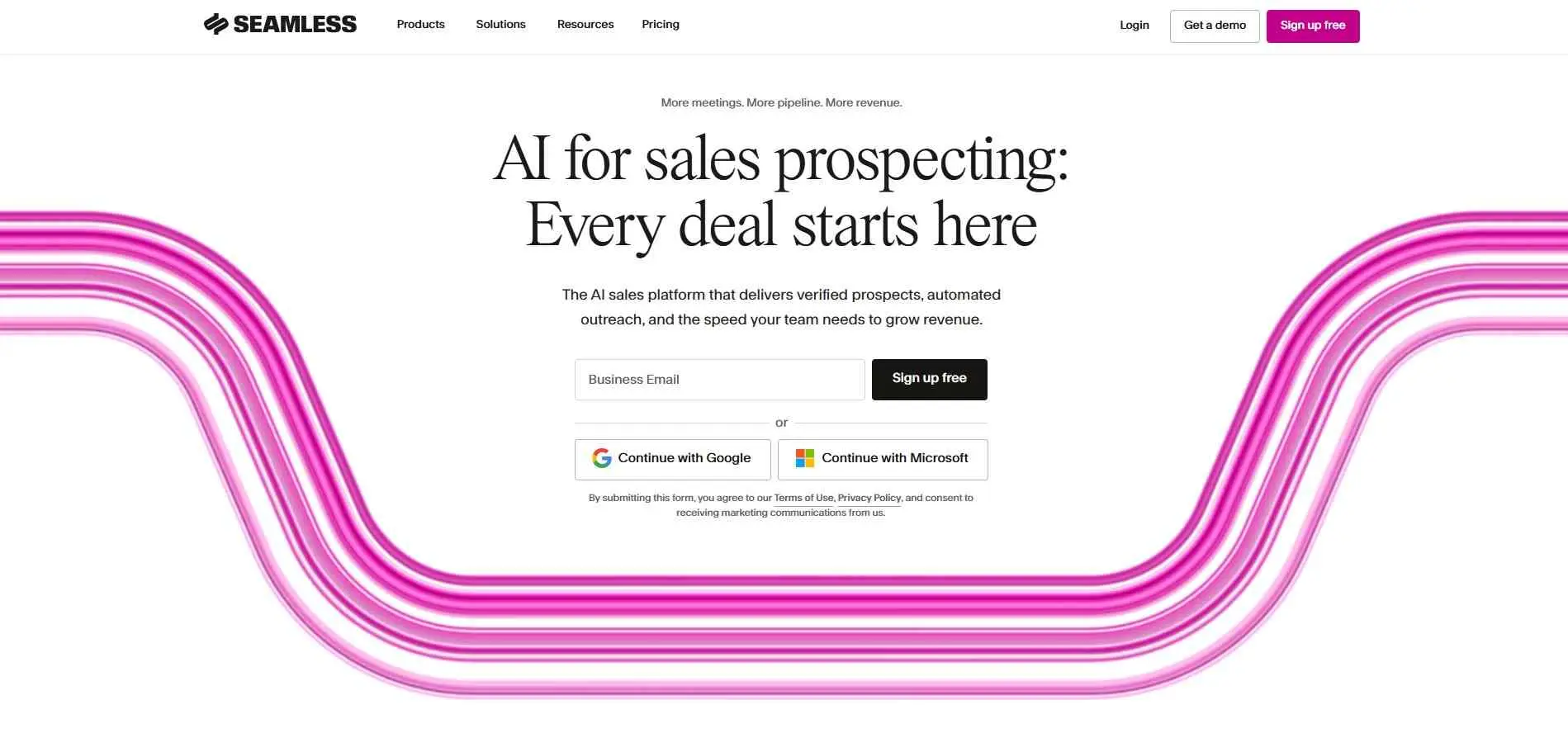
Seamless.AI searches for contacts live as you ask, rather than pulling only from a stored list. That`s useful when you need a lot of names fast. There`s a free plan with 50 credits. Paid plans reportedly run $147 to $299 per user a month, billed yearly, with no monthly option.
One review calls it the "warning label" pick, citing the yearly billing and a reputation for being hard to cancel. Read the contract before you sign.
What it does: Live contact search, list building, and a Chrome extension.
Best for: Sales teams that need volume and can live with yearly terms.
2. Cognism
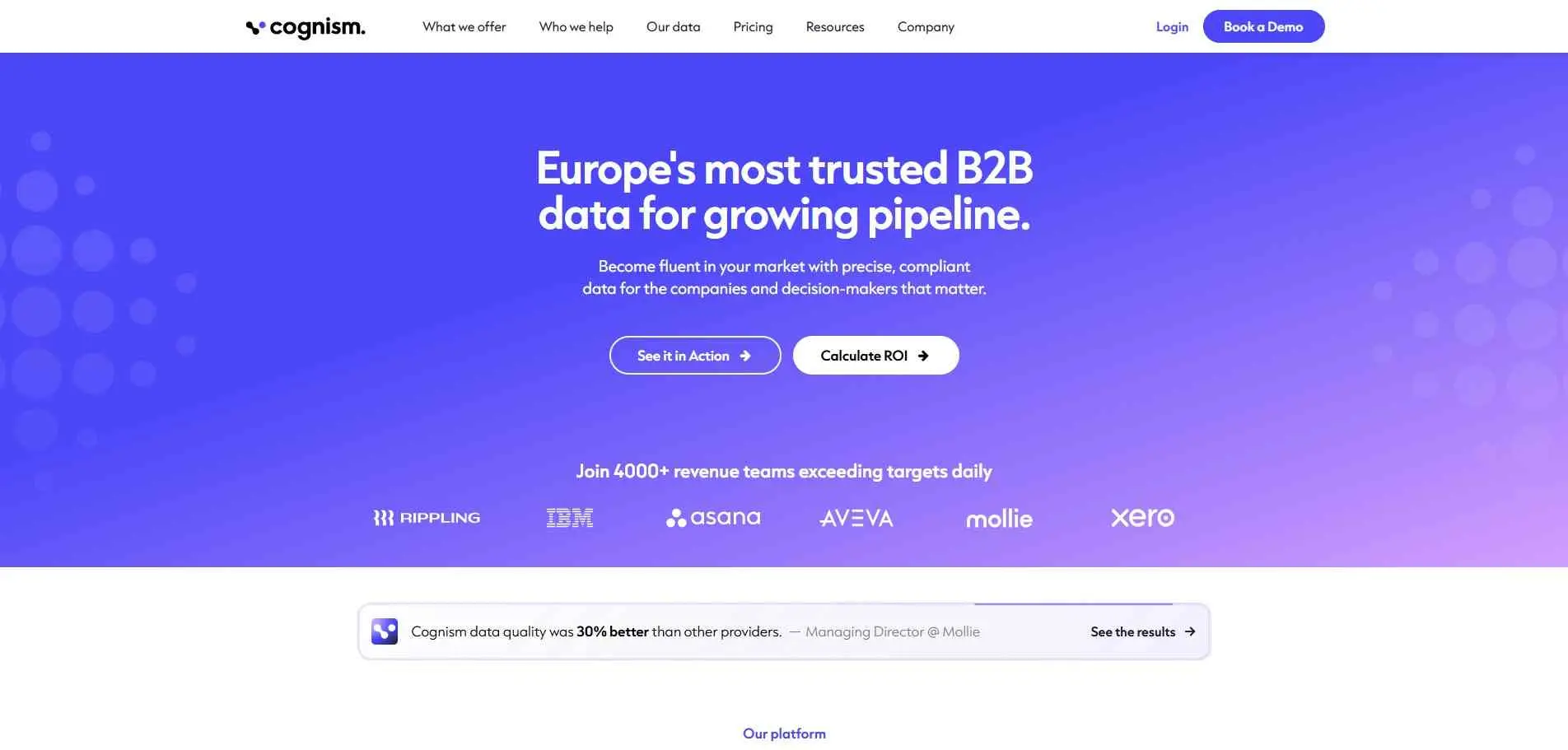
Cognism is strongest in Europe. It sells mobile numbers that have been checked by a person, and it builds its data collection around European privacy rules (GDPR). That matters if your reps call people in the UK or EU. Pricing is by quote only. Market reports put it between $15,000 and $25,000 a year, which is closer to ZoomInfo than to Apollo. On G2 it has 1385 reviews with 4.5 star rating.
What it does: Checked mobile numbers and emails, with privacy-aware data.
Best for: Sales teams selling in Europe.
3. Lusha
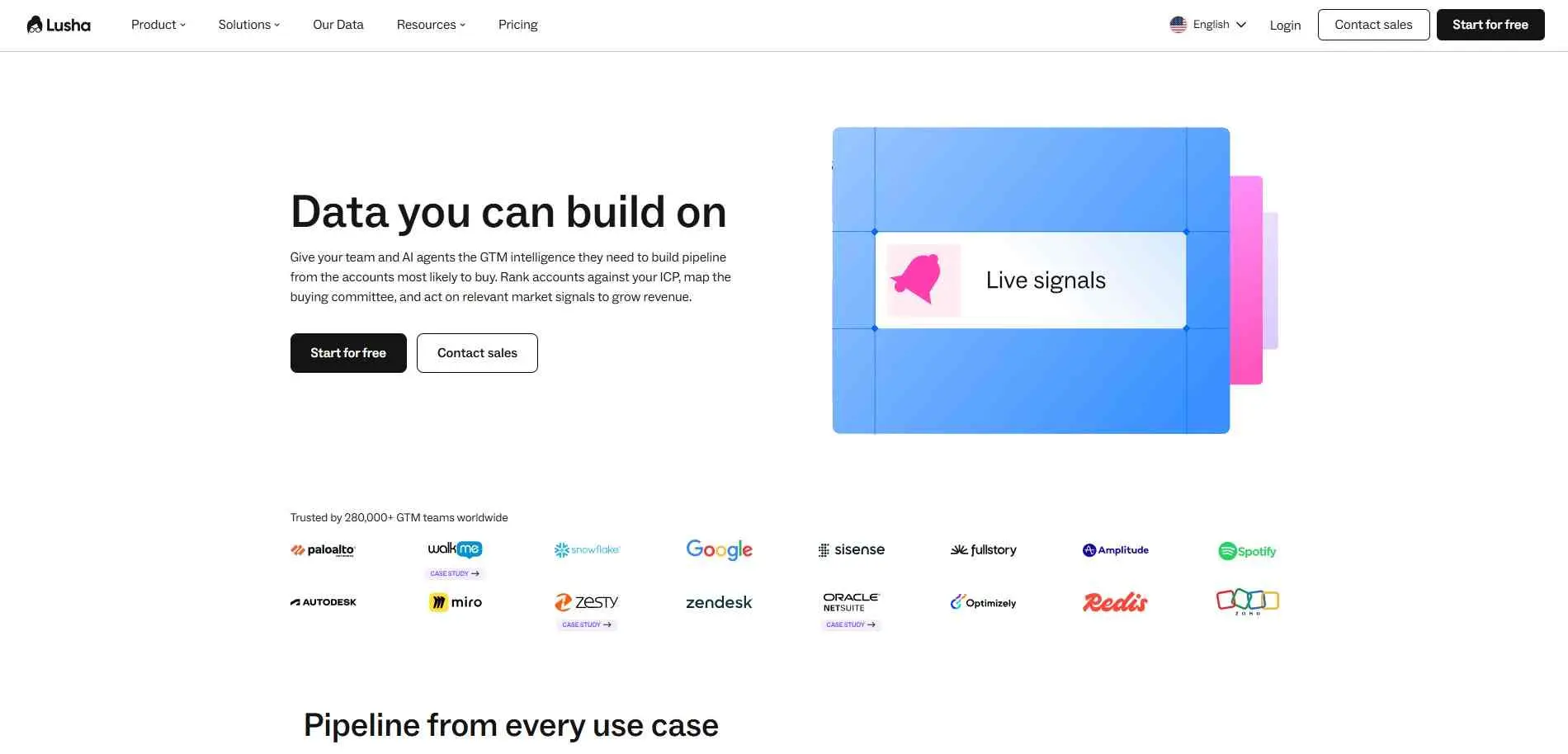
Lusha is the easiest tool on this list to hand to a new rep. Its Chrome extension shows contact details right on top of a LinkedIn profile. Paid plans are listed from about $36 to $50 per user a month. Free credits vary by source, from 5 to 50 a month, so try the free plan yourself. Phone numbers use more credits than emails. Its database is smaller than Apollo`s or ZoomInfo`s, and it can`t send emails.
What it does: Finds contact details through a browser extension.
Best for: Single reps who look up people on LinkedIn.
4. ZoomInfo
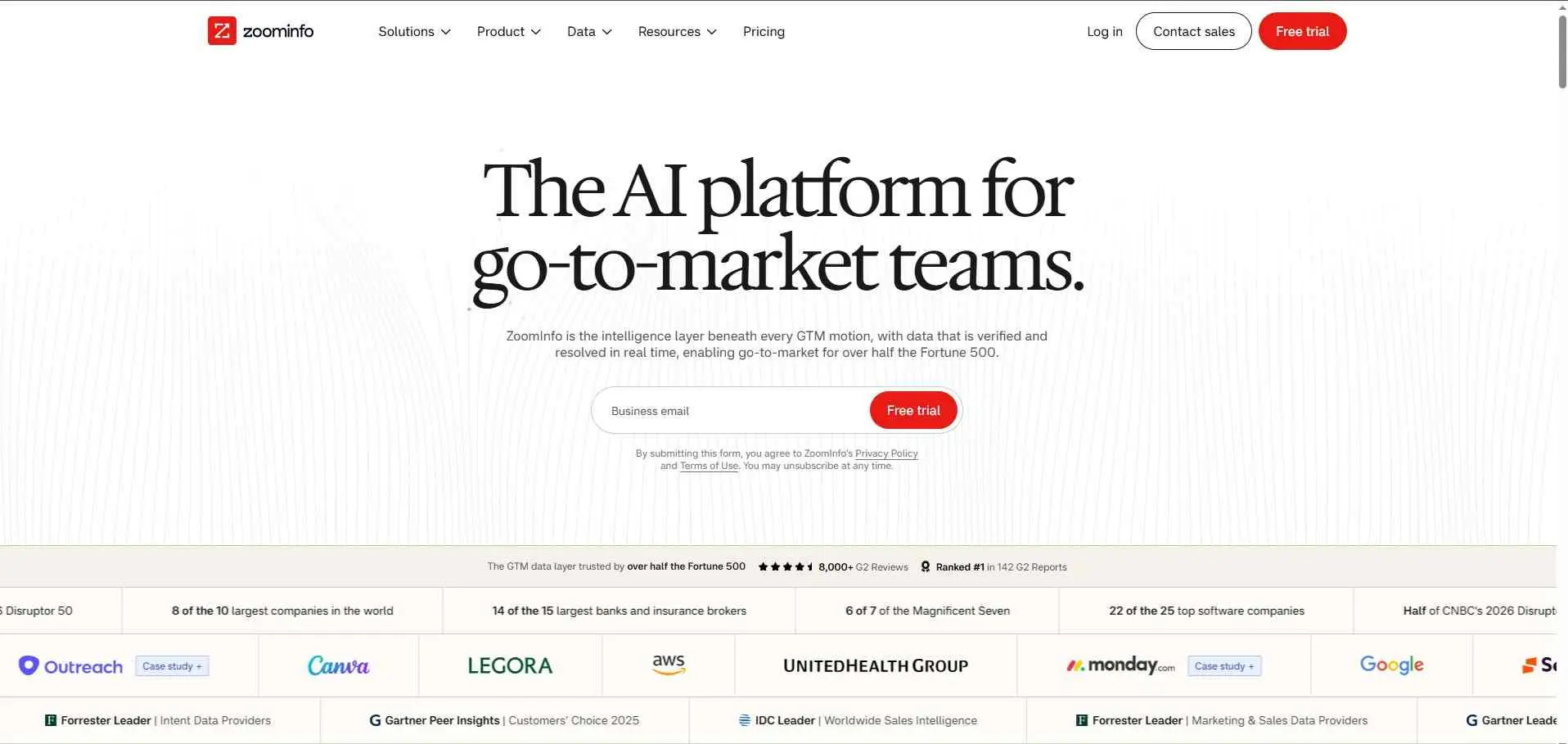
ZoomInfo is the big, expensive option. It`s known for detailed company data, like what software a company uses and who reports to whom. It doesn`t publish prices, but estimates run from $15,000 to $24,000 a year or more, and some contracts add platform fees. One cost comparison found ZoomInfo cost $45 to $85 for each good lead, against about $8 to $12 for Apollo. The same comparison said ZoomInfo`s data was more accurate.
What it does: Contact and company data, buying signals, and detail filling.
Best for: Large sales teams with a five-figure budget.
5. 6sense
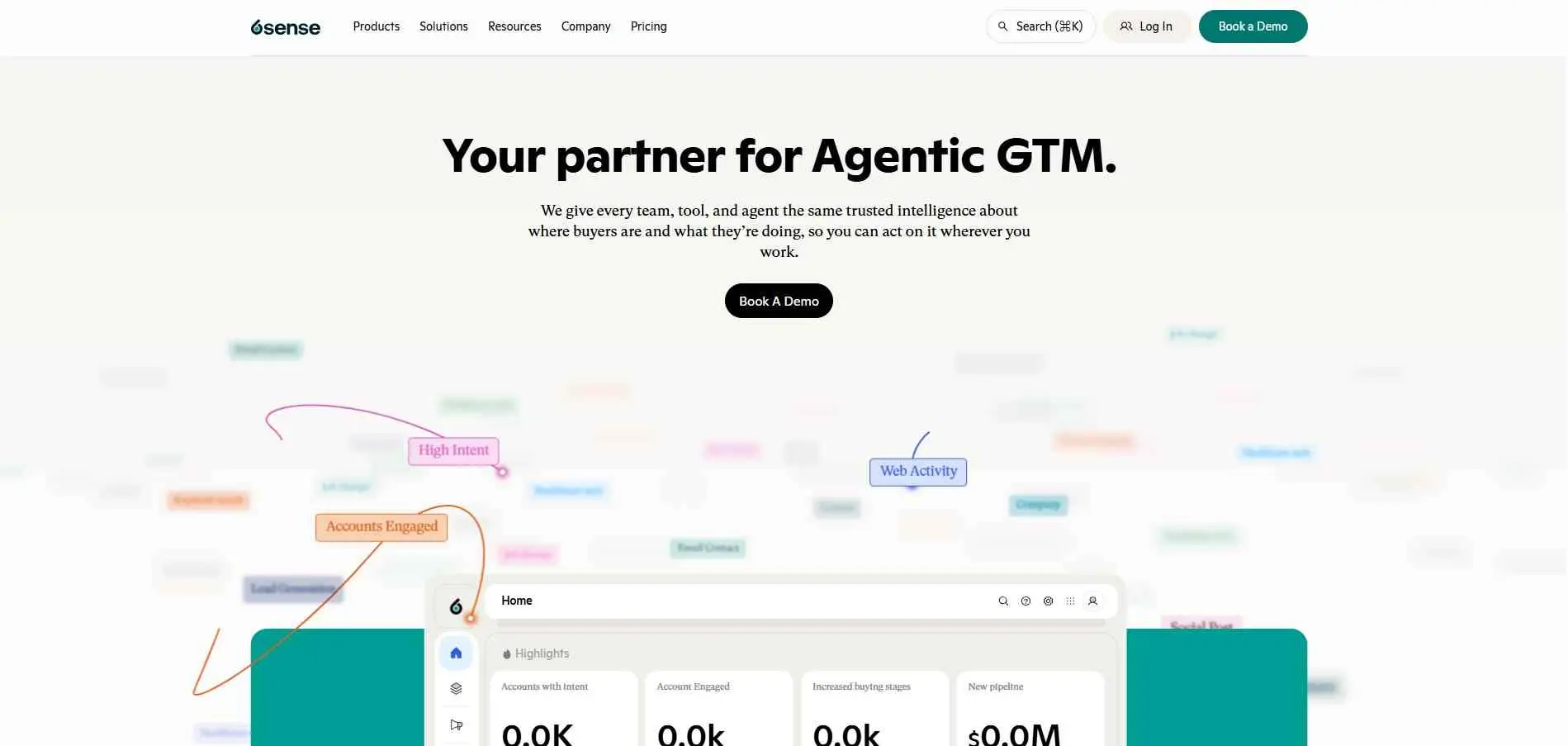
6sense doesn`t hand you a list of contacts. Instead, it watches how companies behave and predicts which ones are about to buy, even when the visitors haven`t told you who they are. Its predictions only help if you already know what a good-fit account looks like, so improve your lead scoring first. It`s built for large teams that target specific companies, and it`s priced that way: about $30,000 a year at minimum, or $3,000 to $8,000 a month, by another estimate. There`s no free plan.
What it does: Buying signals, predictions, and anonymous visitor detection.
Best for: Big sales and marketing teams targeting named companies.
6. Clay
Clay is a workflow builder, not a contact list. It pulls data from 75 to 100 or more sources, trying one after another until it finds what you need, and it can use AI to research each company. The free plan gives 100 credits a month, and paid plans start around $149 to $167 a month. It`s powerful but takes real setup time. A team without someone who knows sales systems may feel lost.
What it does: Fills in missing lead details and builds custom lead tables.
Best for: Sales operations and growth teams building their own workflows.
7. Instantly
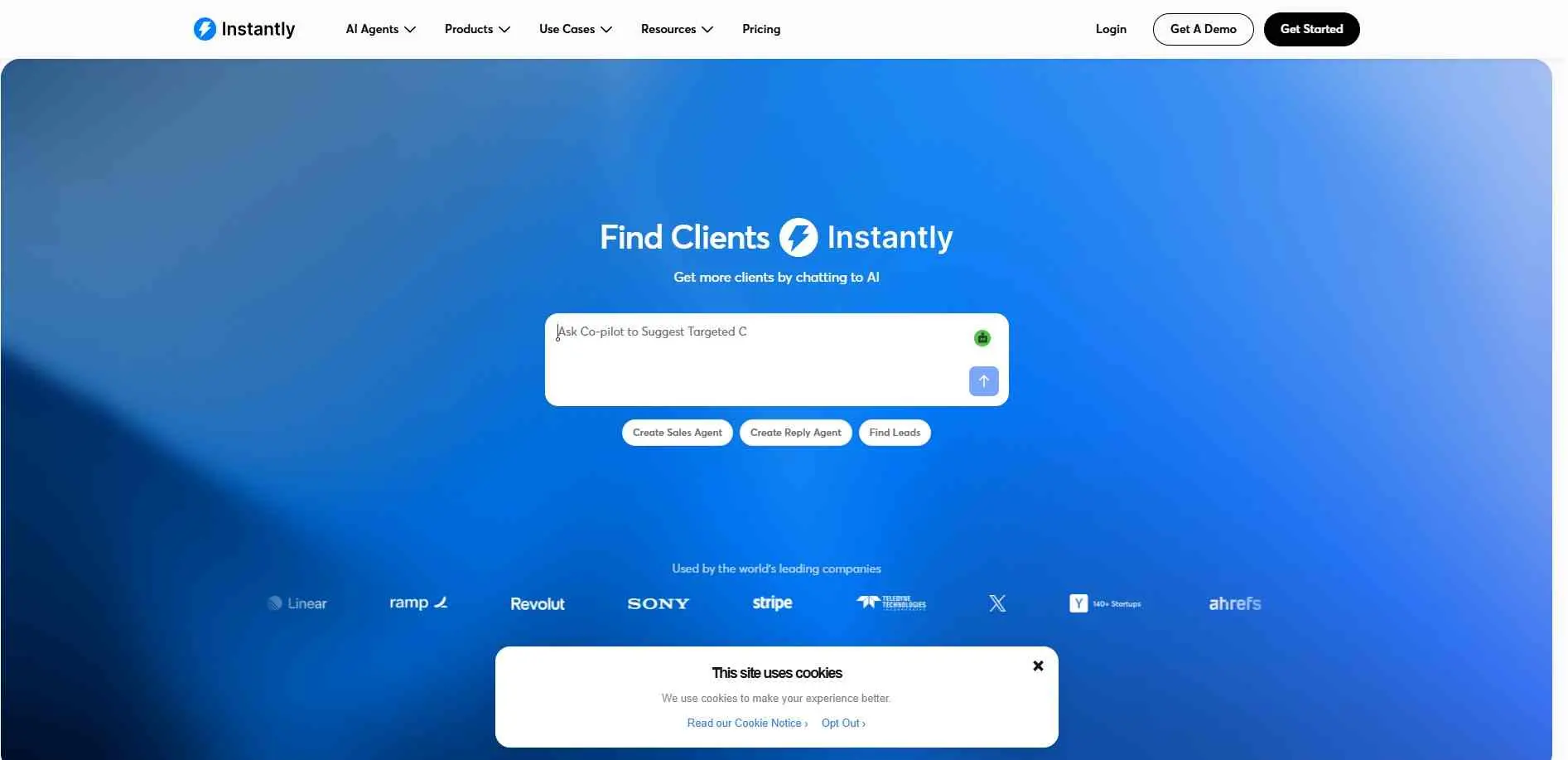
Instantly is built mostly for outbound email campaigns. It helps sales teams handle outreach, build follow-up sequences, and manage everyday replies. A lead discovery tool helps you track down new business contacts pretty quickly.
This makes it handy for companies with a clear offer who just need to reach more prospects. It handles multiple sending accounts, email warmup, campaign management, plus finding leads with credits. It keeps things pretty straightforward if you want to scale up cold emailing fast.
What it does: Cold email sending, warmup, and inbox rotation.
Best for: Agencies and teams sending lots of cold emails.
8. Hunter
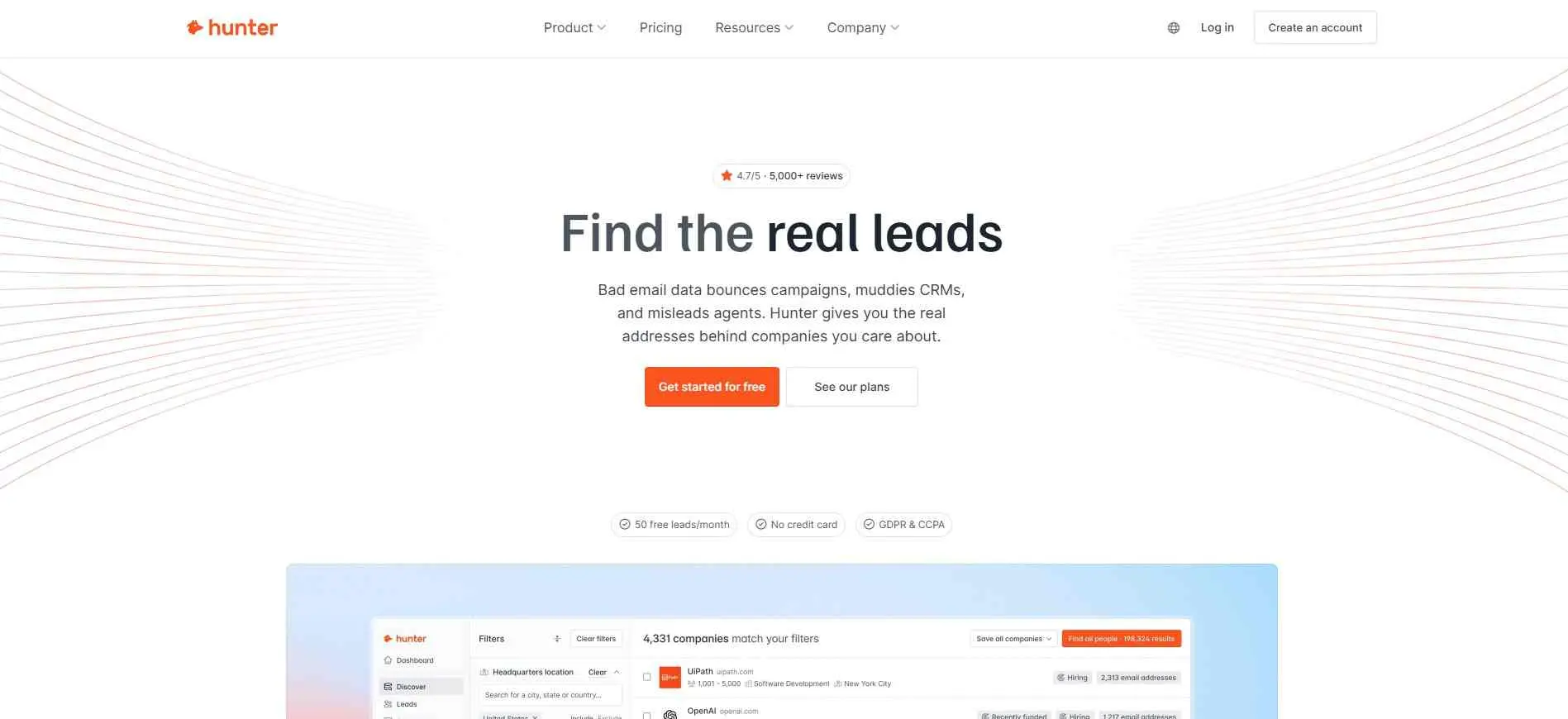
Hunter does one job well: it finds and checks email addresses from a company`s website. It`s the cheapest way to start. The free plan covers about 25 searches a month, and paid plans are listed around $34 to $49 a month. It can also send light outreach. It won`t give you phone numbers or buying signals, so think of it as a simple tool for founders and small teams, not a full platform.
What it does: Email finder, email checker, and light outreach.
Best for: Founders reaching out to a small, targeted list.
9. Apollo
Apollo is the best pick if you want one tool and don`t have much money. It has a contact list of about 270 million records, plus email sequences, a dialer, and an AI writing helper. Plans cost $49, $79, and $119 per user each month when billed yearly. There`s also a free plan that doesn`t run out, though sources disagree on how many credits it gives (900 a year in one place, 50 email credits a month in another). Reviewers say it gives most of ZoomInfo`s value for much less money.
What it does: Contact data, email sequences, a dialer, and AI writing.
Best for: Small teams that want one tool at a low price.
10. Leadinfo
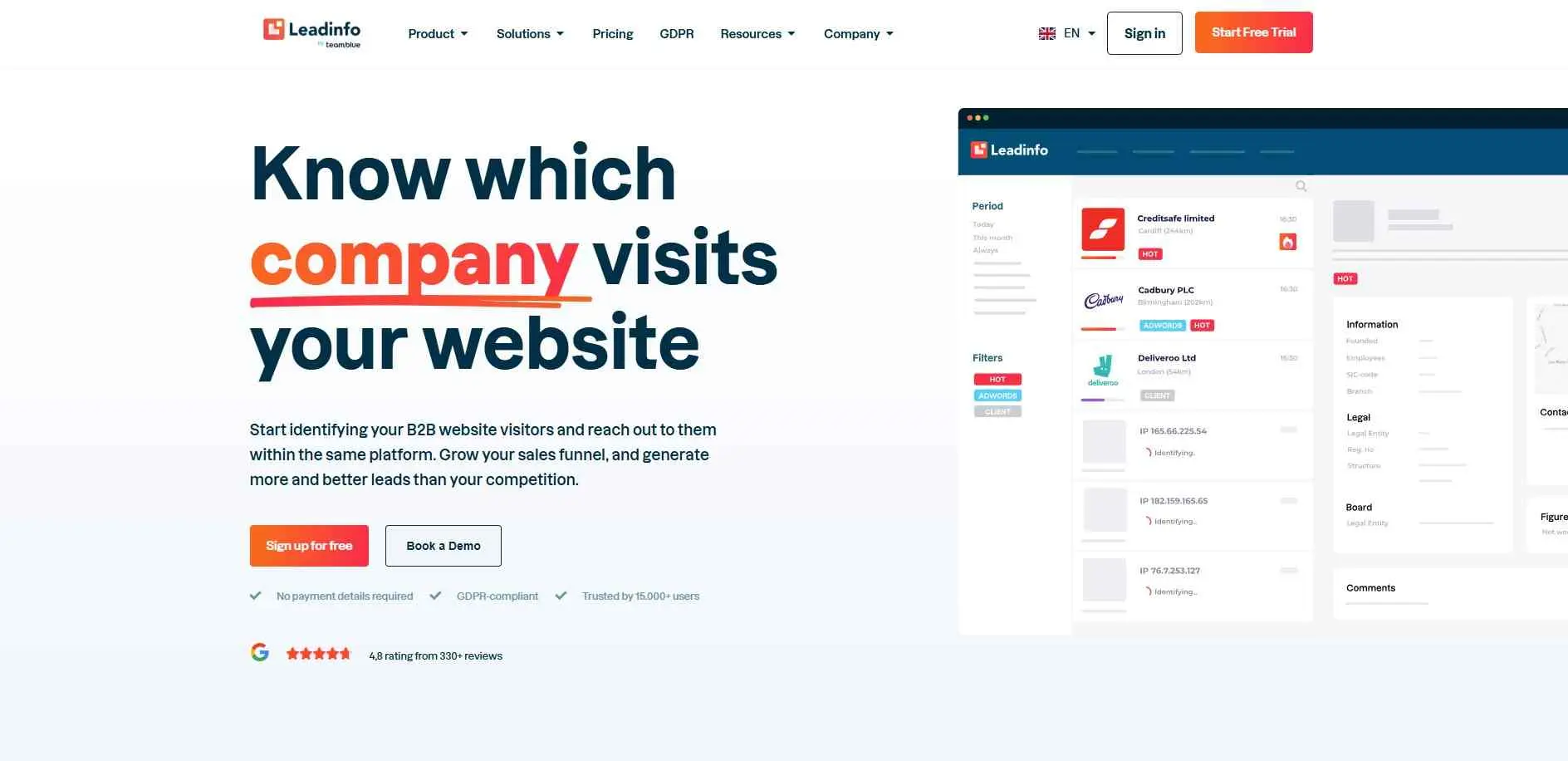
Leadinfo shows you which companies visit your website, even if nobody fills in a form. It`s built around European data rules. Pricing starts at €69 a month, with a trial. It doesn`t include a contact list, so it tells you who is browsing, not who to email. That`s a different job from Apollo or Cognism and a useful one if your site already gets steady traffic.
What it does: Shows which companies visit your website.=
Best for: European business sites that want to turn visits into leads.
What the Free Plans Really Give You
Apollo`s free plan doesn`t expire. Clay gives 100 credits a month. Seamless. AI gives 50. Hunter gives about 25 searches. Lusha`s credits depend on which source you trust. ZoomInfo, Cognism and 6sense have no free plan at all.
Free plans are good for testing how accurate the data is for your market. They`re not enough to run a real sales program.
Which One Should You Pick?
A solo founder can start with Apollo`s free plan or Hunter. A small team of two to five reps will probably end up with Apollo`s paid plans, or Clay plus Instantly. Mid-sized teams selling in Europe should look at Cognism. Large companies that target specific accounts are where ZoomInfo and 6sense make sense. And if your website gets traffic you`re not capturing, add Leadinfo.
Final Word
Pick the job first. If your problem is finding people, compare Apollo, Cognism, and Lusha. If it`s knowing who`s ready to buy, look at 6sense or Leadinfo. If it`s getting
messages out, Instantly and Clay solve different parts of that problem. Then test two tools on the same 200 contacts and see which data holds up before you sign anything yearly.
Also ask what happens if you want out. Several of these tools bill yearly with no monthly option, and cancelling can be harder than signing up.