 Table of Content
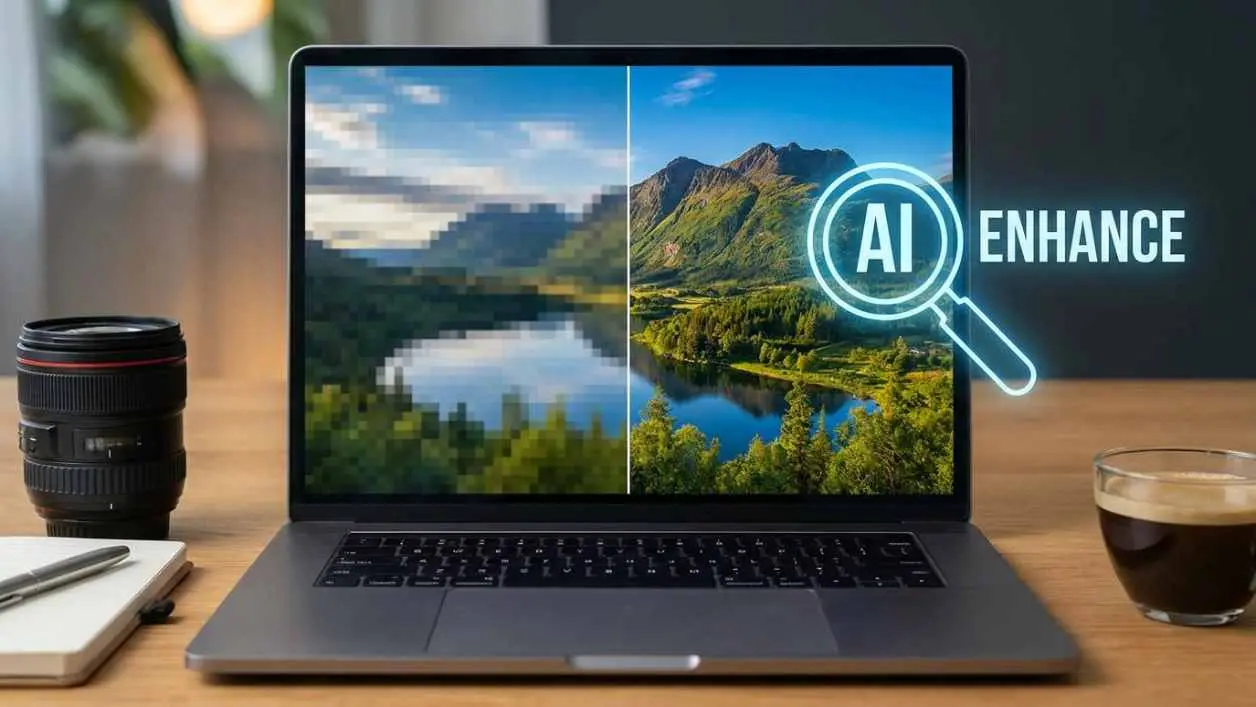
If you've ever tried printing a photo only to realize it looks fine on your phone screen but blurry as hell on paper, you already understand the problem these tools solve.
Low-resolution images are a constant headache - for photographers, e-commerce sellers, designers, and anyone who's ever dug up an old family photo and winced at how soft and grainy it looks. The options used to be: reshoot it, spend hours in Photoshop, or accept the blur. AI image enhancers exist now because none of those options were great.
These tools are really good at making old photos look better. They use computer programs that have seen a lot of pictures to make the photos look clearer and sharper. Some run in the browser. Some run locally on your machine.
Some come with an API you can plug into an automated pipeline. The quality gap between them is real, so this breakdown covers what each tool actually does well - not just what's on the feature list.
What AI Image Enhancers Actually Do
The main thing these tools do is make small pictures bigger. They take a picture that's not very clear and make it look nice and clear, not just stretched out. A basic resize in any photo editor will increase pixel count but add blurriness.
AI upscaling fills in missing detail based on patterns the model learned. AI upscaling uses neural networks trained on paired low- and high-resolution images to fill in missing detail based on patterns the model learned during training - fundamentally different from averaging pixels.
Beyond resolution, most tools in this category handle noise reduction (reducing grain from low-light shots or compressed files), sharpening (recovering edge definition), and color correction. Some go further with portrait-specific enhancement - face sharpening, skin detail recovery - and batch processing for high-volume workflows.
The output quality depends heavily on the model and how well it matches your image type. A model trained heavily on portraits may not handle architecture or product photography as well. Testing matters here.
Best AI Image Enhancer Tools
1. Magnific AI
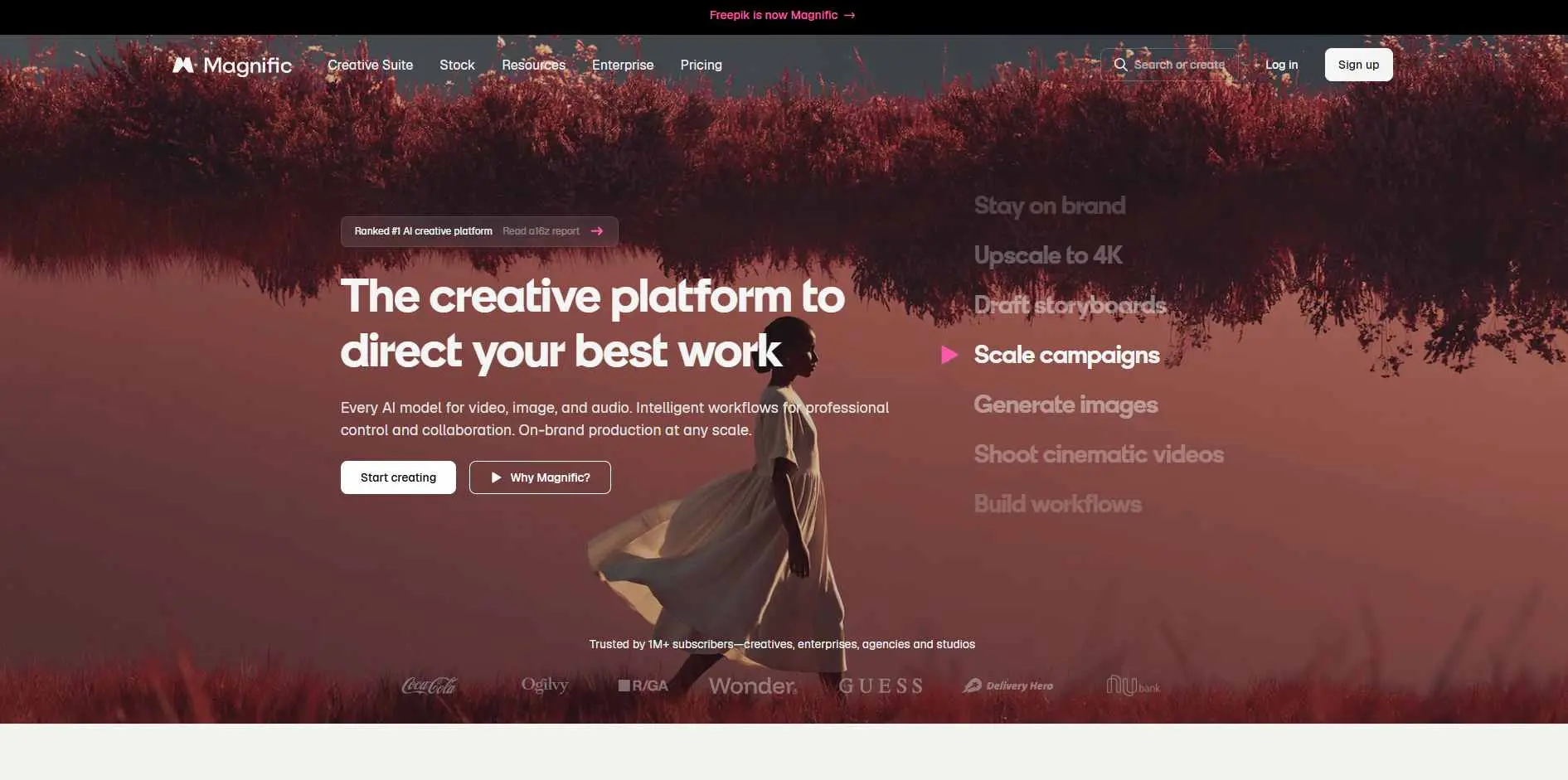
Magnific is what photographers and designers mention when they need genuinely impressive results. The detail injection during upscaling adds texture and realism, not just sharpness - and you control how much creative license the model takes.
Key Features:
- AI-powered upscaling up to 10x with detail injection
- Adjustable creativity and style controls
- Works on both regular photos and AI-generated images
- Supports multiple output resolutions
Best For: Designers and photographers who need good quality upscaling where the photo looks real and fine detail are non-negotiable.
2. Upscayl
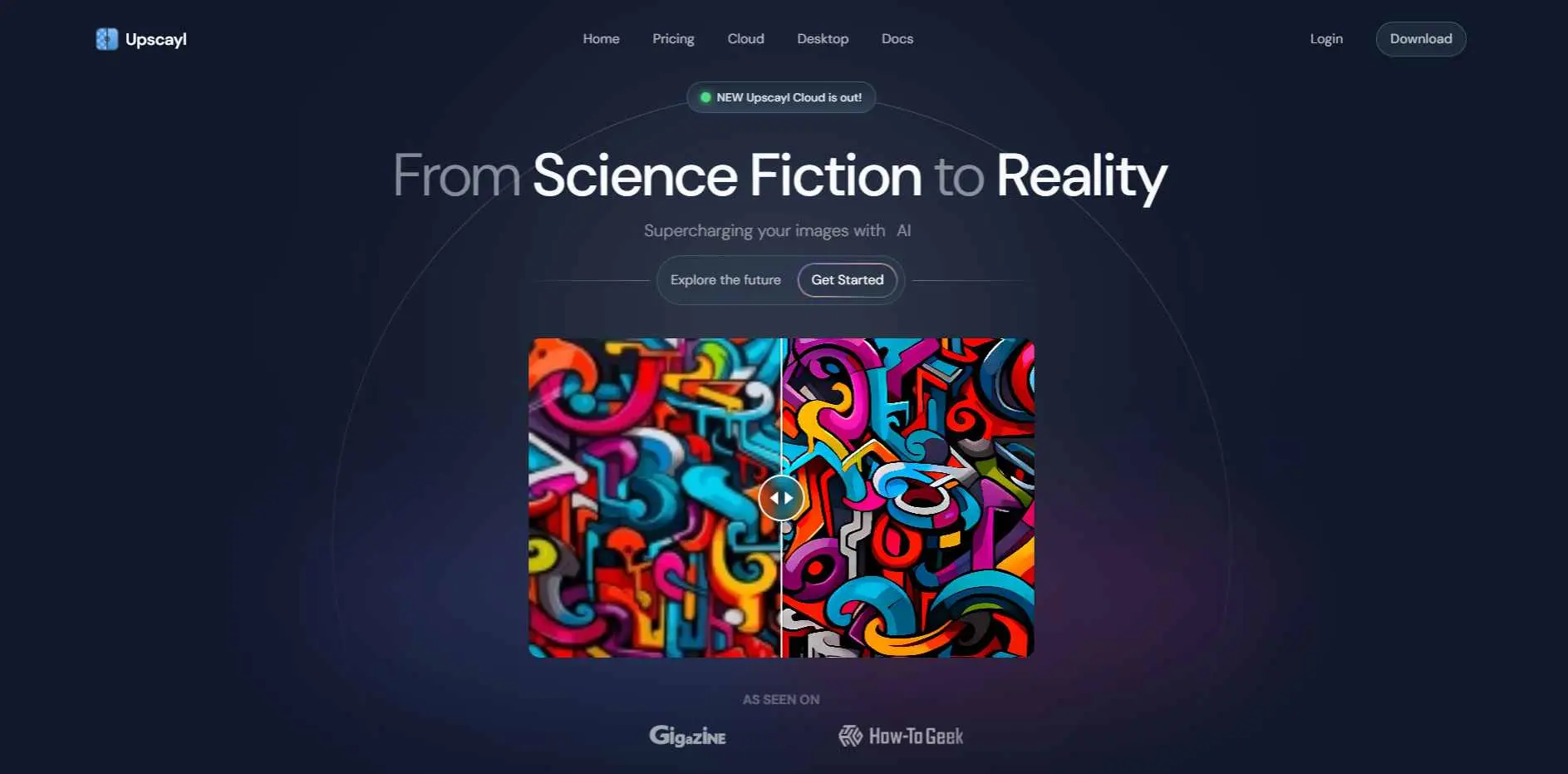
Upscayl runs entirely on your machine - no cloud upload, no account, no subscription. For anyone with privacy concerns about uploading client work to third-party servers, this removes that problem entirely. The output is solid, especially for standard upscaling needs. Completely free.
Key Features:
- 100% free and open source
- Local processing - files never leave your machine
- Multiple AI upscaling models to choose from
- Cross-platform desktop app with batch support
Best For: Privacy-conscious users and developers who want a capable, free upscaler that never sends files to the cloud.
3. IMGLarger
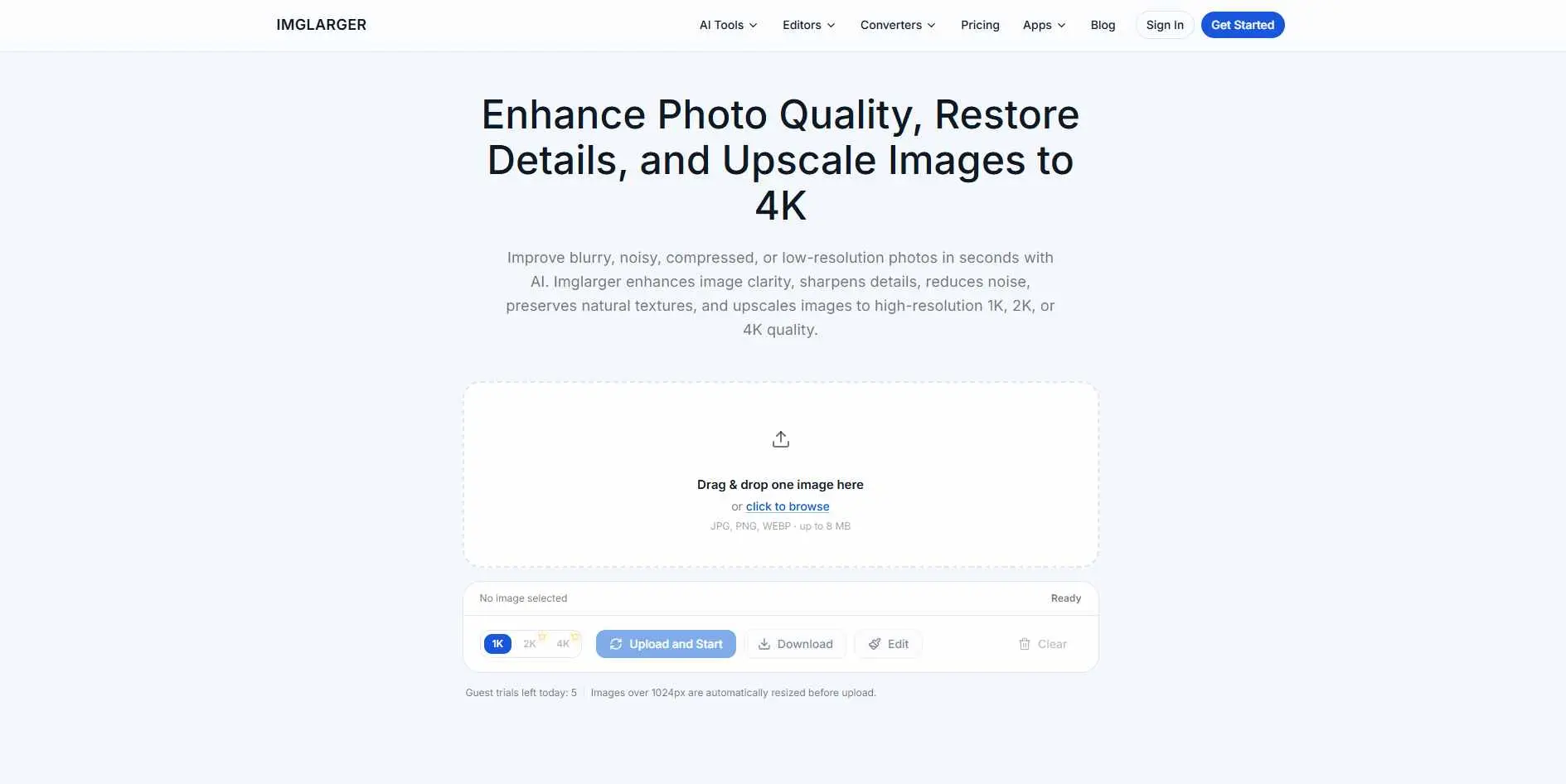
IMGLarger does what it says with minimal setup. You can use these tools in your web browser. They are easy to use so you do not have to be a computer expert. If you need a quick improvement without installing anything or navigating a credit system, it works.
Key Features:
- AI-powered image enlargement and quality enhancement
- Sharpness improvement on upscaled output
- Fully web-based - no installation needed
- Supports common image formats (JPG, PNG, WEBP)
Best For: Users who want to make their pictures bigger quickly in a browser without having to learn how to use the tool or set it up.
4. Let's Enhance
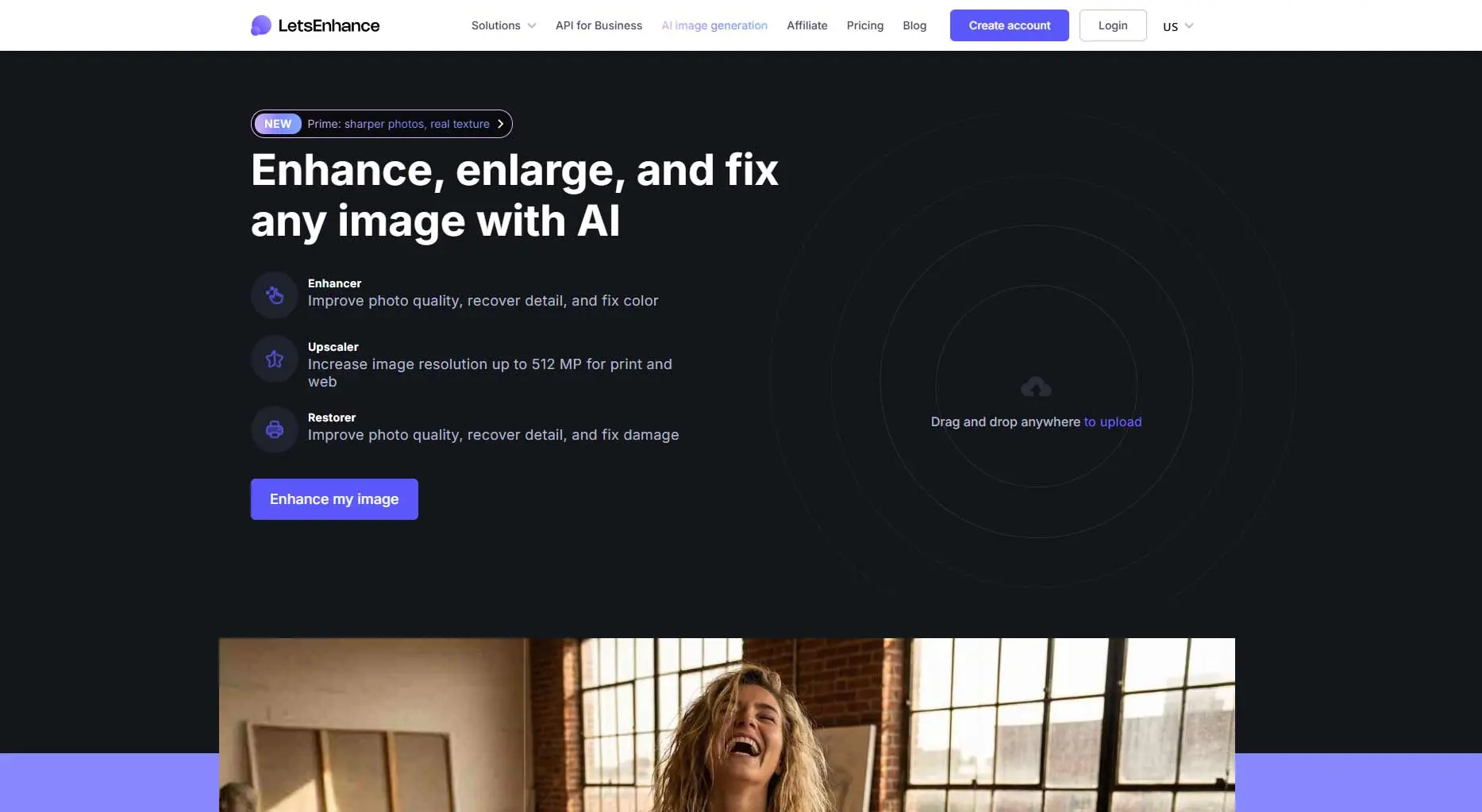
Let's Enhance is built for volume. E-commerce teams and photographers who process batches of product or location shots will find it practical - the batch processing is clean, output is consistent, and smart upscaling handles up to 16x. API access is available if you're plugging this into an automated workflow.
Key Features:
- Smart upscaling up to 16x with preserved detail
- Tone and color enhancement alongside resolution improvement
- Batch processing for high-volume workflows
- REST API access for automation integration
Best For: E-commerce sellers and marketing teams that regularly upscale batches of images for print or digital use.
5. VanceAI
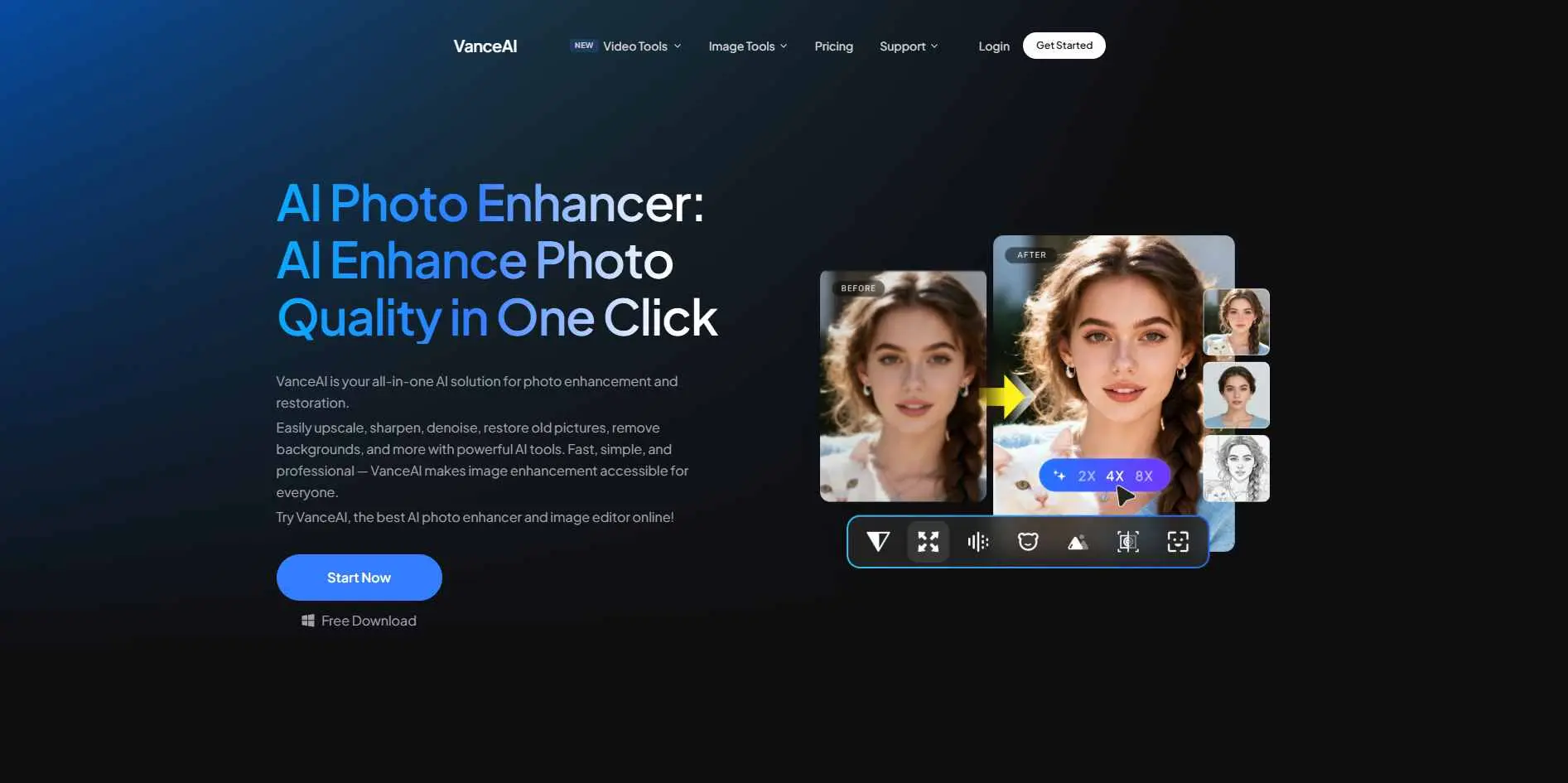
VanceAI bundles multiple AI tools into one platform: upscaling, sharpening, noise and blur removal, and portrait retouching. The advantage is running several improvements on one image without switching between services. Worth testing different models since results vary by image type.
Key Features:
- AI upscaling and sharpening in one interface
- Dedicated noise and blur removal tools
- Portrait retouching with facial detail enhancement
- Multiple AI models optimized for different image types
Best For: Users who want a full suite of AI image tools - upscaling, denoising, and portrait retouching - in a single platform.
6. EnhanceIt Pro
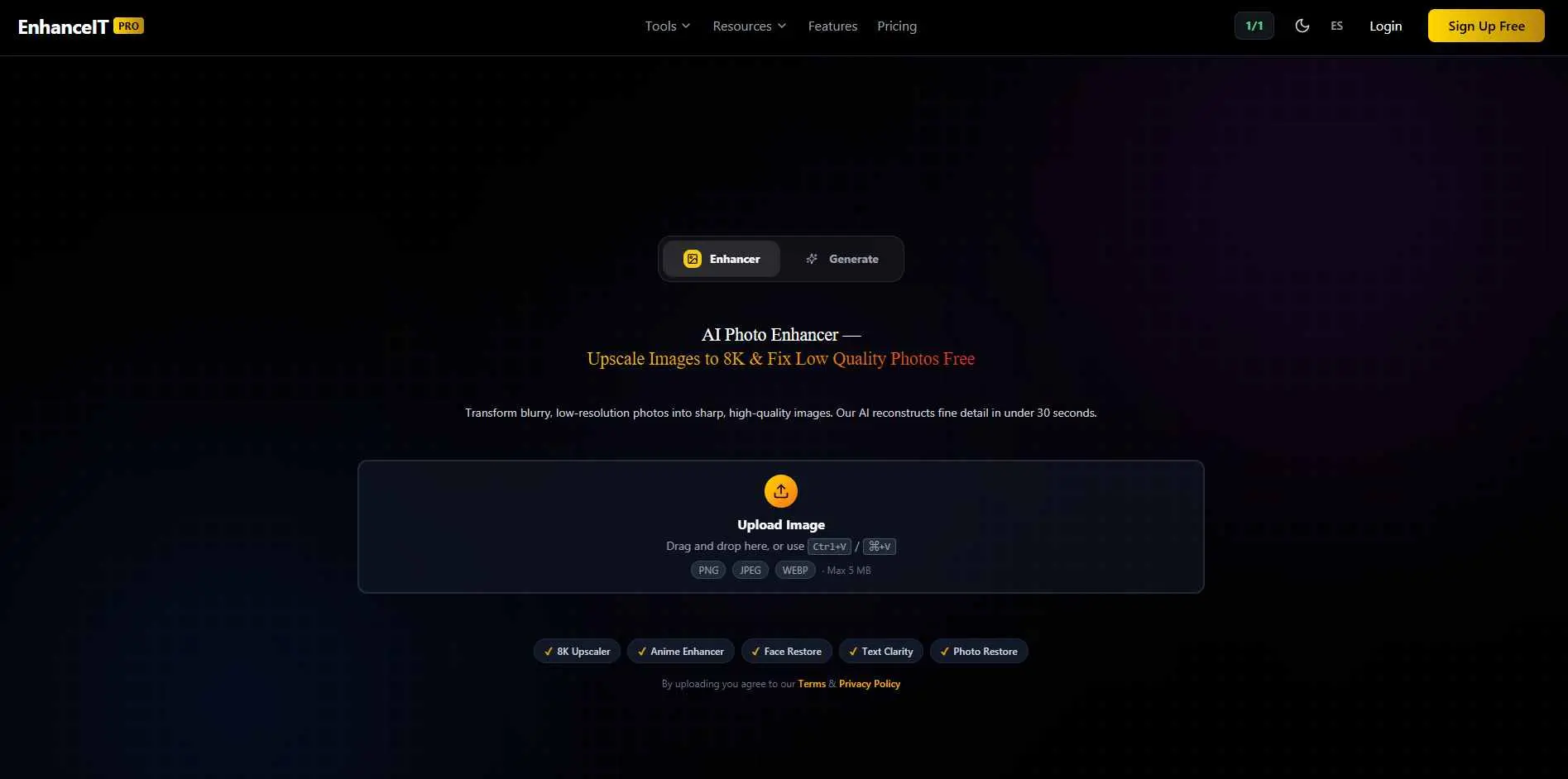
EnhanceIt Pro is fast and simple. Upload, enhance, download - no account required for basic use. It handles resolution improvement and overall quality in one automatic step. Not the tool for complex restoration work, but for a quick improvement on a deadline, it's fine.
Key Features:
- Automatic one-click image enhancement
- Resolution improvement without manual adjustments
- Fast output delivery with no install required
- Web-based - accessible from any browser
Best For: Users who need fast, no-account image enhancement with a simple upload-and-download workflow.
7. Remini
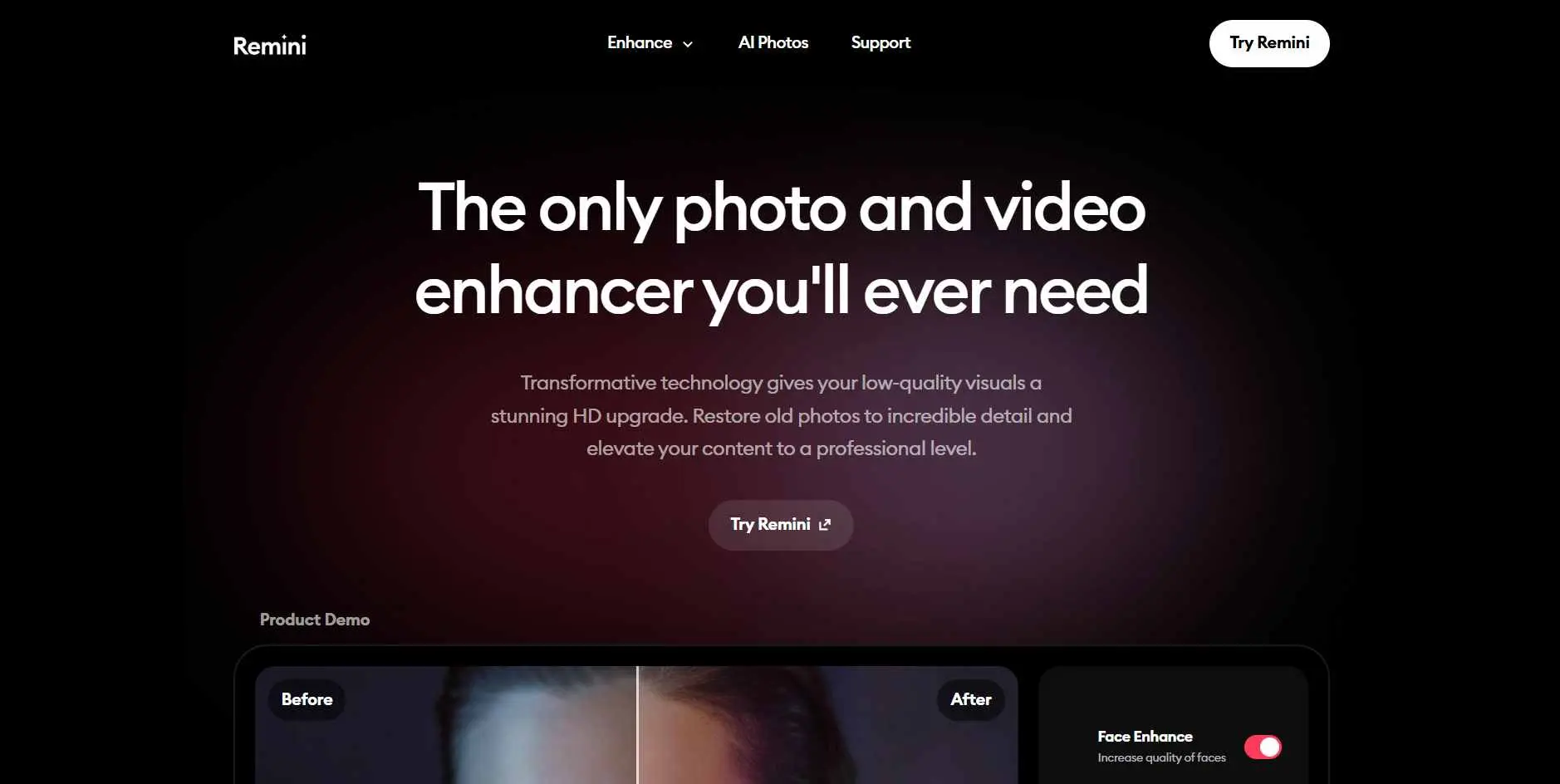
Remini is portrait-specific and good at it. The main use case is old or damaged photos - faces that have faded, degraded prints, family photos scanned decades later. Face sharpening and detail recovery works noticeably better here than on general-purpose enhancers. Both mobile and web versions available.
Key Features:
- AI portrait enhancement and old photo restoration
- Face sharpening and detailed facial recovery
- Available on both mobile and web
- One-tap processing - no technical knowledge needed
Best For: Anyone restoring old, blurry, or damaged portrait photos - especially vintage family photos that need face and detail recovery.
8. Deep Image
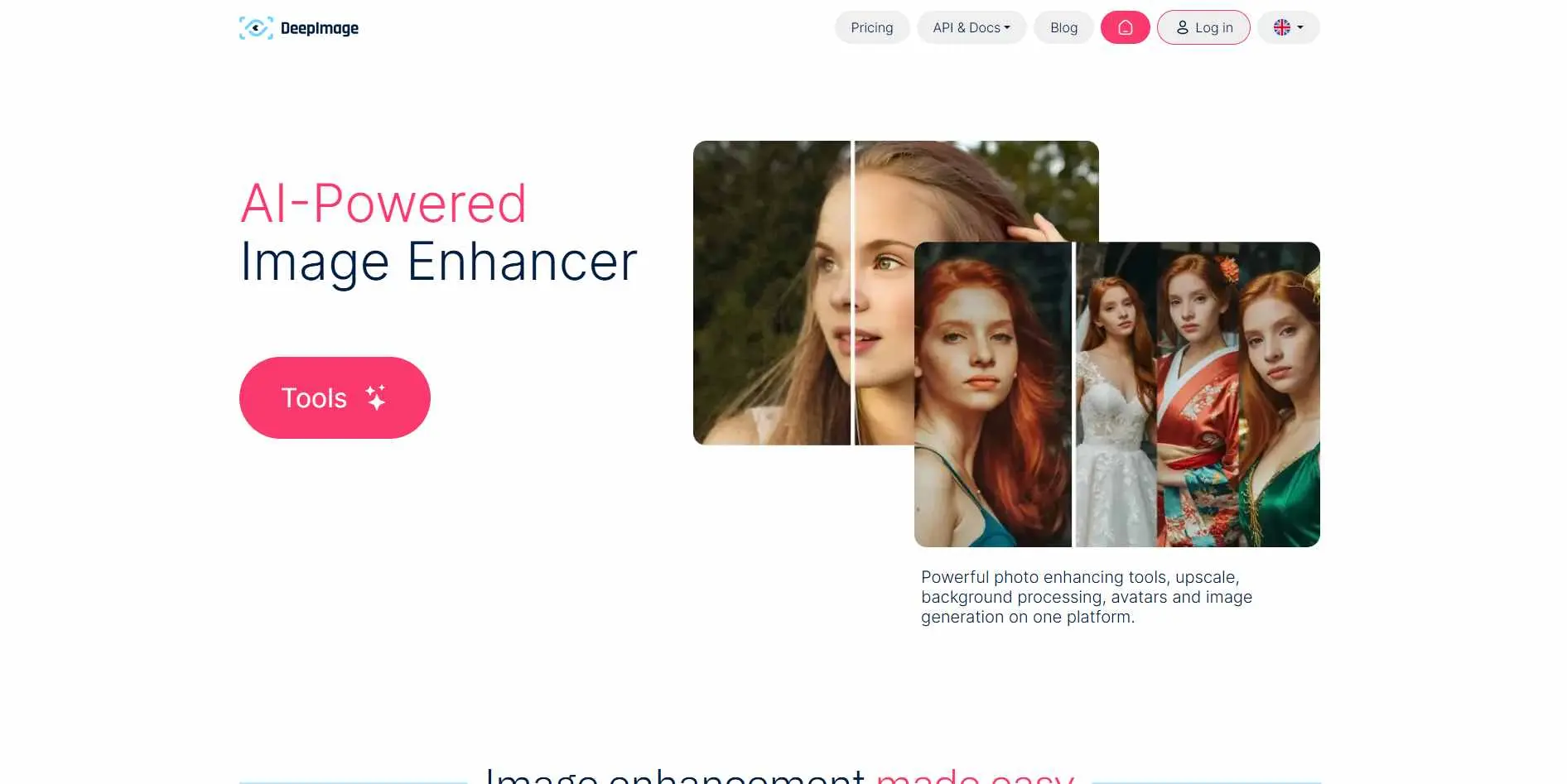
Deep Image is aimed at businesses and developers. The REST API for bulk processing is the real differentiator - if you're running an e-commerce operation and need to automatically enhance product photography at scale, this is built for that integration. Less relevant for manual use; very relevant if you're building enhancement into a larger system.
Key Features:
- REST API for automated bulk enhancement
- AI upscaling with noise removal and color improvement
- Commercial licensing included
- Consistent quality output across large image sets
Best For: Businesses and developers who need API-based bulk image enhancement for automated e-commerce or production workflows.
9. Pica AI (Artguru AI Image Enhancer)
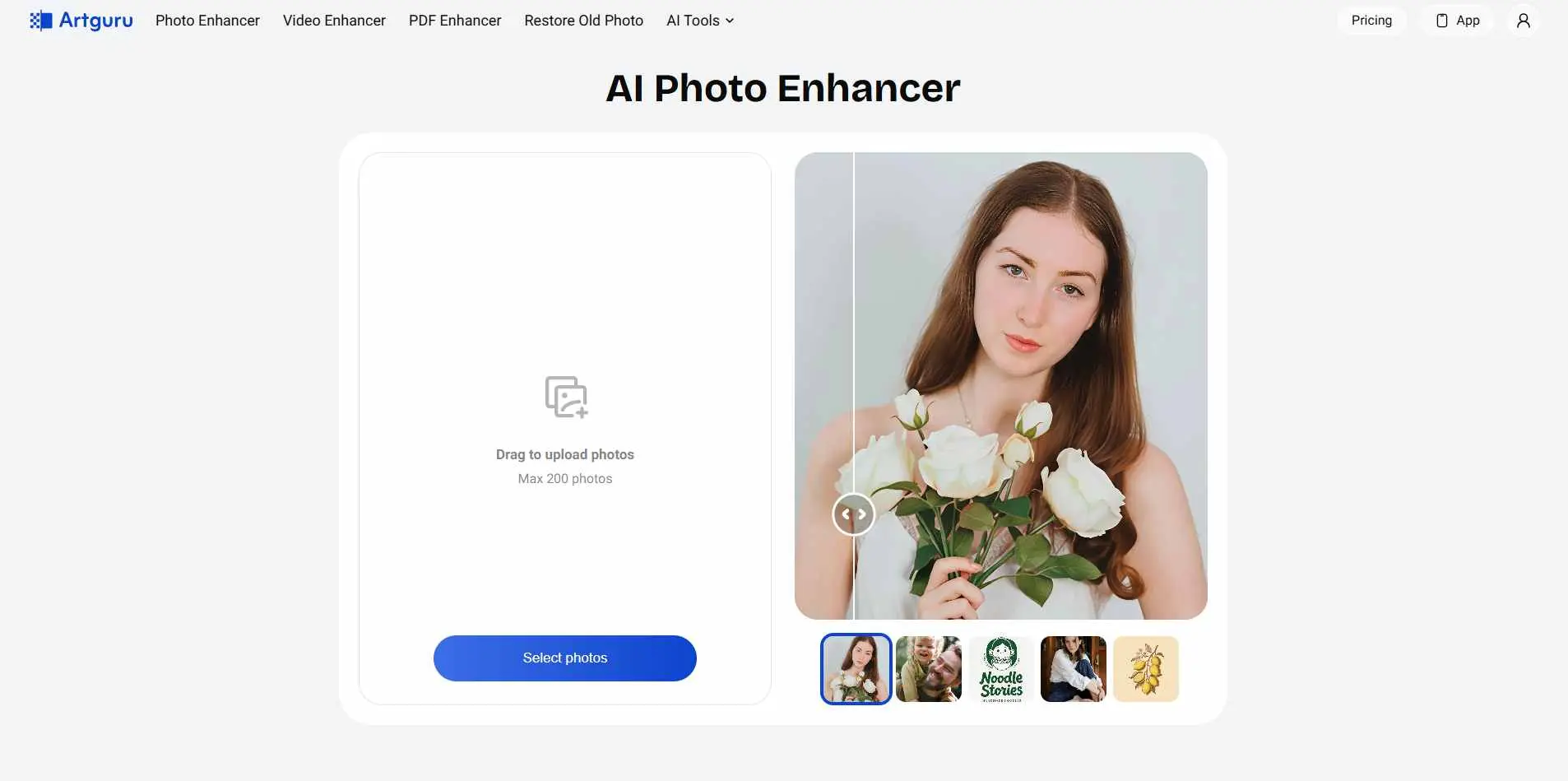
Artguru is one-click enhancement with drag-and-drop and no account required. Built for casual users who want to improve a photo quickly without any technical knowledge. Free usage options are available. The output is decent for everyday use - don't expect professional-grade results, but the zero-friction workflow has its place.
Key Features:
- One-click AI enhancement with drag-and-drop upload
- Resolution upscaling on standard images
- Free usage options for basic enhancement
- Fast processing with simple output download
Best For: Casual users and content creators who want quick quality improvements with no setup, no account, and no learning curve.
10. SnapEdit
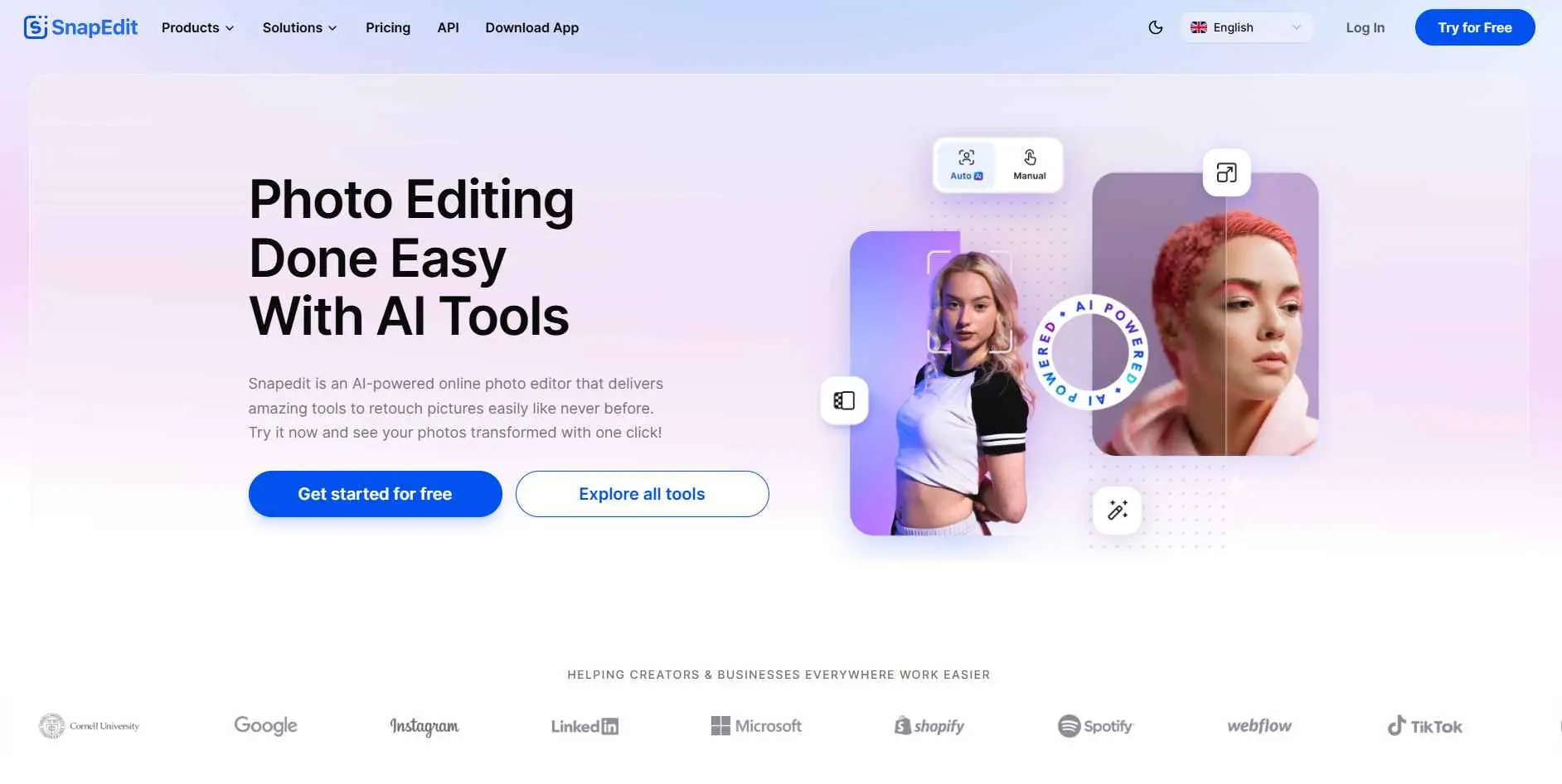
SnapEdit combines image enhancement with other quick editing tools - specifically object removal - in one lightweight browser app. If you're already cleaning up images and want to sharpen the result in the same session, having enhancement integrated is genuinely convenient.
Key Features:
- AI sharpening and noise reduction
- Integrated object removal and editing tools
- Browser-based - no installation required
- Supports multiple image formats
Best For: Users who want image enhancement alongside quick editing tools like object removal in a single browser-based app.
11. PicWish
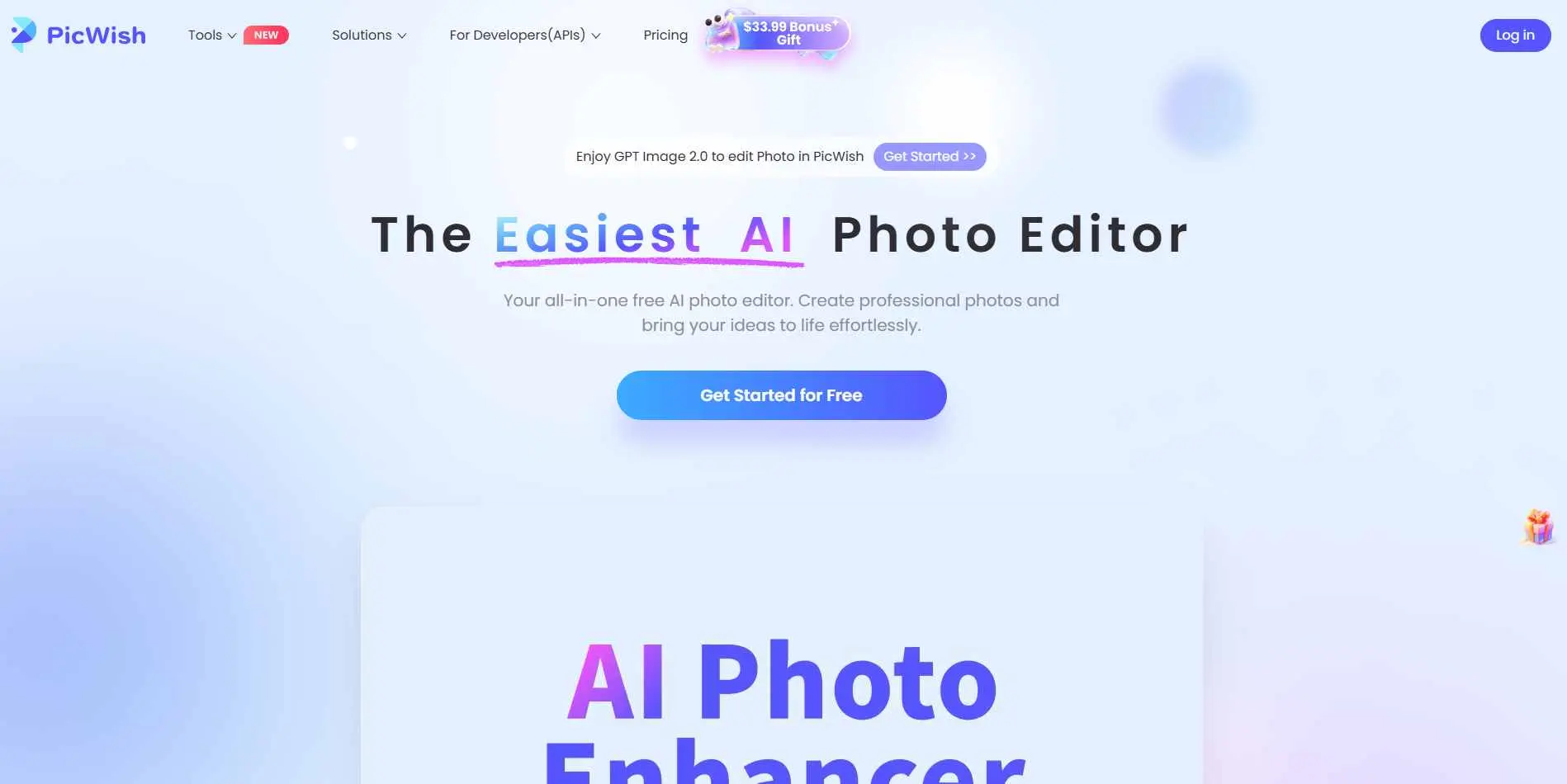
PicWish combines enhancement with background removal in one platform, making it practical for e-commerce teams that regularly clean up product photos. Batch processing is available, and both free and paid plans exist. The output is reliable for product and content photography rather than complex restoration work.
Key Features:
- AI photo enhancement with upscaling and clarity improvement
- Background removal integrated alongside enhancement
- Batch processing for consistent output at scale
- Free tier available with paid plans for higher volume
Best For: E-commerce teams and content creators who need consistent image enhancement and background removal in one integrated platform.
How to Pick the Best AI Image Enhancer Tools
The honest answer is that it depends on what you're actually doing.
Privacy matters to you, and you don't want to upload files anywhere. Use Upscayl. It's free, runs locally, and the output is genuinely good.
You need the highest possible quality for professional work. Magnific AI is the strongest option, but it's priced accordingly. Test it before committing.
You're processing large batches for e-commerce. Let's Enhance or Deep Image, depending on whether you want a clean UI or API integration.
You have old portrait photos to restore. Remini handles this better than general-purpose tools.
You want a full toolkit in one place. VanceAI covers more ground than the single-function options.
You need something fast with no friction. EnhanceIt Pro or Artguru for quick, no-account-required enhancement.
Before spending money, run your actual images through the free tiers. The difference in output on your specific image type is more useful than any feature comparison.
Conclusion
None of these tools are magic, and treating them that way leads to disappointment. What they actually are is a genuinely useful upgrade over doing nothing - which, for most people dealing with low-res images, used to be the only real option.
The honest takeaway: free tiers exist for a reason. Run your specific images through two or three of these before committing to anything paid. A portrait from a 2003 digital camera will respond very differently than a compressed product shot from a supplier's catalog.
No review - including this one - can tell you what your images will look like after processing. Only a test can do that. If you're working in e-commerce or content creation and find yourself regularly fixing up images, it's also worth looking at how AI background removal fits into the same workflow.