 Table of Content
Remember when removing backgrounds from images felt like an exhausting task? In the olden days, you opened Photoshop and messed with a pen tool for 45 minutes while painting strands of hair. After all that effort, the output still tended to be pretty low-quality, barely usable unless you were happy with plain white (backdrop). It felt dull, frustrating, and honestly, it made anyone think twice about starting design projects.
Now, things look completely different. AI’s stepped in and made background removal almost effortless. Instead of sweating over tiny details, you can just upload your image, click a button, and boom - the background’s gone in seconds. Most tools do such a clean job that you barely need to tinker with the results.
But not every AI tool is built the same. Some manage complex edges or delicate hair more effectively than others, and a few are designed for high-resolution images, product shots, or bulk work. Well, in this article we’ve shared the best background removal tools that work and the best purpose for each tool in 2026 to help you determine which one is right up your alley so you're not stuck going through trial and error.
If you need to fix up some photos for your shop, make a quick social media post, or just sort through old family pictures, these tools will save you a lot of time. Let’s see what they can actually do for you.
What Is an AI Background Remover?
It’s a tool that analyzes your image, finds the main subject and then removes everything else. You get a transparent PNG that you can drop on any background – a product page, a social graphic, a presentation slide.
The tech behind it is image segmentation, where the model draws a line between subject and background. The best tools are great at handling the tricky parts that usually get messed up, like messy hair, pet fur, or backgrounds that are the same color as your subject. Once the background is gone, most of these apps let you swap it out for a plain color or a new picture - and some can even do this with video.
Where this saves real time:
- E-commerce product photography - shoot on any surface, clean it up in bulk
- Portraits and profile pictures - remove cluttered backgrounds without a studio
- Social media graphics - consistent look without retaking photos
- Logo and asset prep - export clean PNGs without manual masking
11 AI Background Remover Tools Worth Using in 2026
1. AI Ease
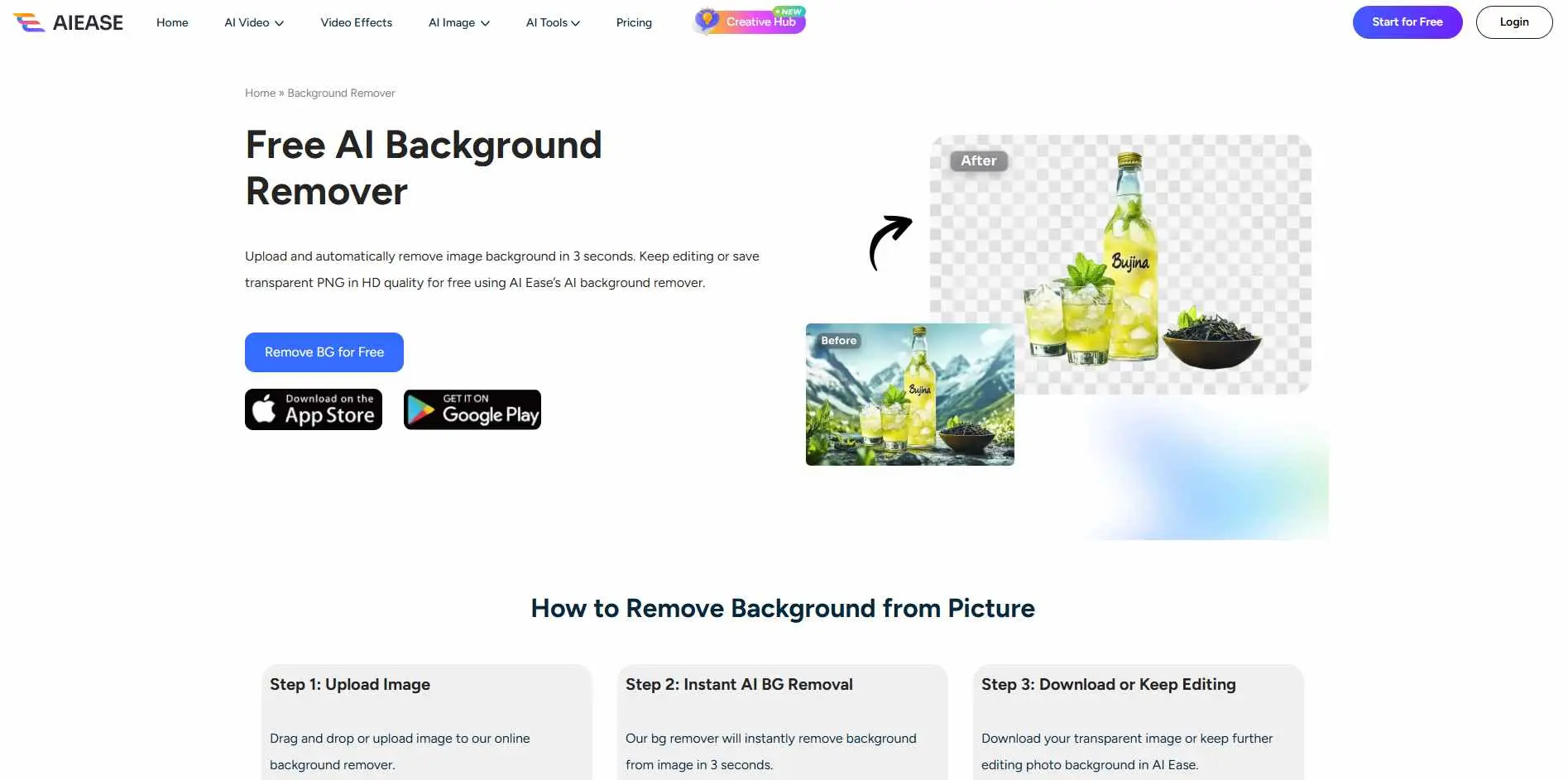
If you need something working in under two minutes with zero learning curve, AI Ease does the job. Upload, wait a few seconds, download. That's the whole workflow. It supports HD downloads and transparent PNG export. Fine for one-off edits; not the right pick if you're processing hundreds of images a week.
Key Features:
- No sign-up required - upload, remove, and download without creating an account
- Multi-layer overlay editing for adding backgrounds or creative elements after removal
- Batch editing support so you can process multiple images in one session
- Accepts PNG, JPG, JPEG, WEBP, and BMP formats with HD download on free plan
Best for: Quick single edits and beginners who want results without a tool full of settings.
2. BackgroundRemoverai.com
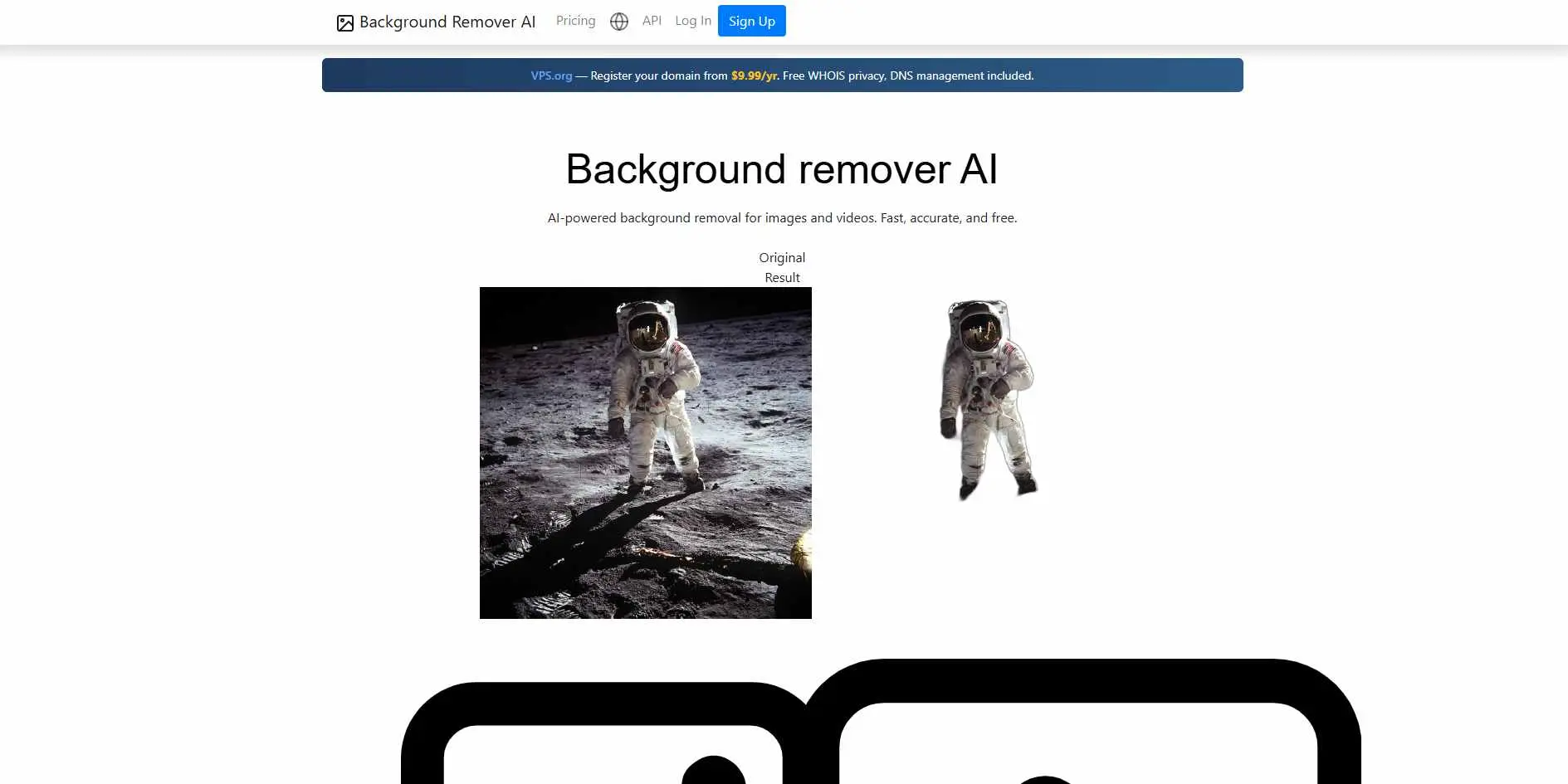
BackgroundRemoverai.com handles both images and video, which is still unusual. Most tools stop at static images, so if you're removing backgrounds from product videos or short clips, this is worth testing. Edge handling is solid on fine hair and soft transitions, and batch upload is available for larger jobs. If your workflow also includes broader AI editing, Pic Copilot Review is worth a look because it combines background removal with other visual tools.
Key Features:
- Removes backgrounds from both images and video - processes video frame by frame using AI
- API access available for developers who want to automate background removal in their own apps
- Supports replacing video backgrounds with a static image, another video, or a solid color
- Free users can preview the first 5 seconds of video processing before committing to a paid plan
Best for: Creators and businesses working with images and video who want one tool for both.
3. PhotoScissors
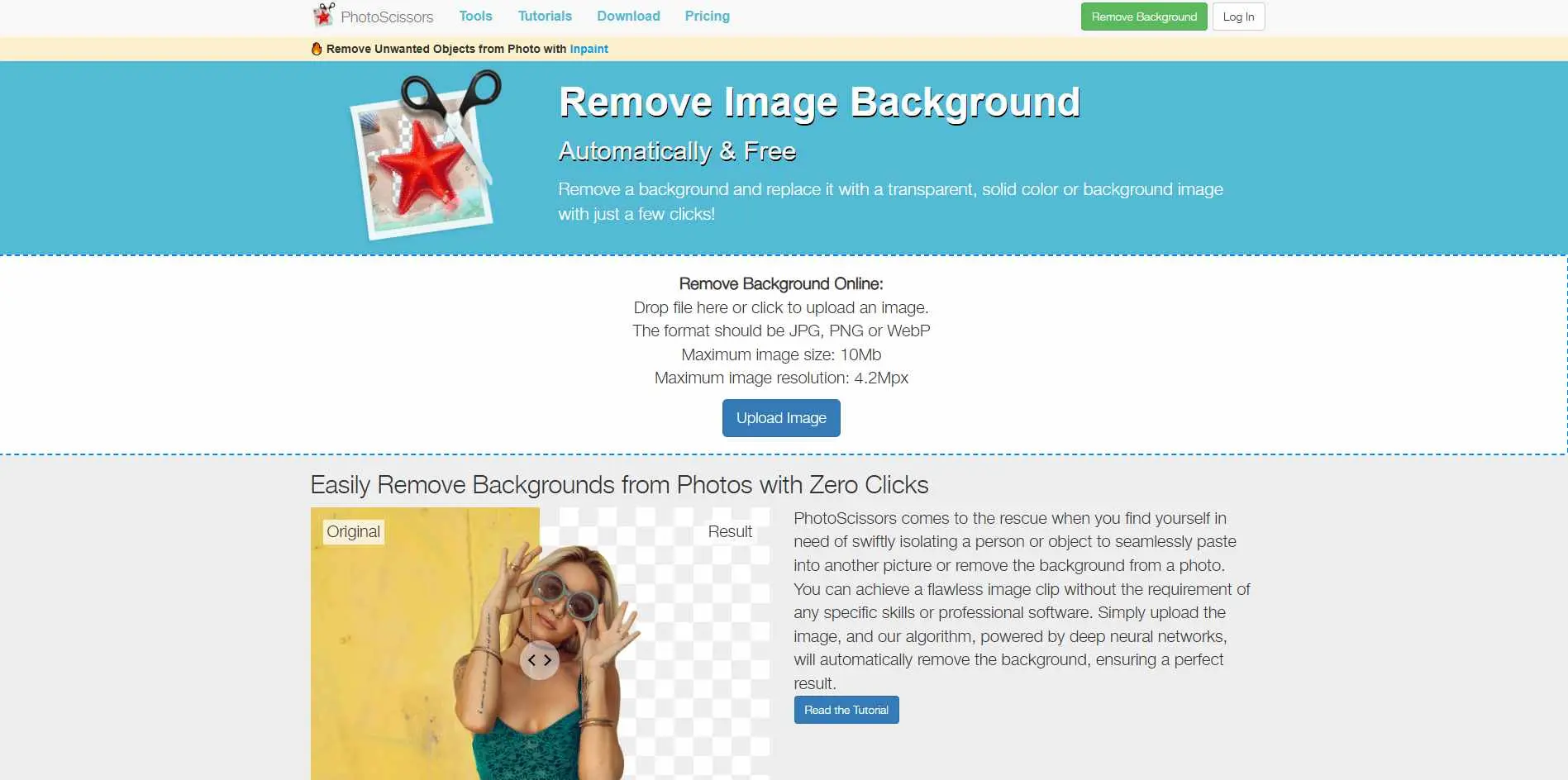
PhotoScissors has been around for a while, which counts. It has desktop versions for Windows and Mac alongside the web app - useful if you work offline or don't want files going to a third-party server. Results are reliable without being flashy. Background removal, color or image replacement, and batch processing. I'd pick it when I need something consistent I can trust.
Key Features:
- Available as a Windows desktop app (one-time purchase) and as an online tool - no forced subscription
- Smart brushes for manually refining hair, fur, and complex edges after AI removal
- Batch processing handles folders of images in JPG, PNG, and WebP formats automatically
- Non-destructive editing keeps the original image intact throughout the workflow
Best for: Users who want a desktop option or a dependable everyday tool that doesn't surprise you.
4. Photiu.ai
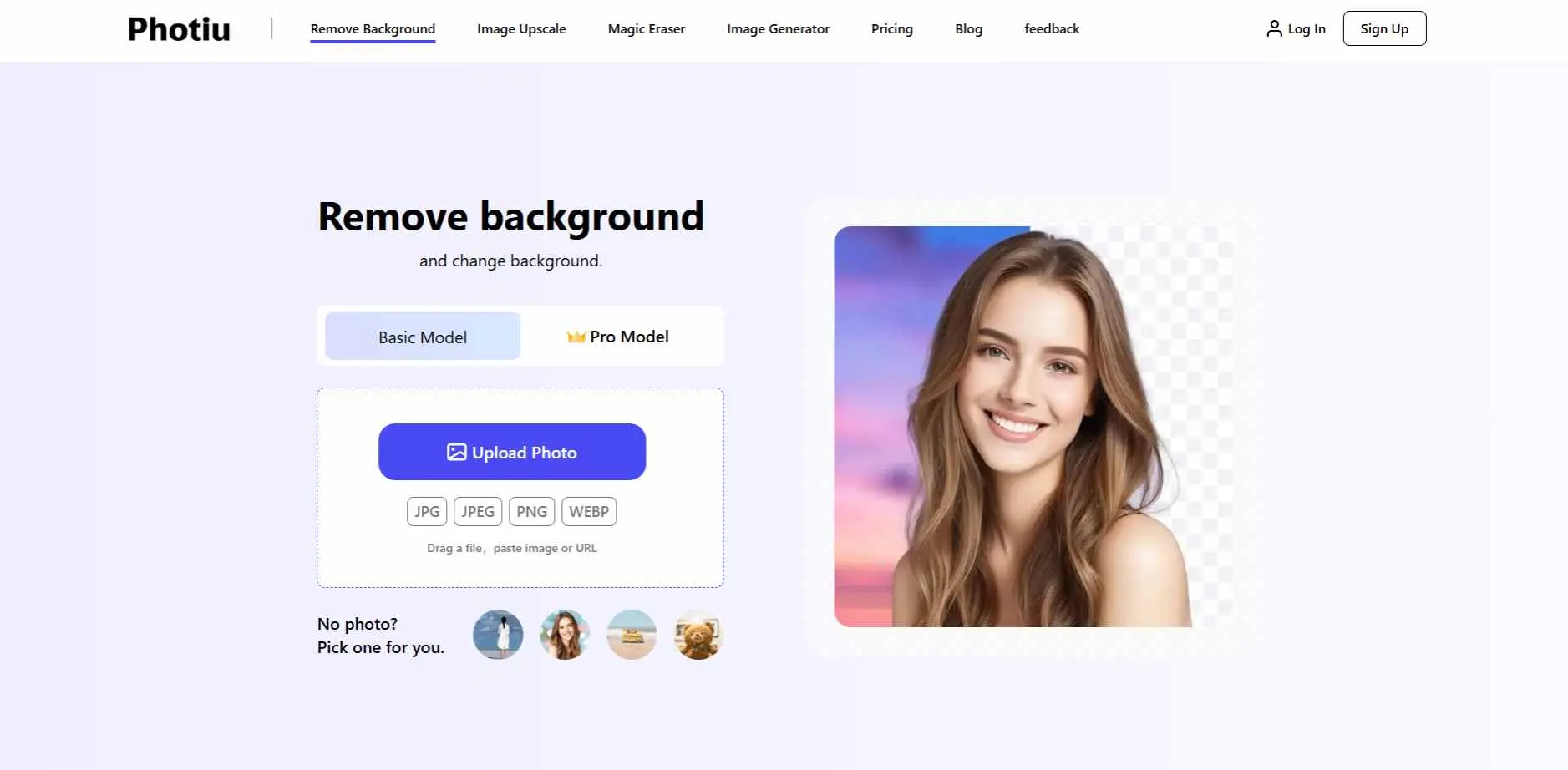
Photiu does more than background removal. The same platform handles image upscaling and has a magic eraser for removing objects within a photo. If you're running multiple cleanup tasks on the same files, having them together cuts down on tab-switching. Free output available; HD is paid.
Key Features:
- Magic Eraser removes unwanted objects or people from within a photo, not just the background
- Image upscaler enhances resolution up to 4K without visible quality loss
- Manual erase and restore brushes for fine-tuning AI cutouts on tricky edges
- No registration needed for free use; HD and 4K exports available on paid plans from $5/month
Best for: Users who want retouching, upscaling, and background removal in one place.
5. SnapBG.ai
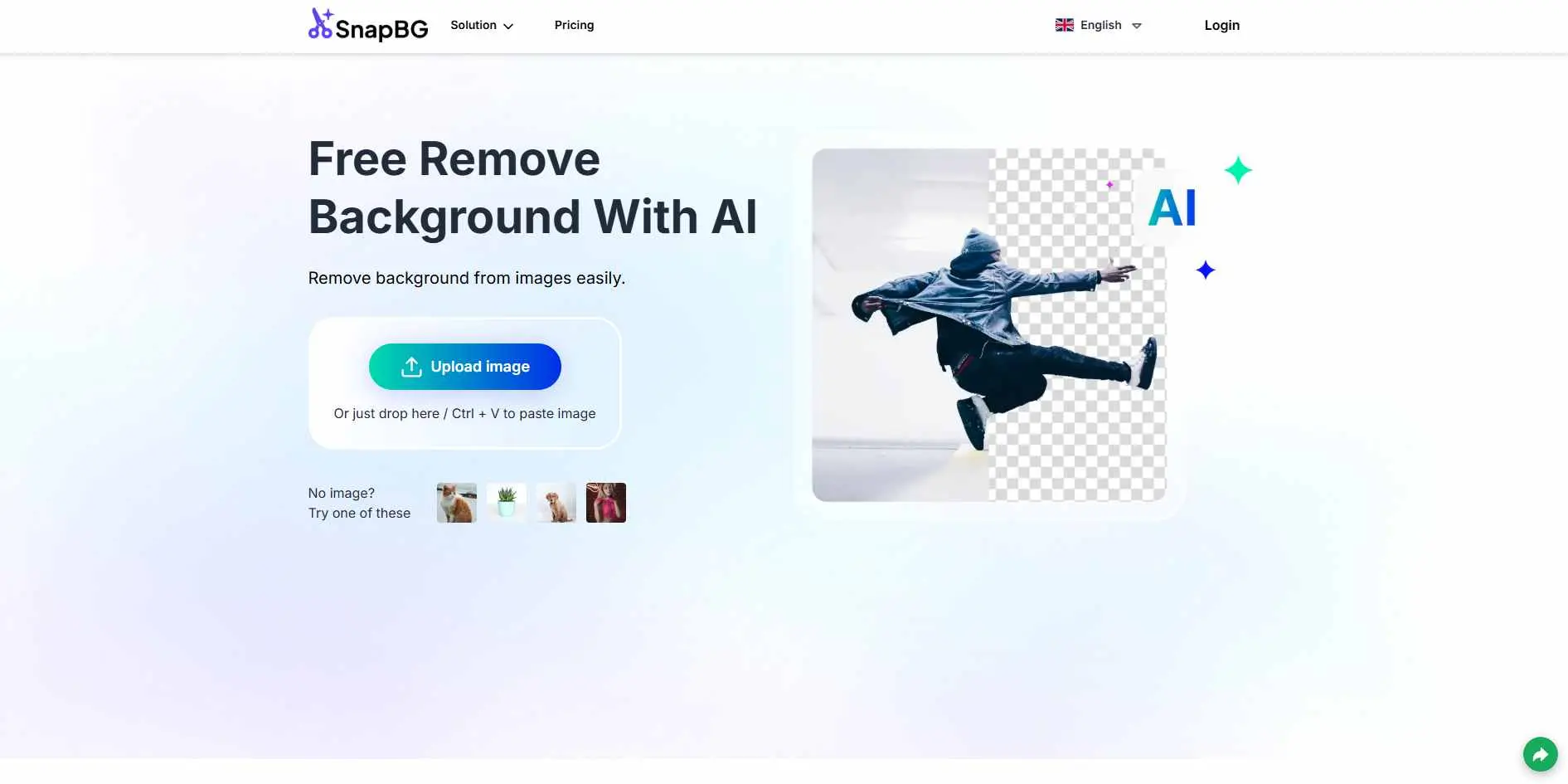
SnapBG is fast. The focus is speed over control - upload, remove, download. No manual refinement interface, which means it either works for your image or it doesn't. Works well for simple product images on light backgrounds; less reliable on complex or busy shots. For creators building quick content assets after editing images, these Best Social Media Management Tools can help streamline publishing.
Key Features:
- Available on web, iOS, and Android - handles background removal across devices
- One-touch automatic background removal with no manual selection required
- Background replacement with solid colors, custom uploads, or preset templates
- Full editing kit includes cropping, text, shadow adding, and resizing post-removal
Best for: High-volume simple edits where speed matters more than precision.
6. Vecteezy
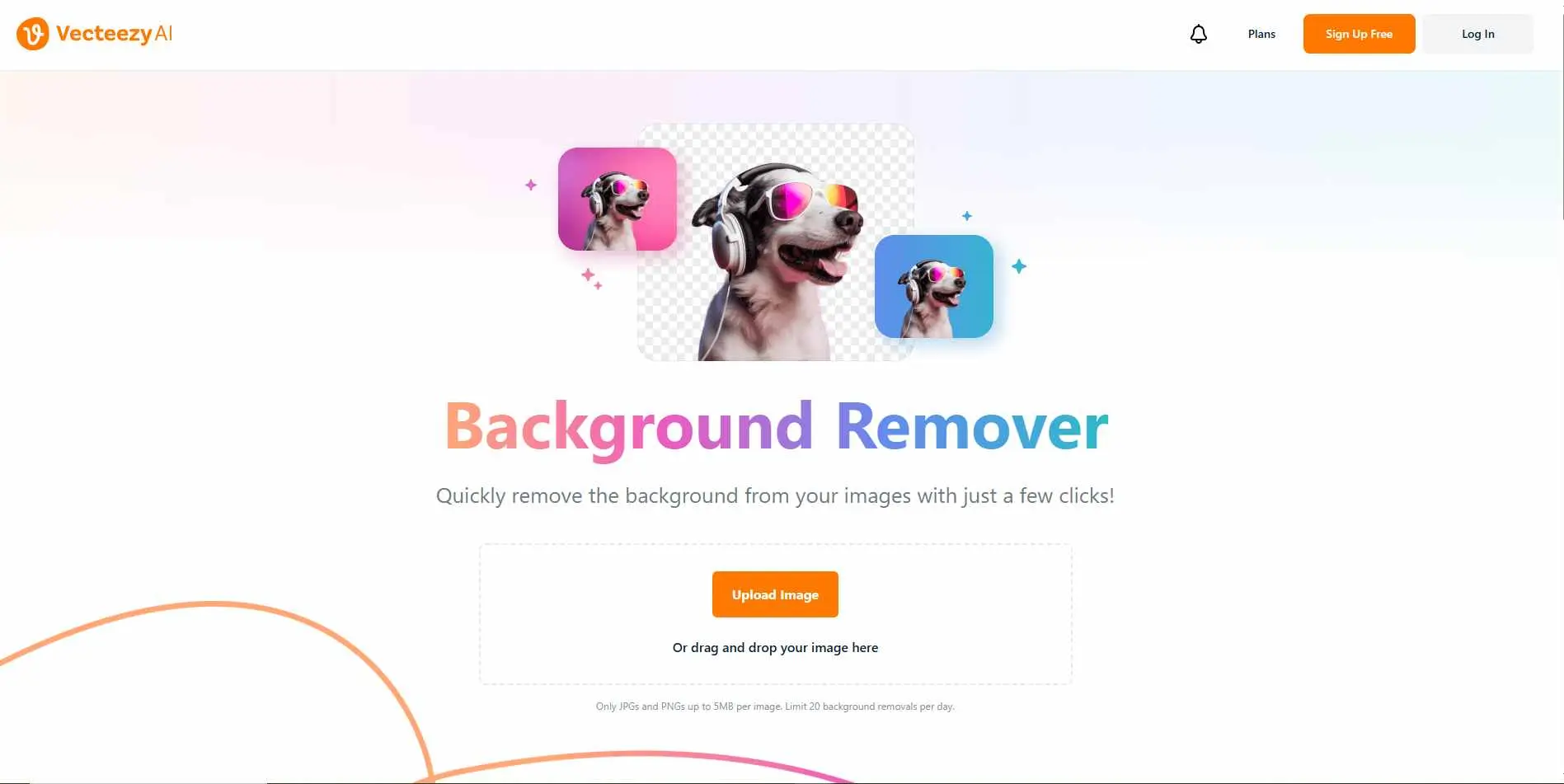
Vecteezy is a stock assets platform first, and background removal is one feature inside it. If you're already using it for stock vectors or photos, the remover fits the workflow naturally. If you're not, there's no reason to sign up specifically for this - other dedicated tools do it better.
Key Features:
- AI background removal built into the Vecteezy design ecosystem alongside stock vectors, photos, and videos
- Drag-and-drop upload with transparent PNG export
- Simple web-based interface - no installation or technical setup required
- Works on photos, illustrations, and graphic assets without needing a separate account for the remover
Best for: Existing Vecteezy users who don't want to leave the platform for quick edits.
7. Pixian.AI
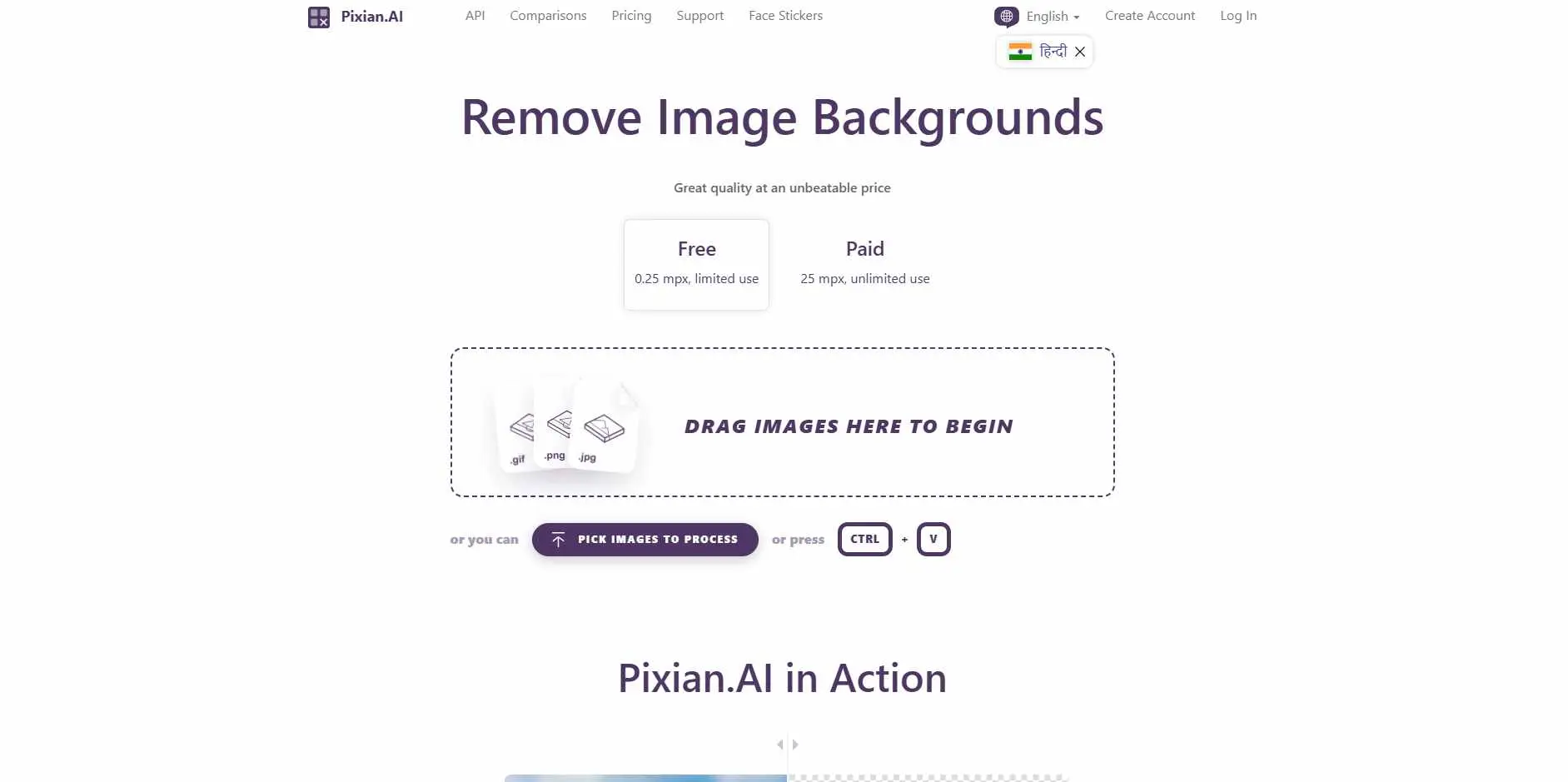
Pixian is built for developers and teams automating background removal at scale. It has a proper API, clean documentation, and fast processing. Test through the web app, then plug the API into your pipeline when ready. Not a consumer tool - it's for building background removal into a product or workflow without manual steps.
Key Features:
- Full REST API with straightforward migration from remove.bg - requires minimal endpoint changes to switch
- Handles JPEG, PNG, BMP, GIF, and WebP including AI-generated images, artwork, and logos
- Supports images up to 25 megapixels via API; free tier processes up to 0.25 megapixels
- Pay-as-you-go pricing with no subscription required; free plan available for testing
Best for: Developers and agencies who need API access rather than a click-based interface.
8. Icons8
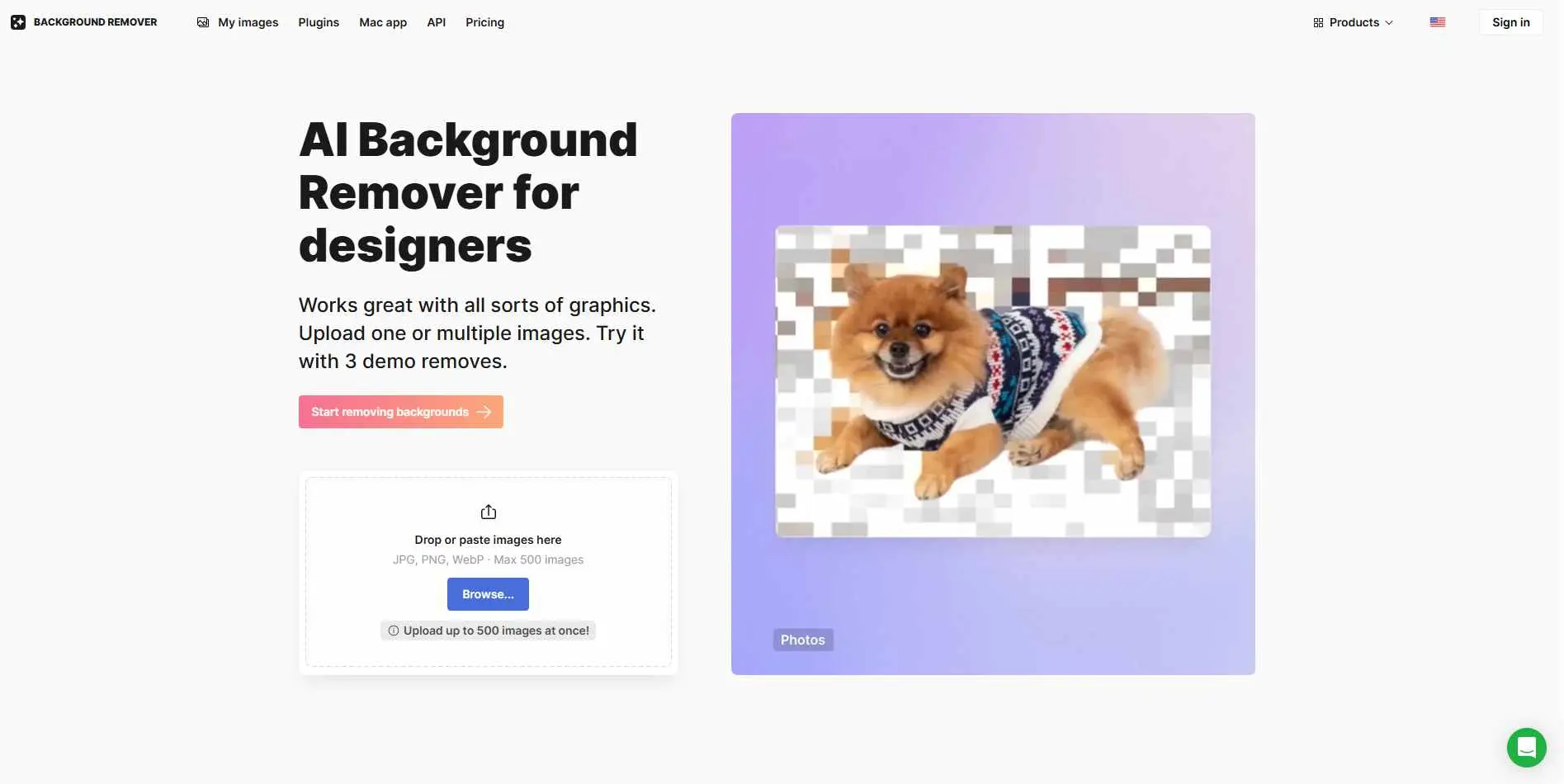
Icons8 handles edge detail well - particularly on logos, product shots, and graphic assets where precision matters more than on portraits. Batch processing is available, and edge accuracy on detailed subjects is above average. Worth testing if you work with branded assets that need sharp, clean cutouts.
Key Features:
- Specialized for graphics, logos, illustrations, and signatures - not just photos
- Batch upload supports up to 500 images in a single session (JPG, PNG, WebP)
- Figma plugin available for designers who want background removal directly inside their design workflow
- Retouching mode lets you manually erase or restore areas the AI missed; 60-day image storage included on all plans
Best for: Graphic designers and product teams where edge quality on logos and assets is non-negotiable.
9. Phot.AI Background Remover
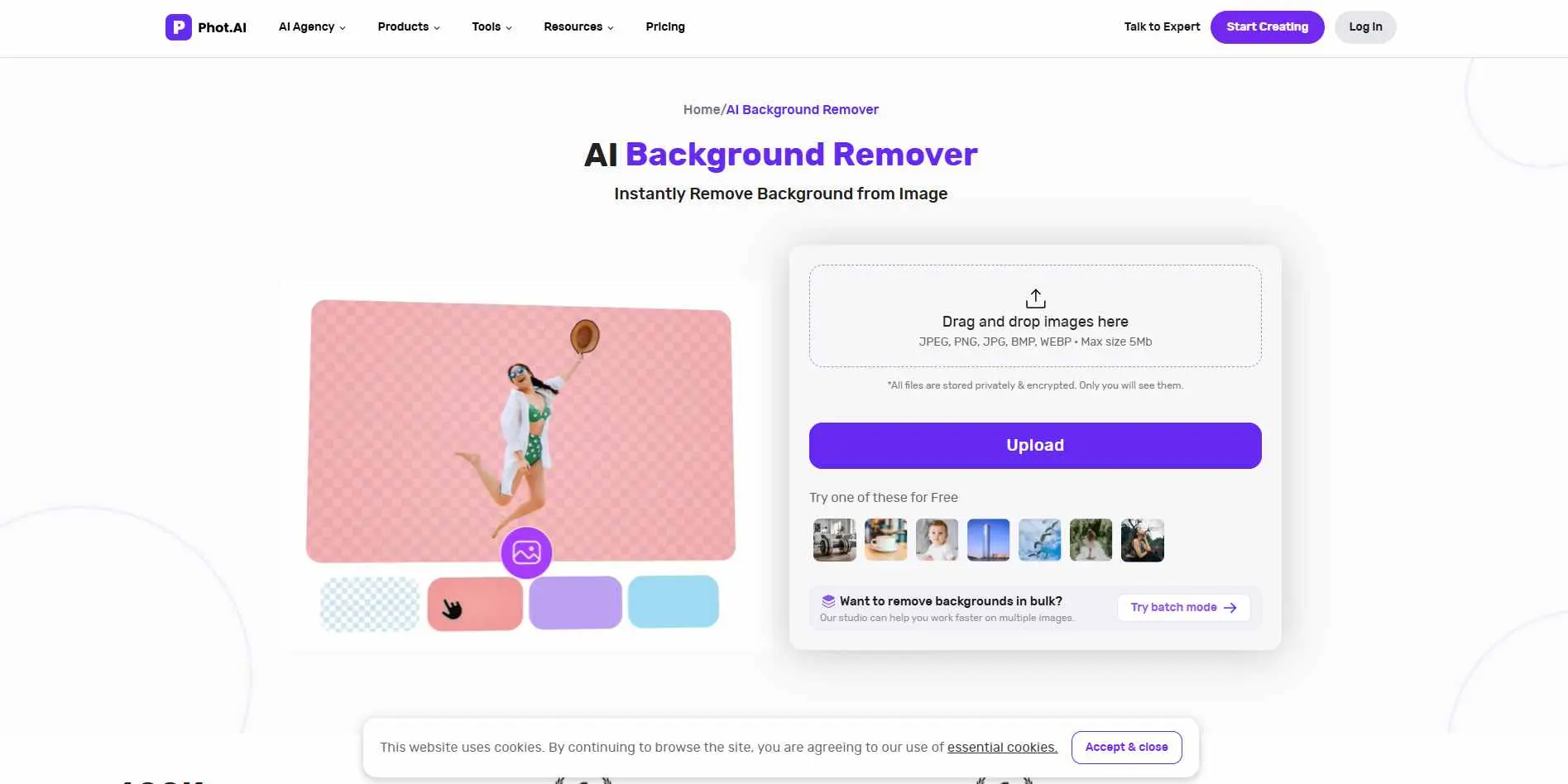
Phot.AI packages background removal alongside color correction, object removal, and image enhancement. The remover is fast and handles common formats without issues. The free plan gives you preview-quality output only - you'll need paid for production-ready files.
Key Features:
- Background remover works alongside an AI art generator, object remover, image enhancer, and background replacer
- Prompt-based background changer - type instructions like "replace with a kitchen setting" and the AI applies it
- Supports PNG and JPG with free limited use; premium subscription required for unlimited access and full resolution
- No manual tracing needed - AI detects subject and removes background automatically in seconds
Best for: Users who want background removal as part of a wider AI editing toolkit.
10. Pacdora
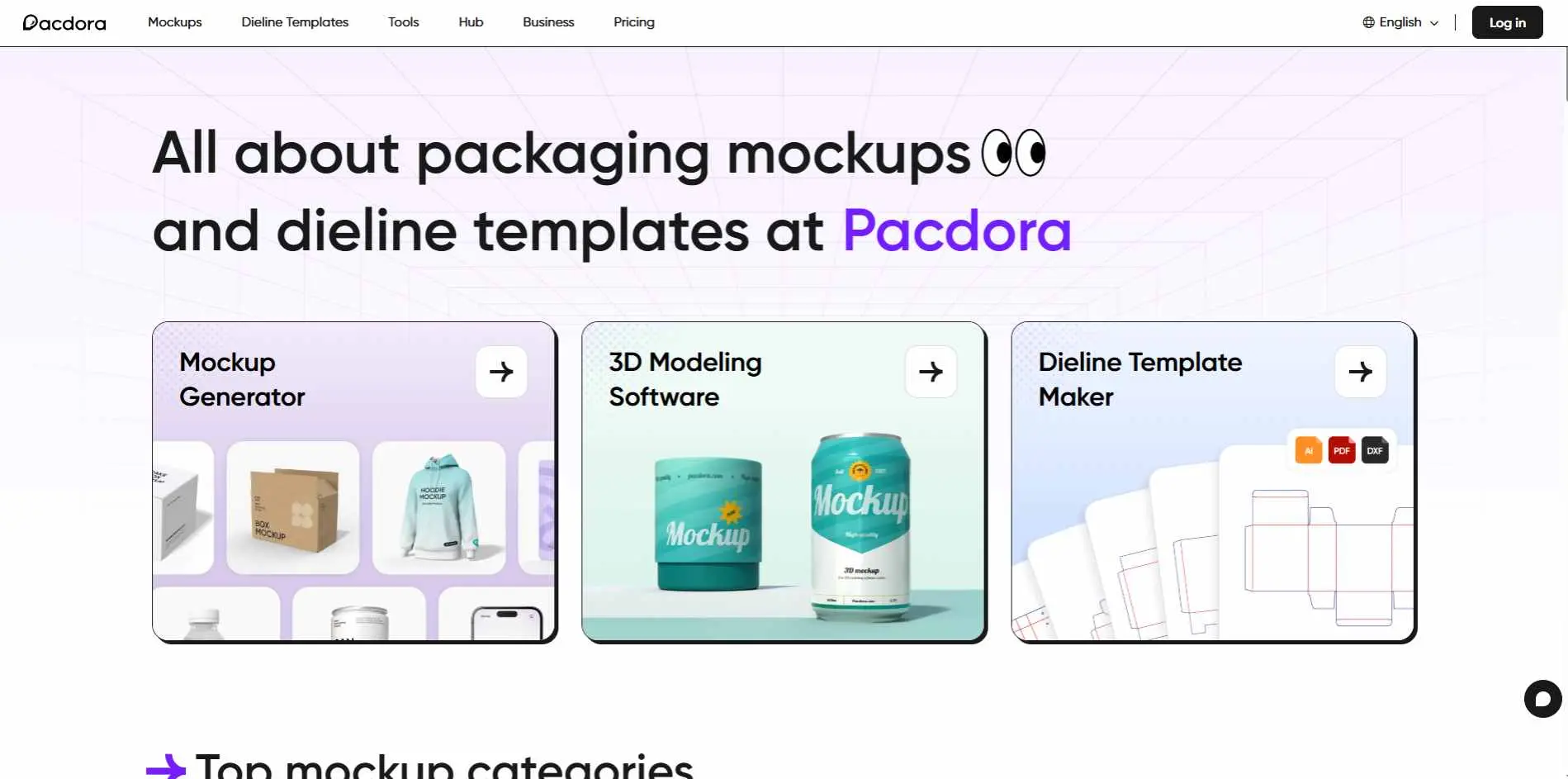
Pacdora is designed for e-commerce and packaging specifically. Once you remove the background, you place the product onto packaging mockups, lifestyle backgrounds, or mpresentation templates - all inside the same tool. Useful if your work involves product photography for online stores and you're tired of the export-import loop.
Key Features:
- AI background generator places products into photorealistic lifestyle environments automatically after removal
- 3D mockup generator for boxes, bottles, pouches, and other packaging - adjustable angles and lighting
- Dieline template maker exports AI, PDF, and DXF formats for print production
- Free plan includes 10 credits covering background removal, mockup generation, and 3D modeling
Best for: E-commerce teams and packaging designers who need background removal as part of a broader visual workflow.
11. Removal.AI
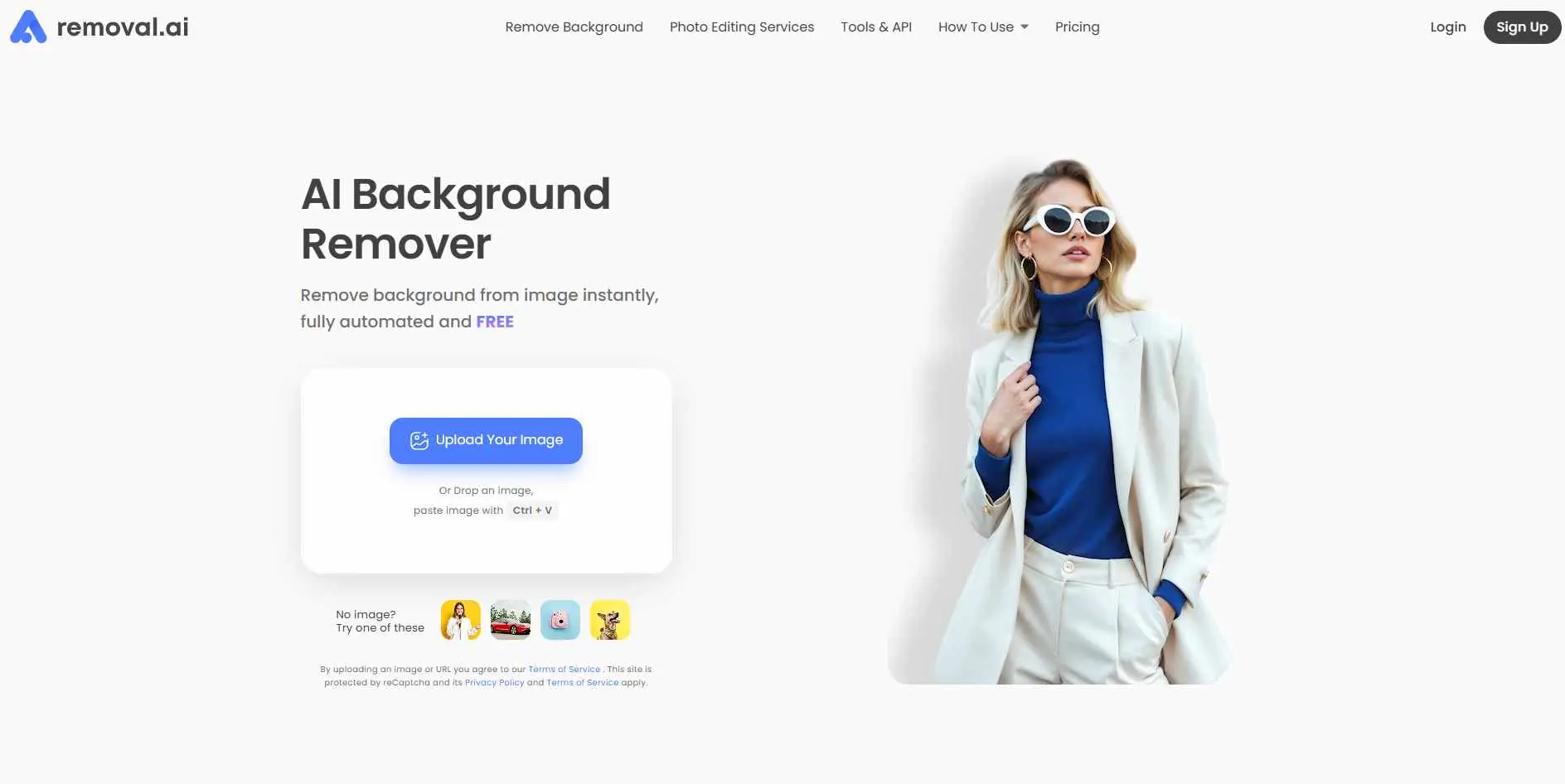
Removal.AI has a no-sign-up option for basic single images - useful when you need one photo processed without creating an account. For regular use, there's an editor and bulk processing. A reasonable starting point for freelancers or small teams who want free entry-level access with room to scale.
Key Features:
- Bulk background remover app (desktop download) handles drag-and-drop batch processing of hundreds of images
- API integration available for automating background removal inside apps or workflows
- Up to 12MP HD output on paid plans; free users get lower-resolution previews with no sign-up required
- Pay-as-you-go credits valid for 3 years - no monthly reset or expiry pressure
Best for: Solo users who want a free starting point and the option to grow into bulk jobs.
How to Pick the Right One
Most of these tools will handle a clean product photo without trouble. The differences show up at the edges - literally and practically.
Need a desktop app? PhotoScissors. Need API access for automation? Pixian.AI. Working with video as well as images? BackgroundRemoverai.com. Doing e-commerce mockups inside one tool? Pacdora. Want the simplest possible workflow? AI Ease or Removal.AI.
Before paying, test on your actual images - not the demo photos from their landing page. Difficult situations like wind-blown hair, transparent objects, busy backgrounds will tell you a lot more than a clean studio shot ever will. Check also what you get with the free plan, some are quite useful others give. And verify whether batch processing is on the free or paid tier - if you're doing any real volume, that decision matters.
Conclusion
Most of these tools work. The question is which fits your actual situation - your volume, your technical setup, what you need to do with the image once the background is gone.
For quick one-off edits, AI Ease or Removal.AI get you there fast. For developers automating the process, Pixian.AI. For e-commerce teams juggling photography and mockups together, Pacdora. For video and images in one place, BackgroundRemoverai.com.
Try one or two on your own images before buying anything. Edge quality on difficult shots varies more than the marketing pages let on.