 Table of Content
Most people land here after staring at an old LinkedIn photo taken on a phone in bad kitchen lighting, or realizing a resume photo is five years and one haircut out of date. Booking a photographer for a single headshot session costs money and takes a calendar slot nobody has.
AI headshot generators cut that out entirely - upload a handful of selfies, wait a bit, and get back a set of photos that pass for professionally shot. Some tools genuinely nail it. Others produce something closer to a wax figure wearing a blazer. Nine popular tools were tested here on realism, speed, pricing, and how much control they actually give over the final look.
How these were picked
Four things actually matter here. Are the faces realistic across different lighting and skin tones? How fast do these tools generate results? What is the pricing once the trial ends? And can you truly customize outfits and backgrounds, or are you stuck using boring presets?
A few of these tools are free outright. A few costs about what a decent lunch does. None of them require booking an actual studio or owning a good camera.
Quick Comparison
Tool | Starting Price | Free Option | Best For |
| HeadshotPro | $29 | Yes | Overall quality |
| Aragon.ai | $29 | No | Corporate teams |
| BetterPic | $29 | Yes | Realism |
| Dreamwave | Free | Yes | Testing it out |
| Remaker AI | Free tier | Yes | Quick single-photo edits |
| Magic Studio | Free tier | Yes | All-purpose photo editing |
| NoteGPT | Low-cost | Partial | Tight budget |
| HeadshotMaster.io | Mid-range | Partial | Style variety |
| Monica | Subscription | Partial | Existing Monica users |
1. HeadshotPro - Best Overall
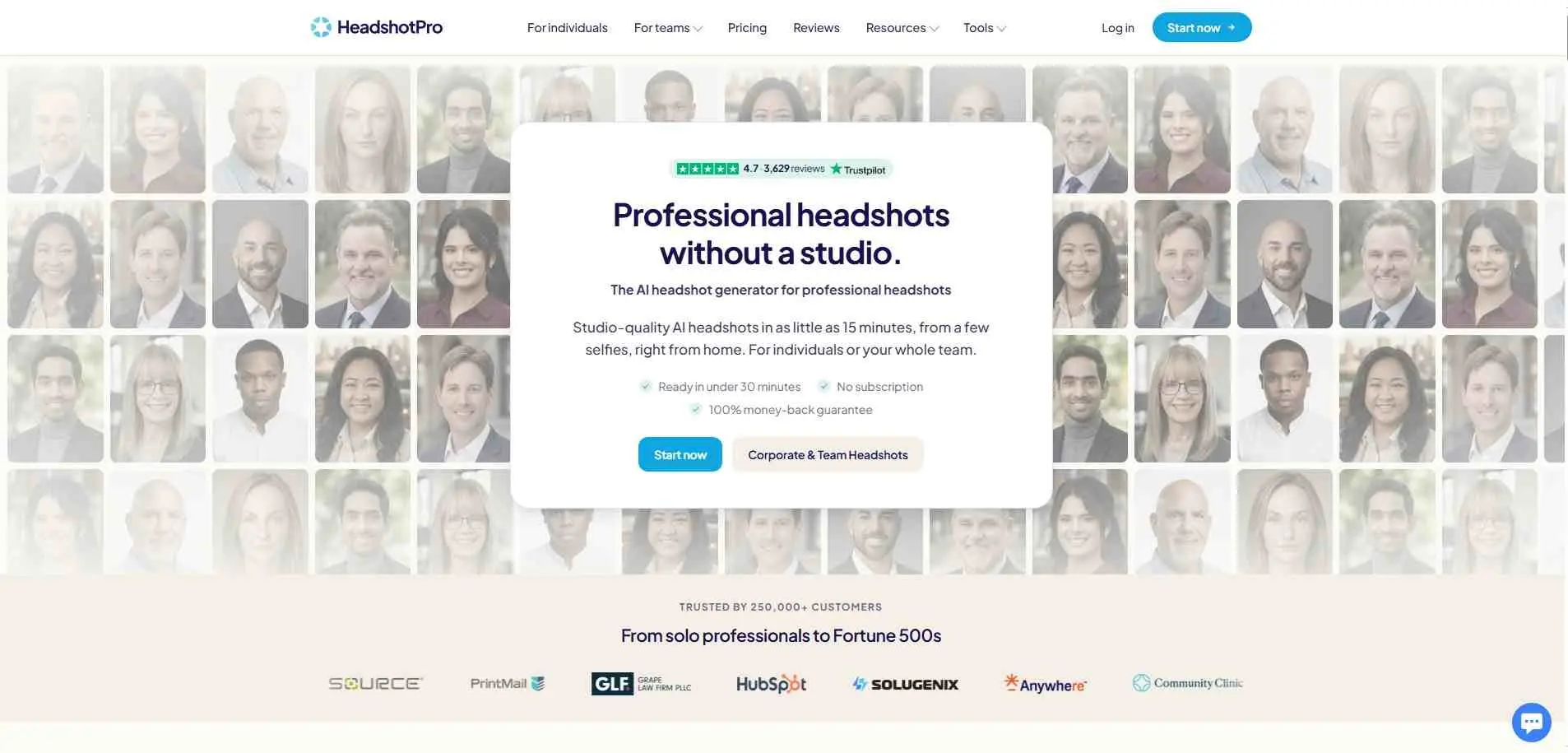
HeadshotPro is the one worth trying first if the goal is getting it right on the first attempt. Upload ten to twenty photos, pick a style like corporate or outdoor, and a full batch comes back in a few hours rather than seconds. That slower turnaround tracks with noticeably better output. Skin texture looks genuinely real, lighting holds steady across sets, and weird artifacts near ears or hairlines rarely happen unlike those faster competitors. Packages start around $29 for a single batch. A free version is available with no signup required, making it an easy first stop before paying anywhere else.
Features:
- Multiple style presets (corporate, casual, outdoor) in one batch
- Processes 10–20 source photos per session for better accuracy
- Free no-signup tool for quick testing
2. Aragon.ai - best for corporate teams
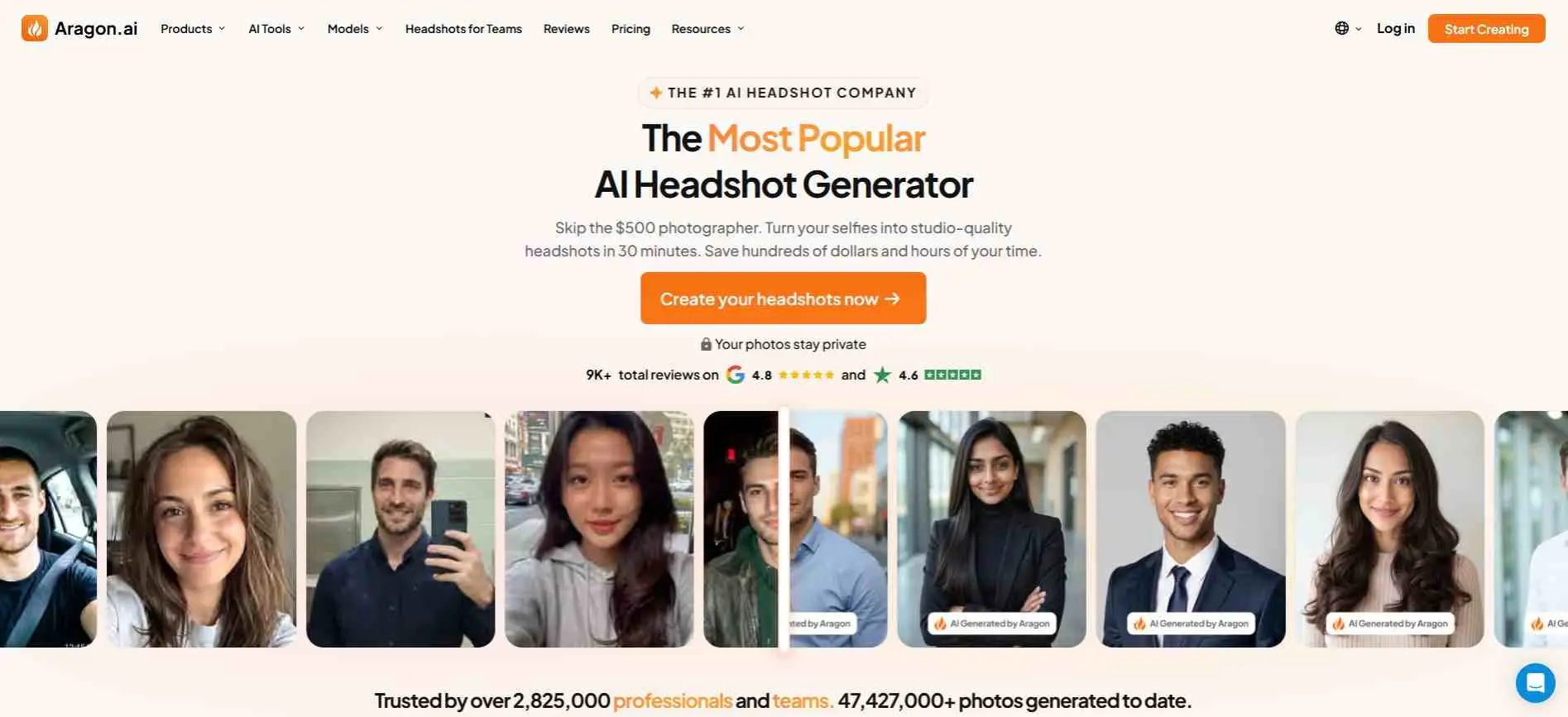
Aragon is built specifically for the “corporate bio photo” look - the kind of headshot that ends up on a law firm’s website or an investor deck. Companies wanting consistent headshots across 50 employees without flying anyone to a photography studio tend to land here, since the tool standardizes lighting and background across every person who runs through it. Output skews more airbrushed than HeadshotPro’s results - a plus for people who want the extra polish, a drawback for anyone who wants their skin texture left alone. Team plans are available for bulk use, and a single batch for one person runs about $29.
Features:
- Team/bulk plans for consistent company-wide headshots
- Studio-style polished finish by default
- Simple single-batch pricing for individuals
3. BetterPic - best for realism
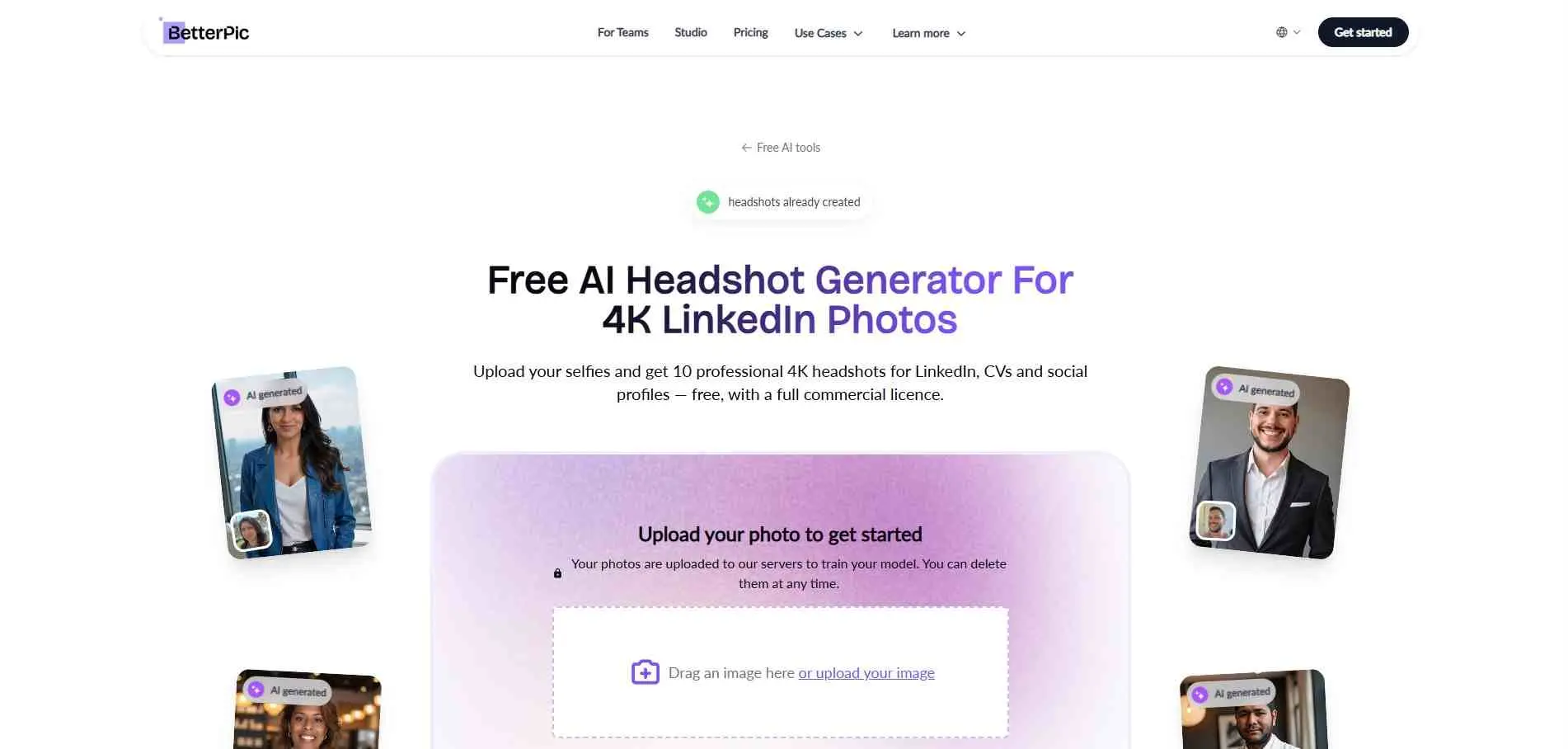
BetterPic generates the most convincing results. Faces keep their pores, their small asymmetries, the little imperfections that make a face read as a real photo instead of a render. That realism comes at a cost: processing takes noticeably longer than most competitors, often stretching past the “few hours” window other tools promise. A free tool is available to test the waters before committing to a paid batch, which is worth doing given how different the output style can feel from tool to tool.
Features:
- Realistic skin texture, minimal AI smoothing
- Free trial before paid batch
- Longer processing time in exchange for higher fidelity
4. Dreamwave - best free option
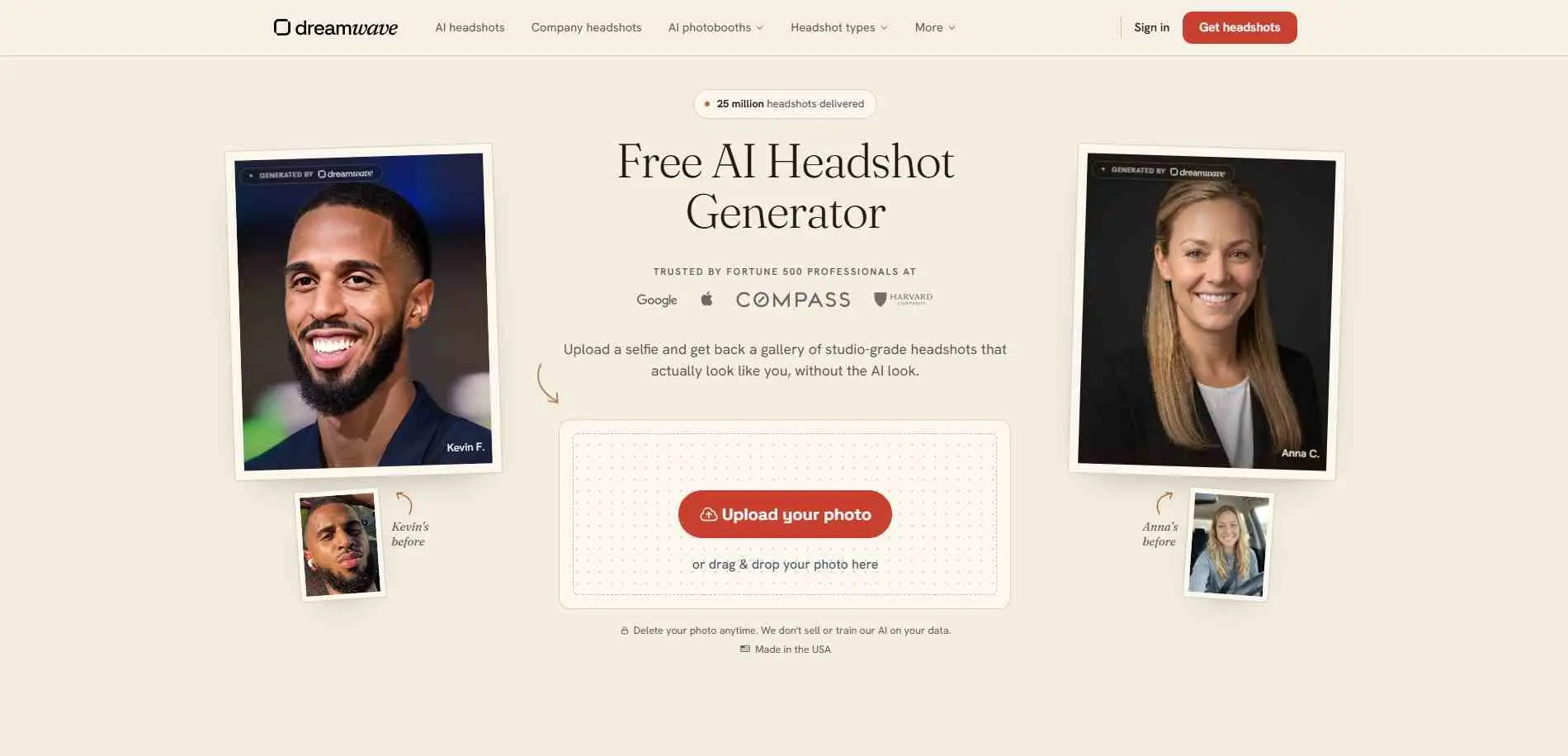
No credit card required, no trial that quietly expires. Customization is thinner here than on the paid tools above - fewer style presets, less control over background choice - but for a quick test of what an AI headshot even looks like, or a last-minute LinkedIn photo update, this is the easiest entry point on the list. It’s a reasonable place to start before deciding whether a paid tool is worth the money.
Features:
- Completely free, no card required
- Fast, low-friction entry point for first-time users
- Limited style/background customization
5. Remaker AI - best for quick single-photo edits
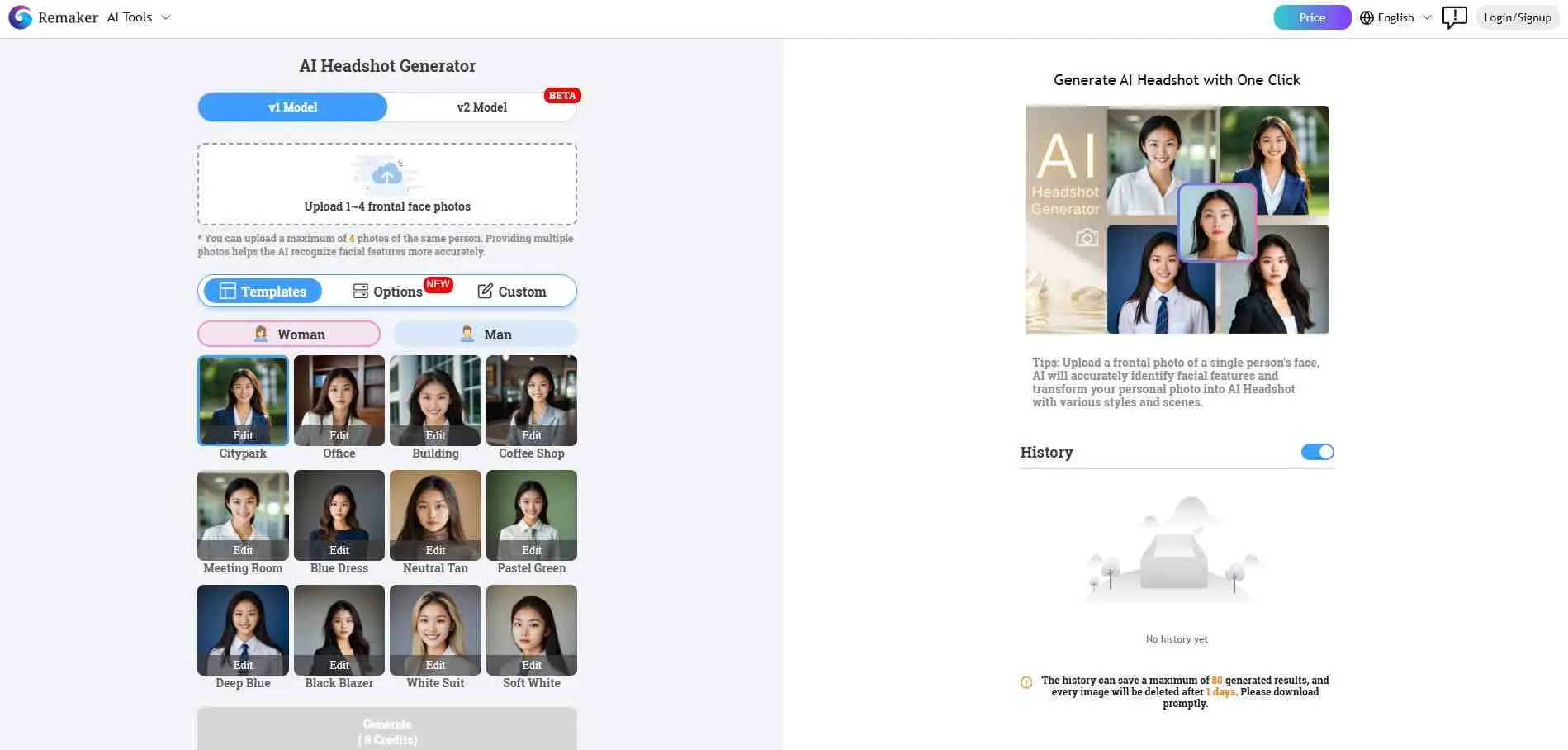
Remaker isn’t really a full headshot studio - it’s closer to a fast editing tool built around a single photo someone already has. Swap the background, adjust the lighting, clean up the framing, and the result is ready in minutes rather than hours. It won’t generate an entirely new set of poses and angles the way HeadshotPro does, so anyone starting from scratch with no usable photo at all should look elsewhere. But for a decent existing photo that just needs to look more “office” and less “bathroom mirror,” it’s quick, cheap, and does exactly what it says.
Features:
- Single-photo editing (no need for a full photo set)
- Background and lighting swap in minutes
- Free tier available
6. Magic Studio - best all-in-one photo tool
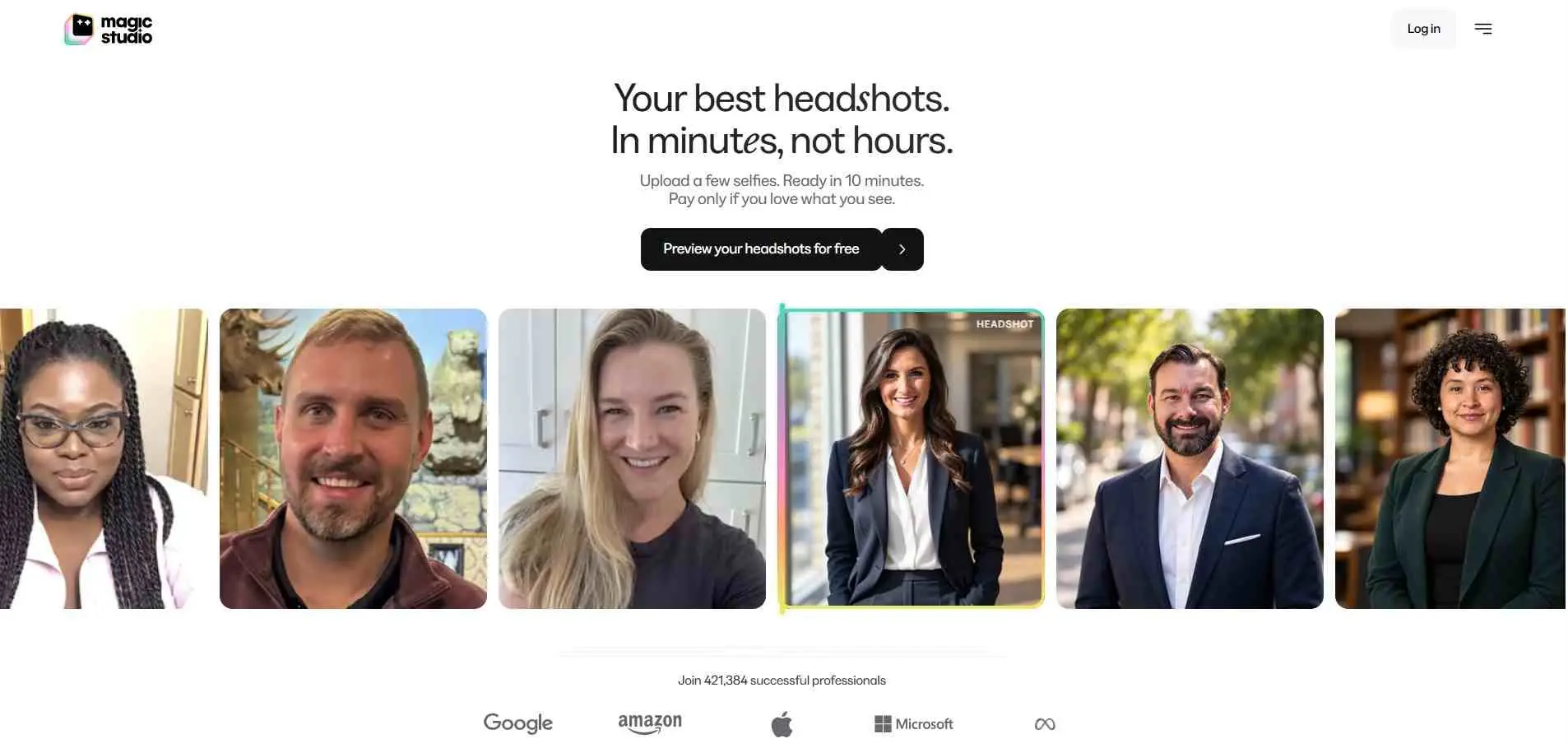
Magic Studio is an AI photo editor doing way more than just headshots. It handles background removal, product photo cleanup, and pretty much any image edit. You get all of that under one subscription instead of paying for a single purpose tool that only makes headshots. The headshots are solid but not exceptional, a step behind the specialist tools higher up this list. For people who need more than headshots, the range makes up for it. If general image creation matters as much as headshots, this roundup of AI image generators covers more options.
Features:
- Headshot generation plus general photo editing (background removal, cleanup)
- Useful for users needing more than just headshots
- Free tier to start
7. NoteGPT AI Headshot Generator - best budget pick
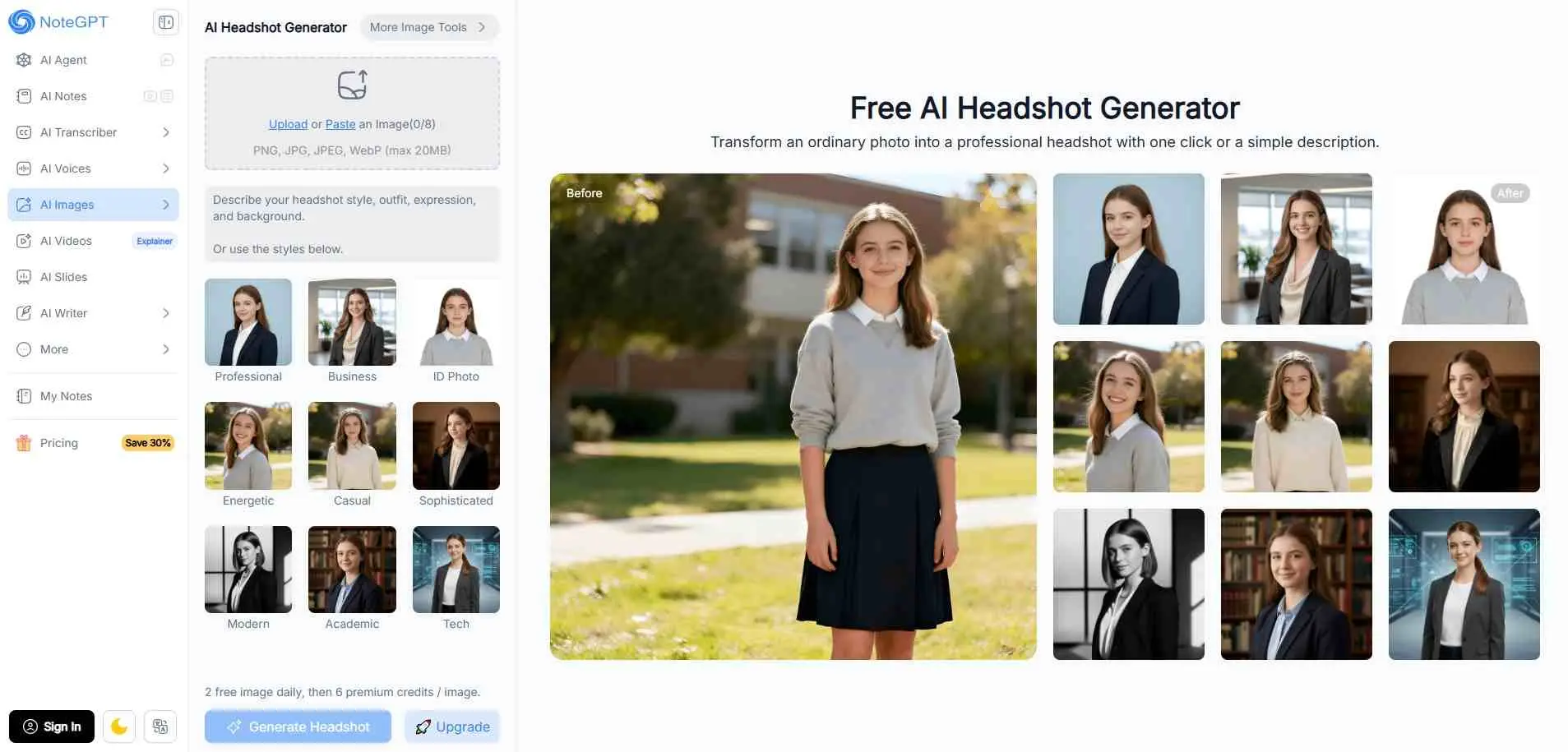
NoteGPT’s headshot tool is bare-bones, and priced accordingly. Style options are limited compared to the pricier tools on this list - fewer background choices, fewer outfit presets - but it covers the basics for a resume photo or a company directory page without costing much at all. Anyone who just needs “a professional-looking photo that exists” rather than a highly polished, customizable result will get what they need here.
Features:
- Lowest-cost option on this list
- Basic but functional output for resumes/directories
- Fast turnaround
8. HeadshotMaster.io - best for variety of styles
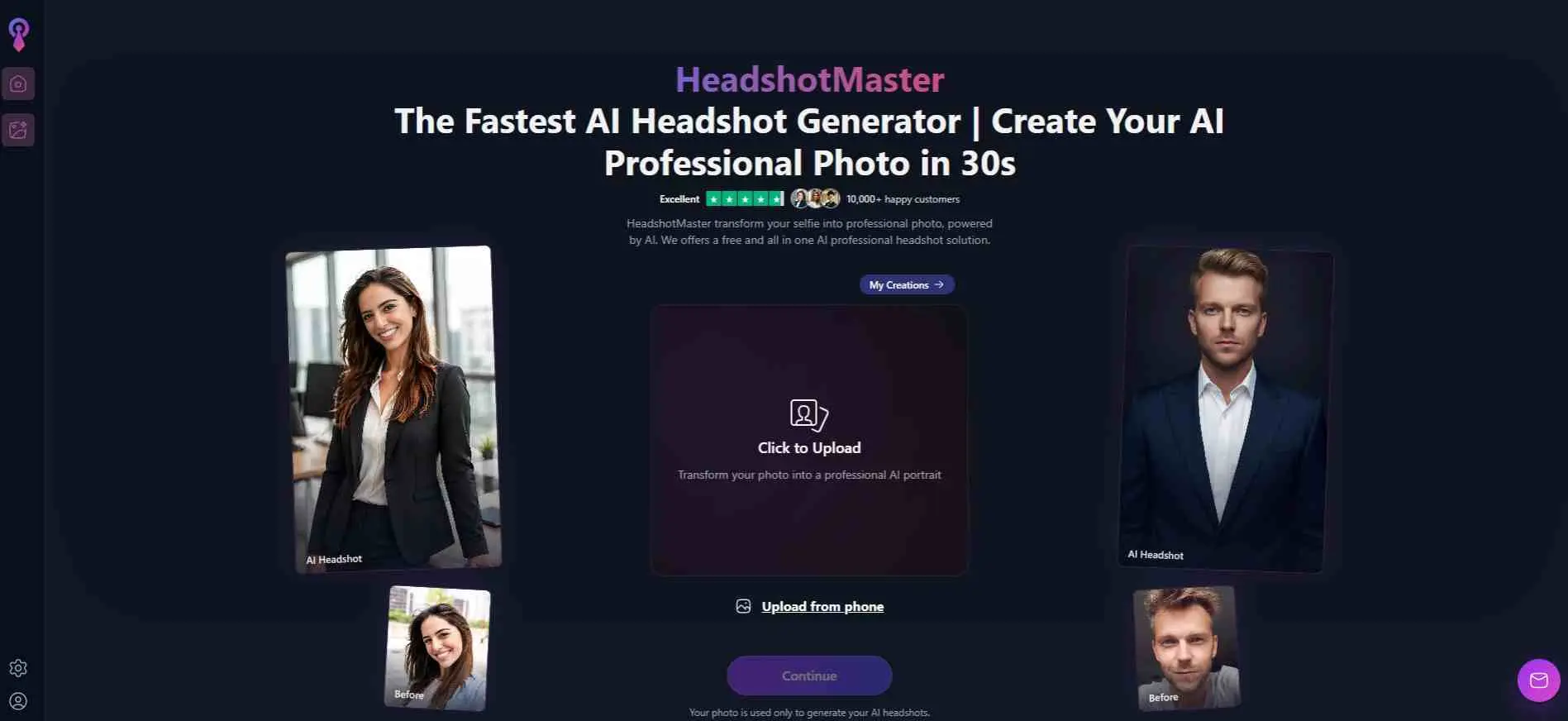
HeadshotMaster offers more presets than any other tool tested - business casual, creative-industry, academic, outdoor, and several variations within each category. That range suits you if you haven’t settled on a look yet and want to try different styles first. It misses BetterPic intensity, yet remains plenty good for ordinary day to day needs. The number of options is definitely worth exploring before you spend money elsewhere.
Features:
- Widest range of style presets (business, creative, academic, outdoor)
- Good for experimenting before committing elsewhere
- Mid-range pricing
9. Monica - best for built-in convenience
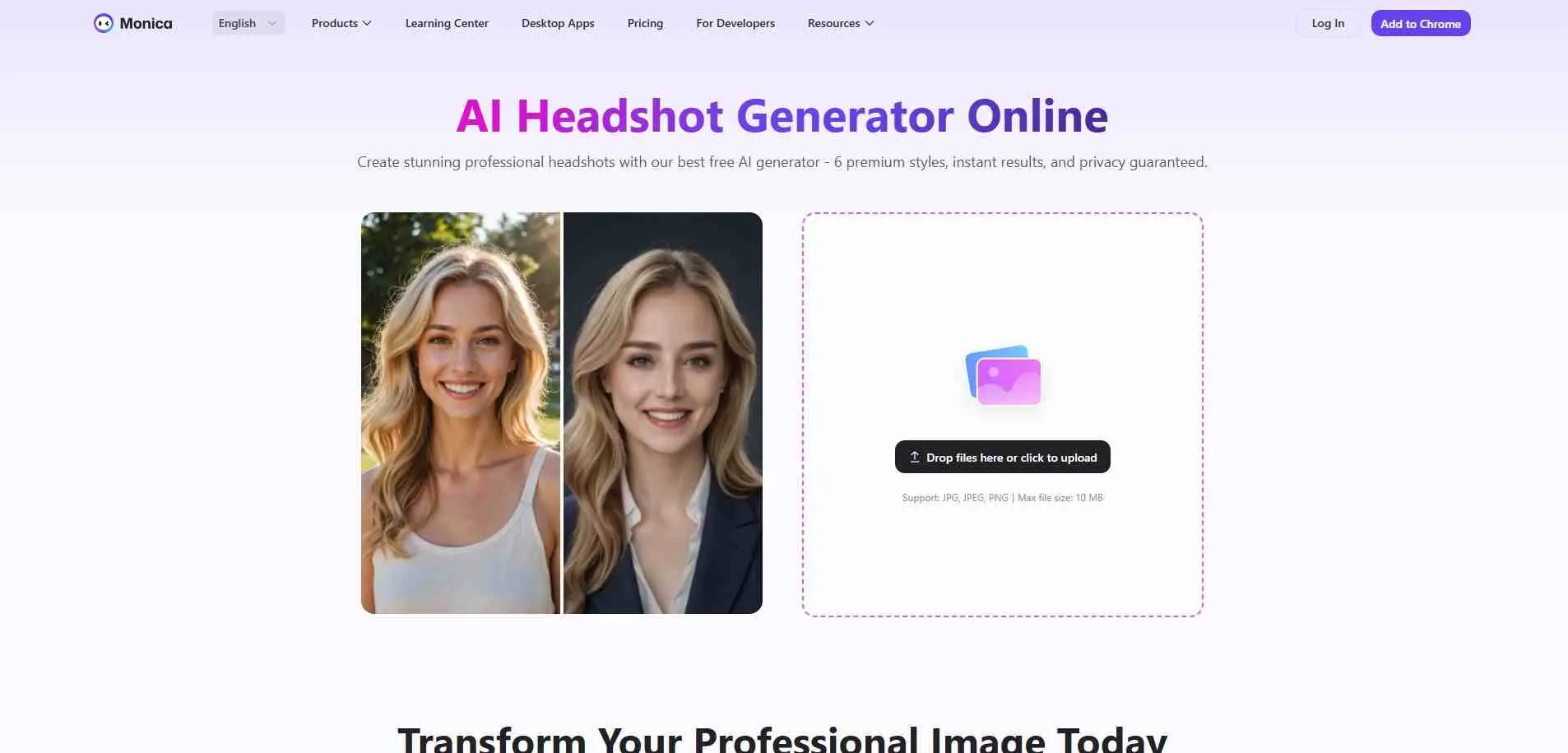
Monica started as a browser-based AI assistant for writing and research, and the headshot generator is one feature tacked on alongside several others. For people who already use Monica regularly, generating a headshot without opening a separate tool or tab is genuinely convenient. As a standalone headshot generator, though, it’s fine rather than exceptional - it doesn’t match the specialist tools on realism or customization, but it gets the job done for someone who just wants a passable result without installing anything new.
Features:
- Headshot tool bundled inside a broader AI assistant
- Convenient for existing Monica users (no new app needed)
- Subscription-based access
Common Mistakes People Make With These Tools
The most common one is uploading five or six photos all taken on the same day, in the same lighting, from roughly the same angle. These tools need variety - different angles, different expressions, different lighting conditions - to build a face that looks consistent from multiple sides rather than a repeat of one flattering selfie stretched across a dozen outputs.
Ignoring aspect ratio is another frequent slip: a headshot cropped square for LinkedIn doesn’t necessarily work on a resume header or a company “About” page, and resizing after the fact often crops out exactly the part of the photo that mattered.
The third mistake is settling for the first generated result. Most of these tools return a dozen or more variations in one batch, and the first one in the grid is rarely the strongest. Scroll through the whole set before you pick. Then show your shortlist to a coworker or friend, since they’ll notice things you won’t.
Where Can You Use AI-Generated Headshots?
Anywhere a professional photo goes, but don’t assume one image fits every spot. A tight crop that looks good as a small profile photo can feel cramped on a website or speaker page. Those usually want more space around you. Before settling on one final image, it helps to think through each format you’ll actually use it for. The same goes for how you present yourself across social media marketing channels, where a photo that works on one platform may feel off on another.
Use Case | What Usually Works Well | What to Consider |
| Professional networking profiles | Clear face, simple background, close crop | The image needs to stay recognizable even at a small size |
| Company bios and team pages | Consistent lighting, framing, and overall style across the team | Should match the visual tone of the company website |
| Personal websites and portfolios | A polished headshot with a little more room around the subject | Wider framing gives the page more layout flexibility |
| Speaker, author, and media bios | Clean composition and high-resolution output | Leave enough space for different crops and event graphics |
| Professional social profiles | Natural expression and styling suited to your field | A slightly more relaxed look may work better on some platforms |
Using an AI headshot generator for more than one profile? One image won’t work everywhere, so make a few versions. Go tighter on the crop for LinkedIn, and more casual on the background for Instagram. If a platform wants a square or round crop, a profile picture maker can handle it.