

 Table of Content
Selling on marketplaces gets you more buyers but it eats your time. You re‑upload the item, rewrite descriptions, adjust prices and lose track of what’s still in stock. The bigger your catalog gets, the worse it feels.
Cross-listing apps take some of that off your plate. You create or transfer listings from one dashboard to the marketplaces the app supports. Some also handle bulk listing, inventory tracking, and delisting an item automatically once it sells.
So which one should you pick? Below are ten cross‑listing tools to look at in 2027: what each is mainly used for, what to check before you commit and who it might fit.
Quick Comparison of the Best Cross-Listing Apps
App | Best for |
| FlowLister | Cross-listing workflows |
| Flyp Crosslister | Individual resellers |
| Vendoo | Inventory and sales management |
| Crosslist | Multiple marketplace listings |
| List Perfectly | Professional resellers |
| PrimeLister | Bulk listing and automation |
| Shopfront | Online selling workflows |
| ExportYourStore | Multichannel e-commerce |
| Swiftlisted | AI-assisted listing workflows |
| SellerAider | Multi-platform selling |
10 Best Cross-Listing Apps For Sellers in 2027
1. FlowLister: best for streamlining cross-listing

FlowLister is for sellers who are tired of treating every marketplace as its own chore. It gives you one organized workflow for managing listings across different platforms instead. Before you sign up, check which marketplaces it supports today and whether it handles your catalog. Try a bulk upload, test the inventory sync, and edit a live listing to see what breaks.
What to check:
- Supported marketplaces and integrations
- Listing creation and transfer options
- Inventory management features
- Subscription plans
If you want a tool built around cross-listing and don’t want another pile of separate apps in your daily routine, FlowLister is a reasonable place to start.
2. Flyp Crosslister: best for individual resellers
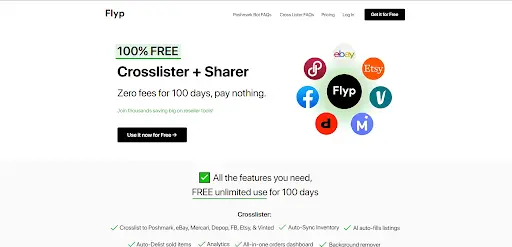
Flyp Crosslister is aimed at sellers who want to reach more marketplaces. Cross-listing gets tedious fast when you sell clothing, shoes, accessories, or other secondhand items, and Flyp is meant to cut that down.
If you cross-list resale items often, it’s worth a trial. Just confirm it covers the channels you actually use before you pay.
What to check:
- Cross-listing capabilities
- Supported resale marketplaces
- How listings get transferred
- Trial availability and subscription costs
It’s a sensible one to compare if you’re a solo reseller who’s sick of retyping the same details.
3. Vendoo: best for inventory and sales management

Vendoo is a popular company that provides resellers with software to help manage their products on multiple online marketplaces as well as organize their product inventory and monitor sales.
Vendoo is more than just a tool to transfer product descriptions from one marketplace to another. Vendoo allows users to view both inventory and sales data in one centralized location so when your business grows, you have all the necessary information at your fingertips.
What to look at:
- Cross-listing across supported marketplaces
- Inventory management
- Bulk listing tools
- Sales tracking and analytics
- Delisting options
Vendoo makes sense if you want listing management and inventory tools together. Check its current pricing and marketplace limits before you pick a plan.
4. Crosslist: best for multiple marketplace listings
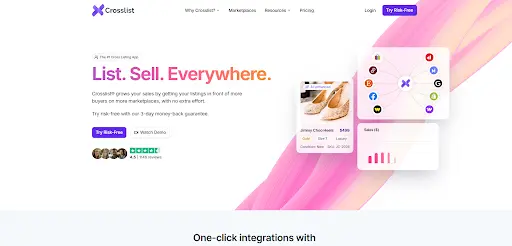
Crosslist helps you publish listings on different marketplaces without rebuilding each one from scratch. Its site advertises support for a range of selling platforms, which matters if you have accounts on several of them.
The thing to test is how much information actually carries over when you move a listing. Descriptions, images, categories and other details all count, because marketplaces don’t all ask for the same things.
What to look at:
- Cross-listing across supported marketplaces
- Bulk listing
- Listing customization
- Product information transfer
- Available integrations
If you frequently list your items on different sites, then this may be the right option for you. Before you sign up, check the list of available market places that this tool supports to make sure they match the ones where you currently list your products.
5. List Perfectly: best for professional resellers
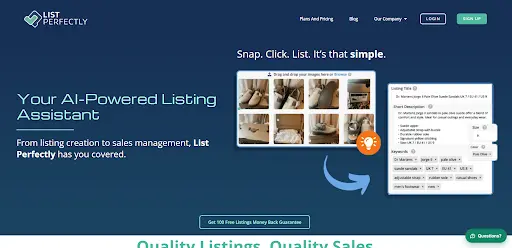
List Perfectly is built for resellers who run catalogs across multiple marketplaces. It handles listing management in one place, which helps once manual cross-posting starts swallowing your day. For a seller the question to consider is whether this tool can handle a high volume of work.
You should examine how well the tool manages your listings, works with marketplaces, allows you to customize the look of your store and provides tools for managing your inventory.
What to look at:
- Cross-listing and product management
- Listing templates and customization
- Marketplace integrations
- Inventory organization
- Subscription plans
It’s worth comparing if reselling is your business and not a side hobby. Whether it fits will depend on how many listings you manage and which marketplaces you use.
6. PrimeLister: best for bulk listing and automation
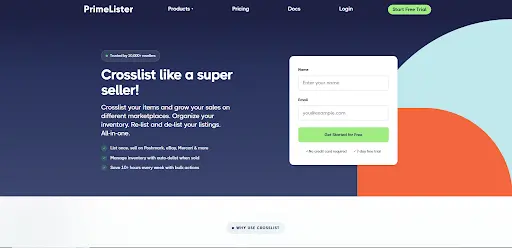
PrimeLister is another option if you handle a lot of listings. Going through the same process for dozens or hundreds of products takes a long time, especially across several marketplaces.
It’s focused on reseller workflows and listing automation. Its bulk features are the part to test first.
What to look at:
- Bulk listing workflows
- Cross-listing functionality
- Automation options
- Marketplace compatibility
- Inventory tools
It may appeal to you if you want less repetitive work on a bigger catalog. Check the current plan limits and supported integrations against what your business needs.
7. Shopfront: best for online selling workflows
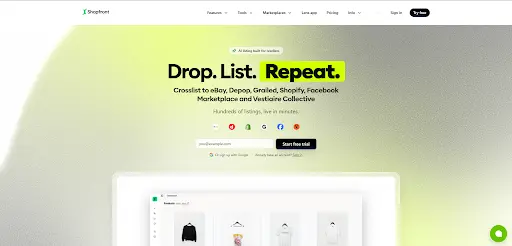
Shopfront is on the list for sellers who want help organizing their online selling. Don’t assume it’s a drop-in replacement for a traditional reseller crosslister, though. Check its current positioning and marketplace integrations first.
That distinction matters. Some selling platforms are built to run a storefront. Others exist to move individual listings between resale marketplaces.
What to check:
- Storefront and product management
- Sales channel integrations
- Order and inventory workflows
- Listing management
- Pricing and plan limits
Look into it if its current features match how you sell. Confirm it handles your specific cross-listing needs before you commit to a subscription.
8. ExportYourStore: best for multichannel e-commerce
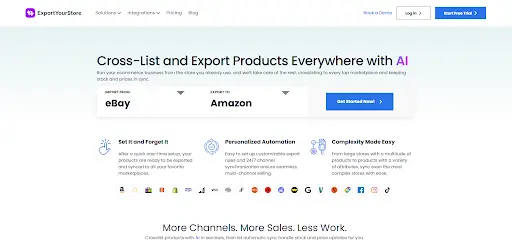
ExportYourStore takes a multichannel approach. It’s relevant for businesses that want to manage products across connected sales channels without keeping separate catalogs for each one.
That’s most useful for e-commerce sellers running more than one storefront or marketplace. Product synchronization is the feature to dig into, since stale stock numbers lead to order problems. If order handling is where things slip as you add channels, these best practices for faster eCommerce operations are worth a look.
What to look at:
- Product listing synchronization
- Connected sales channels
- Inventory management
- Multichannel workflows
- Order-related capabilities
It probably fits a multichannel e-commerce business better than a casual reseller with a handful of secondhand items. Check the supported channels and the synchronization rules before you choose it.
9. Swiftlisted: Best for AI-assisted listing workflows
Swiftlisted is designed for sellers who want to learn how AI can assist them with listing. If you list products on multiple marketplaces, you`ll find yourself creating titles and descriptions for each marketplace.
Creating titles and descriptions for all of those marketplaces takes time and effort. Using AI can help reduce the amount of time you spend on this task. However you need to make sure that the AI-generated content is accurate and helpful. You should check that it produces product details supports your marketplaces and lets you edit a listing before it goes live. AI can take some of that writing off you, but what matters is whether the output is any good.
What to check:
- AI-assisted listing creation
- Title and description workflows
- Supported marketplaces
- Listing management options
- Pricing and usage limits
You might like it if you want AI help built into your listing process. Look at what it can do today before you rely on it for your whole catalog.
10. SellerAider: best for multi-platform selling
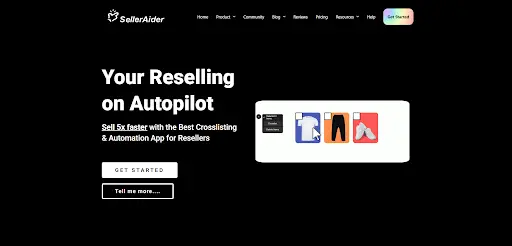
SellerAider is a reseller-focused platform for managing listings across several online marketplaces. It’s a candidate if you’re tired of maintaining the same product information on different channels.
Look hard at its cross-listing and delisting features. When something sells on one marketplace, you need a dependable way to pull it from the others.
What to look at:
- Cross-listing across marketplaces
- Listing and inventory management
- Delisting workflows
- Marketplace integrations
- Pricing plans
It could work if you sell on a number of platforms and want to run your listings from one spot. Check the supported marketplaces and automation rules before you subscribe.
How to Choose the Best Cross-Listing App
First consider the following: Marketplace integrations – Does the multi-channel software support all the marketplaces you currently use to sell products?
Just because a software program supports fifteen different marketplaces does not mean it will work for you unless your marketplace(s) are among those fifteen.
Inventory sync – Find out if the software will automatically update the availability of products listed on each marketplace as they are sold. It is especially important when you are selling unique (one-of-a-kind) or second-hand products.
- Automatic delisting: Find out if the software will automatically remove a product that was recently sold from all other marketplaces where it is currently listed.
- Bulk listing: Do you list many products at once? If so, find out if the multi-channel software allows you to list multiple products simultaneously. How many products can be listed in a single batch? Is bulk listing included in your subscription level?
- Pricing: Compare monthly and annual costs, listing limits, trial periods, and extra charges. A cheap plan can get expensive as your inventory grows.
- Ease of use: Pick software that fits how you work day to day. A clunky dashboard just creates more work.
Benefits of Using Cross-Listing Apps
If you sell on marketplaces, a cross-listing app can really help you out
- Save time: It saves time because you don’t have to create each product listing from scratch. You just reuse the product information.
- Reach more buyers: You can reach buyers by publishing your eligible products on more marketplaces. That means your items get seen by audiences.
- Simplify your workflow: You can handle most of your listing tasks from one dashboard.
Demand on each marketplace still matters. Pricing & photos still matter. Competition, on each marketplace still decides whether something sells.
Final Verdict
The right application will depend on the way you sell your items, the amount of products that you have, and the marketplaces that you are selling in. Vendoo, Crosslist, List Perfectly, PrimeLister, and SellerAider should be compared with one another as they each relate to the workflow of reselling.
Also, ExportYourStore is a good option to consider if you want to sell your items through multiple channels. Prior to subscribing to any of these platforms, try out them first (if possible), make sure that it has the marketplace integrations that you need, and compare the features offered in each subscription level. Select the application that is most suited to the actual process of selling your items.