 Table of Content
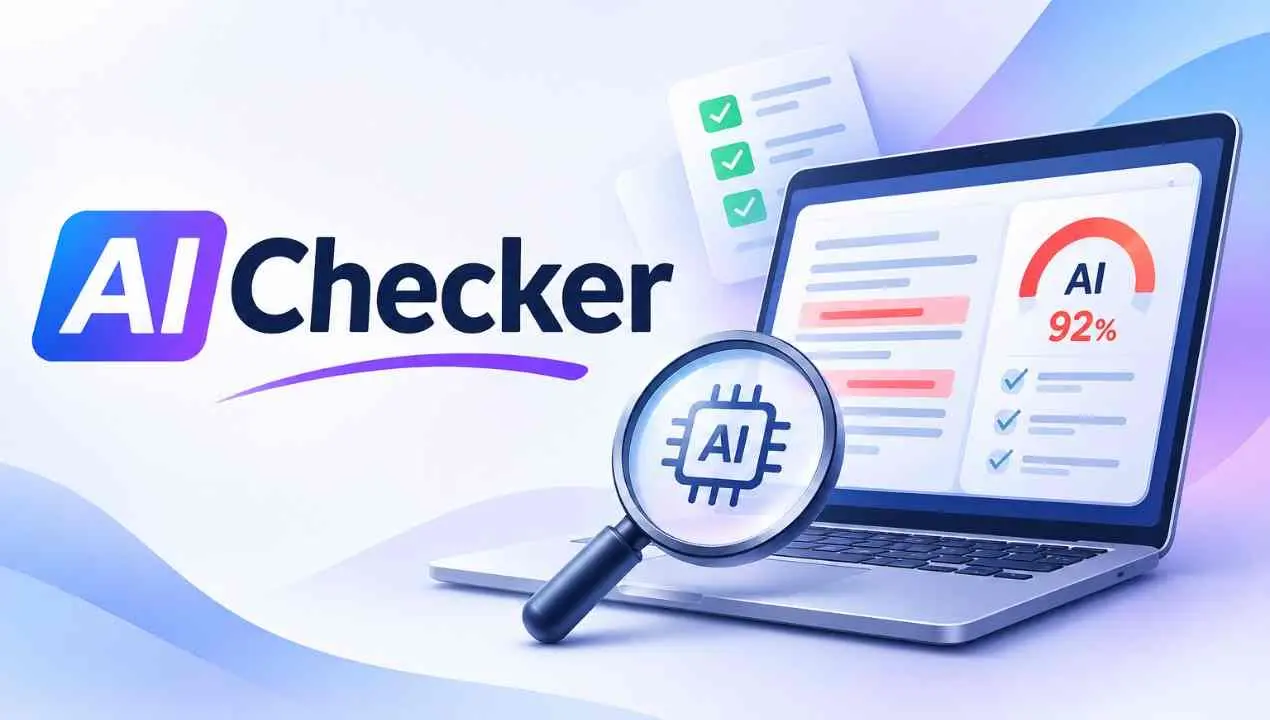
AI-generated content has quietly become part of how we all write. Students lean on it for assignments, businesses use it for reports, and publishers use it to get articles ready. So before anything gets submitted or published. That`s why so many people run their writing through an AI detector before hitting publish now - just to be safe.
But picking an AI checker isn`t as simple as grabbing whichever one shouts the highest accuracy number. Different tools can look at the exact same text and give you different answers. Some point to individual sentences that look AI-generated, while others bundle detection together with plagiarism checks or writing analysis.
This guide walks through 10 AI checkers worth a look in 2027 - what each one actually does and where it might slot into your workflow.
Quick Comparison of the 10 Best AI Checkers
Your requirement | Tools to consider |
|---|---|
Text, image, and video detection | Pangram |
AI detection and plagiarism checks | Originality.AI, Winston AI |
Sentence-level analysis | GPTZero, Originality.AI, Winston AI |
Comparing multiple detector results | Detector.io |
A quick first check | ZeroGPT |
Detection with writing tools | Isgen |
How We Selected These AI Checkers
We compared the tools on three things: what each one does, how much hassle it is, and who needs it. We also checked whether it gives you more than a bare percentage.
A number alone doesn`t tell you much. Sentence highlights, file uploads, document breakdowns, and extra checks give you something to look at.
One caveat first: an AI score is a guess. It can`t prove who typed the words, and it shouldn`t be treated as evidence in a dispute.
10 Best AI Checkers in 2027
1. Pangram
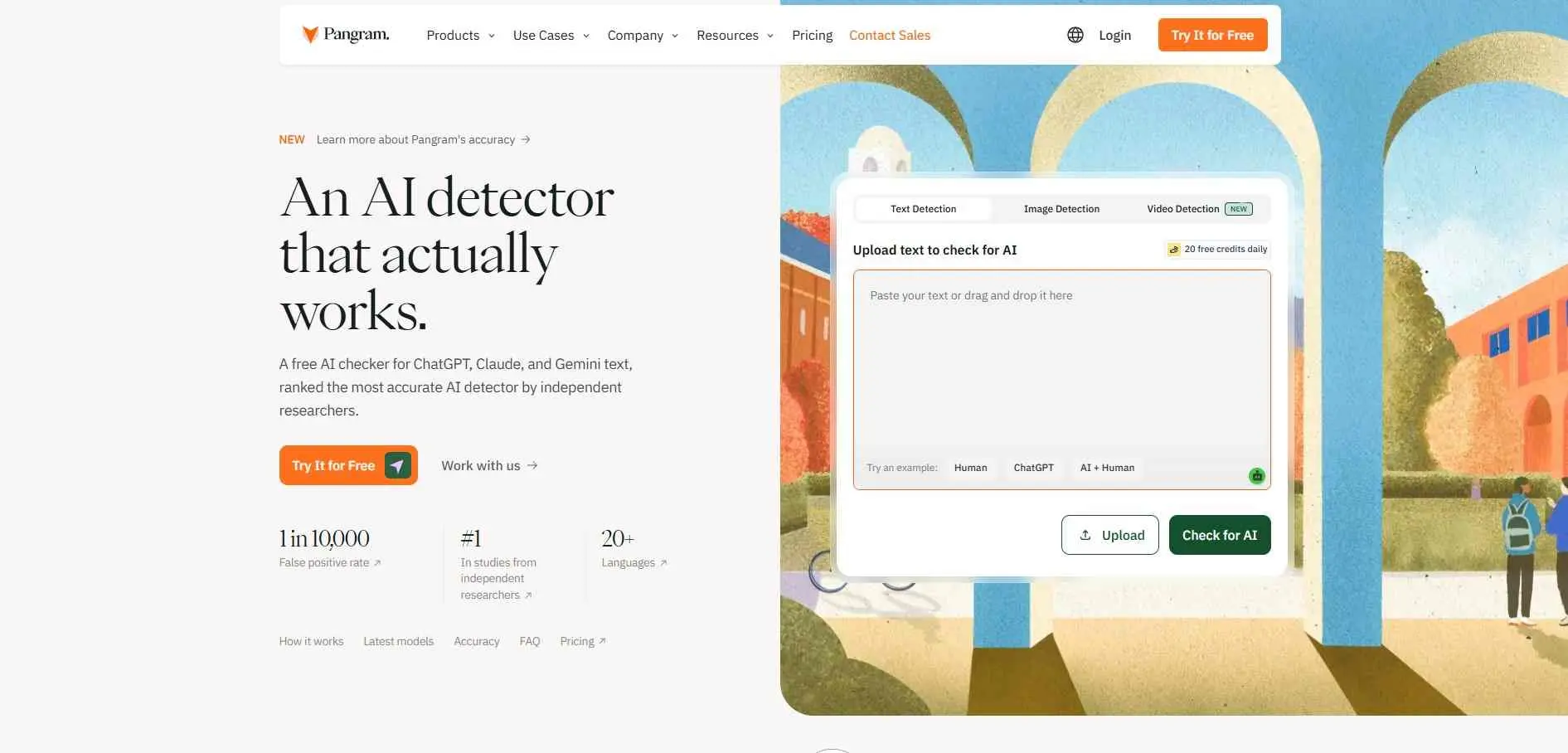
Most detectors stop at text. Pangram doesn`t - it checks text, images, and video on the same platform. When you scan written work, it flags the specific parts that look AI-generated and explains why. If your work involves AI visuals, it also helps to know which AI image generators are producing them.
You get up to 2,000 words a day and three image scans on the free tier right now. It also handles over 20 languages, file uploads, and OCR if you`re scanning physical documents.
Pros
- Scans text, images, and video.
- Explains why text got flagged.
- Works in over 20 languages.
- Free daily allowance.
Cons
- Higher limits cost money.
- You still have to review the results yourself.
Best for: Anyone who needs one spot to check different types of media for AI.
2. Originality.AI
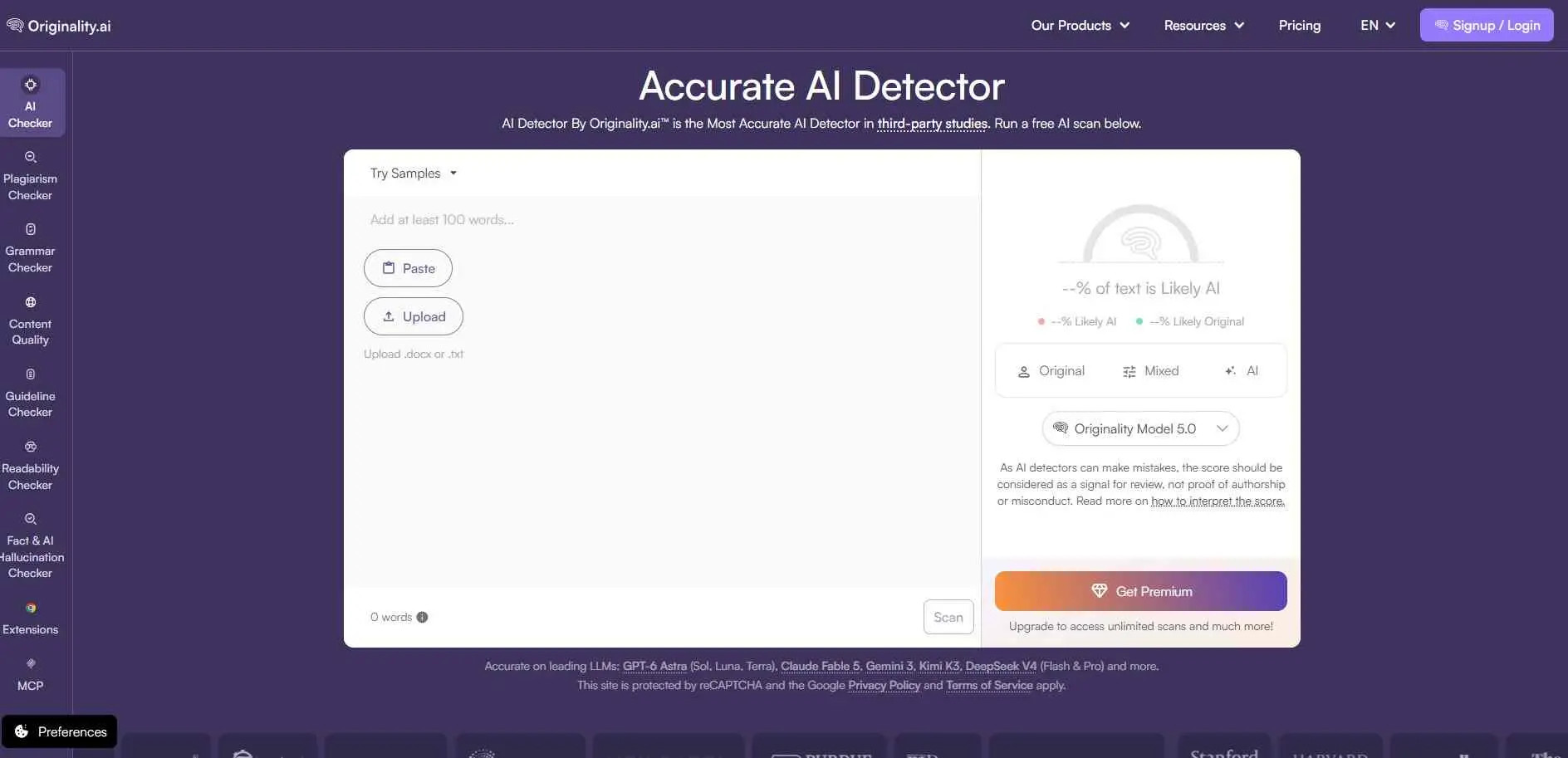
Publishers, agencies, and editors are the main audience here. Beyond AI detection, Originality.AI packs in a plagiarism checker and a few other review tools.
Instead of just dumping a percentage on your screen, it highlights the exact sentences that look suspicious. You also get shareable reports and a browser extension with writing replay features.
Right now, the free checker gives you three scans a day, capped at 2,000 words each.
Pros
- AI detection and plagiarism checking in one place.
- Highlights suspicious sentences.
- Shareable reports.
- Handles high-volume content review well.
Cons
- Daily use means paying for a plan.
- Short text snippets throw off its accuracy.
Best for: Publishers, agencies, and editors checking content all week.
3. GPTZero
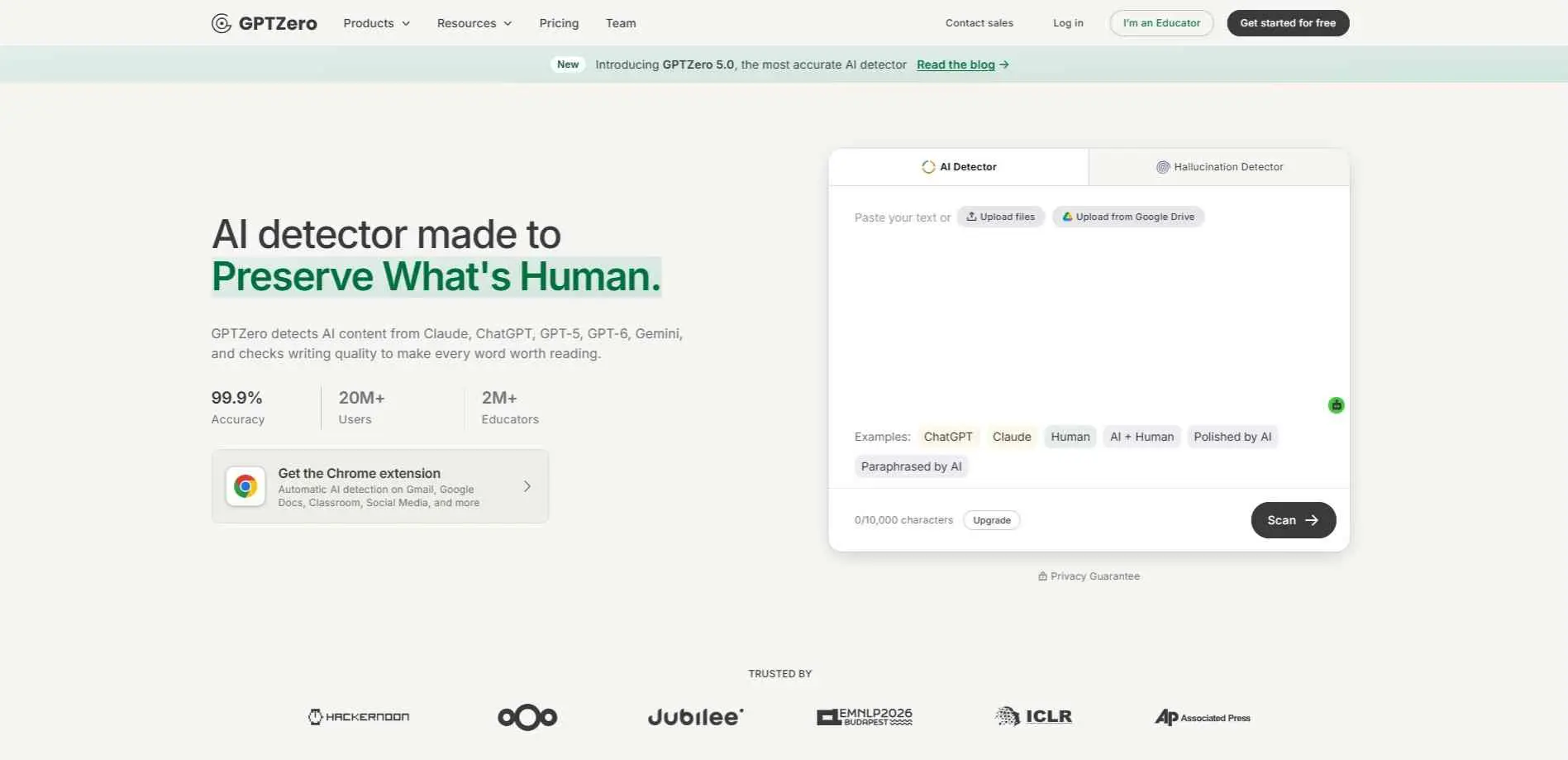
Almost everyone who has looked up AI detectors has heard of GPTZero. Paste your text or drop in a file, and it spits out an overall score plus highlights on individual sentences.
That sentence view is a lifesaver on long essays or 2,000-word articles. You can jump straight to the flagged lines instead of panicking over the top-line score.
There`s also a Chrome extension for scanning live webpages, and the dashboard handles longer files and batch scans.
Pros
- Both document-level and sentence-level scores.
- File upload support.
- Chrome extension included.
- Explains parts of its reasoning.
Cons
- A highlighted sentence isn`t proof of AI.
- Style and text length can swing the results.
Best for: Teachers, students, and writers who want to check specific sentences.
4. ZeroGPT
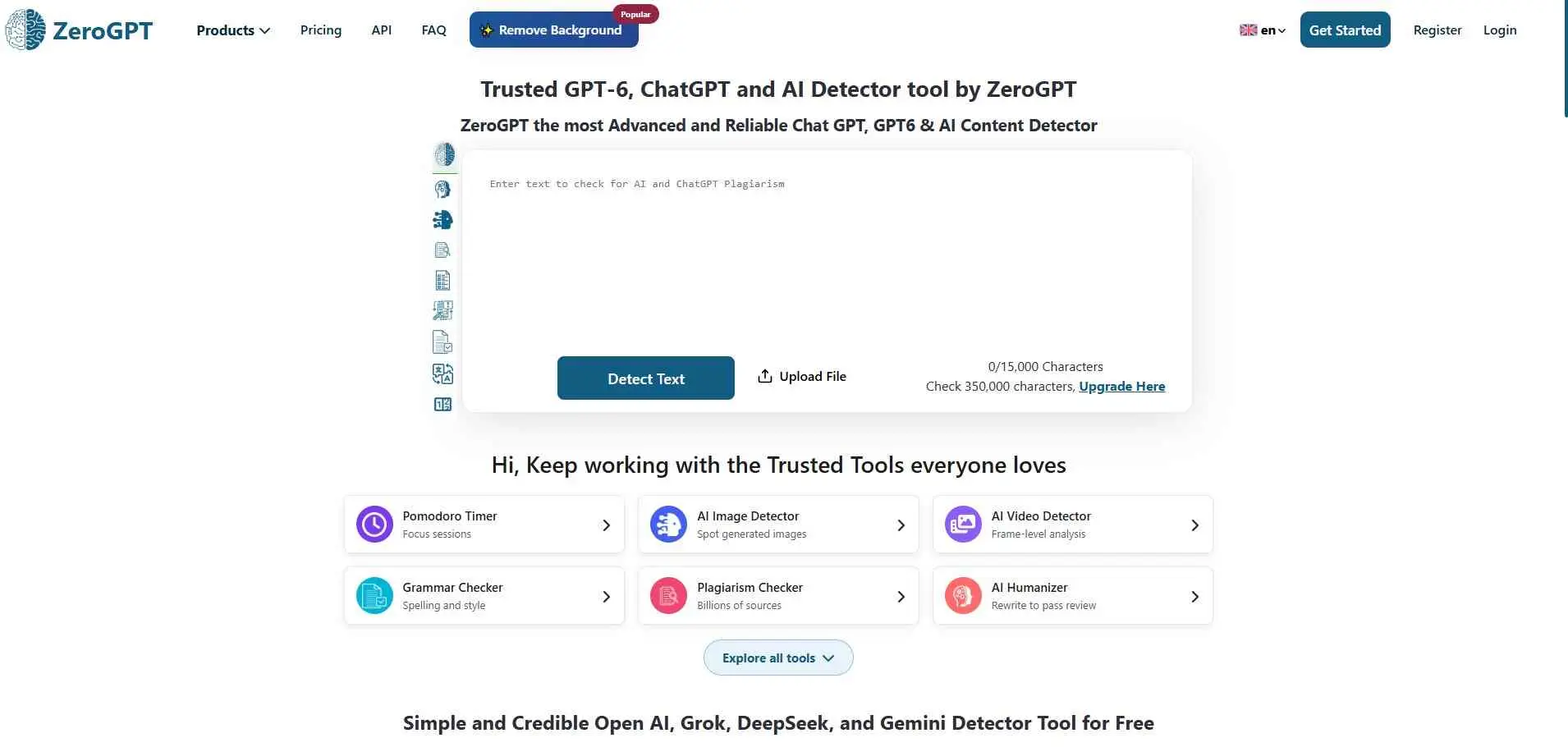
No complicated setup here. With ZeroGPT, you open the page, paste your text, and get a fast answer.
Bloggers, students, and freelance writers use it all the time for a quick gut check on a draft. Just don`t let one ZeroGPT score decide the fate of an article or assignment.
If the document actually matters, run it through a second tool and read it with your own eyes.
Pros
- Clean, simple interface.
- Fast scans.
- Handy for a quick first pass.
- Has a few extra features beyond basic text checks.
Cons
- You need other evidence to back up the score.
- A plain score won`t always tell you why text got flagged.
Best for: Anyone who wants a fast, no-frills text check.
5. Detector.io
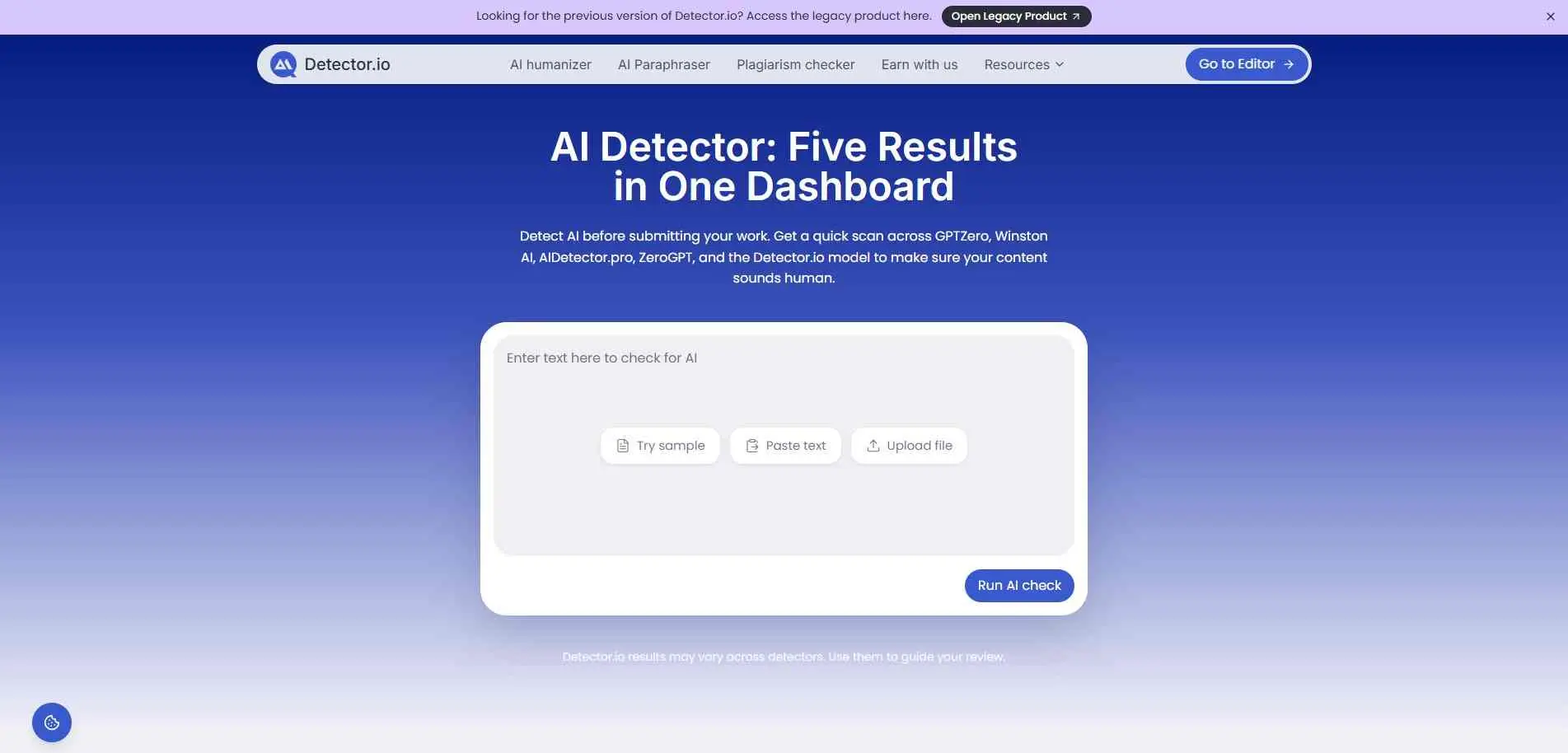
Opening five browser tabs to paste the same article into five different detectors gets old fast. Detector.io skips that by pulling scores from multiple detection providers into one dashboard.
Submit your text once and see where the different tools land. When two detectors completely disagree on the same piece, seeing them side by side makes life easier.
It also throws in a built-in humanizer and lets you look over flagged sentences before changing anything. Just remember: rewriting a flagged line doesn`t magically prove a human wrote it.
Pros
- Shows scores from multiple providers at once.
- No more tab-hopping between websites.
- Sentence-level review.
- Built-in humanizer.
Cons
- Detectors still disagree with each other.
- Some features require a paid plan.
Best for: Writers and editors who want multiple detector scores in one place.
6. AI or Not
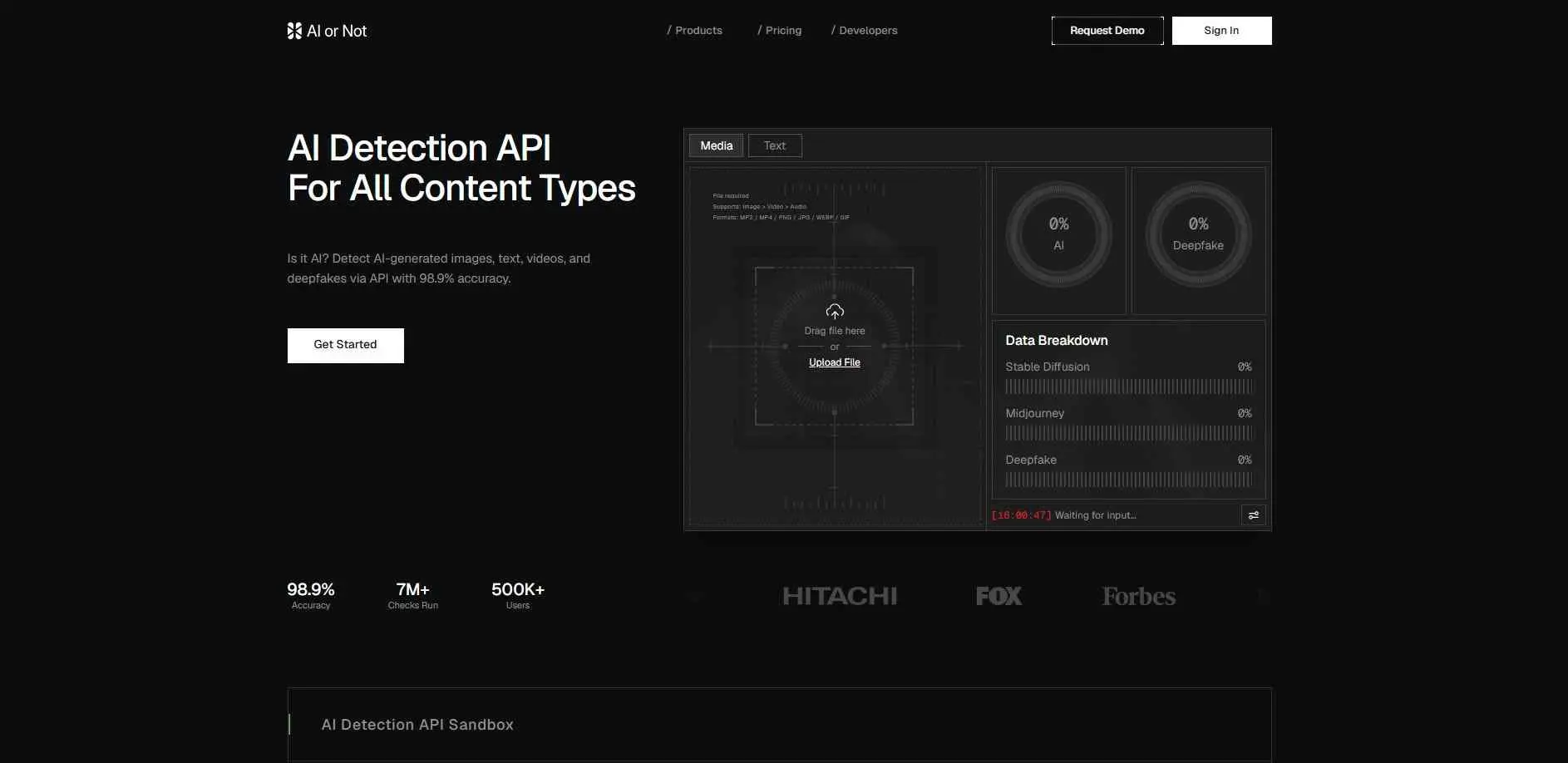
The name says it all. You drop your content in, and AI or Not tells you whether it thinks AI had a hand in it.
Before you build it into your daily routine, check the current site to see which file formats, content types, and limits are actually on your plan.
Treat the result as a nudge to look closer—never as the final word on a student`s paper or a writer`s draft.
Pros
- Easy way to check for possible AI content.
- Good as a second check.
- Fits into a multi-tool review.
Cons
- Check current plan limits before relying on it.
- Can`t prove who wrote the text.
Best for: People who want another detector to add to their review process.
7. Detecting AI
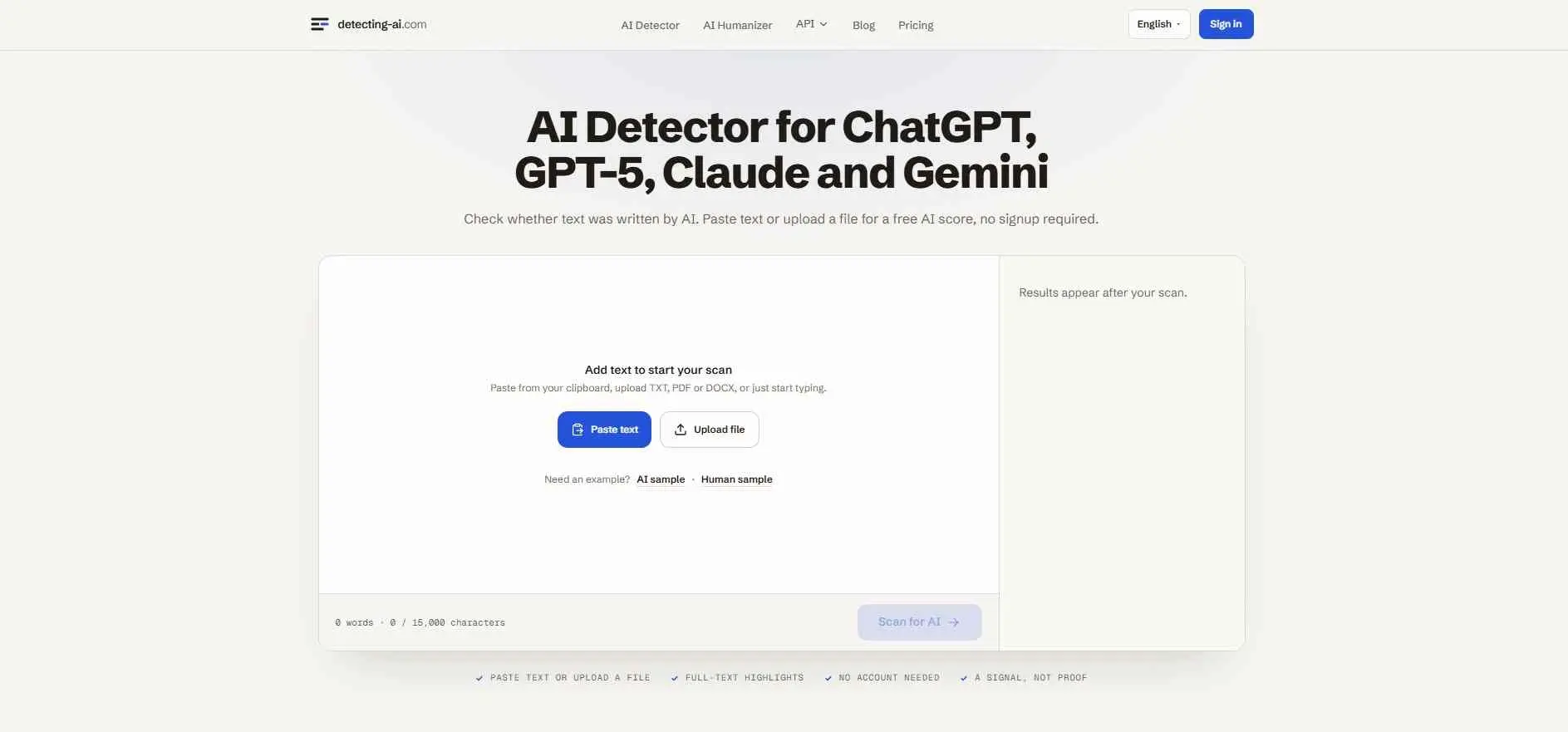
Detecting AI is a browser-based checker for spotting AI patterns in text. If you don`t want to install extensions or change how you write, running a standalone web check like this works fine.
Don`t use it in a vacuum, though. Run your scan, note the score, and cross-check it with another established tool when the stakes are high.
Before you pull out a credit card, check its current feature list and test it on a few samples you already know the origin of.
Pros
- Another solid option for screening text.
- Easy to test next to other detectors.
- Good as an extra review step.
Cons
- Check features and limits before subscribing.
- Its score isn`t a final verdict on authorship.
Best for: Users who want an extra AI checker in their routine.
8. AI Detector
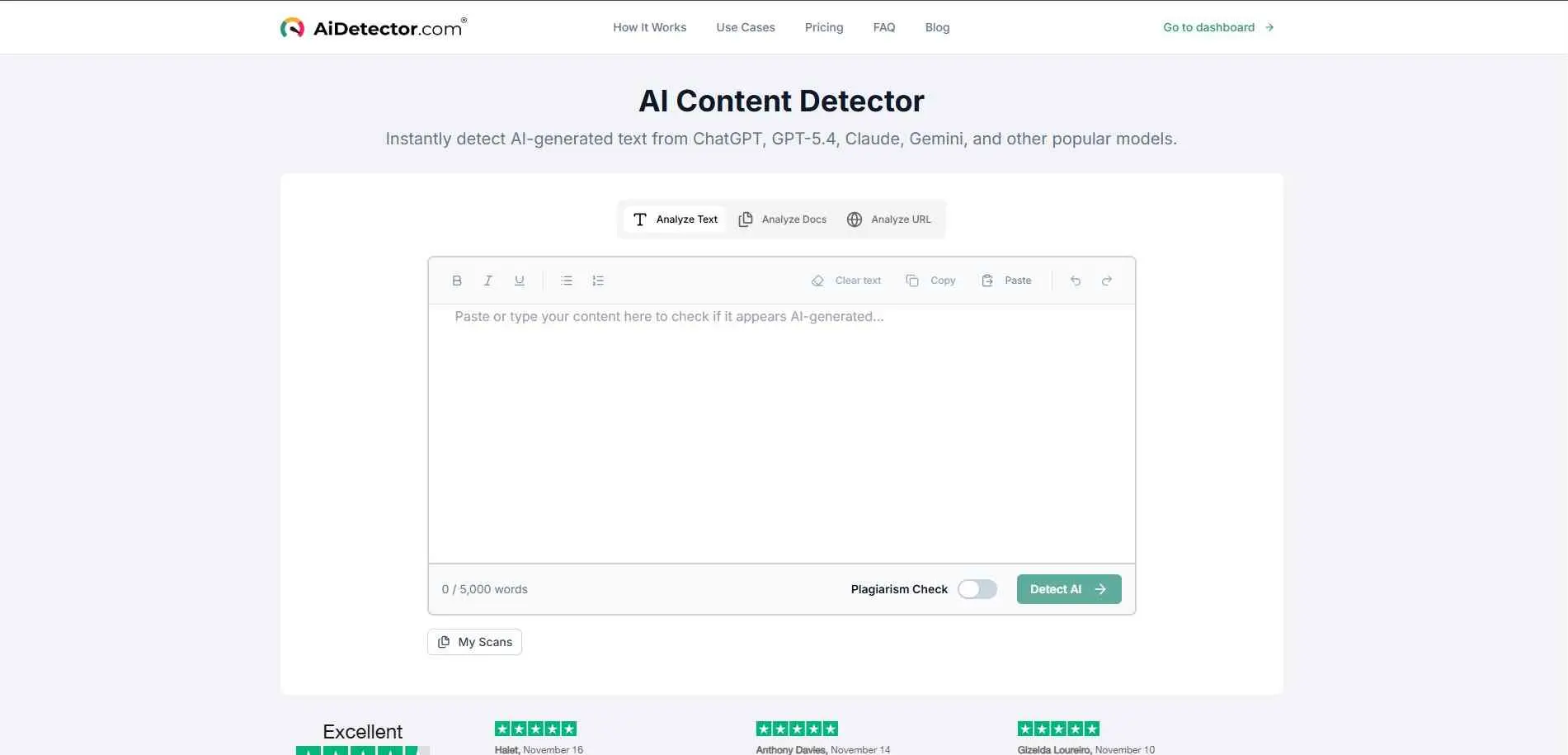
Watch the URL on this one. A bunch of different tools call themselves "AI Detectors," so make sure you`re on the exact site you mean to use before signing up or paying.
For a basic check, it should help you spot patterns tied to AI writing. Look for sentence-level notes, file uploads, and clear usage limits before you commit.
Never assume two sites called "AI Detector" run the same model or offer the same features.
Pros
- Another option for checking text.
- Useful for a second opinion.
- Worth testing with known human and AI samples.
Cons
- Lookalike product names cause confusion.
- Double-check the exact provider and feature list.
Best for: Anyone testing out a few services before picking a daily tool.
9. Winston AI
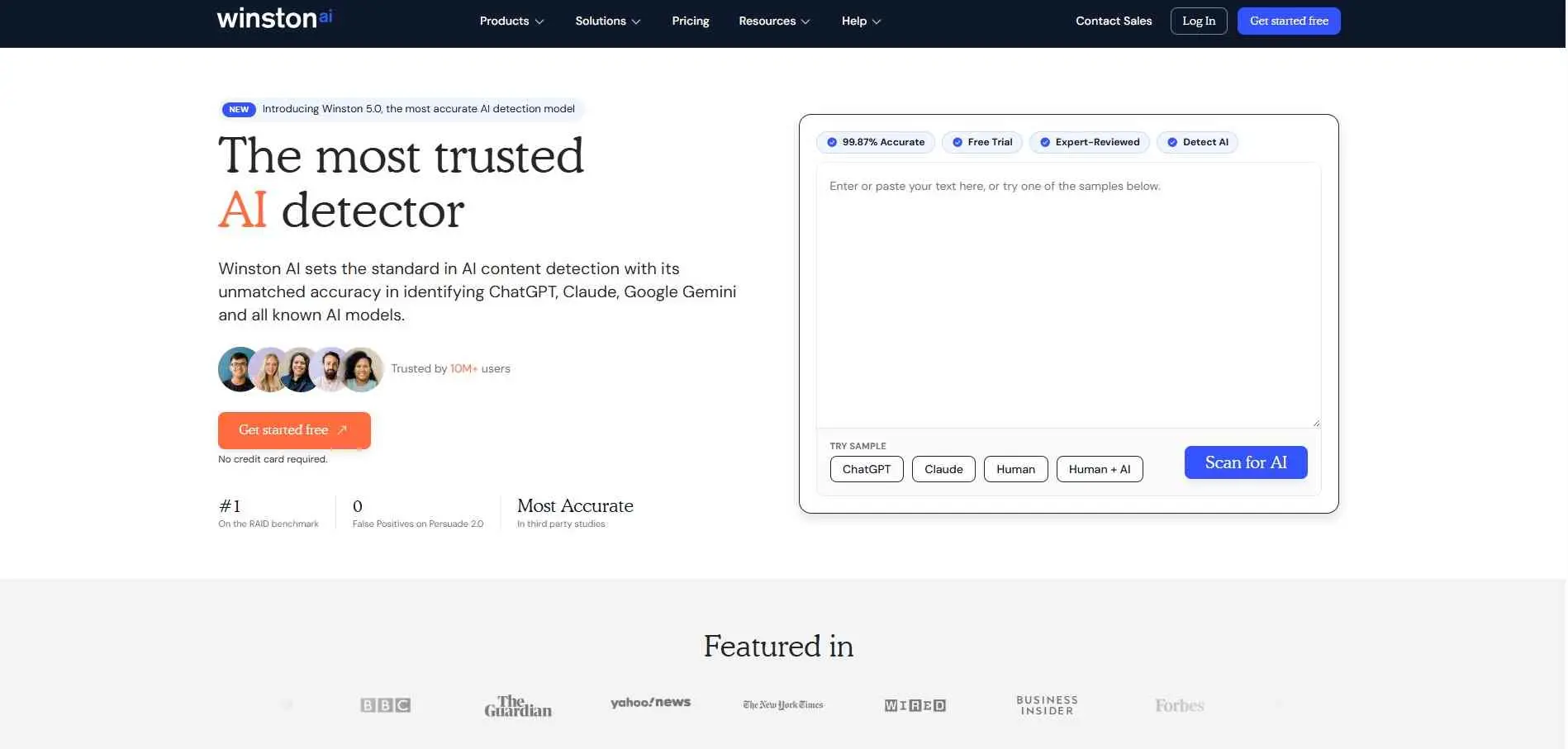
Winston AI is built for full documents rather than tiny snippets. Paste your text or upload a file, and it puts together a detection report.
Depending on your plan, you get a human score plus sentence-level details. That makes it easier to spot which paragraphs dragged the score down.
There`s a limited free option to try it out. Their own help docs warn against scanning super short passages, because a couple of sentences don`t give the model enough to work with.
Pros
- Works with pasted text and file uploads.
- Gives a clear human score.
- Sentence-level analysis on supported plans.
- Plagiarism checking options.
Cons
- Detailed features sit behind a paywall.
- Short samples give weak results.
Best for: Teachers, publishers, and teams reviewing longer documents.
10. Isgen
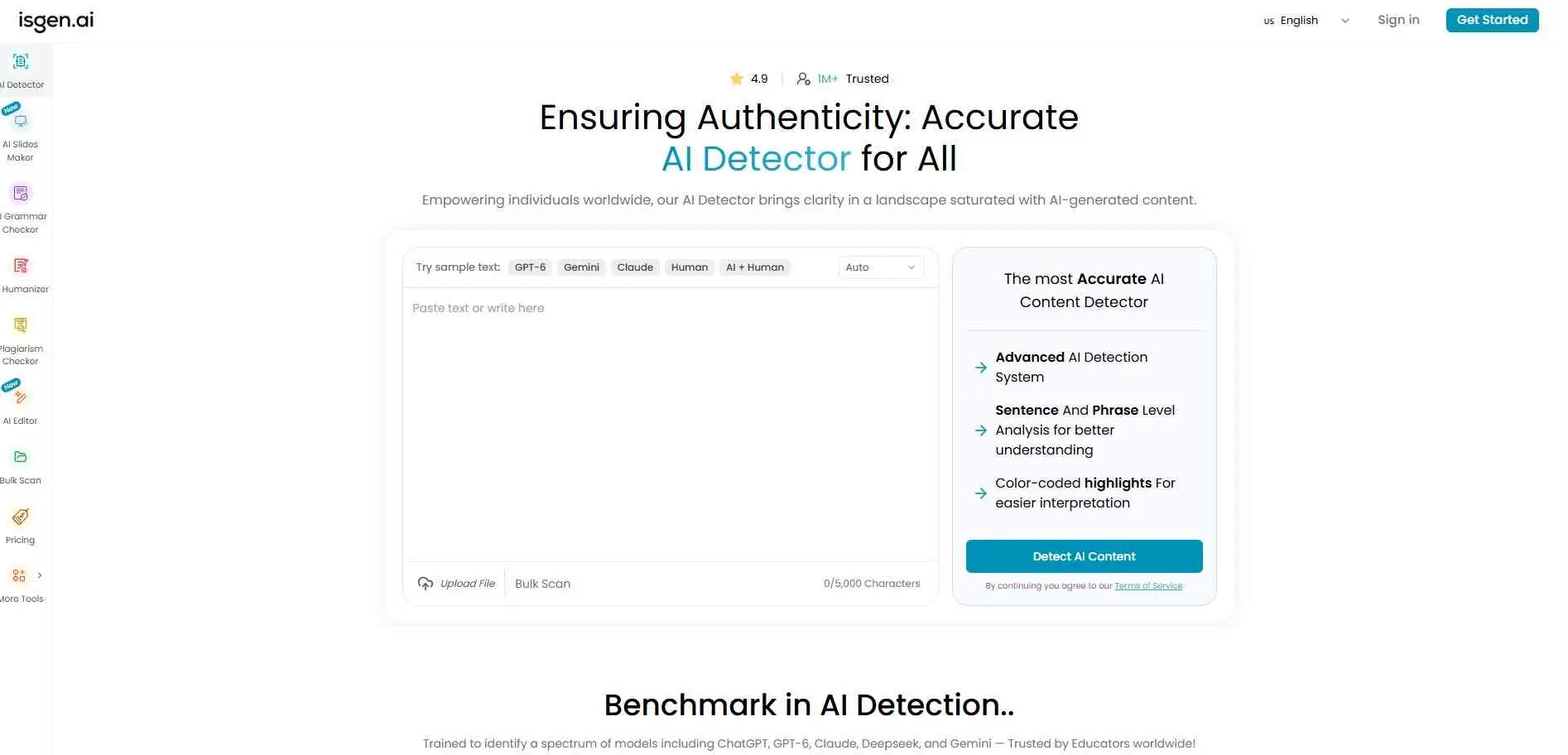
Isgen bundles its AI detector with a full set of writing tools - plagiarism checker, AI editor, and a few other extras. With the AI Editor, you can write and tweak a draft while watching the AI score shift in real time.
If you hate bouncing between three different apps, having everything under one roof is convenient. Supported plans also include phrase-level analysis, batch uploads, and downloadable reports.
Check the pricing page first, since features and word limits change depending on the tier.
Pros
- Detection and writing tools in one workspace.
- Phrase-level analysis.
- Batch file uploads on supported plans.
- Downloadable and shareable reports.
Cons
- You need a paid plan for the full toolkit.
- Scores still need careful reading.
Best for: Writers and teams who want detection built right into their writing setup.
AI Checker Comparison: Which one should you choose?
Pick based on what you actually need to check:
Your requirement | Tools to consider |
| Text, image, and video detection | Pangram |
| AI detection and plagiarism checks | Originality.AI, Winston AI |
| Sentence-level analysis | GPTZero, Originality.AI, Winston AI |
| Comparing multiple detector results | Detector.io |
| A quick first check | ZeroGPT |
| Detection with writing tools | Isgen |
Which AI checker is best for accuracy?
None of them wins every time. Results swing with the topic, the language, the model that wrote the text, how heavily a person edited it, and how long it is.
Pangram, Originality.AI, GPTZero and Winston AI show more of their reasoning than score-only tools, which makes them better places to start. Their scores still aren`t proof.
If accuracy matters, run two or three tools on a few things you wrote and a few you generated. Pay attention to how often they call your own writing AI. That false-positive rate matters more than what they catch.
Which AI checkers offer free access?
Several of them let you test for free. Pangram has a daily word limit, Originality.AI gives you three free scans a day, and Winston AI has a limited free tier. GPTZero also lets you run quick checks and offers a free account for longer text.
Free limits change without warning, so check the pricing page before you rely on a specific number.
Free AI checker vs. paid AI detection tool
Checking a short paragraph once in a while? Use a free tool. Paying for a subscription you barely touch is silly.
Paid plans start to pay off when you review content every day: higher word limits, batch uploads, detailed reports, plagiarism checks, and team seats.
A landing page claiming higher accuracy isn`t a reason to pay. Work out which features you need, then test the tool on your own samples.
How to Choose the Right AI Checker
Before you pick one, run through these six points:
- Your purpose: Grading a student essay is a different job than editing blog posts for a publishing site.
- Text length: Many detectors have minimum word counts. A few lines of text won`t give you a reliable read.
- Sentence-level results: You want to see what triggered the score, not just a blind percentage.
- Language support: Make sure it actually handles the language you`re scanning.
- Privacy: Check the data policy before uploading private or client documents.
- Pricing: Look at word limits and actual features, not just the monthly sticker price.
How to Check Content Using an AI Checker
It`s a pretty quick process:
- Open the checker.
- Paste your text or upload a file.
- Run the scan.
- Look at the overall score and any highlighted sentences.
- Run it through a second detector if the decision is important.
- Make your call based on the writing history and other context, not just the number on the screen.
Save earlier drafts or document version history whenever you can. Seeing how a piece evolved tells you way more than any detector score.
Common problems with AI checkers
- Human writing gets flagged as AI: Stiff, formal, repetitive, or heavily edited human writing trips detectors all the time.
- AI text slips through as human: Light editing or paraphrasing is often enough to fool a detector.
- Tools contradict each other: Every company uses its own model and rules, so scores rarely match up.
- Short text gives weird results: A few sentences don`t give the detector enough pattern data to make a real guess.
That`s why AI detectors should back up your judgment, never replace it.
Final Verdict
If you want a solid all-around detector, start by comparing Pangram, GPTZero, Originality.AI, and Winston AI. They give you actual detail instead of just a bare percentage.
Running a content team? Look at Originality.AI and Winston AI. Want multiple detector scores in one dashboard? Try Detector.io. Need image and video checks too? Go with Pangram. Want writing tools built right alongside detection? Check out Isgen.
Pick whichever one fits how you work, and never treat a percentage as the final word. Read the piece, look at how it was made, and use the score as one piece of supporting info.