 Table of Content
Most writers publish blind.They assume their content is original because they wrote it themselves. That assumption is expensive.
Duplicate phrasing sneaks in from research notes, quoted sources, old drafts you forgot you copied from. Google doesn't care about intent. It flags the overlap and drops your rankings anyway.
(Worth noting: Google itself says there's no formal duplicate-content penalty - but unintentional overlap can still get you filtered out of results, which functionally amounts to the same thing.)
This isn't a bloated list of every tool that mentions "originality." These are 10 platforms worth paying attention to in 2026 - each one built for a different kind of user, a different kind of content, a different kind of risk.
Pick the most common name found on a list and hope it matches your workflow: this is how AdSense approvals get denied, and academic papers get flagged. Diagnose the actual problem first.
What is Plagiarism Checker Software?
A plagiarism checker contrasts your text with millions of websites, journals, and databases and marks anything too similar as a match.
These tools range from similarity. Others pack in AI-detection, citation checks, grammar checking - the whole suite.
Concrete example: a freelance writer pastes a 2,000-word article into a checker before sending it to a client. The tool flags one paragraph lifted almost word-for-word from a competitor's blog - copied unintentionally while researching. Ten minutes of rewriting later, the article ships clean.
★ Remember. A plagiarism checker doesn't judge intent. It judges overlap. Accidental duplication gets flagged exactly like deliberate copying.
How Plagiarism Checkers Actually Work
Most platforms combine a handful of core techniques into one dashboard:
- Text comparison - matches your draft against a massive database.
- Web source matching - scans live pages, not just static archives.
- Sentence-level similarity detection - flags specific phrases, not just full-paragraph copies.
- AI content detection - now bundled into nearly every serious tool, since most writers touch ChatGPT or Claude somewhere in the process.
- Citation and reference checks - critical for academic and research submissions.
- Grammar and originality review - a free bonus layer most 2026 tools now include.
✦Old way: Manually Google a suspicious sentence, hoping to spot a copy by accident.
✦New way: Paste the full draft in, get an exact similarity percentage and source links in under a minute.
✓ Tip. Run the scan before inserting quotes and citations. That way the tool only flags what actually needs fixing.
10 Plagiarism Checker Tools Worth Using in 2026
1. Duplichecker - Best - No-signup free option
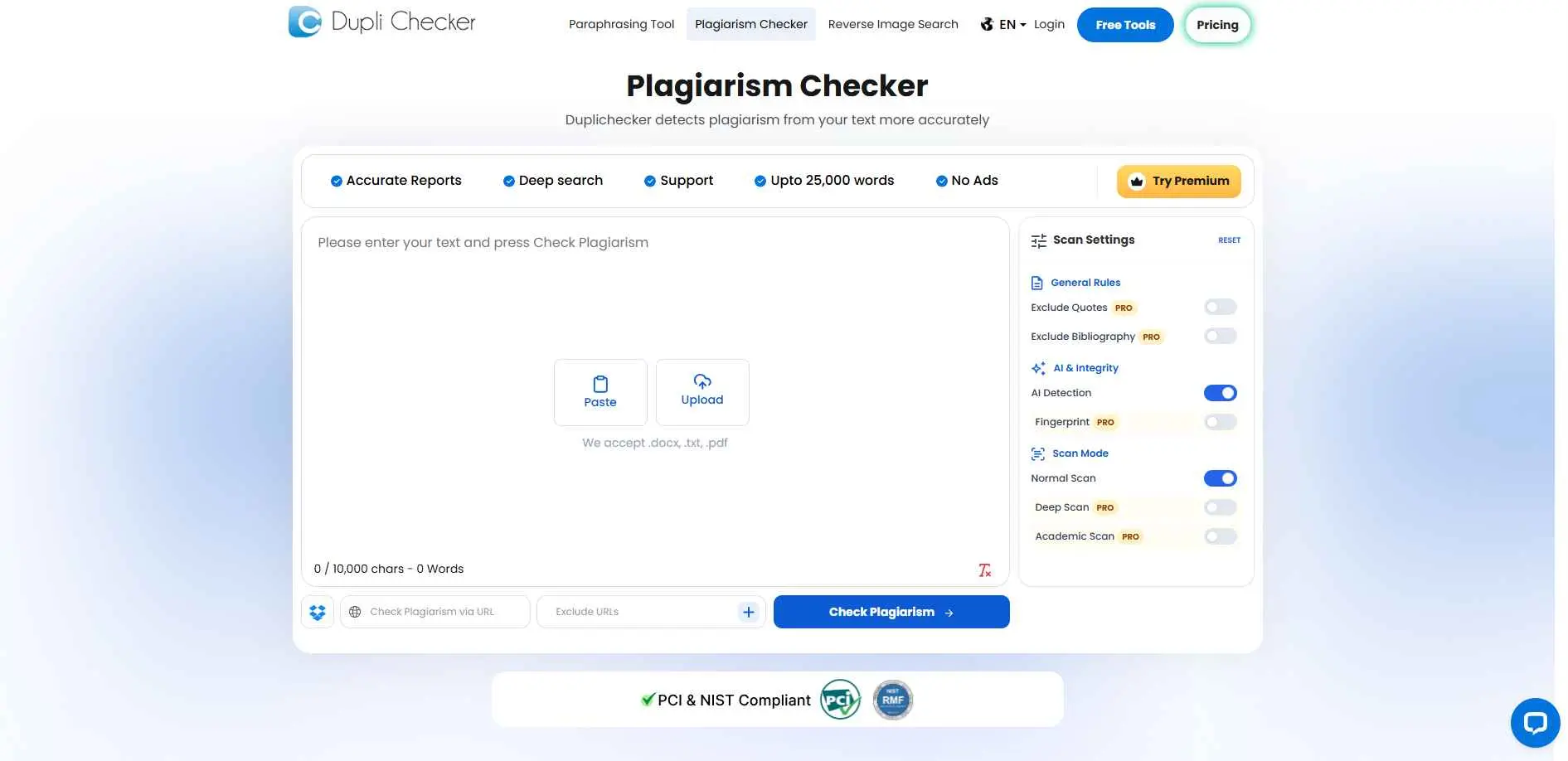
Duplichecker is the one to grab when you just want a fast answer and can't be bothered with setup. The tool works well for bloggers, students, and casual users who want to check short articles, assignments, or web copy before publishing.
Key Features:
- No registration or login required
- Instant results for pasted text or uploaded DOCX/TXT files
- Built-in word counter and basic grammar check
- Free tier is genuinely usable, not just a teaser
THE CATCH: it captures textbook-level copy-paste but Paraphrased text escapes most of the time. Do not lean on it for anything substantive or legally consequential.
Best for: For bloggers, freelancers, and students who want a zero-commitment spot check.
2. TextGuard
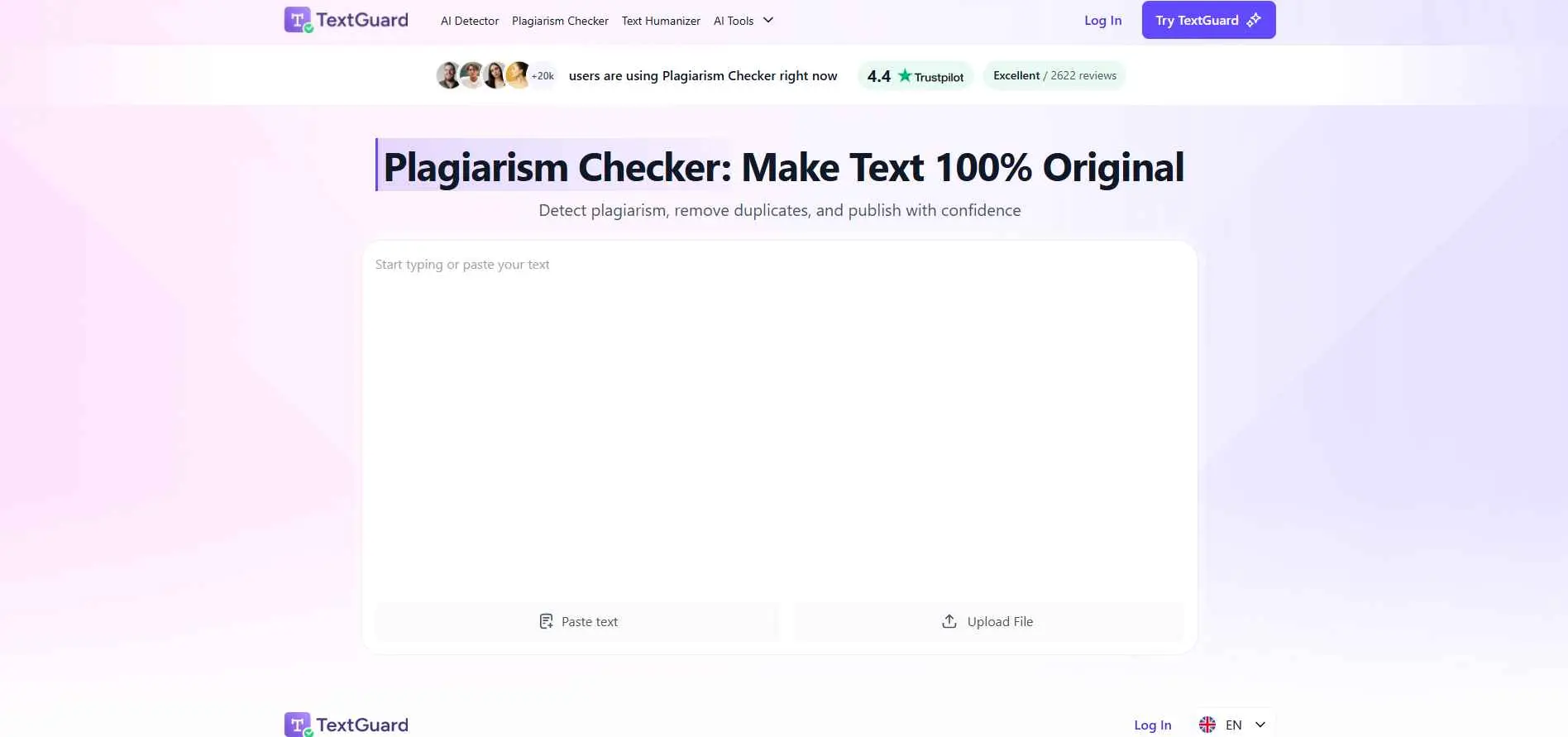
TextGuard focuses on plagiarism checking with a modern AI-driven approach. It is built for users who want a cleaner workflow and a more direct way to review content originality. The tool suits writers and teams that care about speed, clarity, and content quality.
Key Features:
- Combines plagiarism check with AI content detection
- Text humanizer to rewrite flagged or AI-flagged passages
- Grammar and citation-style tools bundled in
- Works across PDF, DOCX, EPUB, and TXT uploads
Worth knowing before you pay: there's no free trial, and independent reviews (including tests against known AI detectors) found the humanizer often failed to actually pass detection checks. Be skeptical of the marketing hype and check out results, for yourself.
Best for: Writers who want plagiarism and AI-detection in the same dashboard as a rewriting tool.
3. PlagiarismCheck.org - Best budget academic option
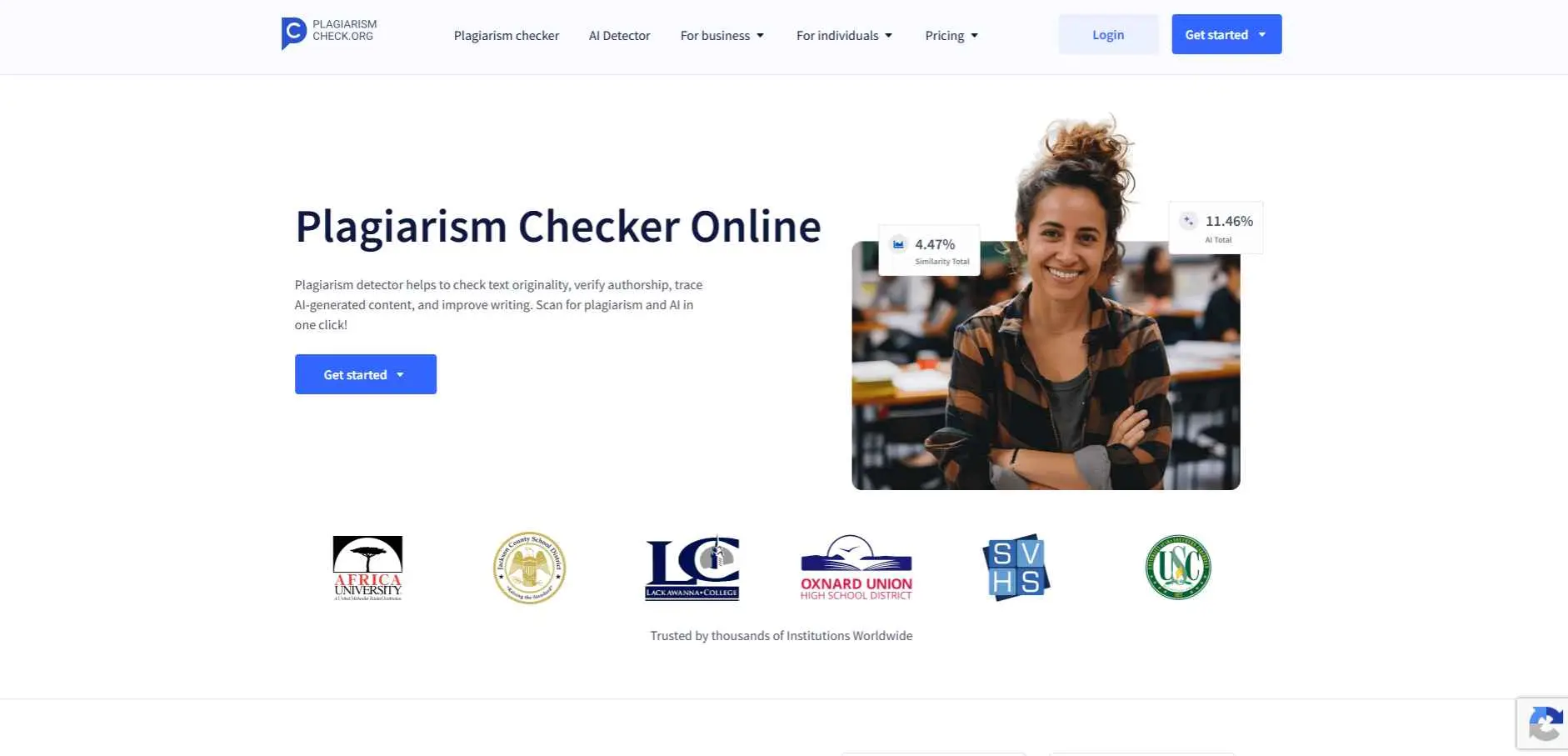
Plagiarism Check is a solid option for academic and professional content review. It is designed for people who need detailed similarity reports and a more serious checking process. The tool fits institutions, researchers, editors, and teams that handle important text regularly.
Key Features:
- Plans start around $5.99/month, far cheaper than most competitors
- AI detection (TraceGPT) alongside similarity scanning
- Google Docs and LMS integrations, including Google Classroom
- Fingerprint feature to verify authorship against a student's writing history
Best for: Individual students and small institutions who want academic-grade detection without enterprise pricing.
4. Copyleaks - Best for multilingual and enterprise use
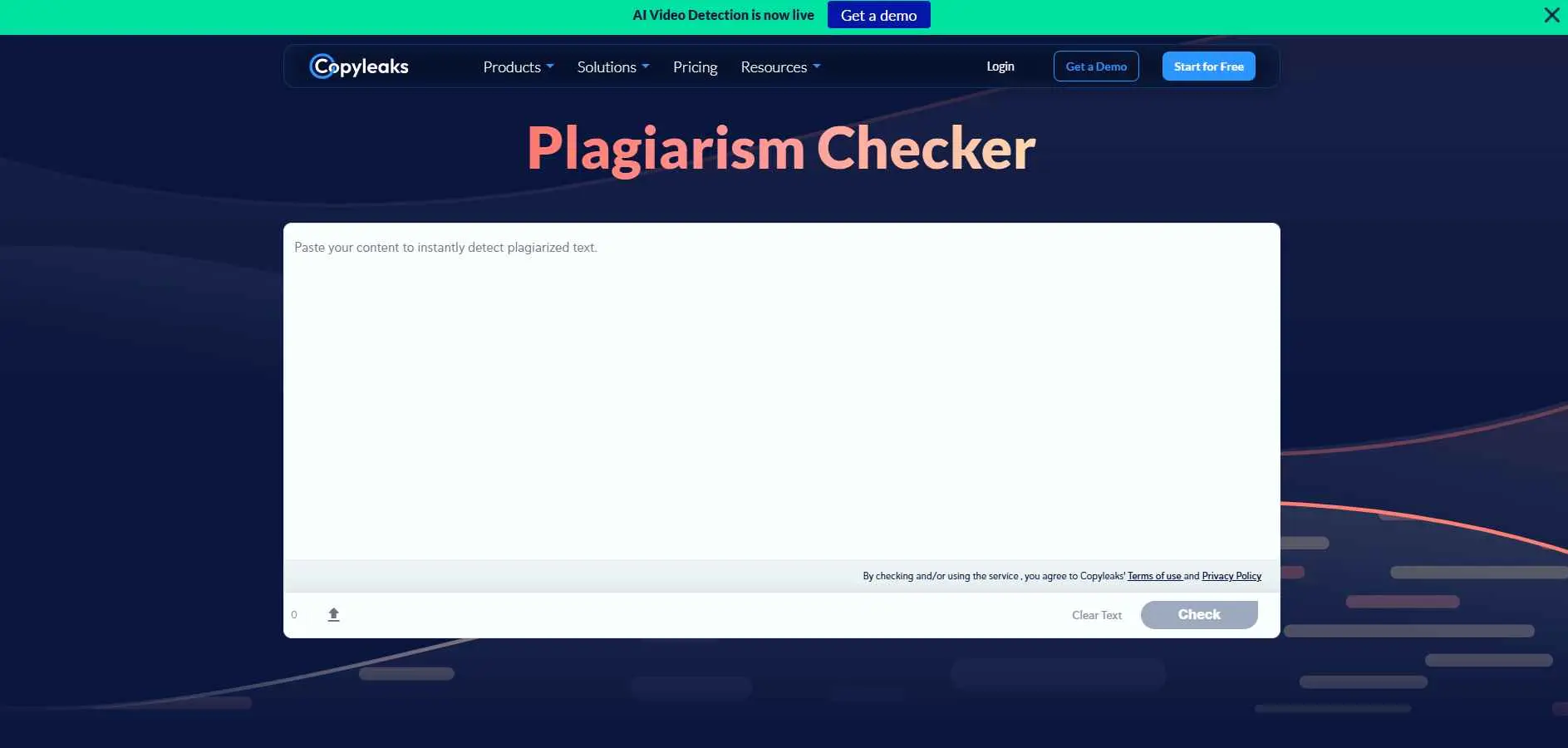
Copyleaks is built for users that need to check plagiarism at scale. This is helpful for companies, instructors and content platforms that wish to dig deeper, detect and support faster. The platform is known for advanced scanning and flexible use across different content workflows.
Key Features:
- AI detection covering GPT-4, Gemini, and Claude output
- Code plagiarism detection for programming assignments
- Developer API for custom integration into publishing workflows
- LMS integrations with Canvas, Moodle, and Blackboard
Best for: Content platforms, EdTech companies, and teams needing API access.
5. Plagiarism Checker X - Best offline Windows tool
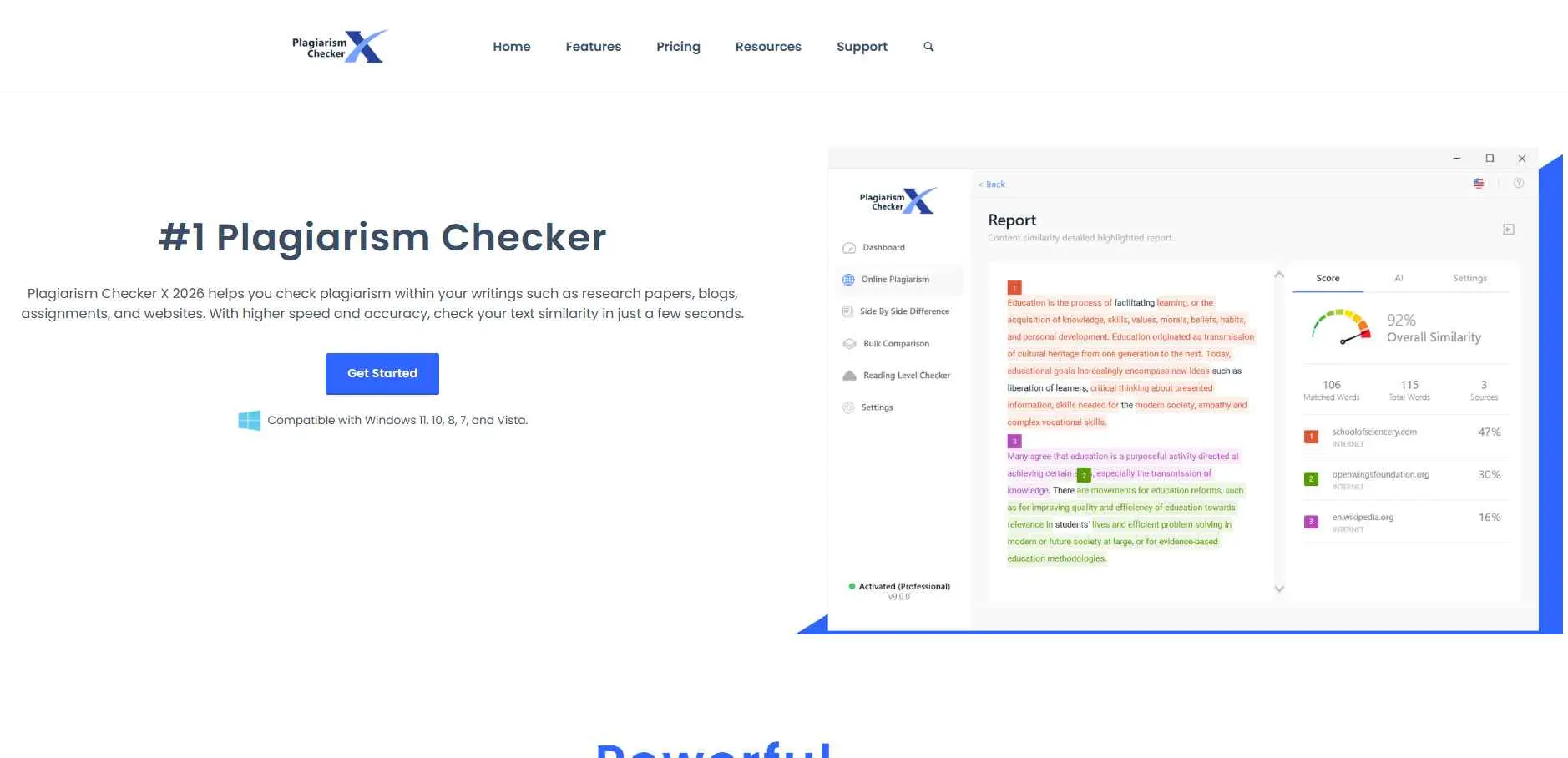
Plagiarism Checker X is a desktop Friendly and Useful Tool For Plagiarism Checking. This is ideal for writers, instructors and small teams who want effortless outcomes without needing to rely very much on a workflow dependent on the browser.
Key Features:
- Supports Word, Excel, PDF, RTF, and plain text formats
- Recognizes over 250 languages
- Side-by-side document comparison highlighting duplicated content
- Bulk search tool for scanning multiple files at once
Best for: Anyone who does not want to upload sensitive documents to a cloud service.
6. Enago - Best for journal-ready research checks
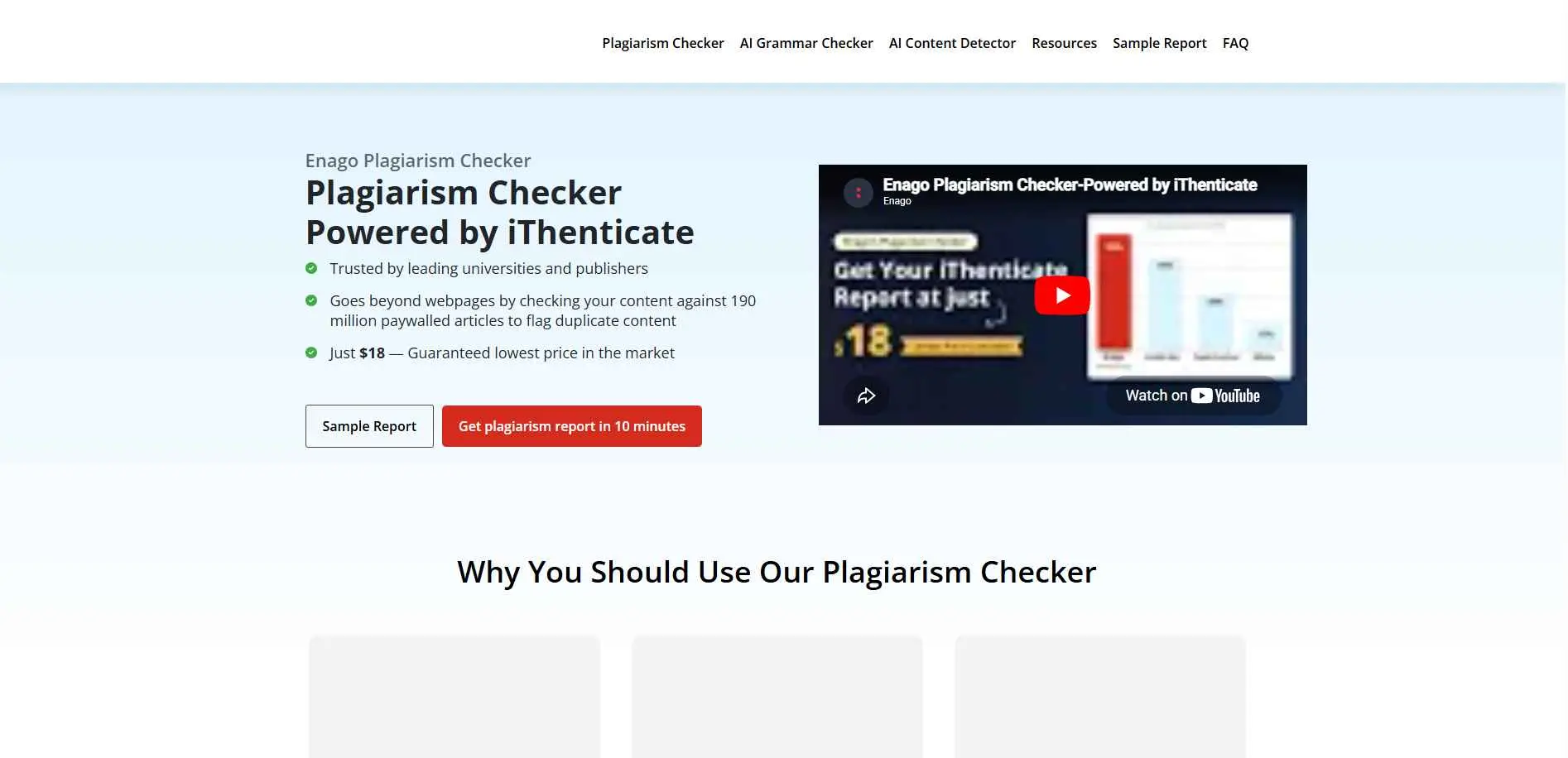
Enago is more targeted to researchers and academia, not the average user. That suits manuscripts, research papers and other types of formal documents that need to be reviewed carefully before submission. The platform is a stronger fit for serious academic work than basic web content.
Key Features:
- Designed around pre-submission manuscript readiness
- Detailed similarity reports aligned with publisher expectations
- Often paired with Enago's language-editing services
- Per-check pricing rather than a recurring subscription
Best for: PhD researchers and academics who need a check that mirrors what journal editors will see.
7. Quetext - Best genuinely useful free tier
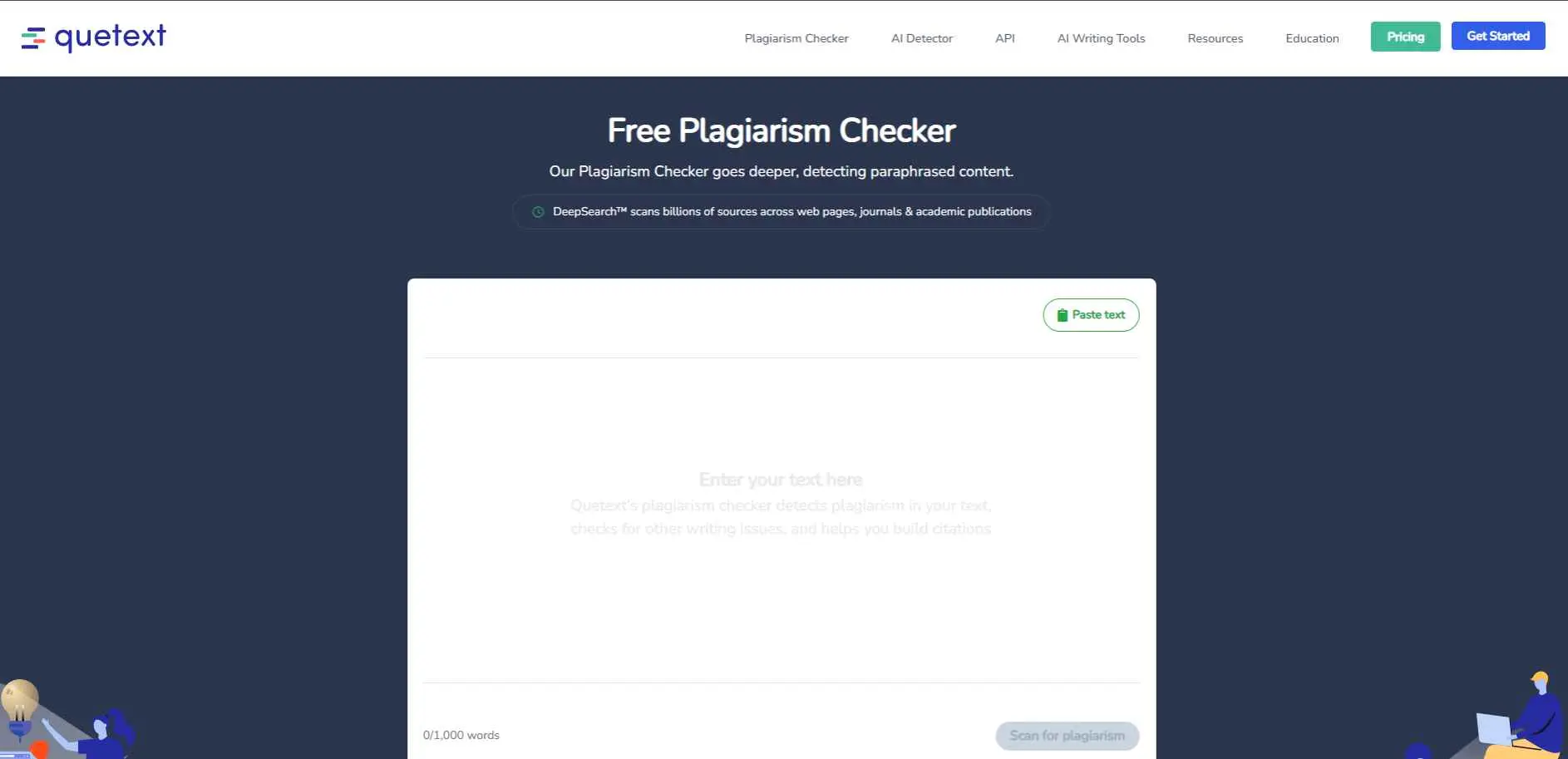
Quetext keeps things simple too. It suits bloggers, writers, and small teams who want a clean report they can actually read. The tool is easy to use and fits regular content workflows well.
Key Features:
- 3 free checks per month, up to 500 words each
- Color-coded results with a built-in citation assistant
- Clean, fast paste-and-check interface
- Affordable Pro upgrade for unlimited checks and higher word limits
Best for: Students and bloggers who need a fast, free check on shorter documents.
8. PLText - Best for quick free paste checks
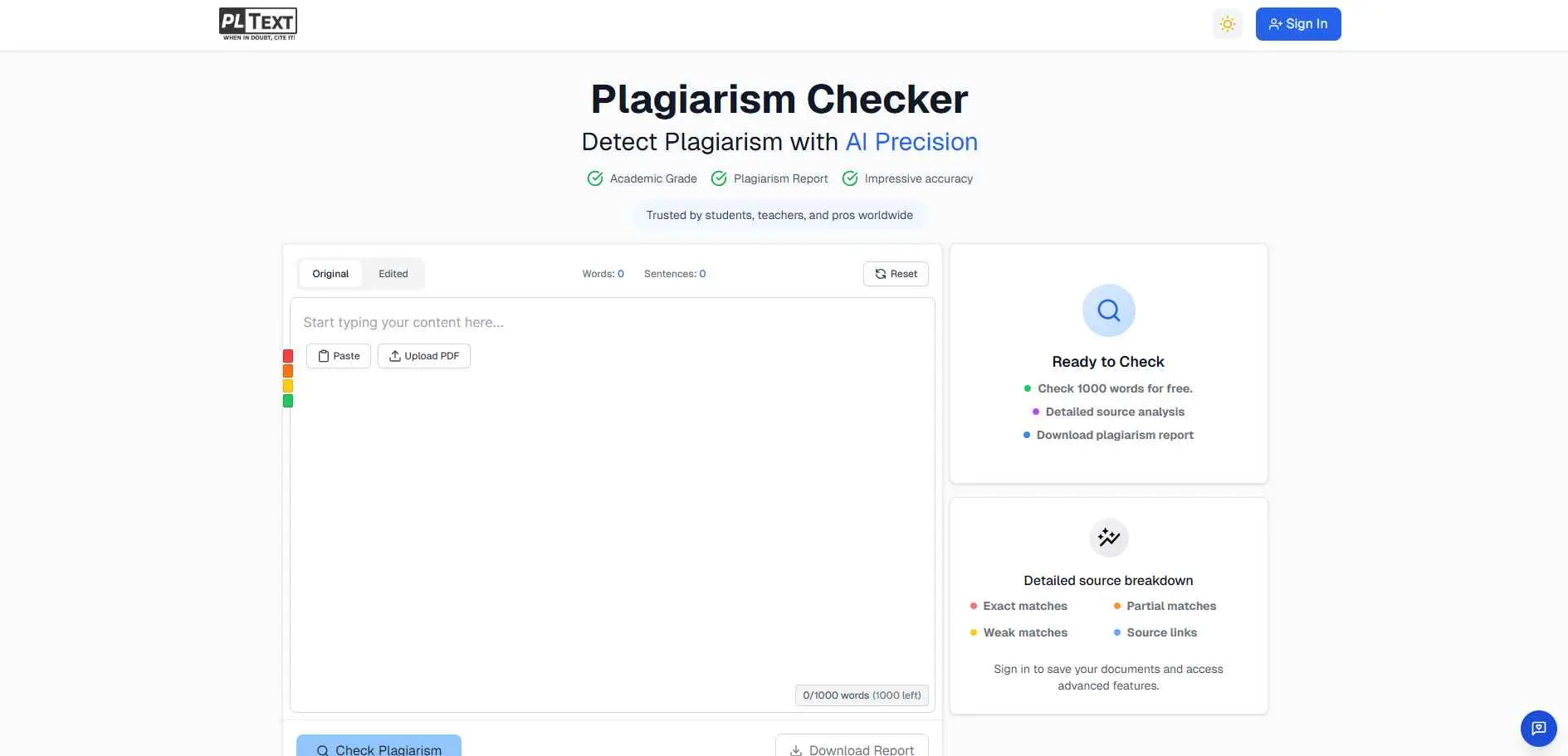
PLText is a basic plagiarism checker for general content review. It is useful when you want a simple way to scan text and spot possible duplication. The platform is better for straightforward checks than advanced editorial workflows.
Key Features:
- Free checks up to several hundred words, no signup
- Line-by-line comparison report with source URLs
- One-click AI rewrite option for flagged sentences
- Multi-language support claimed on the site
A fair warning here: independent testing found PLText missed direct copy-paste and patchwork plagiarism that other tools caught easily. Use it as a quick first pass, never as your only check.
Best for: Casual users wanting a fast first-pass check before running a more rigorous tool.
9. Edubirdie - Best free option for student essays
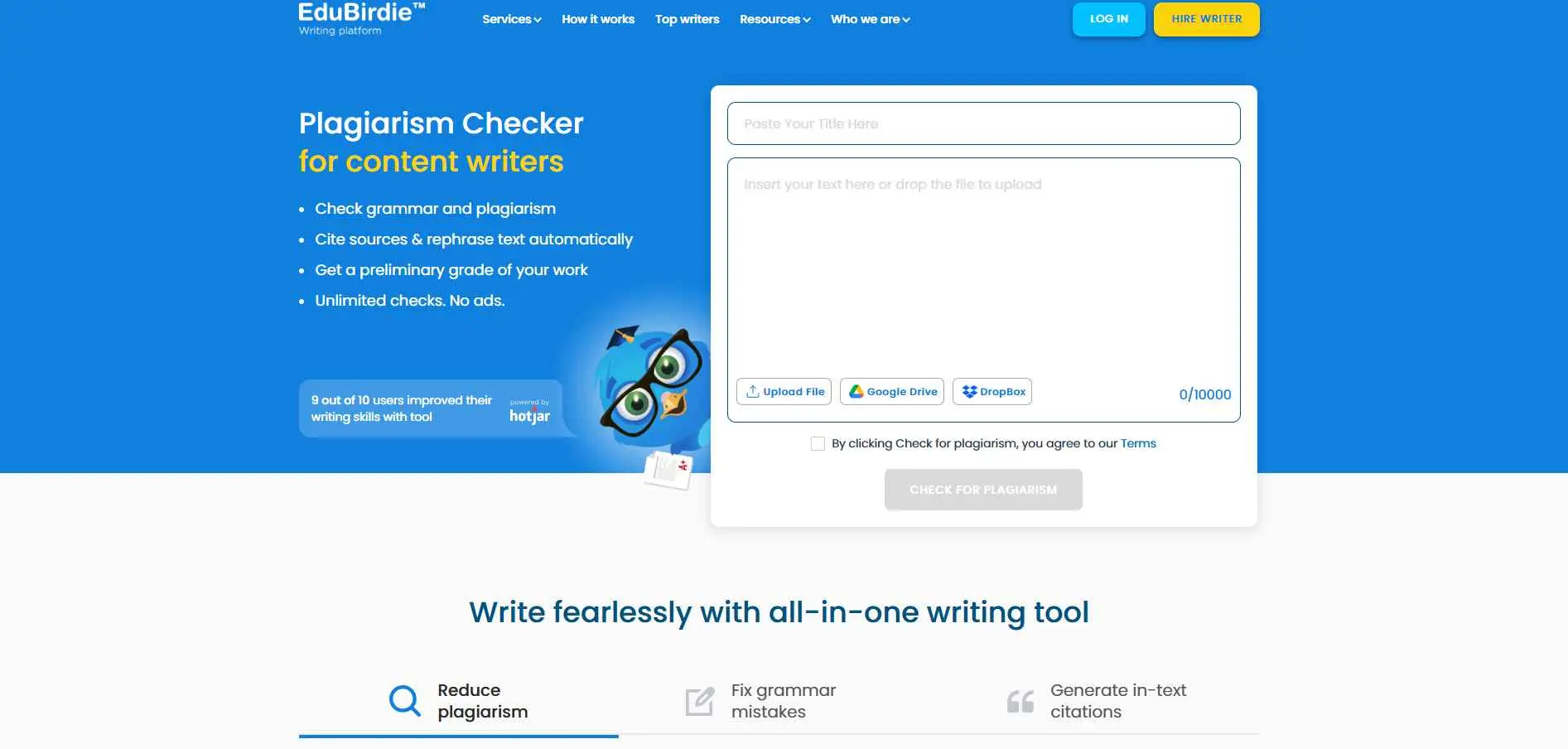
Edubirdie is built more for student work - essays, assignments, class submissions - where you mainly just need a basic originality check. The tool is easy to approach and works well for everyday academic use.
Key Features:
- Free checks up to 5,000 characters, no account needed
- Highlighted results with links to matching sources
- Bundled grammar checker and citation generator
- Multi-language support for international students
Reviews do point out that the free checker inexcusably misses a lot of non-original material, so get a second tool to use along with this one for all assignments.
Best for: Students wanting a fast, no-cost similarity scan before submission.
10. Justdone - Best for combining plagiarism and AI checks
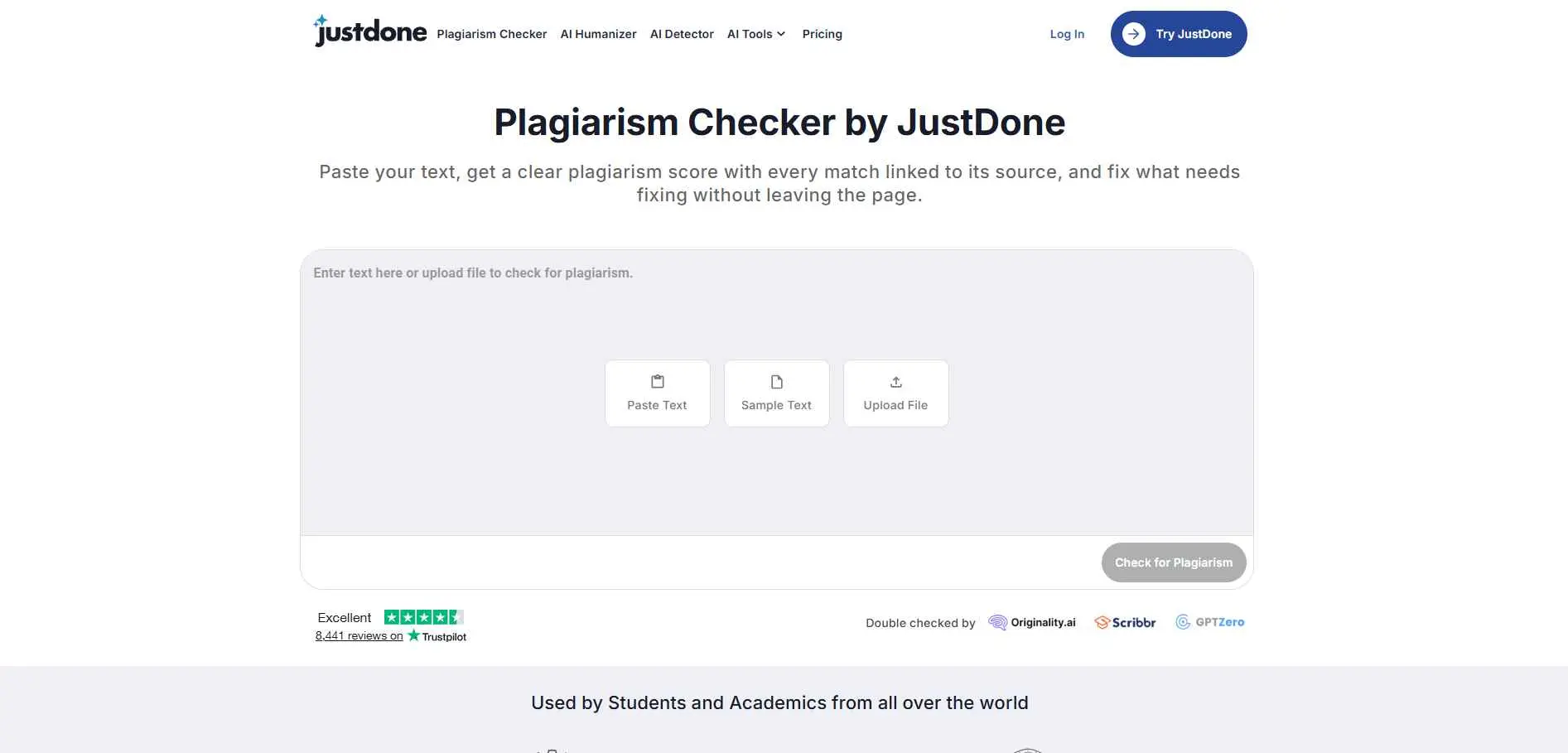
Justdone combines plagiarism checking with AI writing support. It is useful for creators who need more than a simple scan and want help improving or rewriting content too. The tool is a better match for content-heavy work than one-time checks.
Key Features:
- Accepts PDF, TXT, and DOCX uploads of any length
- Smart exclusions automatically ignore quotes and bibliographies
- Source-linked results with one-click rewrite for flagged sections
- Checks against web pages, journals, and prior student submissions
Best for: Writers and students who want originality and AI-detection results side by side.
What These Tools Are Good At
Used correctly, this category earns its keep fast:
Protecting originality. Copied or duplicated content gets caught before an editor - or Google - catches it first.
Improving quality. Writers tend to rewrite flagged sections in their own voice. The result usually reads better than the original draft.
Saving editing time. A 3,000-word article gets scanned in minutes instead of manually cross-checked line by line.
Supporting professional work. Students, editors, agencies, and businesses all lean on the same technology for very different outcomes.
Avoiding SEO and copyright issues. Duplicate content confuses search engines and quietly tanks rankings - even when the overlap was accidental.
Where These Tools Fall Short
This part gets skipped in most roundups. It shouldn't be.
Where plagiarism checkers still struggle:
False positives on common phrases. Industry jargon and standard terminology often get flagged even when nothing was copied.
Paraphrase detection is inconsistent. A cleverly reworded paragraph can slip past even premium tools.
Free tiers cap word counts hard. Most free plans only scan a few hundred words - nearly useless for long-form content.
Database coverage isn't universal. No single tool scans the entire internet. An obscure source can get missed entirely.
⚠ Warning. Never treat a 0% similarity score as proof of quality. It only proves the text wasn't copied - not that it's actually good.
If you're building an SEO or content workflow around this, it's worth pairing plagiarism checks with a broader look at how to find low-competition keywords using AI so originality checks and keyword strategy aren't working against each other.
How to Choose the Right Plagiarism Checker
Define the use case first.
Academic, blogging, business, or publishing - each priority points to a different tool. A student writing essays doesn't need Copyleaks' API access. An agency scanning hundreds of articles a month does.
Check accuracy over interface polish.
Deep source matching matters more than a clean dashboard. Quetext and PlagiarismCheck.org both lean into this.
Confirm file support.
Some tools only accept pasted text. Others handle PDFs and Word docs natively - check before committing, especially for bulk workflows.
Understand the pricing model.
Free limits vary wildly - some cap at 500 words, others at 1,000. Run the math against your actual monthly content volume before paying for a year.
Use the free trial fully. Almost every tool on this list offers one. Two weeks of real use beats any feature comparison chart.
✓ Tip. Run the same paragraph through two different checkers. If the similarity scores differ by more than 10%, the database coverage isn't equal - pick the one that caught more matches.
Match the Tool to the Actual Problem
The fastest way to choose: stop scanning feature lists and diagnose the actual need first.
If the problem is academic submissions - Enago or PlagiarismCheck.org, built around citation support and manuscript-level review.
If the problem is student essays - Edubirdie or Duplichecker, both fast, simple, and built for upload-and-scan speed.
If the problem is enterprise-scale content - Copyleaks, with API access and multi-language scanning for volume.
If the problem is AI-written drafts needing both detection and rewriting - Justdone or TextGuard, since both bundle AI detection with content tools in one dashboard.
If the problem is offline, bulk document checks - Plagiarism Checker X, the only desktop-first option on this list.
Remember. The tool is secondary. Knowing exactly what kind of content - and what kind of risk - you're checking for comes first, every time.
Enterprise teams juggling AI content at scale should also look at GEO, AEO, and LLMO optimization strategy, since search visibility now depends on more than just originality scores.
Where to Start
- Identify the specific use case: academic, blog, business, or AI-assisted content.
- Run a test scan on an already-published piece to see how the tool actually performs.
- Compare the score against a second tool as a sanity check.
- Build the scan into the publishing workflow - before content goes live, not after.
Originality isn't a one-time check. It's a habit that gets built into the process, or it doesn't happen at all.