 Table of Content
Midjourney makes beautiful images. That part is not up for debate. But it also locks you behind a paid subscription before you can test a single prompt, runs entirely through Discord (yes, a chat app), and has no video tools whatsoever.
If your work involves motion graphics, branded content, or you just want a free trial before committing money - Midjourney is not built for you.
These are the best Midjourney alternatives in 2026 - tools that cover everything from still images to full video generation, with free plans, cleaner interfaces, and real commercial licensing.
Why People Are Actually Switching
The two things that push users away from Midjourney are not hard to spot.
First, the paywall hits before you see any results. You cannot test prompt quality, model behavior, or image consistency without paying. For a freelancer or small business evaluating tools, that is a real blocker.
Second, Discord is a terrible place to run a creative workflow. Slash commands, public channels where your client mockups are visible to strangers, and no proper project organization - it works for hobbyists but not for anyone doing professional work. Businesses dealing with confidential designs or proprietary brand assets should not be posting in public servers.
There is also the video gap. Midjourney only makes static images. If you need animation, video loops, or motion content for social media, you are stuck stitching outputs together in separate tools. That is an entire extra step most people do not want.
What to Actually Look For in an Alternative
Both the DomoAI blog and the DigitalOcean article give you generic criteria like "good UI" and "flexible pricing." That is not very useful. Here is what matters in practice:
- Free tier that lets you actually test - not a 3-image demo, but enough prompts to evaluate output quality
- Commercial license clarity - you need to know upfront whether you can use outputs in client work or paid campaigns
- Image consistency across generations - most tools fail here; if you need the same character or product across 10 images, check this before committing
- Built-in video/animation capability - or at least clean export formats that work with video tools
- Private workspace - for professional or client work, public galleries are a dealbreaker
Now here are the tools worth your time.
12 Best Midjourney Alternatives in 2026
1. Magichour.ai - Best for AI Video Face Swaps
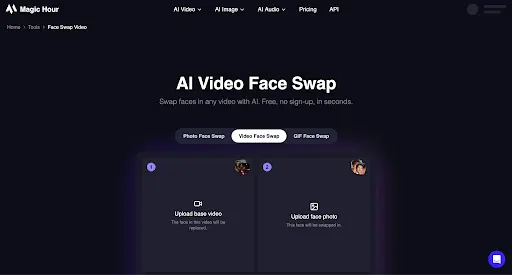
magichour.ai offers a video face swap tool that lets creators replace a person’s face in a video with another face while keeping the original video’s movements and expressions. It works directly in the browser, making it useful for creating engaging videos without complex editing software. It also supports AI-powered video processing, making it suitable for social media content, creative experiments, entertainment, and personalized video campaigns.
Best for: Content creators, social media marketers, video editors, and creative teams
Free plan: Yes - Magic Hour offers a free tier with limited credits.
2. Stable Diffusion - Best for Full Creative Control
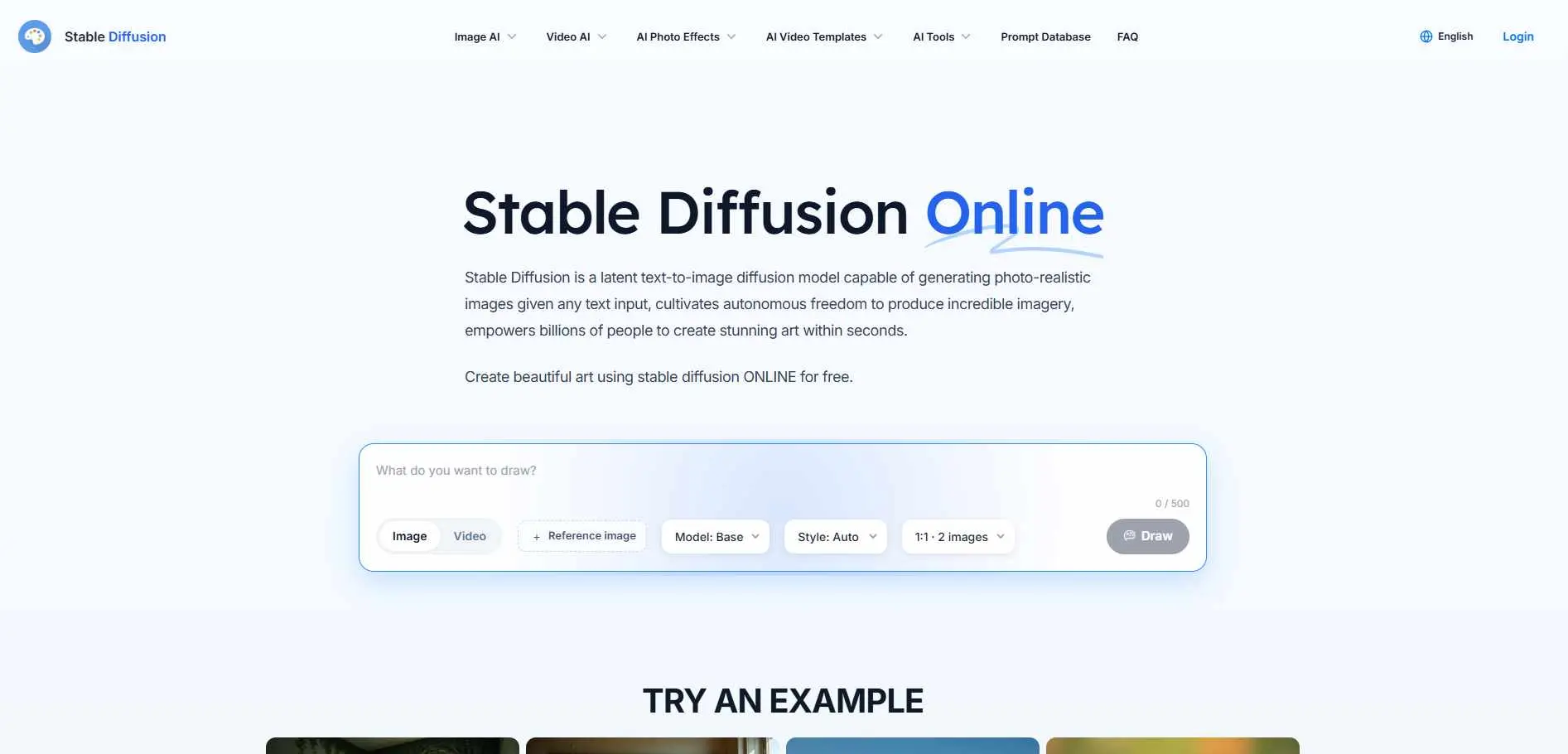
Stable Diffusion is something that anyone can use for free which's really cool. This means you can use Stable Diffusion on your computer, make it do what you want and teach it with your own pictures. If you do not want to do all that you can just go to the Stable Diffusion website at stablediffusionweb.com. Start using it right away without signing up.
It handles photorealism, anime, concept art, and abstract styles. Negative prompts work well. The learning curve is steeper than most, but the ceiling is higher too.
Best for: Developers, power users, anyone who wants zero restrictions on output
Free plan: Yes - web version is free; local install is free
3. DomoAI - Best for Video and Animation
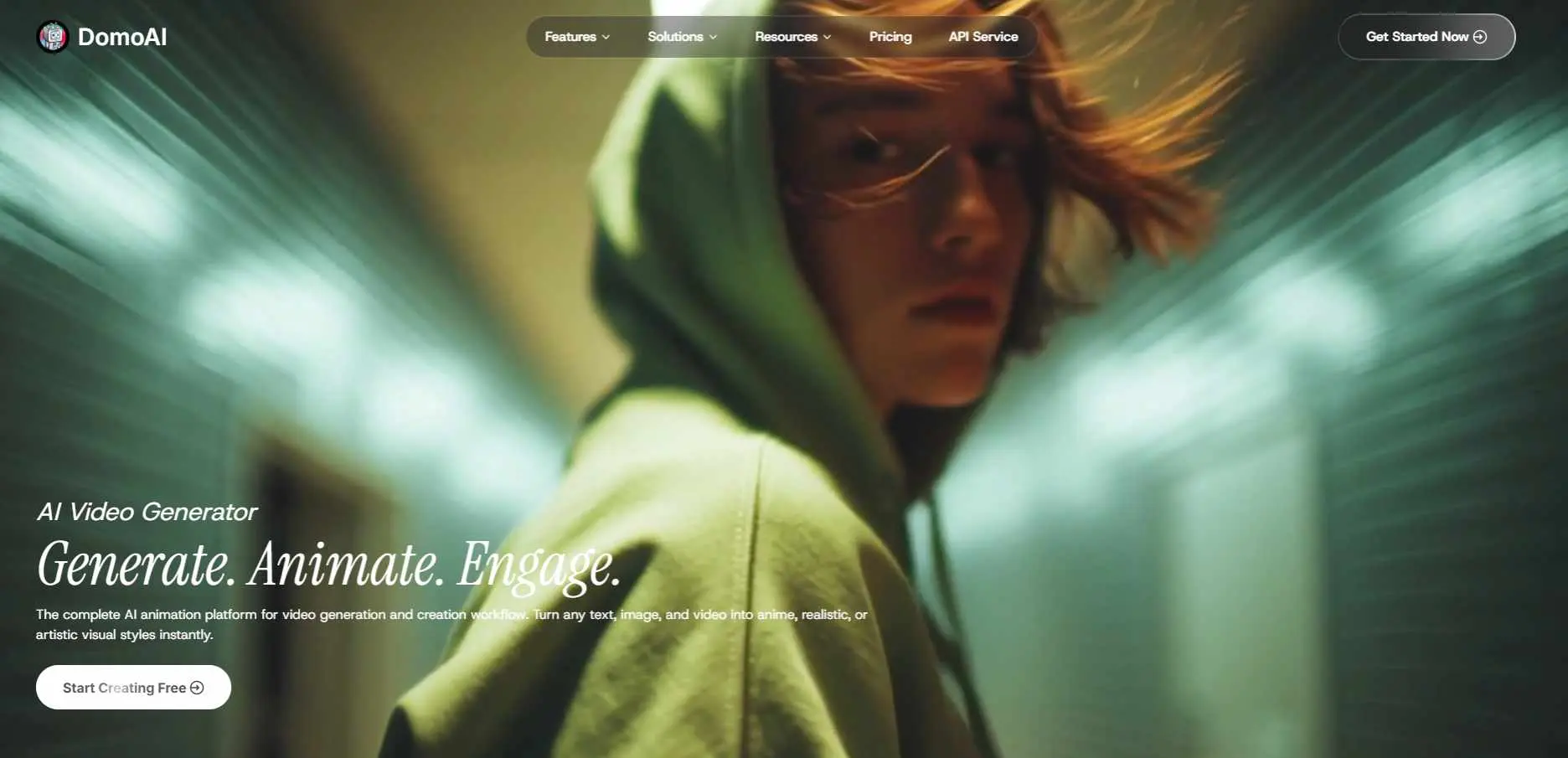
DomoAI is one of the few tools that goes beyond static images. It converts text, photos, or raw footage into finished videos. You can apply anime or cinematic styles to existing clips, auto-sync lip movements to audio, upscale to 4K, and remove backgrounds - all in the same platform. If you regularly enhance or upscale AI-generated outputs beyond what your primary generator offers, our roundup of the best AI image enhancer tools covers dedicated options that pair well with any tool on this list.
If your work involves social media video, animated content, or short films, DomoAI fills the gap Midjourney leaves entirely empty.
Best for: Video creators, animators, social media content teams
Free plan: Yes - free tier available
4. Leonardo.AI - Best for Consistent Characters and Game Assets
Leonardo.AI has a feature called Image Guidance that keeps characters, products, or visual styles consistent across multiple generations. That solves one of the biggest frustrations with most AI image tools.
It also has a fine-tuning feature where you can train a custom model on your own images. Game developers use it heavily for asset generation. The UI is clean and web-based - no Discord required.
Best for: Game developers, character designers, brand asset teams
Free plan: Yes - 150 tokens per day on the free tier
5. RunDiffusion - Best for Running Stable Diffusion Without a Local GPU
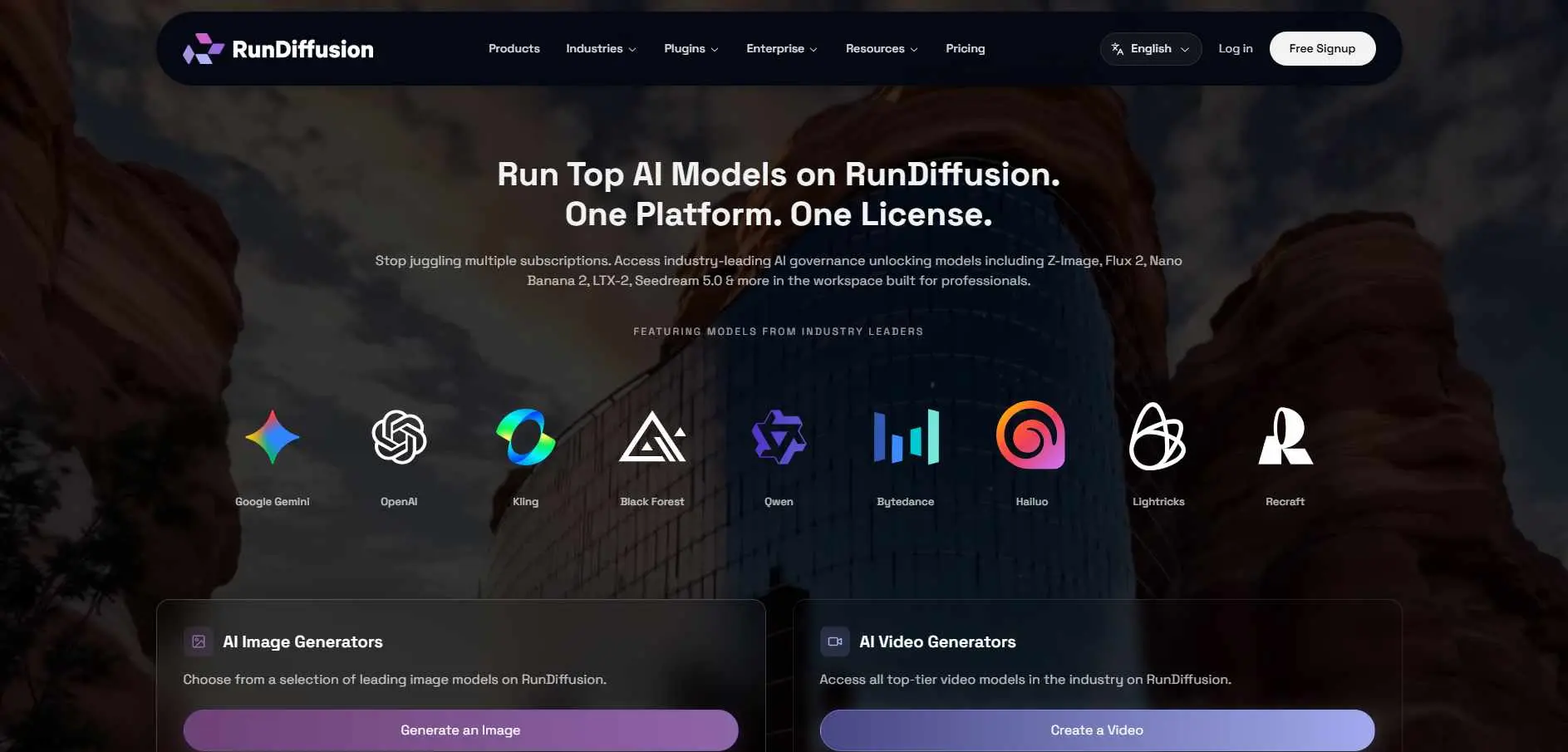
RunDiffusion gives you a cloud-hosted Stable Diffusion environment. No local install, no GPU required. You get the full power of Stable Diffusion with AUTOMATIC1111 or ComfyUI interfaces running in a browser tab.
If you want Stable Diffusion's control and model variety without buying or renting a GPU, RunDiffusion is the most direct path.
Best for: Stable Diffusion users without local hardware
Free plan: No - pay-per-hour pricing starting at $0.50/hour
6. Adobe Firefly - Best for Designers Already Using Adobe Tools
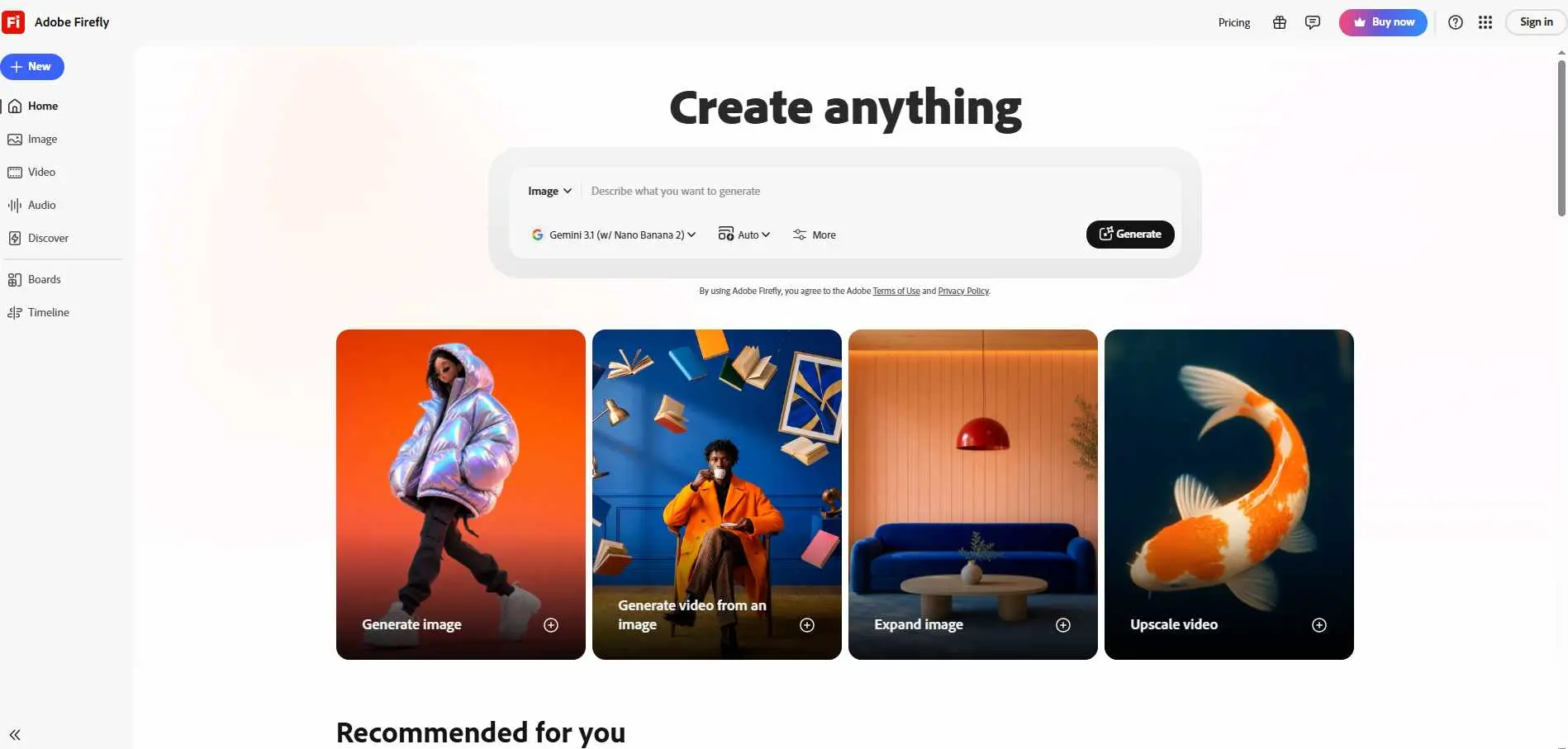
Adobe Firefly is a tool that works well with Photoshop and Illustrator. If you already use Adobe products then Adobe Firefly is the thing to use. You can make pictures from text fill in spaces with patterns and add text effects all inside the Adobe programs you already know how to use.
One important detail: Firefly is trained only on Adobe Stock images and public domain content, which means its commercial license is cleaner than most. If copyright risk matters to you - and for professional work it should - that is a real advantage.
Best for: Designers, marketers, anyone in the Adobe ecosystem
Free plan: Yes - 25 generative credits per month free
7. ImagineArt - Best for Stylized and Fantasy Art
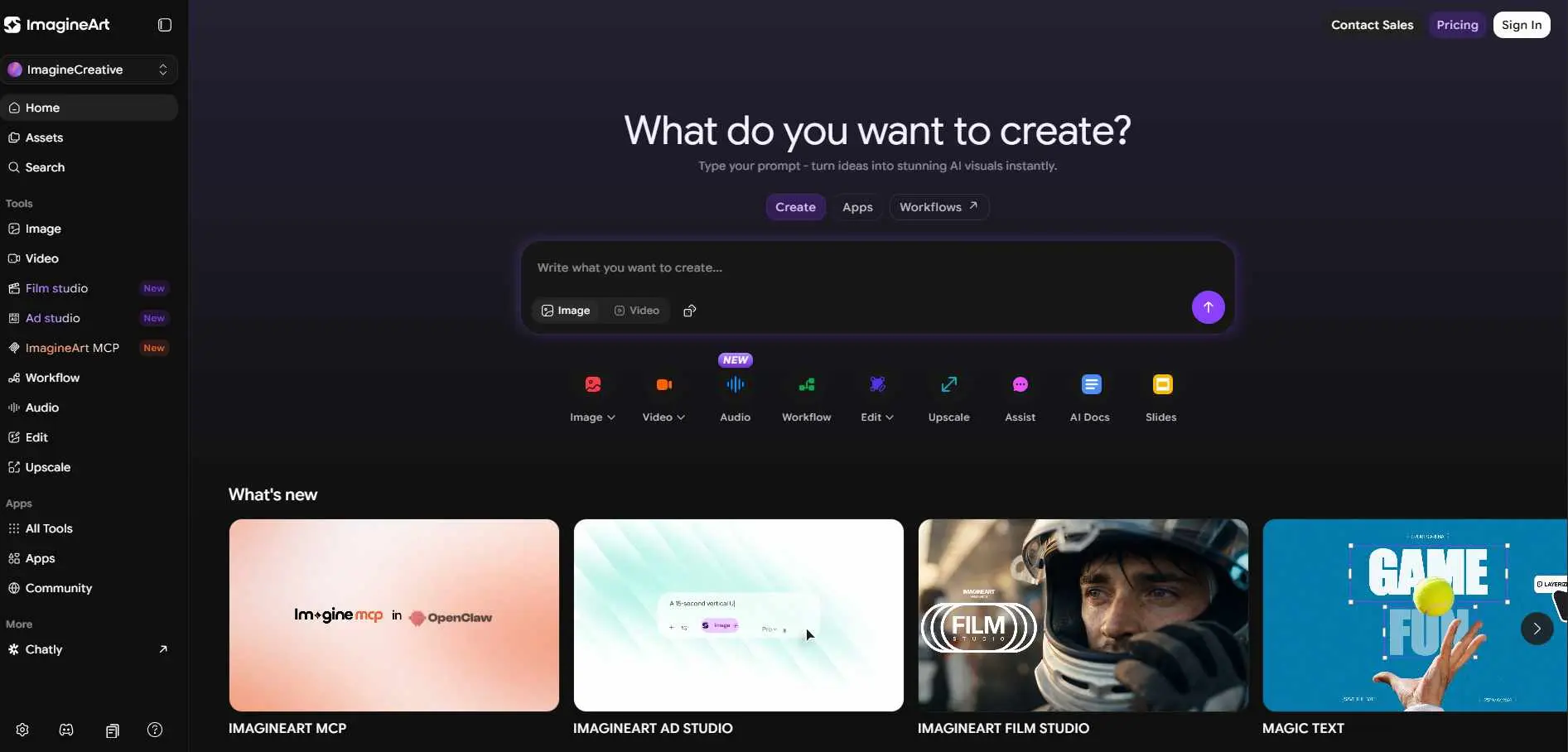
ImagineArt has a wide range of art style presets - anime, fantasy, sci-fi, watercolor, oil painting - and generates results fast. The mobile app is well-made, which most tools on this list cannot say.
It’is not the advanced tool but it is great for making quick and decent pictures without having to learn a lot of new things. For something that's easy to use it does a really good job.
Best for: Social media creators, fantasy artists, mobile-first users
Free plan: Yes - limited free generations daily
8. Craiyon - Best Completely Free Option for Beginners
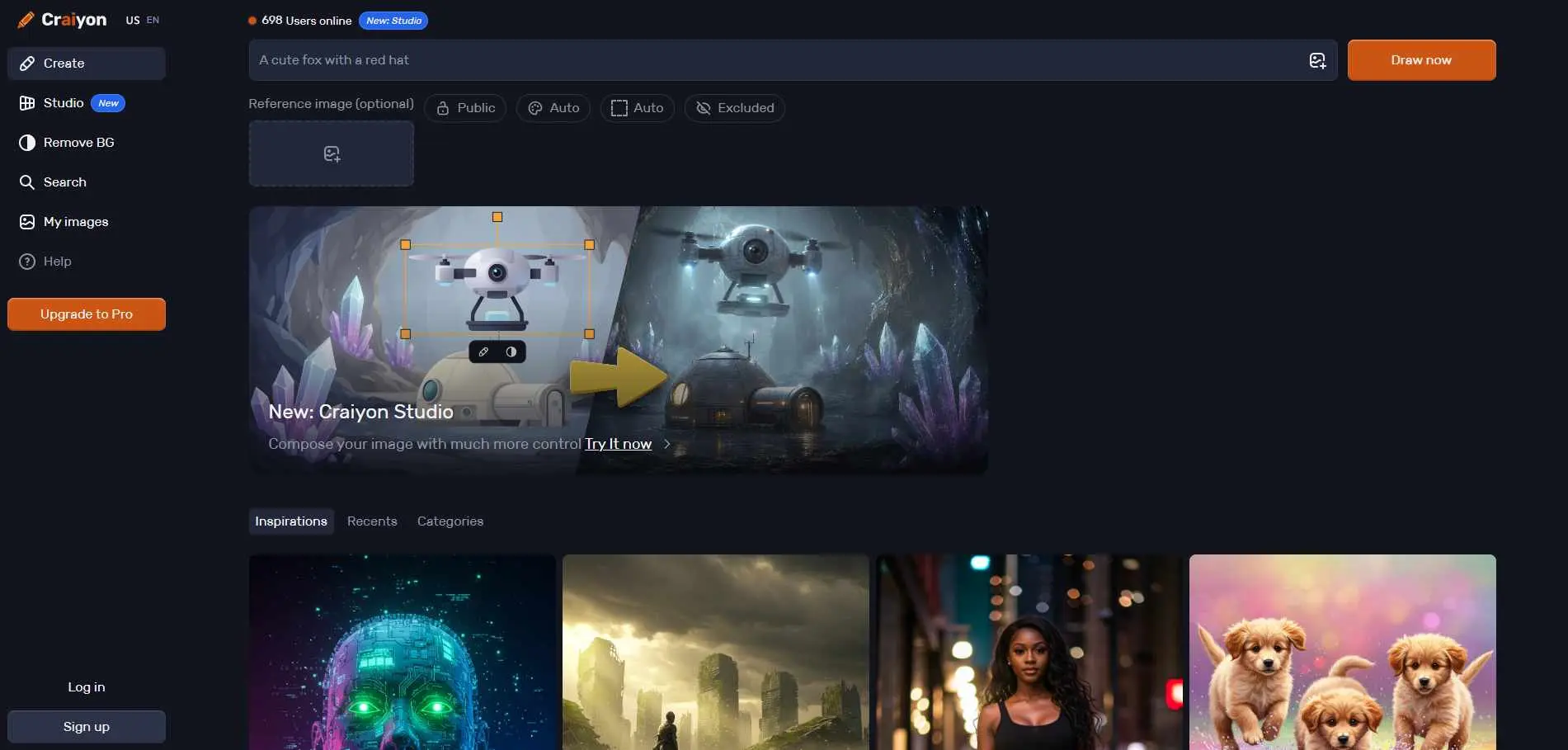
Craiyon (formerly DALL-E Mini) is the most accessible tool on this list. No account needed, no credits, no subscriptions. Type a prompt and get images.
The output quality is lower than every other tool here - be clear about that. For people who have never used a tool to generate images with Artificial Intelligence or who just needs rough concept sketches this thing works perfectly and it is free.
Best for: Absolute beginners, quick concept sketches
Free plan: Fully free
9. Pollo.ai - Best for AI Video from Text or Image
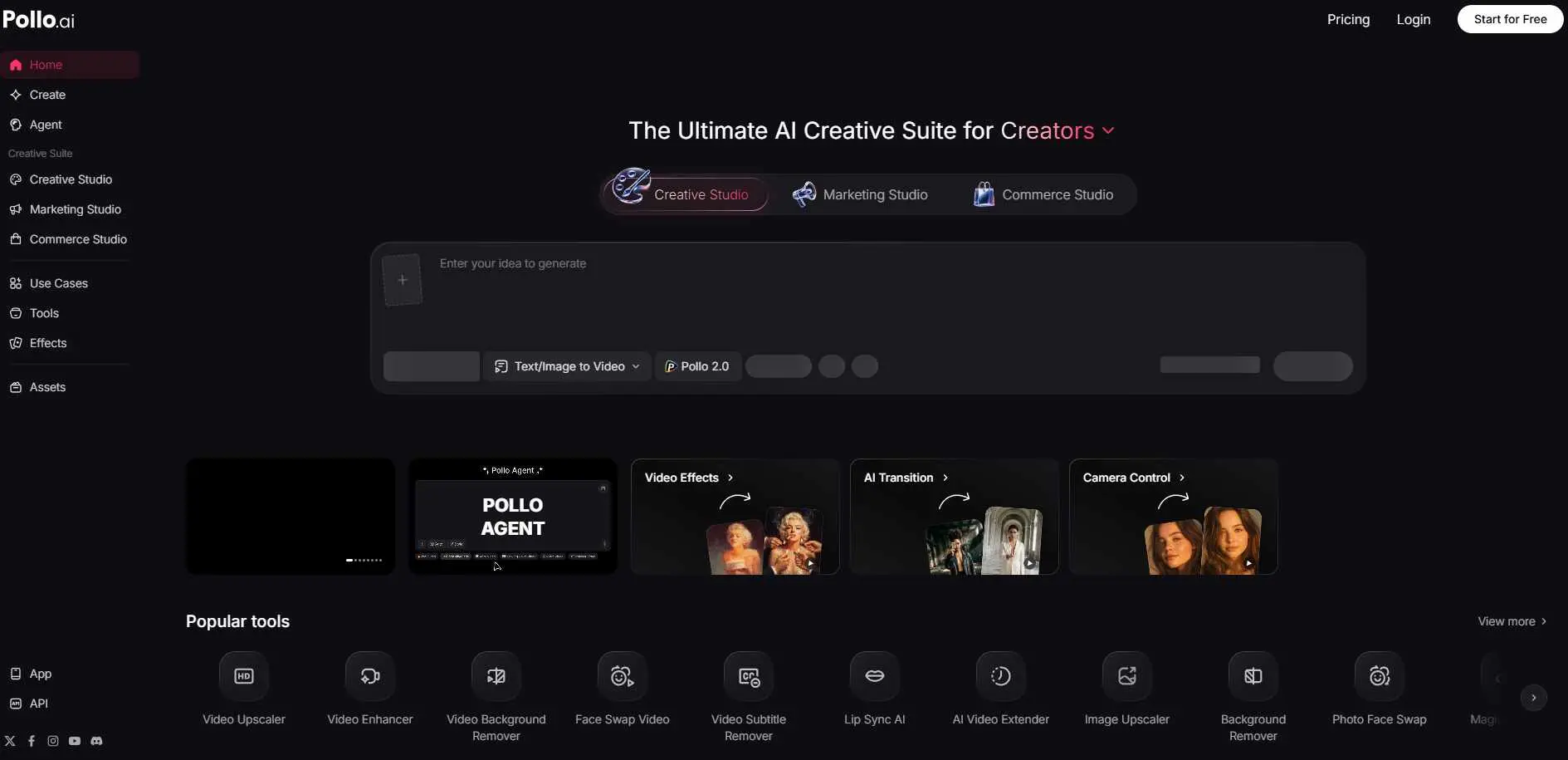
Pollo.ai focuses on video generation and has both text-to-video and image-to-video capabilities. You can also do face swaps and video style transfers. The interface is simple enough for non-technical users.
This tool is not as old as some other tools but the quality of the videos it makes is as good as the older tools.
Best for: Short-form video creators, content marketers
Free plan: Yes - limited free credits
10. Playground AI - Best Free Alternative for High-Quality Images
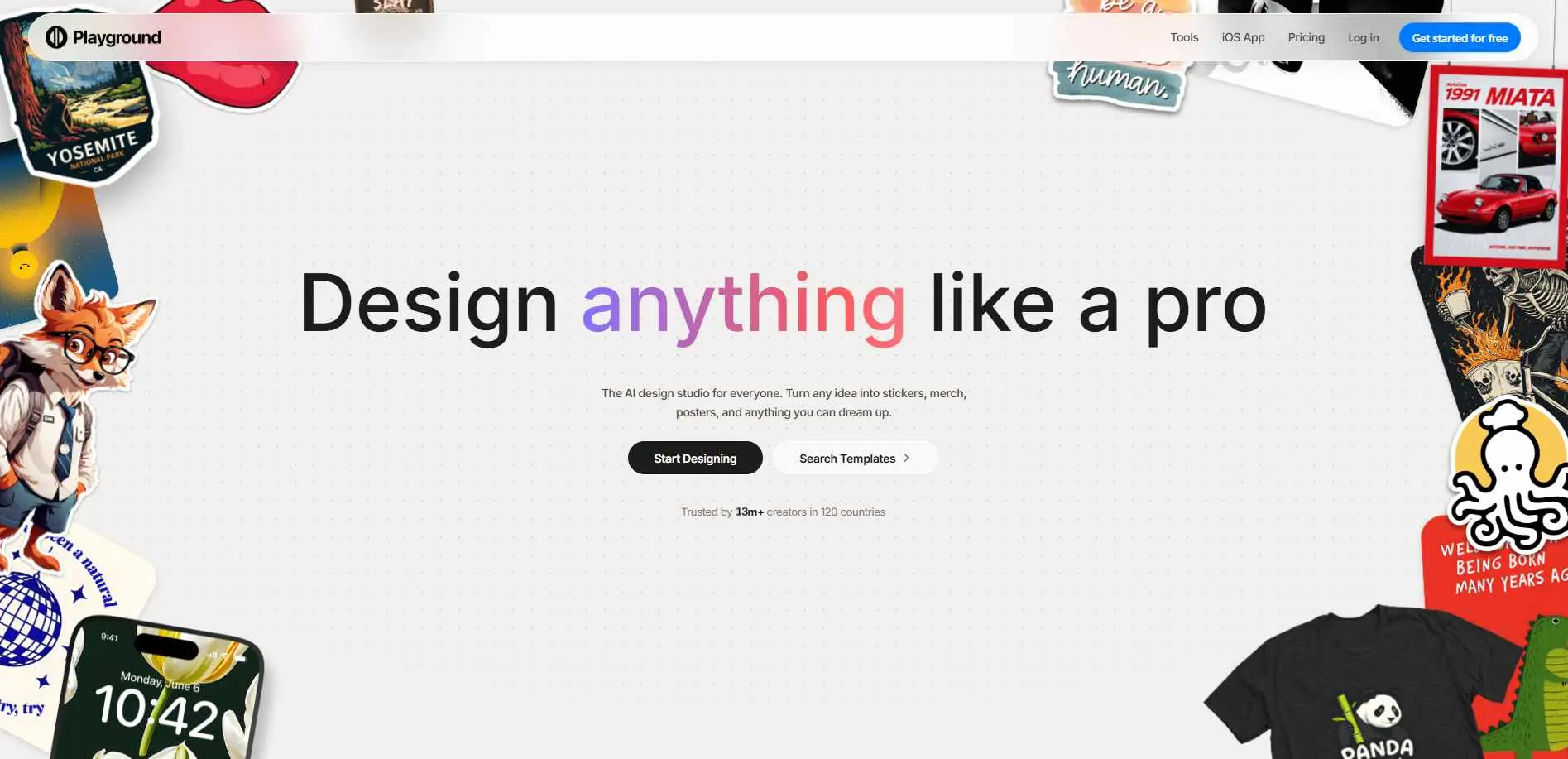
Playground AI gives you 500 free images per day. That is not a typo. You can generate at Stable Diffusion quality, use custom models, apply filters, and edit outputs - all without paying anything.
The interface is cleaner than most open-source alternatives, and it supports both text-to-image and image editing. If you are still building your prompting skills, a curated AI prompt library will give you a useful head start before you start burning through those 500 daily generations. For volume-heavy work or experimentation, nothing else on this list gives you this much for free.
Best for: Beginners, high-volume users, prompt experimentation
Free plan: Yes - 500 images/day free
11. LetzAI - Best for Brand Consistency Across Campaigns
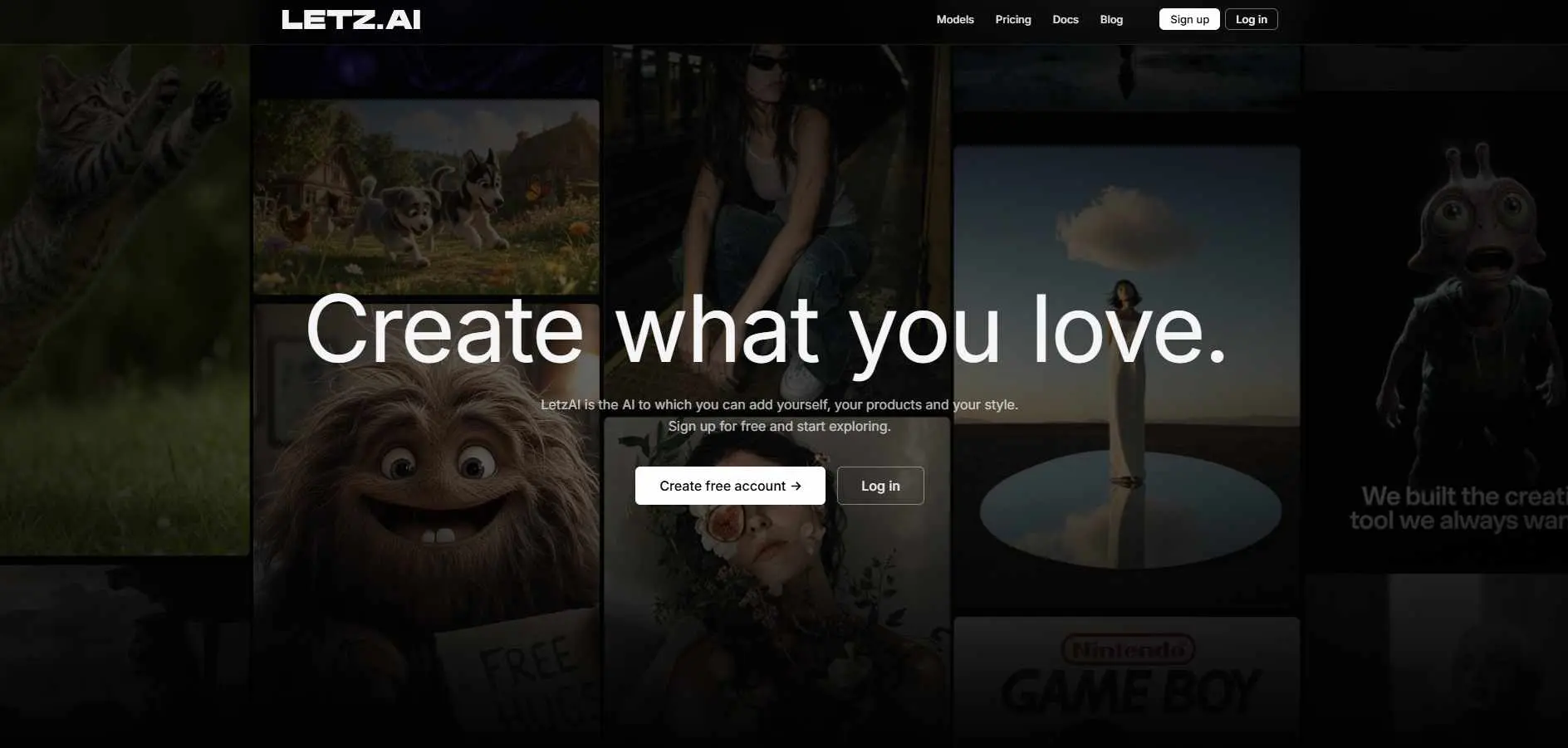
LetzAI is built specifically for teams that need the same visual style across many outputs. You can train custom models on your brand's visual identity and generate images that stay on-brand without manual adjustment every time.
It is more niche than others on this list, but for marketing teams with a consistent visual language, that specialization is the point.
Best for: Brand teams, agencies, consistent visual identity work
Free plan: Yes - trial available
12. Krea AI - Best for Real-Time AI Generation
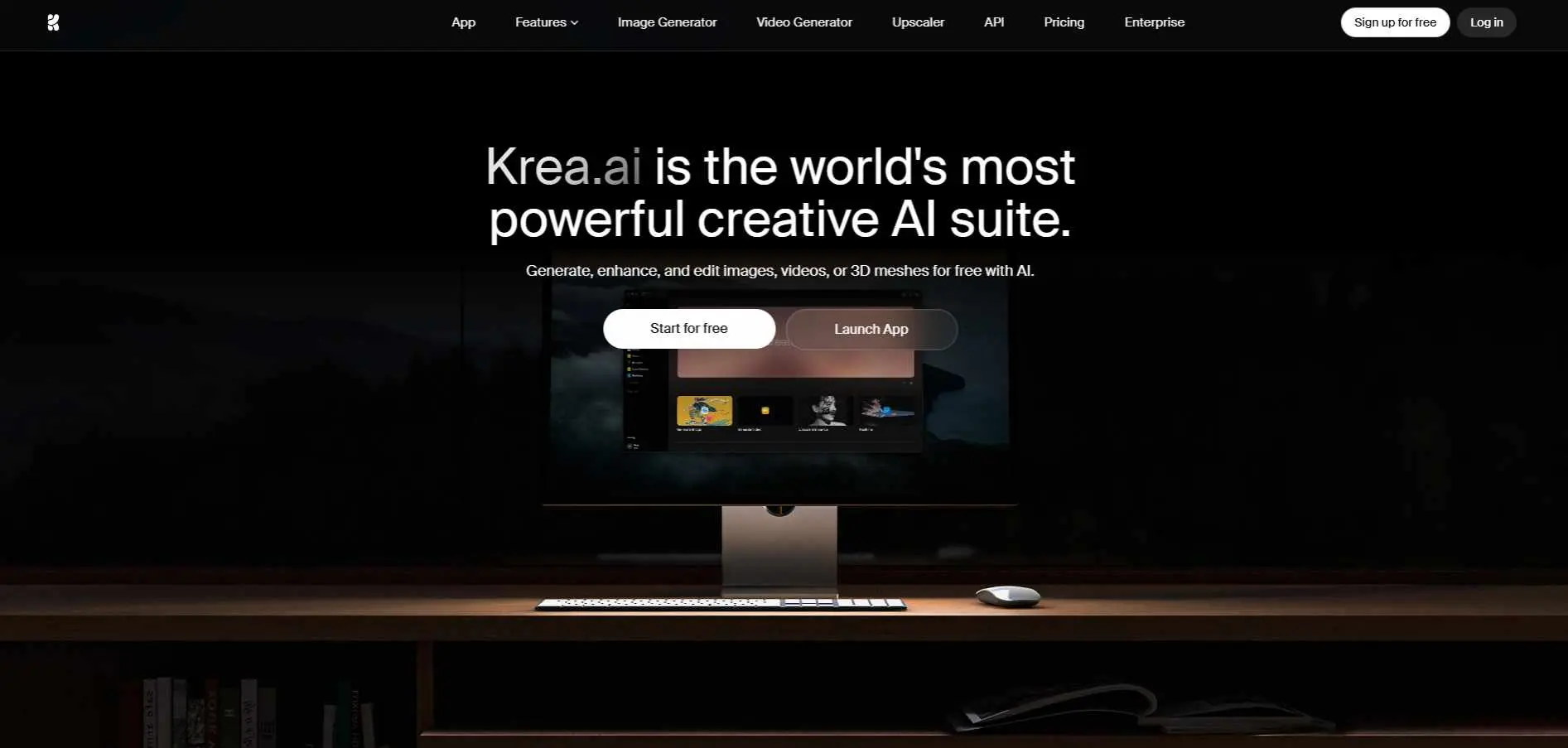
Krea AI does something different from every other tool here: it generates images in real time as you draw or type. Move a shape on the canvas and the AI updates the output instantly. It feels less like prompting and more like collaborating with the model.
It also handles upscaling and video enhancement well. If you find the prompt-and-wait workflow frustrating, Krea's real-time canvas is worth trying.
Best for: Concept artists, iterative visual exploration
Free plan: Yes - limited generations on free tier
Which Tool Should You Pick?
This is what the other articles skip entirely - a direct answer based on your situation.
Your Situation | Go With |
| You need free + high volume | Playground AI |
| You need video, not just images | DomoAI or Pollo.ai |
| You use Adobe tools already | Adobe Firefly |
| You want maximum control | Stable Diffusion via RunDiffusion |
| You need consistent characters | Leonardo.AI |
| You want real-time generation | Krea AI |
| You are a complete beginner | Craiyon or ImagineArt |
| You need consistent brand visuals | LetzAI |
Mistakes People Make When Switching from Midjourney
Most people pick a tool based on output quality alone. That is wrong. Here is what trips people up:
Ignoring the license. Some tools claim free commercial use but bury restrictions in the fine print. Check whether commercial use requires a paid plan before you deliver work to a client.
Not testing consistency. A tool can produce one great image and fail completely at keeping the same face, product, or style across a set. Test this before you depend on it.
Skipping the free tier limits. "Free plan" often means 10 images per day. Know the actual number before building a workflow around it.
Assuming Discord-free means privacy. Some web-based tools still put your images in a public gallery by default. Check the privacy settings before generating anything confidential.
Final Verdict
Midjourney is not going anywhere, and for pure image aesthetics it is still strong. But the paywall, the Discord dependency, and the total absence of video tools make it the wrong choice for a lot of people.
Playground AI wins on free volume. Adobe Firefly wins on integration. Leonardo.AI wins on consistency. DomoAI and Pollo.ai are the only real options if you need video.
Pick the tool that fits your actual workflow - not the one with the best-looking demo images.