 Table of Content
Running a printing business is more than just putting ink on paper. Somebody has to do the quotes, get the art approved, order the materials, schedule jobs and get the finished orders delivered on time. If you’re tracking all of that in spreadsheets and a few separate apps, mistakes can slip through. Implementing proper business automation is essential for growing a small business, as it helps prevent these manual errors.
Print management software can bring much of this work into one place. A print shop may need an MIS (Management Information System, a tool that runs the business side of a print shop) to handle estimates, production, stock and invoices. An office or large company has a different problem. It needs to control who can print, cut waste, and keep documents from sitting in the output tray. It also needs to manage printers in several locations.
These are two different uses of the same name. If you buy the wrong type, you spend money you did not need to spend. The tools below cover both types. They also include web-to-print platforms (websites where customers place print orders online) for businesses that take orders online.
At a Glance
Tool | Market | Price | Best For |
| PrintPLANR | Print shop | $69-99/month | Small commercial printers |
| Print ePS | Print shop | Custom quote | Larger print and packaging firms |
| Printavo | Print shop | About $139/month | Apparel and screen print shops |
| OnPrintShop | Print shop | Unclear | Web-to-print storefronts |
| PrintVis | Print shop | From about $60/user/month | Microsoft Dynamics users |
| PaperCut | Office | About $435 for 25 users, or per-device quote | Schools and mixed fleets |
| Pharos Cloud | Office | From $3/user/year | Large cloud-first organizations |
| Print Manager Plus | Office | From $495 one-time | Quotas and budgets |
| ThinPrint | Office | $27.50/user/year and up | Remote desktop setups |
| Printix | Office | From $1.99/user/month | Small IT teams |
1. PaperCut
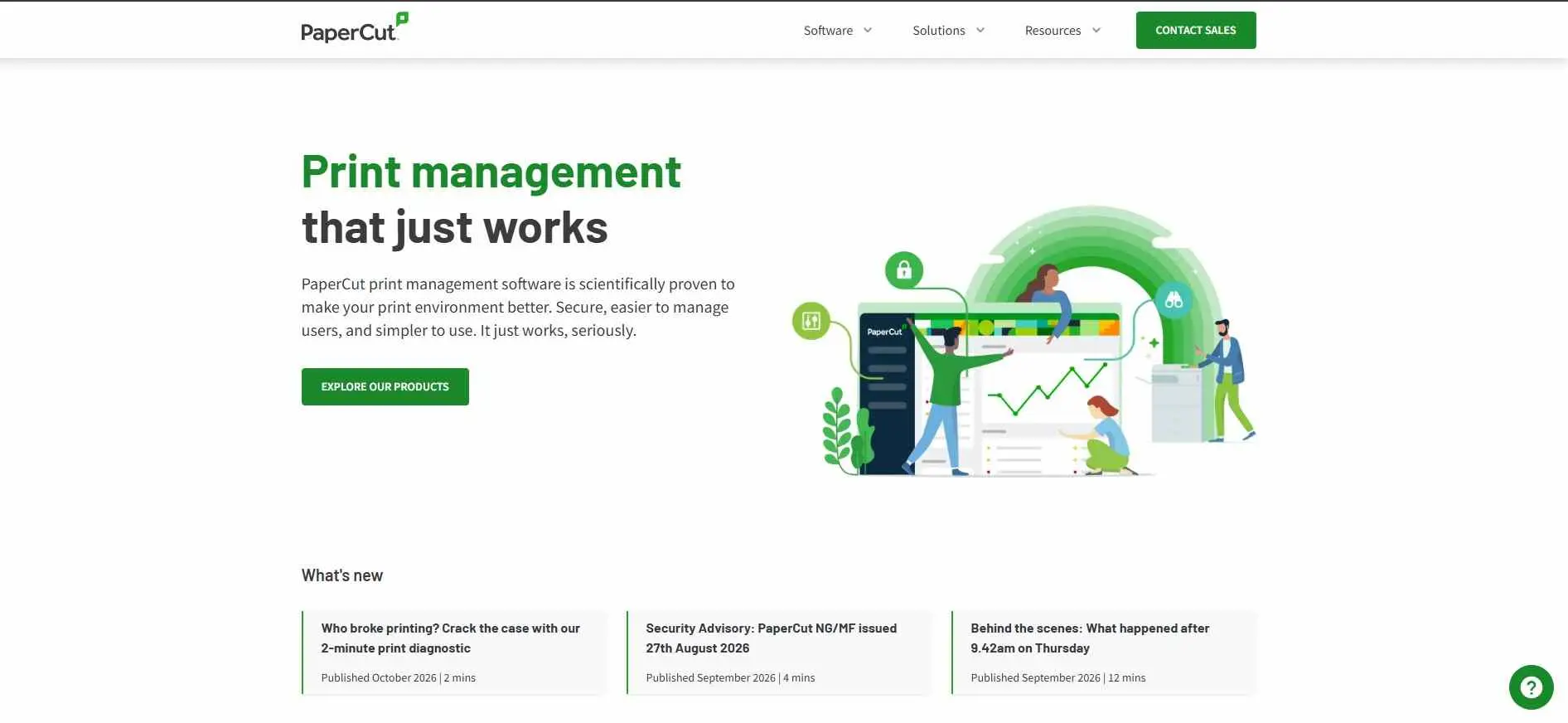
Most office IT people already know PaperCut. It tracks and caps printing, bills departments, and holds each job until someone swipes a badge or types a PIN at the printer. The MF edition is quoted per device through resellers, and one directory lists the smaller NG edition at about $435 for 25 users, which works out to roughly $17 each, not per user as some sites claim. Mobile and web printing can cost extra. The cloud edition, Hive, still trails the on-premise version on features.
What it does: Print tracking, quotas, chargeback, secure release, mobile printing.
Best for: Schools and offices with mixed fleets of printers.
2. PrintPLANR
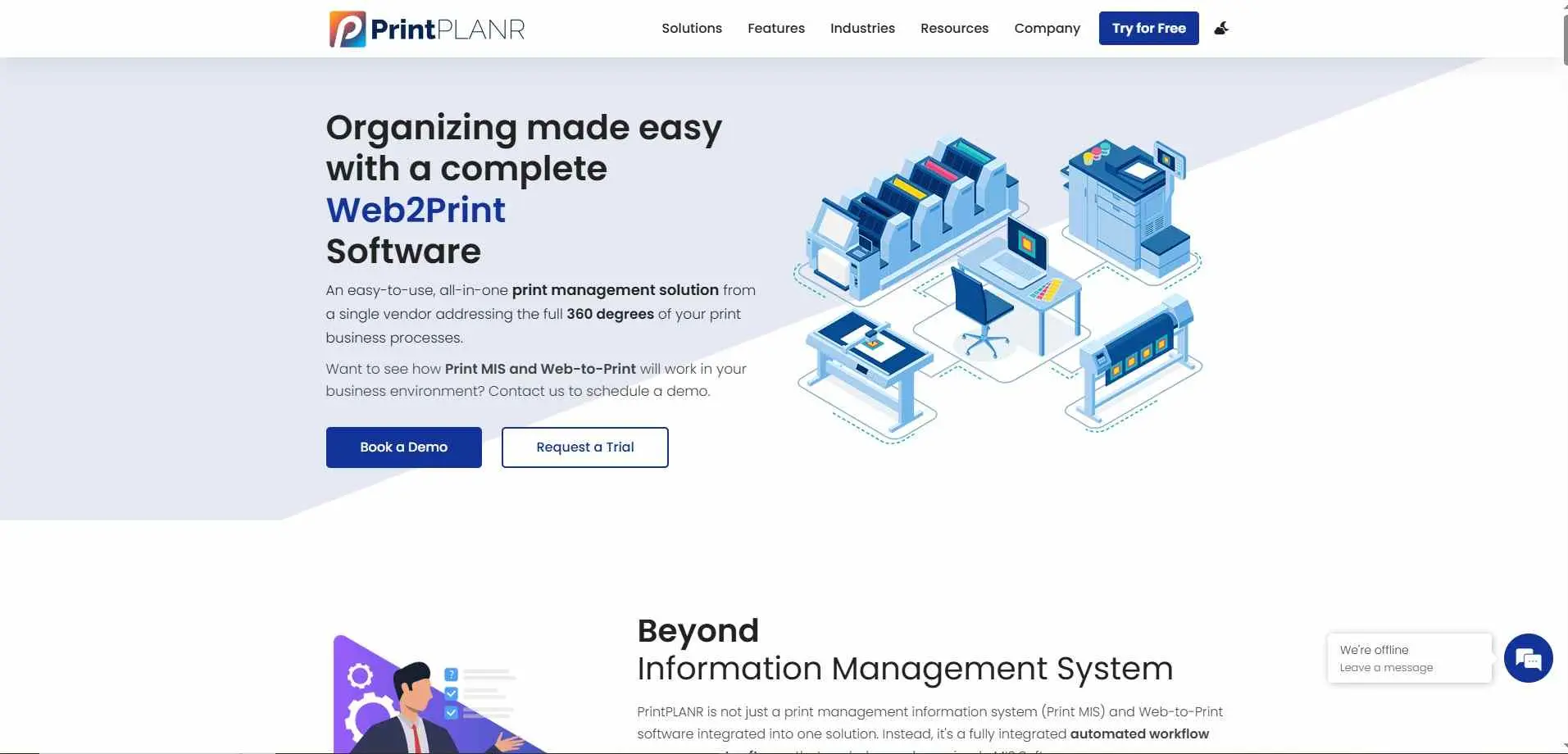
PrintPLANR is a classic print MIS, and that’s a description, not a dig. Quotes, inventory, and job tickets all run through this system, plus the web printing feature plugs in for any client type. PrintPLANR also ties purchasing to inventory records, so a shop can track materials and outsourced work in one place instead of handling each purchase on its own.
What it does: Quotes, job tickets, inventory, CRM and optional web-to-print.
Best for: Small commercial printers who want one system and don’t care how it looks.
3. Print ePS
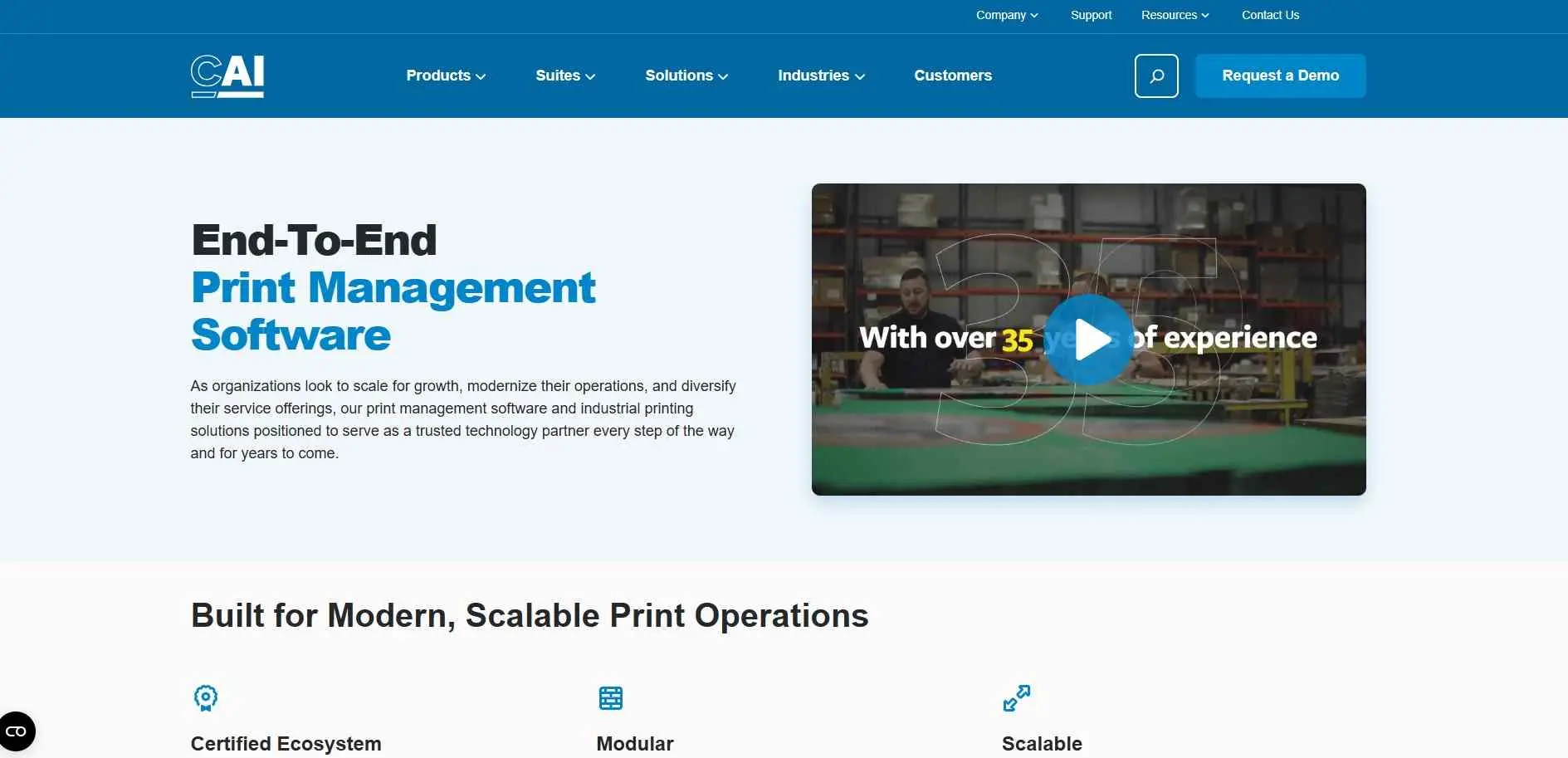
Print ePS is the heavy end of this list. It comes from ePS, the company behind Pace, one of the bigger MIS systems for print and packaging, and it covers the whole run from estimate to invoice. There’s no published price. One buyer guide puts full MIS systems for large multi-site operations at $1,000 a month and up, but that’s a ballpark, since ePS quotes by users and volume.
What it does: End-to-end print management, from estimating through production and billing.
Best for: Larger print or packaging businesses with several sites.
4. Printavo
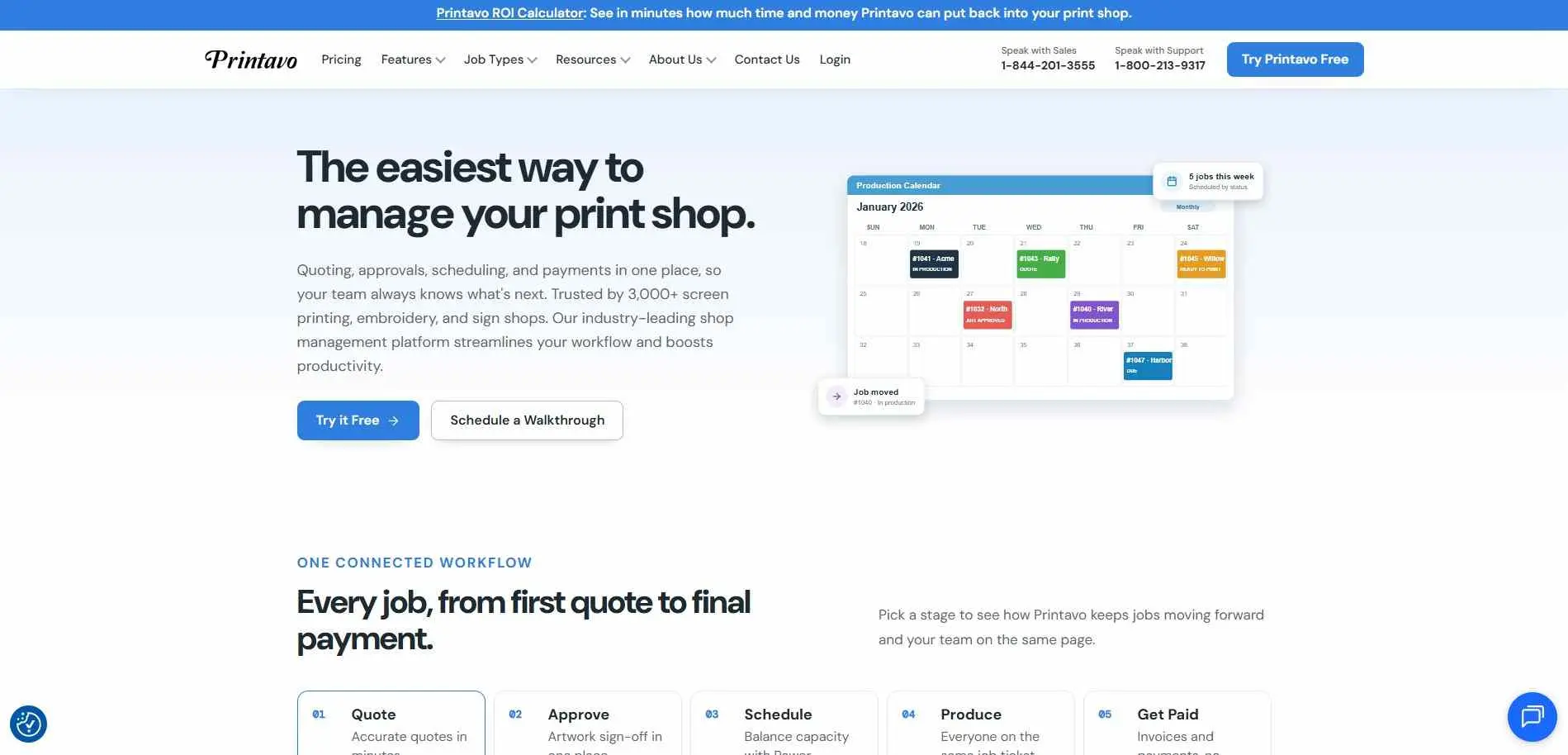
Printavo is built for apparel and screen print shops, and reviewers say as much: if you run a small screen printing or embroidery shop, start here. The production calendar shows what’s on every press, customers can approve quotes online and check job status, and invoices go out from the same system. One roundup lists it at $139 a month. Its weakness comes from the same place as its strength. It’s narrow, so a commercial offset printer will outgrow it.
What it does: Quotes, scheduling, mockups, customer approval, invoicing.
Best for: Apparel and screen print shops.
5. Pharos Cloud
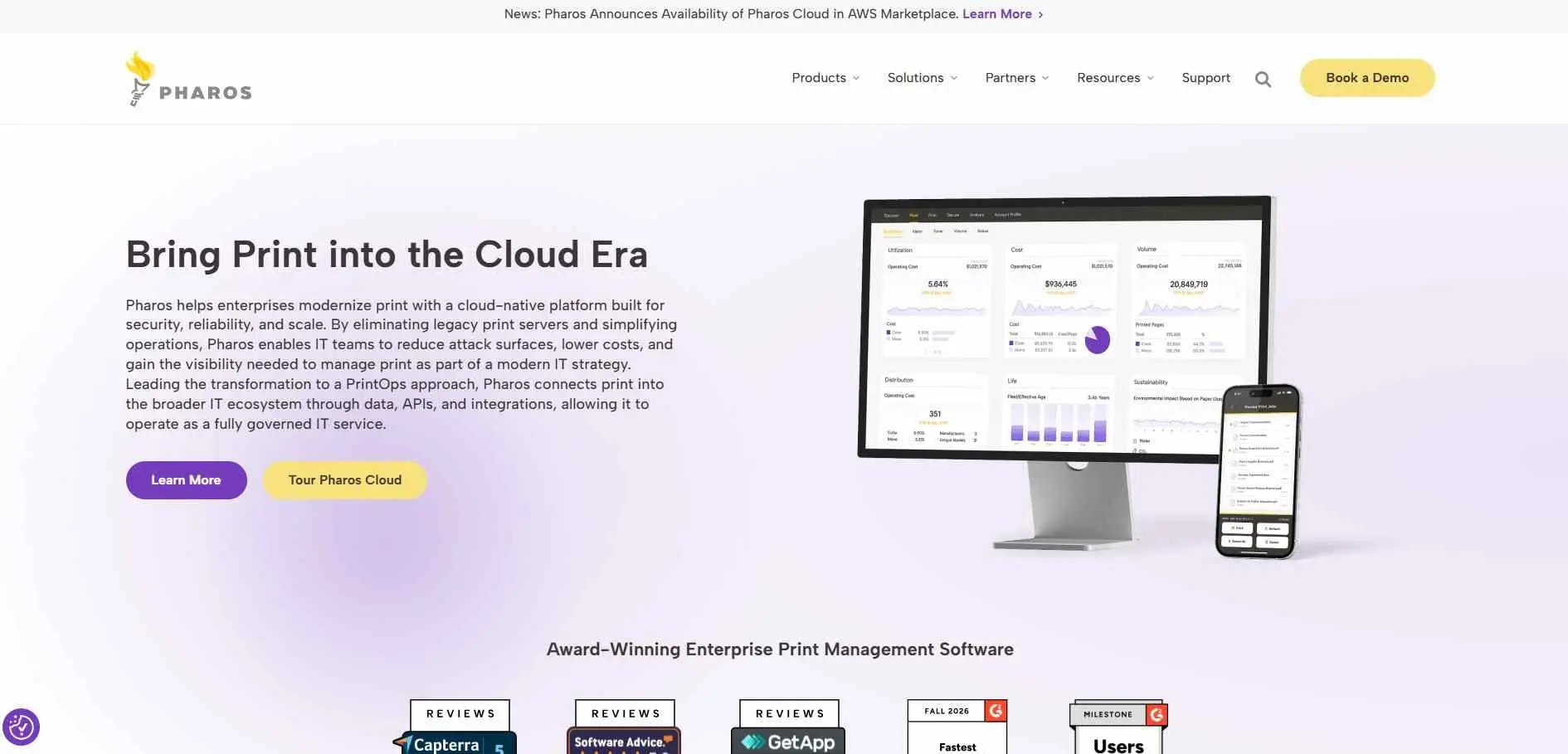
Pharos Cloud is built for big organizations that want secure printing without running print servers. A reporting layer tracks usage on top of that. One buyer guide lists it from $3 per user per year, which looks like a starting price, so ask for a full quote that covers every device.
What it does: Cloud secure print release plus usage reporting.
Best for: Large cloud-first organizations with many shared printers.
6. Print Manager Plus
This one is about money and limits. Per-user quotas, budgets, cost tracking and billing are its focus, which makes it popular in schools and government. It’s sold as a one-time license, which is rare now that most of the market has moved to subscriptions. One guide lists it from $495 and another directory says $400 a user. The gap probably comes down to edition and user count.
What it does: Print quotas, billing, cost tracking and secure release.
Best for: Schools and public bodies that need to cap printing.
7. ThinPrint
ThinPrint solves a narrower problem than the others. It handles printing from remote desktops and virtual setups, where print data has to travel between servers and users. It publishes its prices in an online shop, which is rare. The Engine is $27.50 per user a year, the Hub is $149 per device a year, and the RDP Engine is a $1,330 one-off. If nobody at your company uses Citrix or remote desktops, you probably don’t need it.
What it does: Manages print traffic in remote desktop and virtual environments.
Best for: IT teams running virtual desktops.
8. OnPrintShop
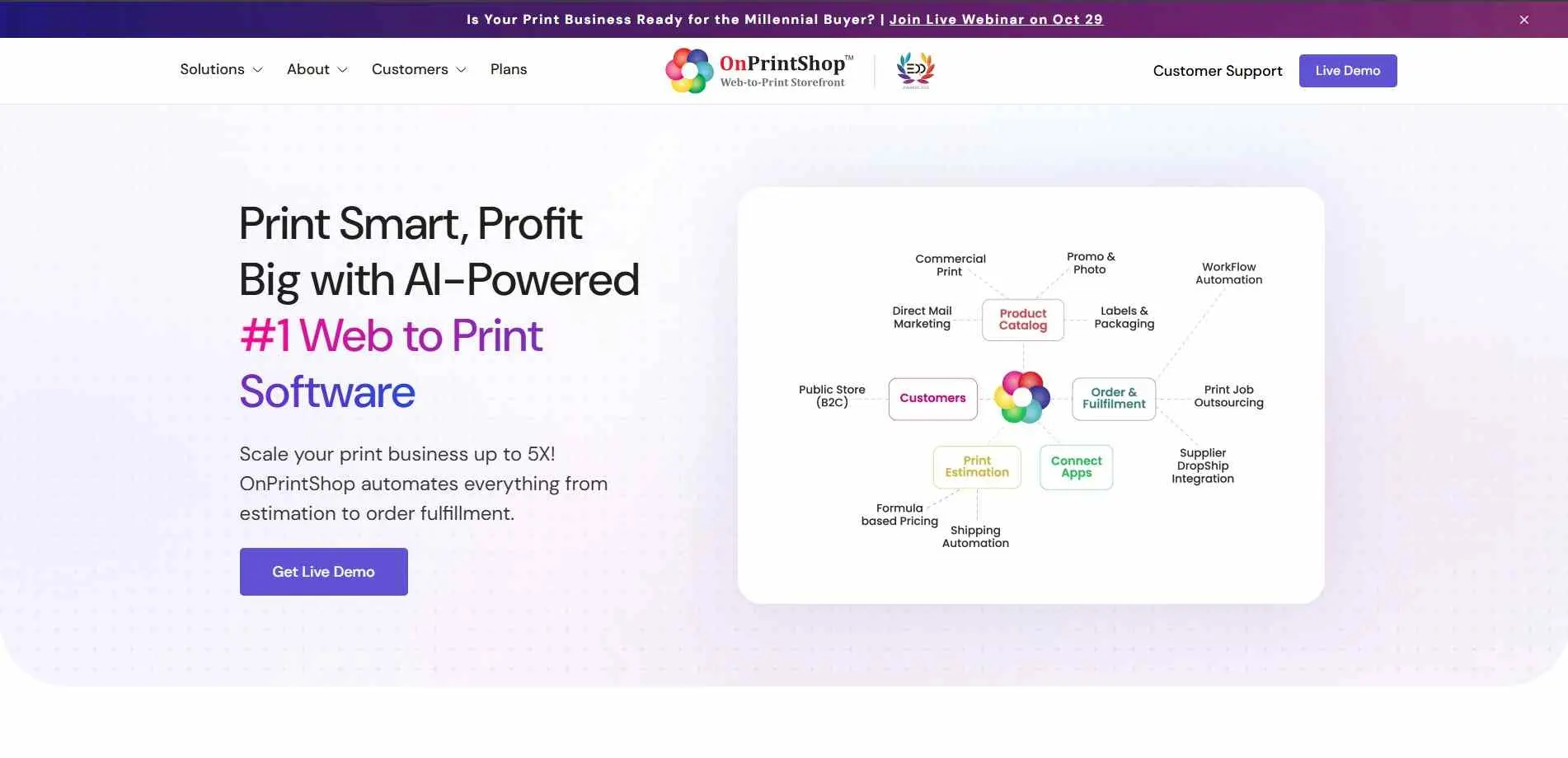
OnPrintShop is mostly a web-to-print platform, so it covers the front of the business: the storefront where customers upload artwork, pick options and order online. It isn’t a full MIS like PrintVis or Print ePS, so you’d need something else for production. Prices are unclear. One directory advertises a starting price of $7 per month, while another tells you to contact the vendor. See an actual quote.
What it does: Builds an online ordering storefront for a print business.
Best for: Print shops that mainly want customers ordering online.
9. PrintVis
PrintVis is a full ERP for printers, built on Microsoft Dynamics 365 Business Central. If your company already runs on Dynamics, it fits well, with deep job costing, production planning and estimating for label, packaging and commercial work. If you run a different ERP, you’d have to move to Dynamics or run PrintVis without full integration. One directory lists it from $60 per user a month. Others say pricing requires a consultation, which is closer to how it’s actually sold.
What it does: Estimating, planning, purchasing, shop floor tracking and finance in one system.
Best for: Mid-size and large printers, especially packaging, on Dynamics.
10. Printix
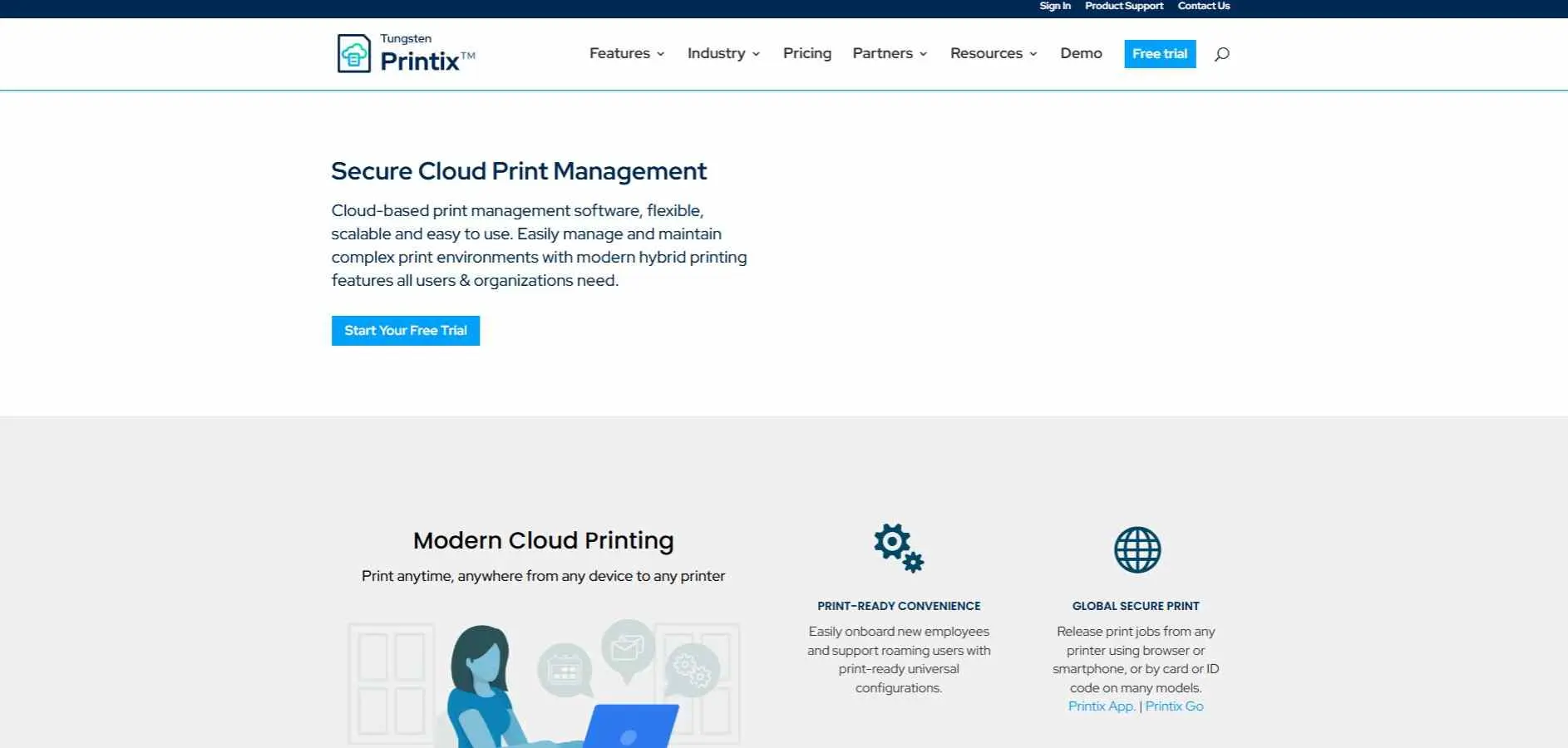
Printix is the cloud pick for lean IT teams. It removes the print server, installs drivers and queues automatically, and releases jobs by PIN or proximity card. A directory lists it from $1.99 per user a month, and an older cost guide says that price covers small businesses up to 50 users. It belongs to Kofax. Larger organizations should expect a quote.
What it does: Cloud print management, secure release, remote printing.
Best for: Small and mid-size companies without a dedicated print admin.
How to choose the right print management software
A print shop that takes customer orders, estimates, materials, deadlines and invoices needs a MIS. PrintPLANR Print ePS, Printavo and PrintVis all work best here. Each is better suited for a different type or size of shop.
Next check how the tool connects to your systems. Print shops should check links to accounting, production, stock and web-, to-print tools. IT teams should check which printers it supports how it handles user logins and access rules. Which devices staff use.
Bottom Line
The best print management software depends on whether the main problem is print production or office printer management. PrintPLANR, Print ePS, Printavo and PrintVis all focus on the business and production side.
The office tools (PaperCut, Pharos Cloud, Print Manager Plus, ThinPrint and Printix) mostly come down to the same few questions: who gets to print, how much, and whether IT can keep it locked down.
Ask the company to show you the exact workflows for the tasks the system will need to perform before you make a decision. This is a much better way to compare products than to treat every platform with the words “print management” in its name as the same type of software.