 Table of Content
Managing one project is tough. When a company runs 20 or 50 projects at once things get messy. Keeping up with budgets, deadlines, team members and what’s most important becomes really hard.
A single project might seem okay on its own. It could be using the same people or budget as other projects. Without a look at all projects together, managers can end up committing to more work. Teams end up overloaded.
That’s where project portfolio management software helps. It lets organizations see how projects compare in priority. It helps plan who works on what track money spent and check if the work fits with the company’s goals and product roadmap.
Some tools are meant for project tasks. Others focus on planning resources making investment choices or handling large capital projects. The 10 tools listed below serve different needs. So the best pick depends on the company size. How it runs its projects.
Before You Compare Anything
Sort the ten into three piles. The first covers PMO governance and resource capacity for ordinary project work: Celoxis, Epicflow, Meisterplan, Planview and Prism PPM. The second is for big capital projects and cost control: Octave Sequence Enterprise and Cleopatra Enterprise. The third pile is the lighter or more specialized stuff. OpenProject is free and open source, Tempo suits teams that already live in Jira, and Profit.co starts with company goals and works down from there.
Prices are a mess. Celoxis publishes per-user pricing, most enterprise tools only quote on request, and where directories disagree I’ve given a range.
At a Glance
Tool | Published Price | Best For |
| Celoxis | 10-45/user/month (sources vary) | Mid-size firms wanting public pricing |
| OpenProject | Free Community edition | Teams on a tight budget |
| Profit.co | Not on the PPM page | Goal-driven PMOs |
| Epicflow | From about €22.5/month | Multi-project resource planning |
| Octave Sequence Enterprise | Quote only | Owners and EPC firms with big capital programs |
| Cleopatra Enterprise | Quote only | Process industry cost control |
| Planview | Quote only | Large enterprise PMOs |
| Prism PPM | From $20/user/month | PMOs wanting what-if planning |
| Meisterplan | About $600/month and up | Capacity and scenario planning |
| Tempo Portfolio Manager | Quote only | Jira-based agile teams |
1. Celoxis
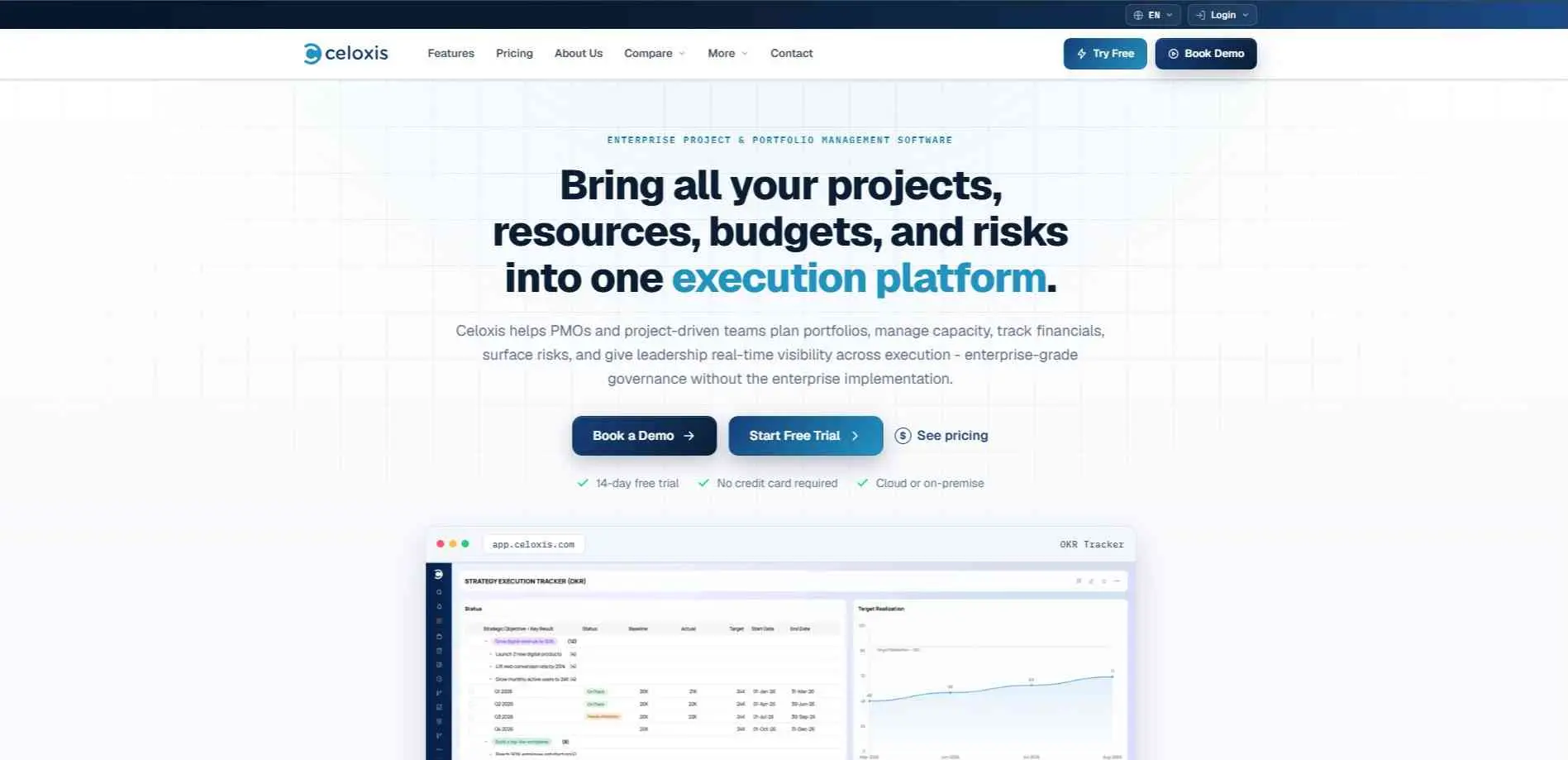
Celoxis is the budget pick. Project, resource, and cost tracking come with built-in reporting, so a small PMO gets real numbers without buying a full platform. The integration ecosystem is smaller than the big names, and it isn’t built for enterprise-scale governance. For a smaller PMO, that’s usually a fair trade.
Best for: Mid-size companies that want full PPM without an enterprise contract.
2. OpenProject
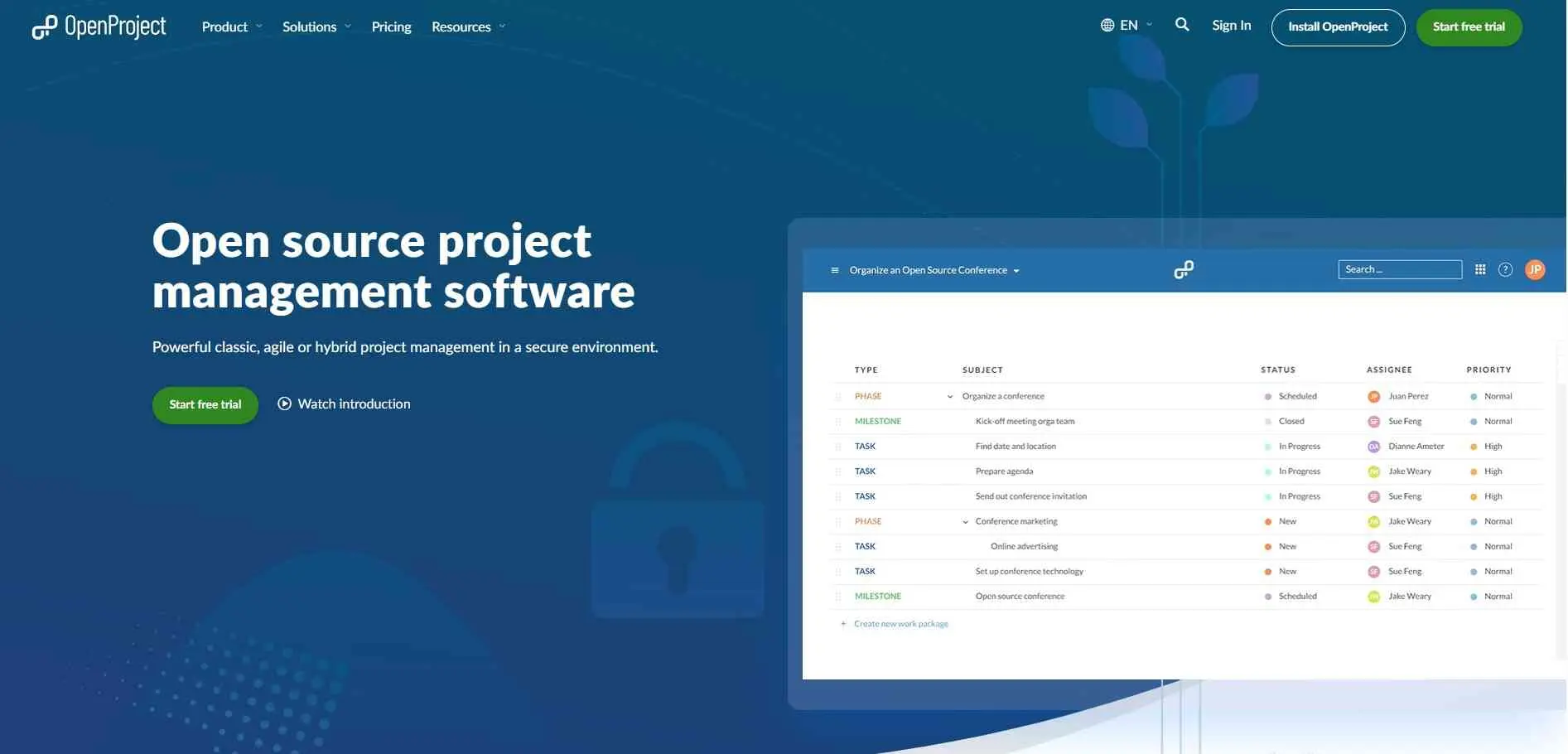
OpenProject is open source. You can grab the free Community edition and host it on your own server for zero dollars. A Berlin team sells paid cloud and on-prem versions for anyone needing extra support or tighter security. You get your basic agile boards, Gantt charts, time tracking, and simple budget tools. Portfolio reporting is definitely the weak spot here, especially if you compare it to dedicated software. If core project features matter more to you than high level portfolio overviews, this compromise works pretty well.
Best for: Budget-conscious teams happy to host and manage it themselves.
3. Profit.co
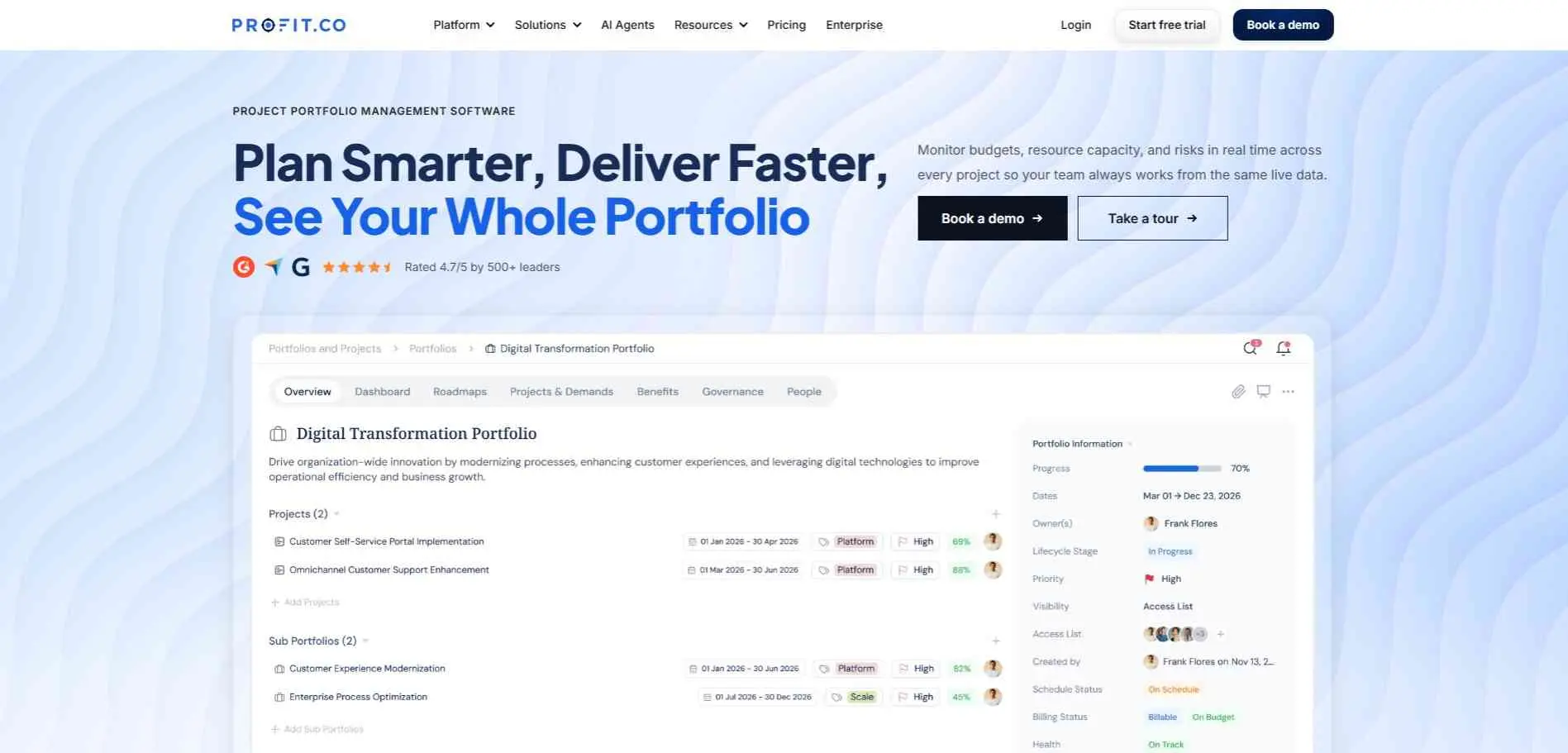
Profit.co is an OKR platform with a PPM module bolted on. The point is tying projects to company goals through stage-gate approvals and AI agents that draft plans or spot risks. It handles GDPR and HIPAA and has a free trial. Its page shows a 4.7 rating, but that’s the company’s own figure, and there’s no pricing on the page.
Best for: PMOs that start from strategy and goals.
4. Epicflow
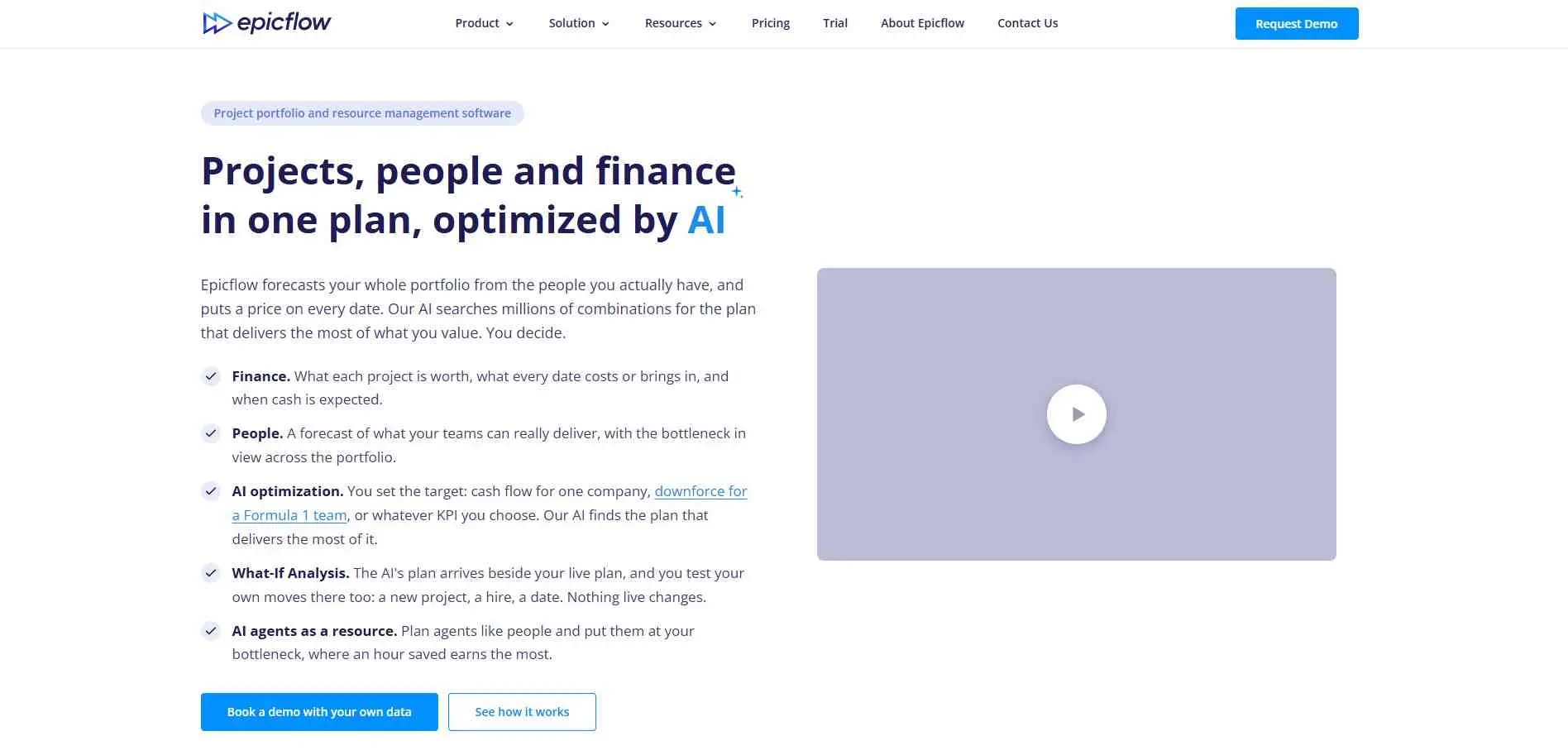
One review site calls Epicflow a tool for AI-assisted portfolio optimization. That same review lists it from about €22.5 a month billed annually, with a 30-day trial and a free demo. I’d book the demo and ask how much of the wider PPM toolkit it actually covers. If your real problem is resource conflicts across lots of projects, it could be exactly what you need.
Best for: Teams buried in multi-project resource conflicts.
5. Octave Sequence Enterprise
You may know it as EcoSys. In 2026 Hexagon’s ALI business became Octave, and EcoSys was renamed Sequence Enterprise. It’s built for owners, operators and engineering and construction firms running large capital programs. It covers forecasting, fund management, and resource planning, while pulling actuals from SAP and Oracle. Version 10 arrives in 2026 with document management and more AI.
Best for: Owners and EPC firms with large capital programs.
6. Cleopatra Enterprise
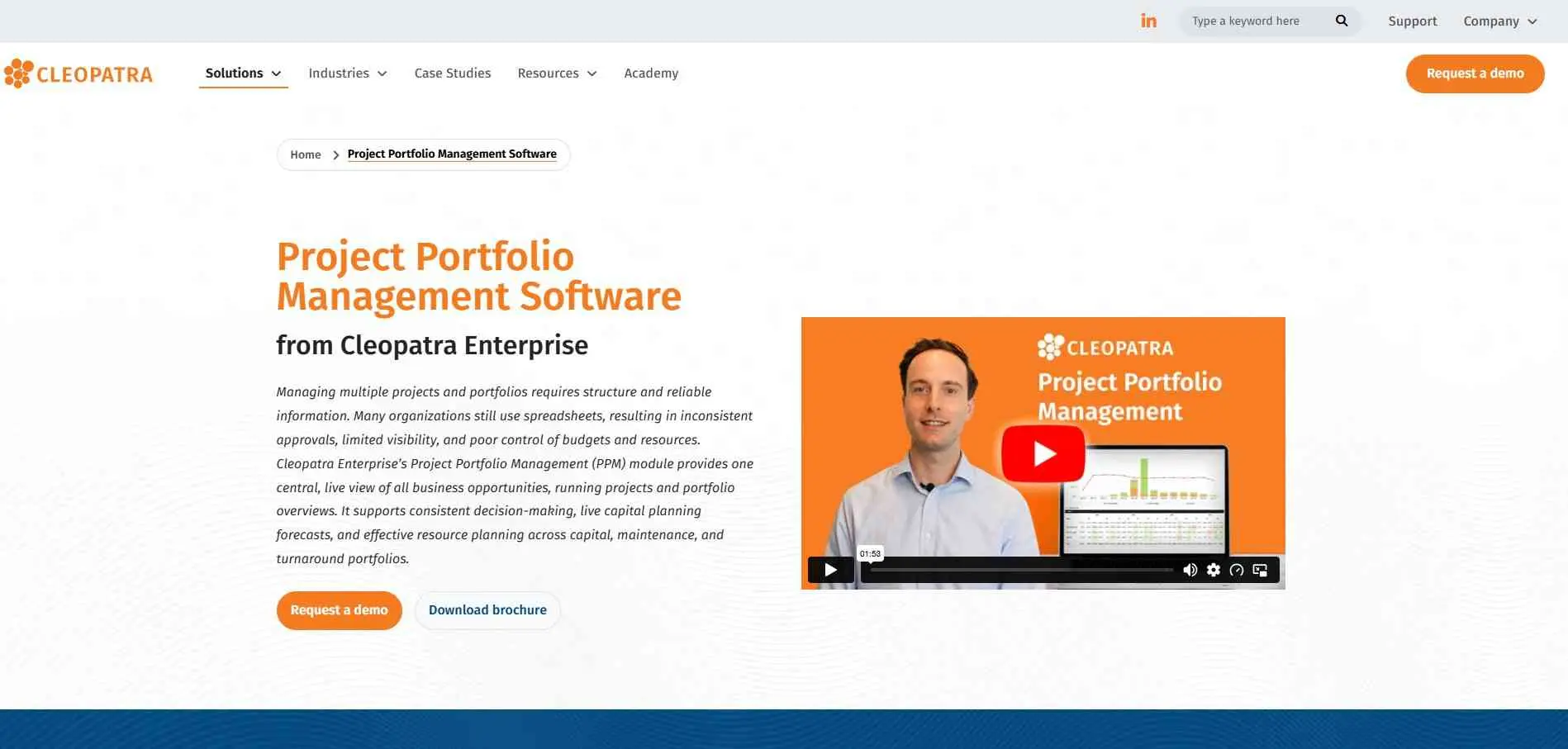
Cleopatra came out of a cost engineering consultancy and has over 20 years behind it. It brings cost estimating, cost control, and project analytics into one system, targeting process industries like oil and gas, chemicals, mining, and pharma. The PPM module lets portfolio teams run scenarios and compare investments against capacity. Octave’s own comparison says Cleopatra’s real strength is the link from detailed estimates into live cost control. It comes as SaaS, and directories also list an on-premise option.
Best for: Process-industry teams where estimating accuracy drives everything.
7. Planview
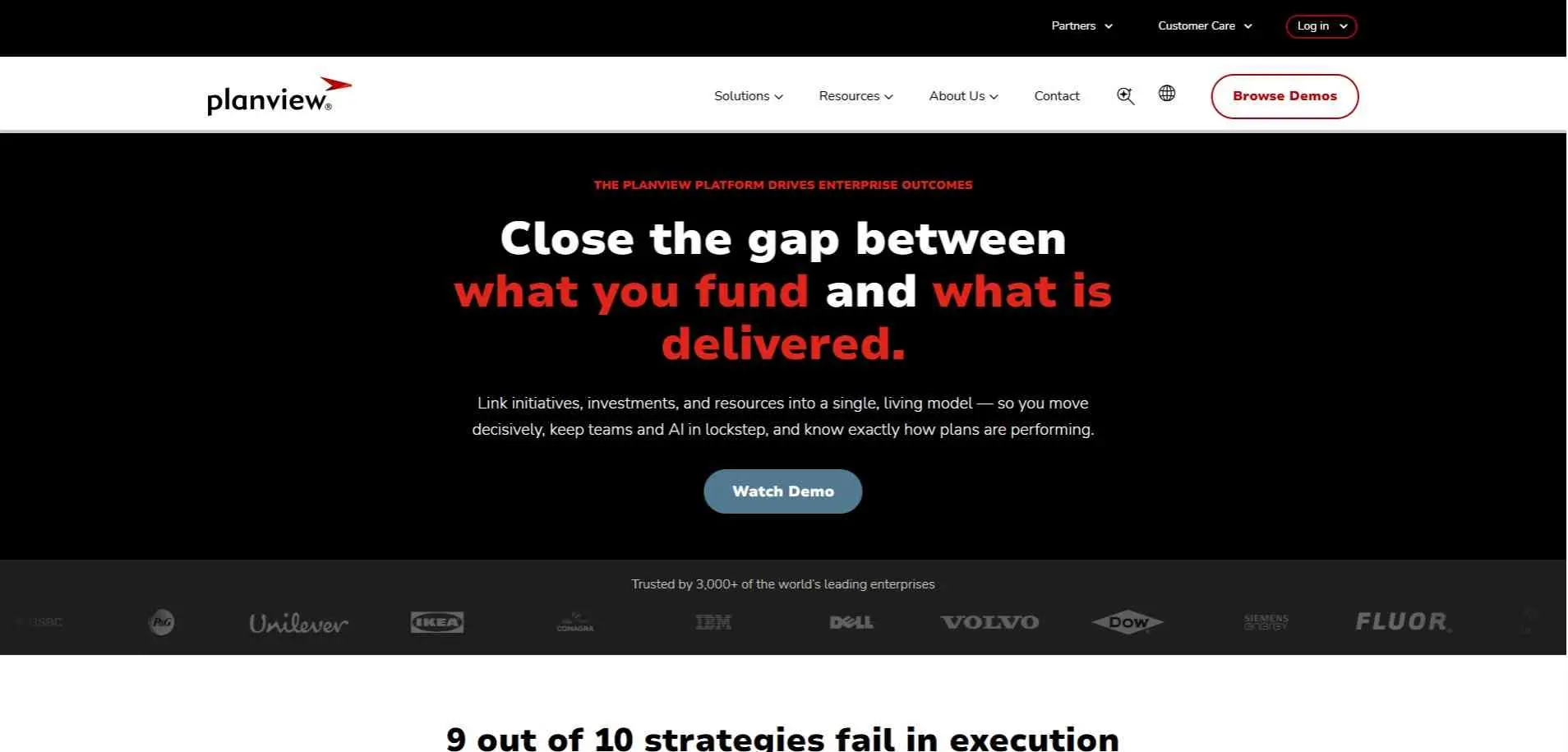
Planview is where most large PMOs end up, and the reason is scenario modeling. You can test “fund A instead of B” and see the hit to people and cost before anyone commits. It also plugs into agile delivery tools, which matters when half your teams don’t do waterfall.
The catch is the rollout. Think months, usually with a consultant. If you have a dozen projects and nobody whose full-time job is the portfolio, this is overkill and you’ll resent the invoice.
Best for: Large enterprise PMOs with complex funding and planning.
8. Prism PPM
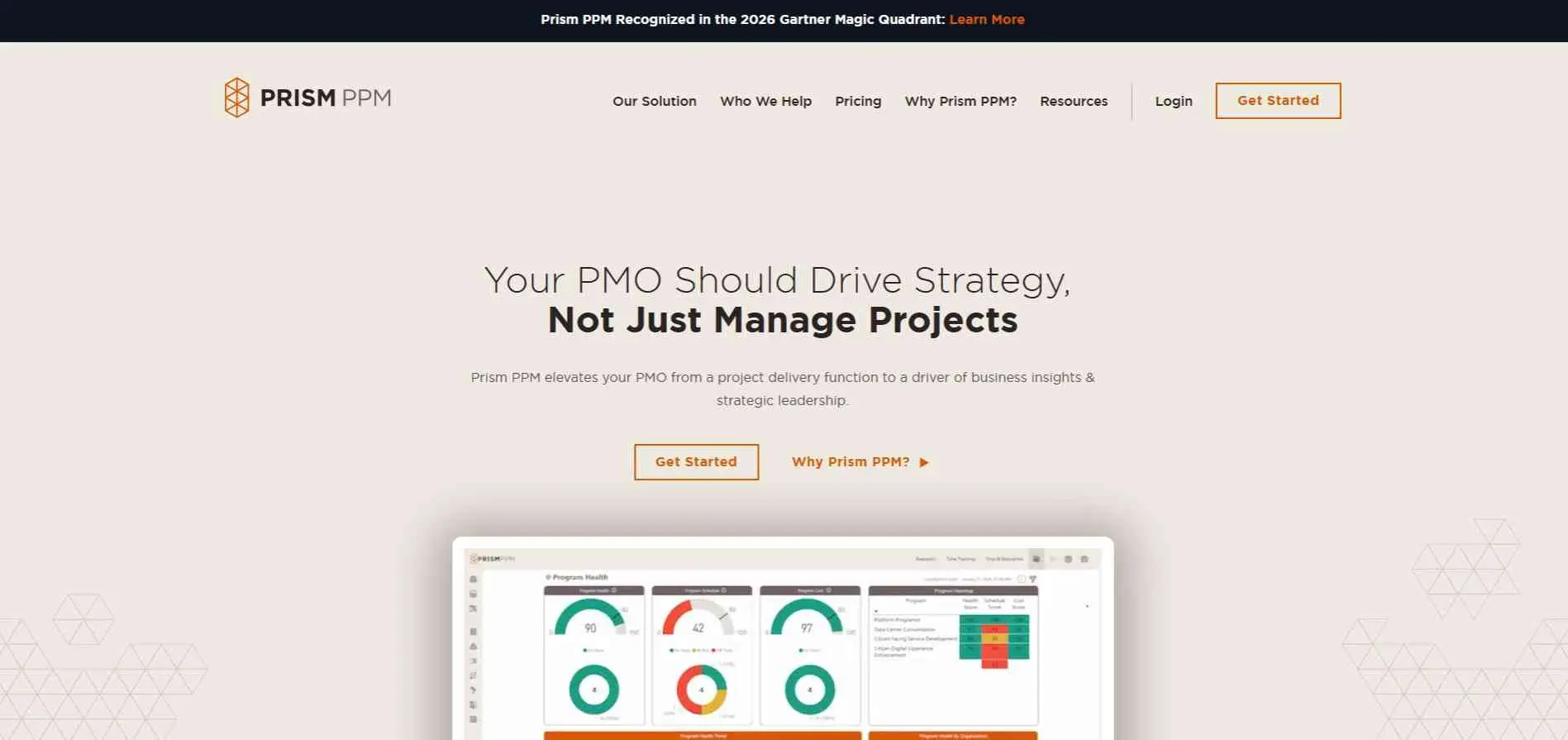
Prism PPM is built for PMOs. Governance follows PMBOK, and it has what-if scenario planning, resource capacity and demand intake. Its own pricing page lists $20 per user a month for Standard and $30 for Business, which adds native reporting, with custom Enterprise pricing on top. There’s also an annual platform fee that covers support, upgrades and integrations, so ask for the total cost, not just the per-user number. And yes, Prism’s own guide ranks Prism first.
Best for: Mid-size PMOs that want structure without Planview’s weight.
9. Meisterplan
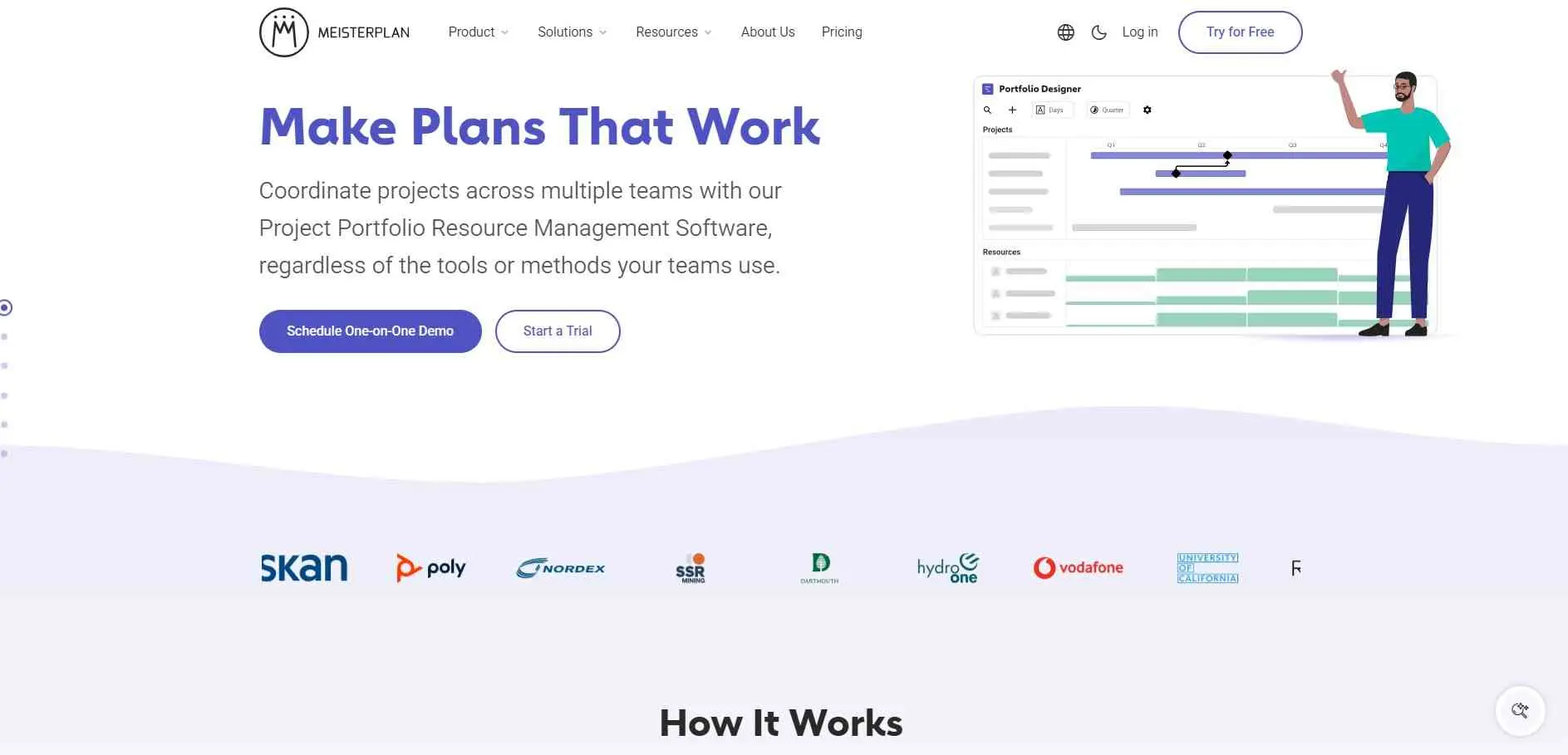
Meisterplan is all about capacity and scenarios. It shows who’s free across projects and lets planners test what happens when priorities change. It connects to Jira, Smartsheet and Microsoft Project, comes in Basic, Pro and Premium editions, and has a 30-day trial. The prices don’t agree. One directory says from $600 a month. An older review cites $720 for unlimited users and up to 50 resources. Newer reviews say quote only. Smaller firms complain about cost more than anything else.
Best for: Planners who need to see capacity across many projects fast.
10. Tempo
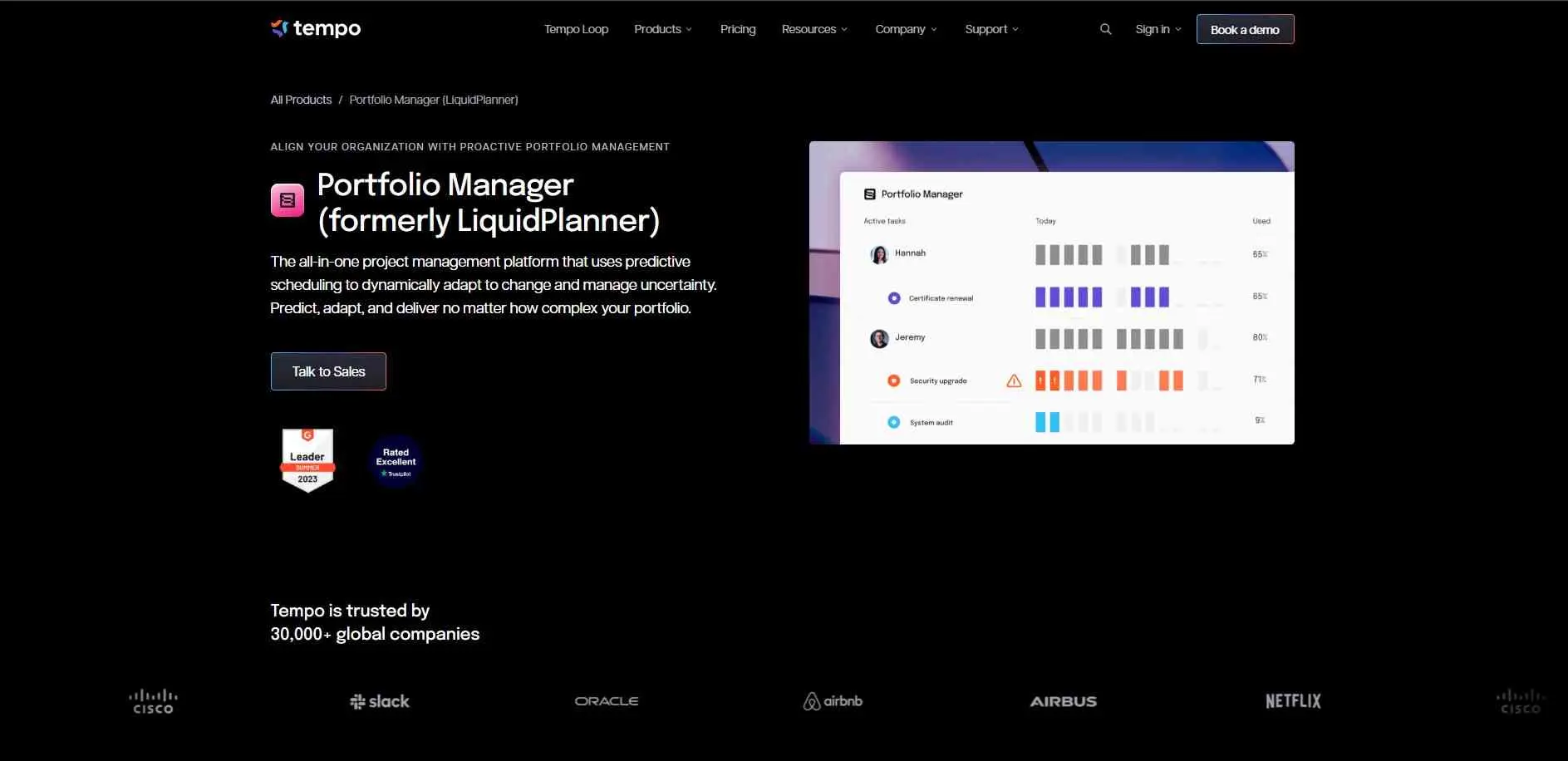
Tempo is for teams that already run on Jira. It adds portfolio planning, time tracking, resource planning and budgets on top, so nobody has to move work into a separate tool. Pricing is by request. If your projects don’t live in Jira, there’s not much reason to pick it.
Best for: Agile teams already committed to Jira.
Which One Fits
Building a refinery or a power plant? Octave Sequence Enterprise or Cleopatra Enterprise. Running a big corporate PMO with a pile of funding rules? Planview. Mid-size and watching costs? Celoxis or Prism PPM, since both publish per-user prices. Want to start free? OpenProject. Planning around capacity? Meisterplan or Epicflow. Starting from strategy? Profit.co. Living in Jira? Tempo.
Common Mistakes When Buying PPM Software
Buying heavy enterprise software for a small portfolio is a common mistake. You pay for governance nobody uses, and your PMO spends the year configuring tools instead of managing work. Another issue is skipping data cleanup. Importing messy project lists just gives you the exact same mess, only with better charts now.
The biggest mistake is expecting software to fix a broken intake process. If projects launch just because a loud executive demanded them, no tool makes prioritization objective. Figure out your scoring criteria first. Then pick the tool that enforces those rules.
Bottom Line
Choosing the right portfolio software just comes down to how your business deals with money, people, and progress. Some apps try managing high level planning across everything, whereas others just focus on capacity bottlenecks or schedule details. It depends on what breaks first for you.
Figure out the exact job you need the software to do before comparing a single feature checklist. Governance, capacity limits, and capital cost control all point toward completely different options. Mixing those needs up is how companies waste money on software nobody uses.
Note every detail. Ask for the cost upfront. Then test the platform on a few internal projects before signing anything because a platform that looks incredible in a sales demo can feel totally different once your actual messy data is loaded inside the platform.