 Table of Content
You need one PDF turned into a JPG, so you search, click the first result, and find out after the upload that you`re allowed two tasks a day. Everyone has done this. It`s the main thing to know about this category, because the word "free" on a PDF site can mean anything from unlimited to one conversion a day.
Another catch is that not every name here is an online tool at all. A few of the ten are paid desktop software with a web page in front. That`s not bad, but it`s not what "online for free" usually means. So each tool below gets a straight answer on what you actually get without paying.
Before You Compare Anything
Split the list into three groups. Online2PDF, FreePDFConvert, iLovePDF, PDF Candy, Smallpdf and LightPDF all have a free web version, though the limits vary a lot. PDF Expert, Nitro and Foxit are mainly paid apps that you install. VeryPDF sits in an odd spot, since its best-known products are installable software with free trials, and there`s little recent coverage of its web converter.
Prices also conflict between sources, especially for iLovePDF and PDF Candy. Where that happens below, you`ll see a range, and the tool`s own pricing page is the final word.
At a Glance
Tool | Free Online? | Paid From | Best For |
| FreePDFConvert | Basic use, mixed reports | Premium (price unclear) | Quick PDF to JPG |
| iLovePDF | Yes, with limits | About $4-7/month | Batch jobs and most tools |
| VeryPDF | Unclear | Paid software | Desktop users |
| PDF Expert | No (app, trial) | $79.99/year | Mac and iPad |
| Smallpdf | 2 tasks a day | $9-12/month | Clean design |
| Online2PDF | Yes | Donations | Heavy free use |
| Foxit | Free online converter | About $130-150/year | Windows teams |
| Nitro | No (14-day trial) | About $15/month | Business workflows |
| PDF Candy | Yes, hourly limit | About $4-6/month | No sign-up |
| LightPDF | Yes, web version | About $59.90/year | Mixed formats |
1. FreePDFConvert
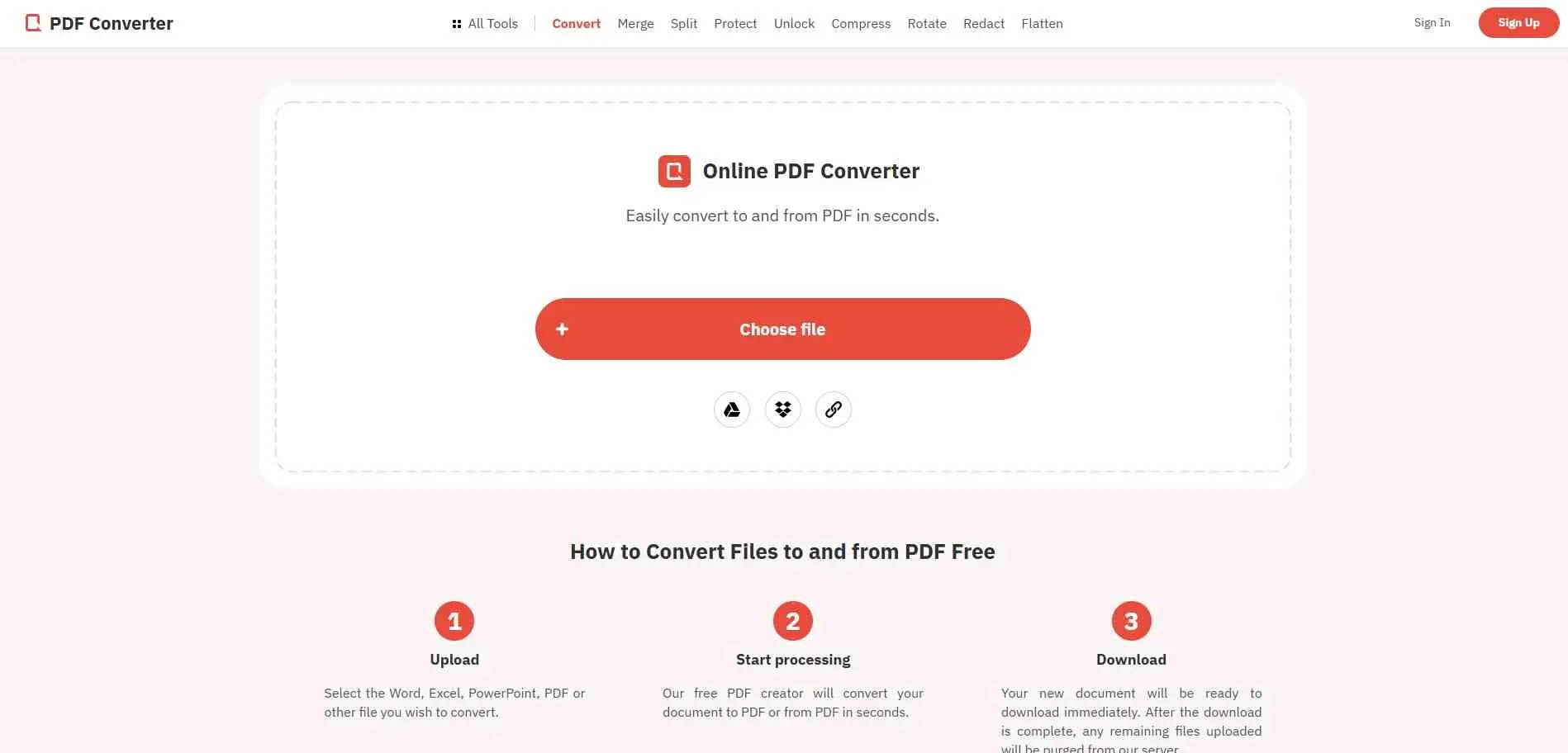
FreePDFConvert converts Word to PDF, PDF to Word, JPG to PDF, and PDF to JPG. It also extracts images, merges and splits PDFs, compresses files, and protects documents. A similarly named site, freepdfconvert.io, claims everything is free with no limits, but that`s a different domain. Test a multi-page file before trusting it.
What it does: PDF to Word, Excel and JPG, plus merge and compress.
Best for: Short, single-page jobs.
2. iLovePDF
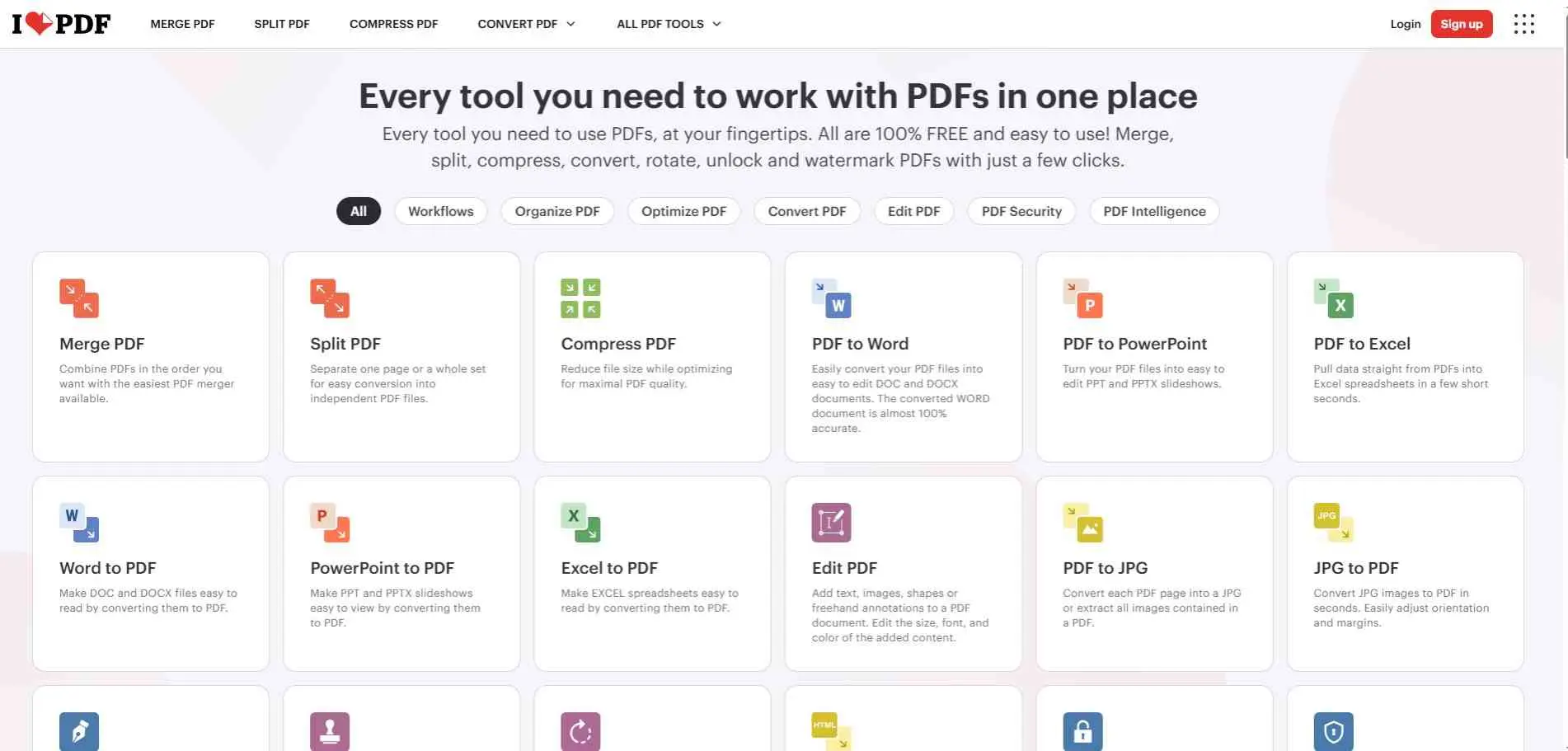
iLovePDF is a simple online pdf editor tool. It handles the usual PDF chores (merge, split, compress, convert) and runs in a browser, on desktop, or on mobile. You can pull files straight from Google Drive or Dropbox. There’s also OCR, watermarking, repair, and signing if you need them. The free version works fine, but caps file sizes around 25 MB. Task limits kick in fast too, and nobody agrees if they reset hourly or daily, so test smaller batches first. Premium runs about $48 a year per source, while others quote $4 to $7 a month. Uploads are reportedly deleted after about two hours.
What it does: Batch conversion of up to three files on free plans, plus a full set of PDF tools.
Best for: People who do many different PDF jobs.
3. VeryPDF
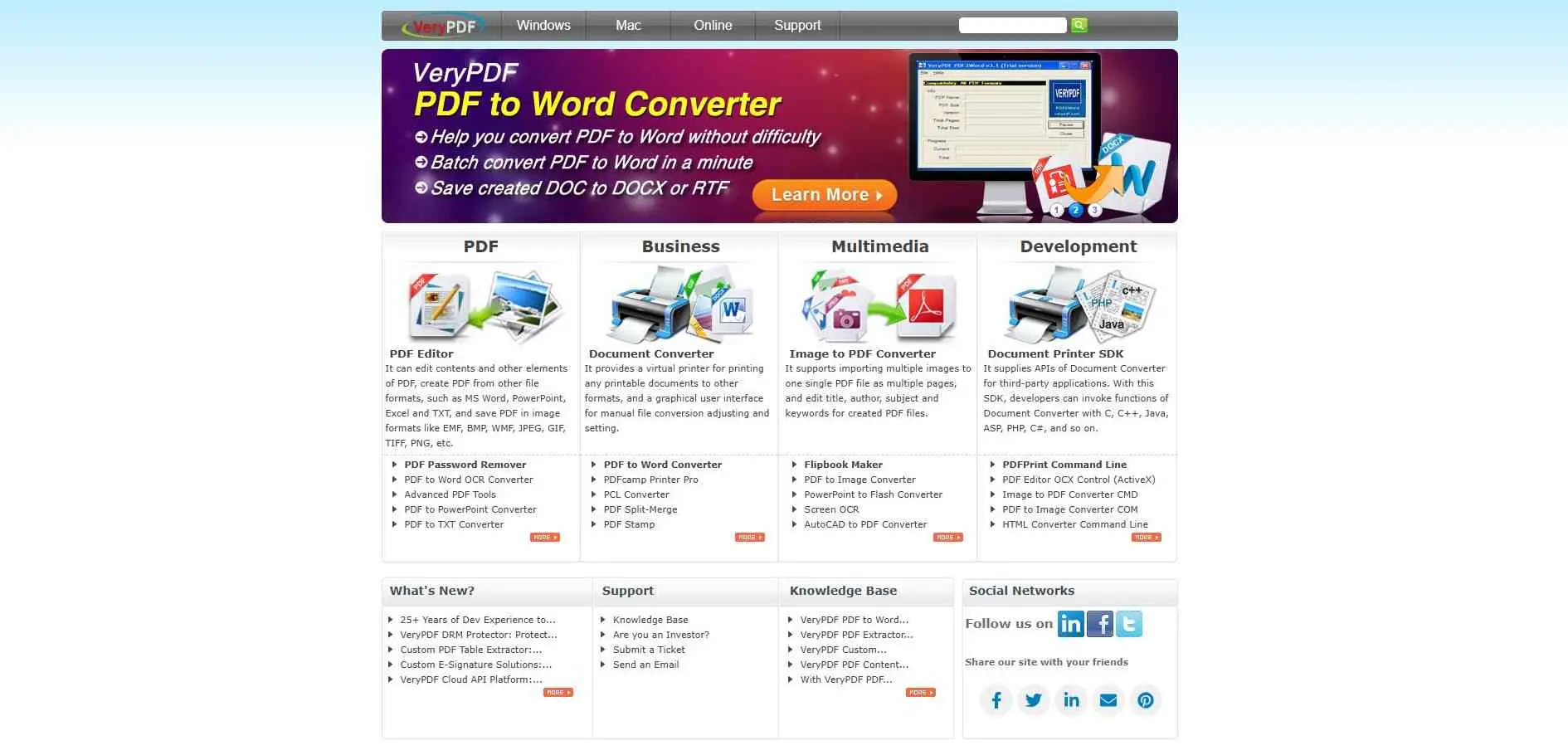
VeryPDF is better known for installable software, such as its AutoCAD to PDF converter, which is paid with a free trial and a busy interface. One older test of its online PDF to Word page failed to show any result after clicking Convert. That`s an old data point, so try it yourself, and don`t plan around it.
What it does: Desktop conversion software, with a web converter that`s poorly documented.
Best for: People who want installed software and don`t mind a trial first.
4. PDF Expert
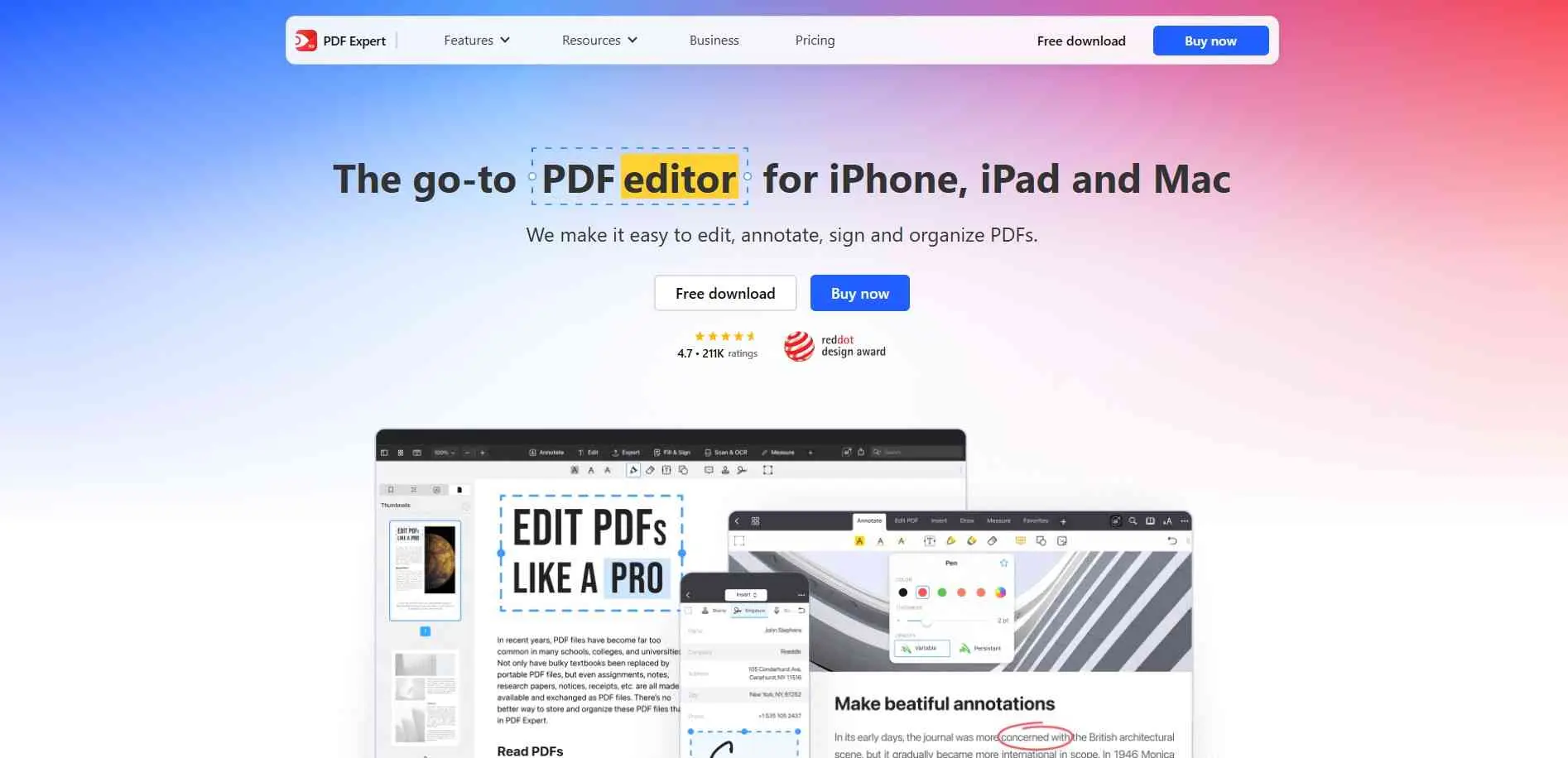
This one isn`t online at all. No Windows version, it’s an app for Mac, iPhone and iPad. It can convert PDFs to Word, Excel, PowerPoint, images and text with good formatting, and users appreciate the speed and clean look. PDF Expert`s conversion features are tied to its app and subscription offering, rather than being a completely free online converter. It makes more sense for people who regularly work with PDFs on Apple devices than for someone who needs to convert one file quickly.
What it does: Edit, convert and sign PDFs natively on Apple devices.
Best for: Mac and iPad users who want one polished app.
5. Smallpdf
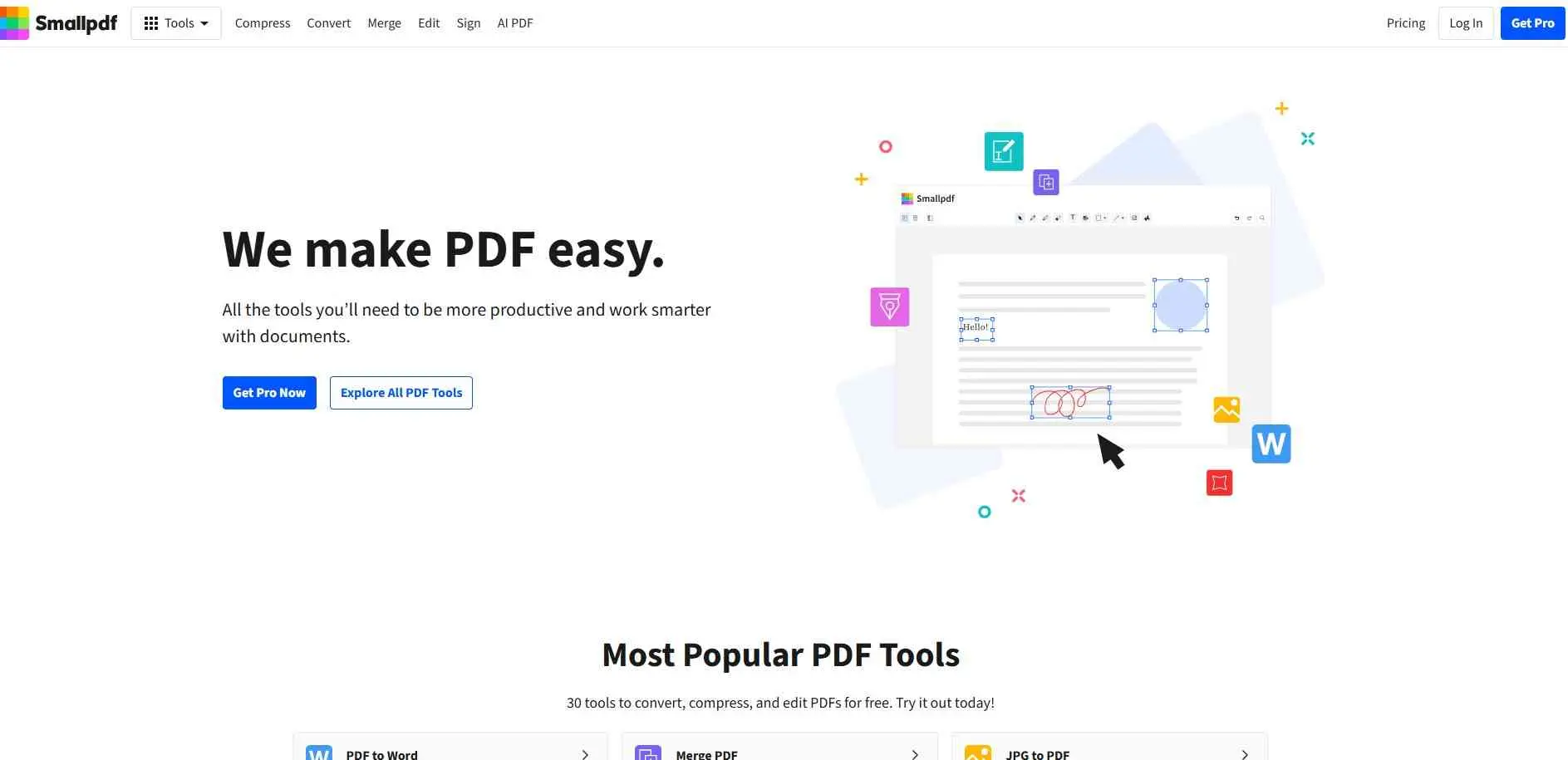
Smallpdf has the nicest design, around 21 tools, and good compression. The catch is the free plan, which allows two tasks a day, then locks you out until the next day. That includes merging and converting in the same session, which catches people out. Pro costs $9 to $12 a month depending on the source, with a 7-day trial that needs a card. Files are reportedly deleted after an hour.
What it does: Convert, compress, merge, sign, with OCR (limited when free).
Best for: Occasional use when you care how it looks.
6. Online2PDF
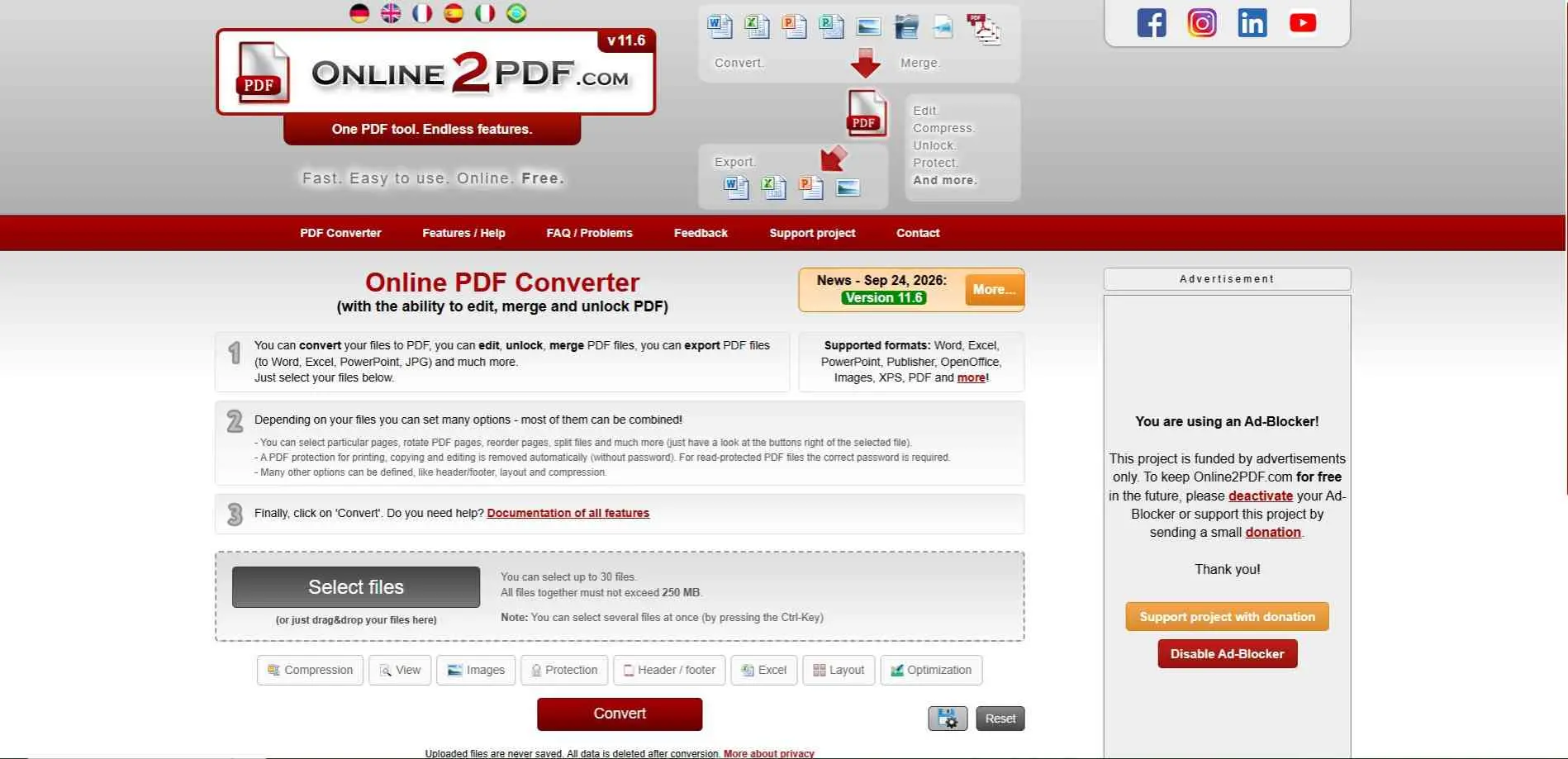
Online2PDF can export PDFs to Word, Excel, PowerPoint and JPG, and turn images and Office files into PDF. OCR works in 30-plus languages, up to 100 pages at a time. It says uploaded files are never saved and are deleted after conversion. The price of free is ads, and an interface that`s more crowded than Smallpdf`s.
What it does: Convert, merge, edit and unlock PDFs, with OCR.
Best for: Heavy free use.
7. Foxit
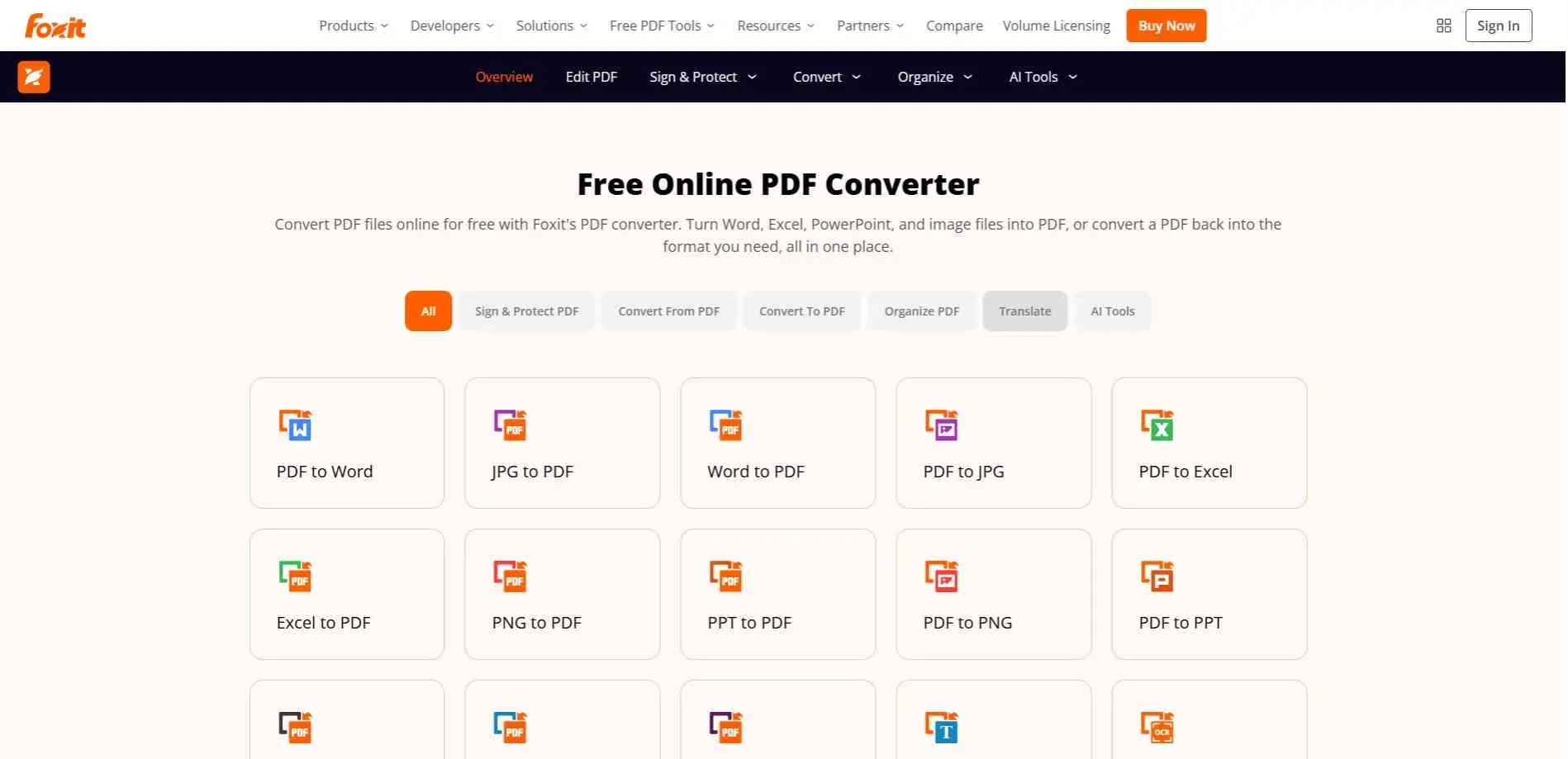
Foxit has a free web tool for converting PDFs to Word, Excel, PowerPoint, or images, and back again. If you need more, their desktop editor runs about $130 to $150 a year, though there is a two-week trial and a free reader just for viewing. It works on Windows, Mac, and mobile, and honestly feels way lighter than Adobe Acrobat.
What it does: Free online conversion, a paid desktop editor, and a document tracking tool.
Best for: Teams on Windows who want a cheaper Acrobat alternative.
8. Nitro
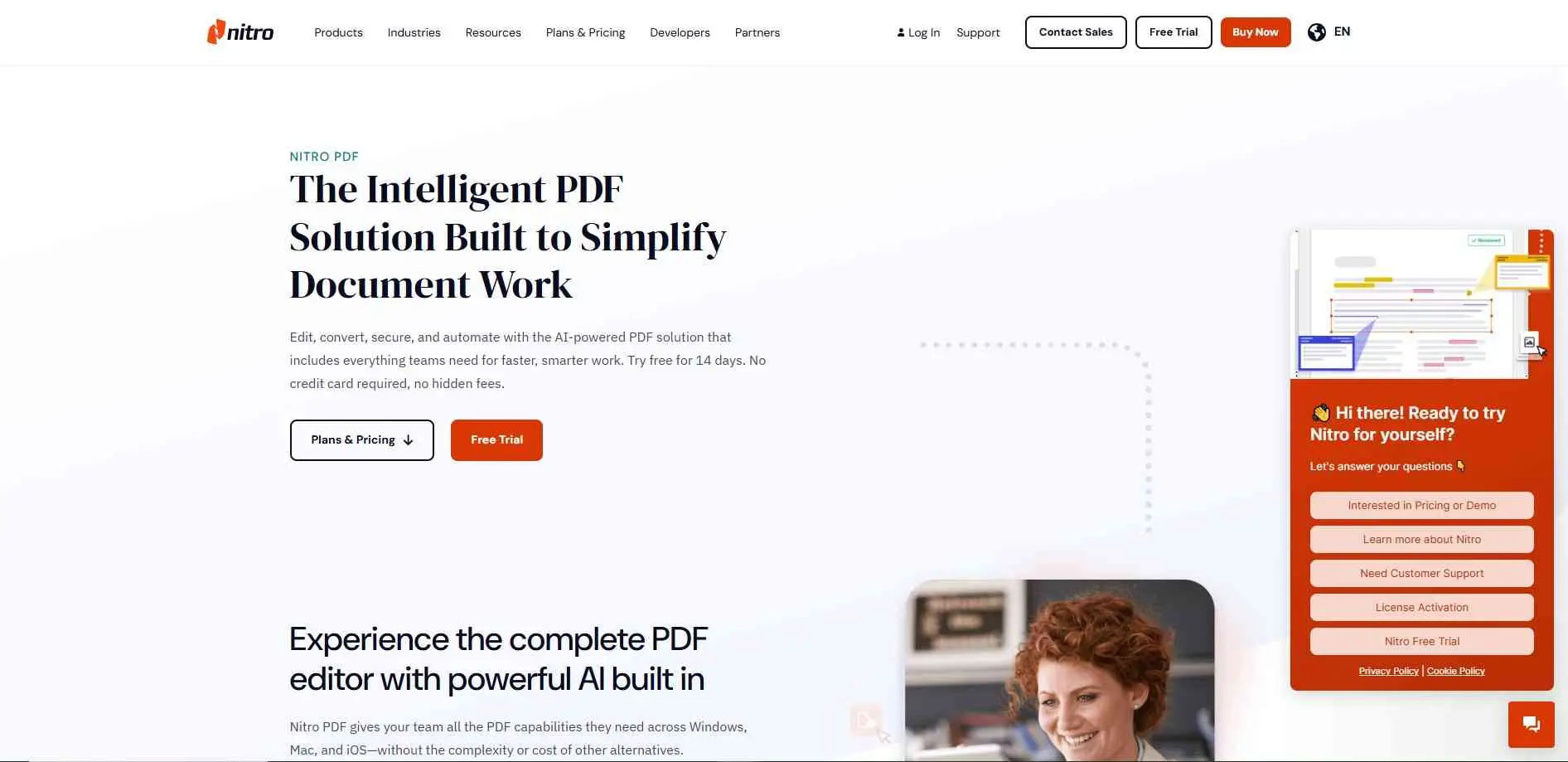
Nitro is for offices, not casual conversions. It focuses on editing, e-signatures and analytics, and there`s a 14-day free trial. Standard runs around $15 per user a month. There`s also a "one-time" Classic plan at about $270, but it`s actually a three-year license, not a permanent one, which surprises people. It`s mostly aimed at Windows, with a less polished Mac version.
What it does: Edit, convert, sign and track PDFs inside a business.
Best for: Companies that need signing and workflow tools or those looking to integrate PDFs into broader digital asset management systems.
9. PDF Candy
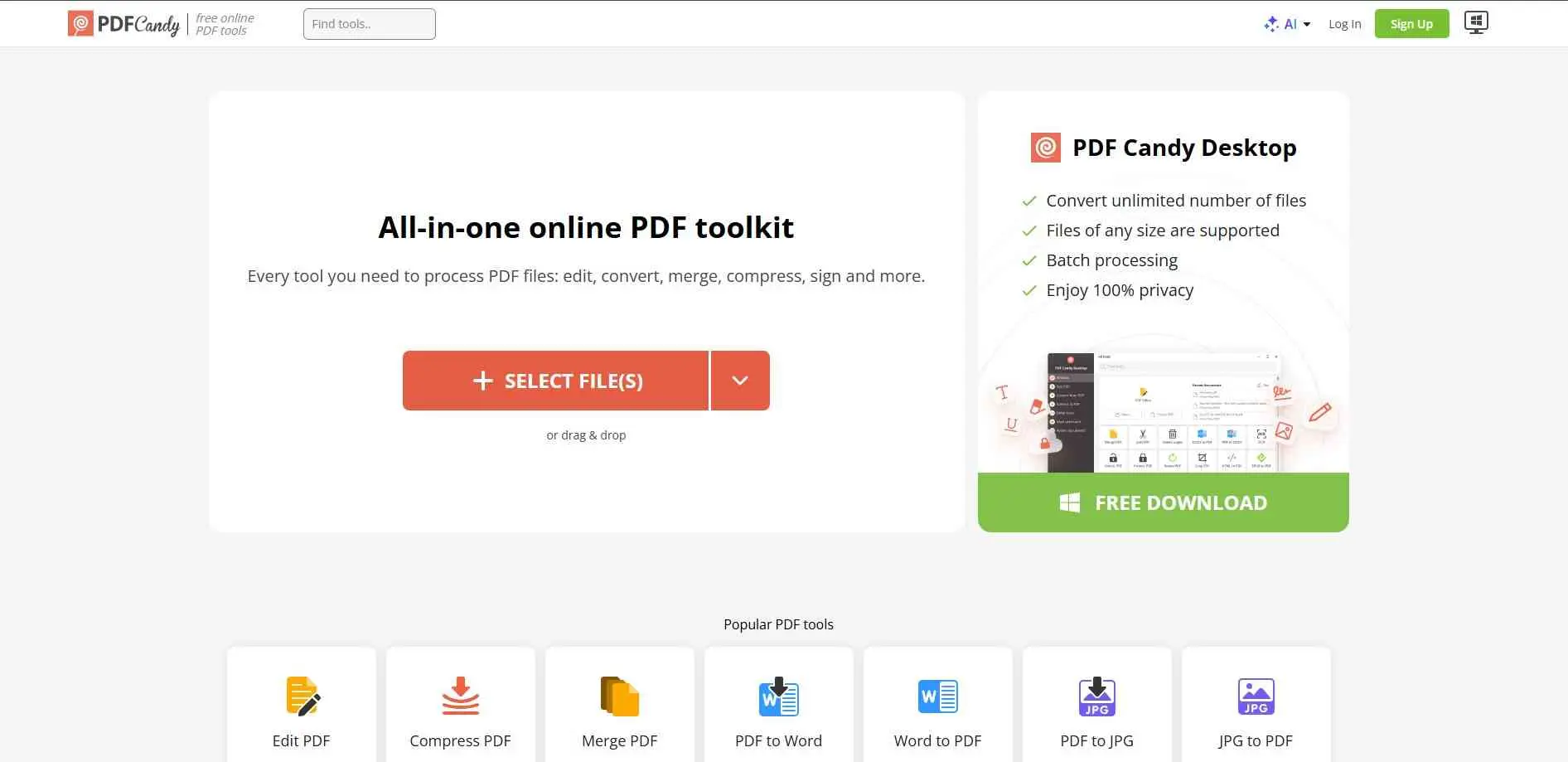
No account, no email, and 47 tools supported by ads. The limit is time: users report one or two tasks an hour on the free tier, and a file cap that put anywhere from 10 to 50 MB. Paid plans start around $4 to $6 a month and raise the cap to 500 MB. A free offline desktop version also exists, which sidesteps the task limit entirely.
What it does: Convert, merge, compress and edit, with batch support.
Best for: Quick one-off jobs when you don`t want to sign up.
10. LightPDF
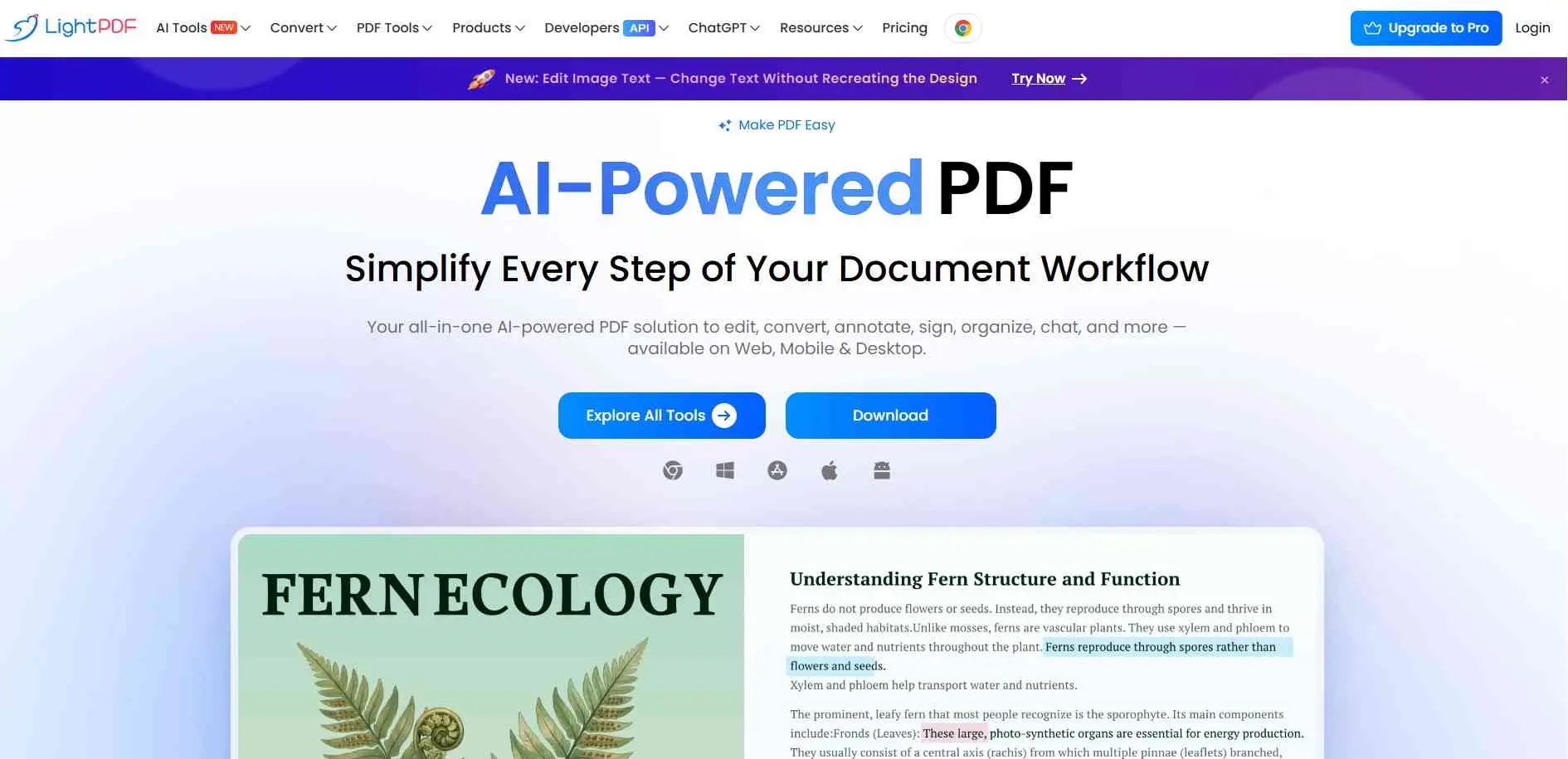
The web version is free to use, with no watermarks according to some users, and it has 20-plus tools, OCR and merge and split. It converts PDF to Word, PowerPoint, Excel and JPG. Paid plans reportedly start around $59.90 a year for personal use, with business plans higher. Apps cover several platforms.
What it does: PDF conversion, OCR, merge, split and annotation.
Best for: Mixed jobs when you want one site and a tidy interface.
Which One Fits You
Converting a PDF to JPG once? FreePDFConvert or PDF Candy will do it, as long as the file is small. Doing lots of different jobs? iLovePDF has the broadest toolbox, and Online2PDF is the one that shows no daily cap. Need it to look nice? Smallpdf, if two tasks a day are enough. Scanned pages call for OCmR, which Online2PDF, Smallpdf and LightPDF offer.
If you simply need to extract text from a JPG image, a dedicated image converter might be a quicker alternative.
If you work on a Mac, PDF Expert is the clear choice. Windows teams should compare Foxit and Nitro. Skip VeryPDF`s web converter unless you`ve tested it.
How to choose the right PDF converter
Pick the right direction first. Scans are where people get burned. If the converter has no OCR, you’ll open the Word file and find a photo of the page, with no text you can edit. Tables and multi-column layouts break just as often, so open the result and scroll through it before sending it anywhere.
Free plans limit you on file size or daily conversions, and desktop apps typically include features behind a paid subscription after the trial. If you have something confidential, check the upload time of the service before using it. If the policy doesn’t say, assume it keeps the file.
Bottom Line
If you just need a quick online conversion, Free PDF Convert, iLovePDF, Smallpdf and PDF Candy handle the usual jobs. Online2PDF is better when you need to pick specific pages or adjust conversion settings. VeryPDF has desktop tools for narrower tasks. Foxit offers both an online converter and a full editor.
PDF Expert is for Mac and iPhone users who work with PDFs a lot. Nitro PDF is aimed at office and professional document work. LightPDF does conversion, editing and OCR in oneplace.
Which one fits depends on the file, how often you convert, and whether you’ll need to edit the result afterward. Start with the free tools and check the output. Pay only if you find yourself needing something they don’t do.