 Table of Content
Companies build up digital files fast. Logos, videos, campaign images, product photos, presentations, brand templates, social posts - they end up scattered across drives, folders, Slack threads, email inboxes. Wherever it's easiest to dump a file in the moment. This causes a real problem. Teams spend too much time searching for files for using the wrong versions or sharing files that no one actually approved
And that's why Digital Content Management (DAM software that processes, stores and organizes digital files)software is important.
The Right DAM system helps you centralize everything in one place, allows searching the files effortlessly, upholds your brand's look and feel and most importantly it enables teams to share approved assets quicker. The top DAM tools have moved past being file storage in 2026.
They are workflow systems (tools that administer each step of a task) designed for marketing, creative, sales, and enterprise teams that need governance without stifling their pace of work.
In this guide, we will cover the best Digital Asset Management software in 2026. We'll look at what these tools do well, where they fall short, how to pick the right one, and which platform fits different types of teams.
What is Digital Asset Management Software?
A DAM platform is a central, searchable home for your images, videos, documents, and brand files - instead of scattered folders, email attachments, and old Slack threads.
Some tools are lean storage-and-search systems. Some tools go further - brand portals, approval workflows, AI tagging, rights management - until the "library" is really a content operations hub.
Take a mid-sized retail brand running five regional marketing teams. Before a DAM, each region kept its own version of the same product shots, and half of them used outdated packaging. After centralizing in a DAM with approval workflows, only the current, approved version was ever available to pull from - no outdated files slipping into a campaign by accident.
Worth remembering: a DAM doesn't just store files. It decides which version of a file everyone sees. Get that wrong and you're managing chaos with better folders.
How DAM Platforms Actually Work
Most 2026 platforms combine a few core pieces into one dashboard:
- Centralized storage - every asset lives in one searchable library instead of a dozen drives.
- Metadata and AI tagging - files get labeled automatically so search actually works at scale.
- Version control - you always know which file is current and which is outdated.
- Brand portals - external partners and agencies get access to approved assets only.
- Rights and usage management - tracks licensing so a photo doesn't get used past its expiry.
- Workflow and approvals - routes drafts to the right people before anything goes live.
If your team is juggling this kind of approval routing across several tools already, it's worth comparing notes with a broader project management software roundup to see where the overlap and gaps are.
The old way: emailing a designer to ask which folder has the "final final" logo file. The new way: typing a keyword into search and getting the approved version in seconds, with usage rights attached.
Tip: before you commit to a platform, list your three most annoying current file problems. Test each shortlisted tool against those three, not against a generic feature checklist.
10 DAM Platforms Worth Using in 2026
1. Bynder - Best for mid-market and enterprise brand teams
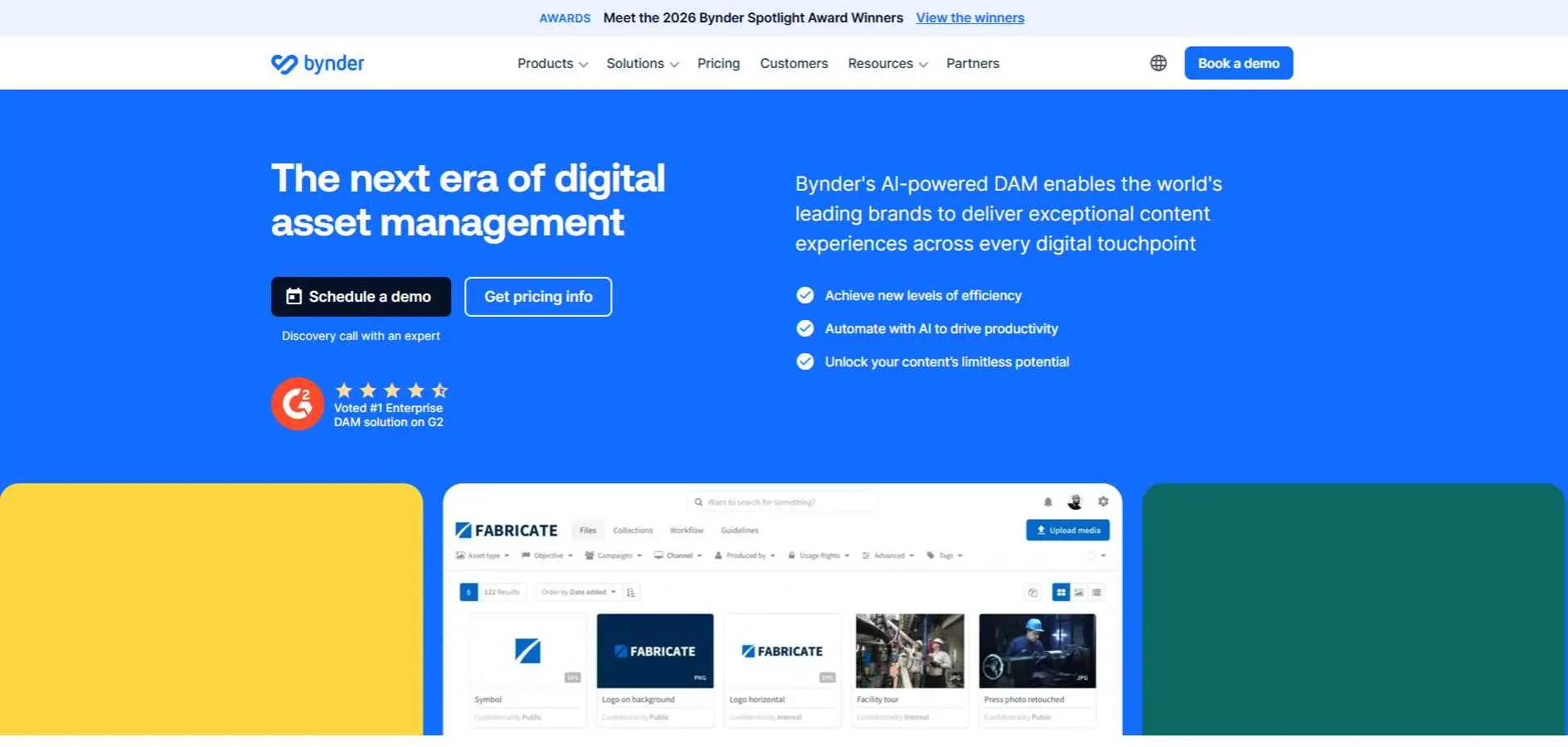
Bynder is an established one-stop DAM that serves countless marketing (and creative) teams for brand consistency across geographies.
Key features:
- AI-powered tagging and smart search
- Brand guideline and portal tools built in
- Strong integrations with Adobe Creative Cloud and major CMS platforms
- Analytics on how assets get used across teams
The catch: That depth is wasted on a five-person startup with a few hundred files. Wrong tool for that scale.
Best for: Brandfolder's angle is visual browsing - scroll thumbnails instead of digging through folder trees. It's why design and creative teams with big image and video libraries tend to land on it.
2. Canto - Best for balancing power with simplicity
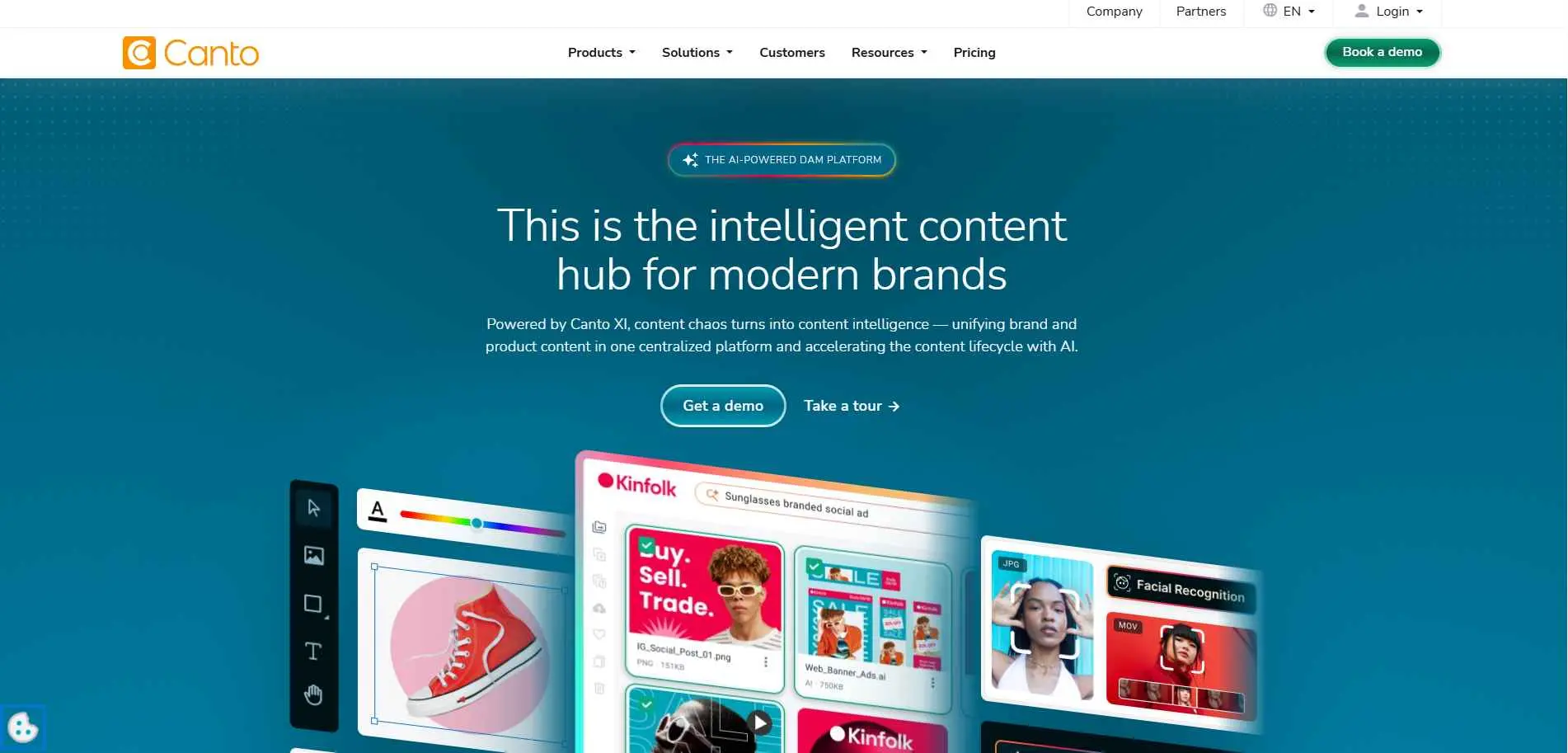
Canto has built a reputation for being genuinely easy to onboard without cutting corners on real DAM functionality.
Key features:
- Clean, visual-first search interface
- Smart tags and AI-based content recognition
- Flexible sharing links for external partners
- Solid reporting on asset performance
Best for: teams that want strong DAM capability without a steep learning curve.
3. Brandfolder - Best for creative and design-heavy teams
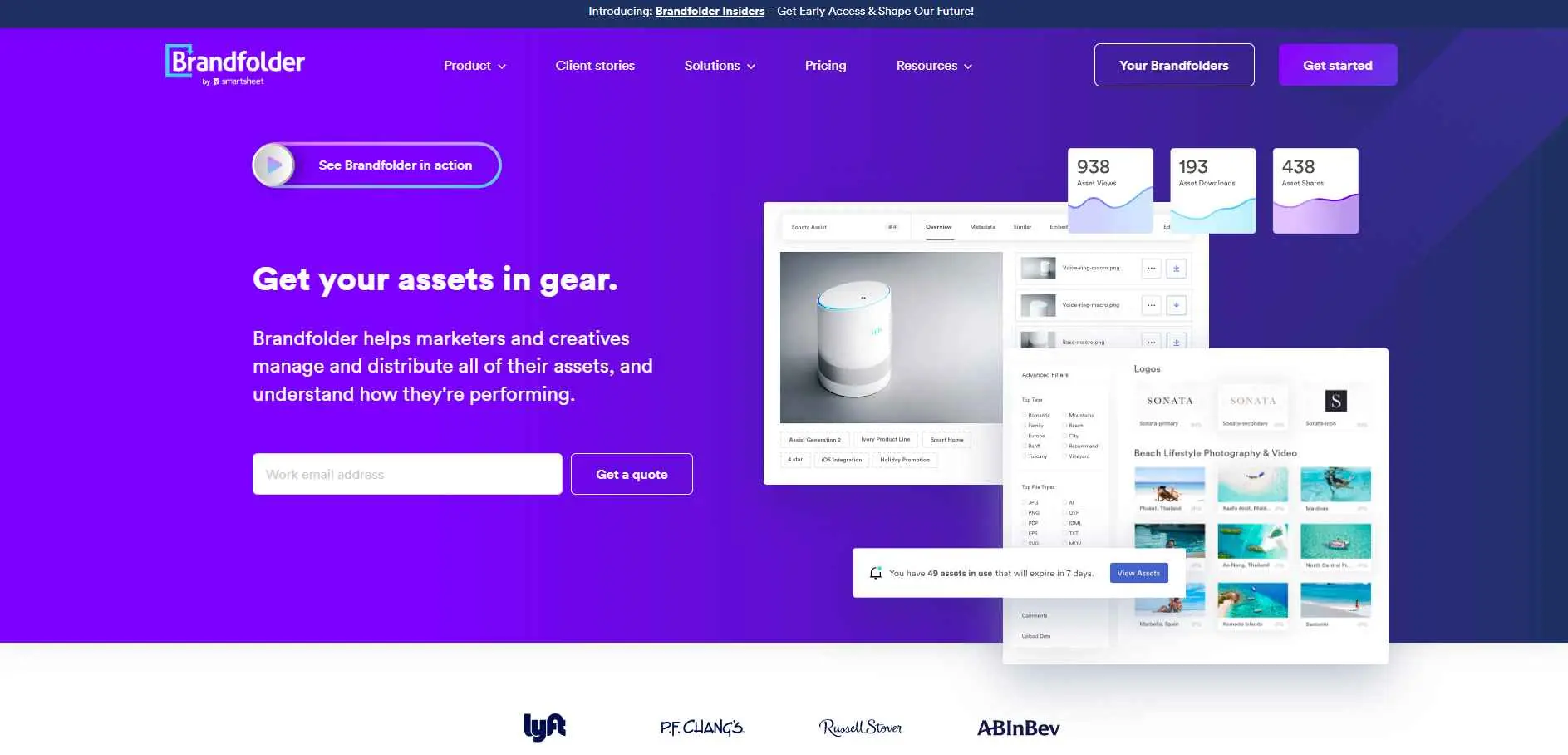
Brandfolder leans into visual browsing, which makes it a favorite with design and creative departments handling large image and video libraries.
Key features:
- Visual dashboard built around browsing, not just searching
- Brand guideline templates
- Customizable metadata fields per asset type
- Integration with tools like Adobe XD and Slack
Best for: creative agencies and design teams that live in visual libraries all day.
4. Aprimo - Best for enterprise content operations
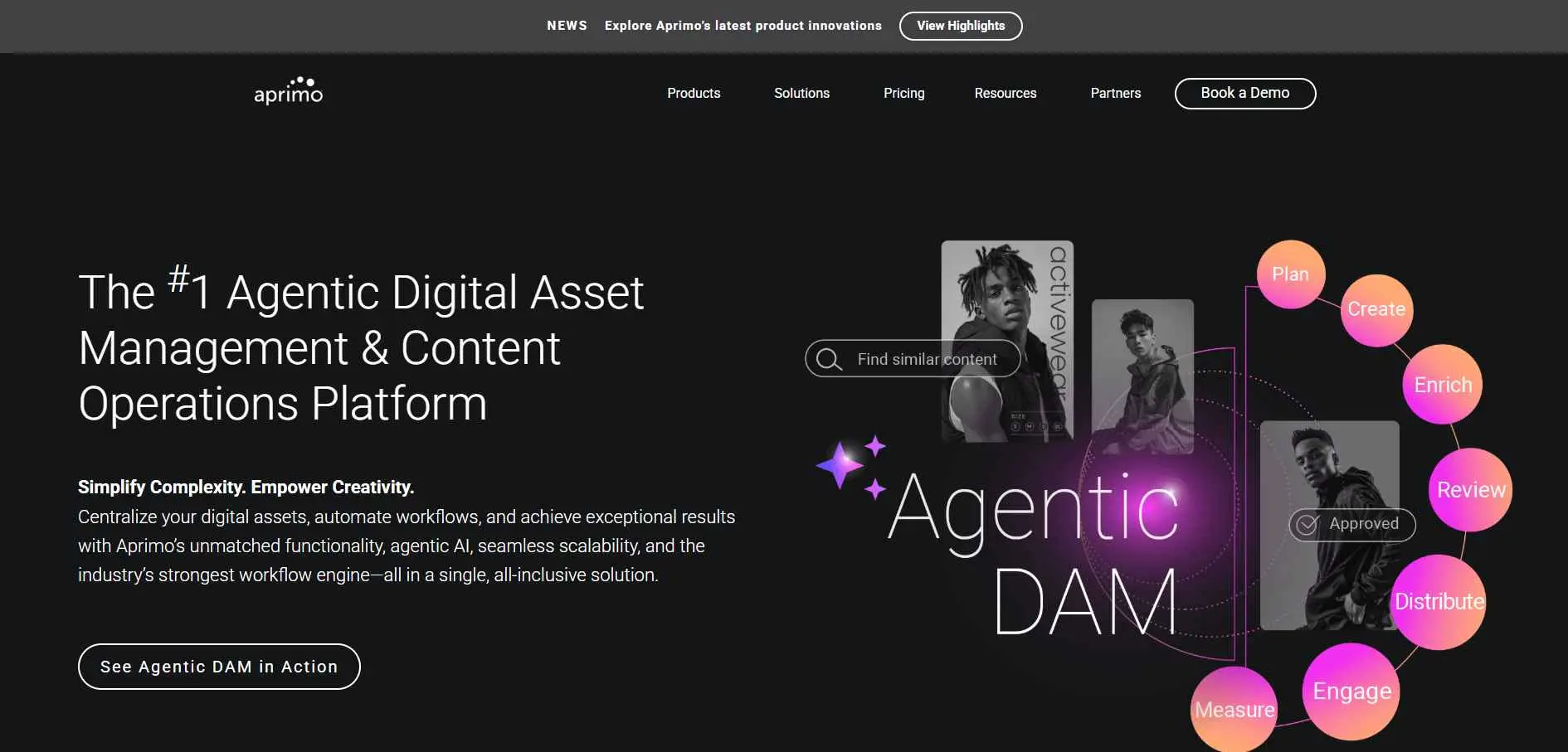
Aprimo goes further than storage - it bundles DAM with planning and performance tracking, which is why analysts keep naming it a leader in the category.
Key features:
- Highly configurable metadata architecture
- Content operations tools beyond basic DAM (planning, production tracking)
- Deep integration with the Adobe suite and major marketing platforms
- Enterprise-grade governance controls
Worth knowing: implementation is the common complaint. Expect to lean on a systems integrator and IT time to get it fully running.
Best for: large organizations that need DAM plus full content operations in one system.
5. MediaValet - Best for high-volume rich media libraries
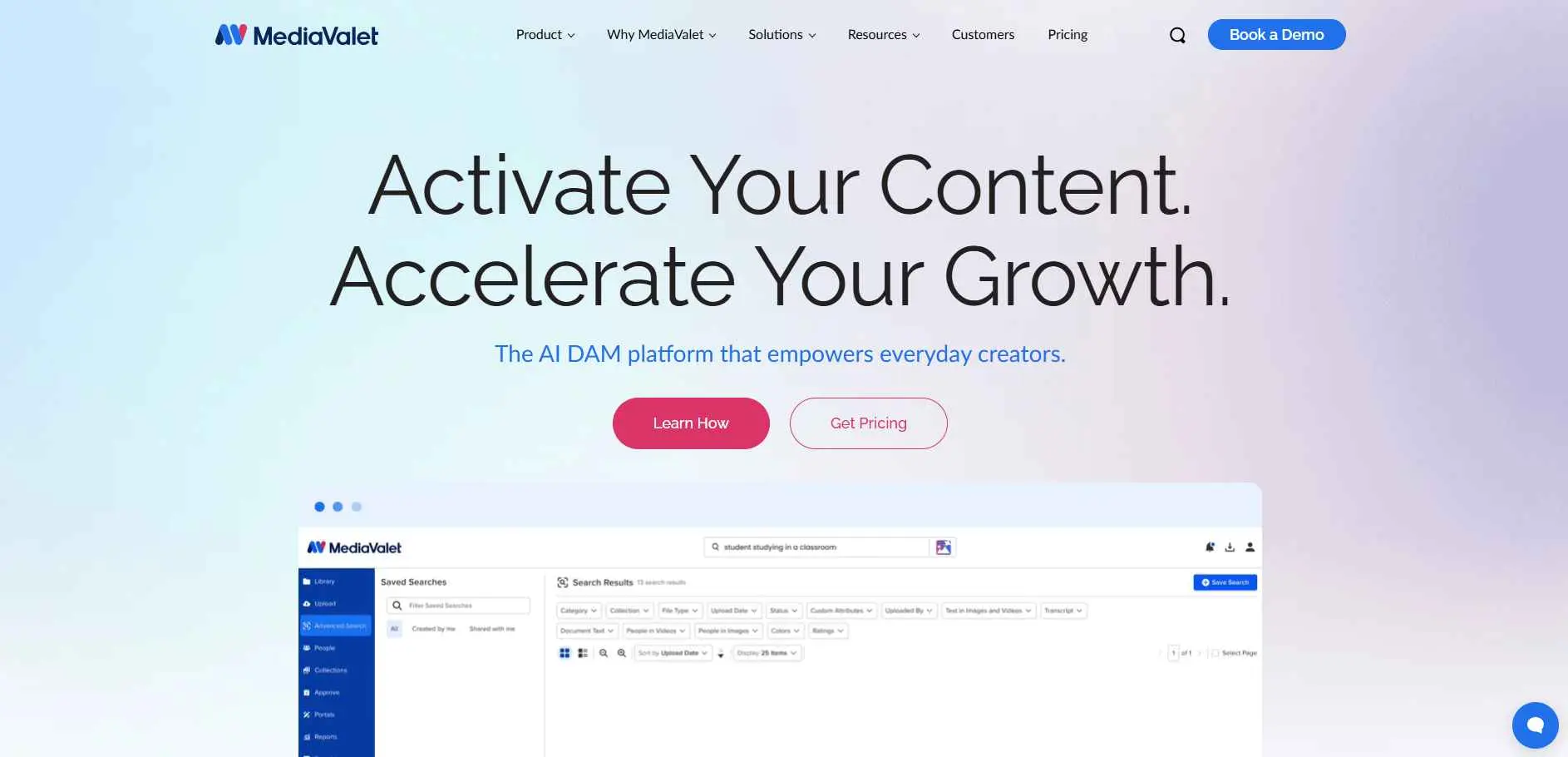
MediaValet is a cloud-native solution built on Microsoft Azure, naturally making it an obvious software choice for teams already living in the Microsoft ecosystem.
Key features:
- Native Azure infrastructure with enterprise security and compliance
- AI tagging powered by Microsoft Cognitive Services
- Seamless Microsoft 365 integration
- Strong performance for large video and image libraries
Best for: teams handling heavy volumes of rich media who want fast search and are already invested in Microsoft tools.
6. Data Dwell - Best for niche and specialized asset libraries
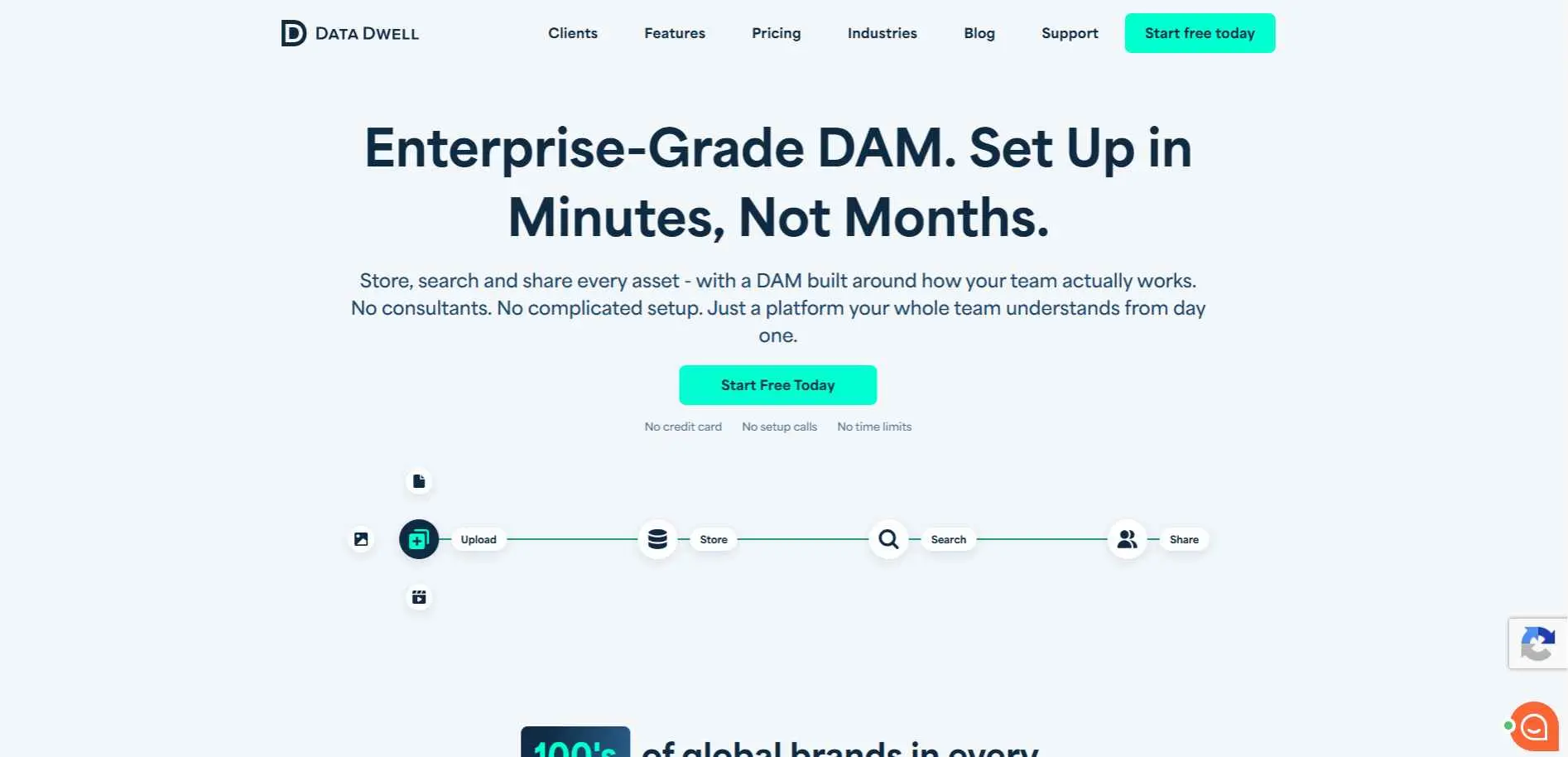
Data Dwell focuses on giving smaller and specialized teams a straightforward way to organize assets without enterprise complexity.
Key features:
- Simple, uncluttered library structure
- Custom metadata fields for specialized asset types
- Straightforward sharing controls
- Lower learning curve than most enterprise tools
Best for: smaller teams or niche industries that want dependable organization without a big platform to manage.
7. Filecamp - Best budget-friendly option for small teams
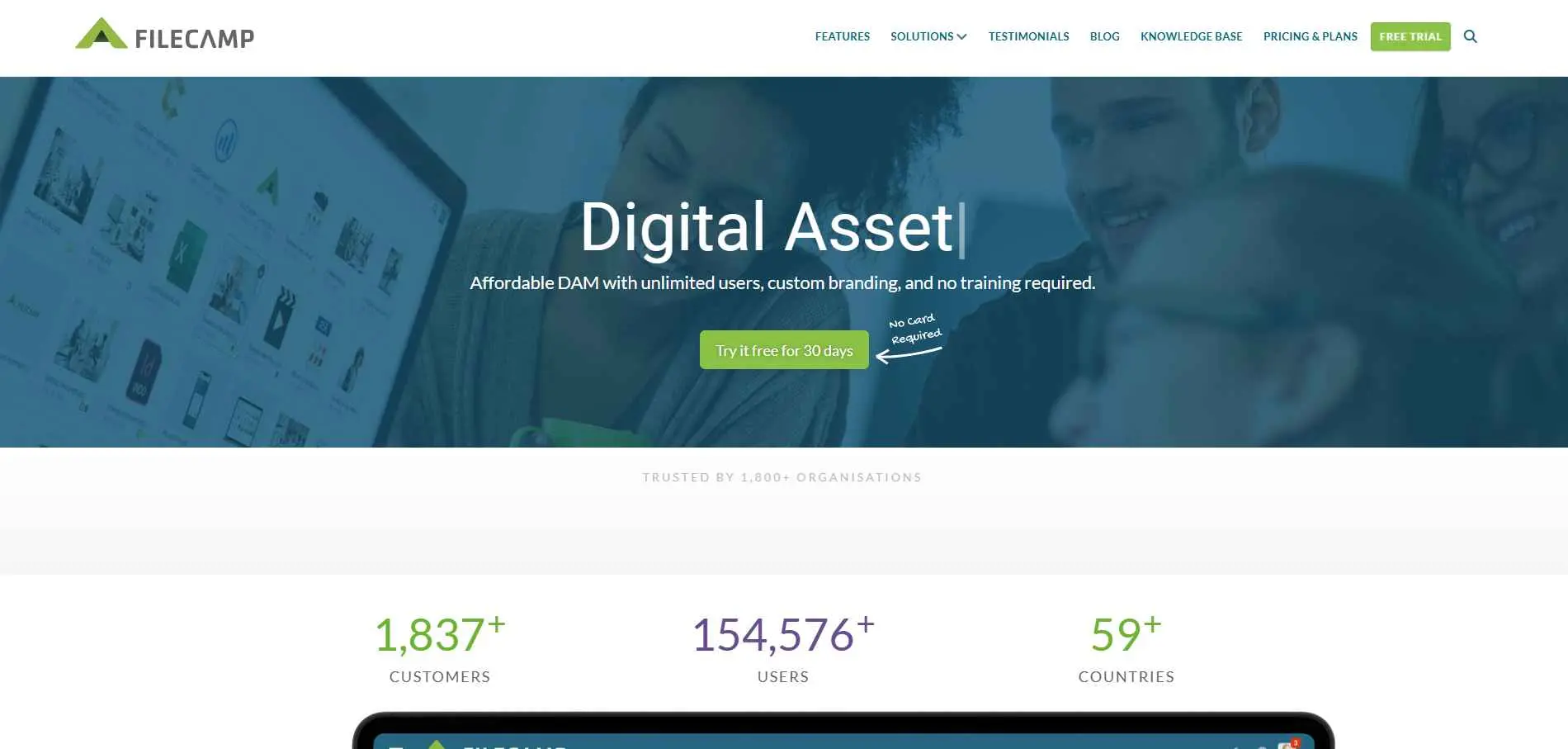
Filecamp doesn't try to be the biggest platform on this list. It focuses on solving everyday file problems for smaller teams without enterprise pricing.
Key features:
- Branded client and partner portals
- User permission controls
- Simple tagging and search
- Fast setup with minimal onboarding time
Best for: small marketing teams, agencies, and nonprofits that want core DAM value without enterprise pricing.
8. Acquia DAM - Best for teams already on the Acquia/Drupal stack
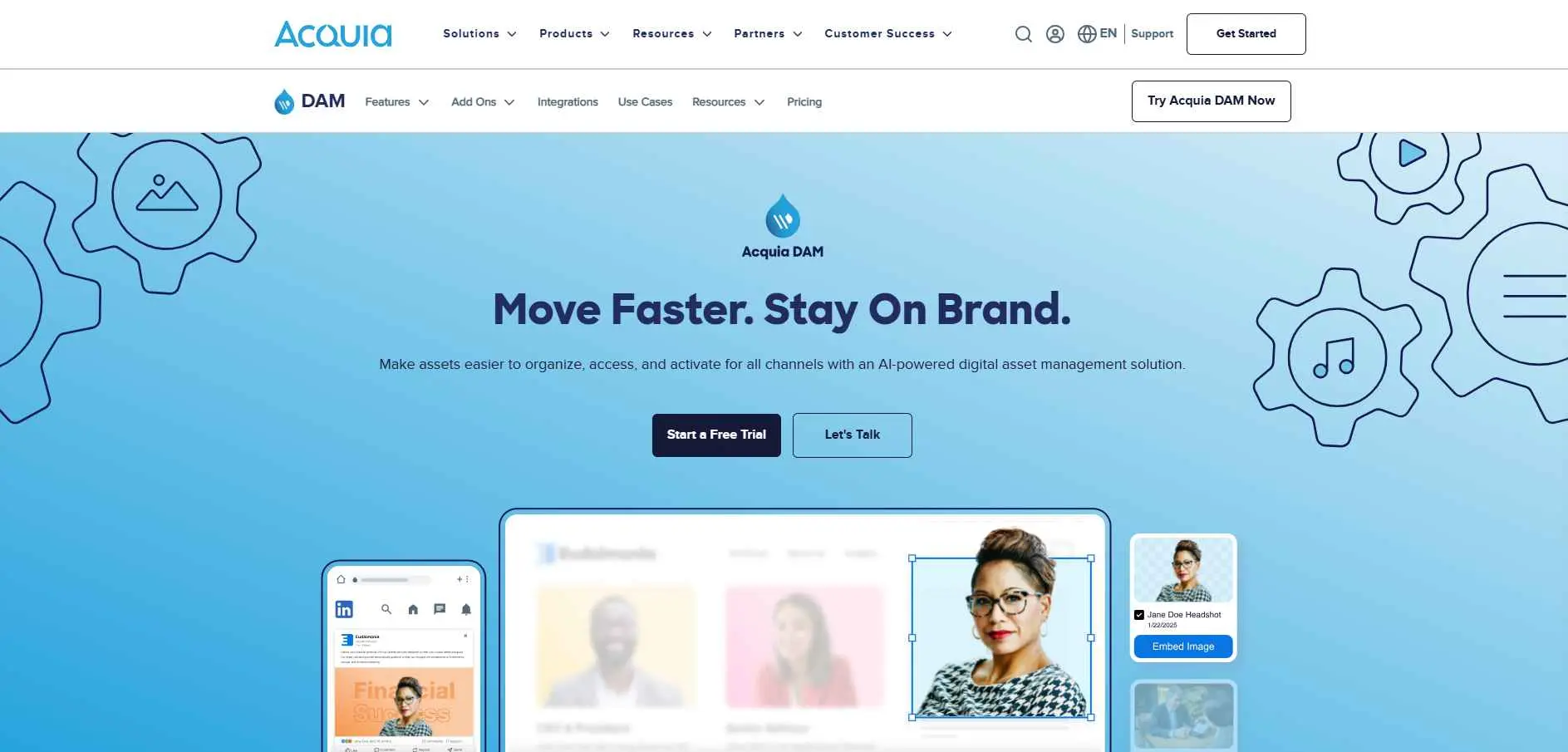
Acquia DAM (formerly Widen) fits naturally into organizations already using Acquia's content and experience tools.
Key features:
- Deep integration with Acquia's CMS and marketing tools
- Strong metadata and taxonomy controls
- Product content management support for catalogs
- Workflow tools for review and approval
Best for: teams already running on the Acquia or Drupal ecosystem who want their DAM to plug straight in.
9. Lingo - Best for lightweight brand kits
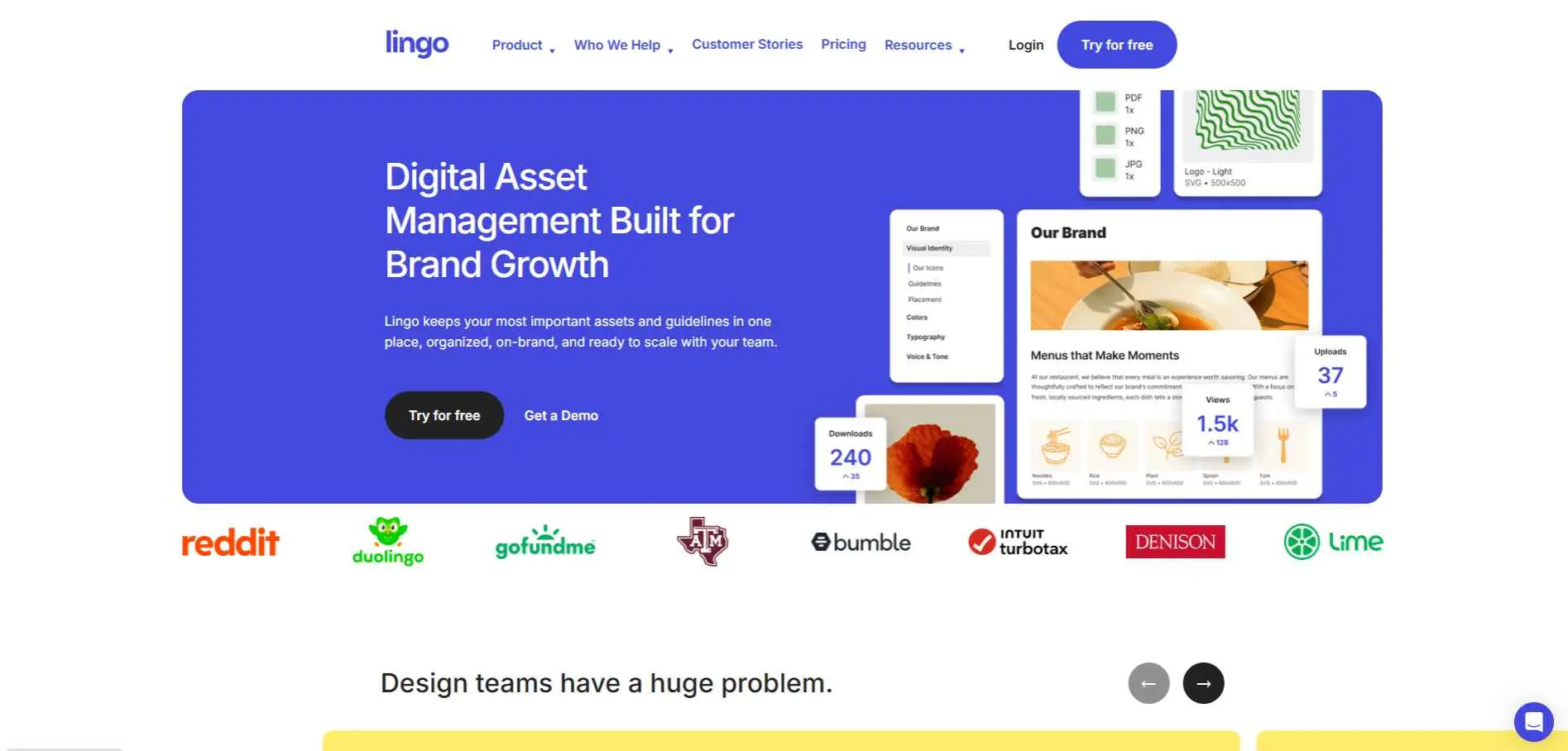
Lingo is built less around massive libraries and more around fast, simple brand kits that any team member can pull from.
Key features:
- Quick-access brand kits organized by category
- Simple embed and sharing links
- Clean interface built for non-technical users
- Lightweight setup, minimal admin overhead
Best for: teams that mainly need a fast, simple brand kit rather than a full enterprise DAM.
10. ImageKit.io - Best for developer-led media workflows
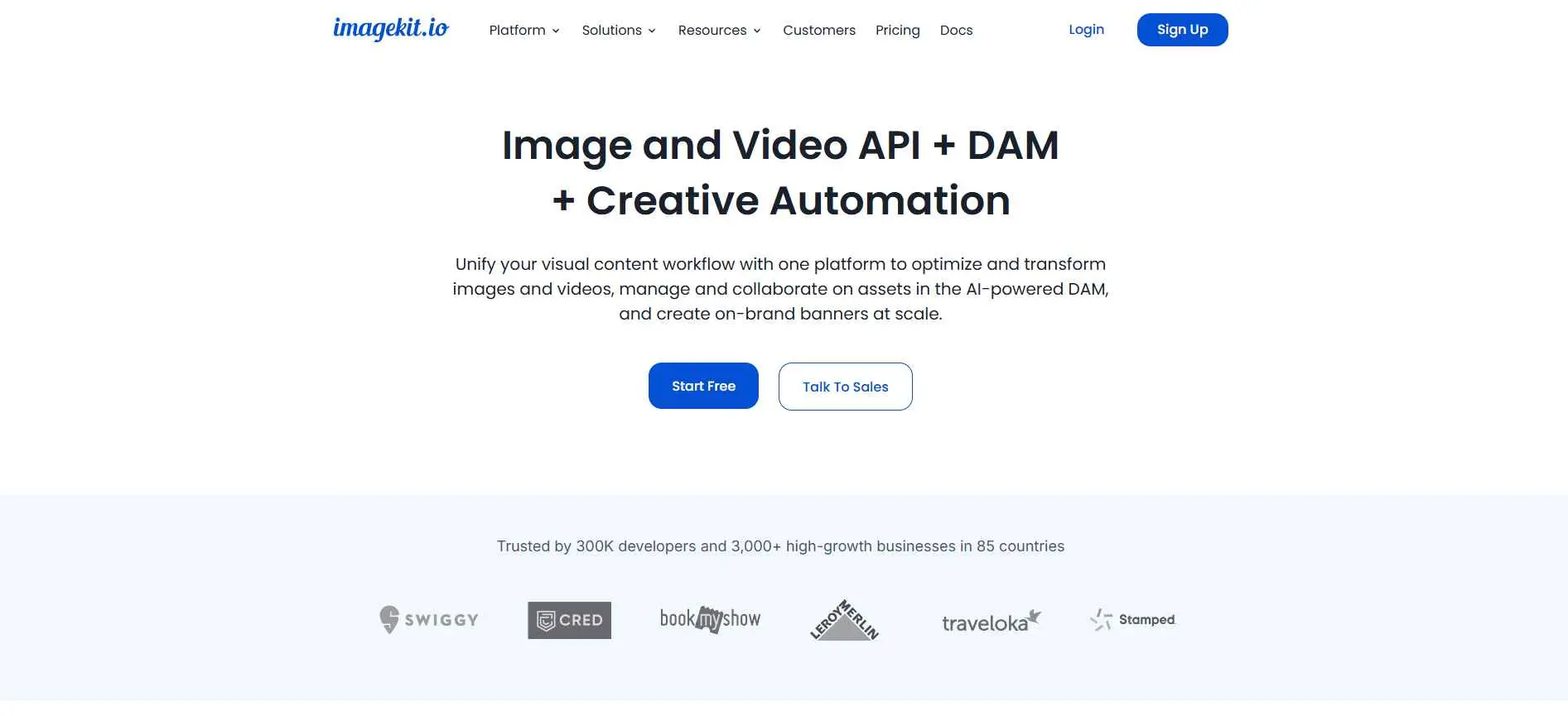
ImageKit.io goes beyond classic DAM into real-time image and video optimization, making it a strong pick for product and engineering-led teams.
Key features:
- Real-time image and video transformation via URL parameters
- Developer-first API and SDKs
- Built-in CDN for fast global delivery
- Automatic format and quality optimization
Best for: product, ecommerce, and developer teams that need media delivery and optimization, not just storage.
What These Platforms Are Good At
Used well, DAM software earns its cost fast. Organizations looking to strengthen their overall asset management processes often complement these tools with an ITAM foundations course to better understand governance, lifecycle management, and asset tracking. It stops the same file from existing in five slightly different versions across five folders. It cuts the time creative and marketing teams spend just locating assets, freeing that time for actual work. It keeps external partners and agencies working from approved files only, instead of pulling something outdated from an old email thread. And it protects you from licensing headaches by tracking exactly when a stock asset's usage rights expire.
Where These Platforms Fall Short
This part gets skipped in most comparison posts, so it's worth saying plainly.
Enterprise-grade platforms like Aprimo and Bynder often need real implementation time and IT involvement before they pay off. Lightweight tools like Filecamp or Lingo are fast to set up but won't scale cleanly once your library and team size explode. AI tagging still misses context sometimes, especially on niche or highly specialized asset types. Moreover, pricing is often transparent, most vendors quote on a per user and storage basis so that number you see almost never reflects what you'd actually pay.
Warning: Do not choose a DAM based on the biggest feature set Fifty features you'll never use aint better than fifteen features you will use every day.
How to Choose the Right DAM Platform
Start with your actual team size and content volume, not your ambitions. A ten-person creative team doesn't need Aprimo's content operations suite. Check whether your priority is storage and search, brand governance, or media delivery and optimization - each points to a different platform on this list.
Confirm the integrations you actually rely on daily, whether that's Microsoft 365, Adobe Creative Cloud, or a CMS like Drupal. And always test the free trial against your real files, not a demo library the vendor built to look impressive.
If you're still weighing options beyond this list, a general software directory comparison can help you cross-check vendor reviews before you commit.
Where to Start
Map your specific problem first: brand consistency, storage chaos, developer workflows, or enterprise governance. Run a real trial using your actual files, not a sample library. Compare your shortlist against at least one competitor before committing to a year-long contract. And build the DAM into your actual publishing process - a tool nobody opens daily isn't solving anything.