 Table of Content
Figma is good. But at $15–$45 per editor per month, the bill gets painful fast - especially when you add the plugins you need separately. And if you work offline, Figma's desktop app is basically a lite version. Files you create online don't fully sync to it.
Performance is another real issue. Large design files slow down. Heavy prototypes sometimes break. There's no native code generation either - you need third-party plugins for that.
And since Adobe's attempted acquisition (which ultimately fell through) caused years of uncertainty, many teams started actively looking for alternatives. Some found tools that fit their workflows better. Some found tools that cost 70% less. A few found tools that do things Figma genuinely can't.
So if you're looking for the best Figma alternatives - something free, offline-friendly, AI-powered, or just more cheaper - here are 10 tools worth your time. Each one has honest pros, cons, and exactly what situation it fits best.
How to Pick the Right Tool
Three questions before you choose:
What level are you on?
Different tools are required for high-fidelity prototypes and dev handoffs than early-stage prototypes.
Who's on your team?
A solo freelancer has different needs than a 10-person product team sharing components.
What's your budget?
Several tools here are completely free. Others charge per editor, and costs snowball.
1. UX Pilot - Best for AI-Powered Design
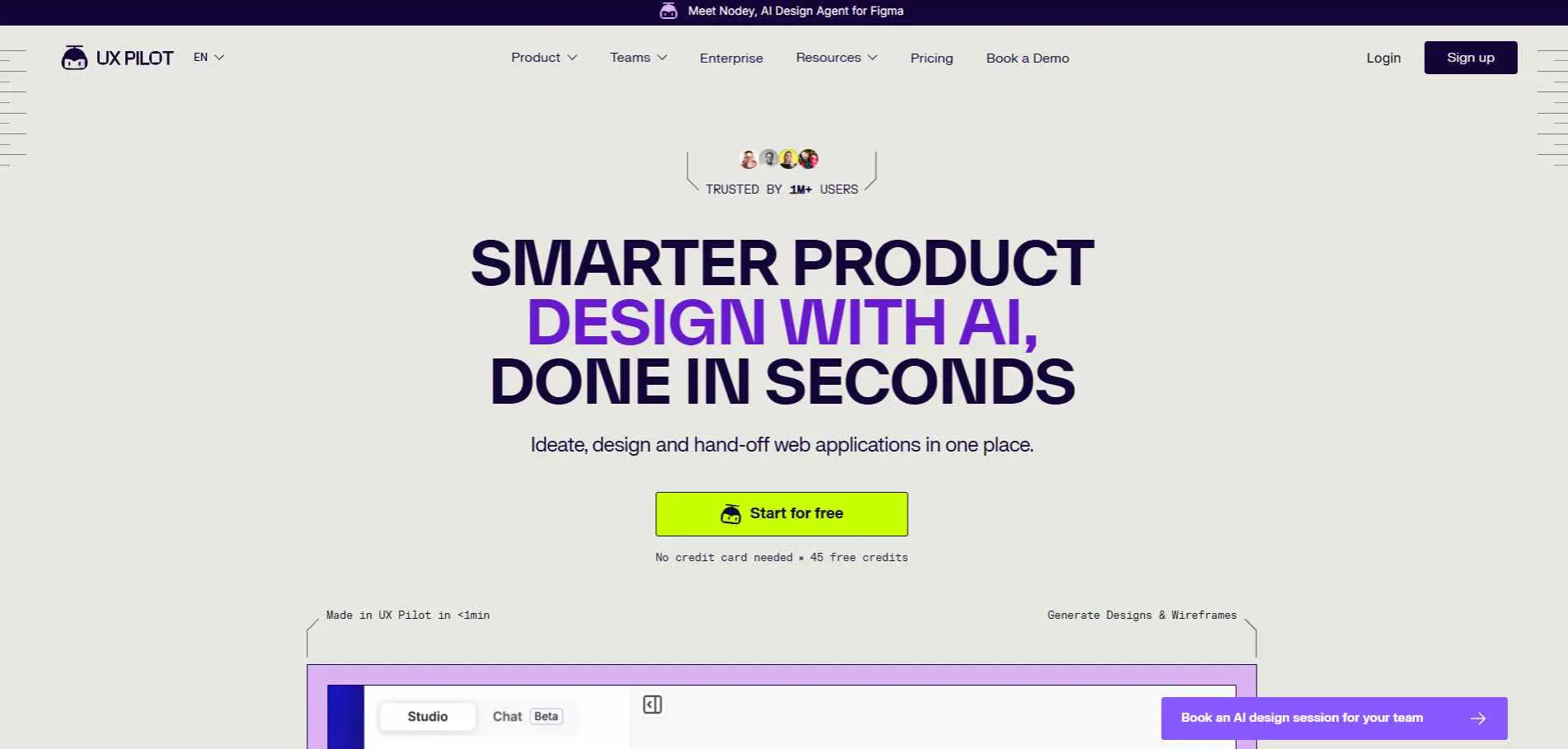
UX Pilot builds wireframes, UI designs, and interactive prototypes from text prompts. Describe what you want, and it builds it. You then adjust colors, fonts, and layout - or push the output directly into Figma via native integration.
There are two main reasons that differentiate this tool with other AI-powered design tools. It uses predictive heatmap functionality to tell you how people will probably use a layout before it is published. It also has an image to HTML generator serving the developers with coded generated outputs rather than static images.
Best for: Teams and non-designers who need to go from idea to prototype fast.
Pricing: Free plan available. Paid from $14/month (billed annually).
Watch out: You can't drag elements manually - you ask the AI to move them. That limits control for hands-on designers.
2. Uizard - Best for Non-Designers
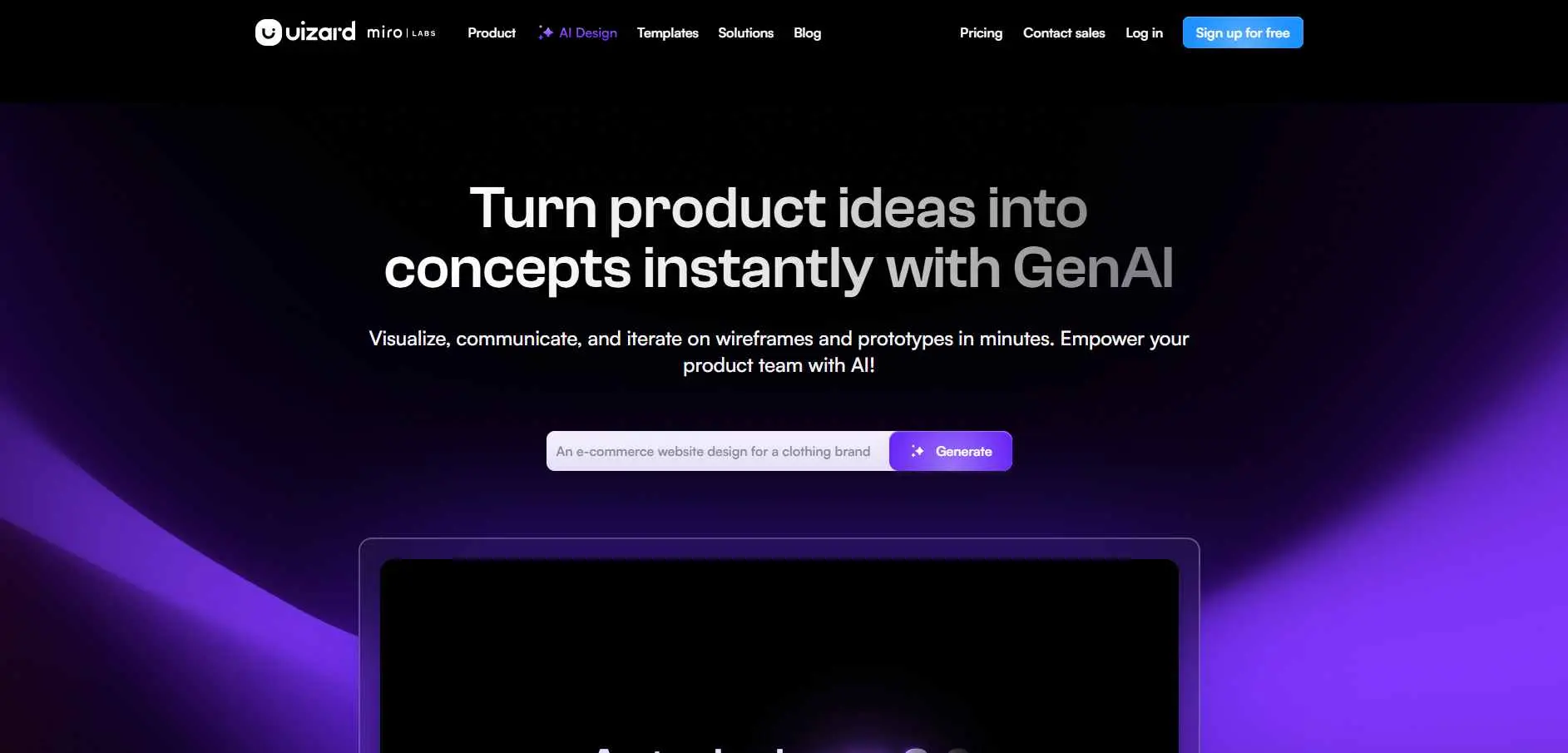
Uizard is built for people who need to communicate UI ideas but aren't professional designers. Its Autodesigner 2.0 generates multi-screen app layouts from a single prompt. Wireframe scanner scans hand-drawn sketches into editable digital mockups.
Supports desktop, mobile, and tablet viewports. Multiplayer collaboration is included on most plans. The main gap: no direct Figma export. You save as SVG first, then import manually.
Best for: Founders, product managers, and non-technical users who need mockups quickly.
Pricing: Free plan available. Paid from $12/month.
Watch out: Less customization than tools like UXPin or Penpot once you need finer control.
3. Pixso - Best For Figma Features at lower cost
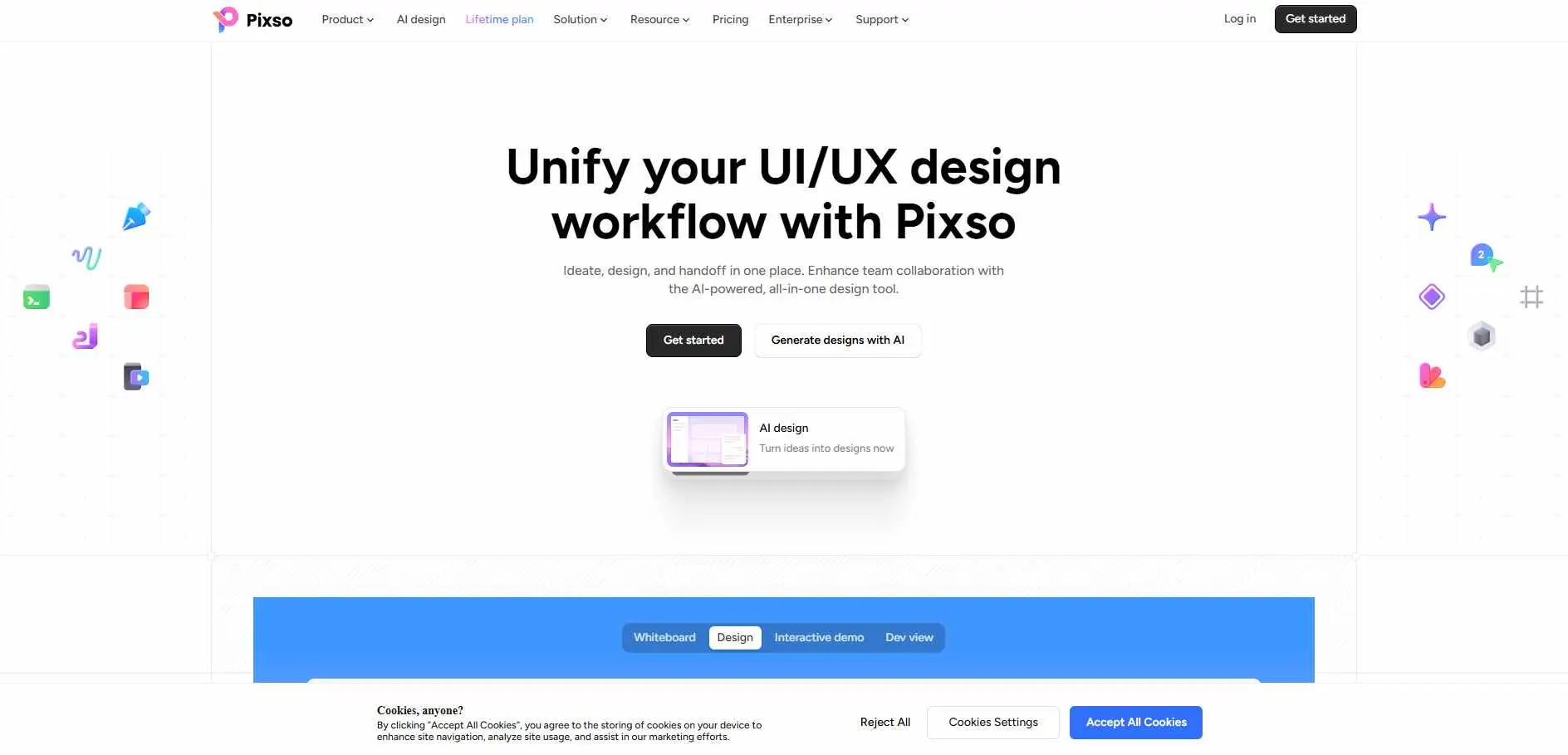
Pixso is the closest functional match to Figma on this list. Real-time collaboration, vector editing, components, auto-layout, developer handoff - all there. The interface is familiar enough that Figma users don't need a learning curve.
Where it wins is pricing. Team plans are cheaper than Figma’s equivalents – which makes sense as you scale. It has a growing plugin ecosystem, especially powerful in Asian markets where it is gaining the most attention.
Best for: Teams migrating from Figma who want a similar experience at lower cost.
Pricing: Free plan available. Paid plans start from $12/month/seat.
Watch out: Smaller plugin library and English documentation is thinner than Figma's.
4. Balsamiq - Best for Low-Fidelity Wireframing
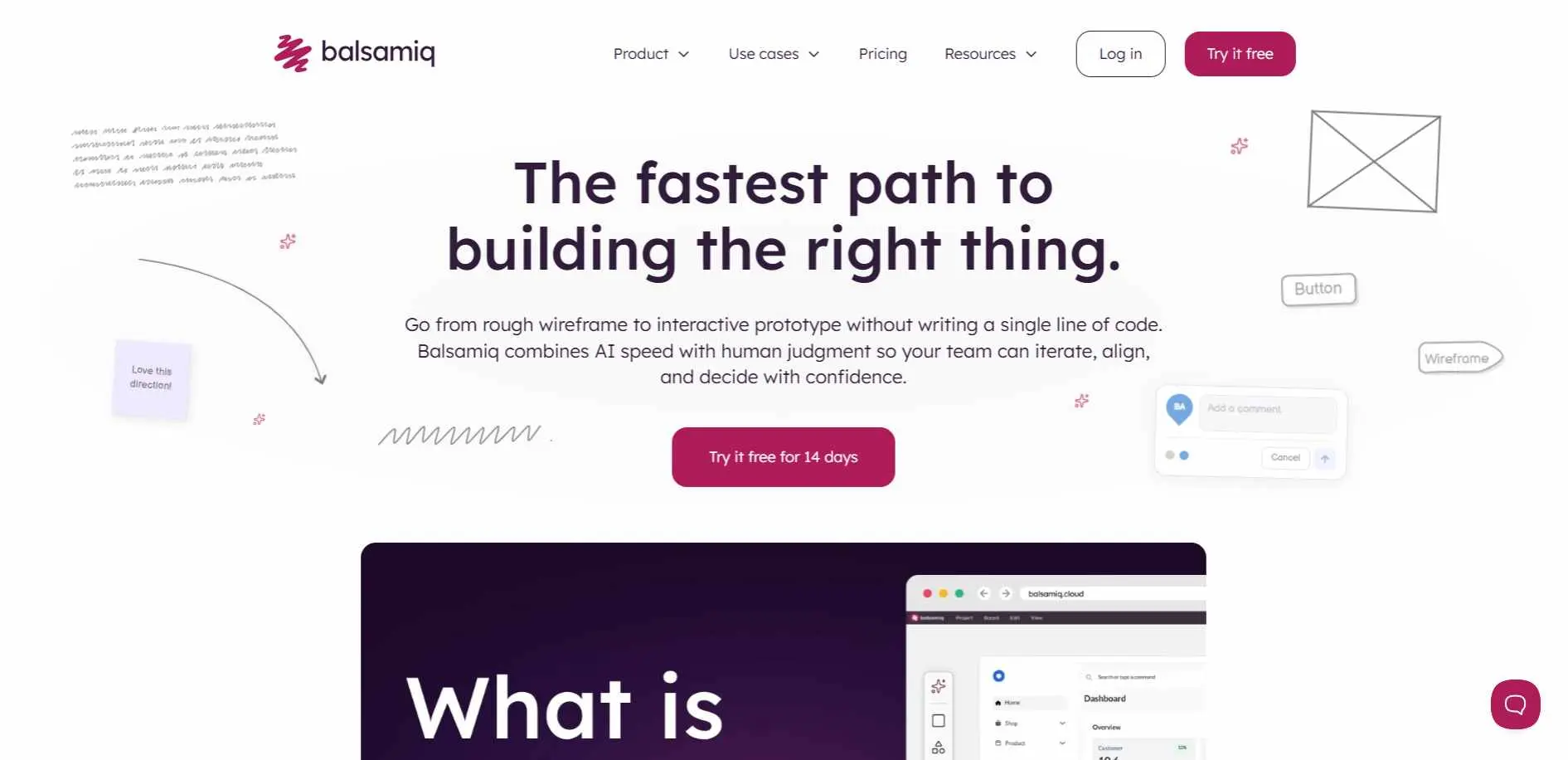
Balsamiq is deliberately rough. The sketchy, hand-drawn look is intentional - it stops teams from debating button colors at the wireframing stage and keeps focus on structure and flow. That's worth more than it sounds early in a project.
The drag-and-drop UI takes under an hour to learn. Pre-built components cover most common elements. Real-time collaboration and stakeholder sharing are both included.
Best for: Teams in discovery phases, client workshops, and rapid concept validation.
Pricing: From $16/month (billed monthly). 14-day free trial available. No ongoing free plan.
Watch out: Single-purpose by design. Don't try to build high-fidelity prototypes here.
5. Visily - Best Free AI Wireframing Tool
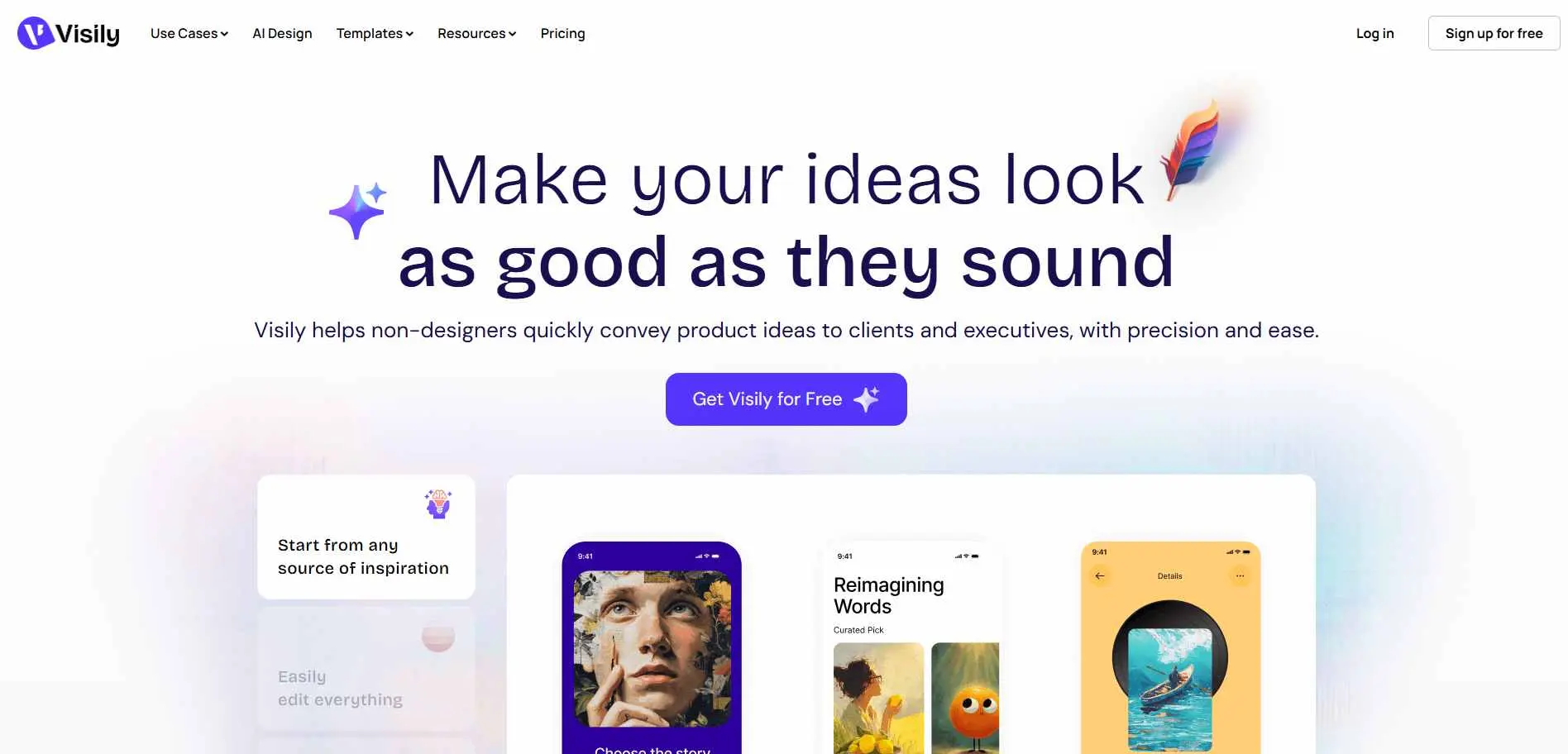
With Visily, you can create screens from text prompts & make your screenshot editable wireframe as well and convert the hand-drawn sketch into a working digital layout. The interface is simple and really easy to work with. Team collaboration is included.
For early-stage projects where speed is necessary without spending too much cash, this is one of the best options on the list.
Best for: Early-stage teams, solo designers on a budget, and rapid concept work.
Pricing: Generous free plan. Paid plans start from $11.
Watch out: Not built for high-fidelity design or complex prototyping - it's a wireframing and ideation tool.
6. Moqups - Best for Wireframes + Diagrams in One Place
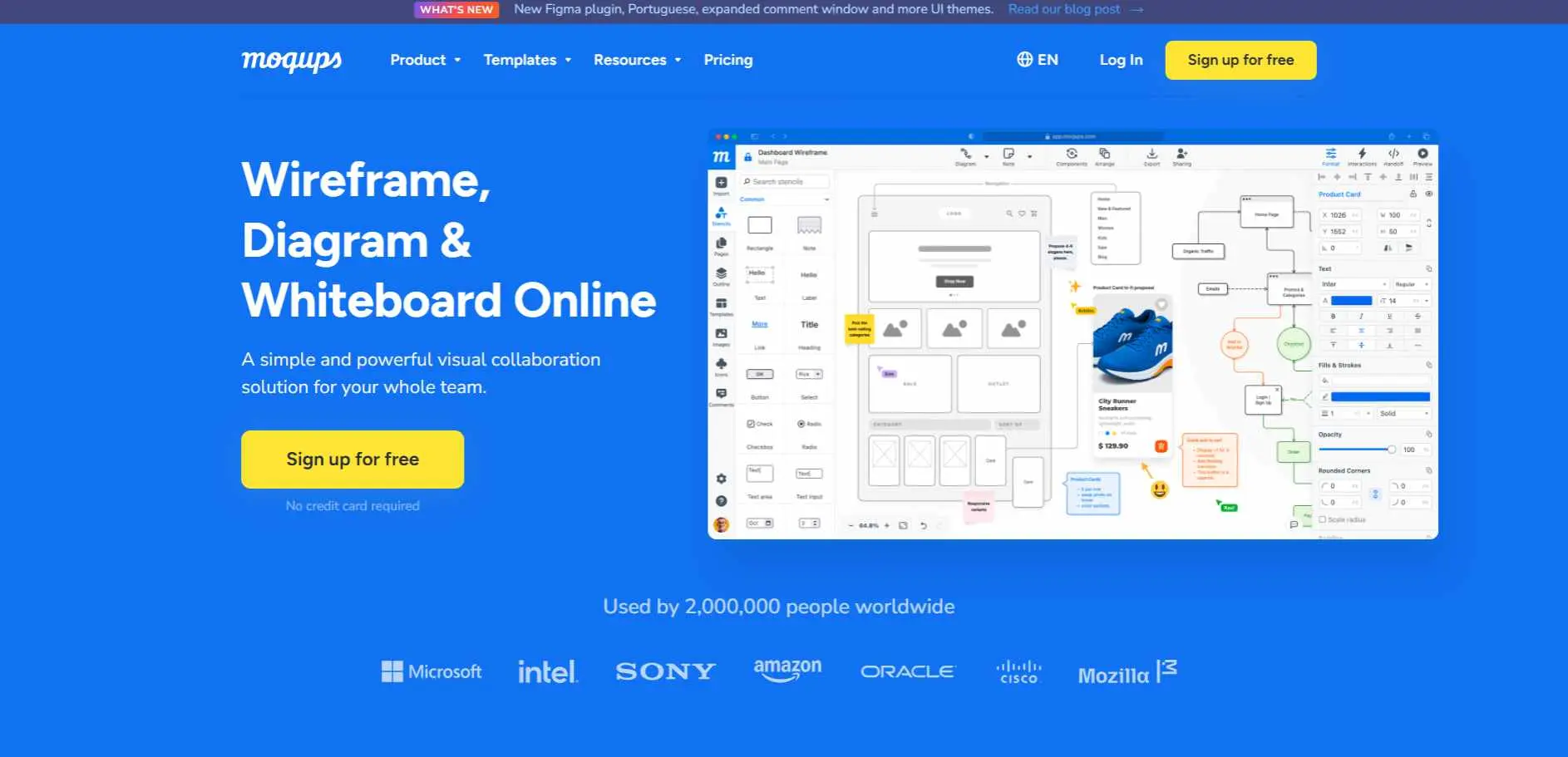
App-switching is the absolute worst part of the design process right now. Moqups actually solves this by acting as a giant, all-in-one sandbox. You can build your mockups, wireframes, and flowcharts in the exact same workspace without losing your mind juggling different software.
Real-time collaboration works well. You can work on the same canvas simultaneously, leave comments, and share projects with clients via view-only links.
Best for: Teams that want wireframes and diagrams without two separate subscriptions.
Pricing: Free plan available. Paid from $7/month (billed annually).
Watch out: Prototyping is basic and there's no developer handoff. It's not a full Figma replacement.
7. UXPin - Best for Design-to-Dev Handoffs
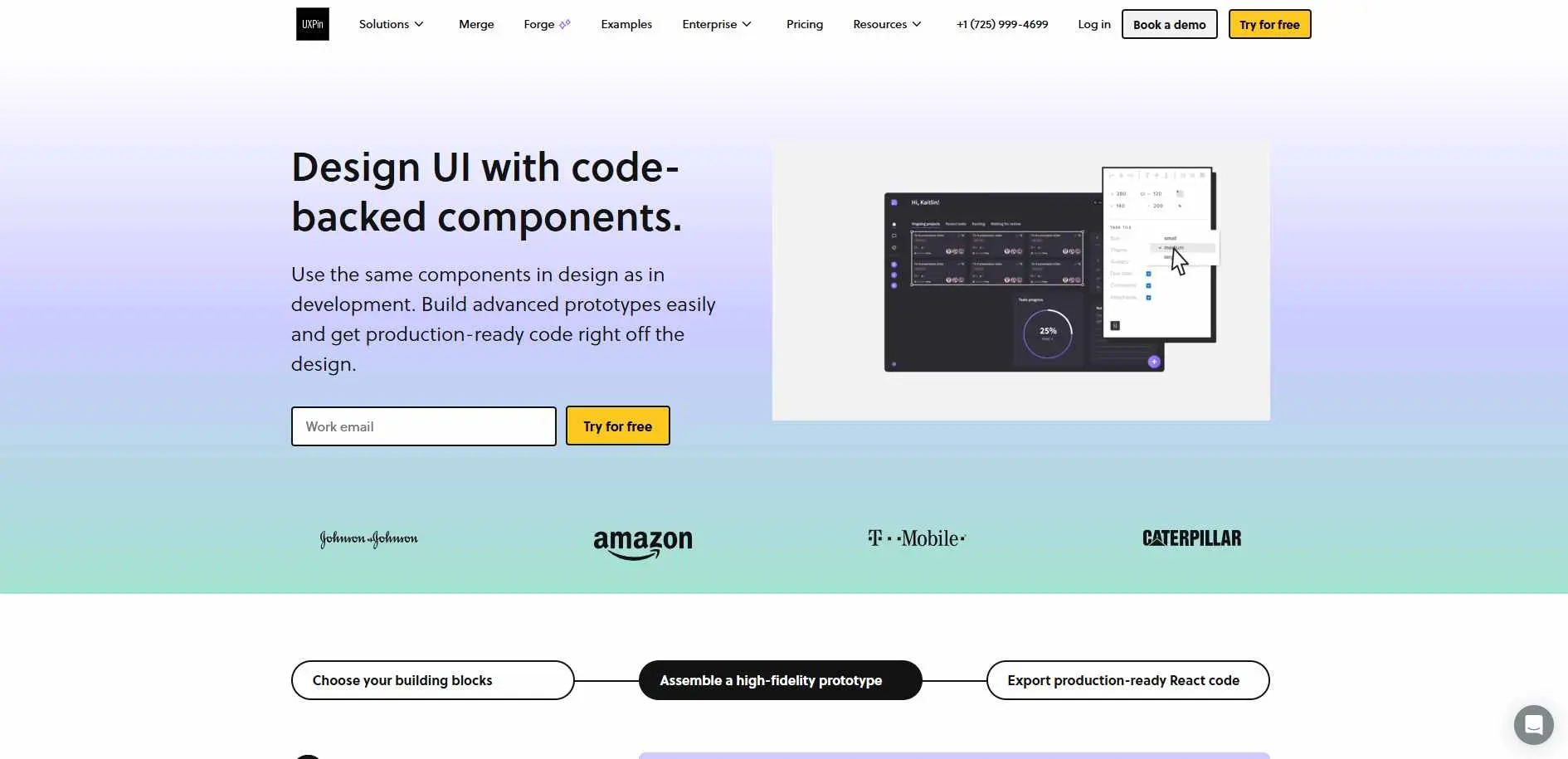
UXPin’s Merge feature supports importing front-end resources including React, Storybook, and Tailwind UI into its native design files. Prototypes are made with real code. Not still images. The gap between what design built and what dev shipped gets a lot smaller.
It auto-generates CSS for every design element, so developers copy specs without back-and-forth. Prototypes support conditional logic, hover states, and ripple effects. If you want to compare how this stacks up across the wider market, our roundup of the best prototyping tools covers nine strong options reviewed in depth.
Best for: Product teams where design-to-development friction is a real problem.
Pricing: Free plan offered. Paid for with subscription pricing starting at $29/month for the AI-powered prototyping plan (billed annually)
Watch out: Large price jumps between plans. Repository integrations only unlock on higher tiers.
8. Penpot - Best Open-Source Option
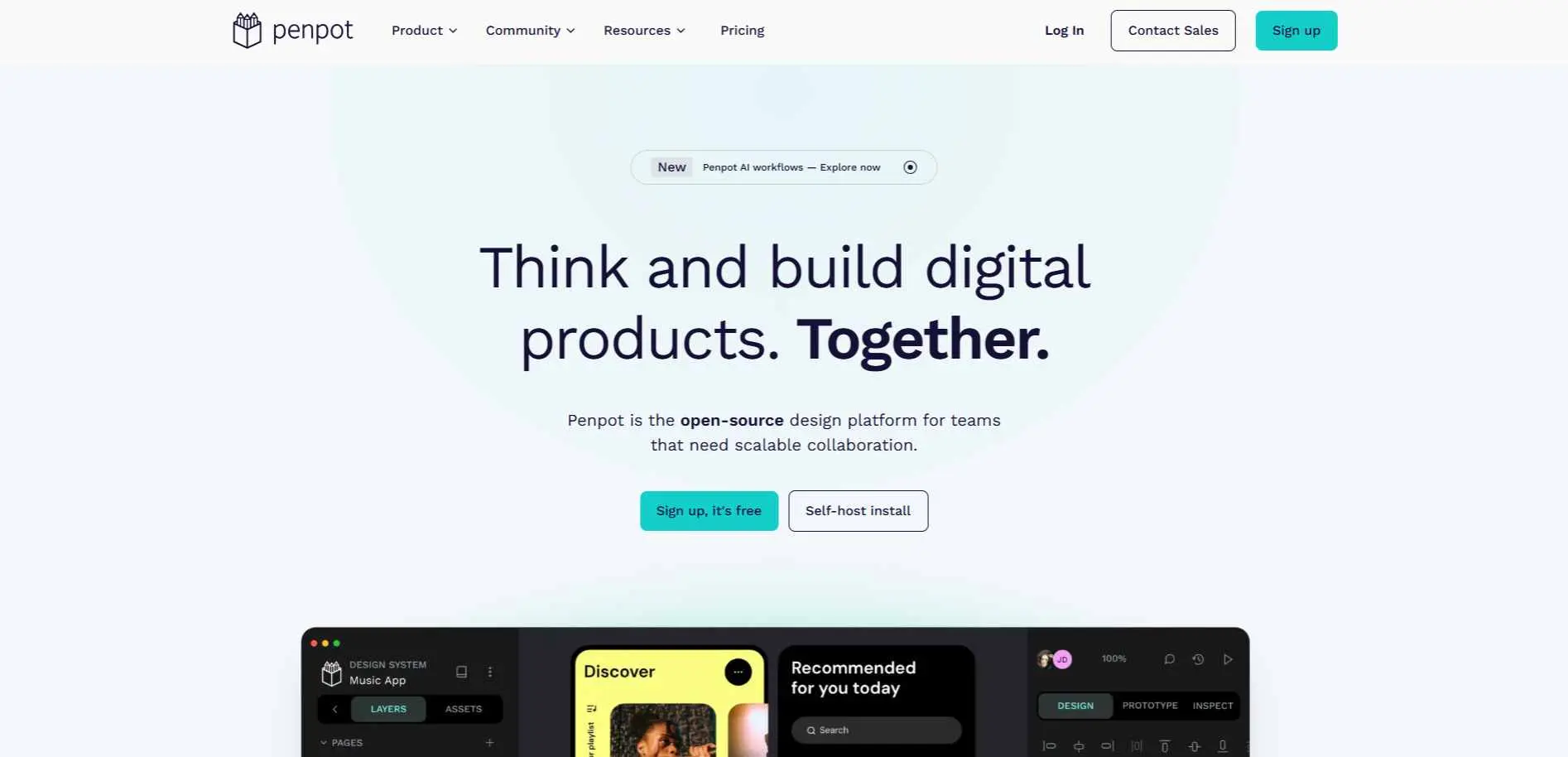
Penpot is the only fully open-source, self-hostable design tool on this list. You can deploy it on your own server - which matters for teams with data residency requirements or enterprises that can't use cloud-only tools.
The feature set holds up: CSS Grid and Flex layouts, interactive prototyping with custom triggers, developer code inspection (CSS, HTML, SVG), and a community plugin library that keeps growing. Real-time collaboration is built in.
You can share design presentations with stakeholders directly. Because it uses open web standards (standard code that works in any browser), your files are easier to share and use anywhere - more so than with Figma.
Best for: Dev-heavy teams, open-source advocates, and organizations needing on-premise control.
Pricing: Completely free. Self-hosting available. Their Cloud host plan starts from $7 /user/month
Watch out: Steeper learning curve than Figma. No dedicated support team - you rely on community docs.
9. Framer - Best for Designers Who Also Launch Websites
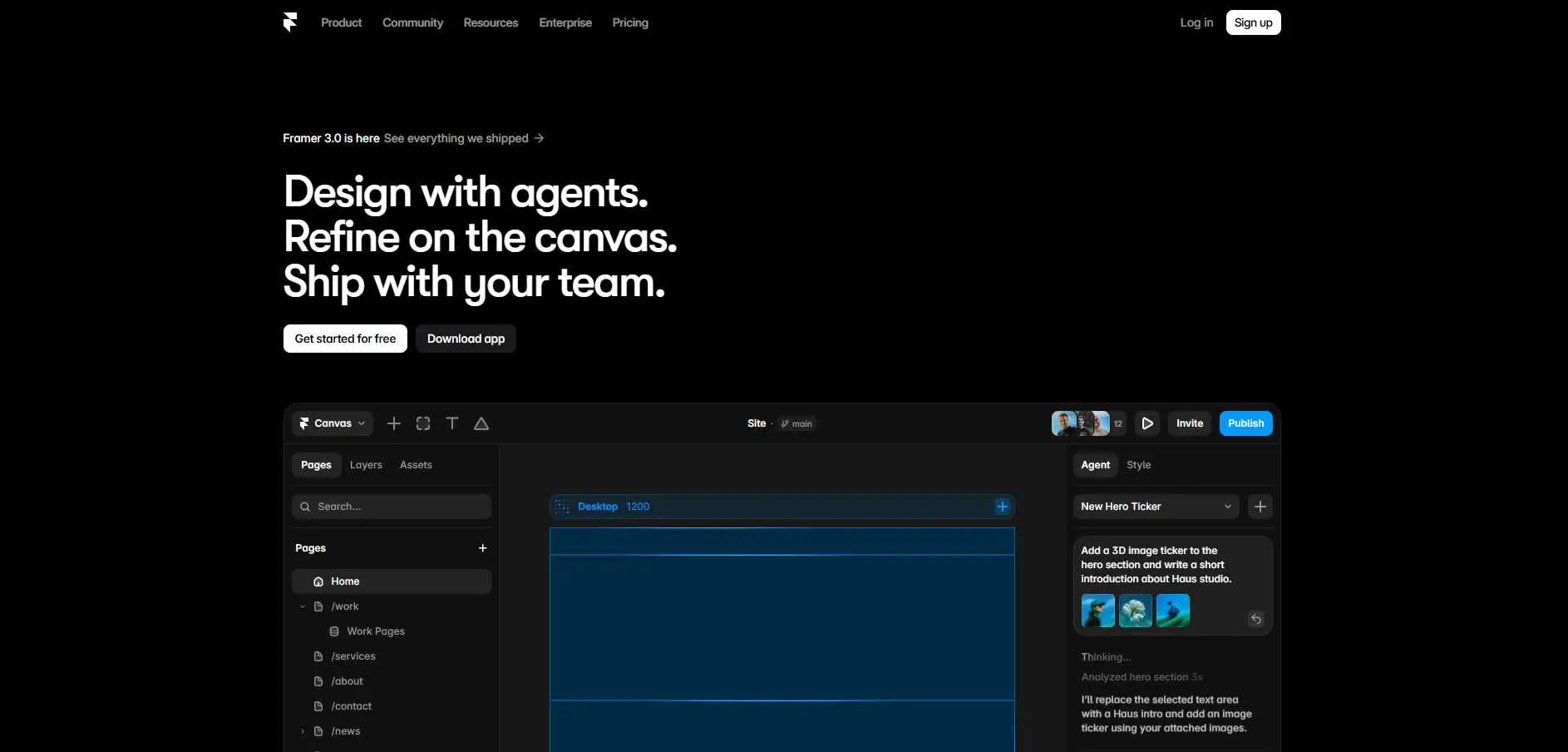
Framer isn't just a design tool - it's a full website builder. You create, you publish and host at one place. All of these are built-in: SEO controls, web analytics for tracking goals and conversions, A/B testing features as well as auto-translations. Replaces Figma & a CMS for freelancers building client sites.
AI features handle wireframe generation and layout suggestions. Real-time collaboration works well for small teams.
Best for: Freelancers, solopreneurs, and small agencies that design and deploy websites.
Pricing: No free plan available. Paid from $10/month (billed annually). Editors cost extra - $20/editor on personal plans.
Watch out: Website-only. Can't design mobile apps or user flows. Elements snap to a grid, not pixel-perfect.
10. Sketch - Best macOS-Native Design Tool
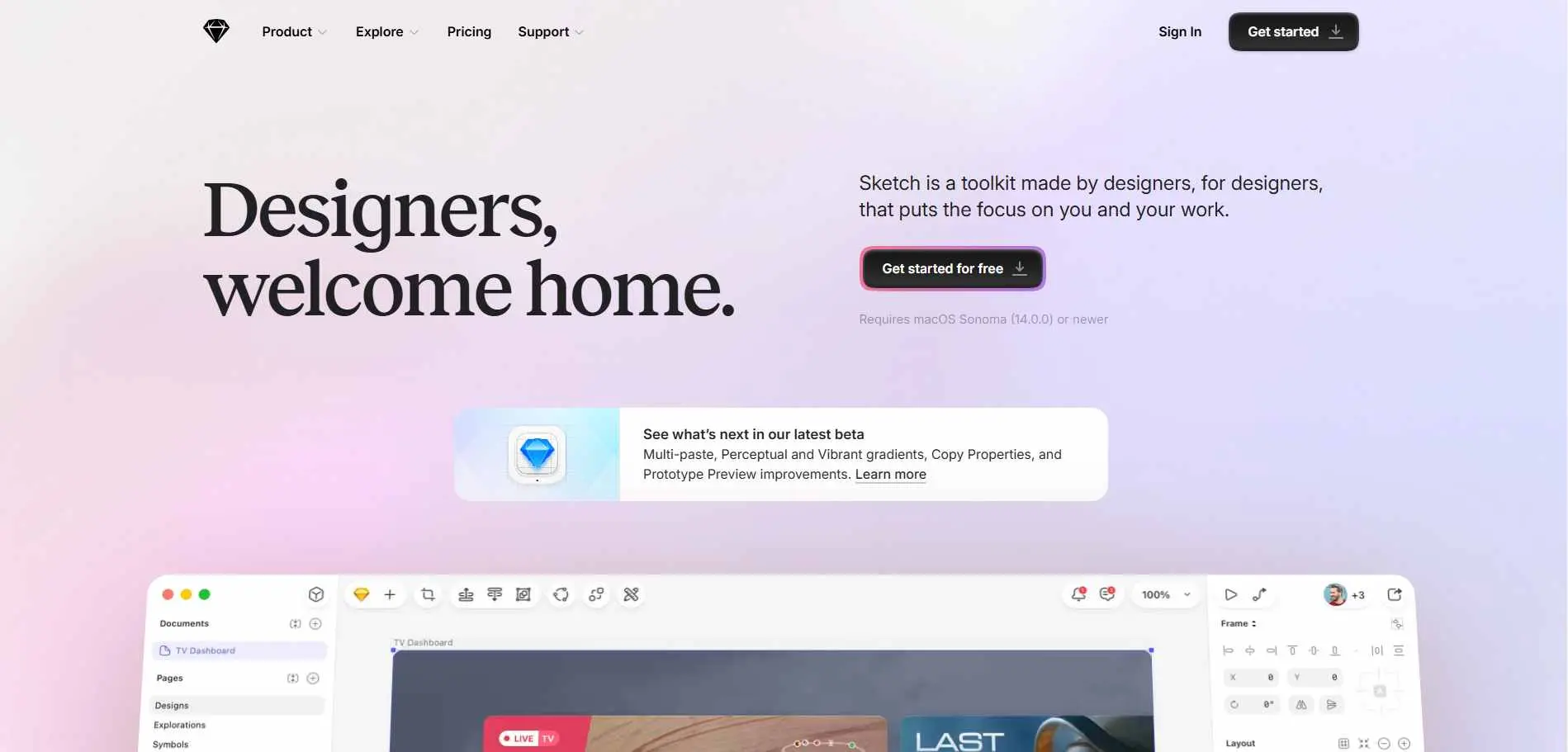
Sketch dominated UI design before Figma took over, and it's still genuinely strong - particularly for macOS users. Its plugin library predates Figma's by three years. The native macOS app works fully offline. Figma files can be imported.
Pricing is cleaner: two plans, no confusing seat types charged at different rates. If you do not prefer a subscription, there is a one-time license available.
Best for: MacOS teams who want Figma-like features without the cloud dependency.
Pricing: From $10/user/month (billed annually). One-time license at $120/user (Mac-only license).
Watch out: No Windows or Linux support. No whiteboard tool. No free plan.
The Mistake Most People Make When Switching
They hunt for one tool that does everything Figma does, at a lower price. That usually ends in frustration.
A smarter move: figure out what you actually use Figma for. If it's mostly wireframing, Balsamiq or Visily covers it for less. If it's handoffs, UXPin or Penpot does it better. If it's website design, Framer is faster. You probably don't need a full Figma replacement - just the right professional web design tool for the specific job.
Quick Comparison Table
| What You Need | Best Pick |
| AI design from prompts | UX Pilot or Uizard |
| Figma features at lower cost | Pixso |
| Low-fidelity wireframes fast | Balsamiq or Visily |
| Wireframes + diagrams in one place | Moqups |
| Design-to-dev handoffs | UXPin |
| Open-source / self-hosted | Penpot |
| Website design + publishing | Framer |
| macOS-native, works offline | Sketch |
Bottom Line
Figma isn't going away. For many teams it's still the right answer. But if the price is the problem, the offline performance frustrates you, or your workflow doesn't use 80% of what Figma offers - there's something on this list that fits better.
First, you want to look at your current pain points in choosing which tool to use. Select the one that solves your biggest problem. Most of these platforms offer free plans or trials, so it’s best to try them out before you decide to sign up.