
 Table of Content
Your video is good. Your thumbnail is bad. Nobody clicks.
That's the whole problem, in one line. You have 0.3 seconds to persuade a viewer on YouTube to click, and yet many creators are still squandering the opportunity with a blurred screenshot, with Impact font crammed over the top of it. A channel that just posts videos without an approach doesn't get as much value as one with clear, consistent thumbnails.
AI thumbnail makers fix the speed problem. You're not opening Photoshop and burning 40 minutes on a title card anymore. You describe what you want, pick a layout, and export something that looks like a designer made it.
We tested and researched seven tools that creators actually use in 2026 - from all-in-one design suites to bare-bones generators built for one job. Here's what each one gets right, where it falls short, and which one fits your channel.
What These Tools Are Good At
Used well, AI thumbnail makers earn their spot in your workflow fast.
Speed is the obvious win. A thumbnail that took an hour in Photoshop now takes two or three minutes, prompt to export.
Consistency is the quieter win. Your channel won’t look like seven different design experiments, but a single brand because most of them automatically reuse the color palette and font style that you set once.
Accessibility matters too. You don't need design training or an Adobe subscription. If you can describe a mood in a sentence, you can produce something usable.
Testing gets cheaper. Generating five variations costs almost nothing, so A/B testing thumbnails against YouTube's own compare tool becomes realistic instead of a chore reserved for big channels.
And face and expression handling has genuinely improved. Several tools now clean up lighting, sharpen expressions, and boost contrast automatically, which used to require real retouching skill.
Where These Tools Fall Short
Most roundups skip this part. We won't.
Generic output. Type the same 3 word prompt to a similar ten thousand creators, and you get a thumbnail that looks like some other ten thousand creators.
Text still needs a human eye. AI-generated text placement often ignores how a 2-inch mobile screen actually renders. You'll still need to nudge font size and cut word count yourself.
Free tiers are bait, not tools. Watermarks, single-credit limits, and locked export resolutions show up constantly on the free plans below. Budget for at least one paid tier if you're publishing weekly.
Brand drift. An AI tool with no memory of your last 50 thumbnails will happily suggest a completely different style on video 51. Left unchecked, your channel starts looking inconsistent.
⚠ Warning. A thumbnail scoring "high predicted CTR" inside a tool isn't the same as a thumbnail that fits your audience. AI has no idea if your viewers actually like neon gradients. You do.
If your doing an entire content ecosystem around this, it would be a good idea to couple your thumbnail process with a decent workup on your title and keyword strategy so that you are pulling in the same direction with both thumbnails & headlines rather than against them.
The 7 Best AI YouTube Thumbnail Makers in 2026
1. Canva
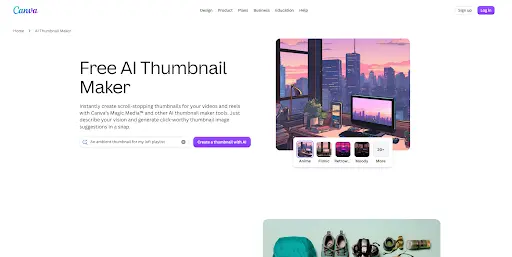
Canva is still the default answer for a reason. Its Magic Design and Magic Media features generate thumbnail layouts, backgrounds, and text options straight from a prompt, and its thumbnail template library runs into the thousands. The AI background remover and Magic Resize (great for reusing one design across YouTube, Shorts, and Instagram) make it the most versatile tool on this list.
Pricing: Free plan available. Pro runs about $13/month.
Best for: Anyone who wants one tool for thumbnails, social graphics, and slides - not just YouTube covers.
2. Adobe Express
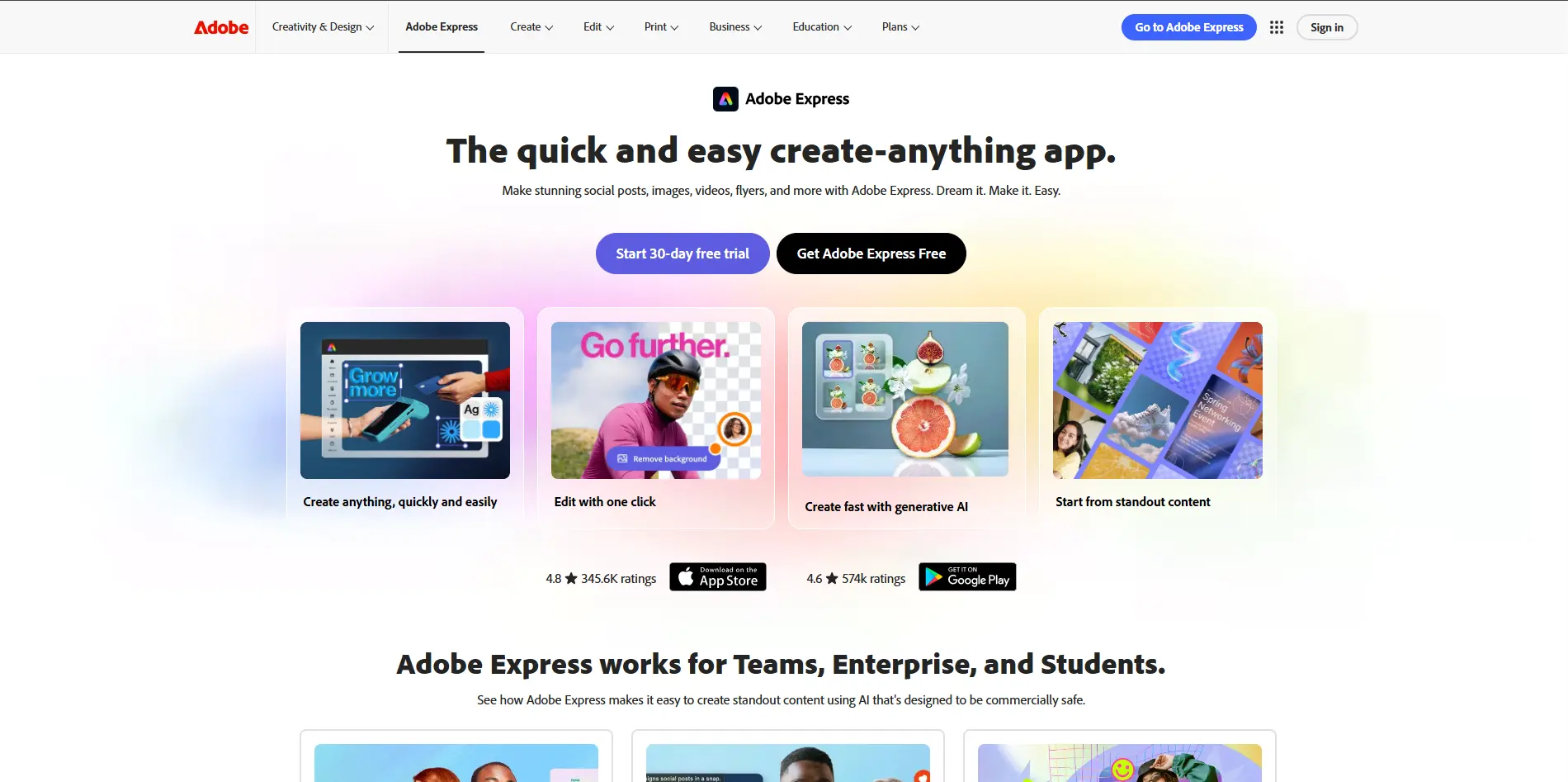
Adobe Express rides on Adobe's design reputation, and it shows. What this template generator does is you enter a prompt in and out pops loads of full thumbnail ideas with copy suggestions, all ready to be tailored. It integrates very well if you're already using Photoshop or Premiere for the rest of your production pipeline, because of how it's built on Adobe's larger Creative Cloud ecosystem.
Pricing: Free core plan. Premium starts around $10/month.
Best for: This thumbnail tool embedded in Adobe caters to the large number of creators within its ecosystem who need to generate thumbnails without leaving the application.
3. Fotor
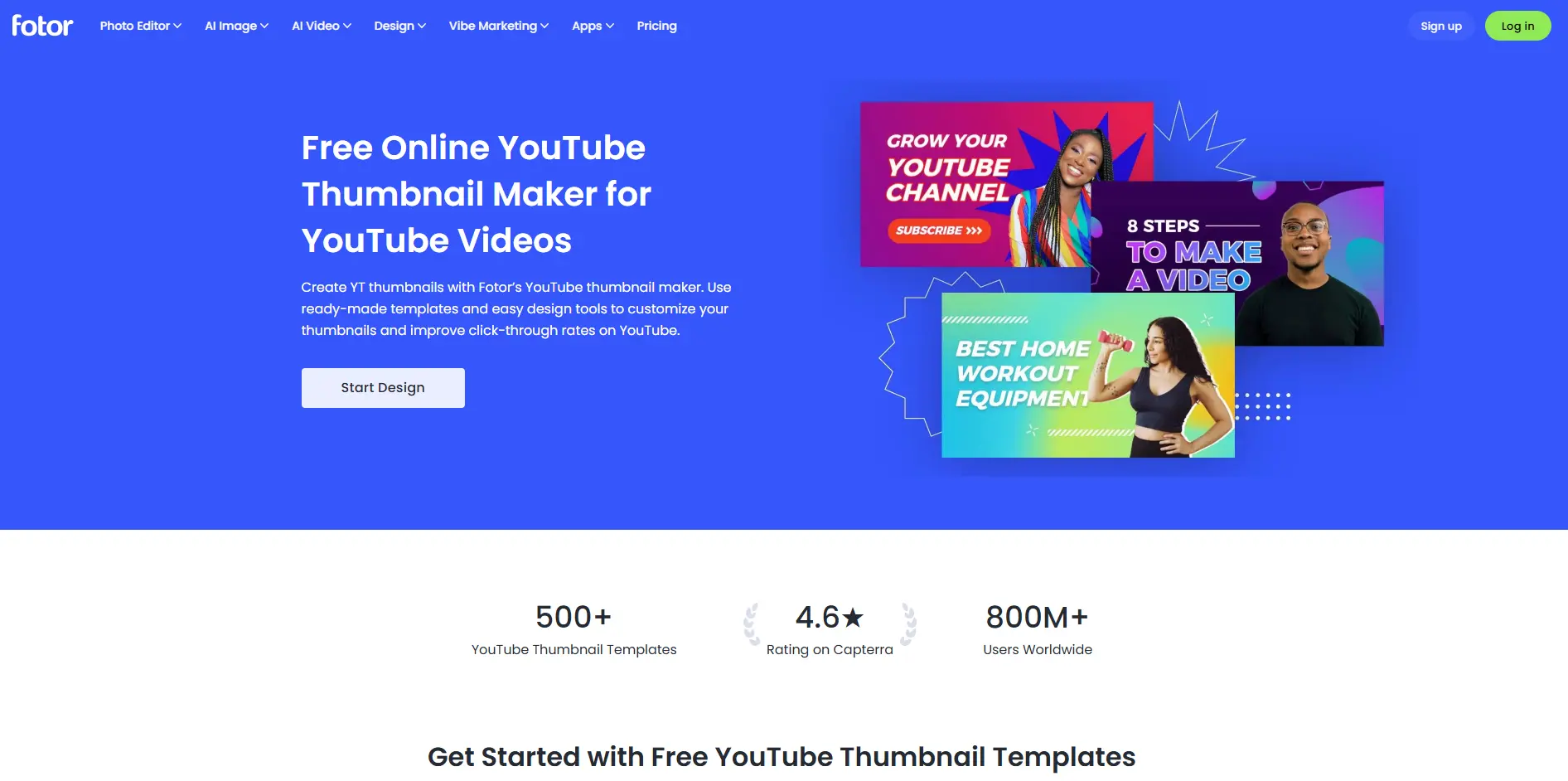
Fotor has its own custom model called Fotor M2, and it does handle semantic text-to-image generation better than most of your budget (or completely free) tools. Most of the interface looks like Adobe's, replete with over-templating and sprinkled in AI generated backgrounds and graphics.
Pricing: Free with watermark, or from roughly $4/month.
Best for: Creators on a tight budget who still want AI-assisted design and are fine editing out a watermark on the free tier.
4. Pikzels
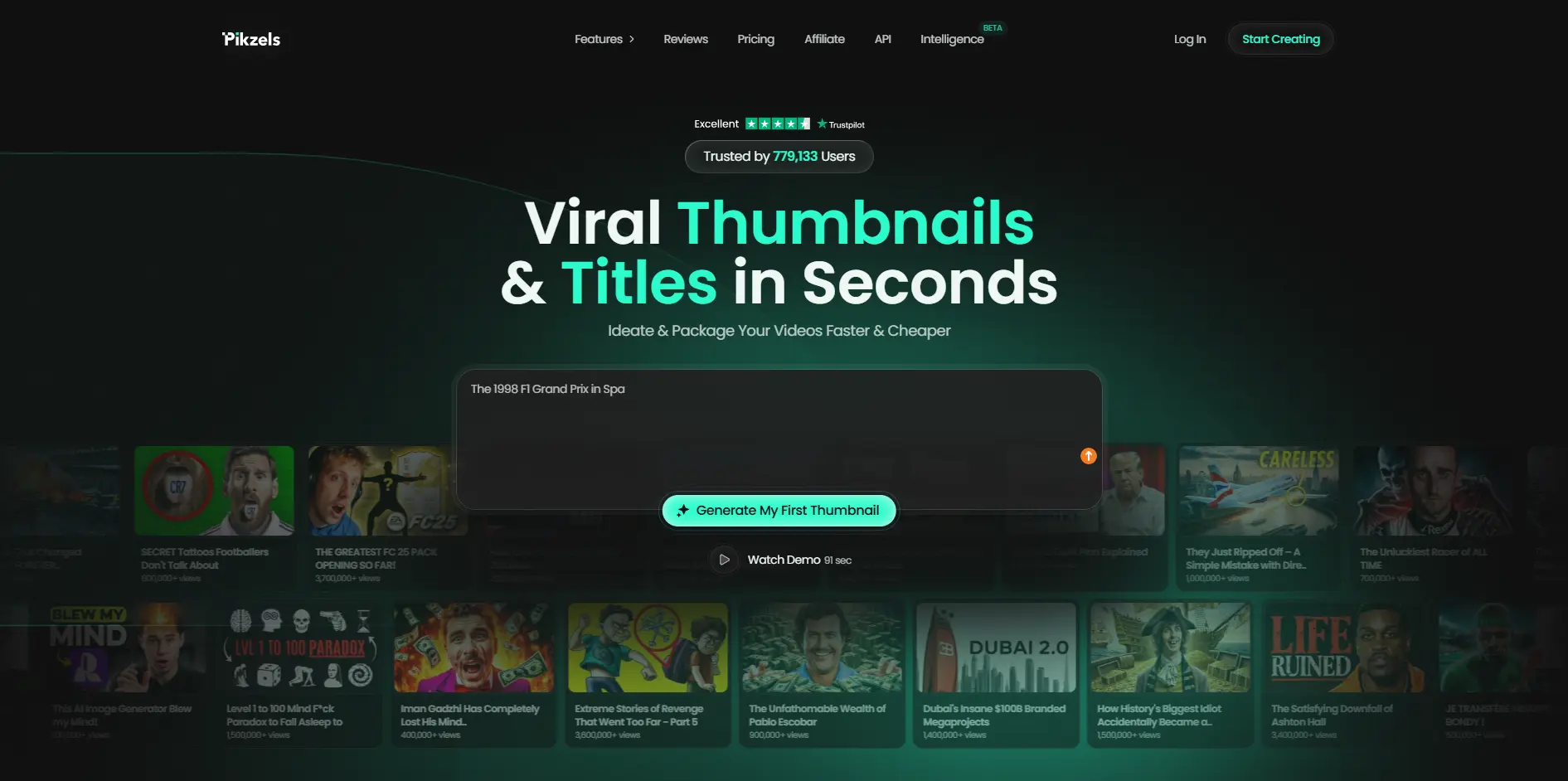
Pikzels specializes in one thing: realistic AI-generated faces and expressions. Rather than filter an existing photo, it constructs fresh compositions from the ground up, allowing you to dial in emotion, lighting and even demographics that match your audience. If you don't want to be on camera and still want a human face driving clicks, this is the tool designed for that very gap.
Pricing: Roughly $28/month for the standard plan, higher for premium export resolution.
Best for: Faceless or camera-shy creators who still want human-centric thumbnails.
5. Thumbnailr
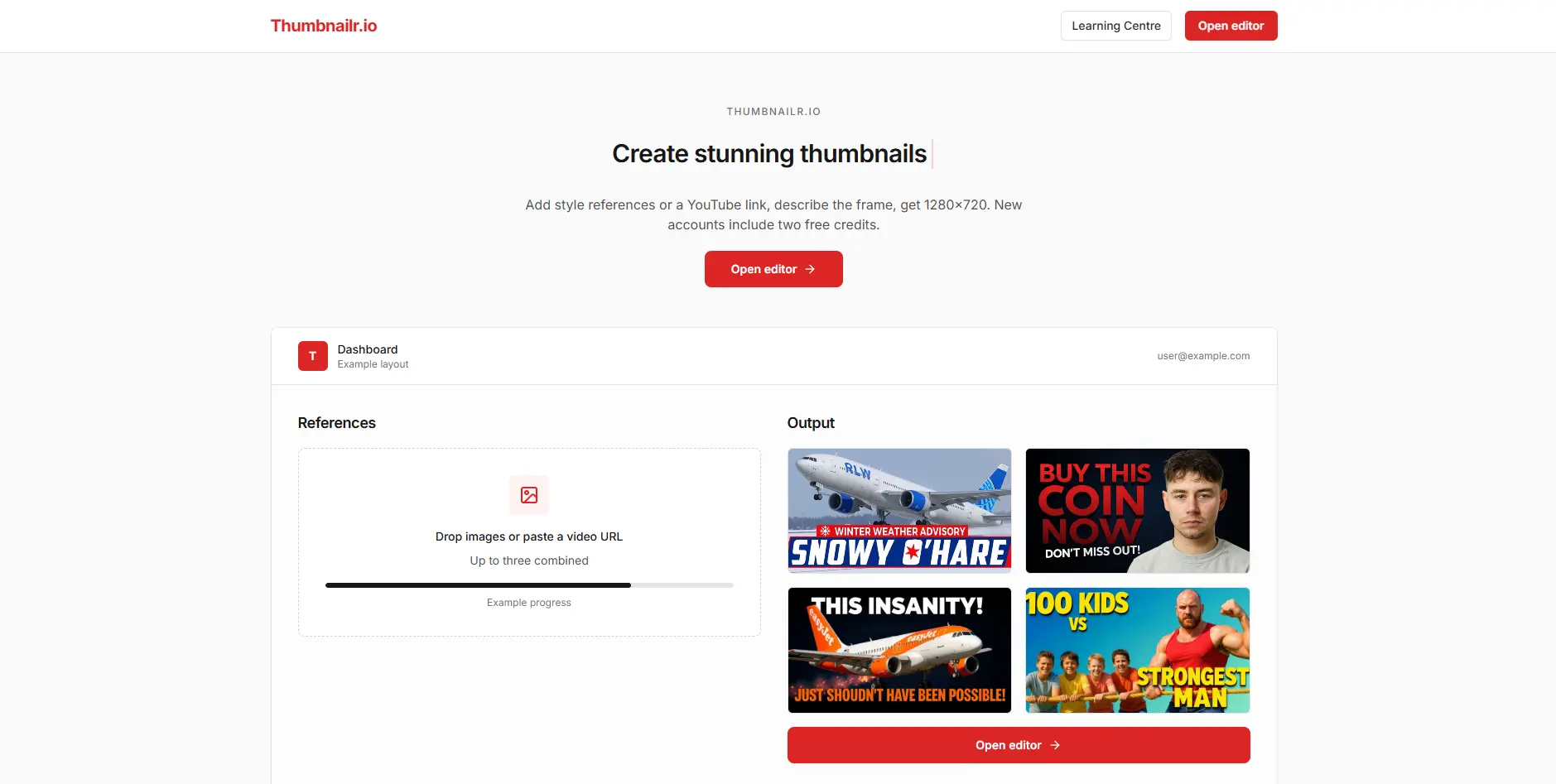
Thumbnailr focuses on a specific task and built for YouTube-first tool. You can generate fully compliant 16:9 thumbnails once users upload their source images and describe their specific requirements. In contrast to the bloated, overcomplicated template libraries of Canva and Fotor, this tool is lightweight and free of redundant functions, with an efficiency that far outperforms general-purpose design tools.
Pricing: Free tier with limited generations; paid plans scale from there.
Best for: Creators who want a no-frills, purpose-built generator instead of a full design suite.
6. Thumby
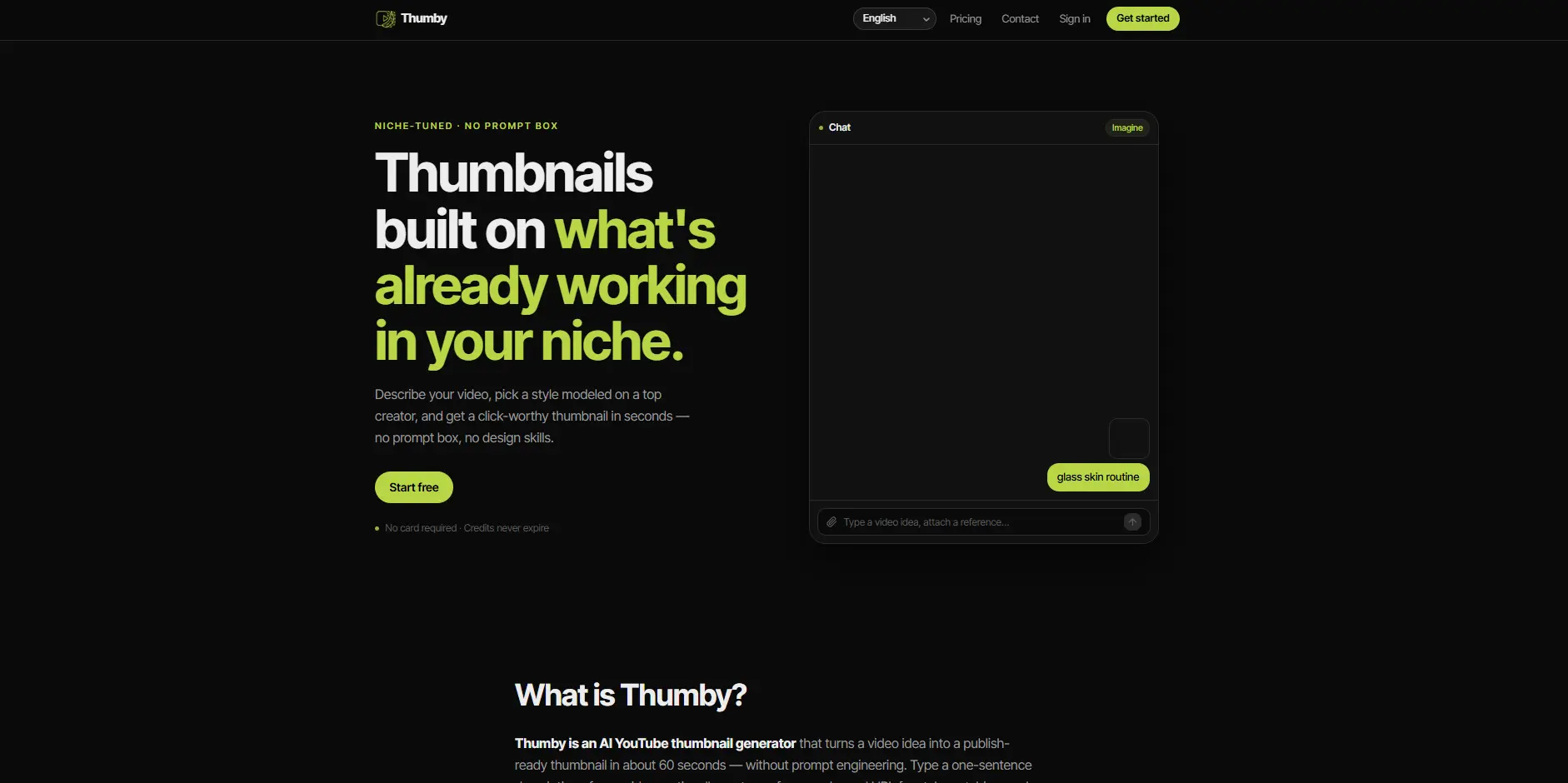
Thumby is another best Thumbnail generator tool. This AI-powered cross-platform tool enables users to upload photos, input style text to select their target field and variation style, and can generate up to 8 click-through-rate-optimized variants, it supports 4 aspect ratios to adapt to 3 major platforms including YouTube, and uses a credit point billing model instead of a fixed subscription payment structure.
Pricing: Credit-based, pay-as-you-generate, with optional auto-renewing packs.
Best for: Gaming, reaction, and vlog creators who want their own face front and center, generated in bulk.
7. ThumbnailMaker.ai
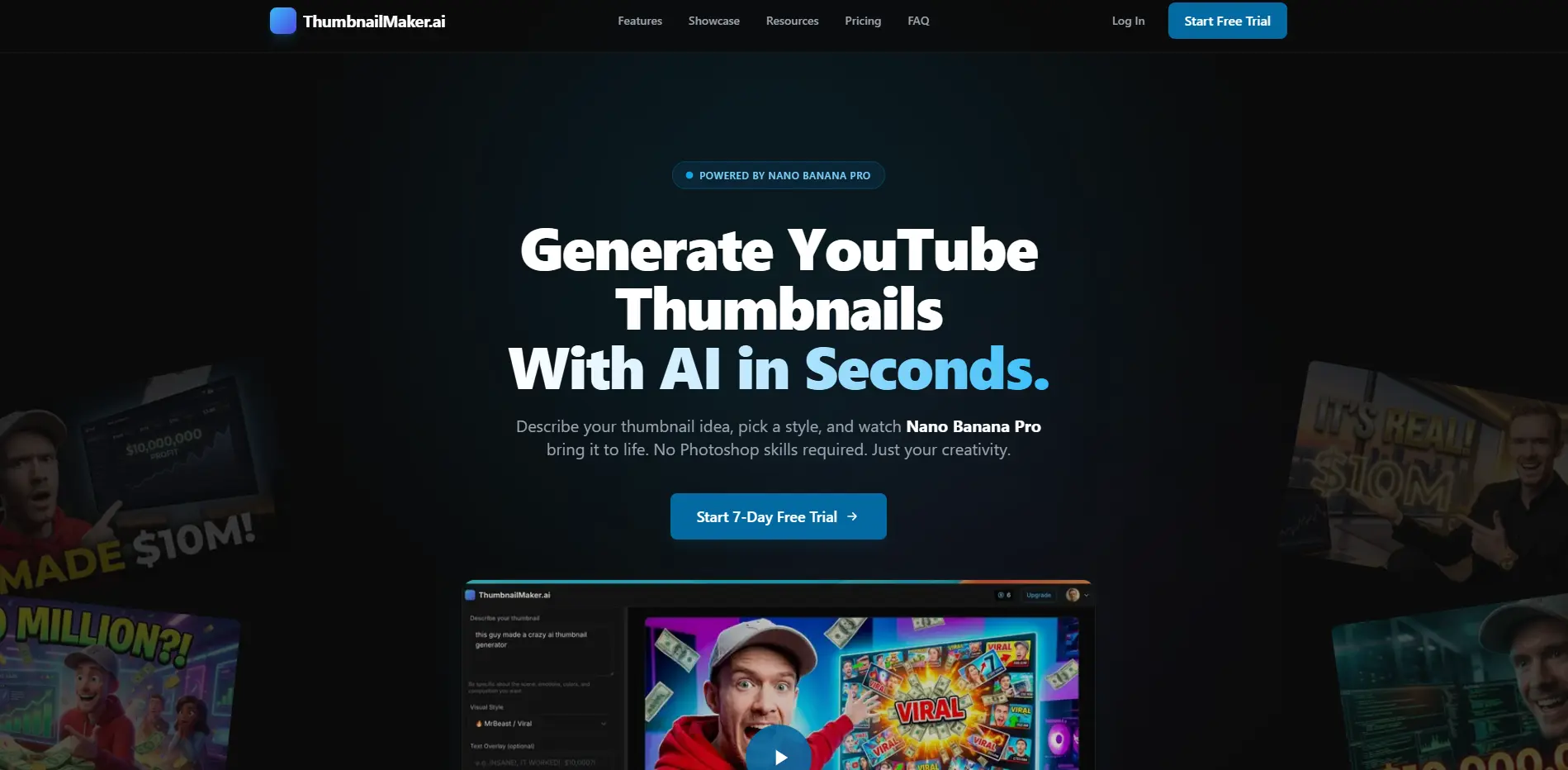
ThumbnailMaker.ai leans into speed above everything else. When you give a title or describe your video this thing makes a bunch of thumbnail ideas from patterns it finds in YouTube videos that do well. It is not really about making everything perfect, it is more about getting something that's good enough to use in under one minute.
Pricing: You can use Canva for free. It will make a certain number of thumbnails each month. If you pay for Canva you can get quality thumbnails and make a lot of thumbnails at the same time.
Best for: High-frequency uploaders who need "good enough, fast" over pixel-perfect control.
How to Choose the Right Tool
Answer these three questions honestly before you pick anything.
How many videos do you publish a week? One or fewer → Canva or Adobe Express. Two to four → Fotor or Thumbnailr. Five or more → Thumby or ThumbnailMaker.ai, since batch speed matters more than customization at that volume.
What's your content style? Gaming or reaction content → Pikzels or Thumby (face and emotion-driven). Tutorials and how-to content → Canva (clean templates, easy text hierarchy). Multi-platform brands → Adobe Express, since it plugs into a wider Creative Cloud workflow.
What's your budget? $0–10 → Canva Free or Fotor's free tier. $10–20 → Adobe Express or Thumbnailr. $20–30 → Pikzels or Thumby, once you factor in credits. $30+ → consider running two tools, one for bulk speed and one for hero thumbnails you want to look genuinely custom.
✓ Tip. Do not waste your money on the expensive tool. Some YouTube channels have hundreds of thousands of people watching them. They still use the version of Canva because it does what they need to do. You should choose a tool that fits the way you work not just because it sounds cool.
Match the Tool to the Actual Problem
Stop scanning feature lists. Diagnose the real problem first.
If the problem is generic templates - Pikzels or Thumby, since both generate original faces and compositions instead of reusing stock layouts.
If the problem is speed at high volume - ThumbnailMaker.ai or Thumbnailr, both built for fast, repeatable output.
If the problem is brand consistency across platforms - Canva or Adobe Express, since both carry brand kits and resize across formats automatically.
If the problem is budget - Fotor's free tier or Canva Free, accepting a watermark or template limits until you scale.
Where to Start
- Pick your three worst-performing recent thumbnails by CTR.
- Regenerate them using whichever tool matches your niche above.
- Track CTR for seven days before judging the result.
- If it improved, build the winning style into a template you reuse.
- Refresh that template every three to four months so your audience does not get bored with it.