

 Table of Content
You send 10,000 emails, and a few hundred bounce. Your email provider notices. A week later, even emails sent to valid addresses start landing in spam. That’s the problem an email verification tool helps you avoid.
An email verification tool checks your list before you hit send. It looks for typos, fake domains, and addresses that no longer exist. Then it shows you which addresses are safe to use. The tricky ones are “catch-all” addresses. Their mail servers accept messages for any address, so a tool can’t say for sure which addresses exist. This is where the tools differ most.
The ten tools below are grouped by price and track record. The prices come from late 2026 reviews. Review sites often give different figures, so some prices appear as ranges. Competing services such as DeBounce and Reoon also publish many “best email verifier” lists. Those lists can help you check features. Confirm the price yourself before buying.
Three Price Tiers
- The big names are ZeroBounce, NeverBounce, and Kickbox. They cost more and come with extras such as scoring and CRM syncing.
- The middle group includes Bouncer, Emailable, Clearout, and Verifalia. Expect to pay about $4 to $8 per 1,000 emails.
- The budget group includes EmailListVerify, no2bounce, and VerifiedEmail. These are the cheapest options in the group. VerifiedEmail is new and has little independent testing behind it.
Prices at a Glance
Tool | Free Credits | Rough Price per 1,000 | Best For |
| ZeroBounce | 100/month | About 6.50–8 | All-in-one needs |
| Verifalia | 25/day | About $5 | EU data rules |
| Bouncer | 100 | About 4–8 | EU senders and catch-all addresses |
| NeverBounce | Unclear | About 5–8 | CRM users |
| Emailable | 250 | About 5–7.60 | Flexible billing |
| no2bounce | 100 | About 1.20–3.20 | Low-cost bulk checks |
| Clearout | 100 for life | About $6.50 | Google Sheets users |
| VerifiedEmail | 200 | About $7 | Small tests |
| Kickbox | 100 | About $8 | Developers |
| EmailListVerify | 100 | About 1.86–2.80 | Lowest cost |
1. ZeroBounce
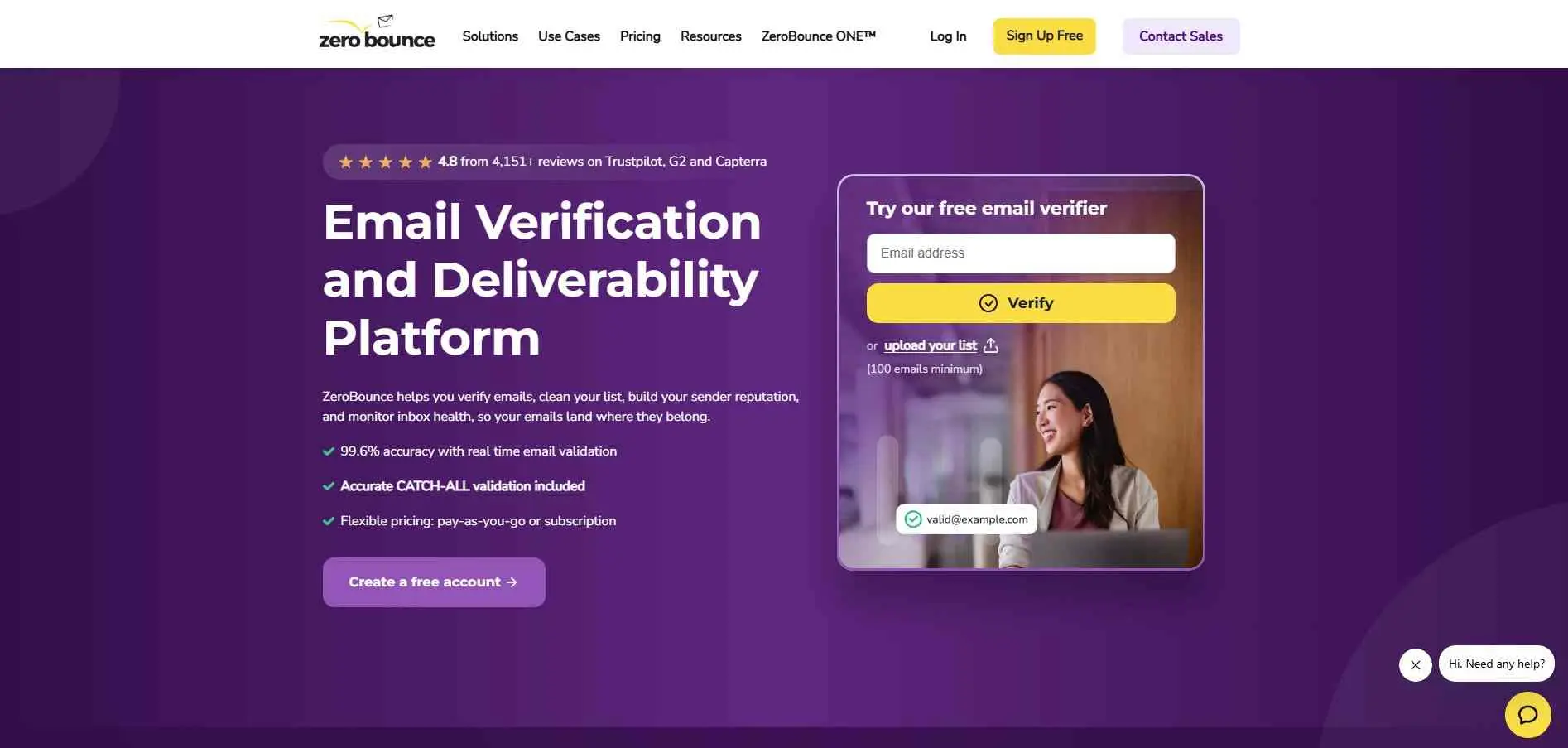
ZeroBounce gives you several email tools in one place. You can check a list, find email addresses, score contacts, and see activity data. Free users get 100 credits each month. Pay-as-you-go starts at around $0.008 per email, and subscriptions start at 2,000 credits a month.
ZeroBounce guarantees 99.6% accuracy on its pricing page. One independent test measured 99.0%. A G2 reviewer said the company pushed users toward subscription bundles. If you clean your list only once in a while, check that you can still buy pay-as-you-go credits.
What it does
Checks and finds email addresses, scores contacts, and shows activity data.
Best for
Teams that want several email tools in one place.
2. Verifalia
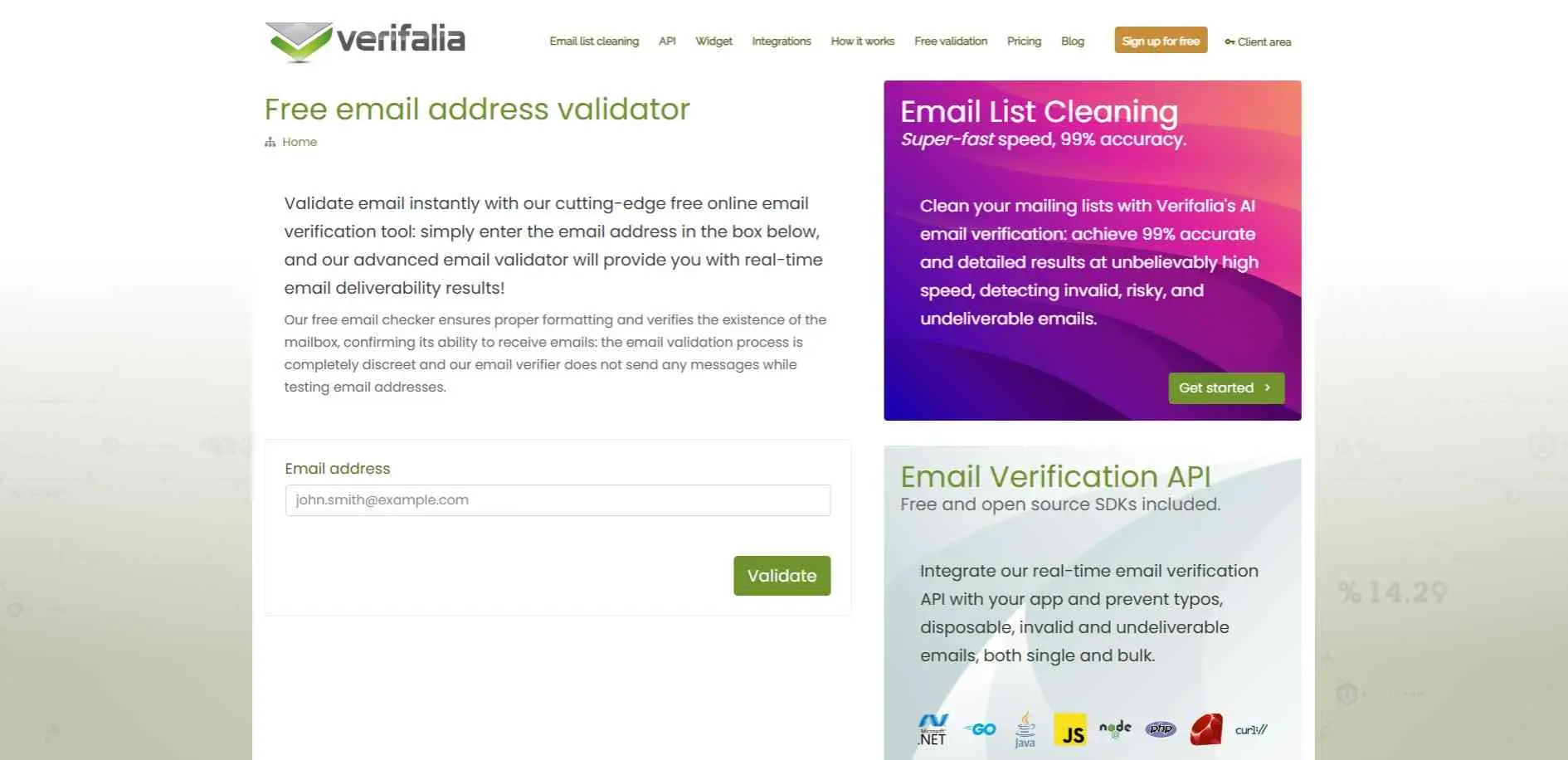
Verifalia is a European service built around EU data rules. It gives you 25 free checks a day. A pack of 10,000 checks costs about $49.90, and the credits don’t expire.
You can choose how closely to check an address. Standard uses one credit. High uses two credits and checks the address three times. Extreme uses four credits. That lets you spend extra credits on the addresses that matter most. One comparison put its accuracy at around 98%.
What it does
Check emails at the quality level you choose.
Best for
Companies that need their data handled in the EU.
3. Bouncer
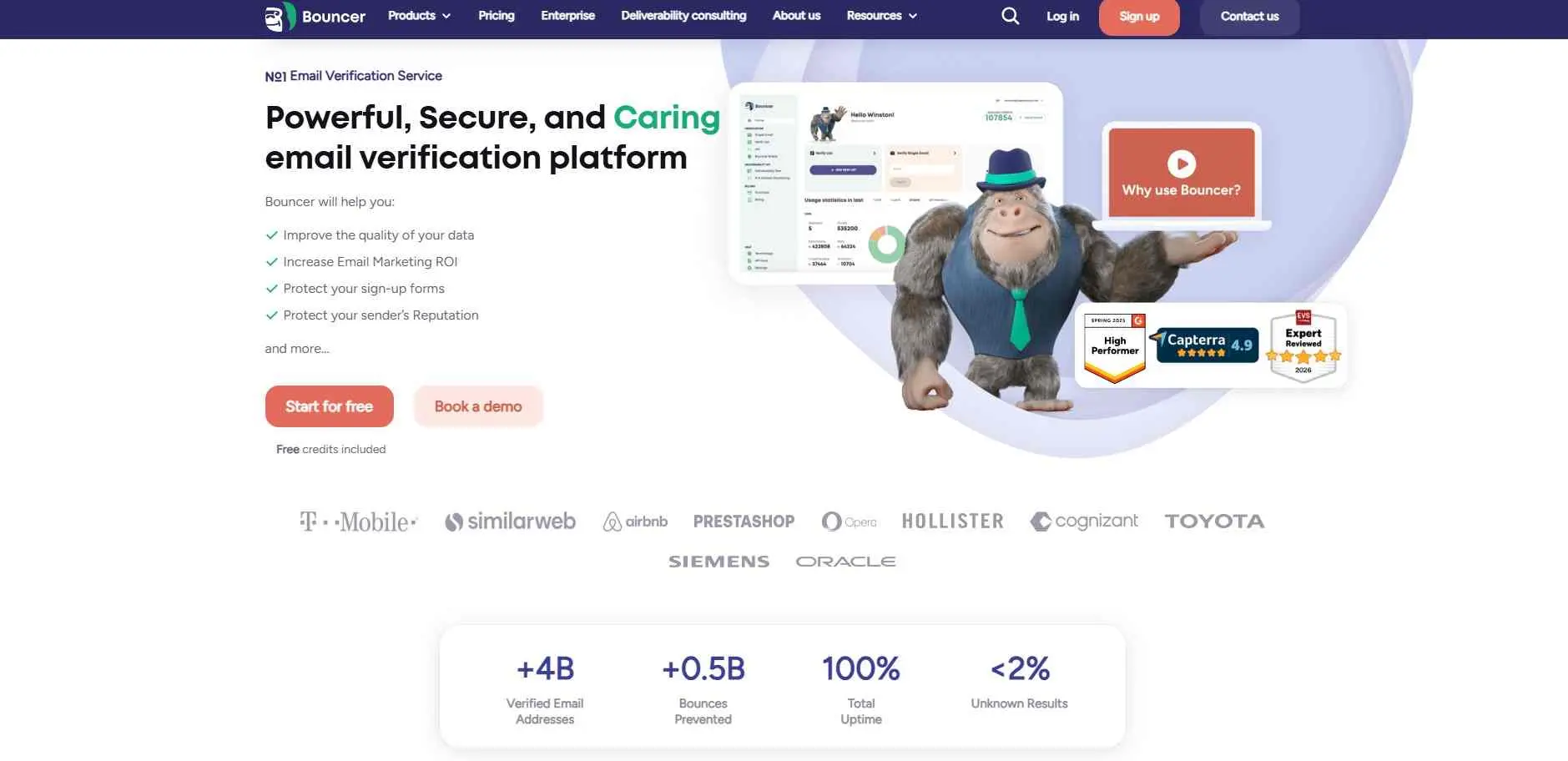
Bouncer is popular with agencies and teams that follow European privacy rules. It’s known for checking catch-all addresses carefully and flagging risky addresses it calls “toxic.”
Pay-as-you-go starts at $8 for 1,000 checks. At a million checks, the rate drops to around $2 per 1,000. You get 100 free checks, and credits don’t expire. One test measured 99.1% accuracy. A comparison site claims Bouncer beats the industry average at spotting catch-all addresses. That claim comes from the comparison site itself.
What it does
Checks emails, handles catch-all addresses, and flags potentially toxic addresses.
Best for
Agencies and senders that focus on the EU.
4. NeverBounce
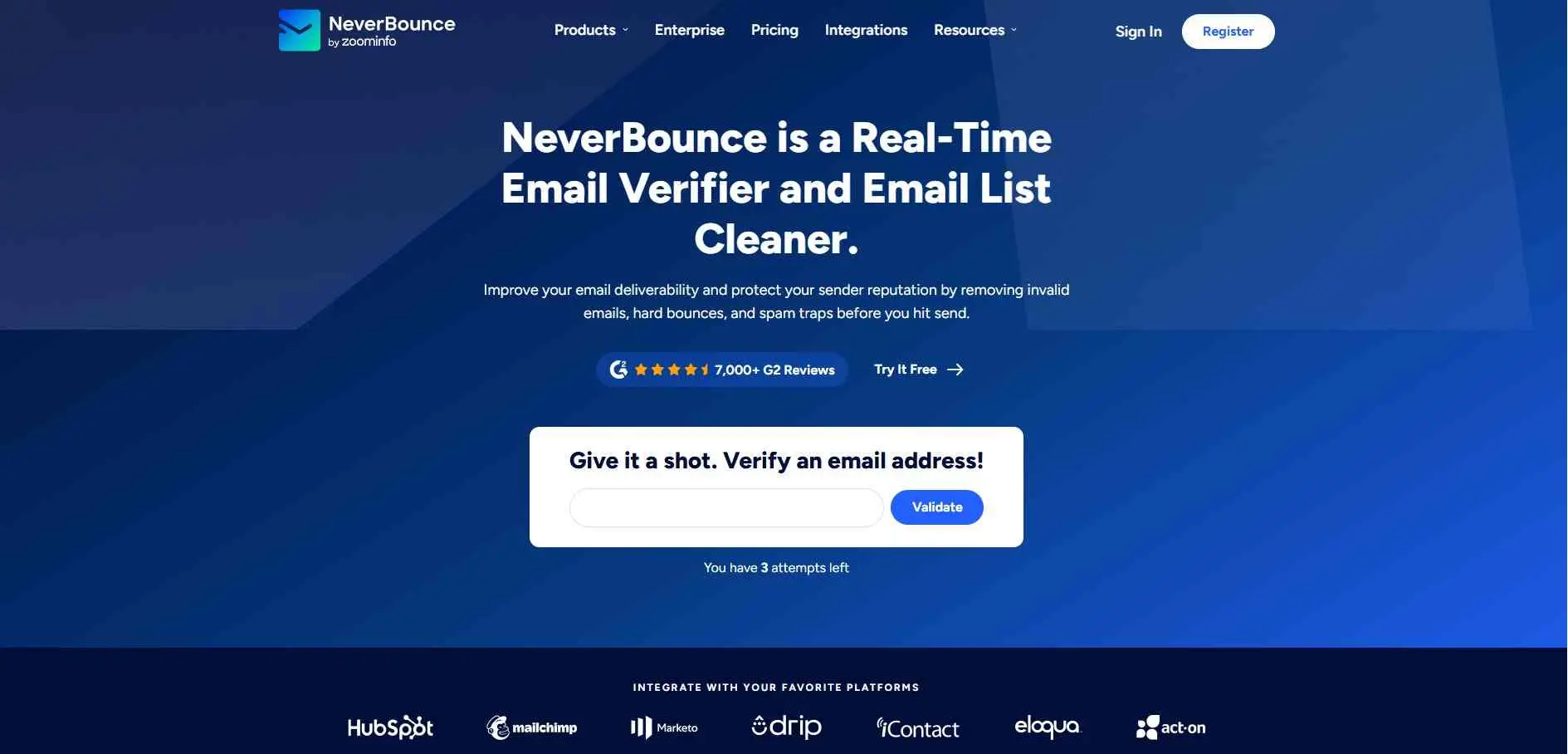
NeverBounce claims 99.9% accuracy. In one test, only 0.56% of emails bounced after cleaning. That same test found that NeverBounce rejected about 29% of the list, so it took a cautious approach.
Small pay-as-you-go batches cost around $8 per 1,000 checks. The rate drops as you buy more. The Growth plan costs $49 a month for 10,000 checks, and credits expire after 12 months. One G2 reviewer reported a 300% price jump in a single month, so get the terms in writing.
What it does
Cleans lists in bulk, checks addresses in real time, and syncs with your CRM.
Best for
Teams that want to clean email lists automatically inside their CRM.
5. Emailable
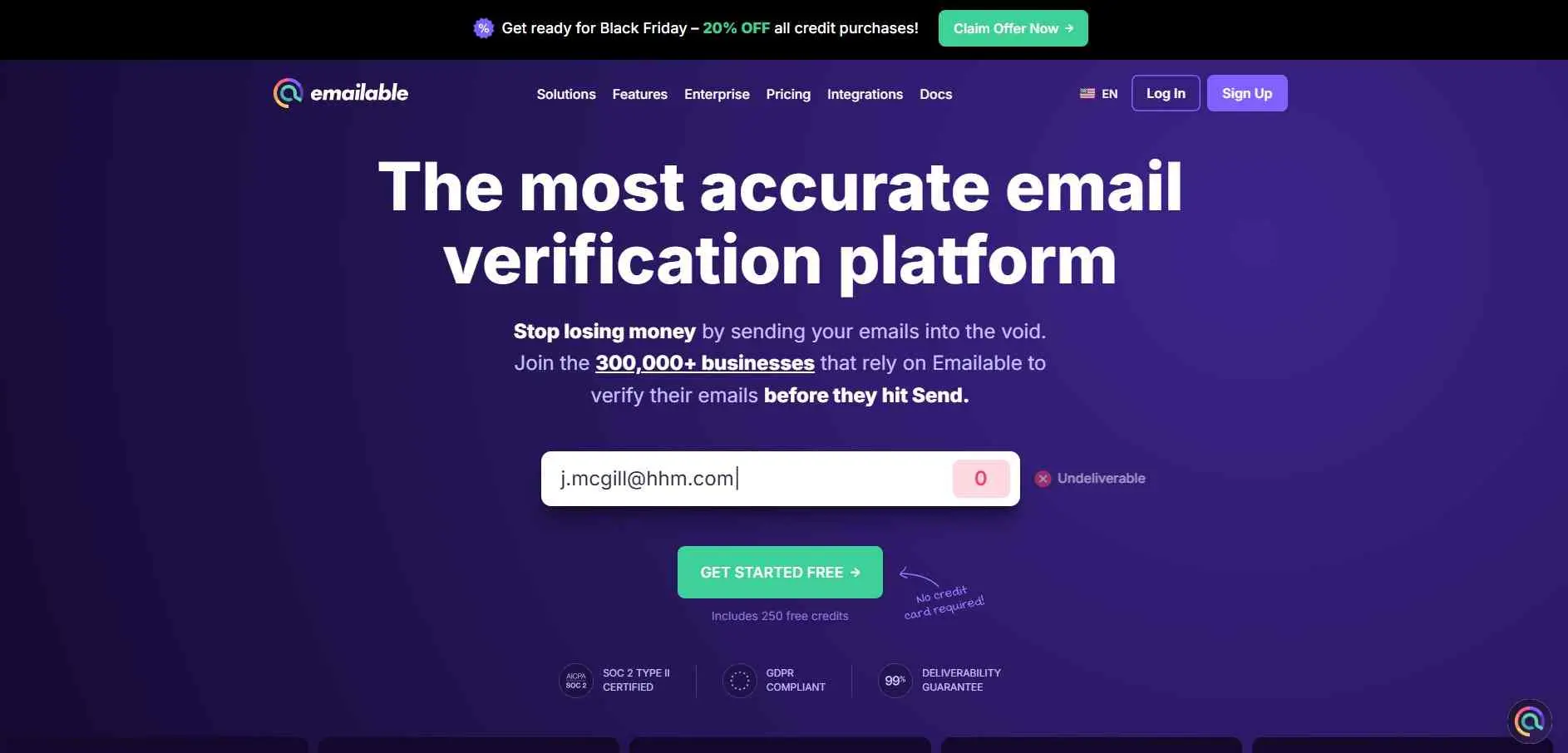
Emailable gives new users 250 free credits. The smallest pay-as-you-go pack costs $38 for 5,000 credits. It offers a 99% deliverability guarantee and skips the charge for checks that come back unknown. The company also says it can check about 30,000 emails a minute.
Published prices range from about $4.90 to $7.60 per 1,000 checks. Check what you’ll pay for the number of addresses you have before you buy.
What it does
Checks emails in bulk, scores address quality, and offers an API.
Best for
Teams that want flexible billing and prefer to pay as they go.
6. no2bounce
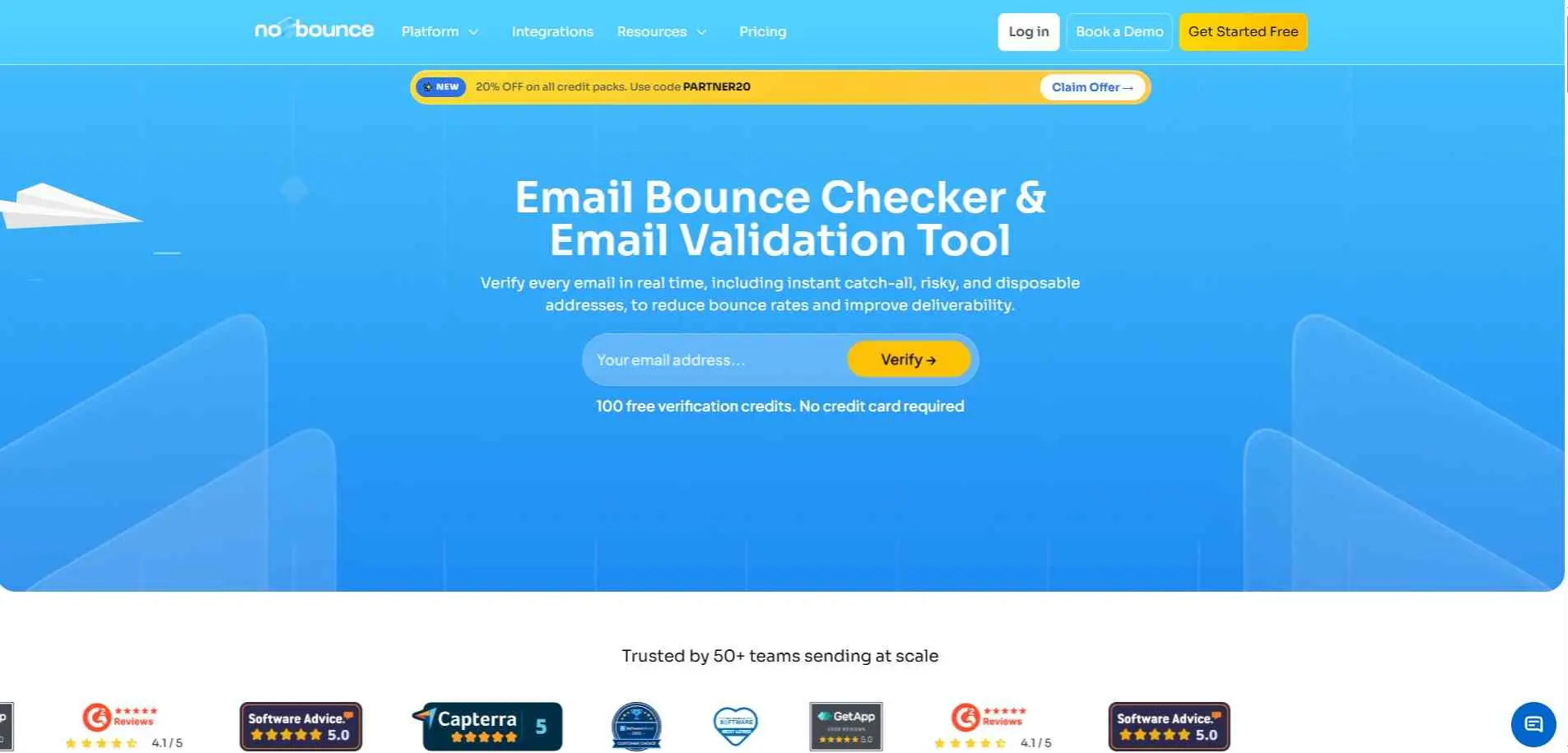
no2bounce is made for checking big lists on a budget. It gives you 100 free credits. Listed prices include $16 for 5,000 credits, $17 a month for 10,000 checks, and $30 for 25,000. Credits don’t expire.
It has a 4.7 rating from 76 reviews on G2. Users like the price and speed. One reviewer said its catch-all scoring was basic and struggled with company addresses that use stricter mail settings. It also lacks CRM connections.
What it does
Checks lists in bulk and flags catch-all addresses from a simple dashboard.
Best for
Marketers who need to clean large consumer email lists on a budget.
7. Clearout
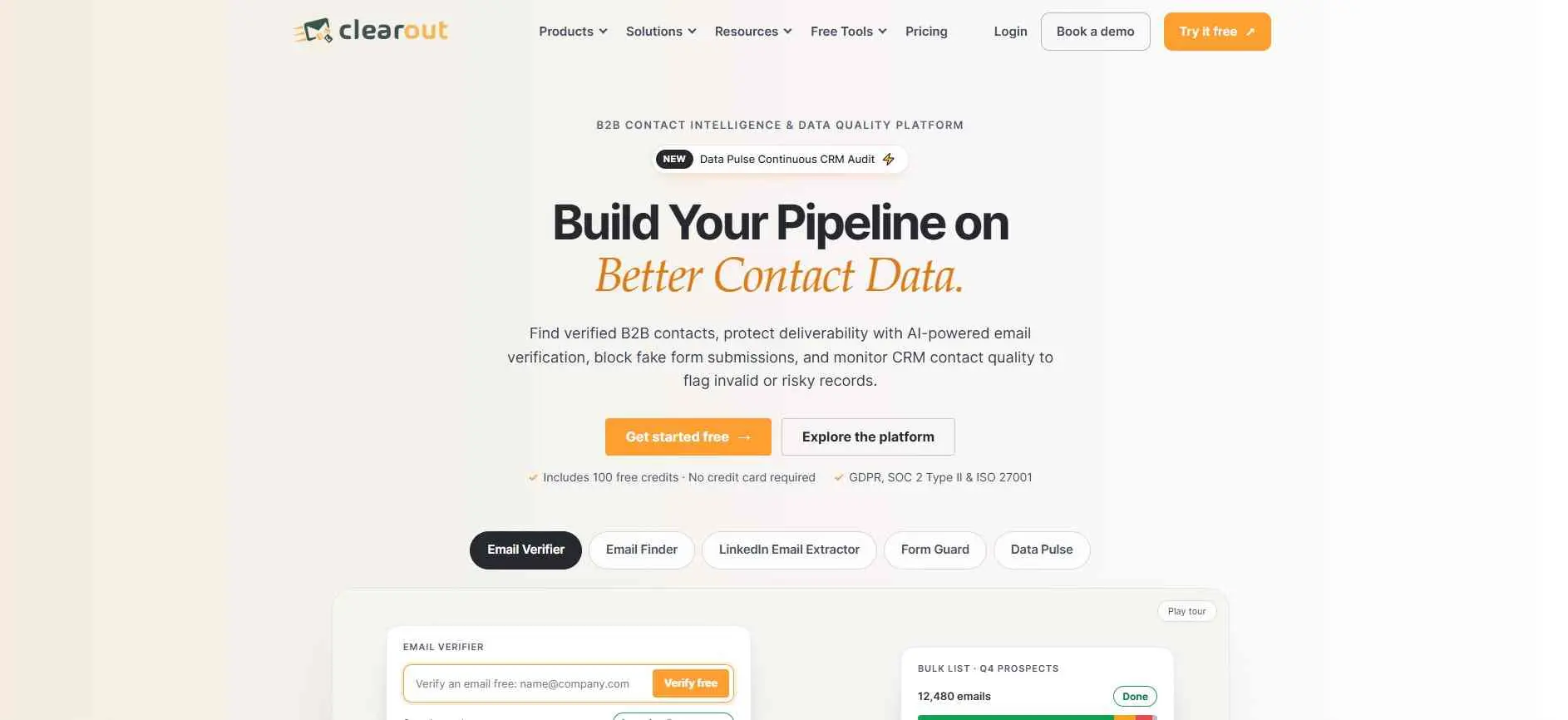
Clearout gives you 100 free credits for life. The Starter plan costs $19.50 a month for 3,000 credits. For 10,000 checks, expect to pay around $58 a month, or the equivalent of $32 a month if you pay yearly. Unused credits roll over.
Clearout runs more than 20 checks and works inside Google Sheets. That’s handy for a small team that already keeps its list there. Clearout claims 99.73% accuracy. One independent test measured 98.2%.
What it does
Checks emails, handles catch-all addresses, and offers a Google Sheets add-on.
Best for
Small teams that manage email lists in spreadsheets.
8. VerifiedEmail
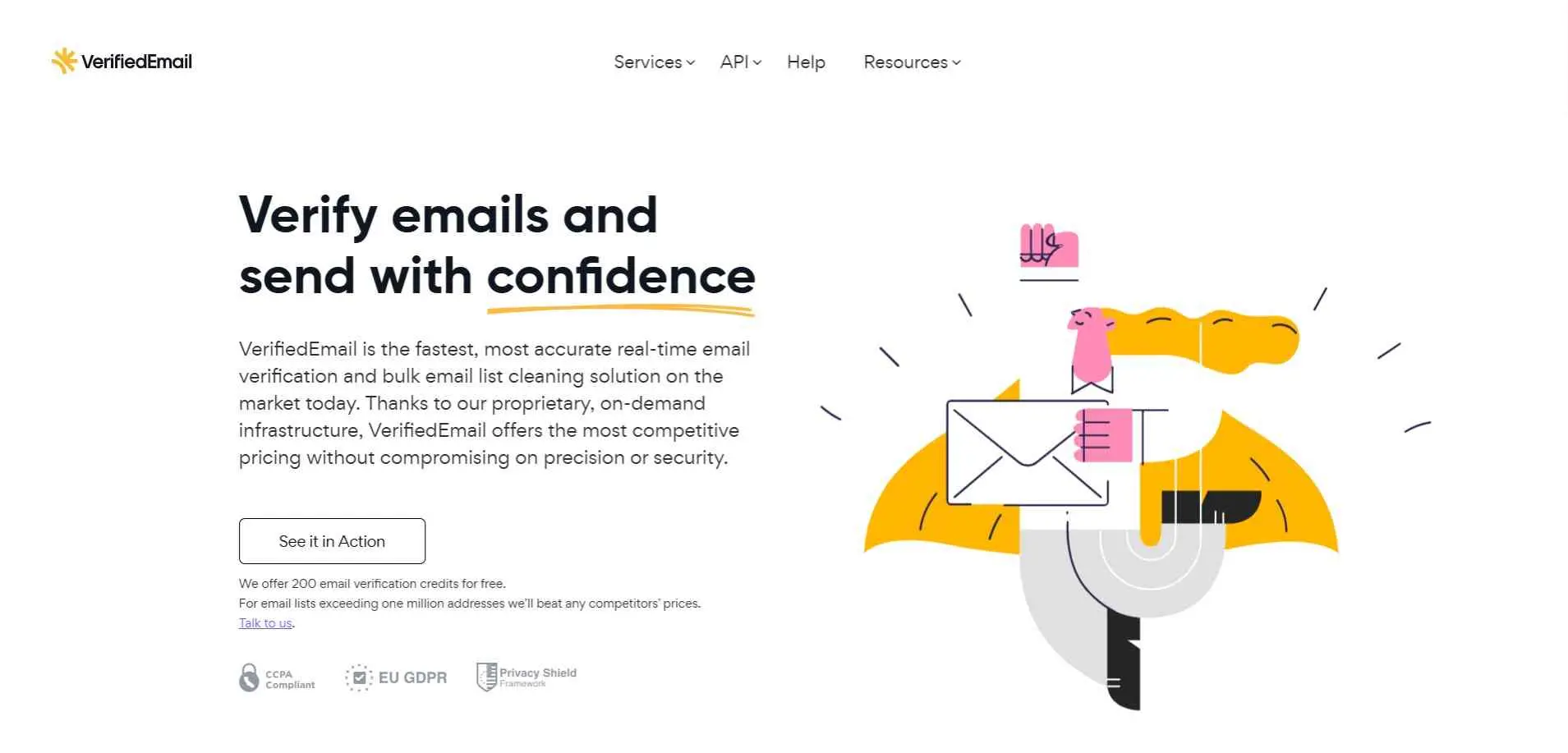
VerifiedEmail, founded in 2024, is the newest tool on the list. It costs about $7 per 1,000 emails, and credits never expire. You get 200 free credits and can recheck addresses for free within 24 hours. It connects to HubSpot and Zapier.
One review found no independent accuracy tests, so it’s hard to judge how well the tool works. Its reporting is also limited.
What it does
Checks addresses in real time and sells credits that never expire.
Best for
Trying it on a small batch before using it on your full list.
9. Kickbox
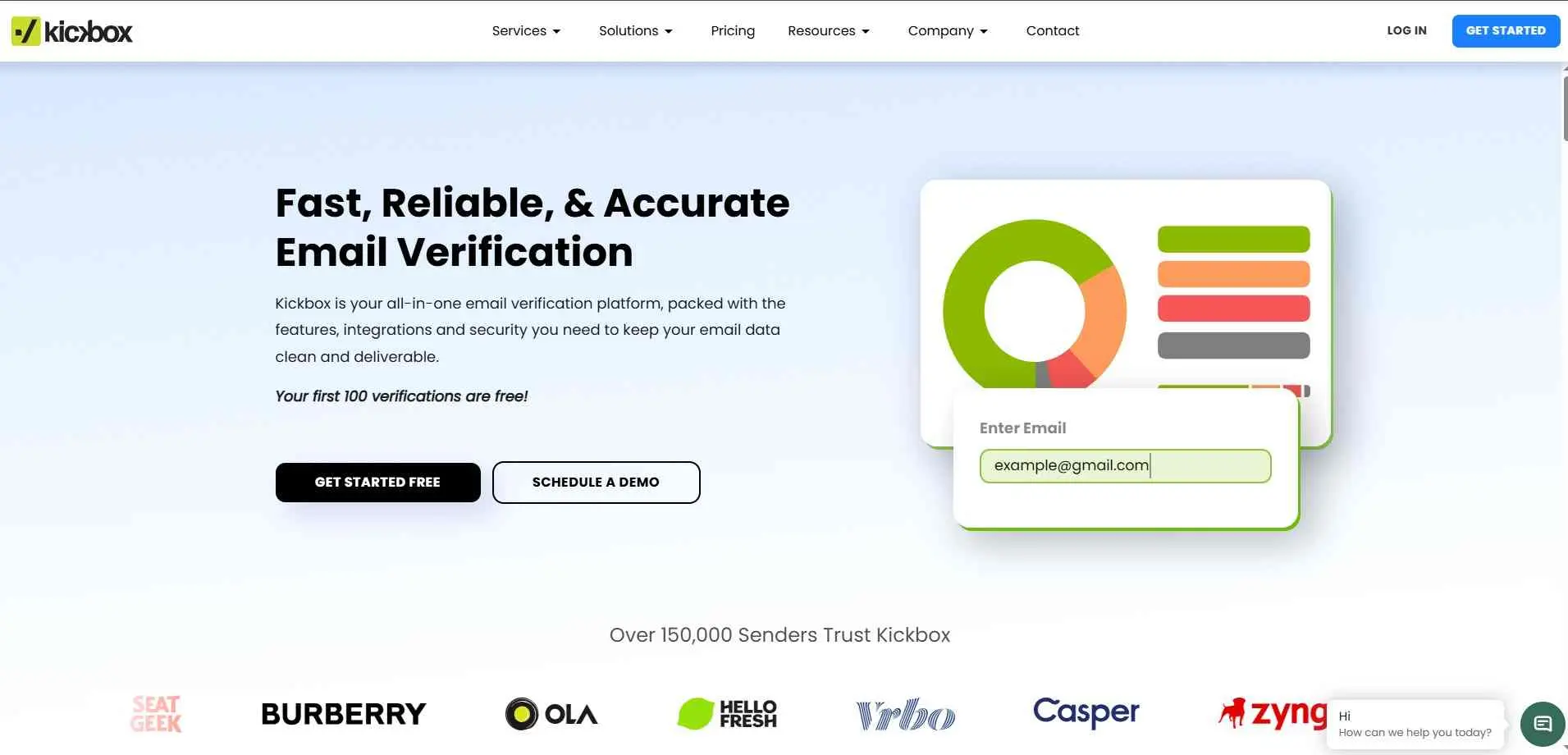
Kickbox checks addresses and includes tools for email deliverability. It gives each address a “Sendex” score for sender quality, offers developers a sandbox for testing, and refunds checks marked unknown.
You can start with 500 checks for $5. The price is about $8 per 1,000 checks or $70 to $80 for 10,000. New users get 100 free checks, and credits expire after a year.
What it does
Checks emails, gives each address a quality score, offers developer tools, and refunds unknown results.
Best for
Developers and teams that need to meet compliance rules.
10. EmailListVerify
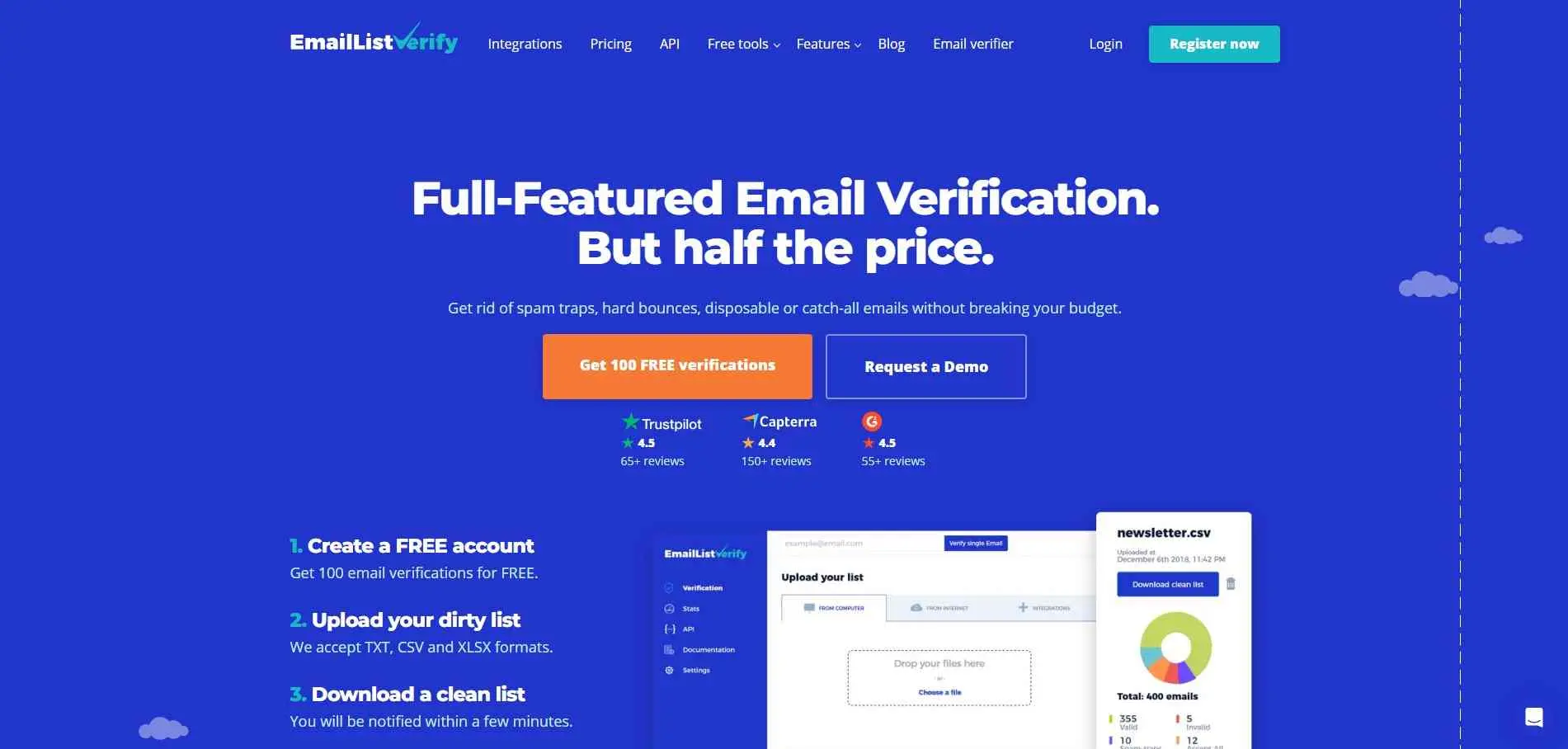
EmailListVerify is the cheapest of the established tools on this list. A pay-as-you-go pack of 10,000 checks costs $27.99, and a monthly plan costs $25. On bigger plans, the rate drops to about $1.86 per 1,000. If you use it for cold outreach, spam traps are the bigger risk, so pair list cleaning with proven cold email practices.
New users get 100 free credits, and pay-as-you-go credits don’t expire. Its claimed accuracy is around 97%, a little below the figures quoted for the premium tools.
What it does
Checks domains and mail servers, spots spam traps, and removes disposable email addresses.
Best for
Small teams with large lists where an occasional error has little impact.
What the Free Credits Really Give You
ZeroBounce gives you 100 credits a month, Clearout gives you 100 for life, and Verifalia gives you 25 a day. Emailable gives you 250 once, and VerifiedEmail gives you 200. Bouncer, Kickbox, EmailListVerify, and no2bounce each give you 100. NeverBounce’s pricing page is unclear about its free offer.
A batch of 100 is enough to see how a tool labels your addresses. You’ll need a larger batch to compare tools fairly.
A Simple Way to Clean Your List
First, remove duplicates and obvious junk. That saves you from spending credits on addresses you already know you’ll remove.
Next, test about 1,000 addresses. Look at how the tool groups them into valid, invalid, risky, and unknown. Send your first campaign to the valid group only. Before it goes out, run through this pre-send email checklist so a broken link or missing unsubscribe doesn`t undo the cleaning work.
Keep the risky and catch-all addresses separate. If you send to those groups, start with small batches and watch how many bounce before you send more.
Check older lists again before a big campaign. Addresses can go out of date. Keep a record of what you removed so you can tell what changed if your results shift later.
Last Word
Think about how often you clean your list. If you do it once in a while, look for pay-as-you-go credits that don’t expire. If you clean it every week, a plan that runs checks for you or syncs with your CRM can save time.
Try the tool before you commit. A cheap service can cost you more than it saves if it marks good contacts as risky. Check the refund and expiry terms before buying a large pack. Any credits you pay for and can’t use are money lost.