 Table of Content
Instagram doesn’t let you save videos. Not natively, anyway. You can share a Reel to your Stories, send it to a friend, or add it to a collection - but downloading it to your camera roll? Not an option the app offers by default.
That’s where third-party downloader tools come in. They don’t do anything complicated: you copy the video link from Instagram, paste it into the tool, and download the file directly to your device. No login, no account, no app installation in most cases.
This guide covers how the process works, the 10 best tools available right now, and what to do when something doesn’t download the way you expected.
Can You Download Instagram Videos Without a Third-Party Tool?
On Android, some browsers let you long-press a video and save it - but it’s inconsistent and often downloads a low-quality file with no audio. On iPhone, this doesn’t work at all.
Instagram removed the native download option for most content types years ago. The only exception is Reels - Instagram does let you save Reels you created yourself, but not other people’s public content. For everything else, you need a downloader tool.
If you save content across platforms regularly, social media archiving is worth understanding - particularly as platforms continue restricting what users can export.
How These Tools Actually Work
Every downloader tool on this list follows the same basic process: you give it a public Instagram URL, it fetches the video file directly from Instagram’s servers, and serves it back to you as a clean download link - without watermarks, compression, or your account being involved at any point.
Important: all of these tools only work with public accounts. If an account is private, its content isn’t accessible through any third-party tool. That’s enforced by Instagram at the API level, not just the app.
How to Download an Instagram Video - Step by Step
The process is identical across all web-based tools:
- Open Instagram and find the video you want to save
- Tap the three-dot menu (⋯) in the top-right corner of the post
- Tap Copy Link
- Open any downloader tool from the list below in your browser
- Paste the link into the input field and hit Download
- The download button appears - tap it to save the file
On iPhone, files save to your Files app first. Open it and move the video to your Photos if needed. On Android, videos go directly to your Downloads folder or Gallery. On PC or Mac, the file downloads to wherever your browser saves files by default.
10 Best Instagram Video Downloader Tools
1. Video Dropper
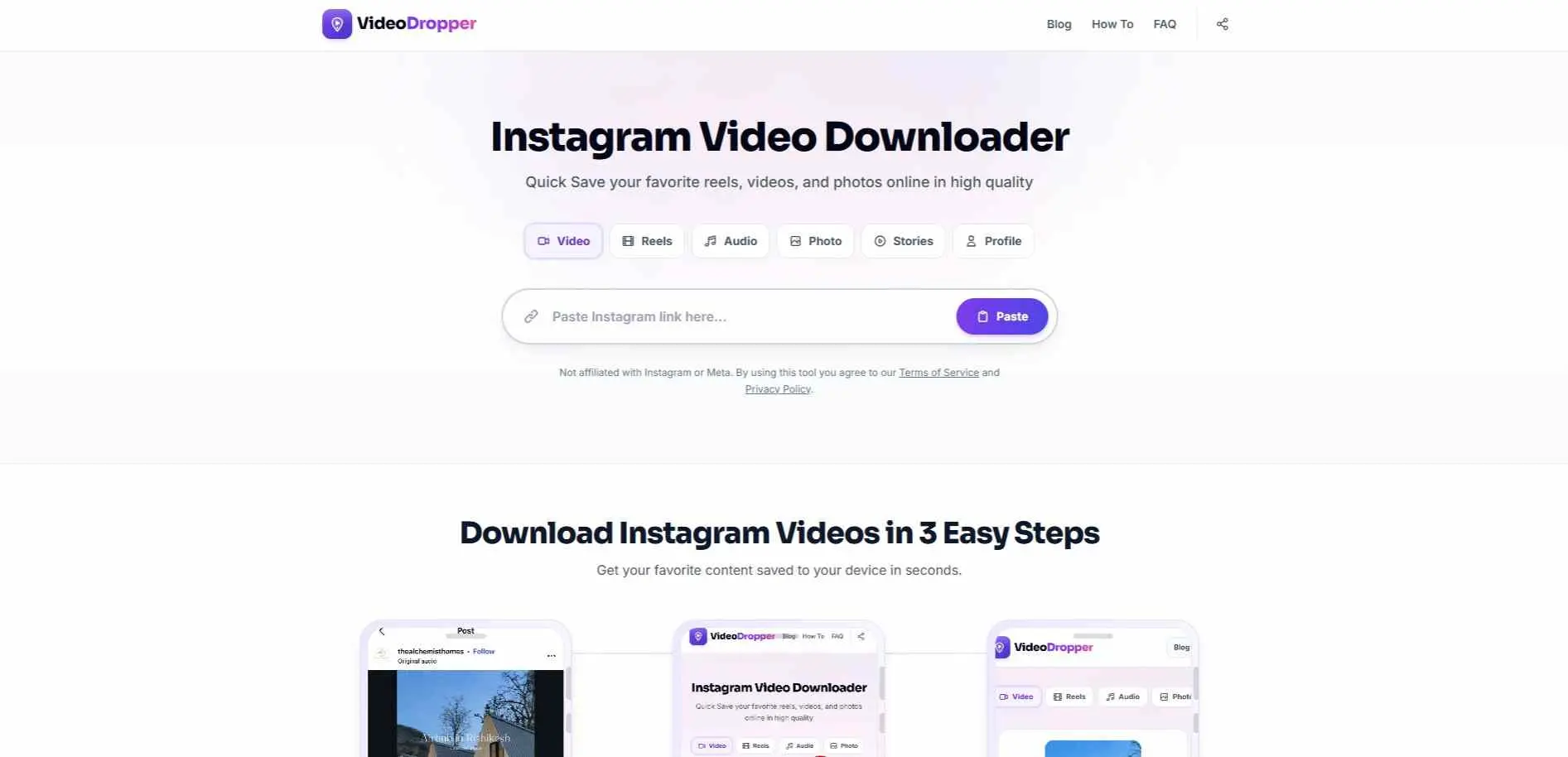
Video Dropper ranking at the top for Instagram video downloads, and it earns that spot. Video Dropper handles videos, Reels, photos, stories, highlights, and even MP3 audio extraction from Reels. Downloads will be in 1080p quality with no watermark. The interface is clean, free from popups or redirect traps. The download process takes only 1-2 seconds from paste to file. Downloads work across iPhone, Android and desktop browsers without any app or extension.
2. InDown
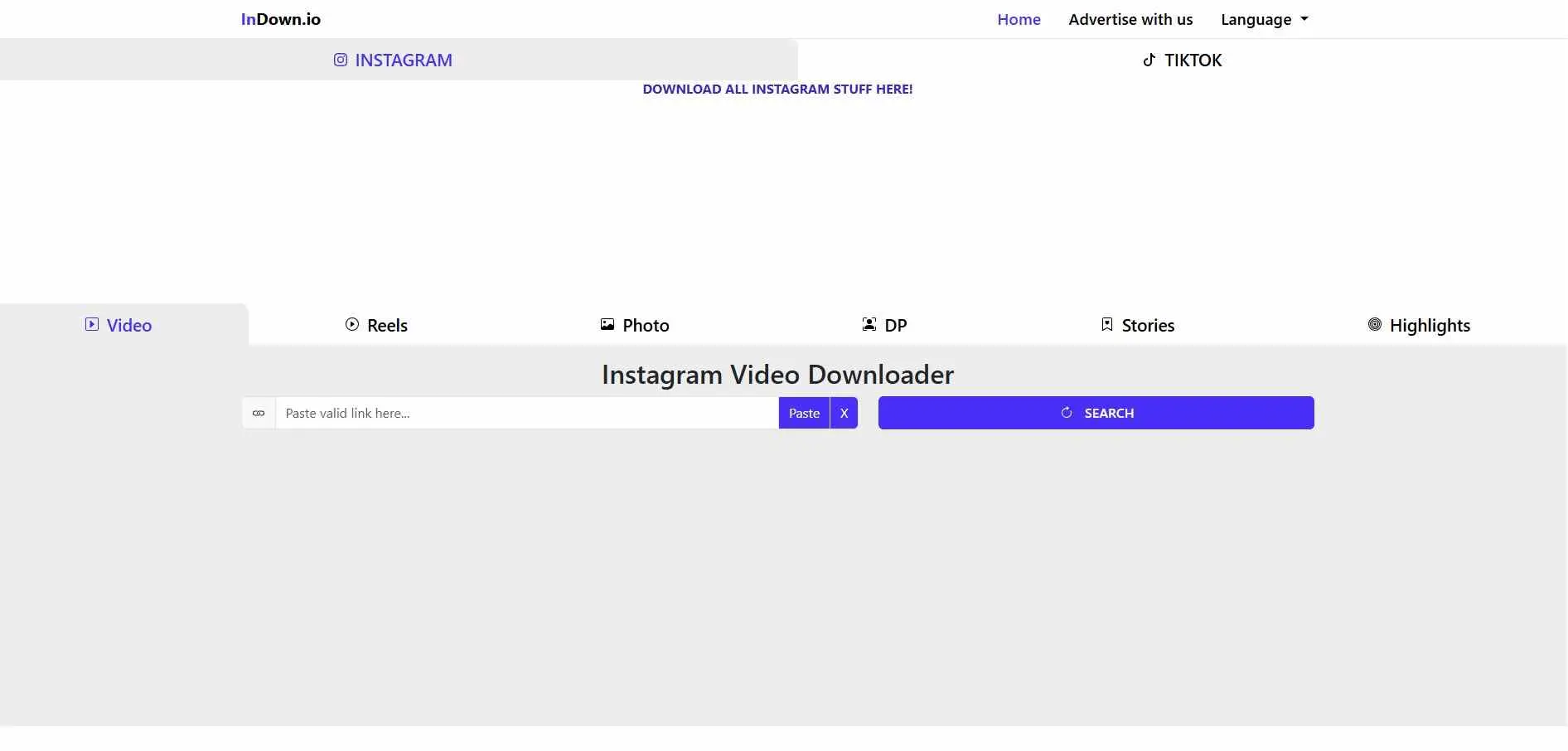
InDown covers Instagram videos, Reels, photos, stories, highlights, DP viewer and IGTV all in one place. It is available in more than 20 languages, including Hindi, which makes it genuinely useful for Indian users who want support in their own language. Downloads are free to use, no signup is required. There is also no daily download limit. The UI is simple. It does not ask for unnecessary permissions.
3. FastDl
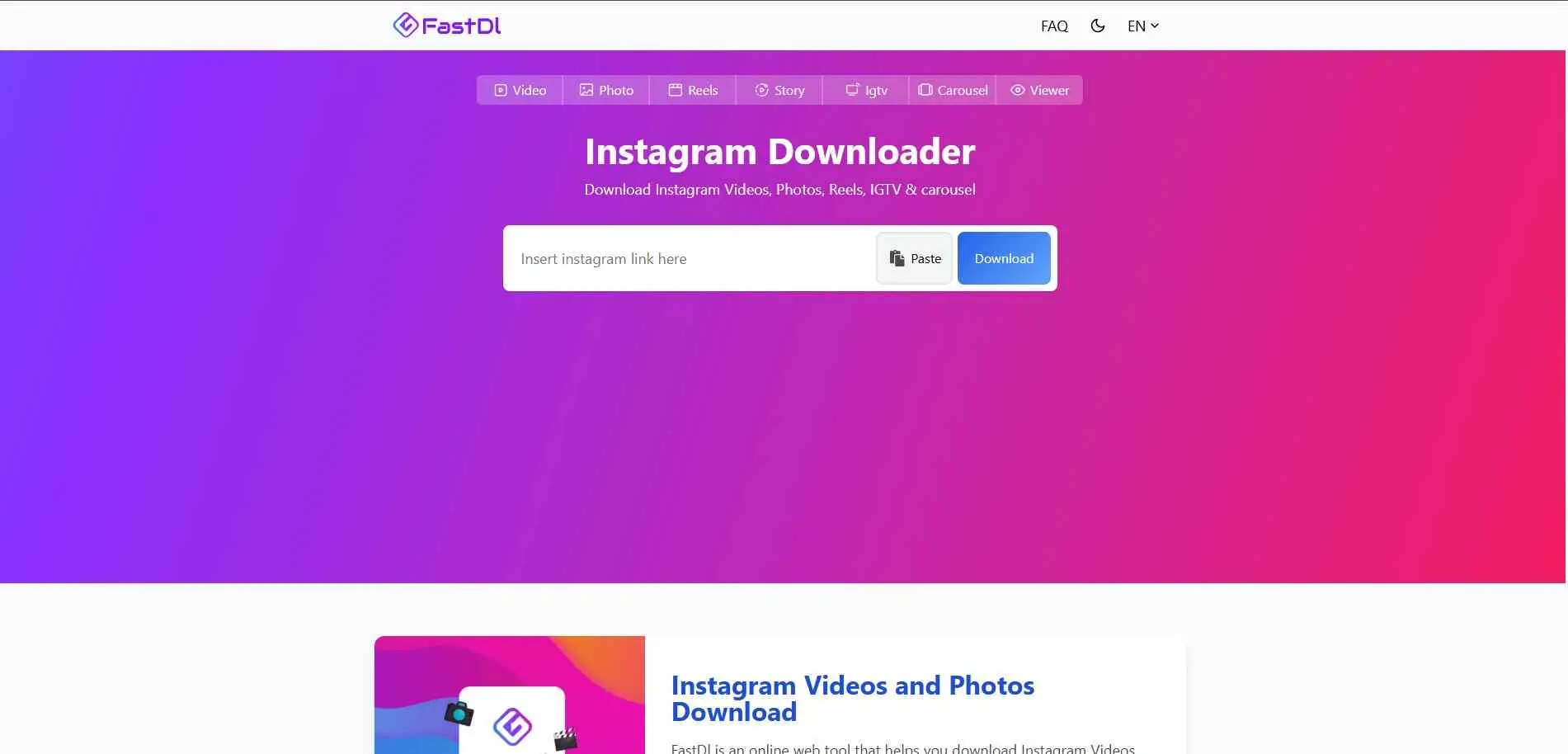
FastDl does what its name says: fast downloads, with minimal steps. It supports videos, Reels, photos, IGTV and carousels (multi-image posts.) It works on any device without any app installation. It is a good option when other tools are slow or give errors on a particular video link.
4. SaveClip
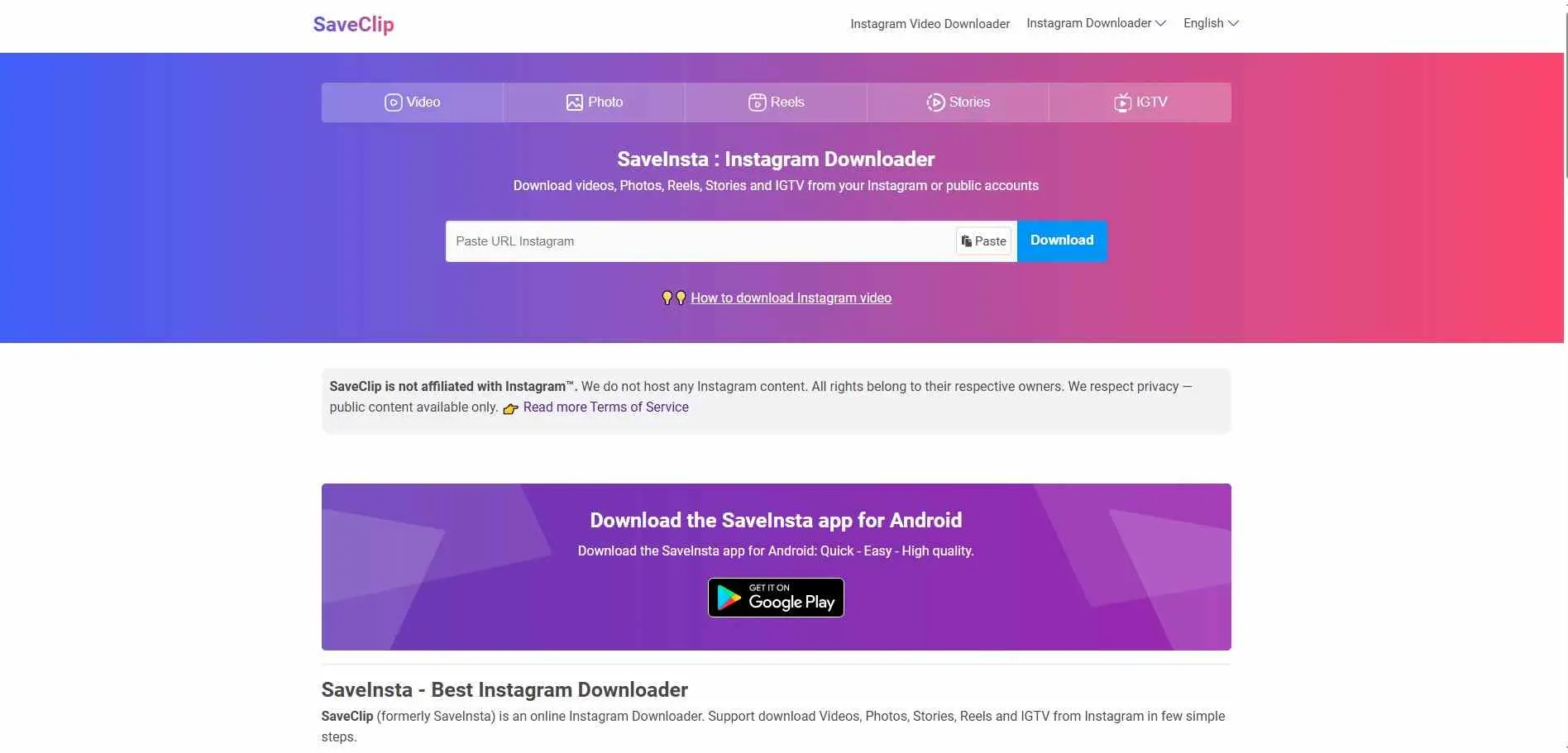
Also known as SaveInsta. Handles the full range - videos, photos, Reels, stories, and highlights. HD output, no watermark, no login required. The interface is clean and mobile-friendly, which matters if you’re downloading directly from your phone. Reliable on both iOS and Android browsers.
5. SaveFrom.net
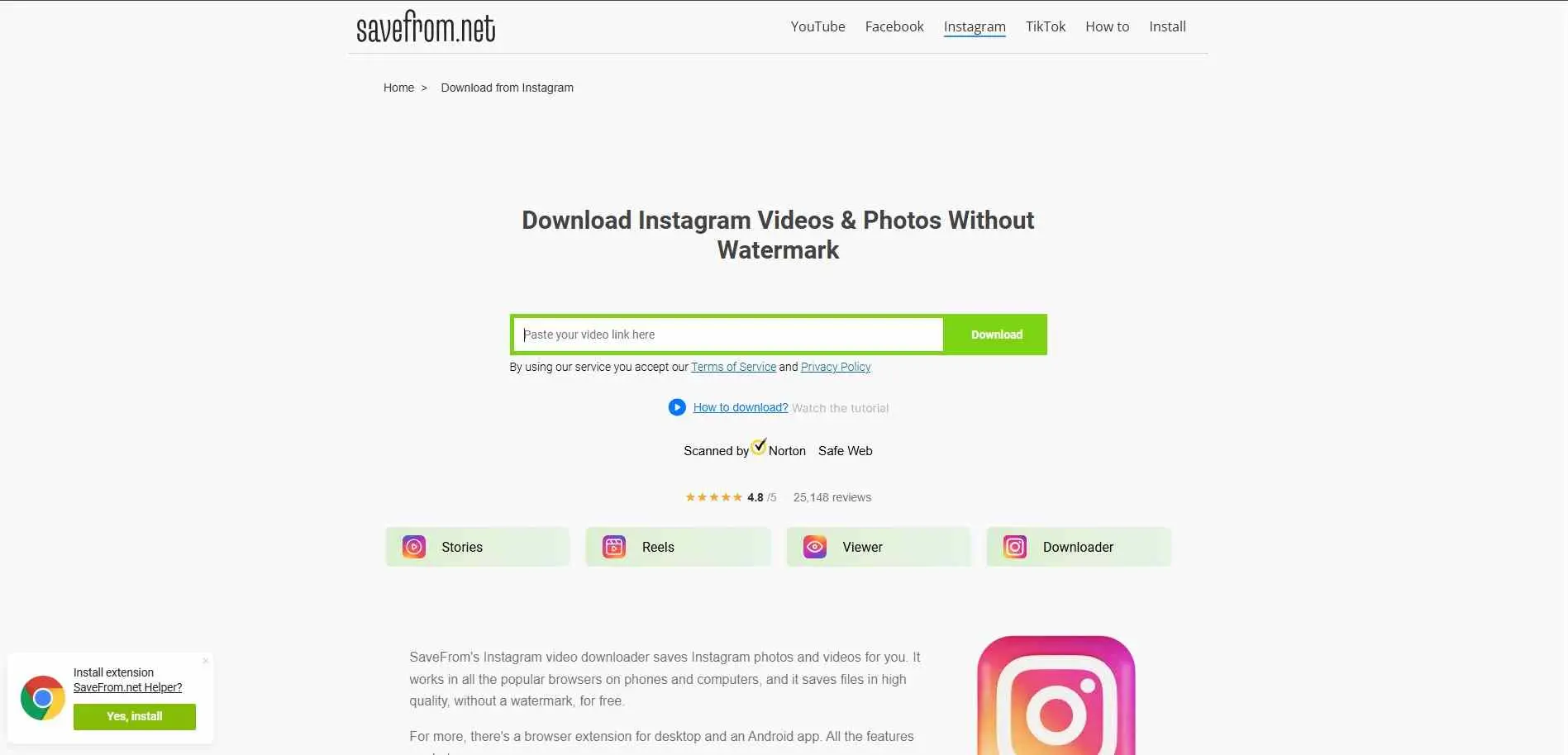
One of the oldest and most widely used downloading tools across multiple platforms - not just Instagram. For Instagram specifically, it handles videos, photos, and IGTV without watermark. If you’re already using SaveFrom for YouTube or Facebook downloads, the Instagram support works the same way through their dedicated Instagram URL.
6. IGExport
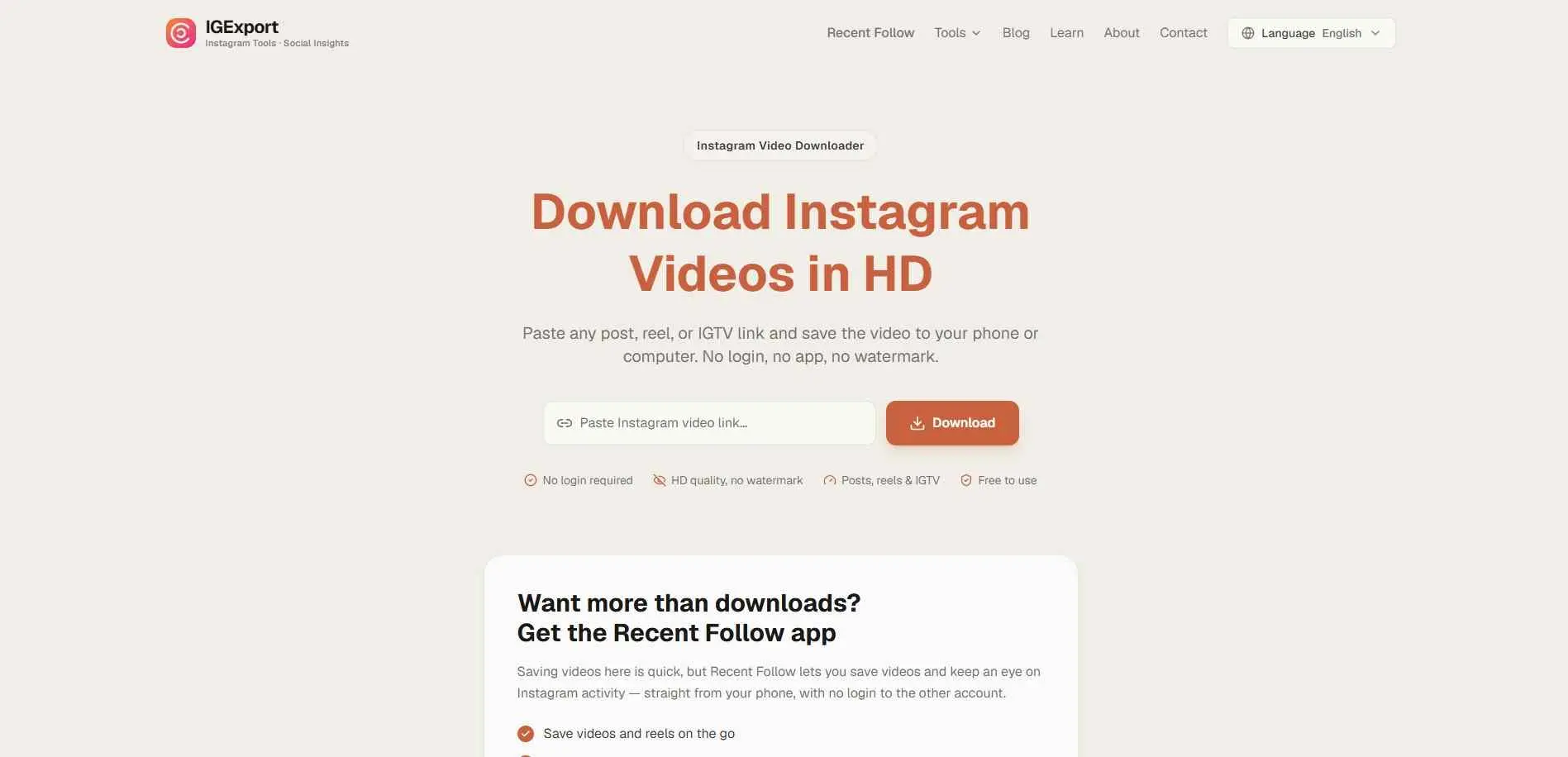
Solid free downloader that covers Instagram video posts and Reels in HD. Paste any post, Reel, or IGTV link and it generates a direct download. Ranked consistently for “instagram video downloader HD” queries, which means it’s holding up well against Instagram’s regular API changes. No account needed, no signup wall.
7. Snapgram
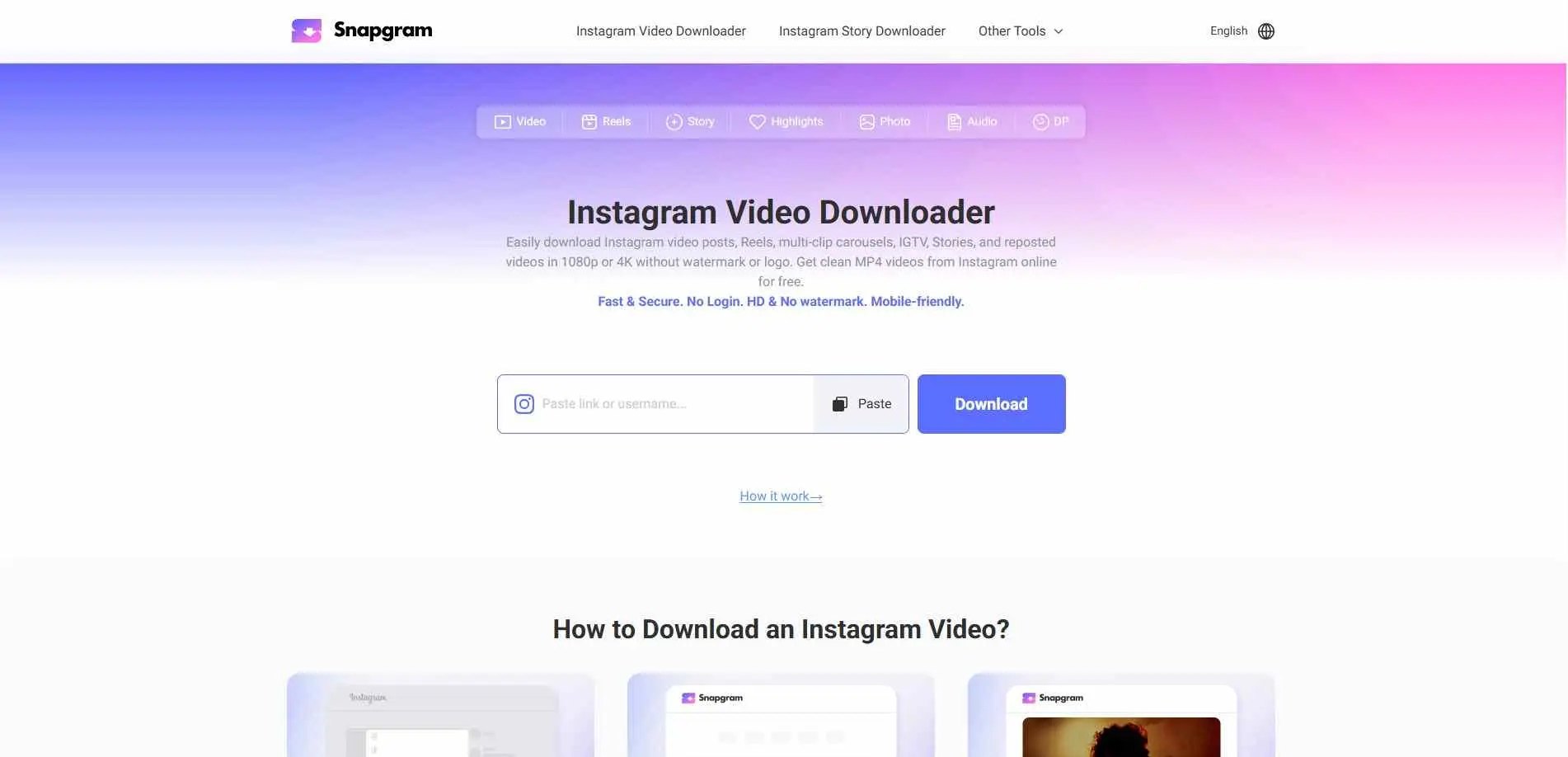
One of the few free tools in this list that goes up to 4K quality where available (depends on the original upload quality). Also supports 1080p and 2K options. Good choice if you’re downloading videos for editing or repurposing and want the highest resolution possible. Works for videos, photos, and Reels.
8. SaveFromIns
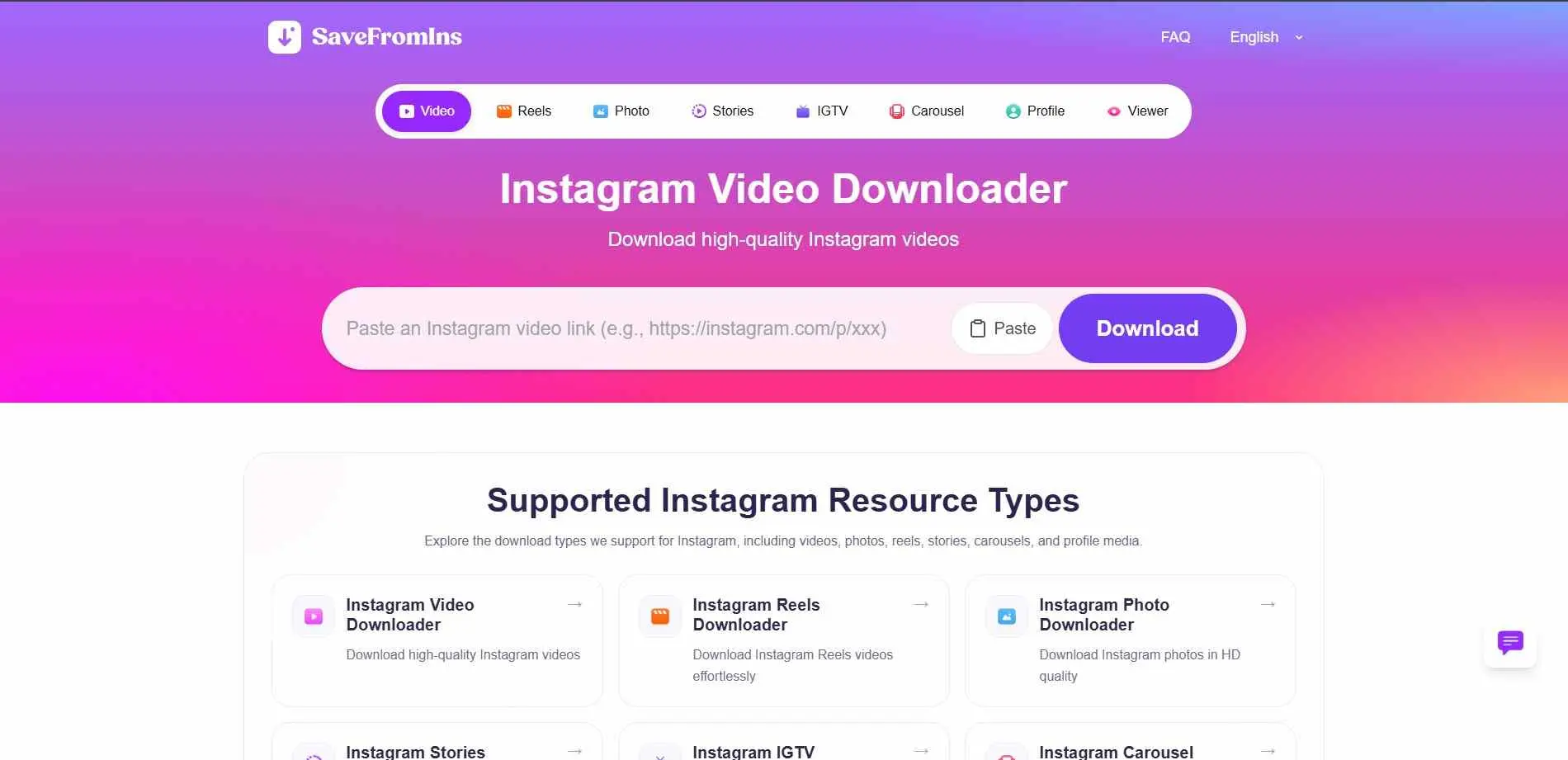
Fast and no-frills. Copy the Instagram video URL, paste it in, click download - that’s the entire process. No splash screens, no email prompts, no upsell. Downloads in HD quality without watermarks. Also has a dedicated video download page for users who specifically want video files rather than photos or stories.
9. Inflact
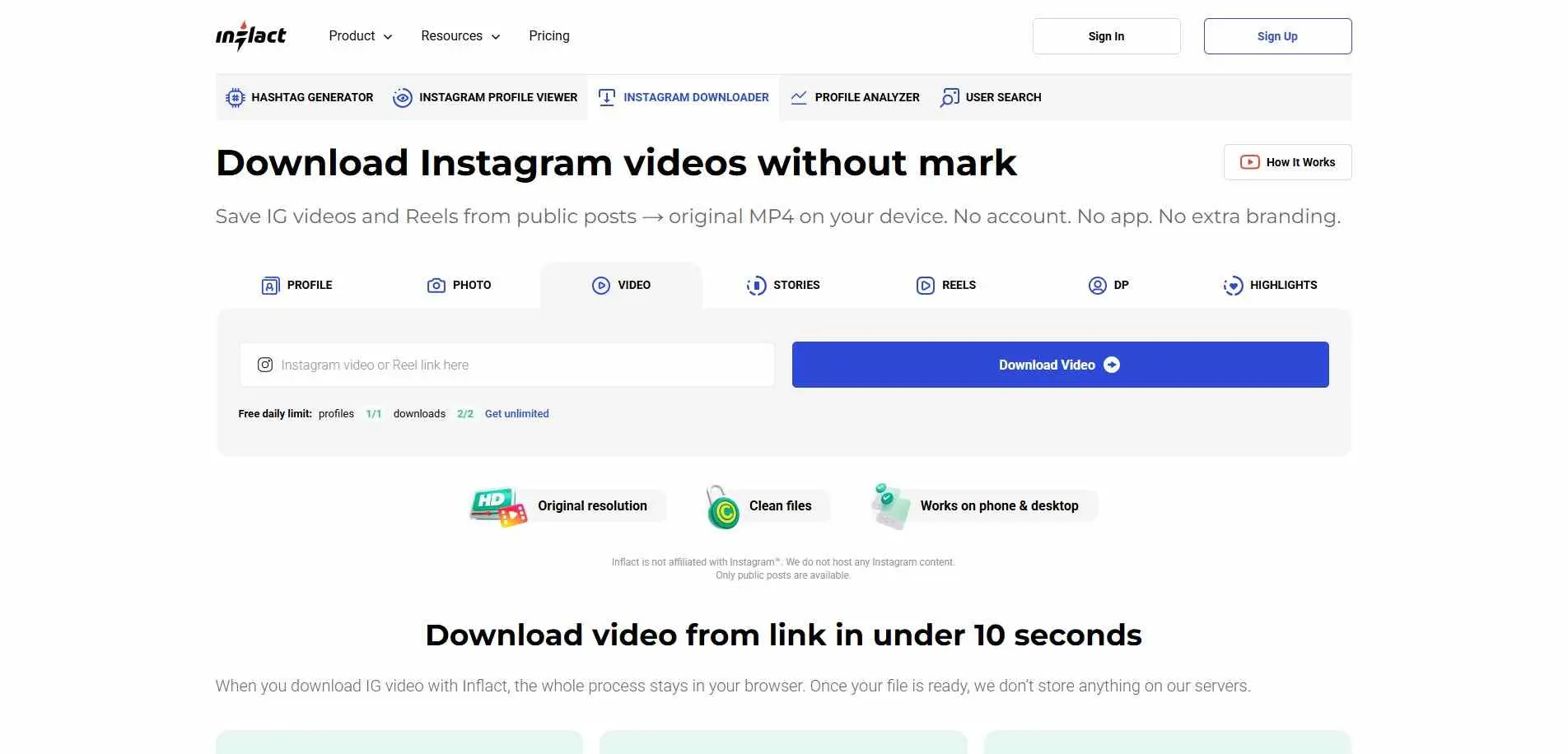
Inflact is primarily a broader Instagram marketing tool, but its video downloader module works well as a standalone feature. Downloads original MP4 files with no watermark. You do not need an account or login to use the downloader. If you want Instagram tools, such as hashtag research or profile analytics together with downloading, Inflact provides those, under one platform.
10. Social King
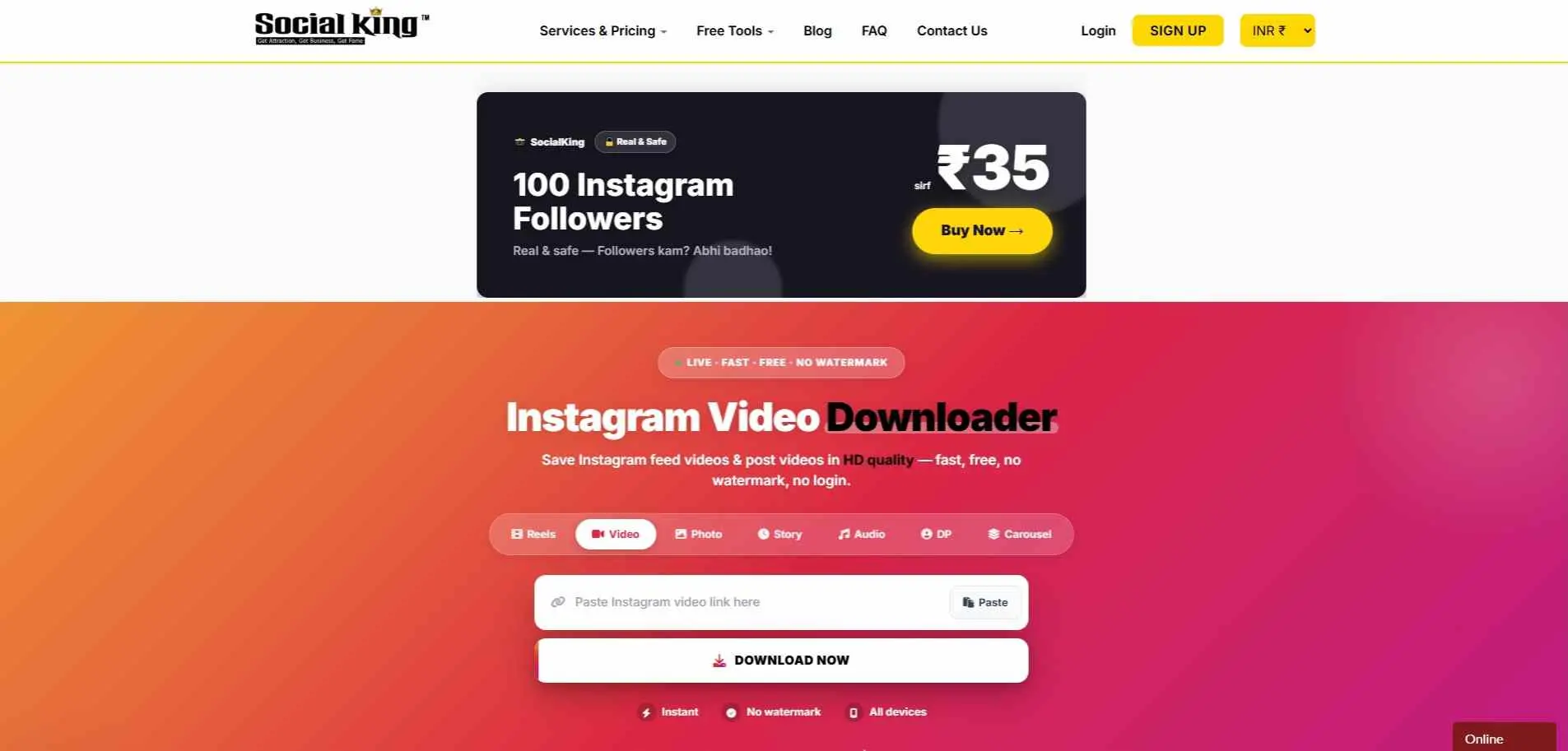
India-based tool that works well for Indian users - fast servers, no ads on the core function, HD output. Covers Instagram feed videos and post videos. Simple UI with a paste-and- download flow and no unnecessary redirects. Good option if you prefer a locally-hosted tool with faster response times for Indian connections.
What Types of Instagram Content Can You Download?
Not every tool supports every content type. Here’s a quick breakdown:
Content Type | What It Is | Supported By |
| Feed Videos | Regular video posts on a profile | All 10 tools |
| Reels | Short-form vertical videos | All 10 tools |
| IGTV | Long-form videos (older format) | Video Dropper, InDown, FastDl, SaveFrom, SaveClip |
| Stories | 24-hour expiring content | Video Dropper, InDown, SaveClip |
| Highlights | Archived stories | Video Dropper, InDown, SaveClip |
| Carousels | Multi-image/video posts | Video Dropper, FastDl, SaveClip |
| Audio/MP3 | Audio extracted from Reels | Video Dropper |
If you only need to feed videos and Reels, any tool on this list works. For IGTV, stories, or highlights, stick with Video Dropper, InDown, or SaveClip.
Common Problems and How to Fix Them
“No video found” error
This typically indicates a private page or the video has been deleted. Confirm with a private/incognito browser tab. If the video loads there, the tool should work.
Download button appears but file won’t save on iPhone
Safari on iOS sometimes blocks automatic downloads. When the download prompt appears, tap “Download” in the popup and then go to your Files app to find it.
Video downloads with no audio
This happens with some Reels that use licensed music Instagram restricts. The video file exists but the audio track is stripped at Instagram’s end - no downloader tool can recover it.
Low quality output
The output quality matches the original upload. If the creator uploaded in 720p, that’s the highest available. Snapgram and IGExport tend to give the best quality options when multiple resolutions exist.
Wrapping Up
Instagram isn’t going to add a native download button for other people’s content anytime soon - there’s no incentive for them to do so. The 10 tools listed here cover the gap and each one handles the basics reliably.
For most users, Video Dropper or InDown will be enough. If you’re after 4K quality specifically, Snapgram is worth checking. And if you want the widest content-type coverage beyond just videos - stories, highlights, audio - Video Dropper handles all of it in one place.