 Table of Content
You found the perfect clip. Maybe it`s stock footage, a downloaded reel, or something you edited with a free app. Then you notice it - a watermark sitting right in the frame, ruining an otherwise clean video.
The good news is you don`t need expensive software to fix this. There are AI tools that can remove watermark from video free, and some of them do it surprisingly well. No blurry patch, no visible trace - just the clean background that was always there under the logo.
So, we went through 11 of these tools to see which ones actually deliver. Here`s the full breakdown.
Quick Comparison: All 11 Tools at a Glance
Tool | Free Plan | AI-Powered | No Blur | No Signup |
| WatermarkRemover.io | ✅ | ✅ | ✅ | ✅ |
| Airbrush | ✅ | ✅ | ✅ | ✅ |
| Vmake Labs | ✅ | ✅ | ✅ | ✅ |
| LogoRemover | ✅ | ✅ | ✅ | ✅ |
| Pixelbin | Limited | ✅ | ✅ | ❌ |
| Wink | ✅ | ✅ | ✅ | ✅ |
| WaveSpeed AI | ✅ | ✅ | ✅ | ✅ |
| Videokit.cc | ✅ | ✅ | ✅ | ✅ |
| Unwatermark AI | ✅ | ✅ | ✅ | ✅ |
| Topview AI | Limited | ✅ | ✅ | ❌ |
| Online Video Cutter | ✅ | ❌ | Limited | ✅ |
11 Best Tools to Remove Watermark from Video Free
1. WatermarkRemover.io - Best Overall for Automatic Removal
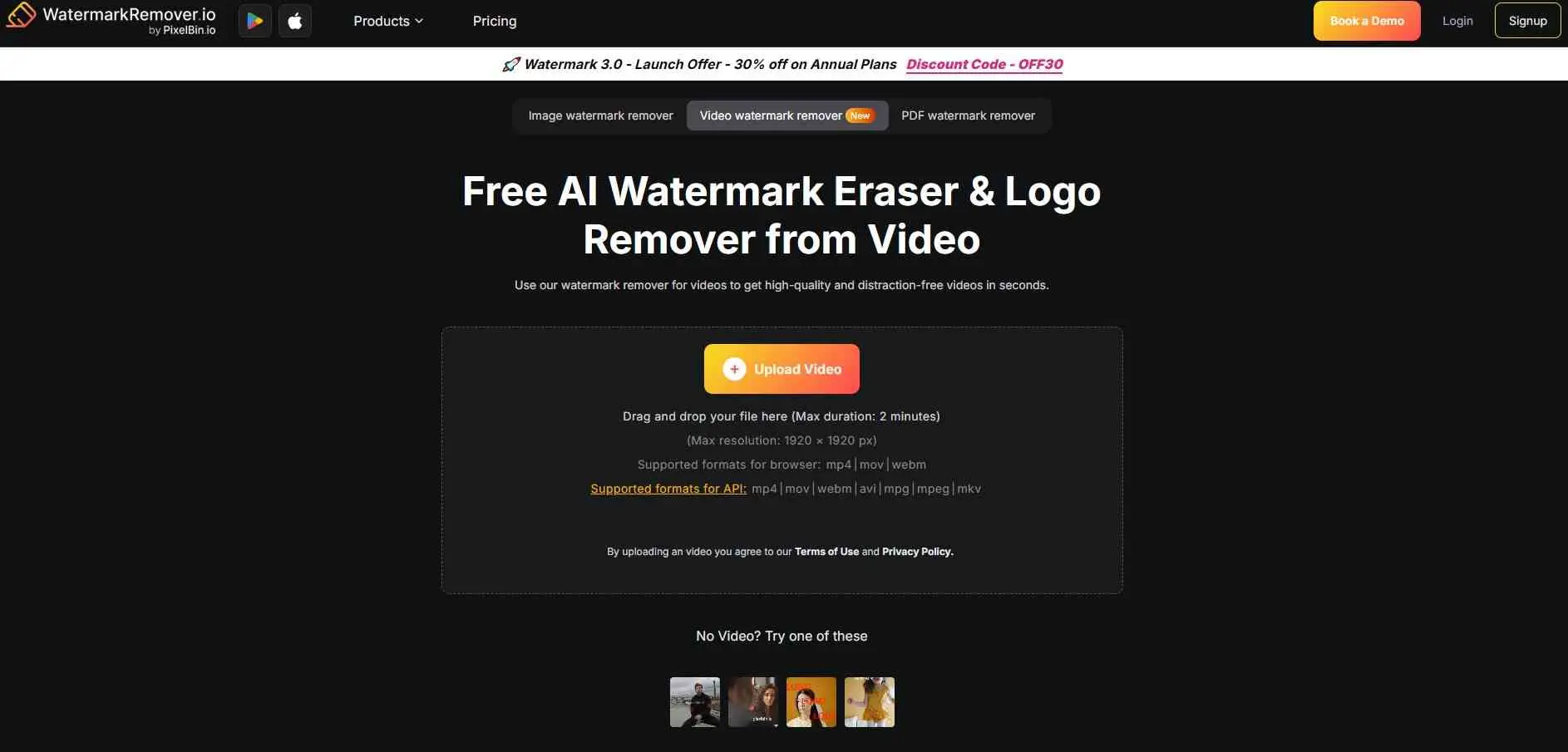
WatermarkRemover.io is the tool I`d recommend to most people. Upload your video, it automatically detects the watermark without you having to mark anything manually. Instead of leaving a blurry box behind, the AI fills in intelligently what will be present in background
It works well on TikTok watermarks, iStock logos, and plain text overlays. The free plan handles shorter clips. Paid plans unlock longer videos and batch processing. No signup required for basic use.
Best for: Quick, hands-off watermark removal
Limitation: File size caps on free tier
2. Airbrush AI Video Watermark Remover - Best for Output Quality
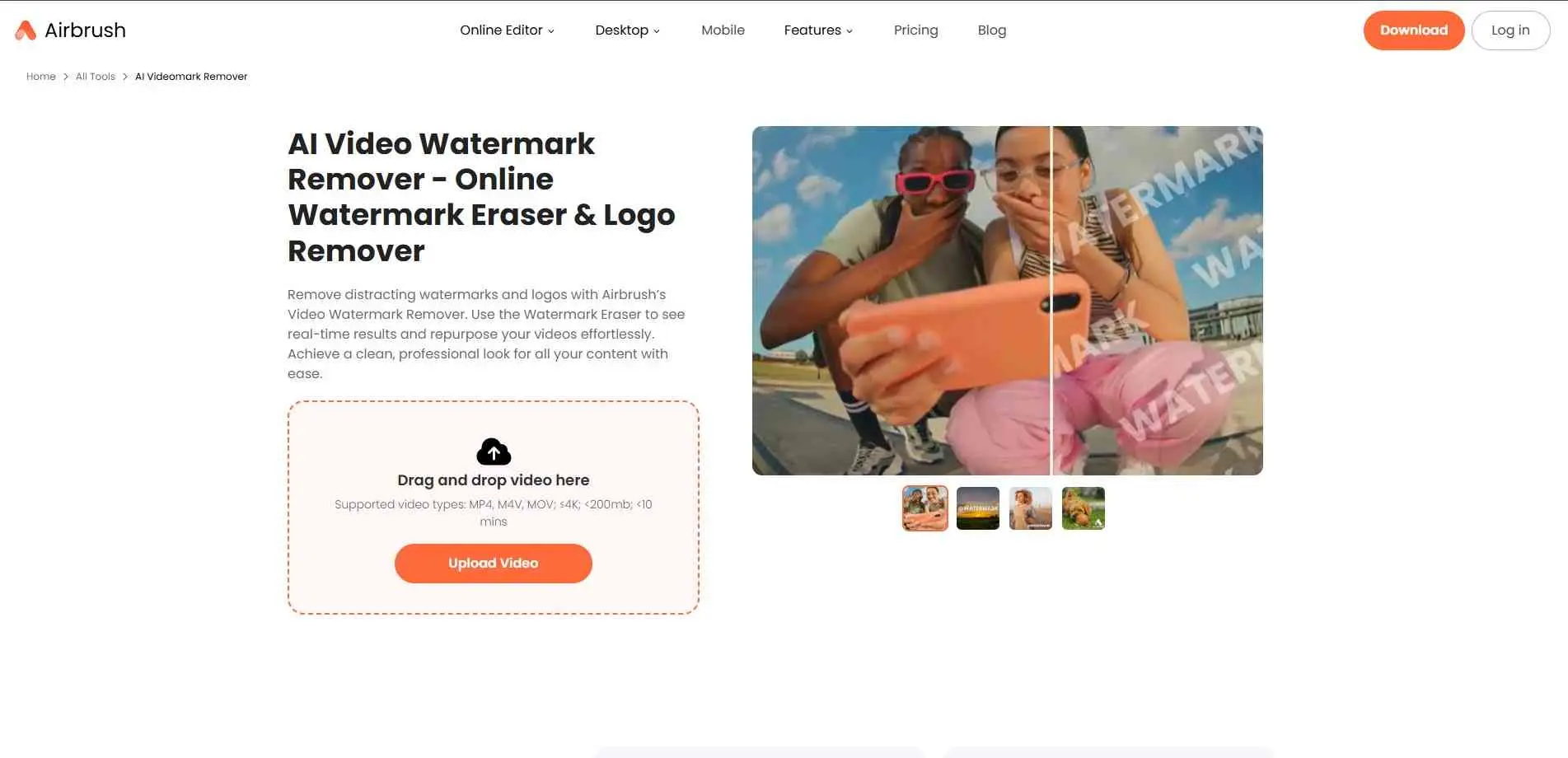
Airbrush focuses on quality. The AI inpainting here is strong - it reconstructs what would logically sit behind the watermark, and the output holds up even on complex, fast-moving backgrounds where cheaper tools tend to fall apart.
You upload the video, draw over the watermark area, and process. Works entirely in the browser with no install. Handles static watermarks, text overlays, and logos equally well.
Best for: Clean results when background detail matters
Limitation: Free plan has resolution restrictions
3. Vmake Labs - Best for Moving or Multiple Watermarks
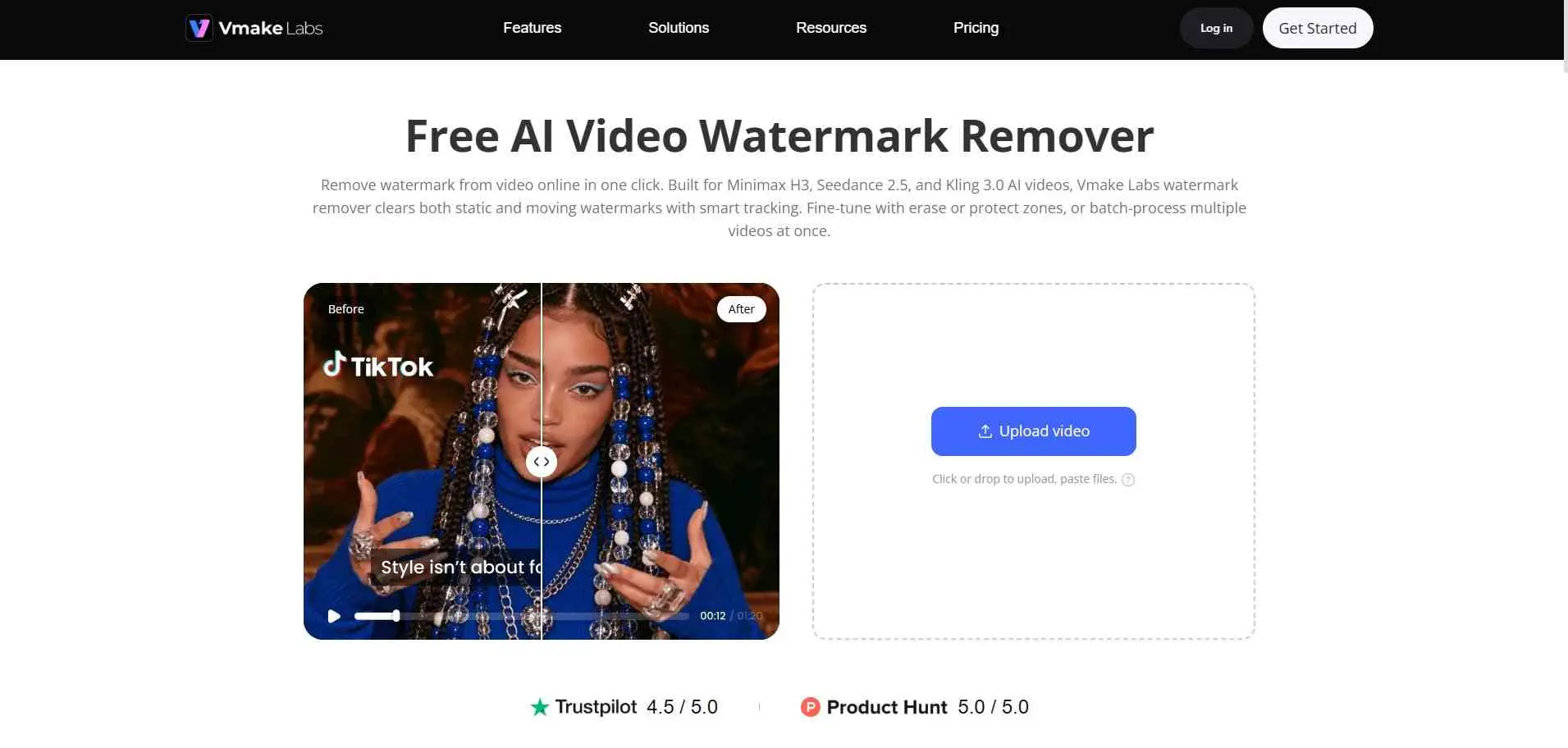
Vmake goes further than most. You can remove logos, moving watermarks, text, or even people from video using its brush-based AI engine. It processes the video frame by frame and reconstructs the background across the full clip - not just a single frame.
The interface is straightforward. You paint over what you want removed, and the AI handles the rest. No account needed to get started, which is a plus.
Best for: Animated or moving watermarks, removing multiple elements
Limitation: Slower processing on longer videos
4. Online Video Cutter - Best for Corner Watermarks Without AI
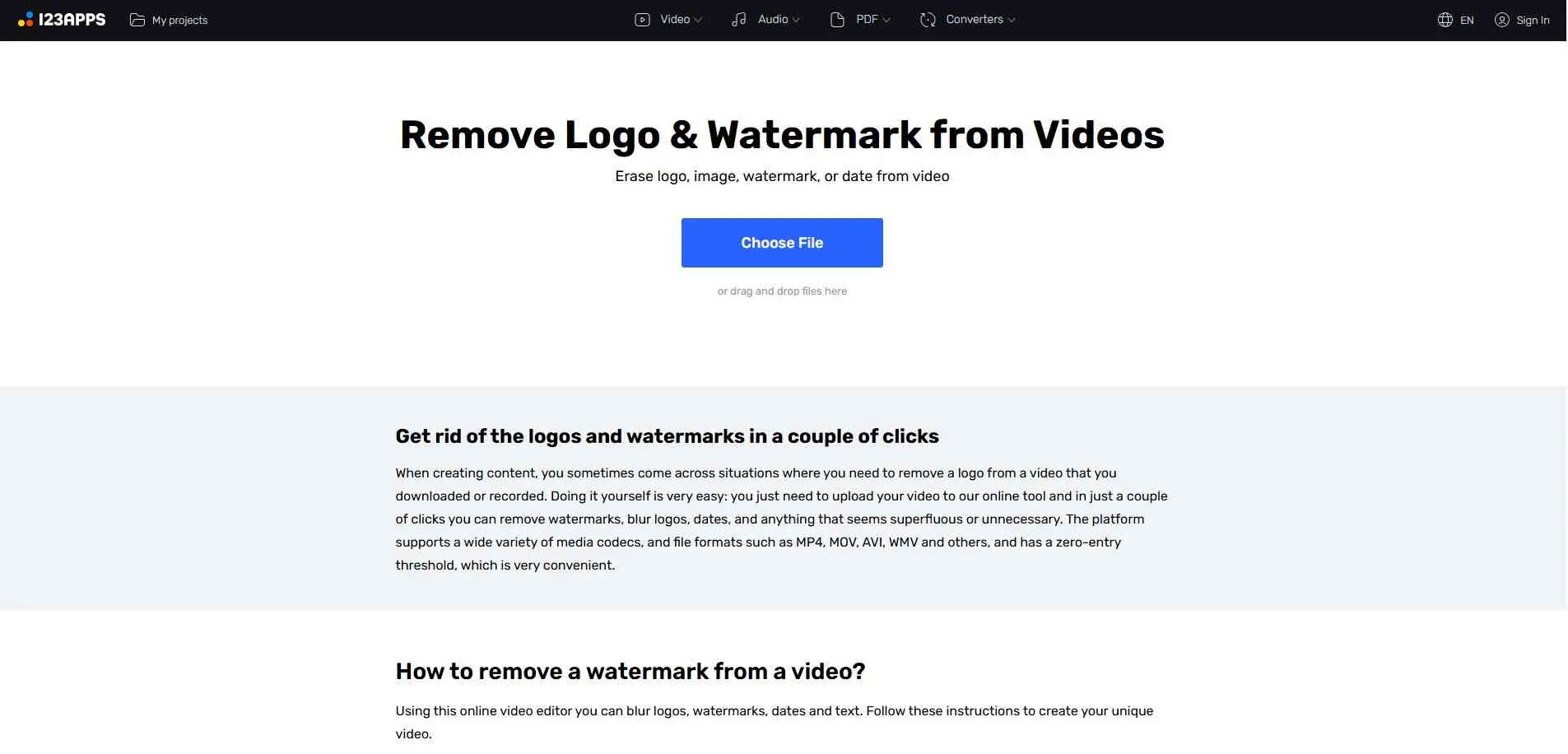
This one works differently from the others. Instead of AI inpainting, it lets you blur, crop, or cover the watermark area. That means it leaves a visible patch rather than reconstructing the background - but it`s fast, supports nearly every format (MP4, AVI, 3GP, and more), and works without an account.
If your watermark is in a corner and you can afford to crop it out, Online Video Cutter does the job cleanly. Don`t expect it to blend a logo out of the middle of a scene.
Best for: Corner watermarks, any video format
Limitation: Not AI-powered - visible patch remains
5. LogoRemover - Best for Brand and Stock Footage Logos
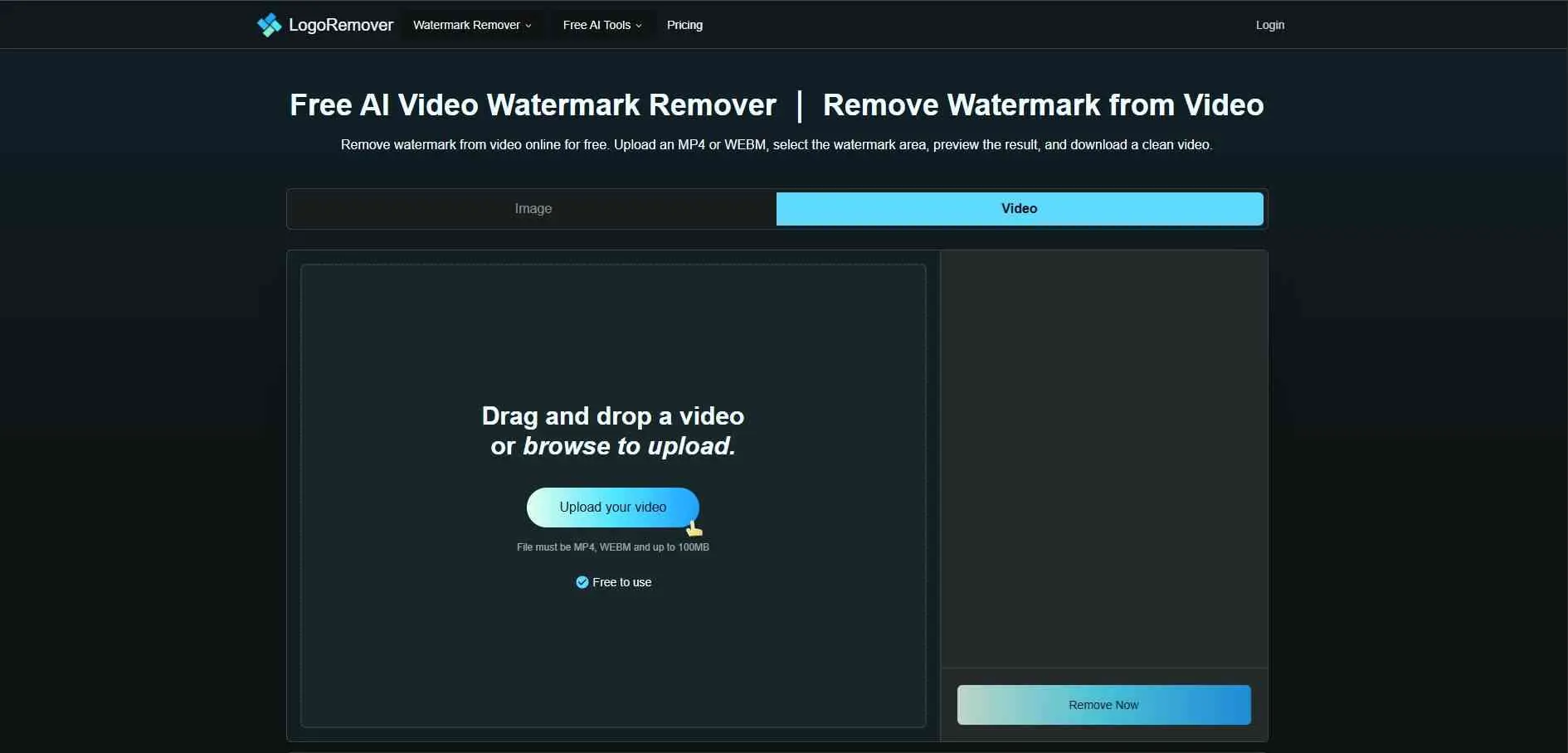
LogoRemover is clean and purpose-built. Upload an MP4 or WEBM, select the watermark area, and it removes the logo without blur. There`s a preview before you download, which is more than most free tools offer - you can check the result before committing.
No signup required for basic removals. The process is simple and fast, with no unnecessary steps in the way.
Best for: Stock footage watermarks, brand logos
Limitation: MP4 and WEBM only - no other formats
6. Pixelbin - Best for Developers and Bulk Use
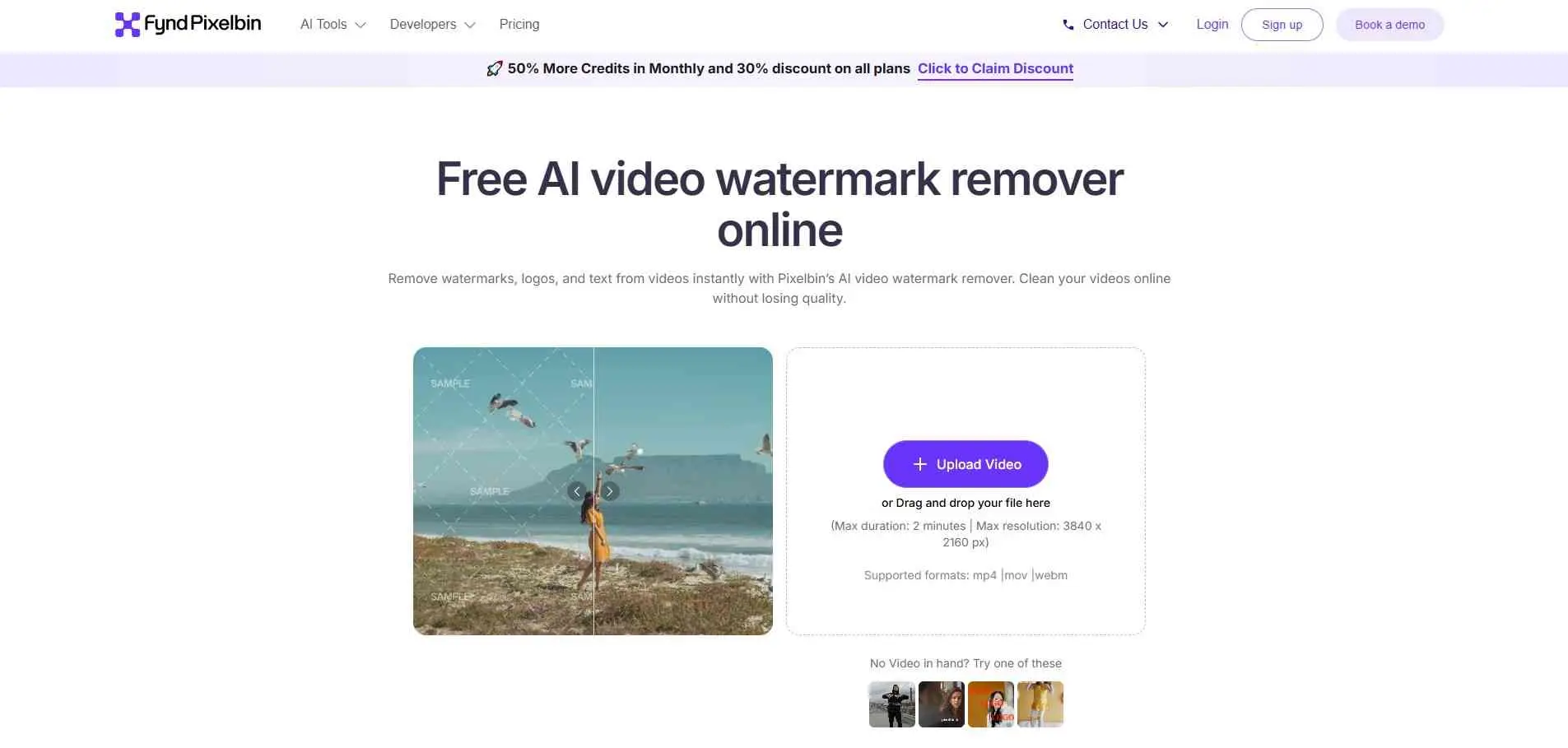
Pixelbin is built for scale. API access, bulk processing, and integration into content workflows make it the right pick for teams rather than individuals. The AI handles both static and moving watermarks well.
For a single video, it`s overkill. For a content pipeline processing dozens of clips, it`s worth the setup. Teams running that kind of volume usually pair it with a proper digital asset management system to keep everything organized.
Best for: Bulk processing, developers, content teams
Limitation: More setup required than a simple online tool
7. Wink - Best for TikTok and Social Media Clips
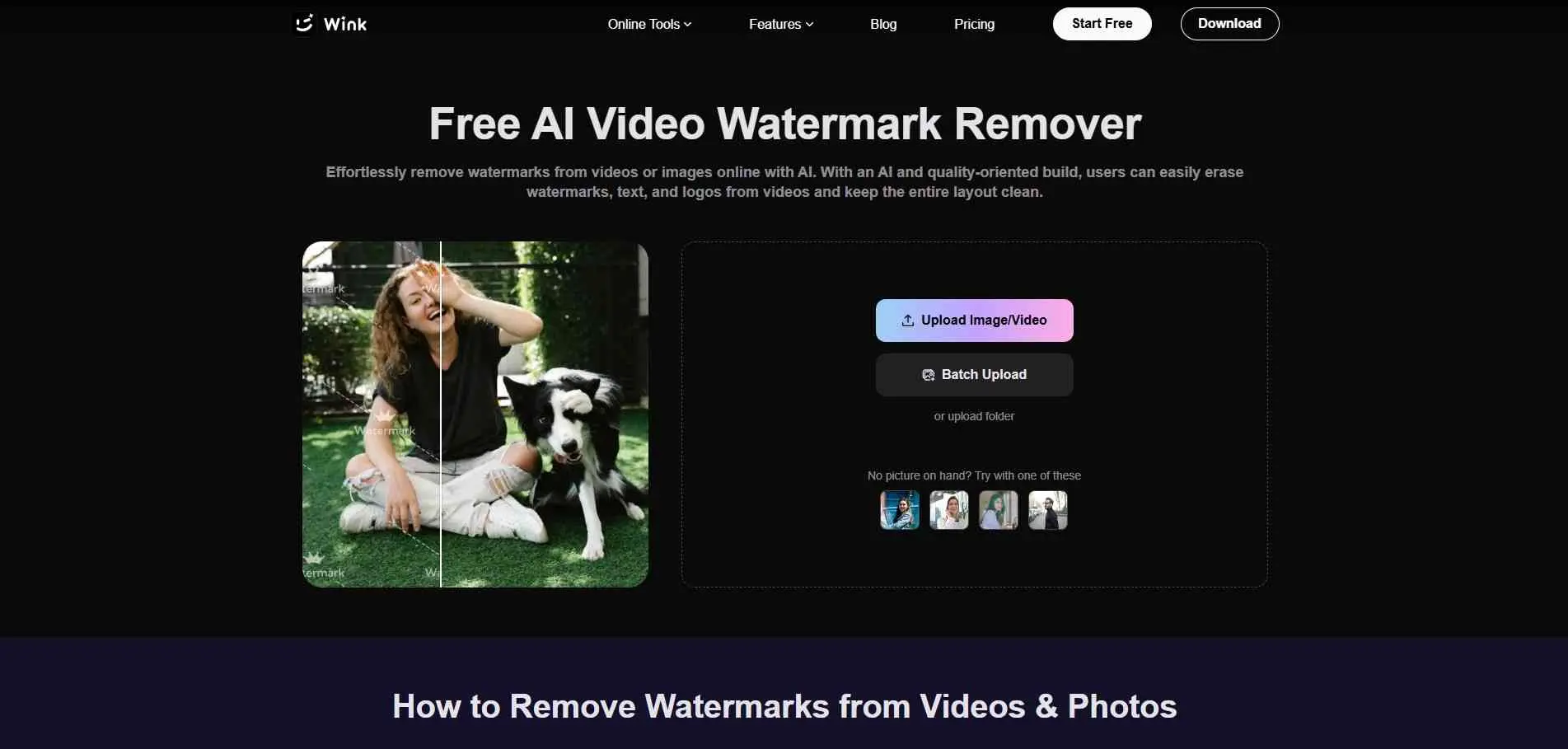
Wink was built with social media in mind. It auto-detects TikTok and Instagram Reels and removes them without quality loss. Processing is fast, no account needed. The auto-detection works well - most of the time it finds the watermark before you select anything manually.
Best for: TikTok, Reels, social media downloads
Limitation: Less reliable on transparent or semi-transparent watermarks
8. WaveSpeed AI - Best for Speed
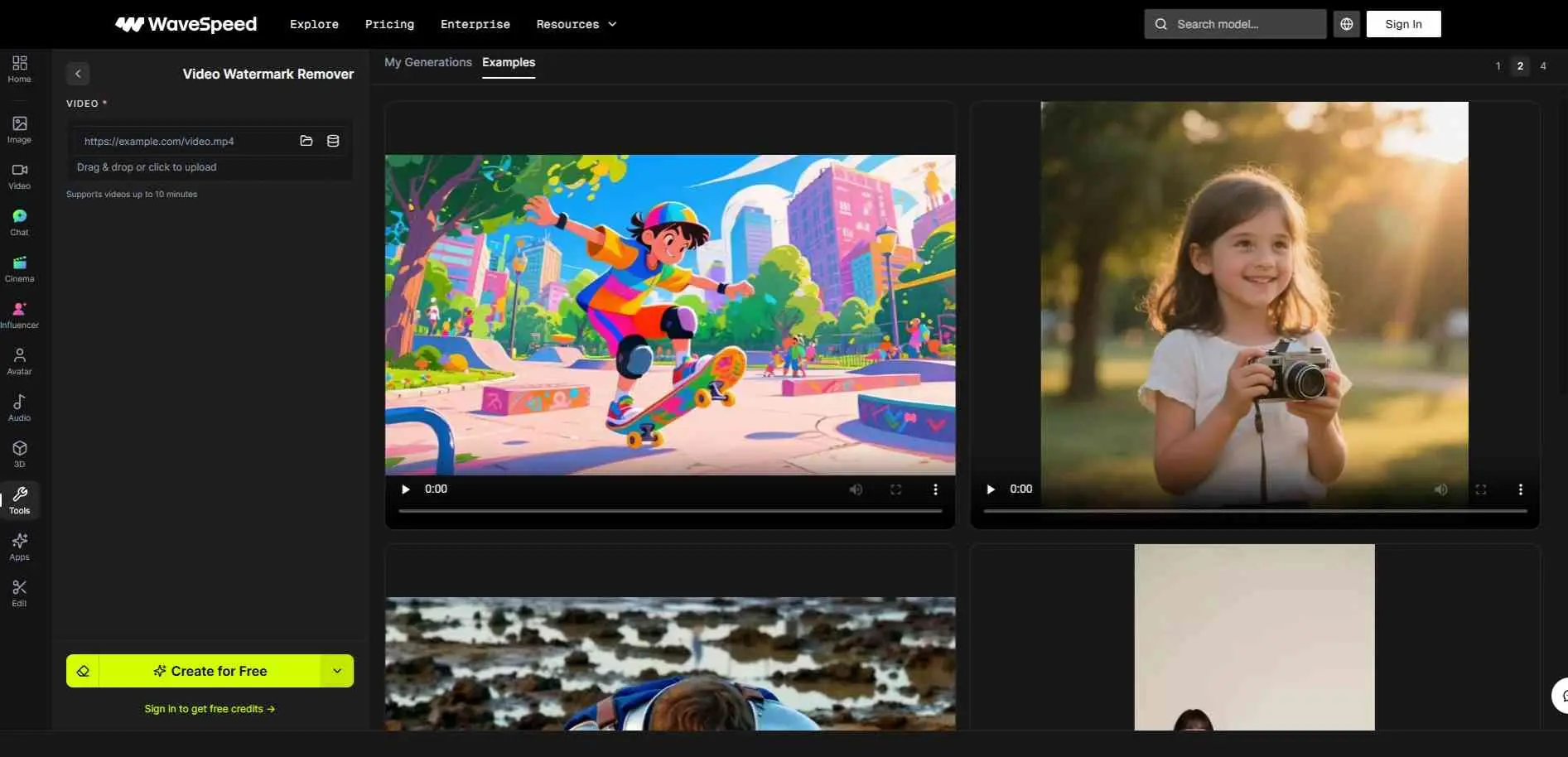
If you`ve used other online watermark tools, you know the pain of waiting 10–15 minutes for a processed result. WaveSpeed AI is notably faster. The AI still does proper removal rather than blurring, but the processing queue moves quicker.
It handles logos, text overlays and standard watermarks. Watermark is an option when you need something done fast and do not want to sit around waiting.
Best for: Speed-priority use cases
Limitation: Newer tool with less track record on edge cases
9. Videokit.cc - Best All-in-One Video Toolkit
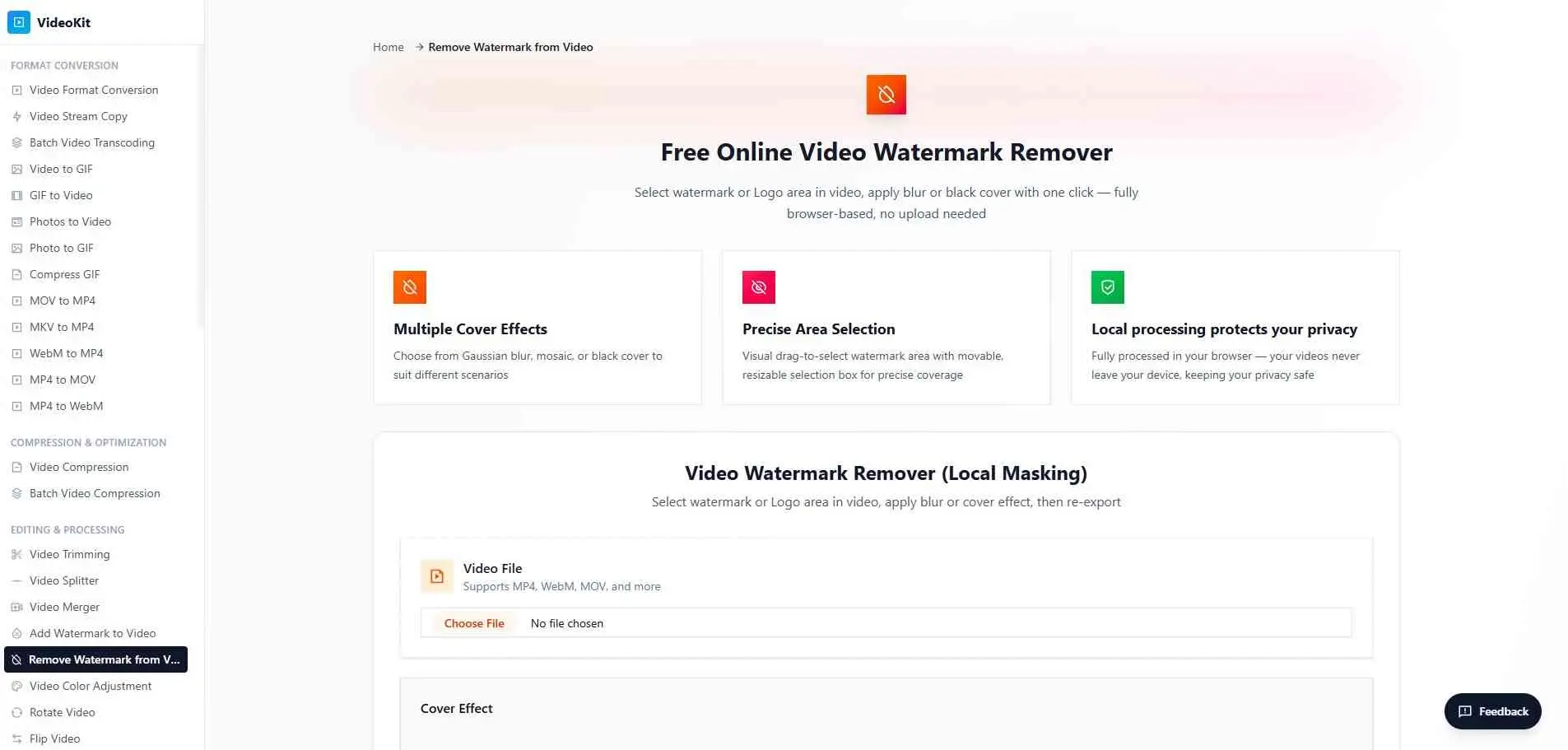
Videokit is not just a watermark remover. It is a video toolkit. Along with removing watermarks you get trimming, compressing, converting and basic editing all in the browser tab. If you often handle video tasks and dislike switching between tools, Videokit is worth keeping open.
The watermark removal works well for simple removal. It won`t beat a tool like Airbrush on difficult backgrounds but it takes care of common removals without any issues.
Best for: People who need multiple video tools in one place
Limitation: Specialized tools are better at each individual task
[ALT: Videokit.cc all-in-one video editor interface showing watermark removal tool]
10. Unwatermark AI - Best for No-Login, No-Hassle Use
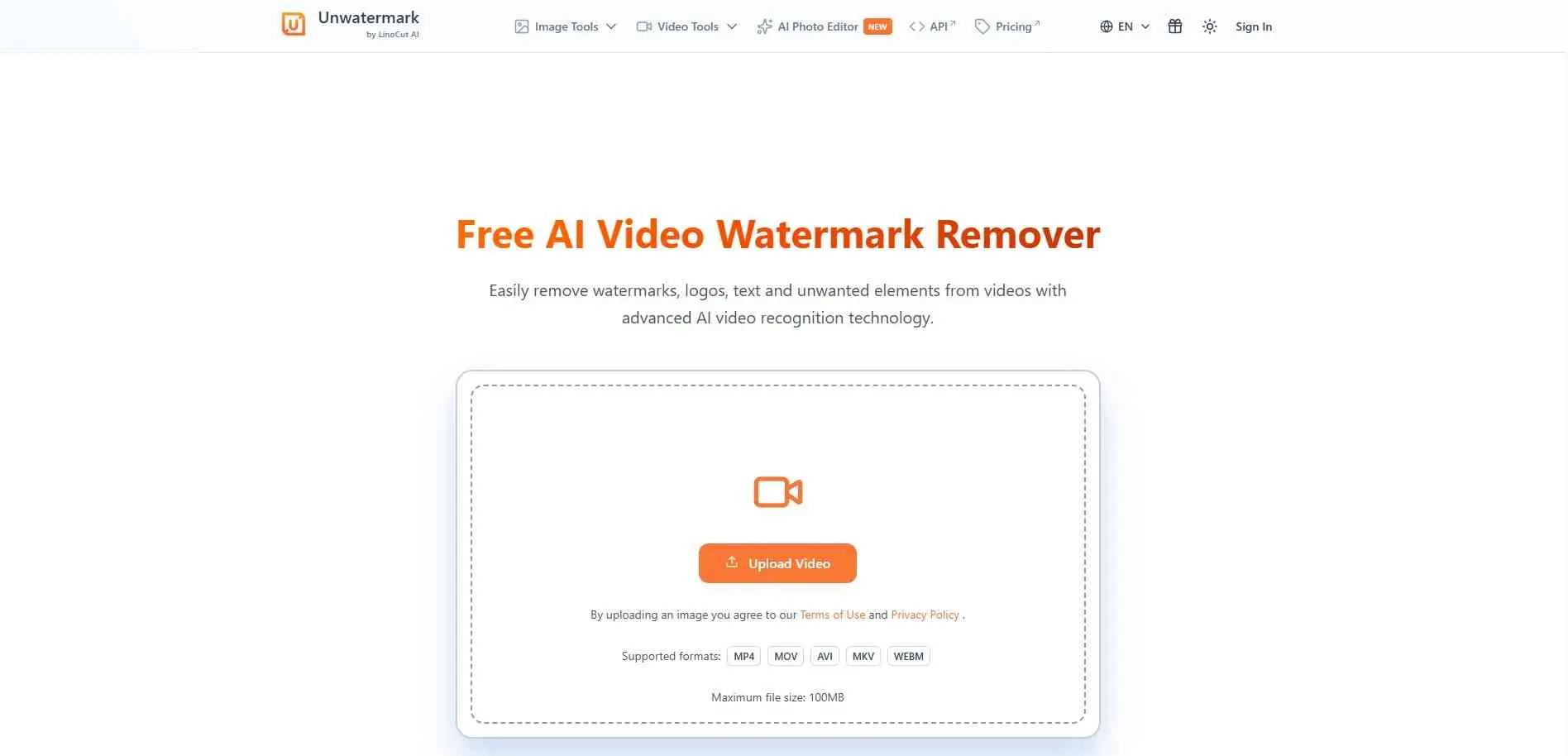
No account. No email. No login. Just upload and go. Unwatermark AI does exactly what it promises - removes watermarks, logos, and text overlays from video online, completely free.
Output quality is good for a fully free, no-account tool. Not the most powerful option here, but if you need a quick removal without signing up for yet another service, this is the one.
Best for: One-off removals with zero friction
Limitation: No batch processing, basic feature set
11. Topview AI - Best for High-Resolution Footage
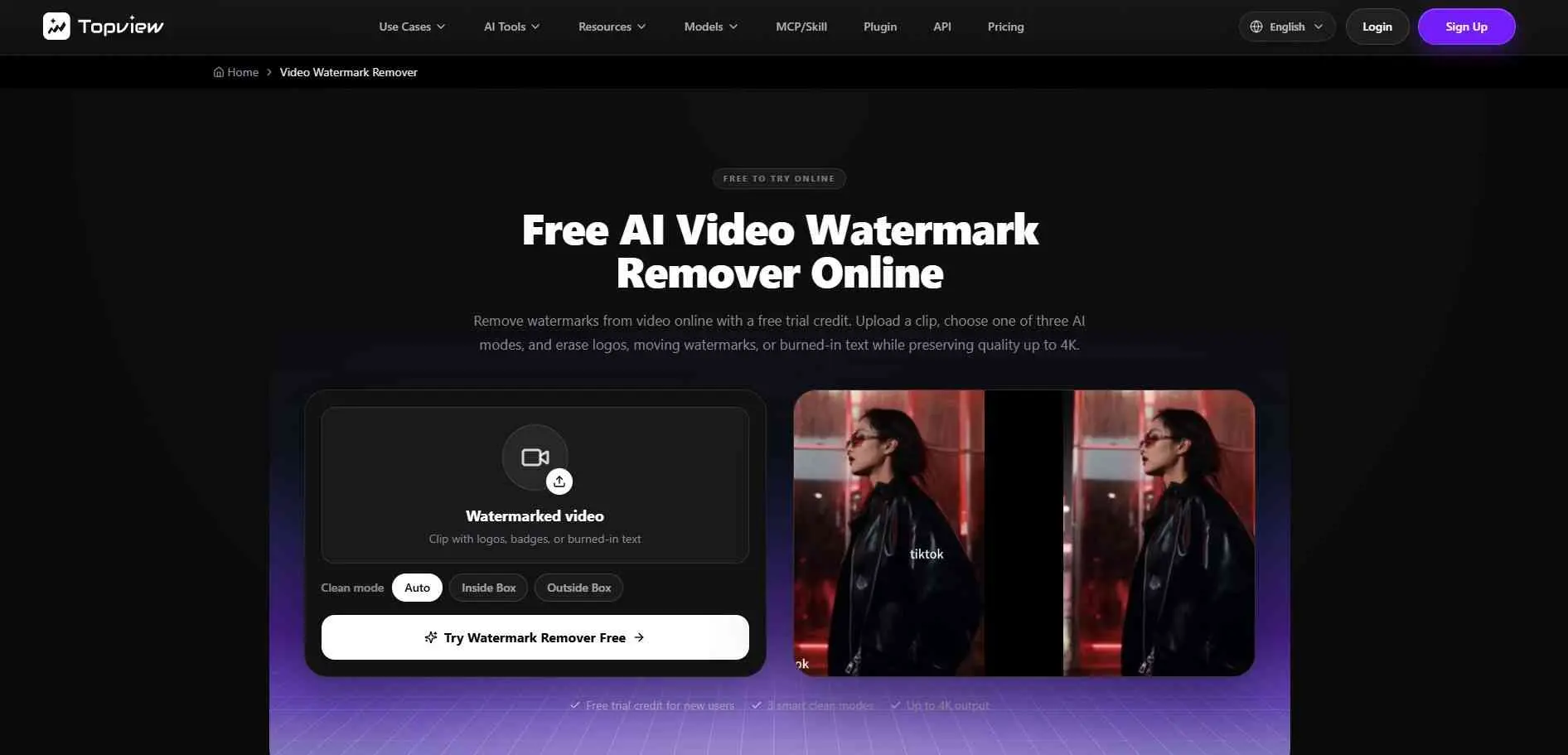
Topview AI offers three processing modes: standard, HD, and 4K. That`s genuinely rare for a tool with a free tier. The 4K mode is strong for high-resolution footage where other tools introduce visible artifacts during reconstruction.
You get free trial credits to test it. After that, it`s credit-based. Worth it if you`re regularly working with high-res clips.
Best for: High-resolution videos, 4K content
Limitation: Credit-based free tier runs out quickly
How to Remove Watermark from Video Without Blur
It actually really depends on the video. A watermark on a background is usually easier to remove. If there is a person moving behind it or a lot of action the result might look a bit messy. Airbrush and WatermarkRemover.io can fill in the part but some videos come out better than others.
For a blur-free result:
- Pick an AI inpainting tool - WatermarkRemover.io, Airbrush, or Vmake work well
- Let auto-detection run first - most tools will find the watermark before you mark it manually
- Manually brush over anything it misses - especially important for moving watermarks
- Preview before downloading - catch any artifacts before the final export
For moving watermarks specifically, use Vmake or Topview AI. Static-only tools process one area and apply it uniformly - that breaks down the moment the logo shifts position across frames.
Common Mistakes When Removing Video Watermarks
Using a static tool on a moving watermark. If the logo moves around the frame, a tool designed for fixed watermarks won`t reconstruct each frame correctly. Use Vmake or Topview AI instead.
Expecting perfect results on every background. Busy, fast-moving backgrounds make AI reconstruction harder. If the result has visible artifacts, try a different tool - they don`t all use the same engine.
Removing watermarks from content you don`t own. These tools are meant for your own videos - clips you created, edited with free software, or licensed content where you want to clean up the export. Using them to strip protection from copyrighted content for commercial use is a legal problem, not just a ToS issue. If you’re publishing that footage, it’s also worth knowing how to optimize video SEO so the clean version actually gets found.