 Table of Content
"Workforce intelligence" means something different to almost everyone using it. Operations wants to know why projects keep going over budget. HR cares about skill gaps and where people go next. A contact center thinks about shifts and call volume. A remote company just wants to know what its teams are doing all day.
That is why the software in this category is difficult to compare as if it were one product type.
Some of these platforms watch work activity and time. Others work with HR data, skills, headcount, and workforce plans. A few do both to some extent.
Here are 11 of the more interesting options to look at in 2026.
Quick Comparison
Software | Main Focus | Good Choice For |
| Time Champ | Time, productivity and workforce analytics | Distributed teams |
| Workstatus | Utilization, workload and productivity | Service businesses |
| Flowace | Time tracking and workforce management | Growing teams |
| We360.ai | Monitoring and workforce analytics | Remote and hybrid teams |
| Phenom | Skills and talent intelligence | Large organizations |
| Aspect | Forecasting and workforce management | Contact centers |
| ProHance | Productivity and operational analytics | Large enterprises |
| Cornerstone OnDemand | Skills and workforce planning | Enterprise HR |
| Visier | People analytics and planning | HR and business leaders |
| TeamGrid | Work patterns and productivity | Small and mid-sized teams |
| CurrentWare | Computer activity and endpoint monitoring | IT and security teams |
1. Time Champ
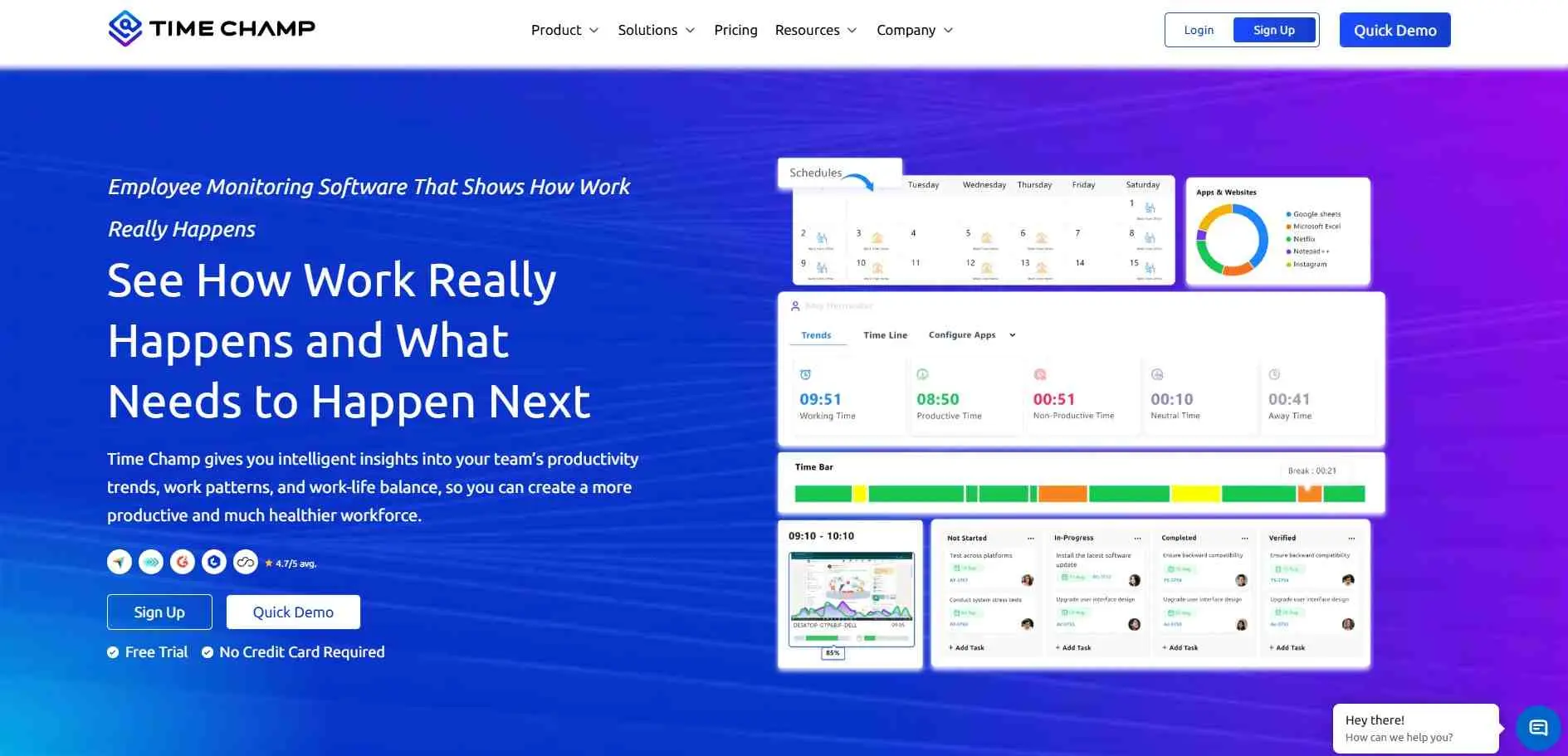
Time Champ sits toward the operational side of workforce intelligence. The system combines time tracking, attendance, productivity, work management, location tracking and workforce reports. Managers can see what apps people are using, when they are working or not working and how hours are divided among projects. It works for hybrid, field and office teams. The company says more than 1,500 businesses in 127 countries use it.
What It Covers
- Automatic time and attendance tracking
- Productivity and activity reporting
- Project and location tracking
Good Choice For
Companies that need a detailed picture of day-to-day work across distributed teams.
2. Workstatus
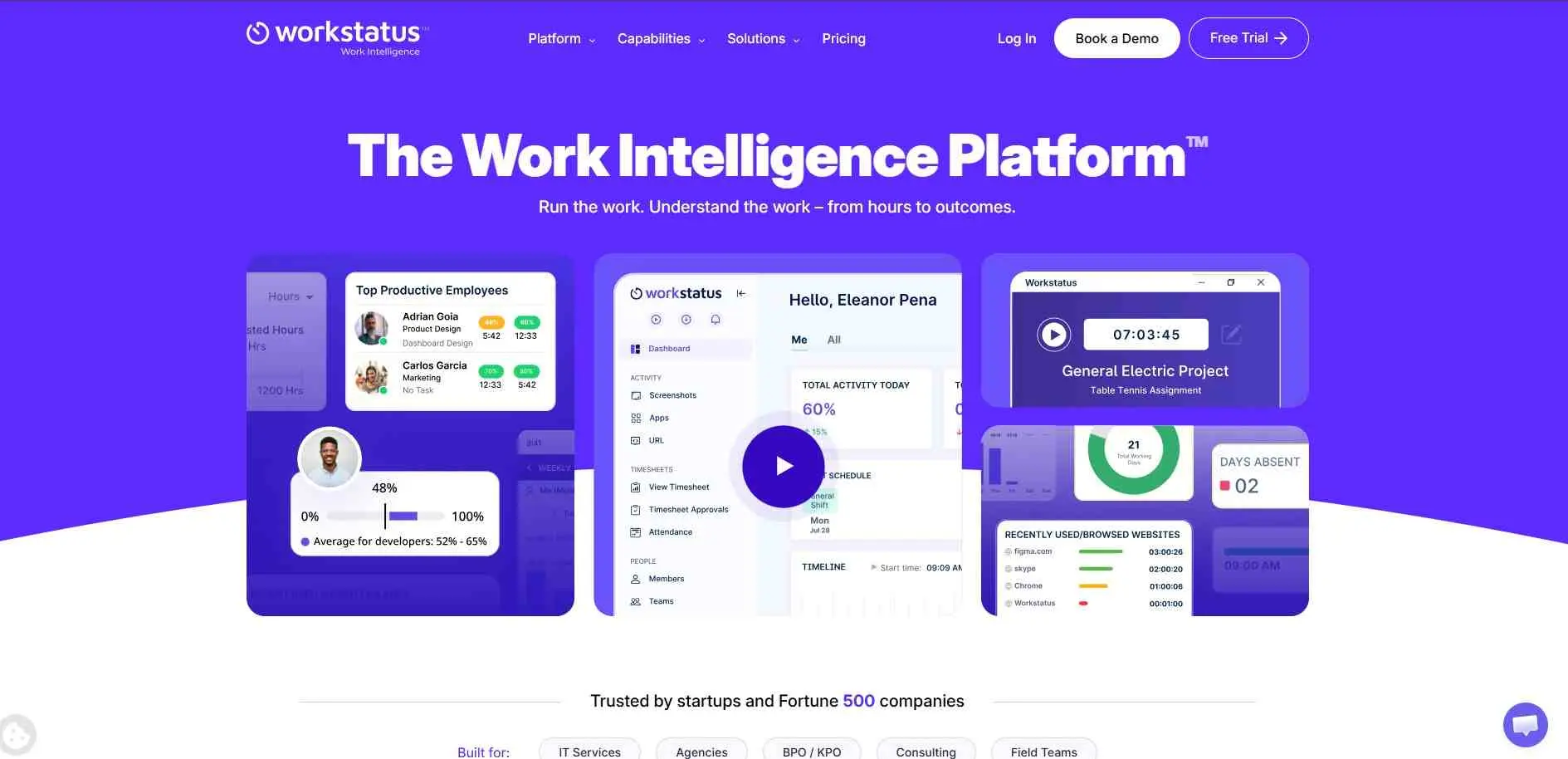
Workstatus shows how work actually happens, not how many hours are logged. It brings together time, attendance, projects, productivity, workload and how busy people are into one view not separate reports. It also helps plan and see if work is distributed fairly. Scheduling, payroll data and activity tracking are included well. Workstatus is mainly made for service businesses where keeping staff busy and finishing projects on time matters to the line.
What It Covers
- Workforce utilization and capacity
- Productivity, workload, and attendance
- Project and time intelligence
Good Choice For
IT companies, agencies, consulting firms, and other service teams.
3. Flowace
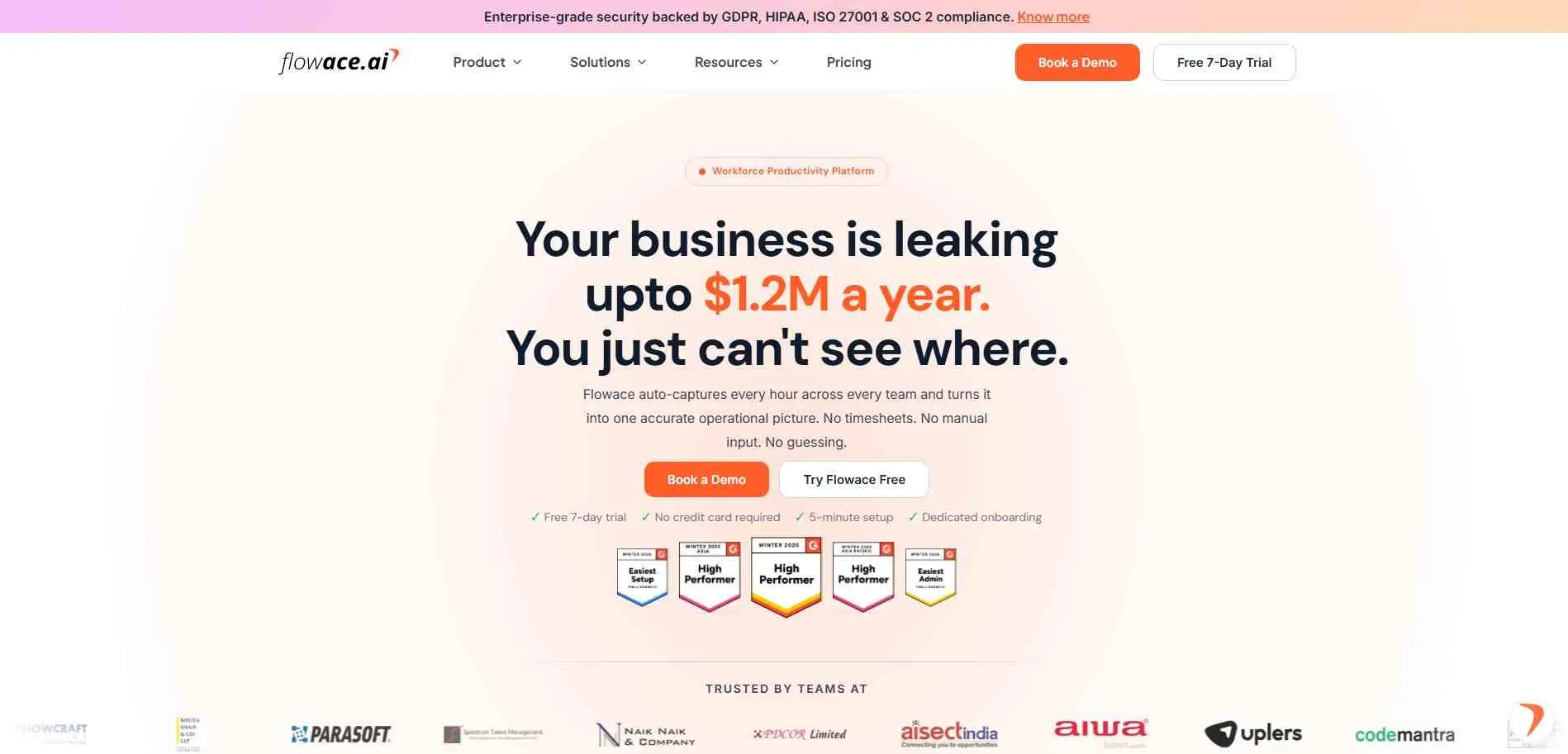
Flowace began as a time tracking tool but now does many more things. It tracks hours, attendance, shifts, overtime, app, website & project time. It knows when people are sitting still, when somebody is overworking or underworking and when something seems to be wrong with whatever. It saves the efforts of the manager who was chasing timesheets and asking for updates every week.
What It Covers
- Automatic time and attendance
- Productivity and activity insights
- Workforce and project management
Good Choice For
Growing companies that want time tracking to feed directly into workforce decisions.
4. We360.ai
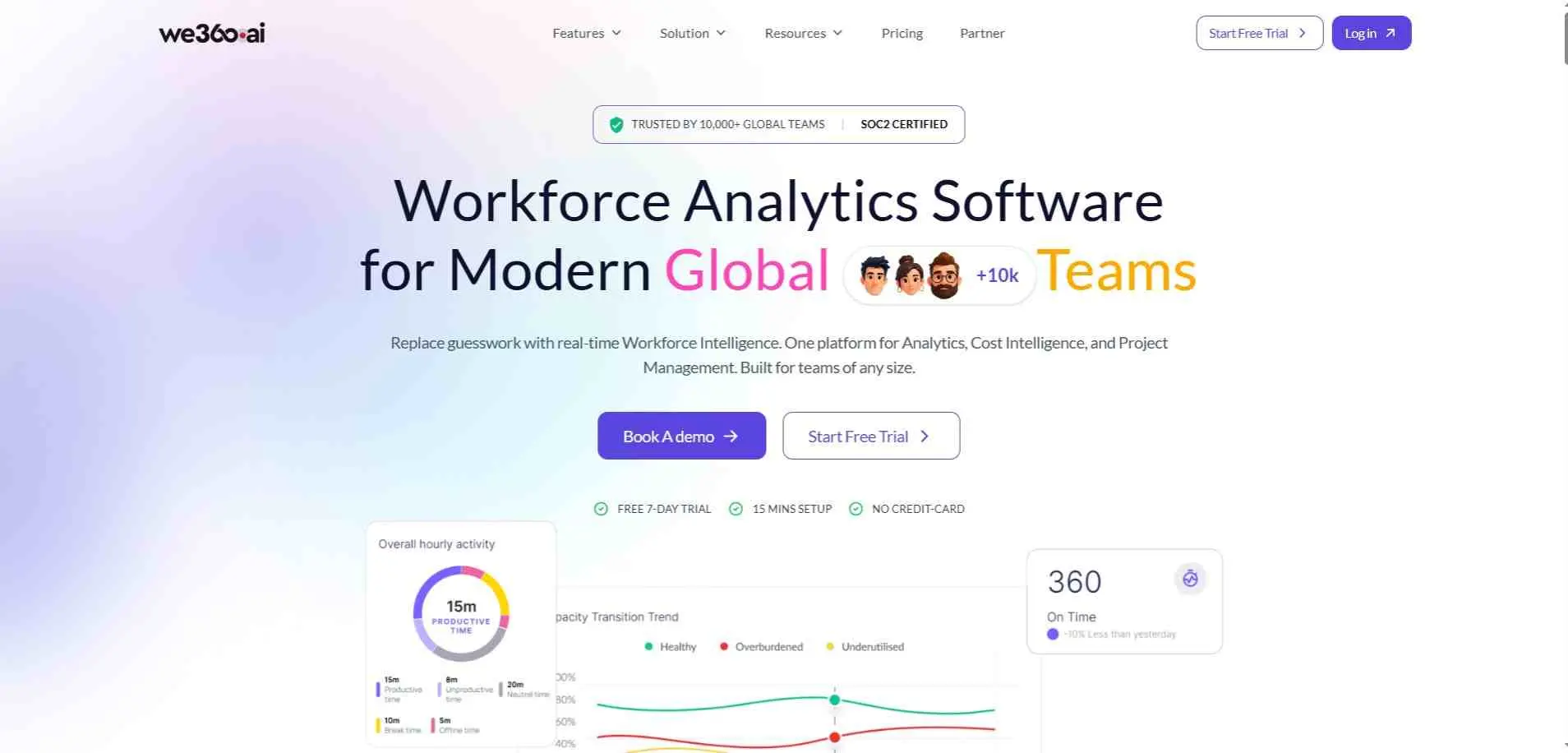
We360.ai is more focused on employee activity and workforce analytics than the HR planning products further down this list. It can monitor attendance, applications, websites, time and idle time screenshots and screen recordings depending on how it is set up. Its newer workforce analytics tools also include productivity scoring, risk of employees leaving and workforce expenses. The company says employee permission is important and that the system does not record keystrokes.
What It Covers
- Employee activity and productivity
- Attendance and work-hour tracking
- Workforce analytics and retention signals
Good Choice For
Remote and hybrid teams that need visibility into everyday computer-based work. Pairing these insights with effective strategies to maximize productivity while working from home can further enhance your remote team`s output.
5. Phenom
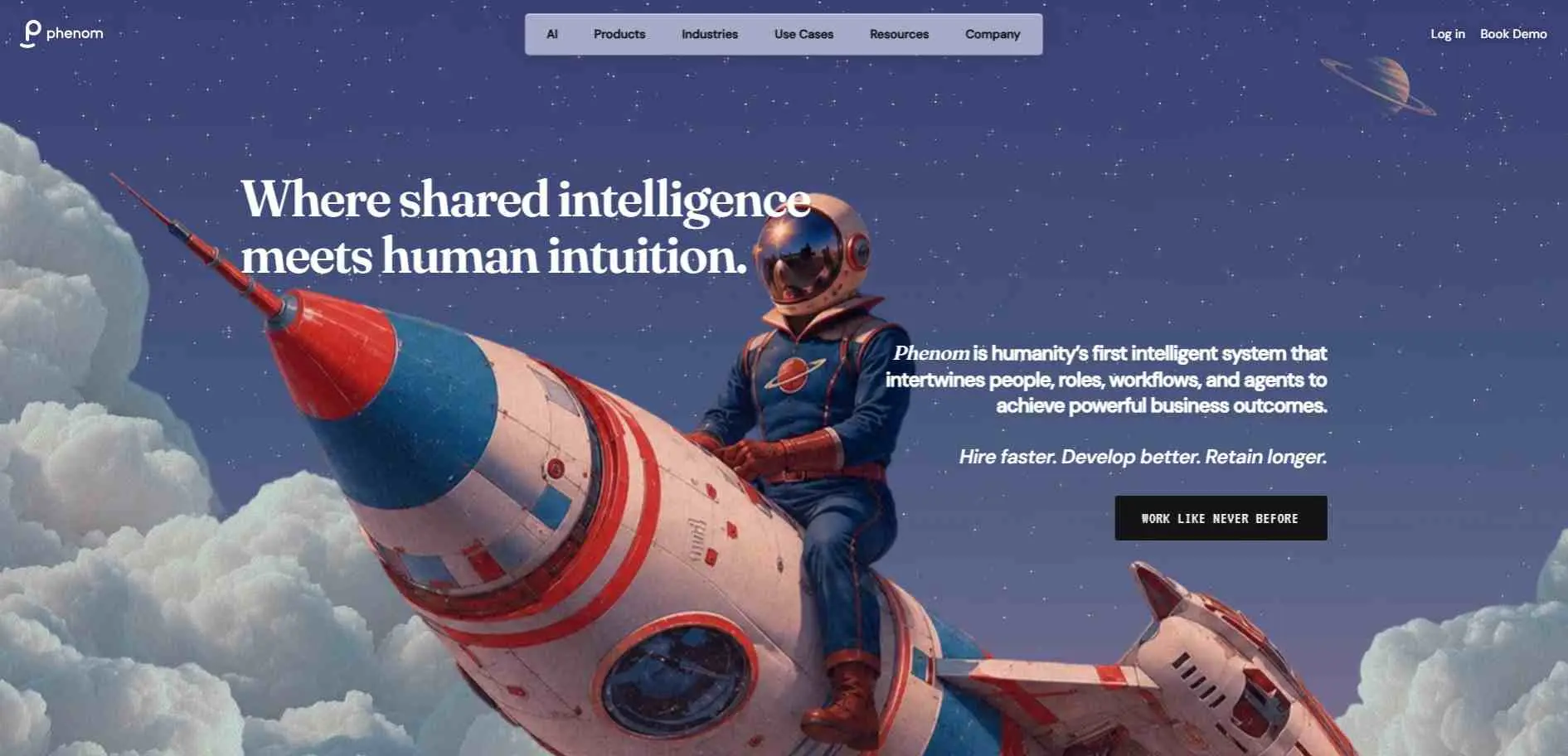
Phenom comes at workforce intelligence from almost the opposite direction. It never asks, What the Employees are doing on their computers but Rather, what the Organization Can Do? The system takes real-time snapshots of employee skills for each and every member of staff according to a role - pulling in data about their roles, work experience, certifications and learning records, as well. That data can be leveraged by HR leaders to identify skill gaps, sourcing internal candidates, plan development, and hiring decisions.
What It Covers
- Skills and capability intelligence
- Internal mobility and development
- Workforce planning and retention
Good Choice For
Large organizations trying to understand their existing skills before making new hiring decisions.
6. Aspect
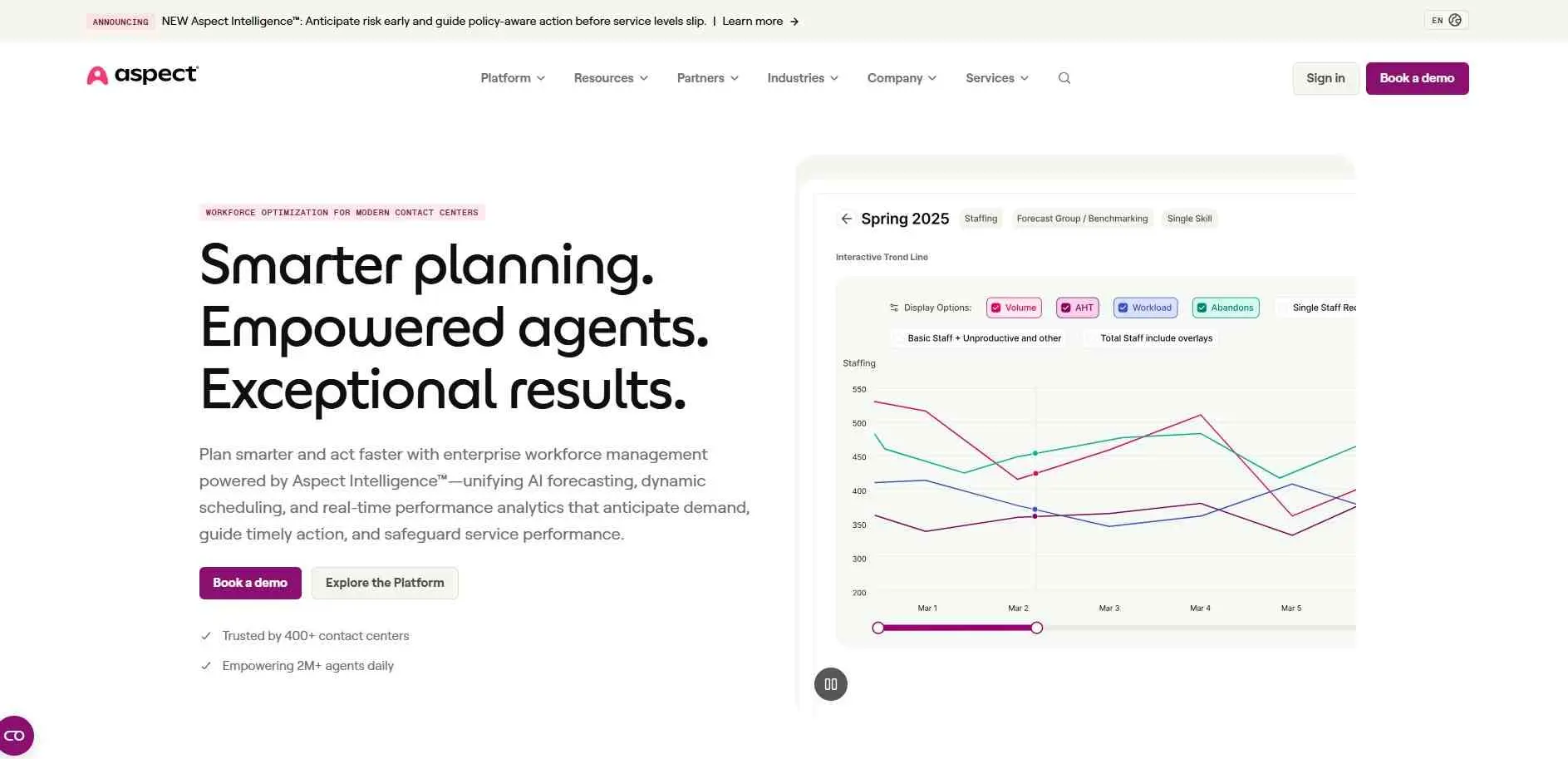
Aspect is a different case again. The software is designed around contact centers, where the central problem is really very simple: you need the right number of people at the right time. Forecasting, Scheduling, Tracking and Workforce experience all stay on a single platform. It`s less about watching what employees are doing and more about a staffing math problem — how many agents do you need, when, and are your current schedules actually keeping pace with call volume?
What It Covers
- Workforce forecasting
- Dynamic scheduling
- Performance and schedule tracking
Good Choice For
Contact centers and customer-service operations with changing staffing requirements.
7. ProHance
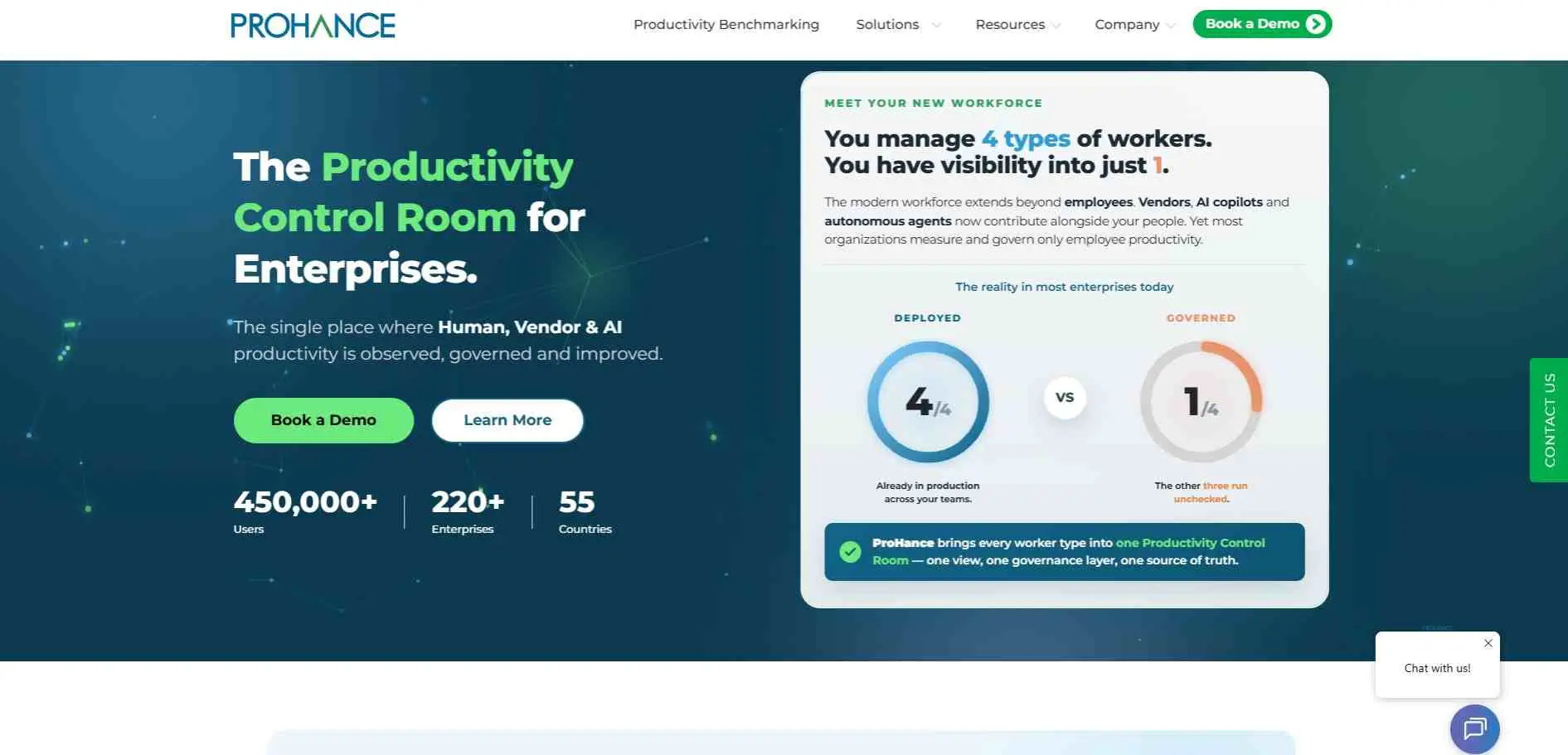
ProHance is built for organizations that need to measure workforce productivity across often distributed operations. The platform records work time, workloads, utilization, applications, attendance and task allocation. It also offers analytics for trends, context switching, competencies and work patterns. ProHance says its platform is used by more than 450,000 users across 55 countries with banking, BPO, healthcare, IT and global capability centers among its target industries.
What It Covers
- Workforce productivity and utilization
- Workload and time analysis
- Capacity and operational management
Good Choice For
Enterprises and large operational teams where workforce data needs to be examined across departments or locations.
8. Cornerstone OnDemand
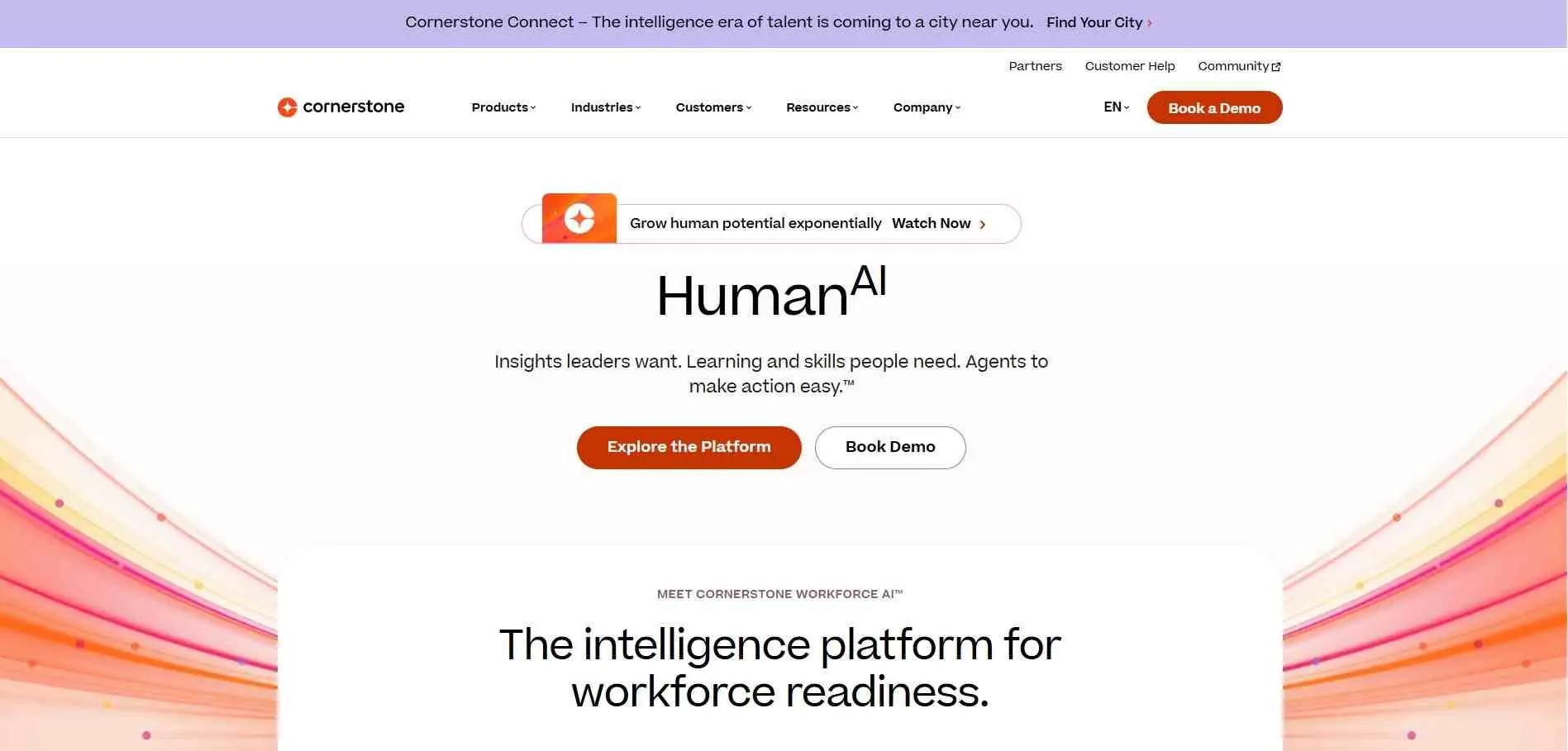
Cornerstone isn`t really about day-to-day monitoring. The Workforce AI platform correlates workforce data to skills and learning paths to roles, but more importantly connects them with the external labor market reality. Workforce planning, internal mobility and understanding if your people are fit for the purpose of where the business is headed.
What It Covers
- Skills intelligence
- Workforce and talent planning
- Learning and internal mobility
Good Choice For
Large HR departments working on skills planning, reskilling, and long-term workforce strategy.
9. Visier
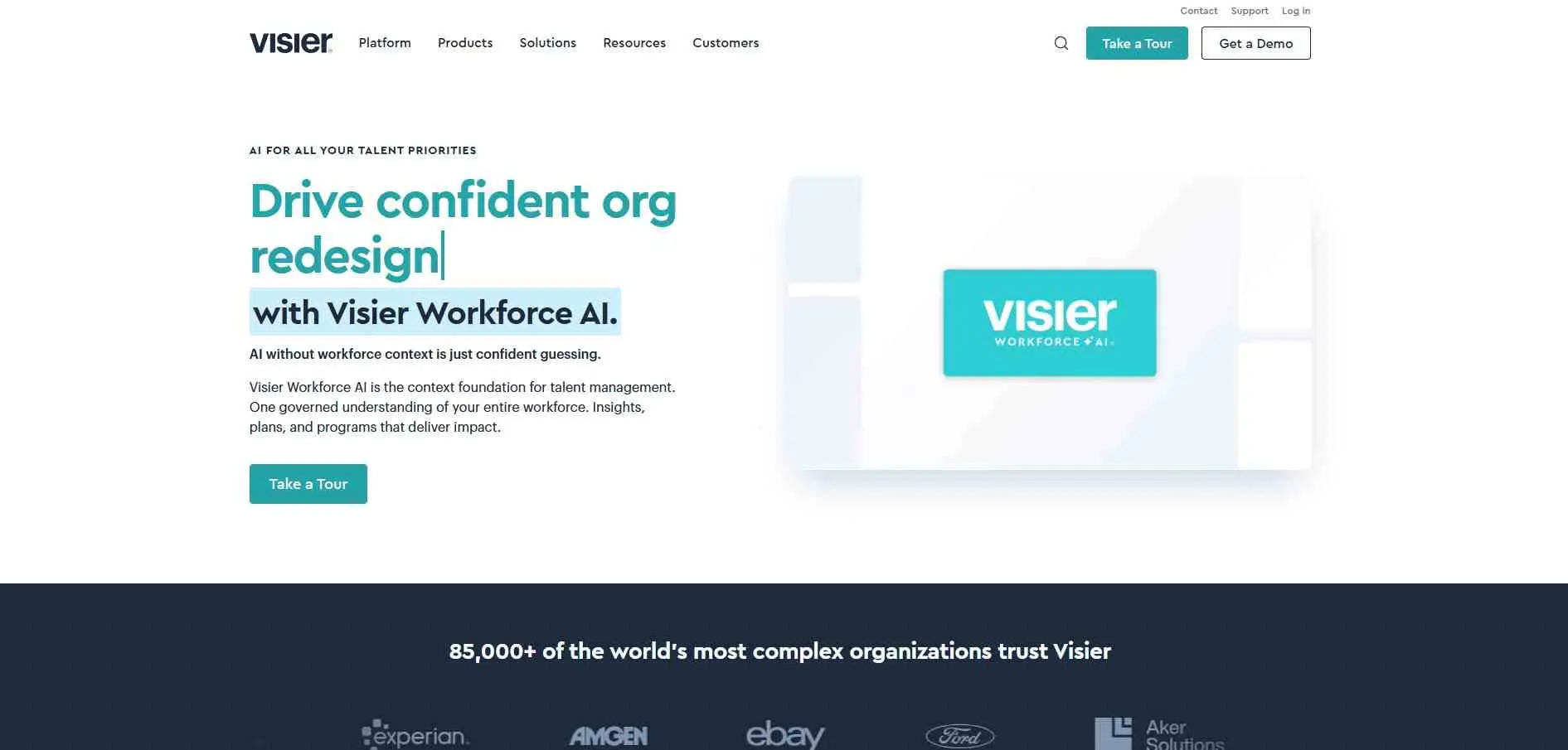
Visier has been focused on people analytics for much longer than the current wave of workforce intelligence products. It integrates HR and workforce data so that HR can explore questions about headcount, turnover, employee movement, workforce costs and organizational change. It can also model what might happen down the line with its workforce planning product and align workforce plans with financial planning.
What It Covers
- People analytics and workforce reporting
- Workforce planning and forecasting
- Workforce cost and organizational analysis
Good Choice For
HR, finance, and business leaders who need workforce information for larger planning decisions.
10. TeamGrid
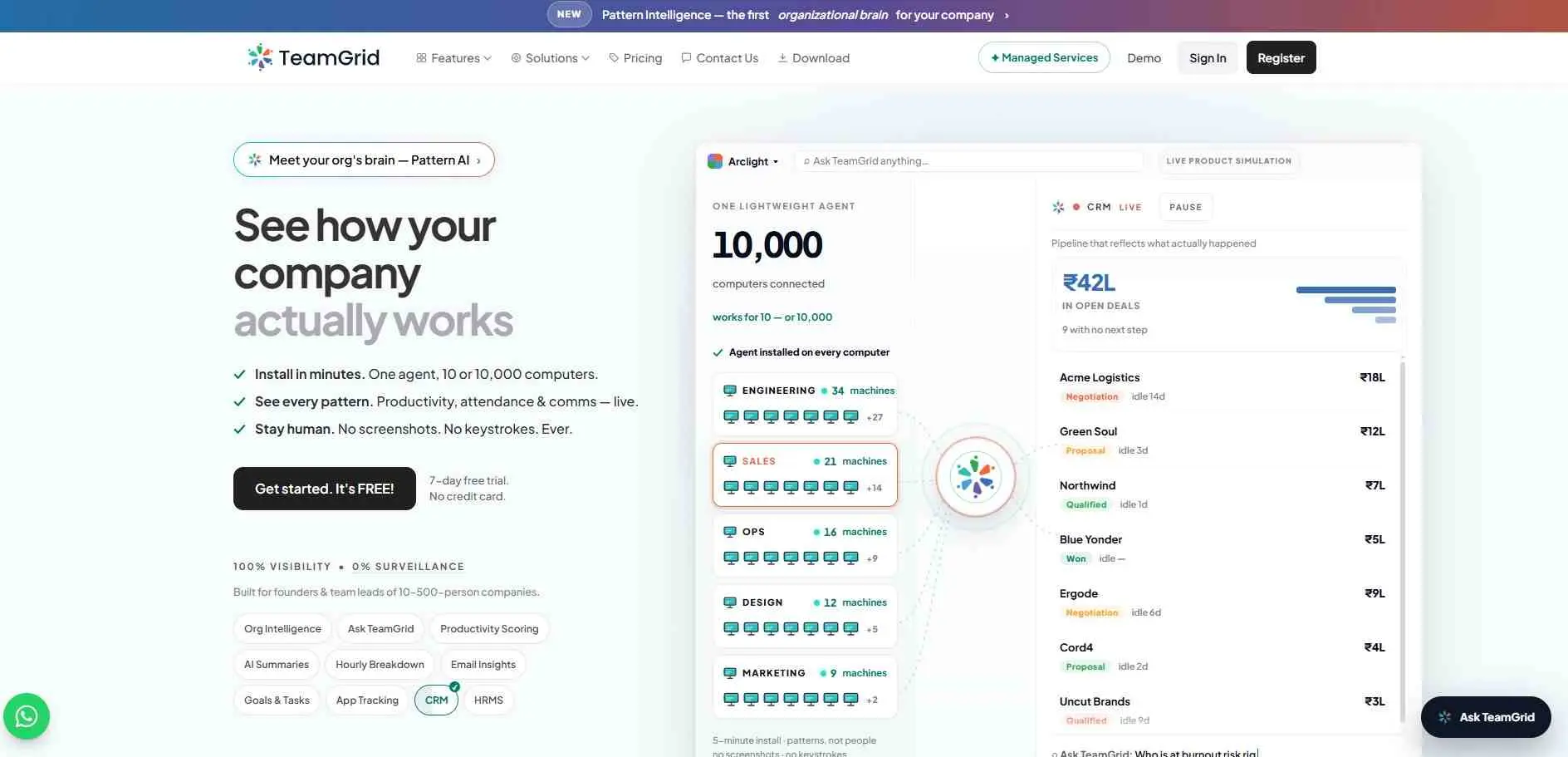
TeamGrid is targeting the daily work part of the market more. The desktop agent tracks app and website usage, active time, meetings, and project context automatically. What the company leans into most is what it doesn`t do — no screenshots, no keystroke logging. That`s a deliberate privacy stance. On the output side, you get productivity scores, work summaries, project tracking, and a view of how work patterns look across the organization.
What It Covers
- Automatic time tracking
- Productivity and work-pattern analysis
- Project and organization-level insights
Good Choice For
Teams that want work visibility without relying on traditional screenshot-heavy monitoring.
11. CurrentWare
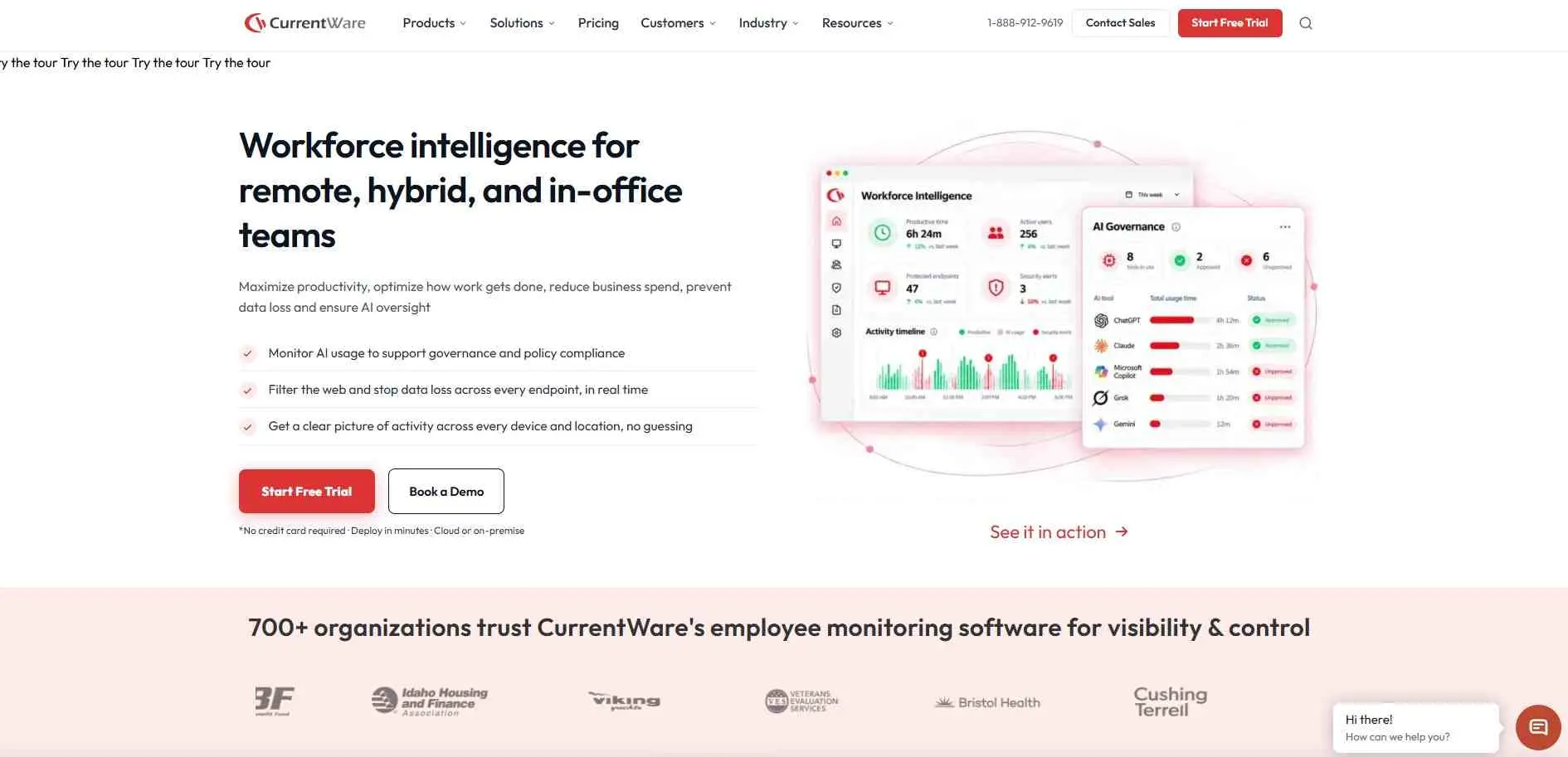
CurrentWare is a modular platform that integrates productivity analytics with internet access control and data loss prevention, an unlikely combination for most enterprise tools of this kind. You are also allowed to purchase its quartet of modules individually or in a bundle since you may only require one to two functions. Supports both cloud and on-premises deployment.
What It Covers
- Computer and web activity reporting
- Screenshot and monitoring controls
- Endpoint security and productivity
Good Choice For
IT, security, and compliance teams that need detailed visibility into employee computer activity
How to Choose Workforce Intelligence Software
Start with questioning what it is that you really want to understand.
If you want to learn about a team spending hours on projects, what workload they have then, Time Champ, Workstatus & Flowace We360. TeamGrid, and ProHance are the closer to that issue. Exploring a platform`s specific tracking capabilities can also help you deeply optimize workforce management by centralizing these operational metrics.
If your concern is skills, employee movement, hiring, or future workforce requirements, Phenom, Cornerstone, and Visier are in a different category. They work with people and organizational data rather than simply tracking computer activity.
There is also the question of monitoring. Some businesses are fine with collecting extensive activity data. Some ask for a lighter touch. Before rolling out the software check what it exactly records.
Conclusion
Workforce intelligence software actually does not have a consolidated definition. The greatest sin of all in the above category is to compare pricing across all eleven, without deciding first which particular problem you are trying to solve. A $4/user/month productivity tracker and a $30/user/month enterprise talent platform are not competing for the same buyer even if both want to call themselves workforce intelligence software. Whatever your actual need, say a category and then chew on it. Spending the time early to figure out what you want to achieve will save you from pouring resources into a platform that may not be well-suited for your team`s day-to-day process.