 Table of Content
Getting a professional logo meant either spending weeks with a designer or you had to settle for something generic you made in PowerPoint. No option felt great.
In 2026, that friction is mostly gone. AI logo tools have matured to the point where a solo founder with zero design experience can walk away with something that looks genuinely polished - in under an hour. The market has also gotten crowded, which makes picking the right tool its own small project. Some tools are built for speed. Others prioritize originality. A few try to do both, with mixed results.
This guide breaks down some of the best AI logo generators available right now - what they're actually good at, who they're best for, and what to know before you commit to one.
What Are AI Logo Generators?
AI logo generators are software tools. They use machine learning to make logo designs. You give them your input, usually it's your brand name, industry, style preferences and color choices. The good ones do more than shuffle templates.
They use trained models, design libraries and generative AI. This helps create logos that feel made for a specific brand. Not just pulled from a pool.
The term "AI logo maker" is used loosely. Some tools really generate logos. They generate artwork each time. Others are essentially smart template engines that rearrange preset elements based on your answers.
How AI Logo Generators Work
Most follow a similar workflow:
- You enter your brand name and optionally a tagline
- You select your industry and preferred visual style
- The AI generates a set of logo suggestions
- You pick one and customize it - adjusting fonts, colors, icon placement, and layout
- You export in your preferred format: PNG, SVG, PDF, or others
More advanced tools build upon these concepts. SologoAI is a tool that lets you draw your idea on a canvas in your browser. Then the artificial intelligence turns your drawing into a nice vector image. Logo Diffusion does not use any templates. It uses a kind of model that creates original art. Most tools sit somewhere in between.
Benefits of Using AI Logo Makers
Save Time. A designer might take days. These tools take minutes. That's not a knock on designers - it's just a different use case. If you need something functional today, AI delivers.
Affordable Branding. Hiring a professional to design a logo can cost a lot of money. It can be a hundred dollars or even several thousand dollars. Most artificial intelligence tools cost than one hundred dollars for all the files you need. For a bootstrapped startup or a freelancer testing a new business idea, that gap matters.
Easy Customization. Any of the tools from this list enable you to switch fonts, color schemes, icons, and layouts without needing to know the design application you are using. Nor, you need to understand the meaning of the word 'vector' in order to produce a vector file.
No Design Skills Needed. The whole point is accessibility. If you can tell what your brand is in one or two sentences that's enough to begin.
Most tools now go beyond the logo itself. Brand kits - with color palettes, social media templates, business card layouts, and style guides - are becoming standard. This is especially useful for businesses building a consistent identity across digital channels, from their website and social profiles to a loyalty app development project designed to keep the customer experience aligned with the brand. That's a meaningful time-saver for early-stage businesses.
Top AI Logo Generators & Free Logo Makers in 2026
1. SologoAI
Overview
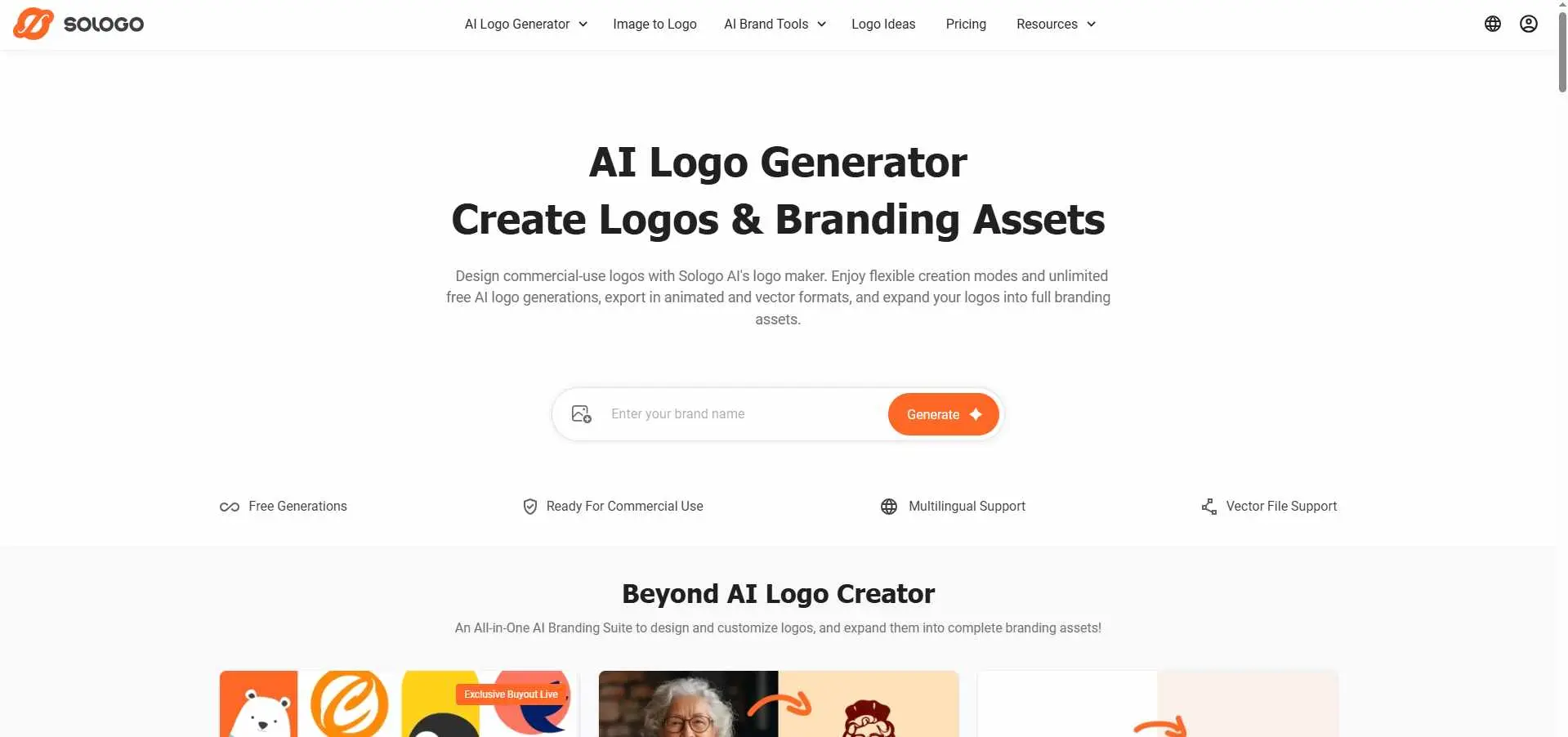
SologoAI is built on a proprietary LoRA-trained model combined with diffusion-based generation, which is a more technical foundation than most tools in this category. It has three input modes. Text-to-logo: input your company name and preferred style, Image-to-logo: upload a picture or a reference image, and Sketch-to-logo: You draw something in the browser. The AI cleans it up.
Best For: Entrepreneurs and small business owners who want fast, flexible logo creation with brand kit support built in.
Key Features:
- Three generation modes: text, image, and sketch
- Brand kit generator (business cards, social media graphics, mockups)
- Exports in PNG, JPG, PDF, and SVG
- Free plan with 10 one-time credits; Standard plan at $19/month or $99/year
- Commercial use license included with paid plans
2. LogoMakr
Overview
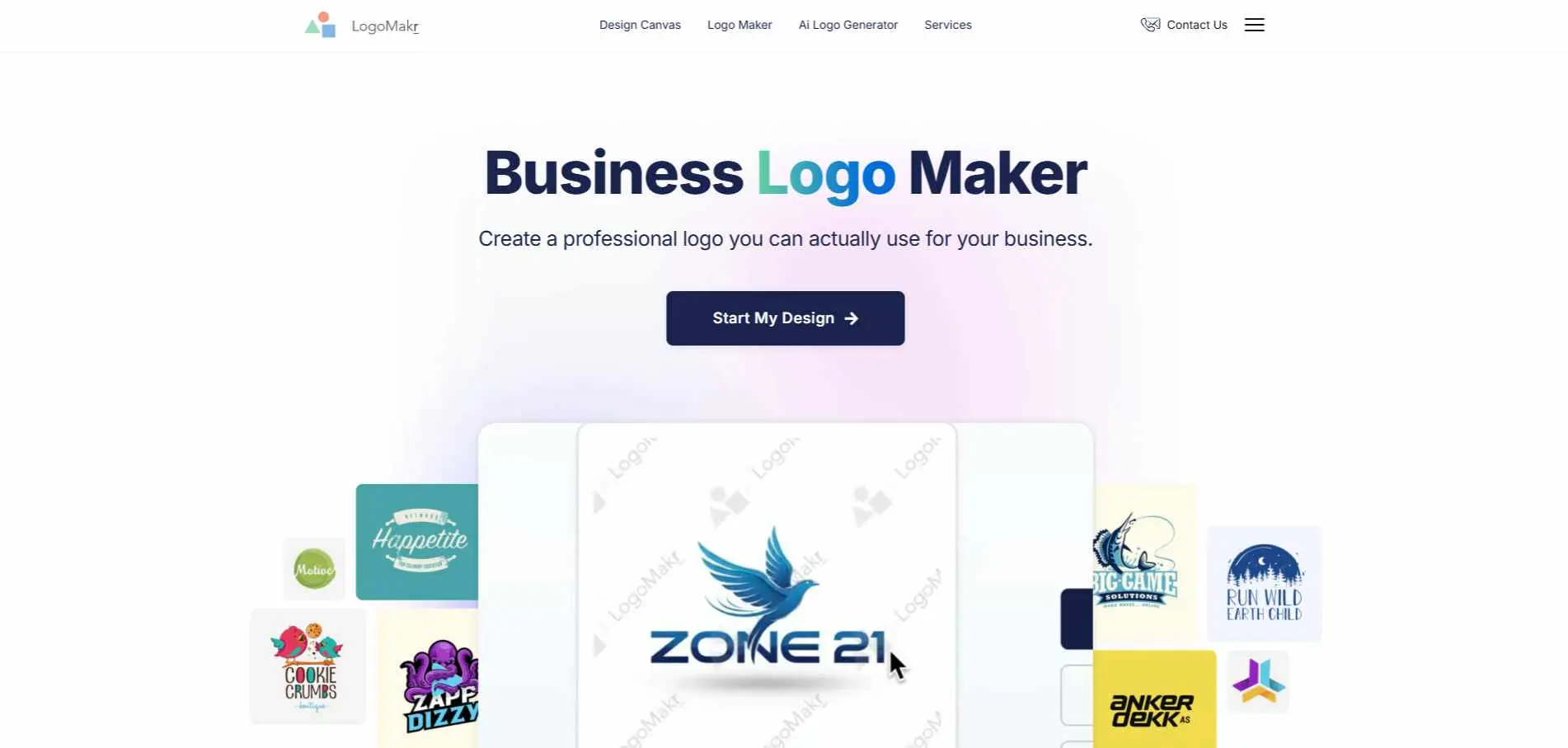
LogoMakr has been around since 2012, which gives it a different feel from the newer AI-first tools. It's more of a canvas editor - you search from over a million shapes and icons, position them manually, add your text, and build something layer by layer. There is a tool that lets you tell it about your brand and it gives you some options. You can download quality pictures for free. To get a quality SVG or PDF you must have to purchase this.
Best For: Users who have a strong preference for controlling layout over relying on automated suggestions by an AI.
Key Features:
- Canvas-style drag-and-drop editor
- Library of 1M+ shapes and icons
- AI logo generator for automated design ideas
- Free low-res PNG; paid plans for high-res and vector exports
- Human customer service team, praised in many reviews
3. Looka
Overview
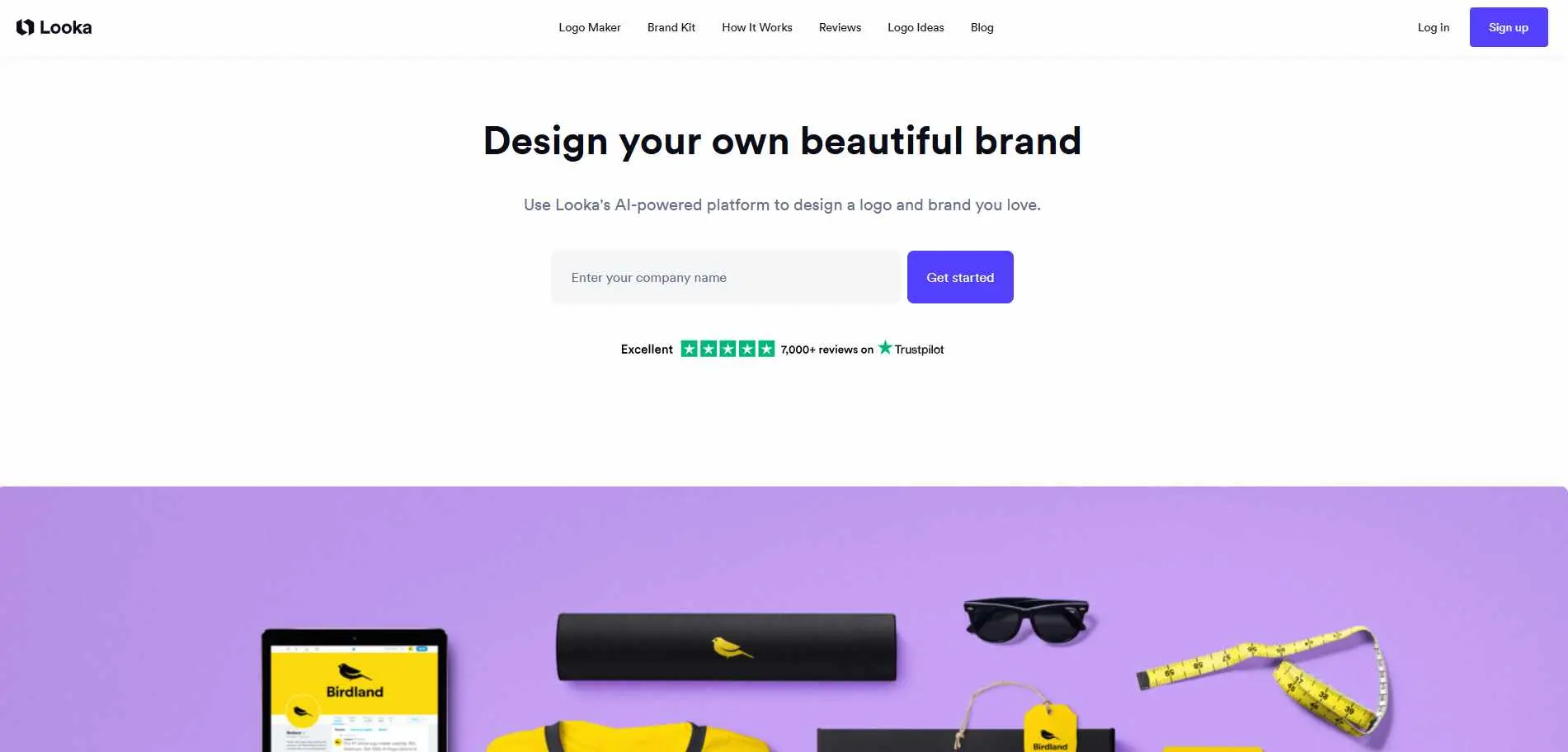
Looka (formerly Logojoy) is one of the most recognized names in this space, and for good reason. Feed it your industry, style preferences, and color choices, and it generates a large batch of logo options quickly. What makes Looka worth considering beyond the logo itself is the brand kit - it packages your logo with social media templates, business cards, email signatures, and brand guidelines. The $65 dollar Premium package includes edits plus vector files, such as SVG, EPS and PDF which is good value for a new business.
Best For: People who start their businesses and small business owners need a logo that is made quickly and can be used in many ways and they also need a brand kit that goes with it.
Key Features:
- AI generates a high volume of logo options based on style/industry inputs
- Comprehensive brand kit with 300+ assets (subscription tier)
- PNG, SVG, EPS, and PDF export
- Pricing: $20 Basic, $65 Premium logo packages; $96/year for full Brand Kit
- Unlimited edits on Premium plans
4. Brandmark
Overview
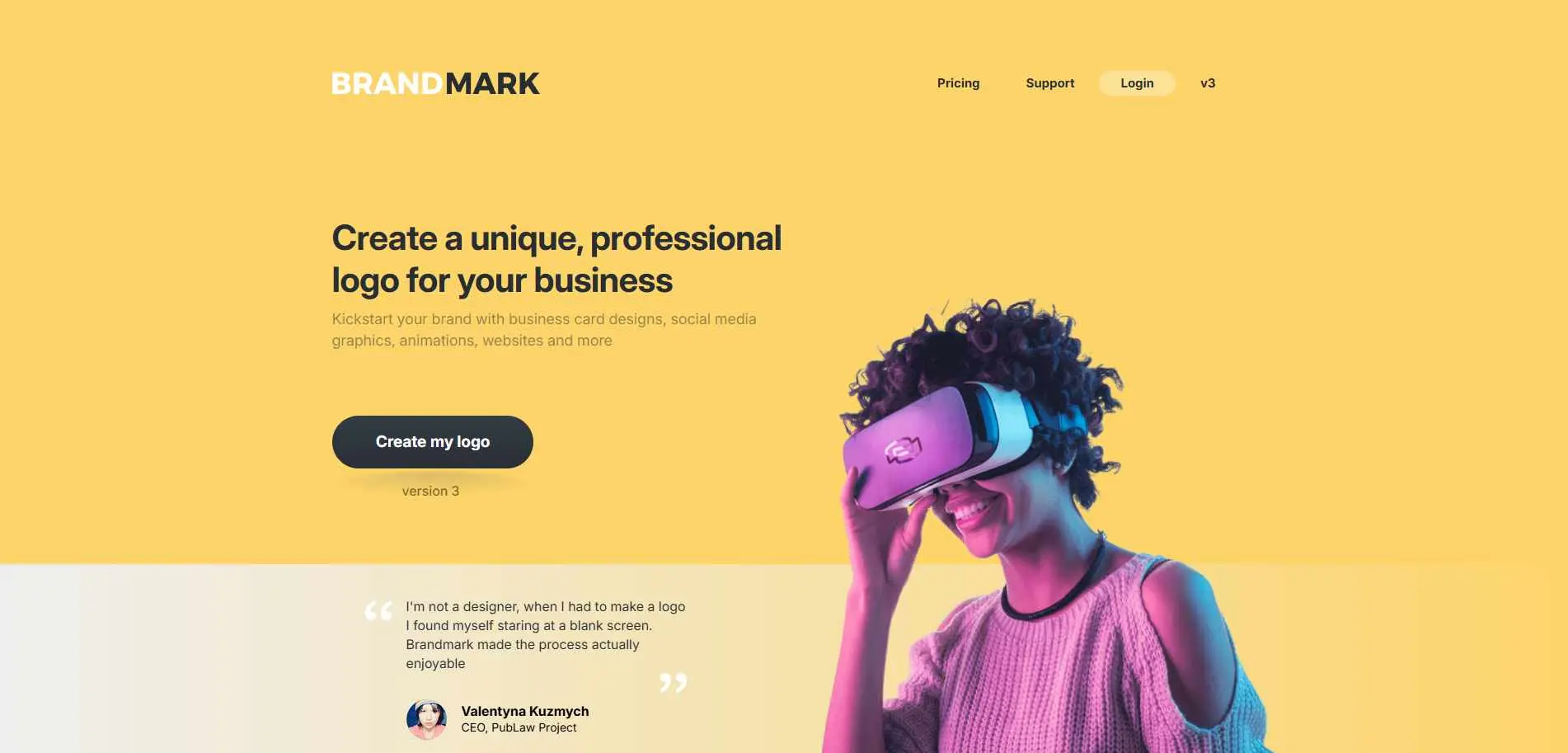
Brandmark uses neural networks to generate logos, which tends to produce output that looks noticeably different from the template-heavy tools. The designs lean modern and clean - good for brands that live primarily on digital surfaces. One thing that makes SologoAI different is that it offers a high end plan. This plan includes up to ten logo ideas made by a team of designers.
This makes it a good option if you want to use intelligence to make things faster but you also want some help, from real people. It costs more than some options but the logos you get are usually good.
Best For: Companies who want a logo that looks modern and is willing to pay for it to look really good.
Key Features:
- Neural network-based logo generation (not template assembly)
- Includes app icons, social media assets, and brand collateral
- Human design team option at Enterprise tier
- One-time payment structure
- Exports in SVG, PDF, and high-res PNG
5. Logomakerr
Overview
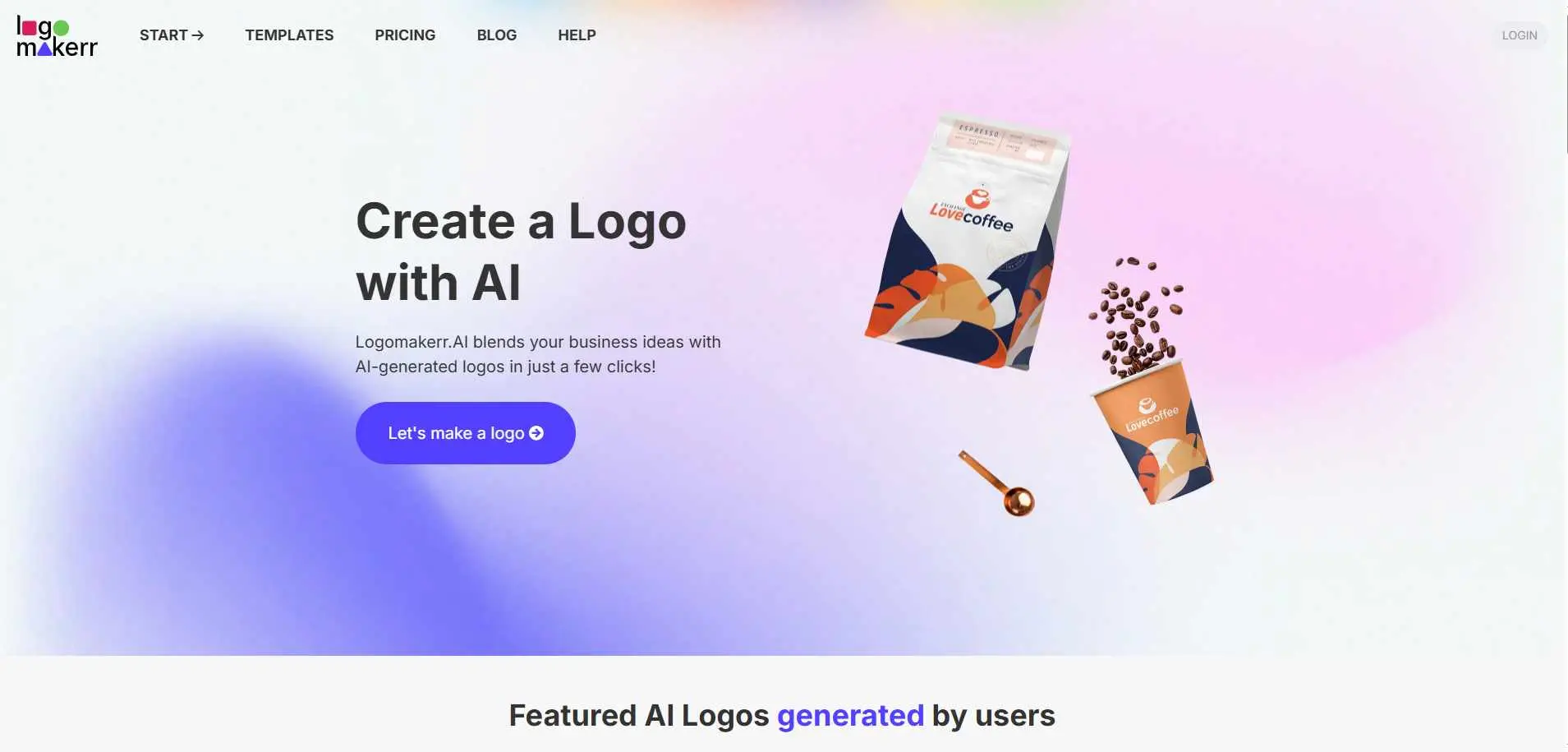
Logomakerr keeps things simple: you enter your business name select a style and the artificial intelligence has logo options ready in under five minutes. It is a way to start for anyone who finds the more feature heavy tools overwhelming. The free plan lets you explore logo designs before committing to pay, you pay when you want to download the logo files. The interface is clean. The results are usable though it does not offer the depth of customization.
Best For: People who are making a logo for the time and anyone who wants to make a logo quickly and easily.
Key Features:
- AI logo generation in under five minutes
- Simple, guided creation flow
- Free design exploration; paid downloads
- Font, color, and icon customization
- PNG and SVG download options
6. LOGO.com
Overview
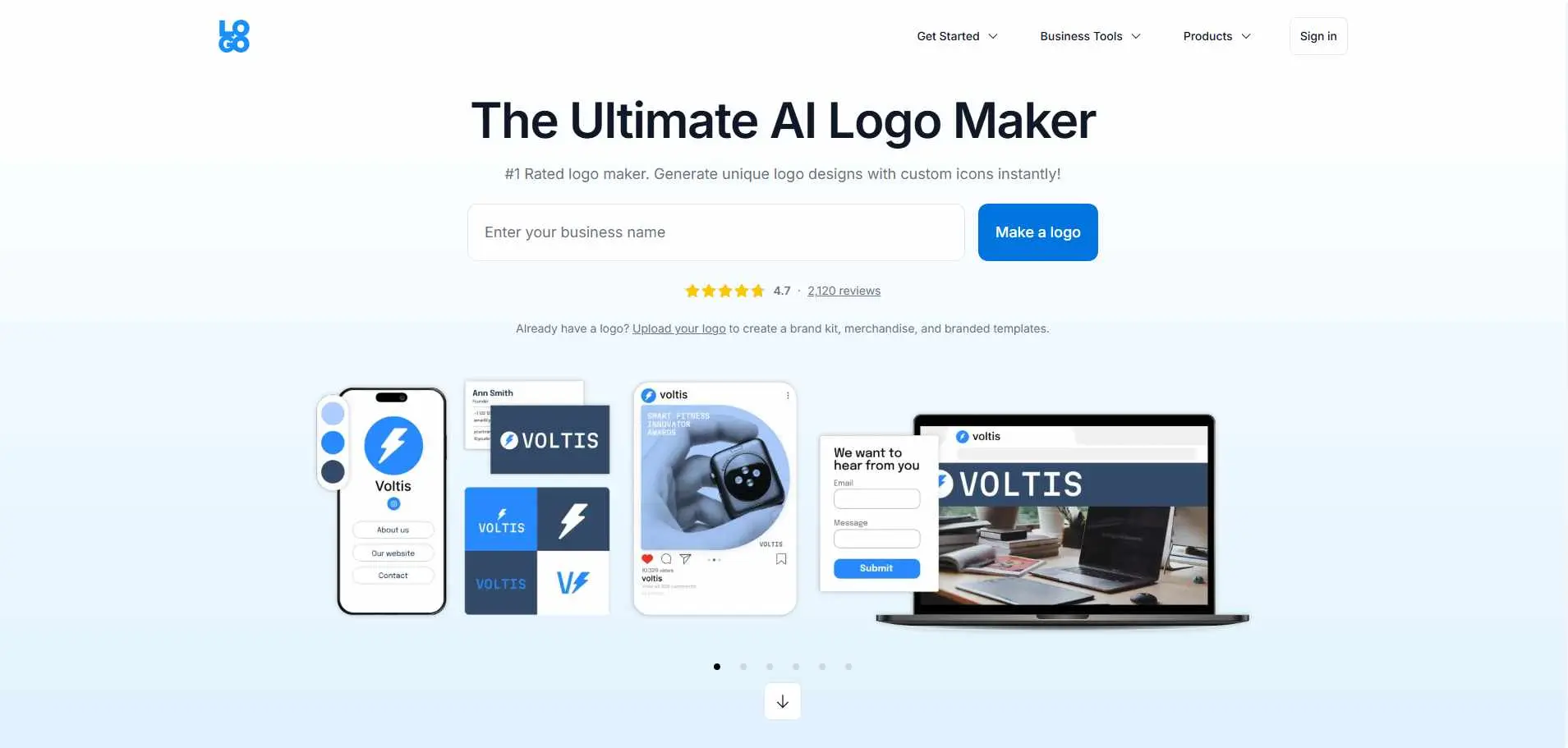
LOGO.com positions itself as a full branding hub, not just a logo tool. Beyond the logo generator, it includes a website builder, business card creator, and social media asset tools - all connected to the same brand identity. The free exploration mode means you can generate and preview logos without creating an account, which lowers the barrier to getting started. For a new business that wants to handle branding and web presence in one place, LOGO.com removes a few steps from the process.
Best For: New businesses that want logo creation and basic website setup handled together under one platform.
Key Features:
- AI logo generator with free exploration mode
- Integrated website builder
- Business card, social media, and marketing asset tools
- Brand consistency tools across all outputs
- Free tier available; paid plans for downloads and web features
7. Logo Diffusion
Overview
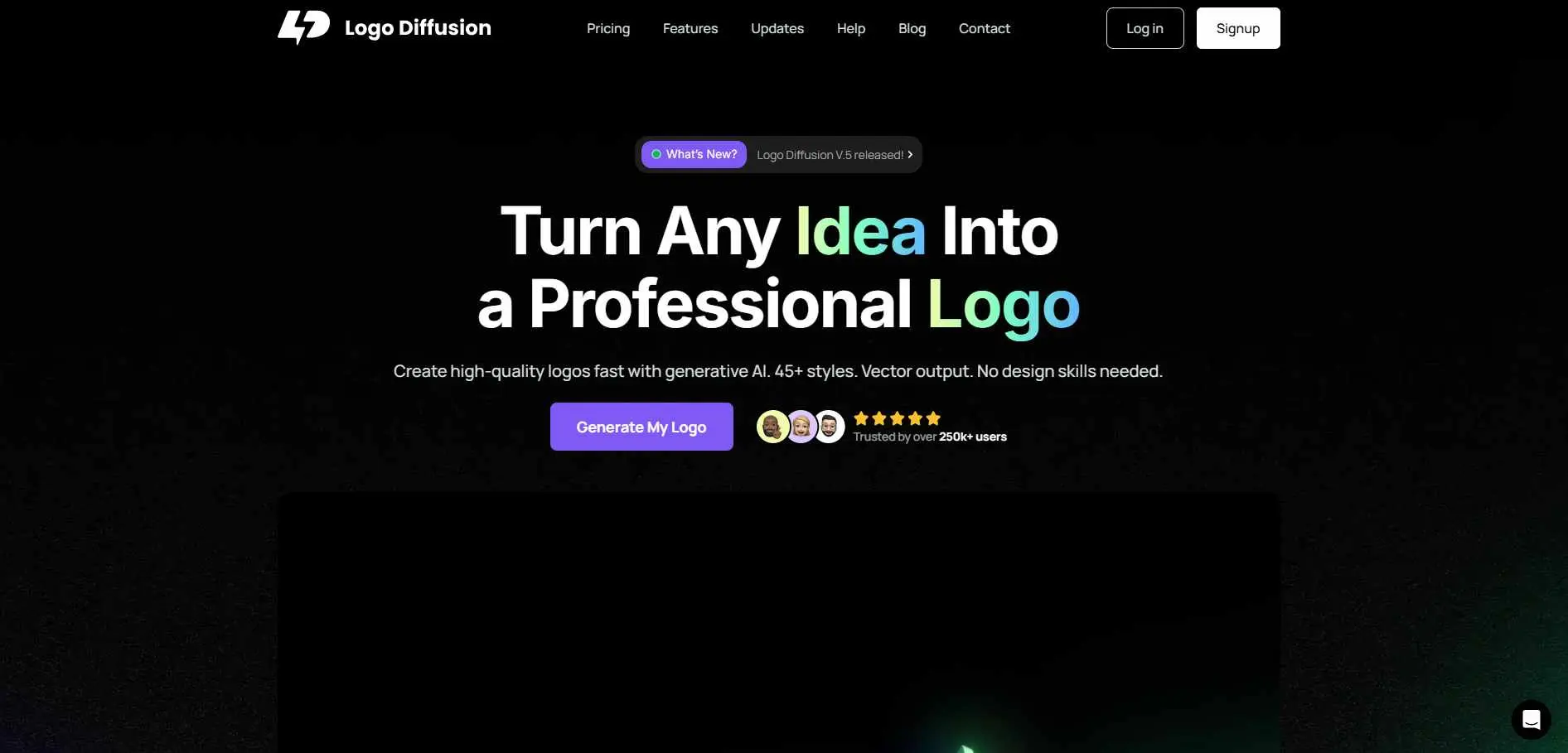
Logo Diffusion does something different from most tools on this list: it's genuinely generative. Rather than mixing and matching from a library of preset icons and fonts, it uses a diffusion model to produce original artwork. That means results that can be more distinctive - and more unpredictable. If you generate ten options and none quite fit, you keep generating. The tool rewards iteration.
Best For: Designers, agencies, and brands that want original, non-template-driven logo art and don't mind iterating.
Key Features:
- Diffusion model generates original artwork (not template-based)
- Text-to-logo with style and concept prompts
- Vector export (SVG)
- Subscription pricing: $24 Basic / $49 Pro / $99 Elite per month
- Best results come through iteration and prompt refinement
8. LogoAI
Overview
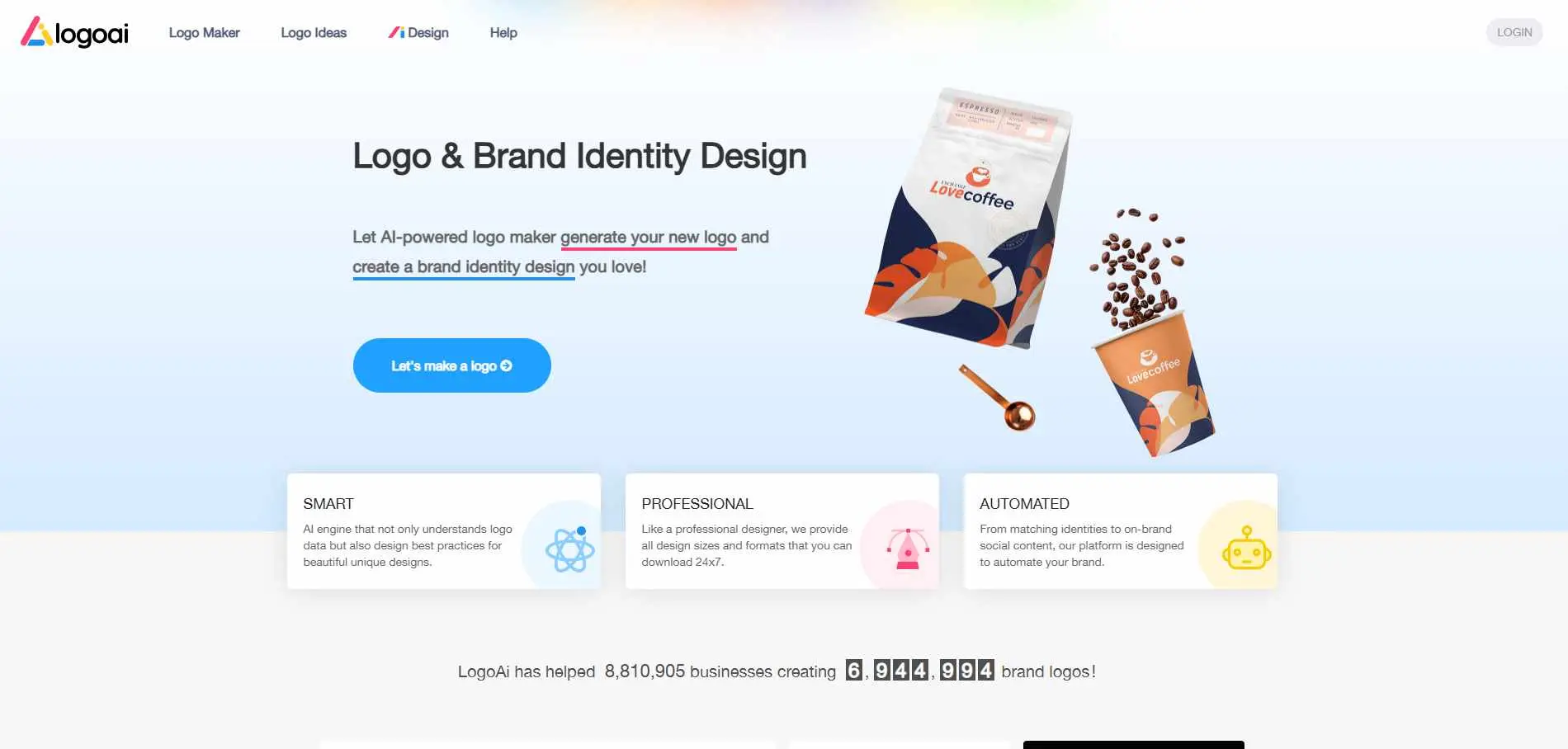
LogoAI takes your brand name and a few preferences, then proposes logo combinations using standard design elements - fonts, icons, and color pairings. The AI handles the assembly and matching, which saves time, though the building blocks themselves are more conventional than what you'd get from a generative tool like Logo Diffusion. The output is professional and clean. It won't always be deeply distinctive, but it's consistently usable. No free downloads - you browse generated options and pay when you find something you like.
Best For: Businesses that want a logo that looks professional and do not have to learn how to use tools to get one.
Key Features:
- The system suggests logo combinations based on your brand name and what you like.
- Brand collateral: business cards, social media assets, brand guidelines
- One-time payment structure (no subscription required)
- High-res PNG and SVG export
- Logo animation feature on select plans
9. Logopony
Overview
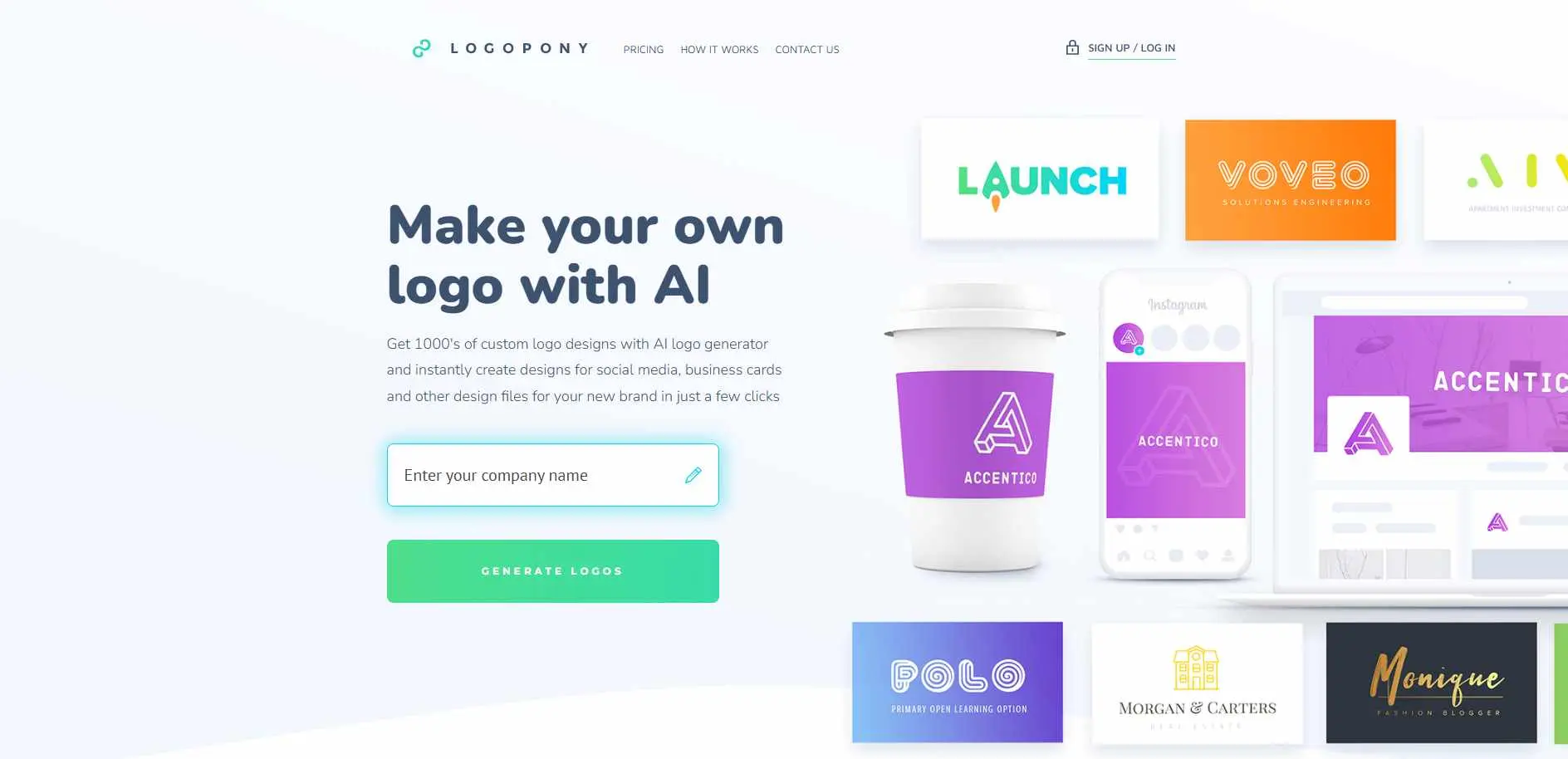
Logopony trained its algorithms specifically on professional design principles to generate logos that hold up over time - not just ones that look trendy today. To make a logo you enter your company name, pick the style you like, choose the two colors and pick up to five icons. The system will give you some options. You can keep changing things until you are happy. The one-time payment model is a genuine selling point: you pay once and get 30+ logo files, unlimited edits, and lifetime re-downloads. This tool is good for people who do not want to pay every month just to get to their logo files.
Best For: This is best for businesses and small business owners who want a clean logo made by AI and a complete set of files, without having to pay every month..
Key Features:
- AI trained on professional design data for timeless results
- 30+ logo files on purchase (web, print, social media formats)
- Full branding kit: business cards, favicons, social media graphics, style guide
- One-time payment with unlimited edits and lifetime re-downloads
- 150,000+ icons and shapes to choose from
10. Zoviz
Overview
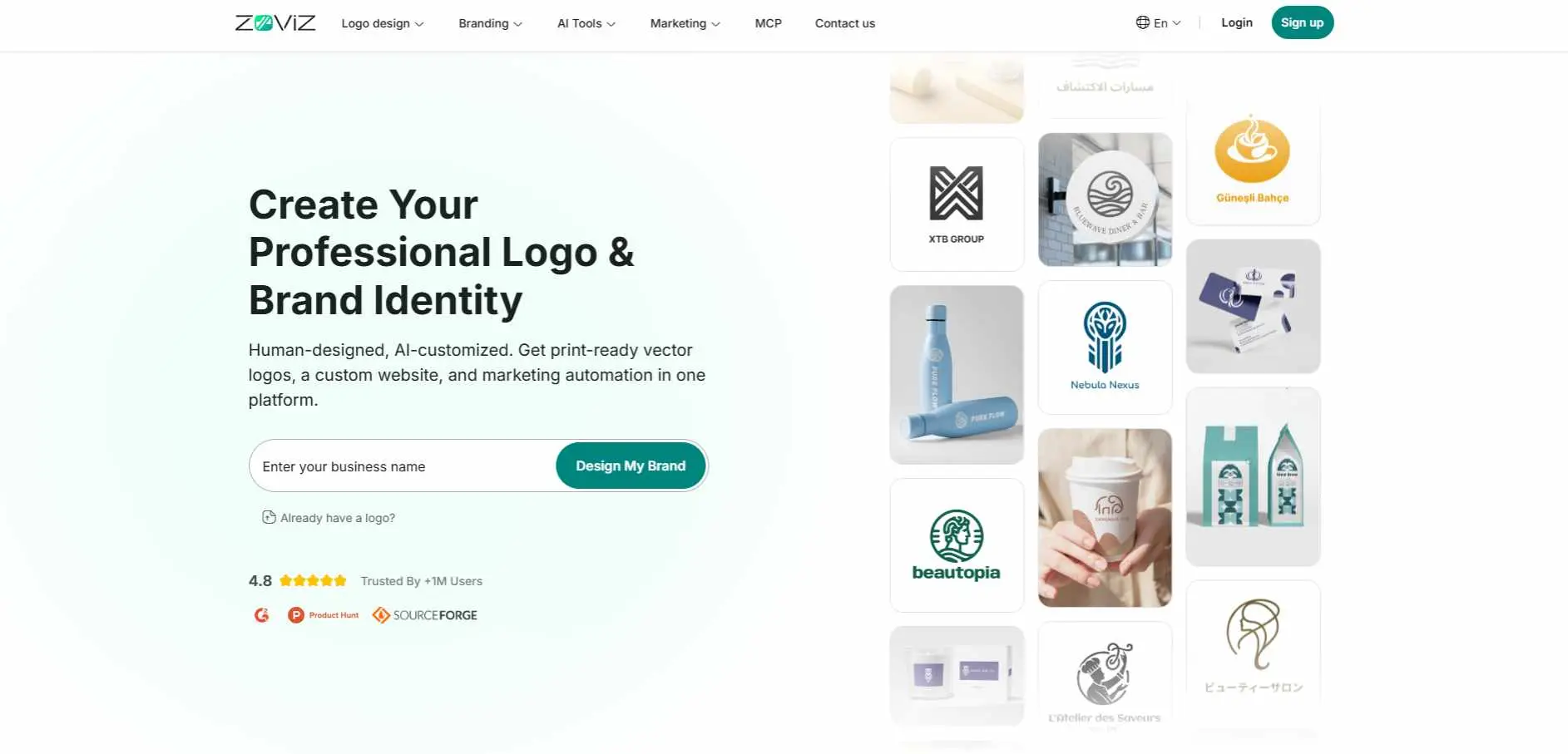
Zoviz thinks beyond the logo file. Where most tools hand you a PNG and call it done, Zoviz generates a full brand identity package - stationery, product mockups, social-ready versions of your logo, and visual guidelines, all at once. If you're launching a business and need everything from the logo to branded letterhead to Instagram-ready assets in one session, Zoviz removes a lot of the back-and-forth that usually comes later. The one-time paid package model means you get everything upfront rather than unlocking assets piecemeal.
Best For: New businesses that want every branded asset - not just a logo - delivered in one go at launch.
Key Features:
- AI-generated logo with full brand identity package
- Stationery, mockups, and social media asset sets included
- Brand guidelines and color palette export
- One-time purchase pricing
- Good for industries with lots of visual touchpoints: hospitality, retail, food, services
How to Choose the Right AI Logo Maker
What do you actually need? A quick logo for a side project is different from a brand kit for a business launch. Know which one you're solving for.
How much customization do you want? Tools like LogoMakr and Logo Diffusion reward people who want to iterate and control details. Tools like Looka and Logomakerr are faster but trade some flexibility for speed. If you want even more hands-on creative control than logo makers offer, a look at dedicated graphic design platforms may help you find the right fit.
What file formats matter? For print, embroidery, or signage, you need SVG or EPS vector files. Check what each tool includes in its paid plan - some bury vectors behind the highest tier.
Subscription or one-time? Logopony, Brandmark, and LogoAI use one-time pricing. Looka and Logo Diffusion lean on subscriptions. If you only need a logo once, a subscription rarely makes sense.
Try before you buy. Every tool on this list lets you generate and preview logos for free. Use that. Don't commit based on screenshots alone - run your actual brand name through the tool and see what comes out.
For those who want more creative input beyond AI-generated designs, Penji Graphic Design Service provides professional support for refining logos and building a cohesive visual identity.
Conclusion
The practical barrier to getting a professional logo is lower in 2026 than it's ever been. Most of these tools will get you something usable in under an hour, for under $100, with full commercial rights. The bigger question is fit - which tool matches how you like to work and what you actually need at the end of it.
For most small businesses and solo founders, Looka, SologoAI, or Logopony will cover the bases well. For designers or agencies who generate logos regularly, Logo Diffusion is worth the subscription. For anyone who wants everything - logo, mockups, stationery, social assets - in one pass, Zoviz is built for that.
Pick the one that solves your actual problem. Then stop tweaking and go build your business.