 Table of Content
Picking an ERP is one of those decisions you don't get to redo for a while. Get it wrong, and you're stuck for years with a system that fights you on every invoice, every stock count every month-end close. Get it right, and half your admin headaches just quietly disappear.
That's the part of any "best ERP software" list: there isn't one best option. A small Shopify store with 5 employees and a large manufacturer with 3,000 staff have different requirements for enterprise resource planning software, so this guide will not name the best ERP system in general. Instead, learn what are the top choices for companies in 2026, which organizations can use them, and how to pick the right solution.
What ERP Software Actually Does
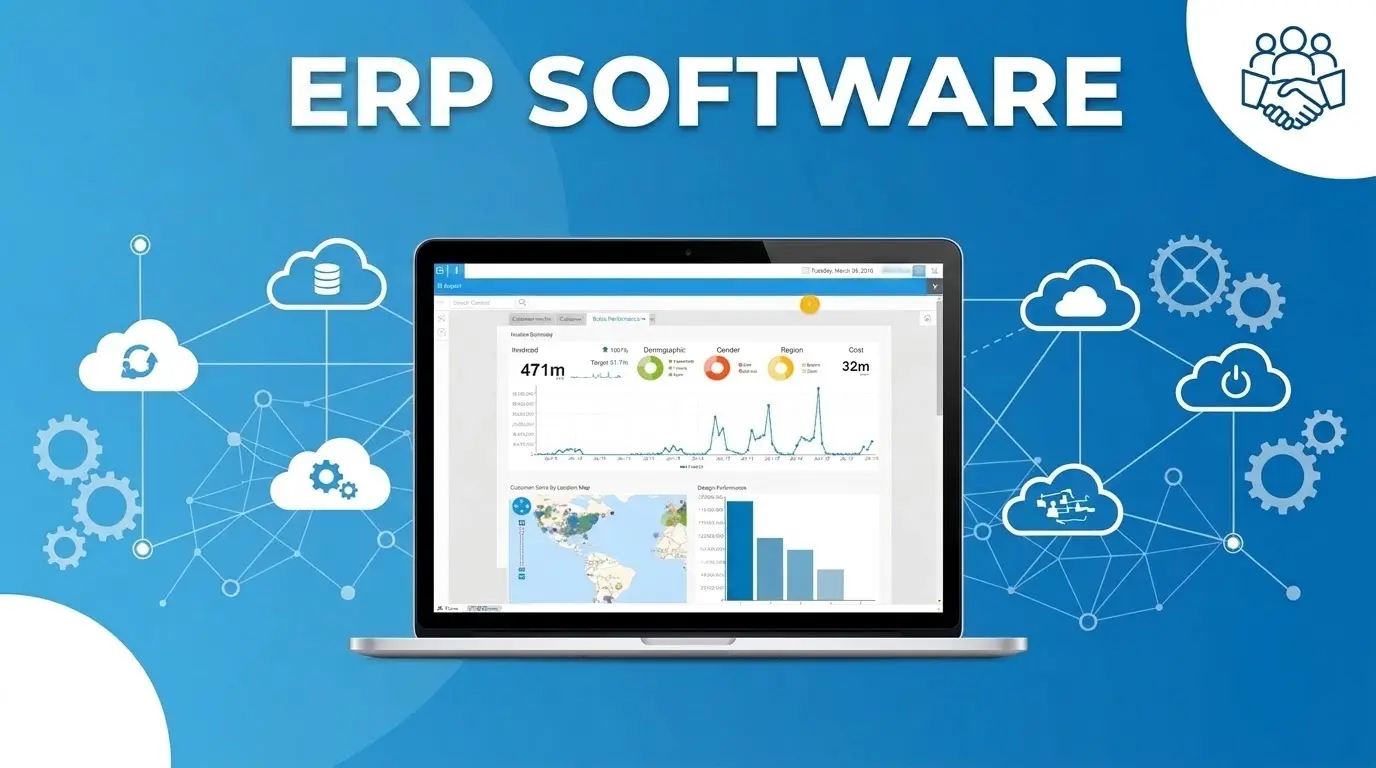
ERP stands for Enterprise Resource Planning. It’s one system that holds your finances inventory orders and HR data. Without it you are often using five spreadsheets that don't talk to each other plus someone copying numbers between them every week.
While many companies start by looking at general business management software, a full ERP connects these disparate functions into a single operational hub.
When ERP software works well, your sales team can see real stock levels. Finance stops re-typing numbers from another tool. Operations can spot a supply problem before a customer does. Panorama Consulting's most recent report found that most companies who set up an ERP see real productivity gains. Makes sense - stop duplicating work across five spreadsheets and things tend to move faster.
What's actually different in 2026
Most ERP vendors now offer some kind of AI assistant. Some of these are genuinely useful. Many AI tools still fail to deliver actual performance that matches their marketing claims. Before trusting any tool, you must require the vendor to demonstrate its functionality using your company’s own data, rather than relying solely on presentation slides.
The bigger change is speed. Cloud-based systems with standard setups can now go live in three to six months. Older ERP systems often took 18 months or more. Pricing has also changed. Pay-as-you-go pricing used to be rare. Now even large, older vendors offer it.
Best ERP Software of 2026
1. Acumatica
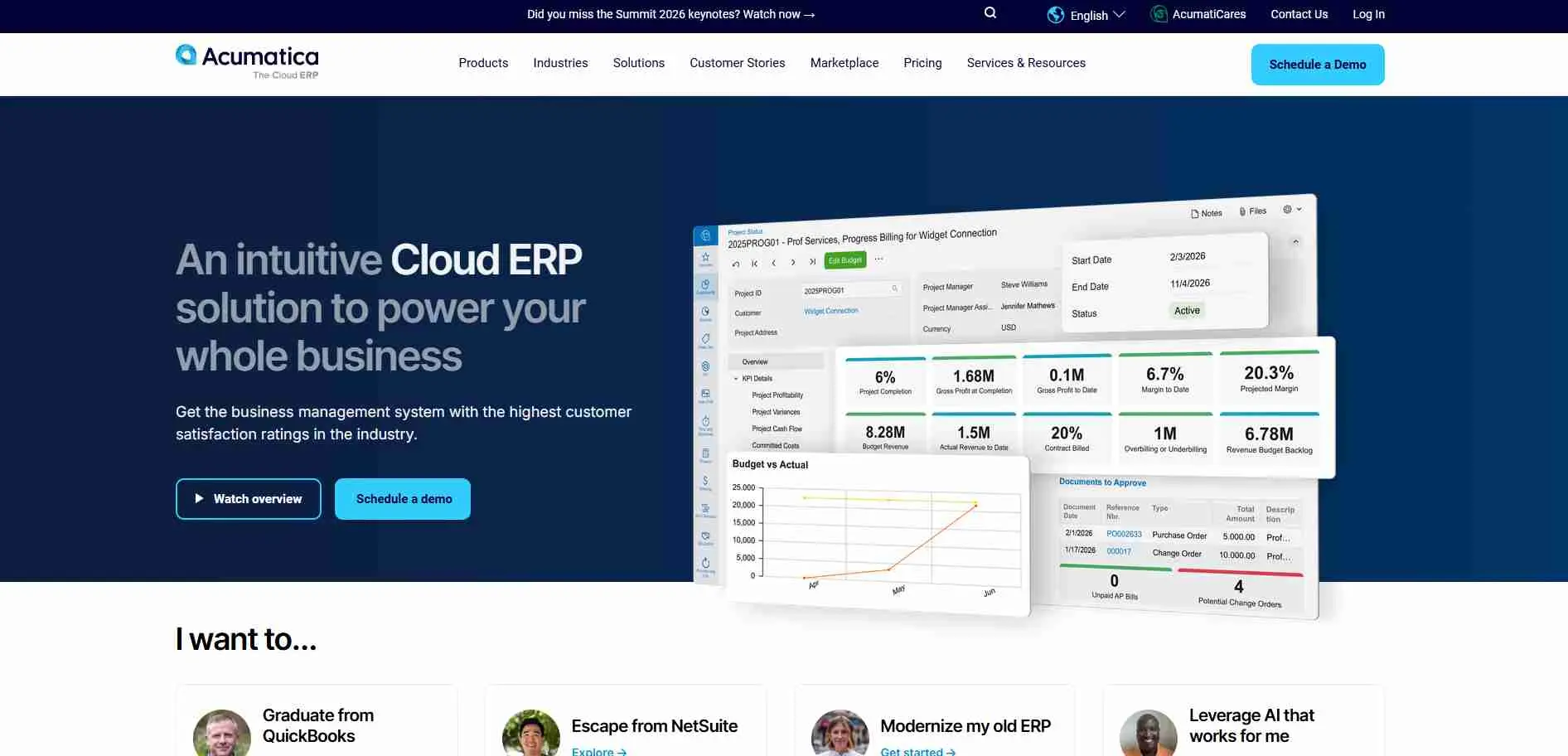
Acumatica charges based on how much you use, not a fixed price per user. This works well for companies with staff or fast-growing teams. Its 2026 update added a plain-language AI assistant that can answer questions about your data and build dashboards without digging through menus.
Key features:
- Pricing based on usage, not a strict per-user fee
- Real-time reports with no delay
- Special versions built for manufacturing, distribution, construction, and field service
Best for: mid-size companies that want flexible, usage-based pricing
2. Aptean
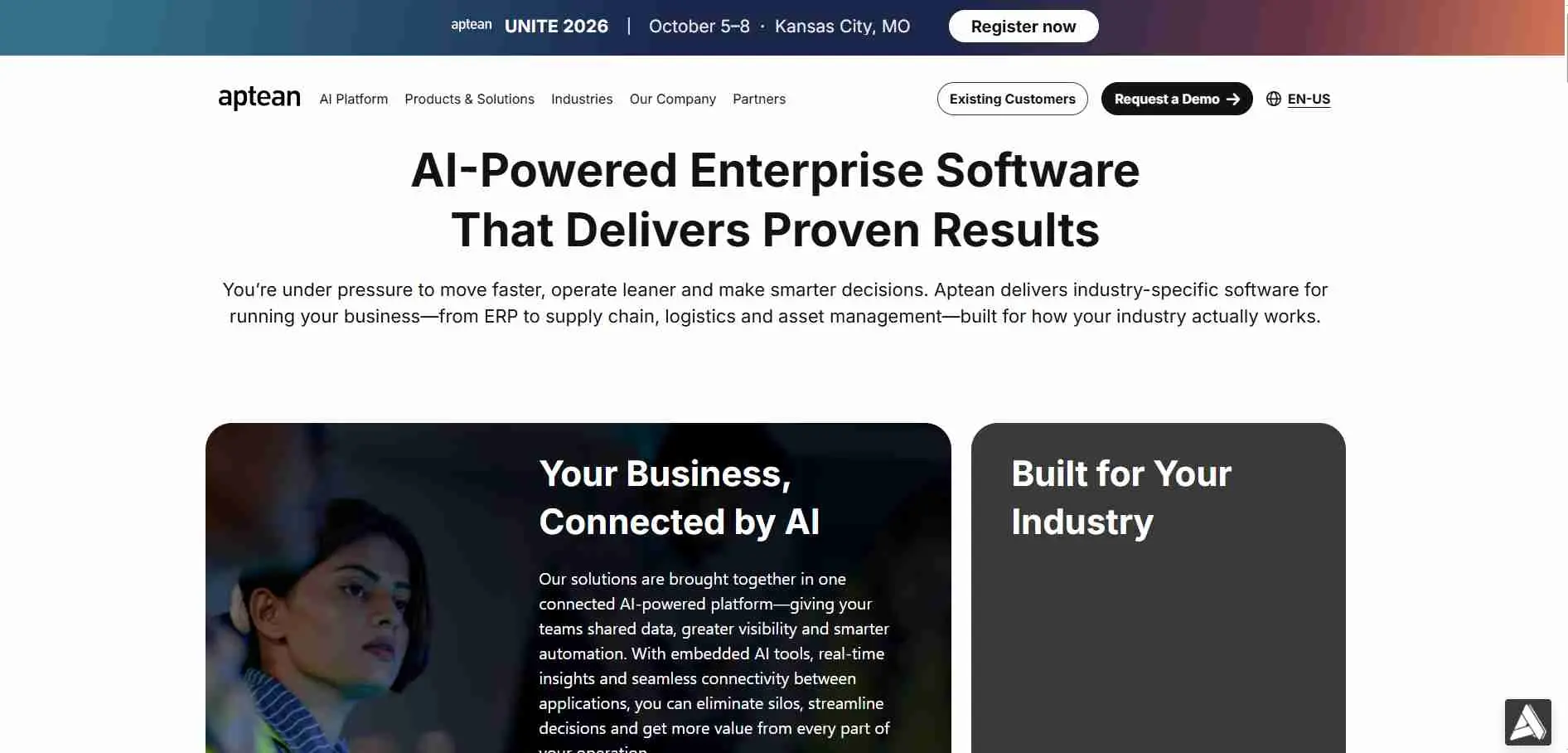
Aptean expanded by purchasing smaller companies that specialize in ERP for specific industries. Having one single platform it provides a variety of products designed for particular fields such as food and beverage, clothing or chemicals. If your industry has a requirement like keeping track of product batches or handling recipes Aptean probably already has a solution for that.
Key features:
- Industry-specific products for food, apparel, chemicals, and more
- Built-in tools for compliance and tracking in regulated industries
- Available in the cloud or on your own servers
Best for: niche manufacturing and distribution industries
3. Certinia (formerly FinancialForce)
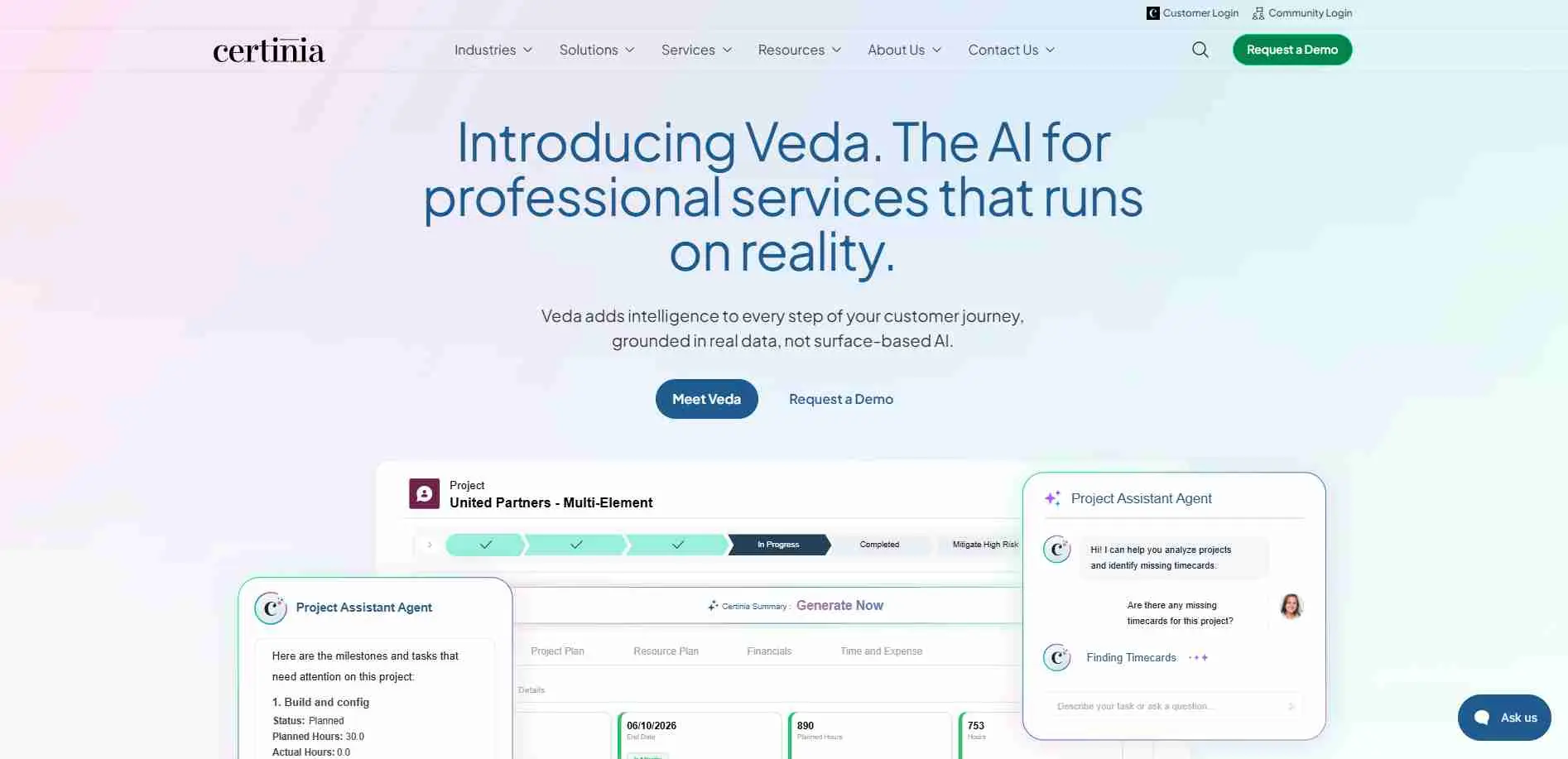
Certinia runs directly inside Salesforce and uses the same data, so sales, project, and finance teams all work from one record instead of two separate systems. It's especially strong for service businesses - consulting firms, agencies, software companies billing by project. What it doesn't do is manufacturing or warehouses, so it's not a good fit for those businesses.
Key features:
- Built directly into Salesforce, using the same data with no extra setup
- Tools for project billing, staffing, and tracking utilization
- Revenue tracking built for service and subscription businesses
Best for: professional service firms already using Salesforce
4. Deltek
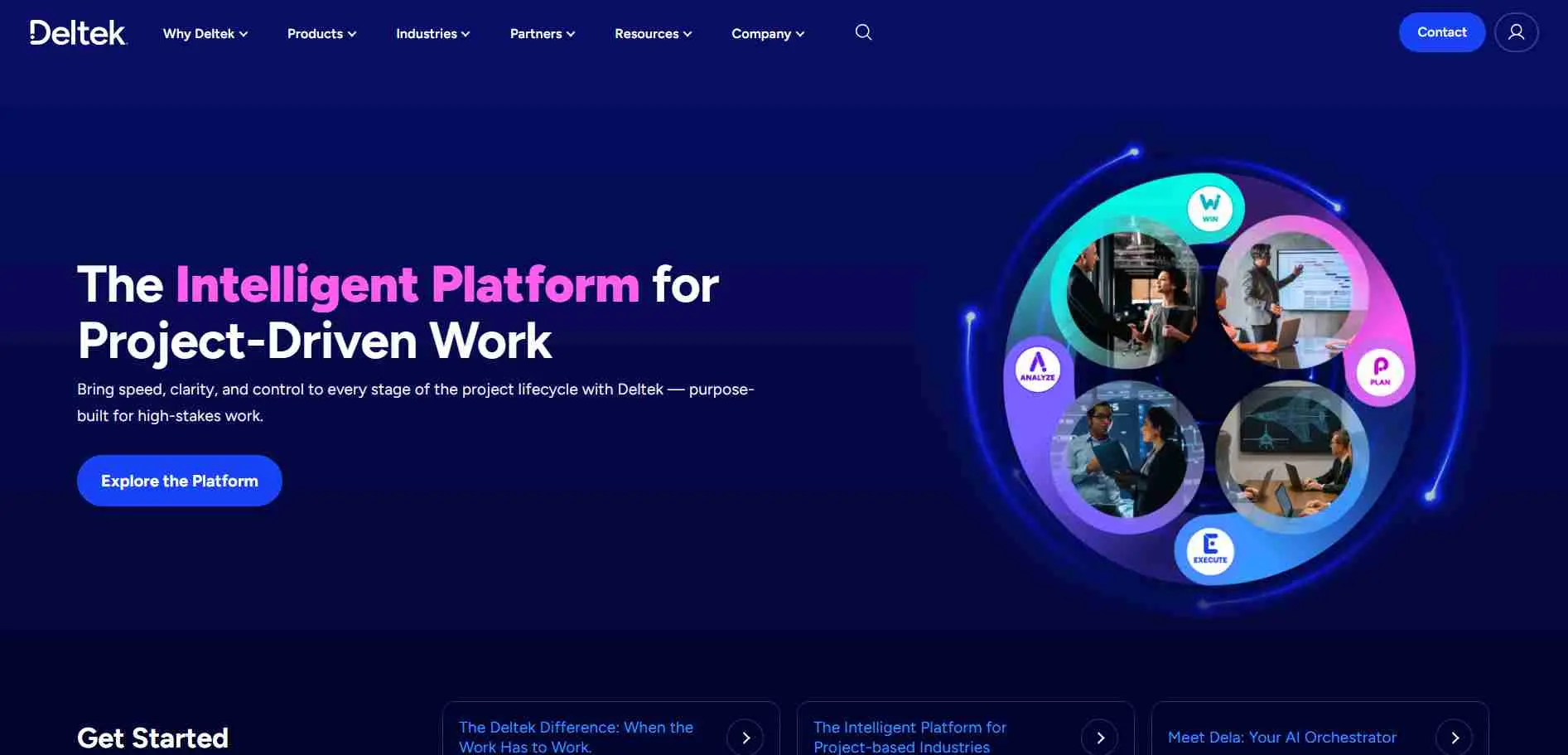
Deltek is the top option for companies that charge based on projects instead of products. Government contractors rely on it because it's built to meet federal cost accounting rules. Its Vantagepoint product also serves architecture, engineering, and consulting firms with similar project-tracking needs.
Companies managing client agreements alongside project billing sometimes also look at dedicated contract management software to handle the compliance side.
Key features:
- Tools built specifically for government contract compliance
- Project-based cost tracking, billing, and resource planning
- Strong reports on project profits and staff utilization
Best for: project-based businesses like government contractors, architects, and engineering firms
5. Epicor
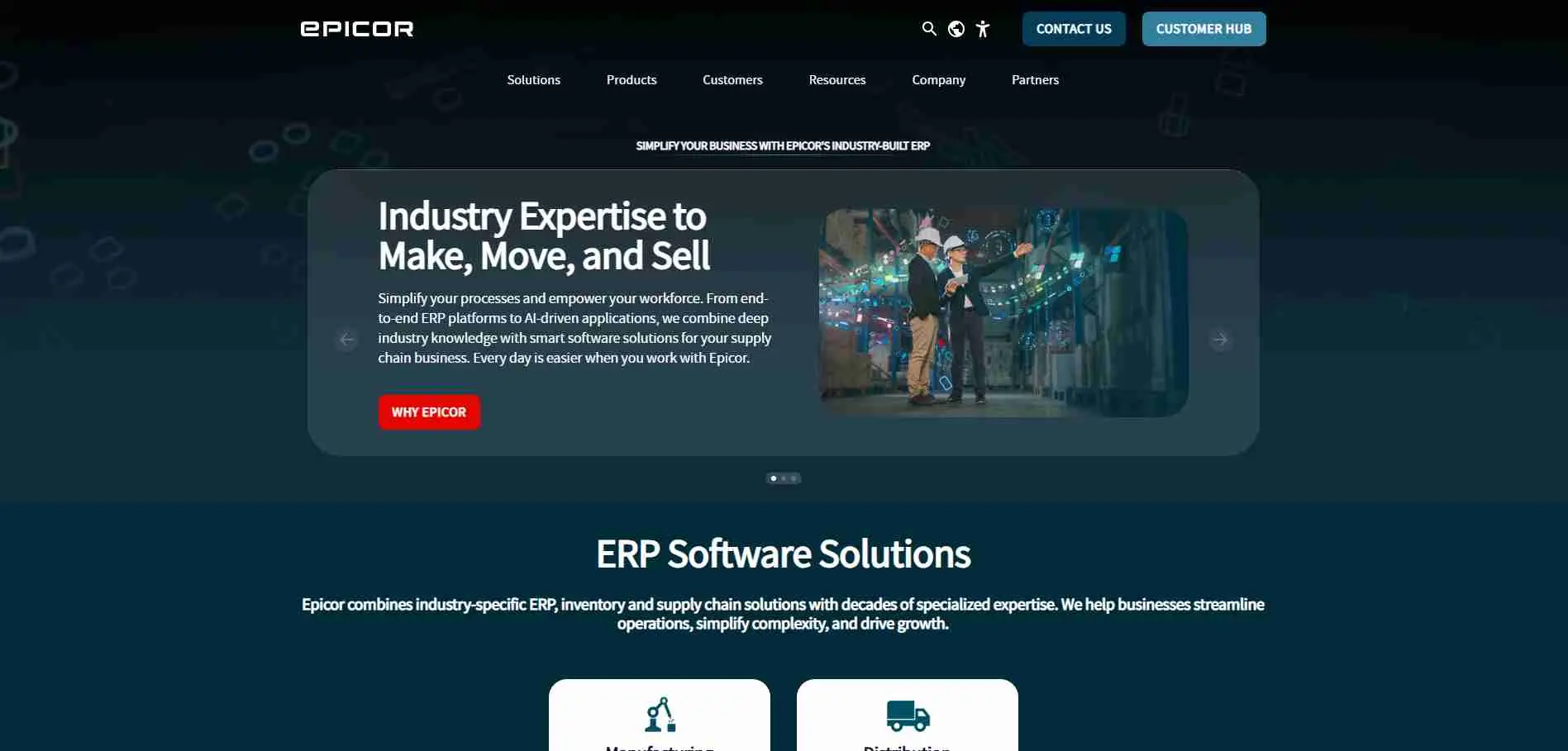
Epicor is known for deep, industry-specific tools. Its Kinetic platform handles make-to-order and mixed manufacturing well, areas where more general systems often struggle. It's a common choice for mid-size industrial companies that need real shop-floor detail, not just basic accounting.
Key features:
- Detailed manufacturing tools, including shop-floor scheduling
- Specific versions for distribution, automotive, and industrial machinery
- Can run in the cloud, on your own servers, or a mix of both
Best for: manufacturers and distributors with specific industry needs
6. ERPNext
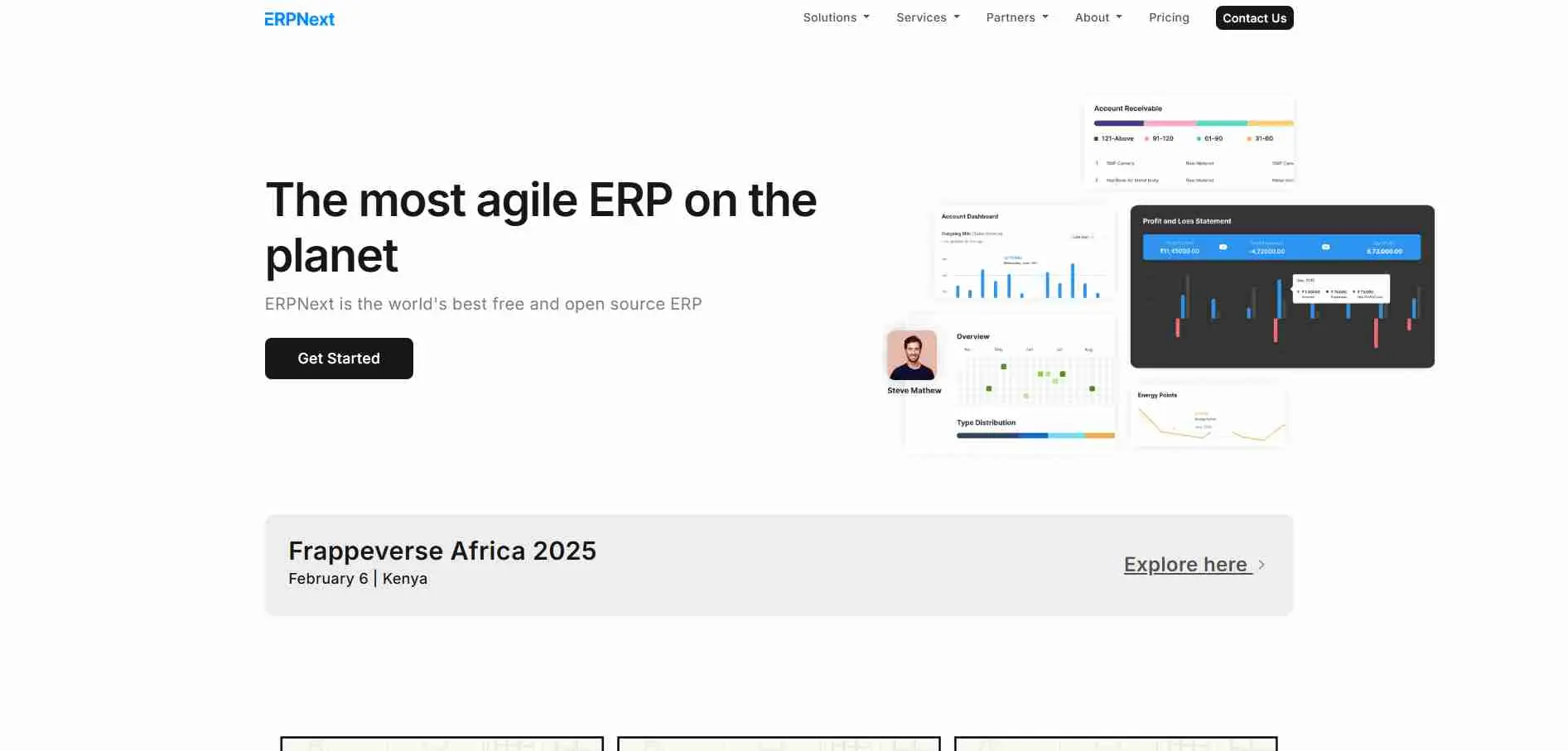
ERPNext is fully open-source. You can host it yourself for free, and only pay if you want the vendor's cloud hosting and support. It has a wide range of tools covering accounting, manufacturing, HR and customer management for a tiny fraction of the price of other systems. The downside is you probably will need some technical expertise in-house, or a partner, to get the most from it.
Key features:
- Free and open-source, with paid cloud hosting as an option
- Wide range of tools: accounting, manufacturing, HR, customer management, projects
- Active user community and a system you can freely customize
Best for: budget-conscious businesses that want full control of their system
7. Fulfil
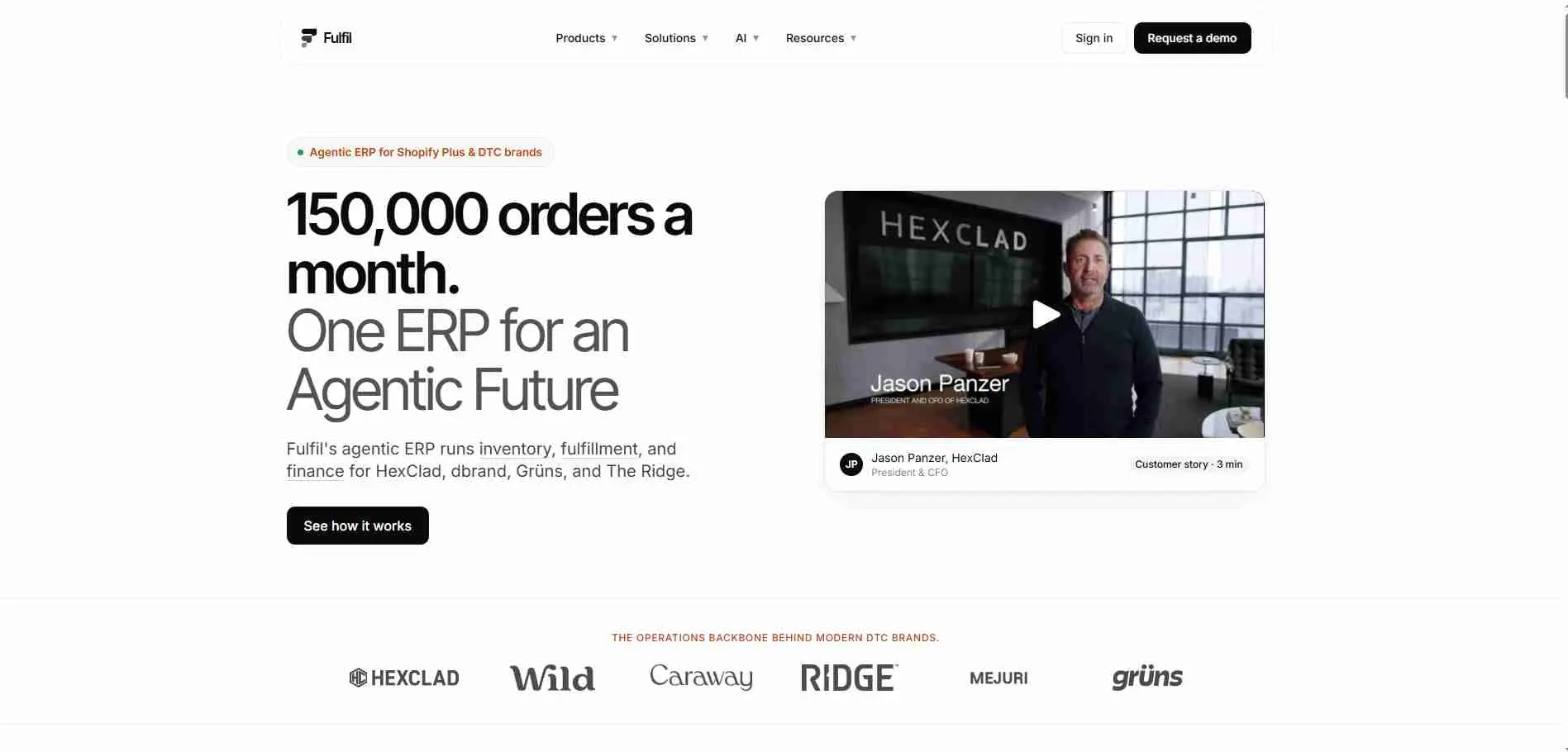
Fulfil was created for online sellers who handle orders from multiple places different from systems that were originally made for general manufacturing. It links directly with Shopify and Amazon. Manages inventory across several warehouses, sends orders to the right place and handles manufacturing all in one spot. This is very helpful when a direct-to-consumer brand moves past the tools that come with its store.
Key features:
- Direct connections to Shopify, Amazon, and major shipping carriers
- Order management across multiple sales channels with live inventory updates
- Built-in tools for manufacturing and managing several warehouses
Best for: fast-growing ecommerce and wholesale brands
8. GenetiQ
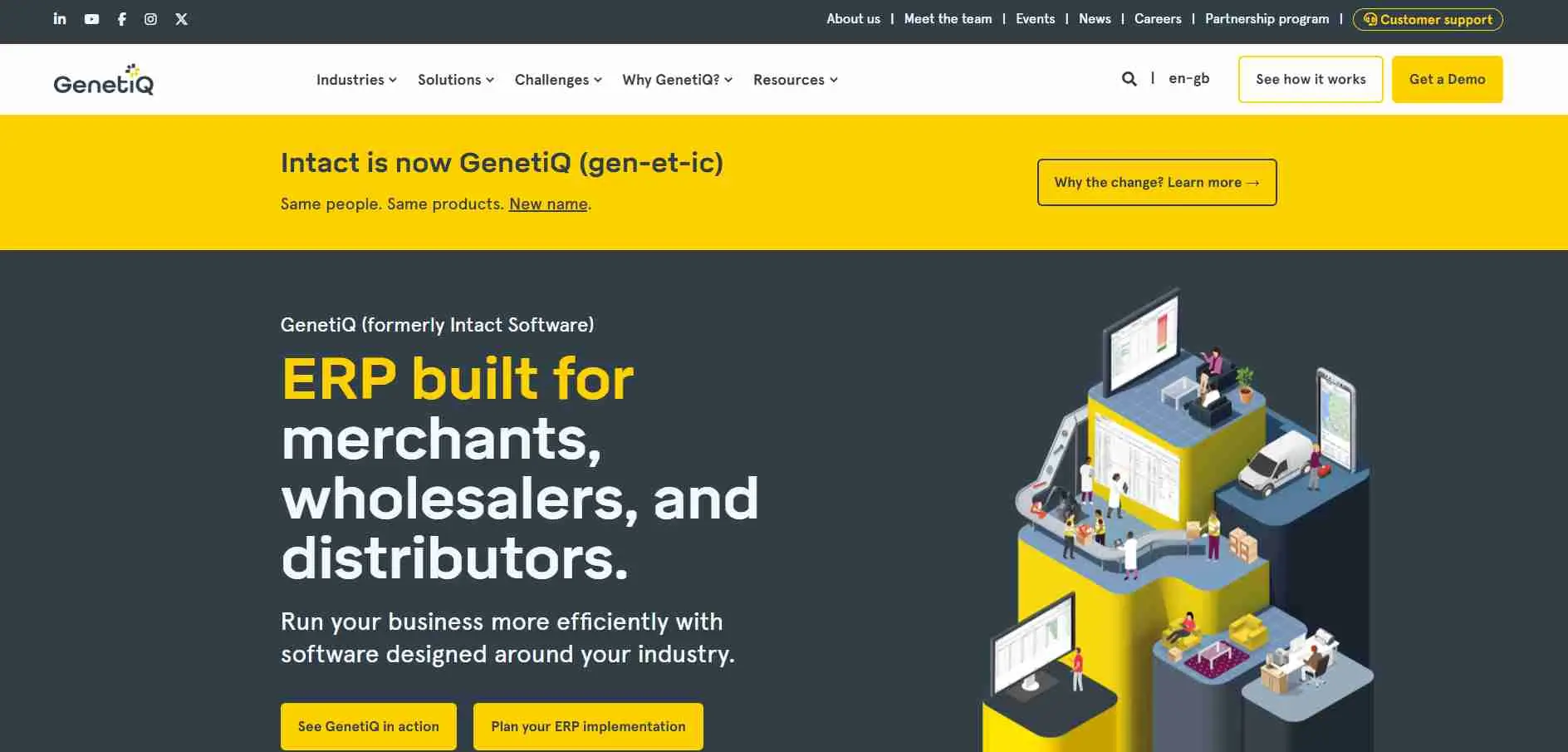
GenetiQ, made by longtime vendor Intact, is a cloud-based system built specifically for merchants and distributors, backed by 30 years of experience in that industry. It focuses heavily on flexibility - screens, workflows, and menus can be adjusted without custom coding, which matters because distributor processes rarely match generic ERP setups.
Key features:
- Built specifically for building materials and wholesale distribution
- Screens and workflows can be adjusted without custom development
- Business intelligence and automation included as standard, not sold separately
Best for: building material, lumber, and wholesale distribution businesses
9. Infor
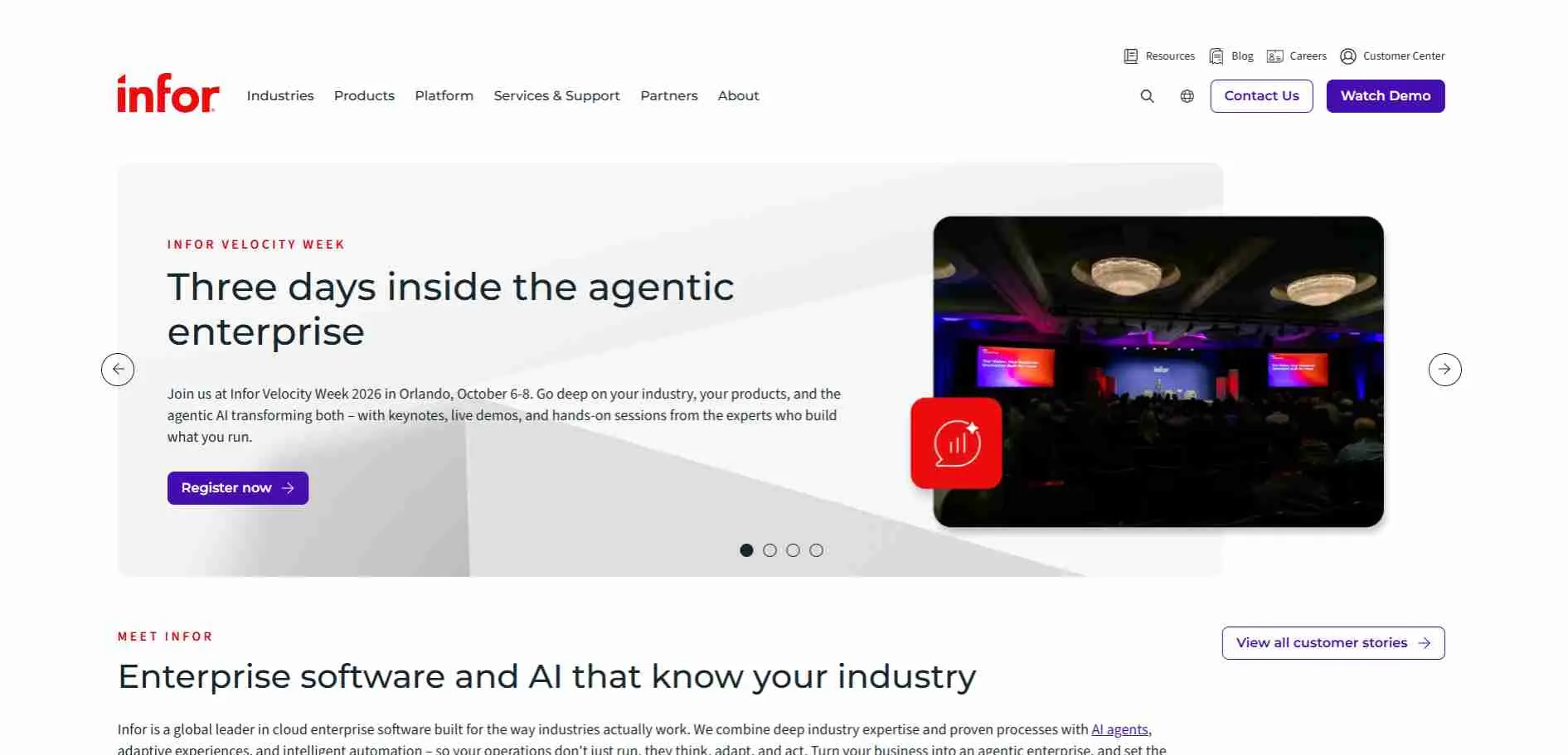
Instead of one general system, Infor builds separate versions for different industries - CloudSuites, they call them. The upside is the industry-specific stuff is already built in, so you're not paying a consultant to bolt it on later.
Key features:
- Separate CloudSuite versions built for specific industries
- Built-in AI and analytics through its Infor OS platform
- Strong presence in manufacturing, healthcare, and hospitality
Best for: companies in specific industries like healthcare, hospitality, or fashion
10. Syspro
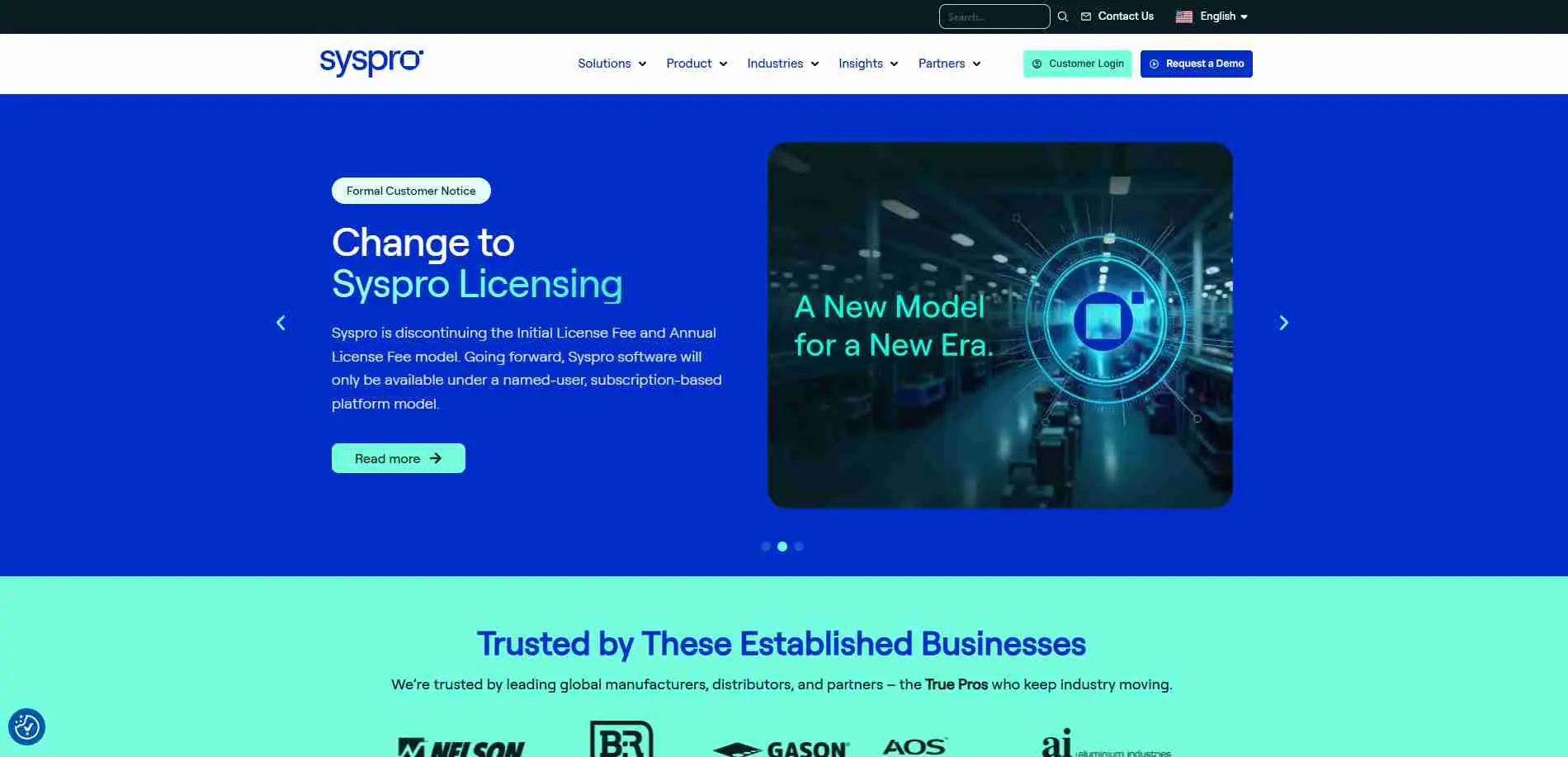
Syspro doesn't try to be everything to everyone - it's stuck to manufacturing and distribution for decades. That focus shows up in the details: bills of materials, work orders, inventory costing, the unglamorous stuff that actually makes or breaks a factory floor. It's not going to wow anyone in a sales demo, but if you want solid manufacturing tools without an enterprise price tag or an enterprise-sized headache, it's a reasonable bet.
Key features:
- Strong tools for bills of materials and production planning
- Built-in reporting and business intelligence
- Long history in manufacturing, with flexible hosting options
Best for: small and mid-size manufacturers and distributors
How to choose the right ERP for your business
Start by ruling out systems that clearly don't fit, instead of comparing every feature one by one.
By size: Most small businesses select ERPNext, because of their low prices. Mid-sized companies choose Acumatica, Epicor, or Syspro. However, larger enterprises that need deep, industry-specific customization tend to rely on Infor or Aptean.
By industry: Manufacturers tend to pick Epicor, Syspro, Infor, or Aptean. Ecommerce and wholesale businesses often choose Fulfil or GenetiQ. Professional service firms usually pick Certinia or Deltek.
By hosting: Most systems on this list run mainly in the cloud today. If a business wants to host the software on its own premises, ERPNext is a core option; Epicor, Aptean, and Syspro support both running on the company's own servers and hybrid deployment models.
Budget matters as much as features. Get quotes from at least three vendors before deciding - prices can vary a lot, and the real cost is usually in the setup, not the license.
ERP setup costs and timeline
Don't let the license fee fool you-it's usually only a fraction of the total cost. On average, getting the system set up runs two to three times the price of the software. You're paying for data migration, system launch, team training, and handling those unexpected curveballs that always pop up mid-project.
A small business using ERPNext might be up and running in a few weeks. A larger company setting up Epicor or Infor across several sites should expect several months.
The most common way companies go over budget is by trying to make the software match every one of their old processes, instead of adjusting a few processes to fit the software.
Common mistakes when choosing ERP software
Choosing based on the demo, not the fit. Every vendor's demo is designed to impress you. Ask to see your team's actual daily tasks, not a general sales presentation.
Underestimating how hard it is to move your data. Years of messy inventory or customer data don't clean themselves up during a system change.
Ignoring who will set up the system. The software matters less than who installs it. A poor implementation partner can ruin a great platform. A good partner can make an average platform work well.
Trusting AI features that aren't ready yet. Ask the vendor to prove the AI tool works in real use today. A plan for next year is not proof.
The bottom line
There is no single best ERP software in 2026. There's only the one that fits your size, industry, and budget without forcing you to rebuild your business around someone else's setup. Start by listing your must-haves, pick three vendors that meet them, and don't sign anything until you've seen a demo built around your real, everyday work.
Ask each vendor to walk through your actual workflows, not their standard pitch. Bring your own data if they'll let you. And talk to a current customer close to your size, not just the logo on their homepage.