 Table of Content
Walk into any WordPress Facebook group or SEO forum and ask which SEO plugin you should use. Before the replies start piling up - each one swearing by a different tool, each one slightly contradicting the last.
Yoast loyalists defend their green lights. Rank Math fans throw feature comparison tables. Someone in the back quietly mentions The SEO Framework and disappears. And somewhere in the middle of all this noise, you're sitting there with a blank WordPress site wondering which plugin to actually install.
That's the real problem. It's not that there are too few options - it's that there are too many, with enough feature overlap to make any comparison feel like a headache. The good news? You don't need to test eight plugins yourself.
In this article, we've done that legwork for you. We'll break down the top 8 WordPress SEO plugins, what each one actually does, and - more importantly - who each one genuinely fits.
Why Your WordPress SEO Plugin Choice Matters
WordPress SEO plugin selection isn't a small setup choice. All of these plugins aid with titles tags, meta description tags, xml sitemaps, rich data structure, canonical URLs, Open Graph configuration and readability analysis.
Additionally, some plugins are designed for content-focused bloggers which prefer green/red scoring. Others are for developers or agencies that manage dozens of complicated technological sites.
A blogger installing an enterprise SEO tool will be overwhelmed. A beginner-friendly plugin will fail a developer when they need something custom. Choosing a plugin which will shape your SEO workflow, so choose wisely.
Top 8 WordPress SEO Plugins
1. All in One SEO (AIOSEO)
Overview
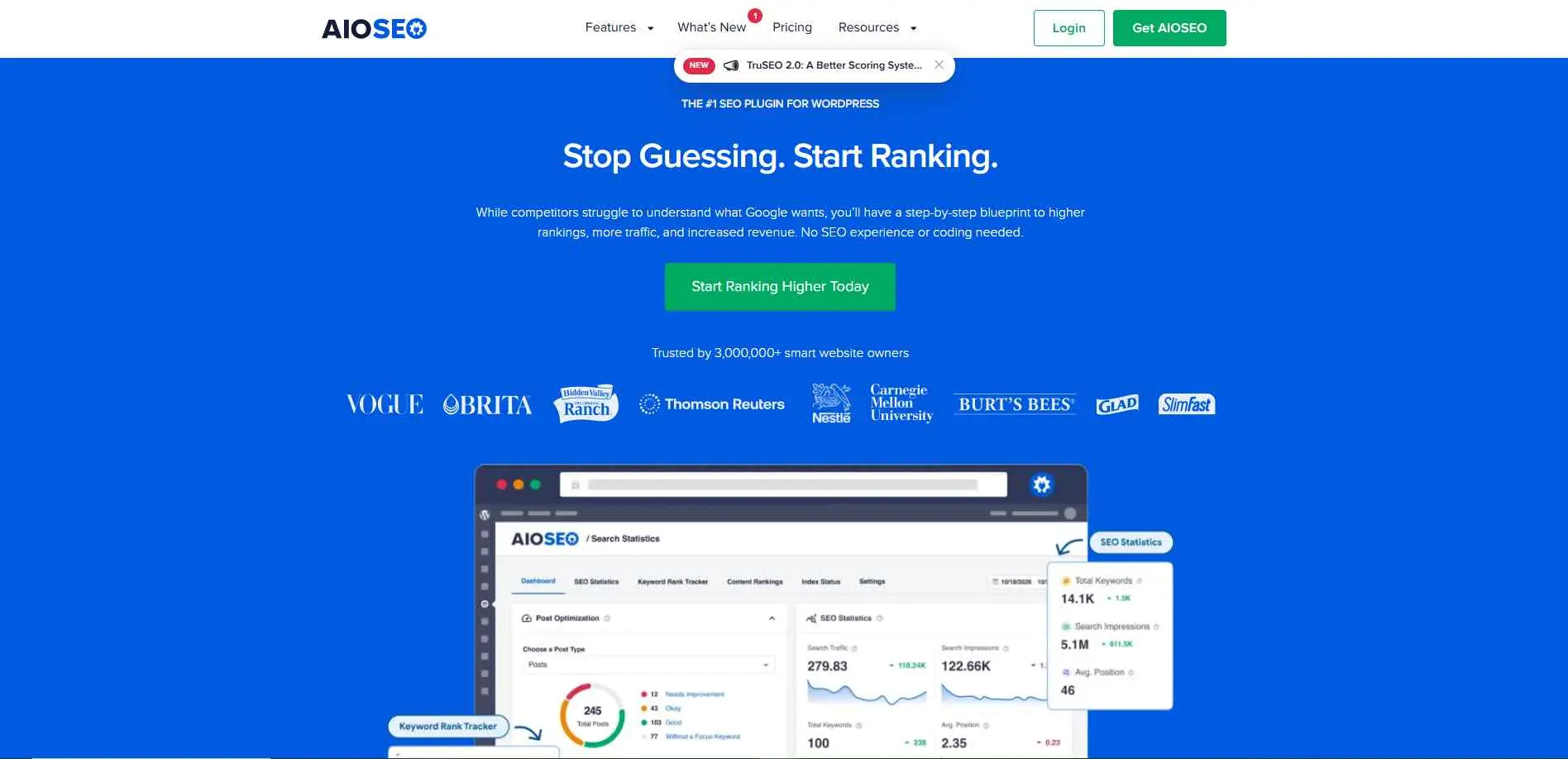
AIOSEO's been around since 2007 - it was basically the original WordPress SEO plugin before "WordPress SEO plugin" was even a category. What's kept it relevant isn't feature count, it's the setup wizard. Most SEO plugins dump you into a settings page and expect you to know what you're doing. AIOSEO walks you through it, which matters if you've never touched a meta description in your life.
Key Features
- Setup wizard that configures core SEO settings in minutes
- Built-in Search Console integration for indexing and error checks
- Local SEO and WooCommerce SEO modules available as add-ons
Best For: For the individuals owning small enterprises, or for WooCommerce owners who need to have a plugin which is capable of doing all that it takes with no code at all.
2. Yoast SEO
Overview
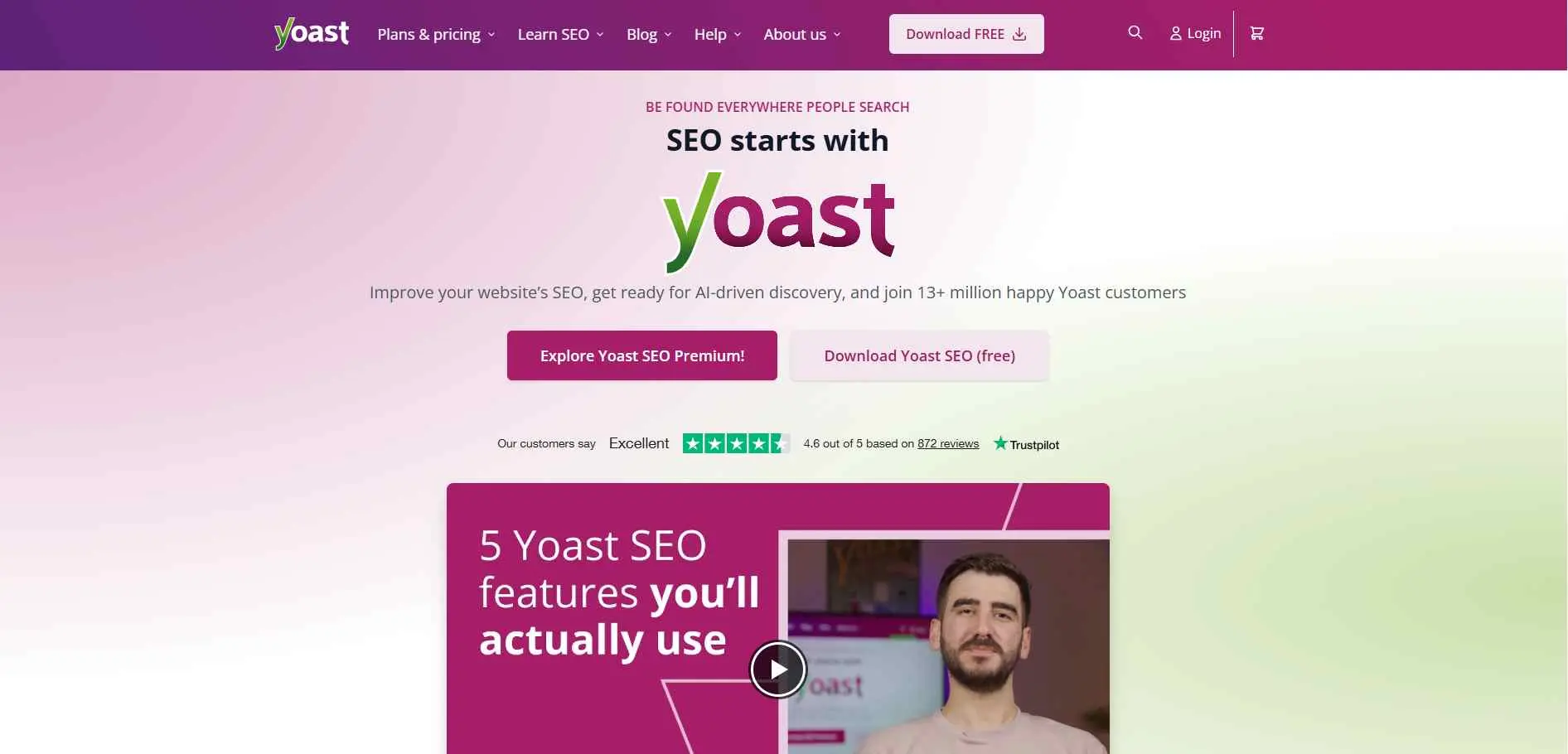
The Yoast SEO plugin is designed for WordPress users and helps to optimize their website/blogs to rank on search engines. It has more than 10 million active downloads and rating as high as 4.8 out of 5 in the WordPress repository. Some of its main features include easy user interface and intelligent content analysis tools but in addition to that, it also comes with many other advanced features such as crawl optimization and schema options.
Key Features
- Real-time readability and SEO scoring while you write
- Automatic internal linking suggestions based on content
- Strong free tier that doesn't force an upgrade for basics
Best For: Bloggers and content teams who want real-time, color-coded guidance as they write - especially those already familiar with the platform's ecosystem.
3. Rank Math
Overview
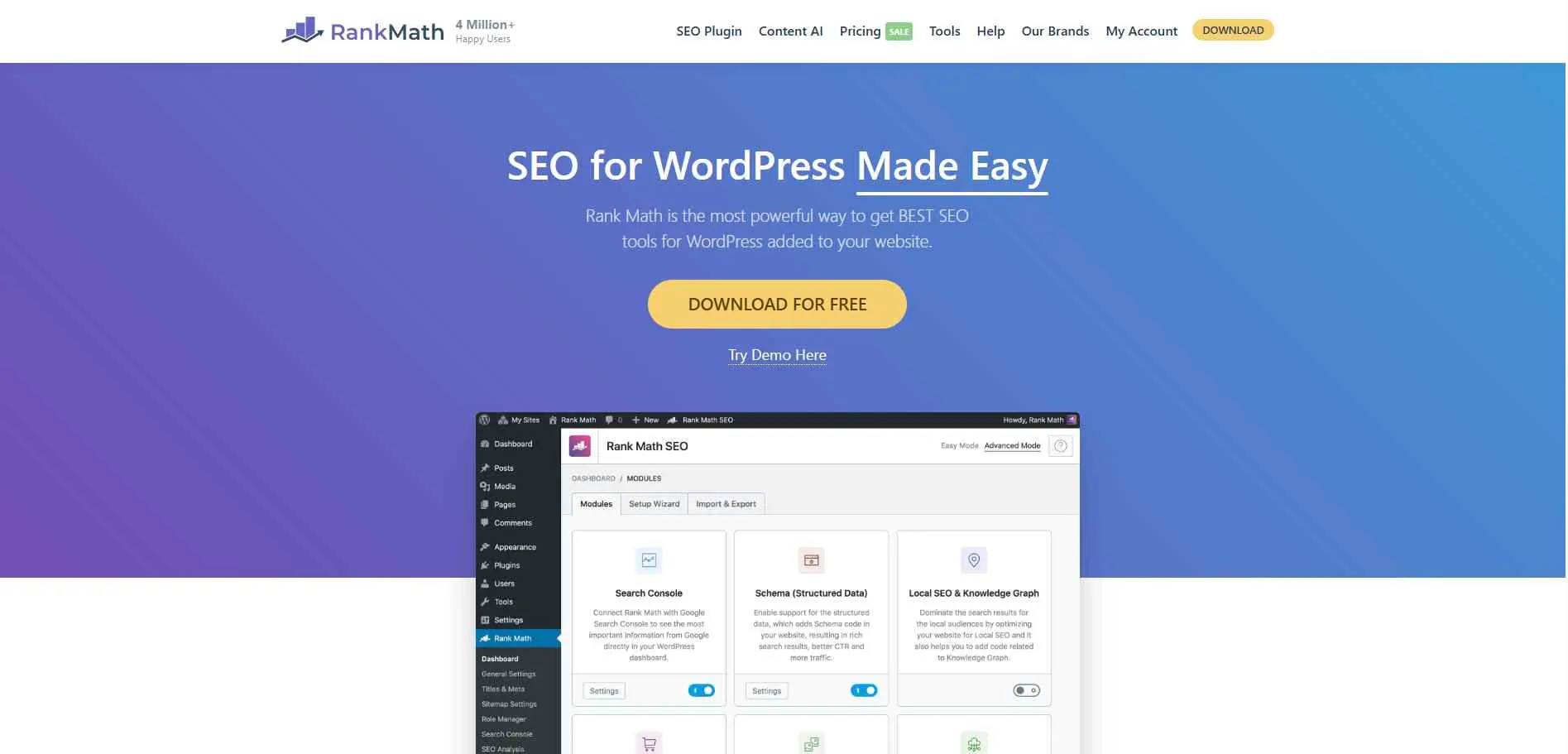
This plugin can be compared to a Swiss army knife in terms of SEO tools. Rank Math package comes with a very powerful SEO plugin for WordPress with an excellent vibe which makes this tool suitable for the beginners as well as for advanced marketers. In addition to being efficient, Rank Math also has some unique features such as Google Schema Markup, unlimited keyword optimization, and SEO analysis tools.
Key Features
- Free version includes features other plugins charge for
- Advanced schema markup for 15+ content types
- Built-in redirection manager and 404 error logging
Best For: Intermediate to advanced users who want a feature-rich, free plugin with schema support and built-in analytics - without paying a premium price.
4. SEOPress
Overview
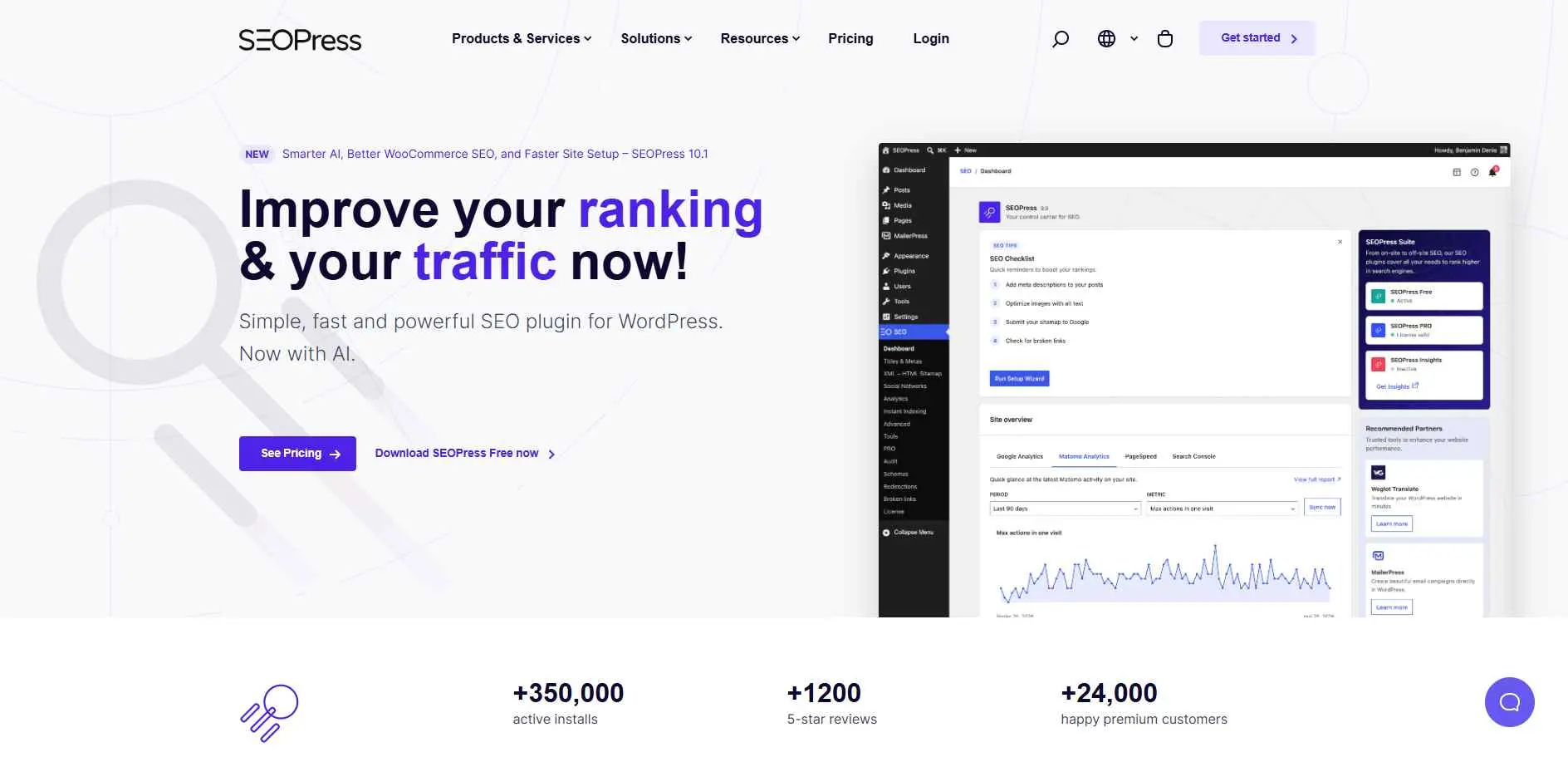
SEOPress is a feature-rich WordPress SEO plugin that focuses on giving users complete control without overwhelming them with clutter - it strikes a rare balance: beginner-friendly on the surface, but packed with advanced options just beneath. Interesting for solo site owners, freelancers, and agencies alike, SEOPress delivers a streamlined interface, thoughtful automation, and deep customization - supporting everything from basic on-page SEO to schema markup, local SEO, and WooCommerce optimization.
Key Features
- White-label mode for agencies managing client sites
- Built-in Google Analytics and heatmap integration
- Bulk editing for titles and meta descriptions across pages
Best For: Agencies and freelancers managing multiple client sites who need full control without the inflated pricing of bigger-name plugins.
5. The SEO Framework
Overview
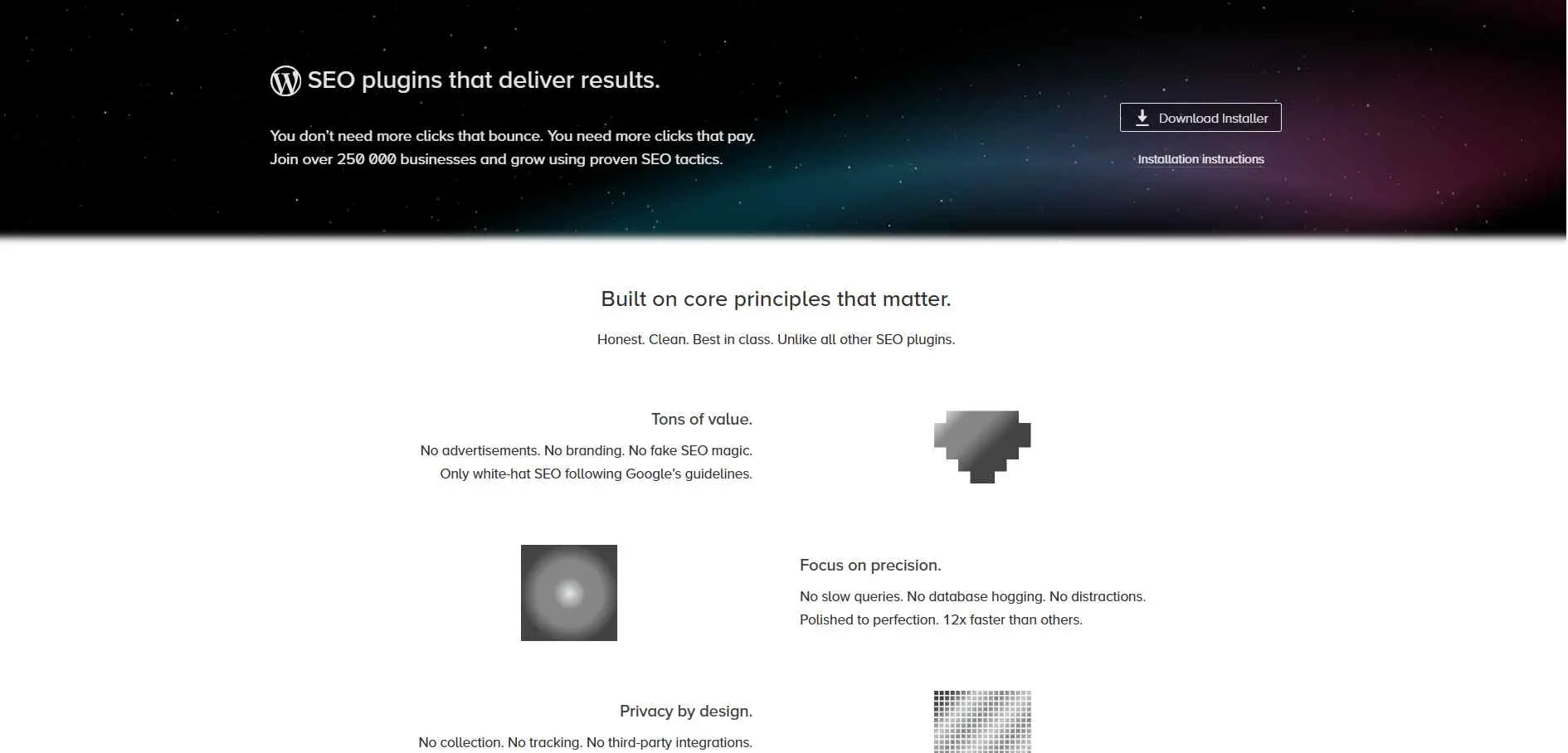
The SEO Framework strips everything down to the essentials - no visual fluff, no aggressive upsells, just streamlined performance, smart automation, and code that puts speed first. It's one of the few plugins in this space that is genuinely ad-free, meaning you're not dodging upgrade prompts every time you open a settings page. One can say The SEO Framework is a complete and feature-rich SEO plugin because it follows the white-hat guidelines enforced by search engines and WordPress alike.
Key Features
- Minimal setup - works well with default settings
- No upsells, ads, or nagging notifications in the dashboard
- Lightweight codebase that doesn't slow down page load
Best For: Developers, and performance-obsessed website owners, who hate messy dashboards.
6. SEOPressor
Overview
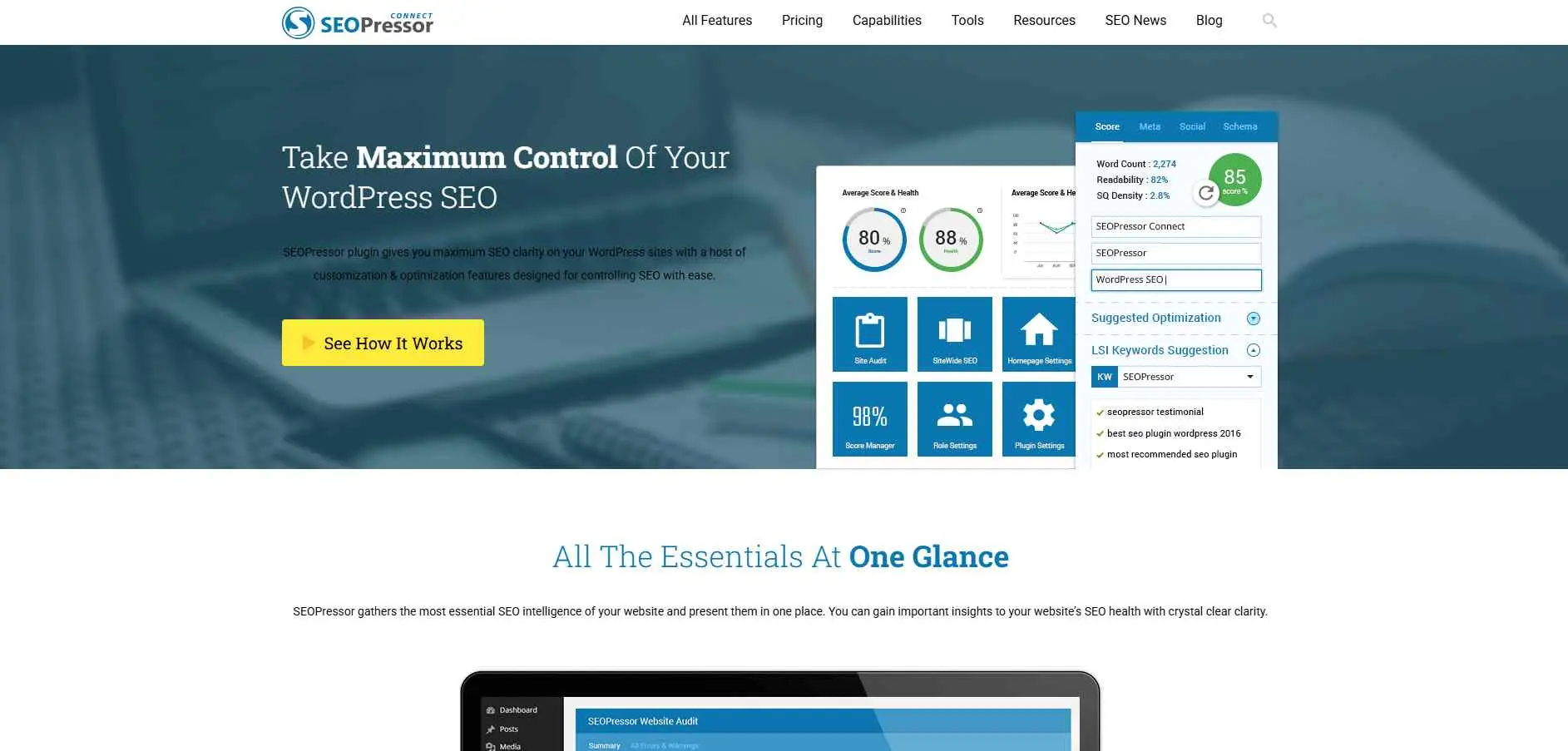
SEOPressor wants to offer you the essentials in a clean format - it collects all the information about your website and presents it to you as simply as possible in a kind of overview. The plugin works with an SEO Score and an SEO Health metric that indicate the current state of your website, while also helping you with content creation by suggesting useful optimizations and displaying word count and other statistics. It's a premium-only tool, which means no free tier to try before you buy.
Key Features
- Content grading against top-ranking competitor pages
- Keyword density and LSI keyword suggestions while writing
- Internal linking suggestions based on existing site content
Best For: Content-heavy bloggers and small site owners who want an opinionated scoring system and are comfortable with a premium-only investment upfront.
7. CrawlWP
Overview
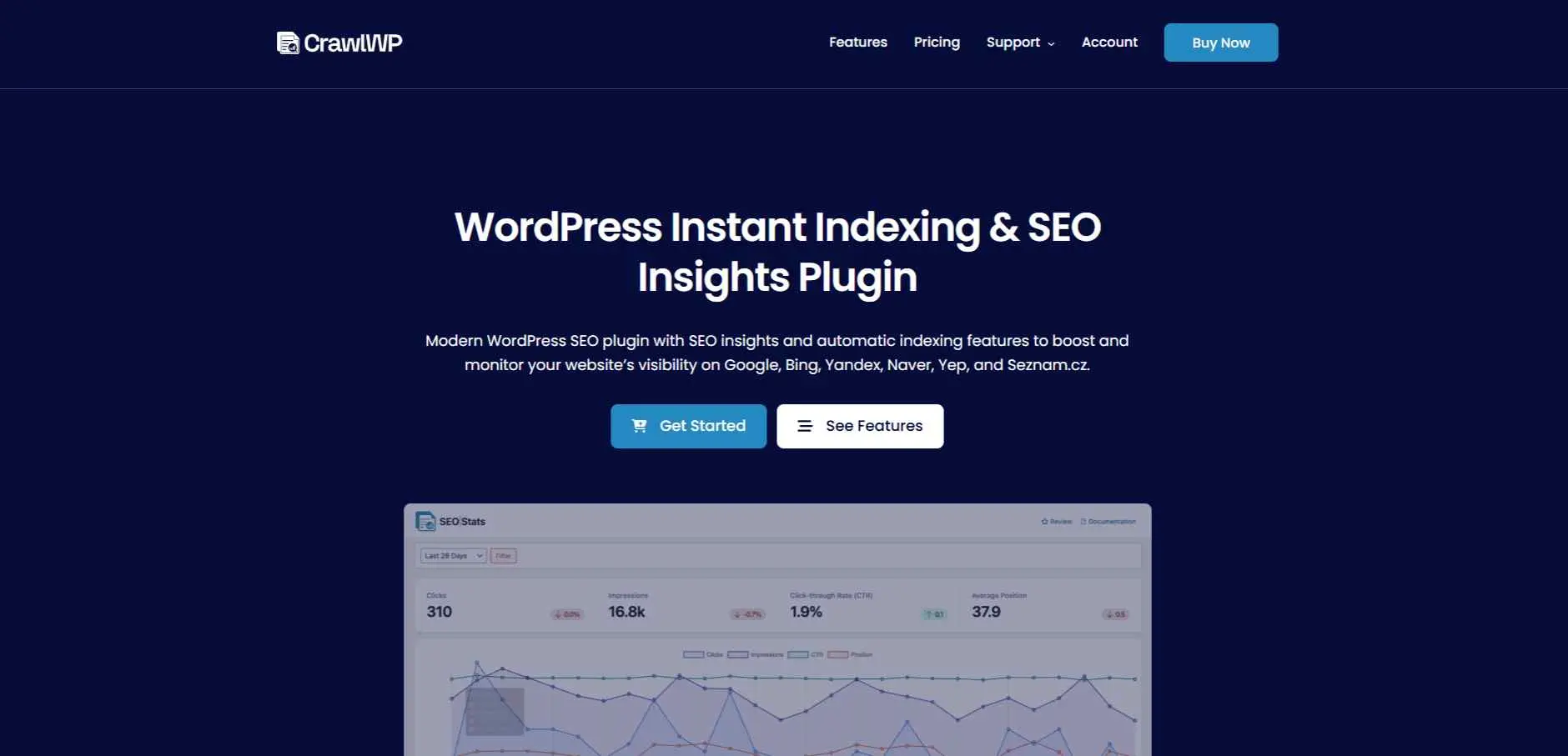
Most SEO plugins obsess over on-page stuff and never ask whether Google's actually found the page. CrawlWP is built around that one question. It automatically uploads new content and any updates on existing content to be indexed in Google, Bing, and Yandex, and there’s even a tool that shows you which pages were successfully indexed and which failed to be indexed. Less configuration, more writing.
Key Features
- In-dashboard site crawler for technical issue detection
- Flags broken links, duplicate meta, and missing alt text
- Regular automated audits without leaving WordPress
Best For: Site owners dealing with indexing delays, large content libraries, or anyone who publishes content frequently and needs faster discovery by search engines.
8. Squirrly SEO
Overview
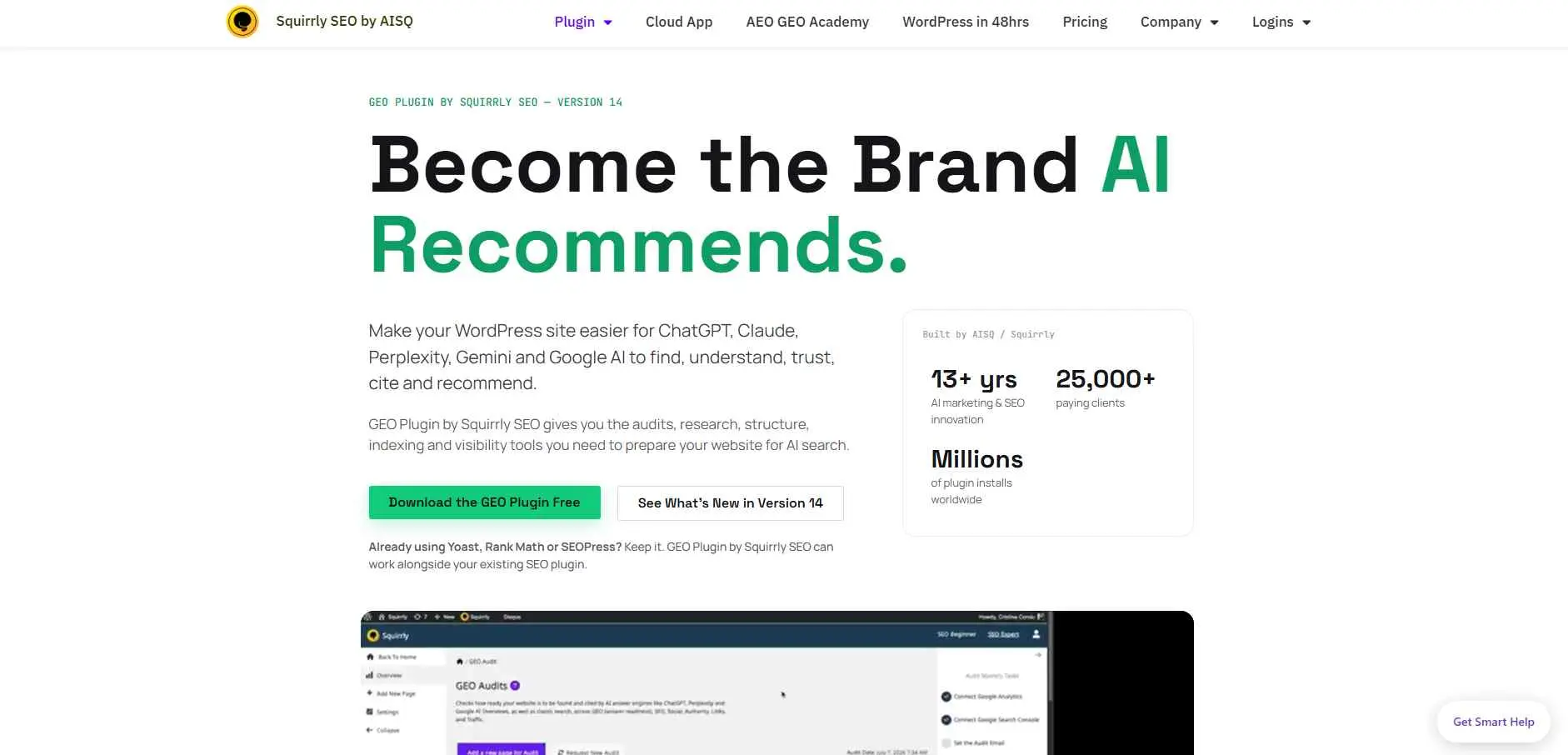
Squirrly SEO itself as an AI SEO tool - SaaS model. It optimizes your WordPress site for three layers of modern search at once: classic SEO so you rank on Google, AEO (Answer Engine Optimization) so AI engines pull your content as the direct answer, and GEO (Generative Engine Optimization) alongside broader AEO, GEO, and LLMO optimization frameworks so ChatGPT, Perplexity, Gemini, Claude, and Google AI Overviews cite your pages by name. Most of its processing and data storage happen on cloud servers, which allows the plugin's code to load very fast.
Key Features
- AI-assisted content suggestions based on live ranking data
- Built-in backlink and site health auditing tools
- Live SEO guidance while drafting content, not just after
Best For: For the entrepreneurs and marketers who are interested in an AI-driven SEO process and want their content ranked both in Google and AI-based search engines.
Common Mistakes When Choosing a WordPress SEO Plugin
Even experienced WordPress users make the same avoidable errors when it comes to SEO plugins. Here are the four most common ones:
Running two SEO plugins at once: And this is one of the fastest ways to create conflicting metadata, duplicate sitemaps and also get two outputs of schema. When both plugins are installed and activated, it may lead to two different sets of meta tags generated for every page.
Ignoring schema setup entirely: Most users install the plugin, follow the wizardbut forget to touch the schema tab anymore. The schema markup helps Google to understand which structured data to use in order to show star ratings, FAQ and how to do it. By ignoring the schema setup, you ignore the possibility to get rich SERP real estate.
Not migrating redirects when switching plugins: You used Yoast previously and now switching to Rank Math? The rules of redirects won't migrate automatically. You will face the problem of broken pages after several weeks with dropped traffic without redirects. Be sure to transfer your redirects.
Over-relying on "green light" scores: A green score in Yoast or a 100/100 in Rank Math doesn't mean your content will rank. These scores measure whether you've ticked certain technical boxes - not whether your content actually answers search intent or is better than the competing pages on page one. Use them as a checklist, not a guarantee.
How to Pick the Right One For Your Site
With eight decent options available, the easiest way to choose is by asking some genuine questions.
Are you a beginner or a developer?
If you are a beginner, then it would be better for you to choose either AIOSEO or Yoast since both these plugins will give you simple instructions on how to use them without complicated explanations. And for developers, The SEO Framework or SEOPress will come handy.
Are you willing to pay, or do you need free?
Rank Math's free tier is genuinely hard to beat - it offers schema support, keyword tracking, and 40-point site audits at zero cost. SEOPressor is premium-only. Yoast and AIOSEO have functional free versions but save their best tools for paying users.
Is your site content-heavy or technically complex?
Content-heavy blogs and news sites benefit from plugins with strong on-page scoring and readability analysis (Yoast, Rank Math). Larger sites with indexing challenges need CrawlWP. E-commerce stores do well with AIOSEO or Rank Math's WooCommerce integrations. Agencies running multiple sites will find SEOPress's pricing model the most scalable.
Match the tool to the actual need - not to what's trending in the Facebook group.
Conclusion
There's no single "best" WordPress SEO plugin - only the one that fits where you are right now. A beginner launching their first blog has completely different needs than a developer managing twenty client sites.
What matters most is installing one plugin, understanding its core features, and actually using them consistently. Start with what fits, set it up properly, and don't let the sheer number of options stop you from taking action. Good SEO rewards momentum - not perfection.