 Table of Content
Hiring a photographer for every product variation is expensive. Most small brands and print-on-demand sellers can't afford it - and they don't need to. AI mockup generators fix this. Upload your design, pick a template, and it places the artwork onto a realistic product image - shadows, folds, and lighting included. No photoshoot. No Photoshop skills. No waiting a week for edited files.
These tools allow non-designers to place logos or designs onto real-world product photos automatically. This article explains what AI mockup generators are, how they work, and why they’re useful.We share the guidance on choosing the right mockup solution for your needs. This guide covers the best AI mockup generator tools in 2026, broken down by what they're actually built for.
What Are AI Mockup Generator Tools?
An AI mockup generator puts your logo or design on pictures of products like clothes, boxes, phones and papers. It makes a picture that looks real without needing a photo shoot.
Most work the same way:
- Upload your design (PNG, JPG, or SVG)
- Pick a product template or describe a scene via text prompt
- AI fits your design onto the product automatically
- Adjust colors, backgrounds, and positioning
- Download images in high resolution with PNG files or PSD files
For e-commerce sellers, it means consistent visuals across a full product catalog without a photographer. After you lock in your visuals, pair them with good product descriptions.
For print-on-demand stores, it means launching 50 product variations in a day. For agencies, it cuts time on client pitch decks.
Top AI Mockup Generator Tools in 2026
1. Pacdora
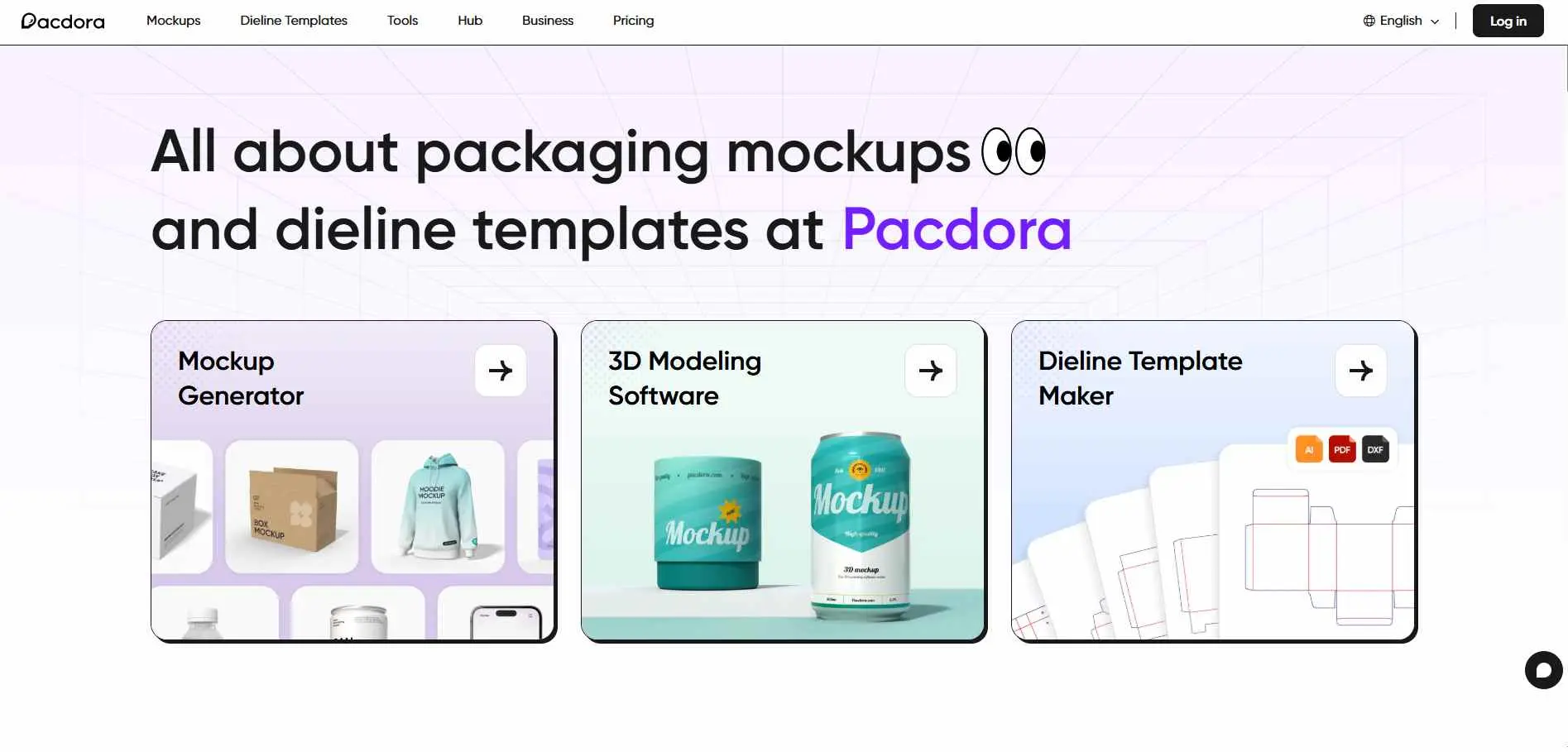
Pacdora is a platform that uses AI to help with 3D packaging and product mockups. It has a library of pre-made 3D scenes like boxes, bottles, cosmetics, clothes and electronics and combines them with AI features for rapid design. You can upload your design and see it on a real 3D mockup right away.
Key Features :
- 3D mockup generator for packaging with adjustable angles and lighting
- AI background generator for photorealistic lifestyle environments
- Dieline template maker with AI, PDF, and DXF export
Best For: Packaging teams and product designers who need 3D mockups plus print-ready dieline generation in one workflow.
2. Mockup Generator
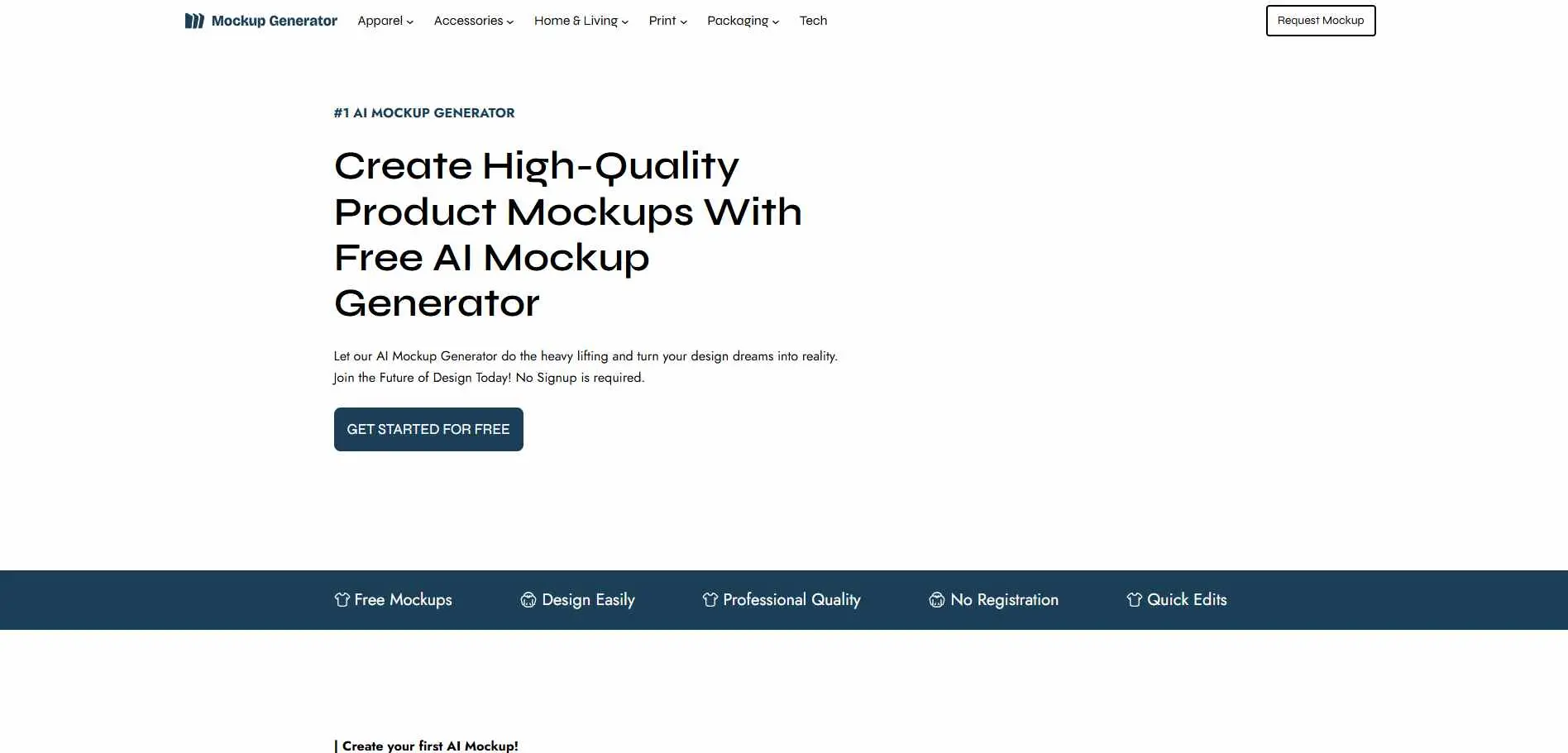
Mockupgenerator.ai’s incredibly versatile and completely free AI tool boasts an impressive library of over 1,000 templates, organized across more than 25 categories. The best part? You can use it in your browser. You do not have to sign up or put anything on your computer. Just upload your picture, pick the product you want and it will put your design on it. This happens fast.
Key Features :
- 1,000+ templates with real-time Magic Preview rendering
- Export as JPG, transparent PNG, or PSD
- 3D and video mockup support included
Best for: Designers and e-commerce sellers who want a large template library without signing up or paying upfront.
3. Mockey AI
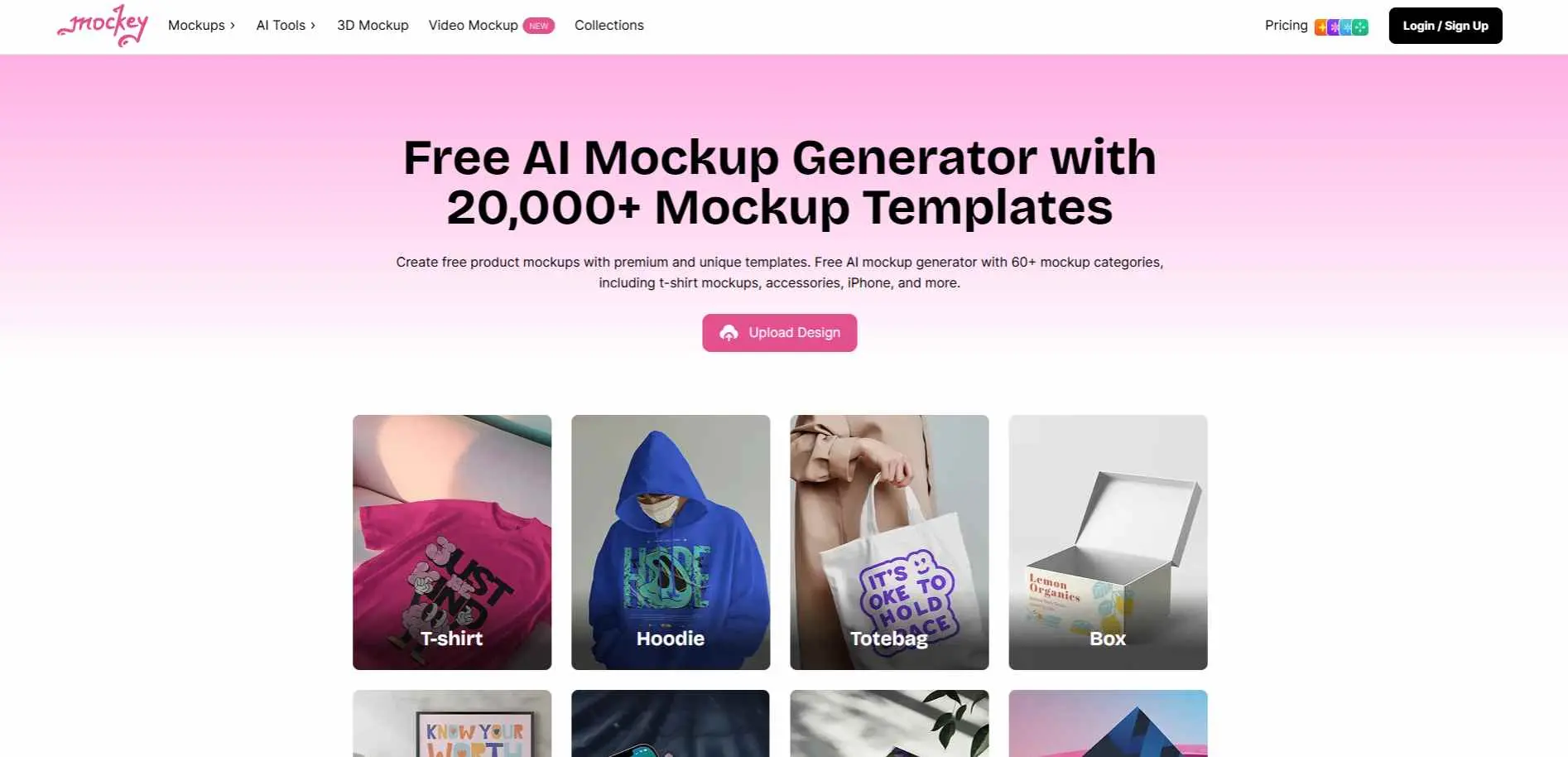
Mockey AI is a free web mockup generator known for its library of templates which lets you download without watermarks. They offer over 20,000 mockup templates in more than 60 categories which include clothes like t-shirts and hoodies posters, mugs, bottles and more.
One good thing about Mockey AI is that you can download high-resolution images without watermarks on the free plan.
Key Features :
- 20,000+ templates across 45+ product categories
- AI Photoshoot and AI Animate for lifestyle visuals
- Figma plugin, Shopify app, and ChatGPT plugin
Best for: Sellers who print products on demand and need free templates without watermarks.
4. Dynamic Mockups
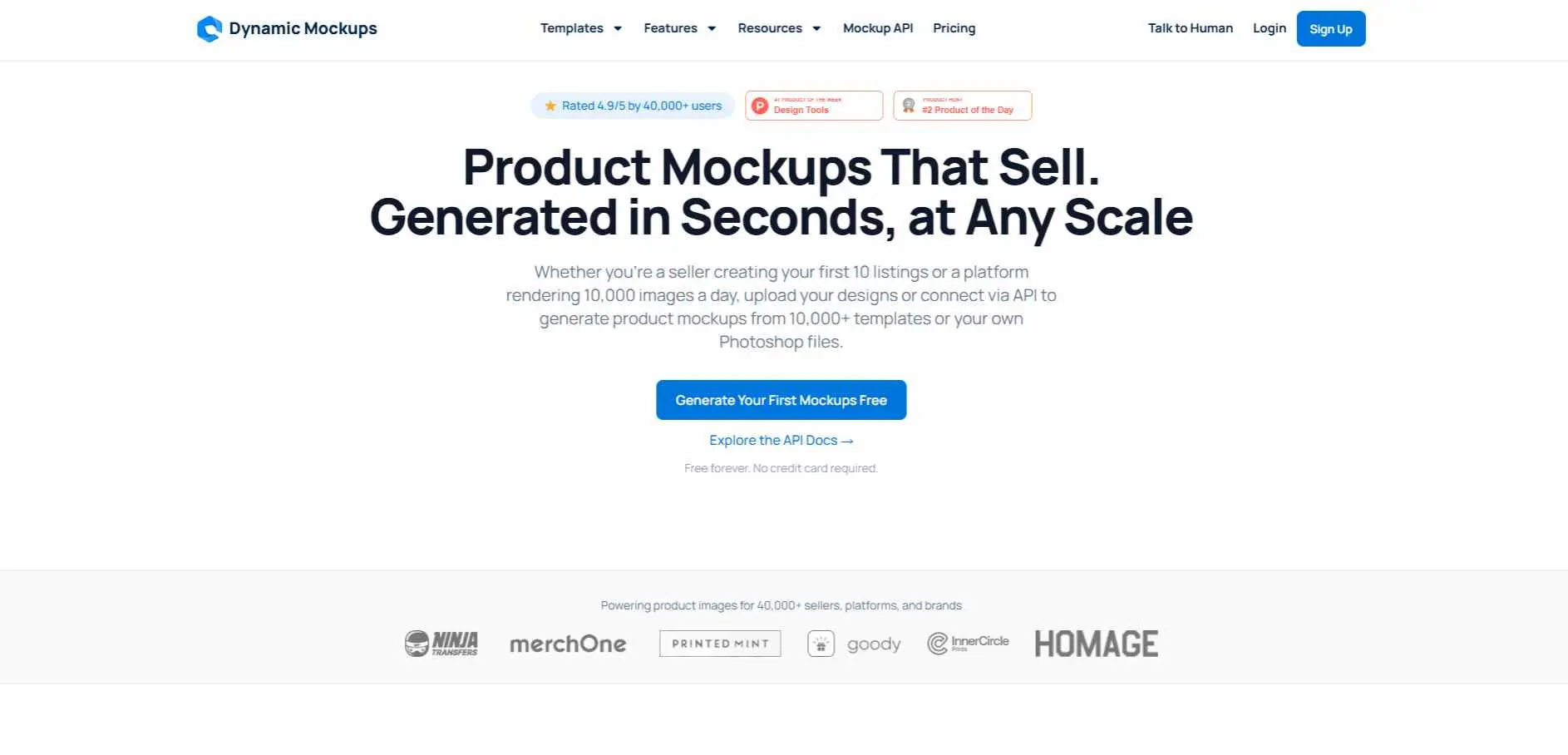
Dynamic Mockups is a professional-grade platform focused on high-volume and automated mockup creation, often via API. It’s designed for e‑commerce catalogs and marketing workflows that require scaling. Key features include bulk generation (turn one design into hundreds of product images in seconds) and integration with store platforms.
Key Features :
- Bulk generation - 100 variations in ~10 seconds
- Custom Photoshop PSD template support
- API access and direct store integrations
Best for: POD sellers and developers who need to automate mockup creation at scale.
5. Placeit
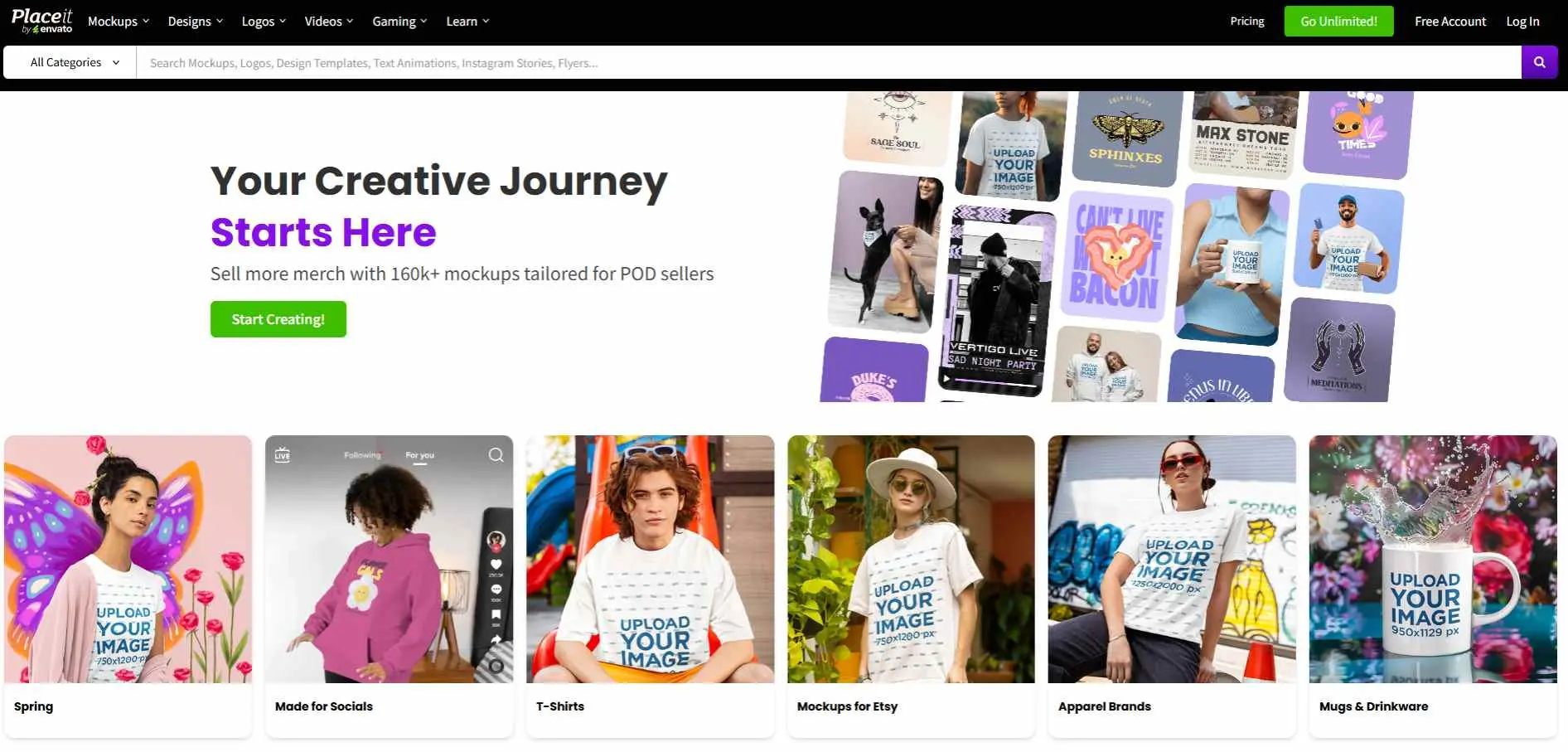
Placeit is a massive web-based tool owned by Envato. Over 150,000 templates. You upload your logo or artwork and it places it onto whatever you picked - t-shirt, mug, phone case. Nothing to download. All you do is upload your logo or artwork, and the site automatically slaps it onto realistic images of t-shirts, mugs, or phone screens.
Key Features :
- 40,000+ mockup templates across apparel, devices, packaging, and home decor
- Filter by model demographics for targeted presentations
- Subscription includes logo creation, video, and social media design
Best for: Marketers and merchandise sellers who want the largest template selection available under one subscription.
6. Mockuuups Studio
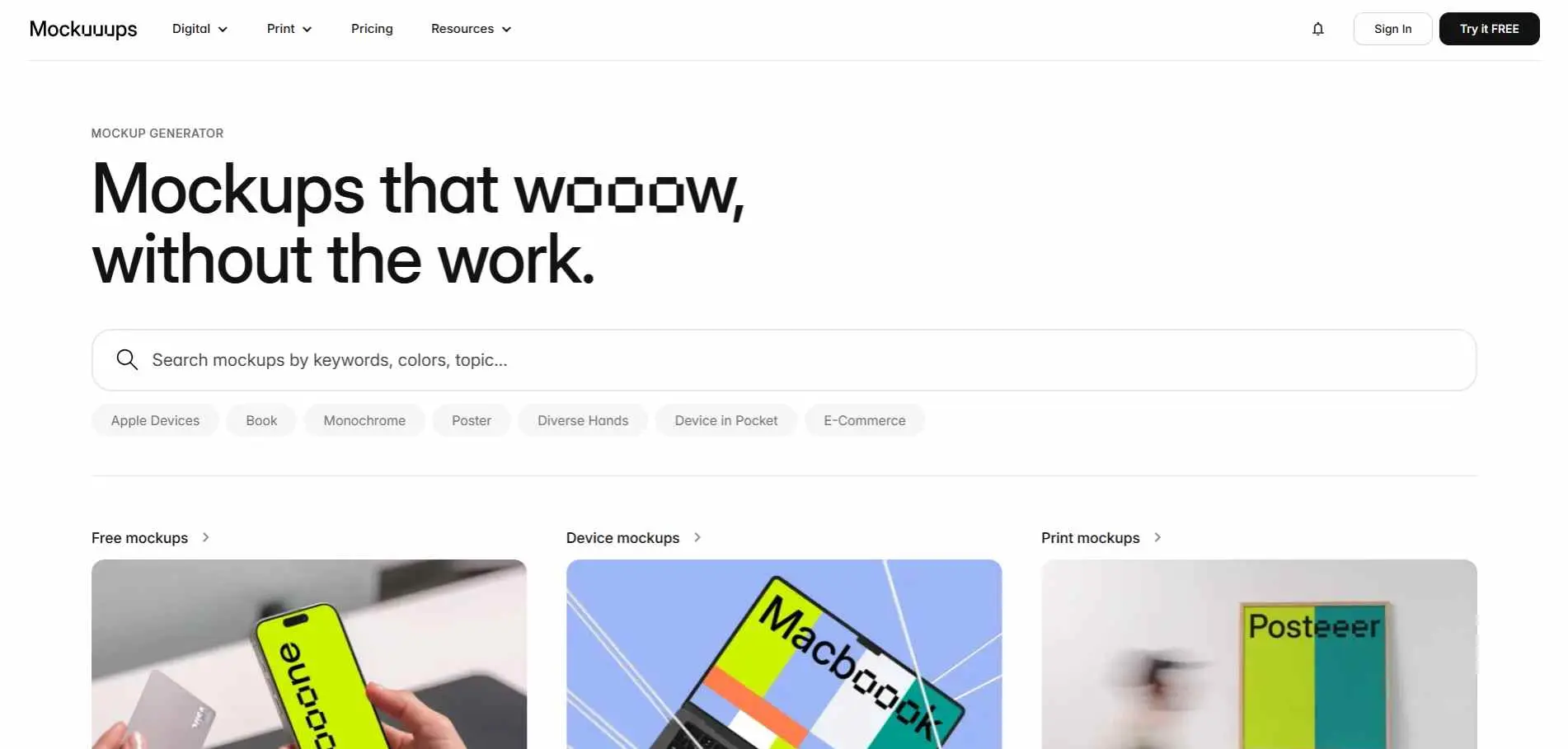
Mockuuups Studio takes a different approach. Instead of working on a website, you download it as a desktop app or use it with other design programs like Figma and Photoshop. It is much more focused, offering about 5,000 high-quality setups specifically for tech devices (like phones and laptops) and print items (like business cards).
Key Features :
- Desktop app for macOS, Windows, and Linux + plugins for major design tools
- 5,000+ retouched device and print mockup scenes
- API access and one-time prepaid export option
Best for: UX/UI designers and developers who want mockups inside Figma, Sketch, or a desktop app without leaving their workflow.
7. Magnific
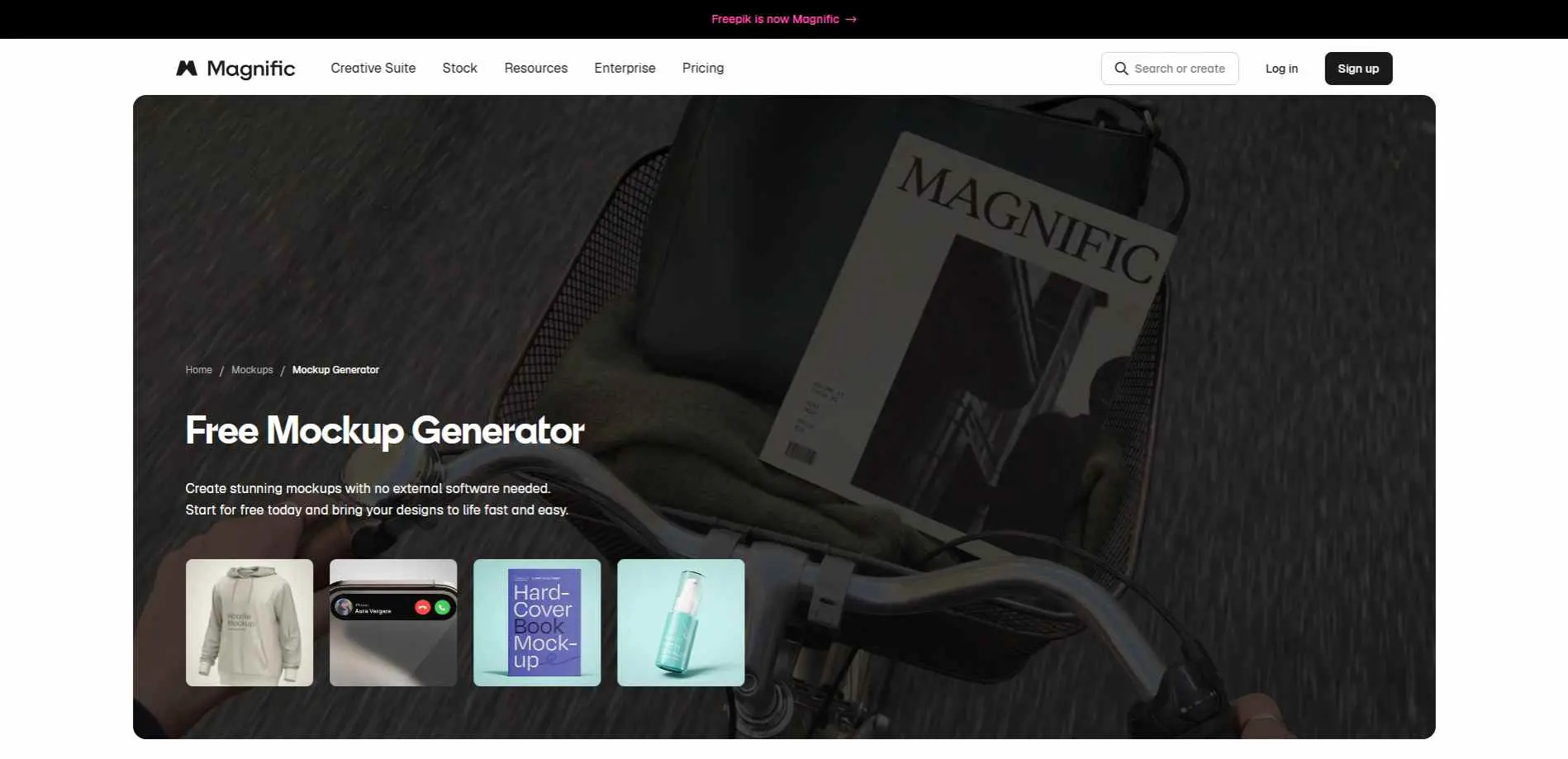
Magnific by Freepik is a design platform that uses Artificial Intelligence to helps you create mockups for clothes, boxes and other things. It offers an intuitive drag-and-drop interface and high-resolution exports up to 5K. While specific pricing varies by plan, it is part of a comprehensive AI suite integrated with an extensive stock library.
Key Features :
- Template library or text prompt-based scene generation
- Up to 5K resolution exports in JPEG, PNG, and PSD
- Integrated with Magnific AI image generator and 250M+ Freepik stock
Best for: Designers already using the Magnific (formerly Freepik) suite who want mockup generation built into their creative workflow.
8. Phot.AI
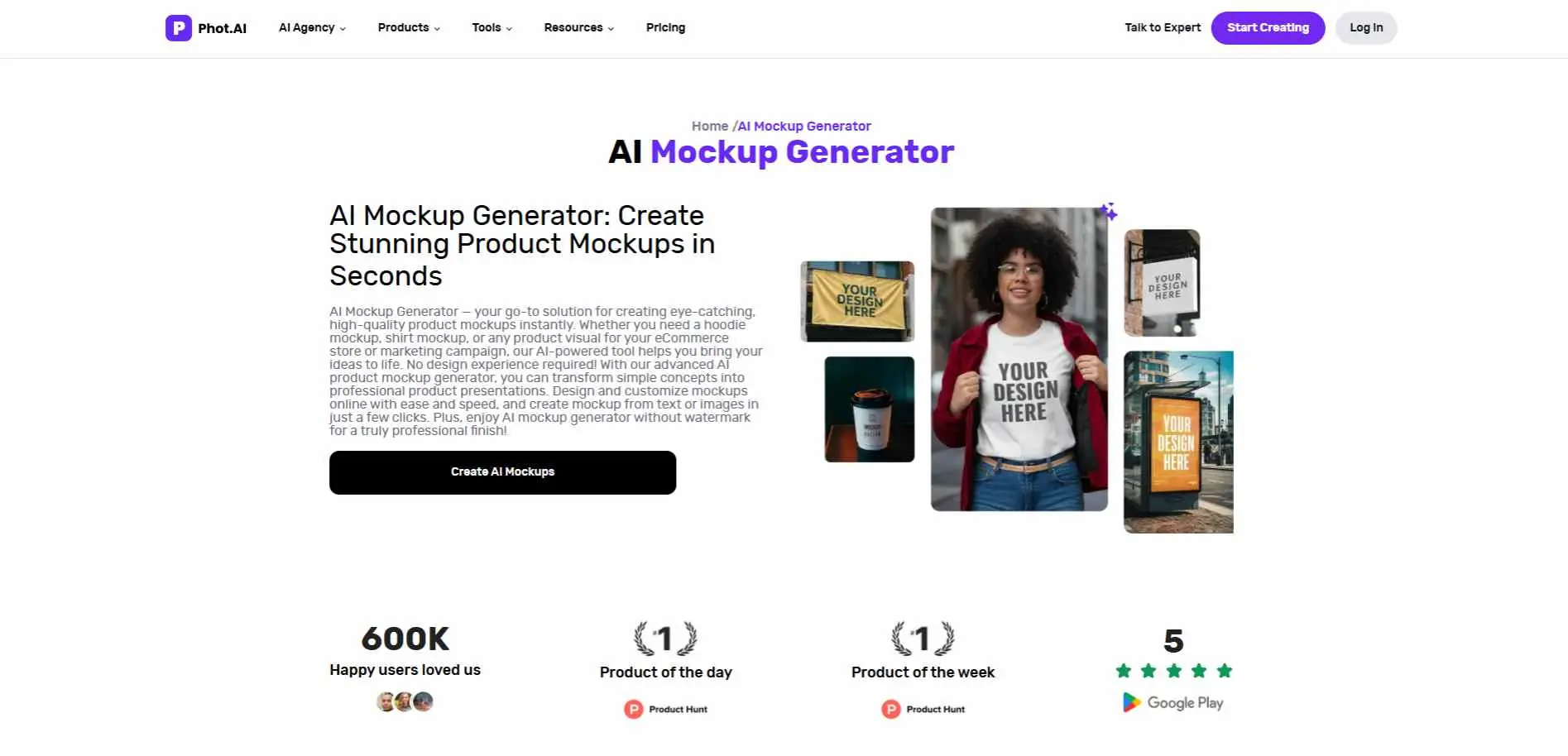
Phot.AI’s Product Photoshoot tool specializes in enhancing and generating product images for e-commerce. Instead of just adding logos, it transforms raw product photos into polished marketing shots, including lifestyle scenes and refined white-background variants.
Key Features :
- Prompt-based mockup generation - no template selection needed
- Integrates with background remover, object remover, and image enhancer
- Free limited access; full resolution on paid plan
Best for: Marketers and social media creators who want mockup generation alongside AI photo editing tools.
9. Picsart
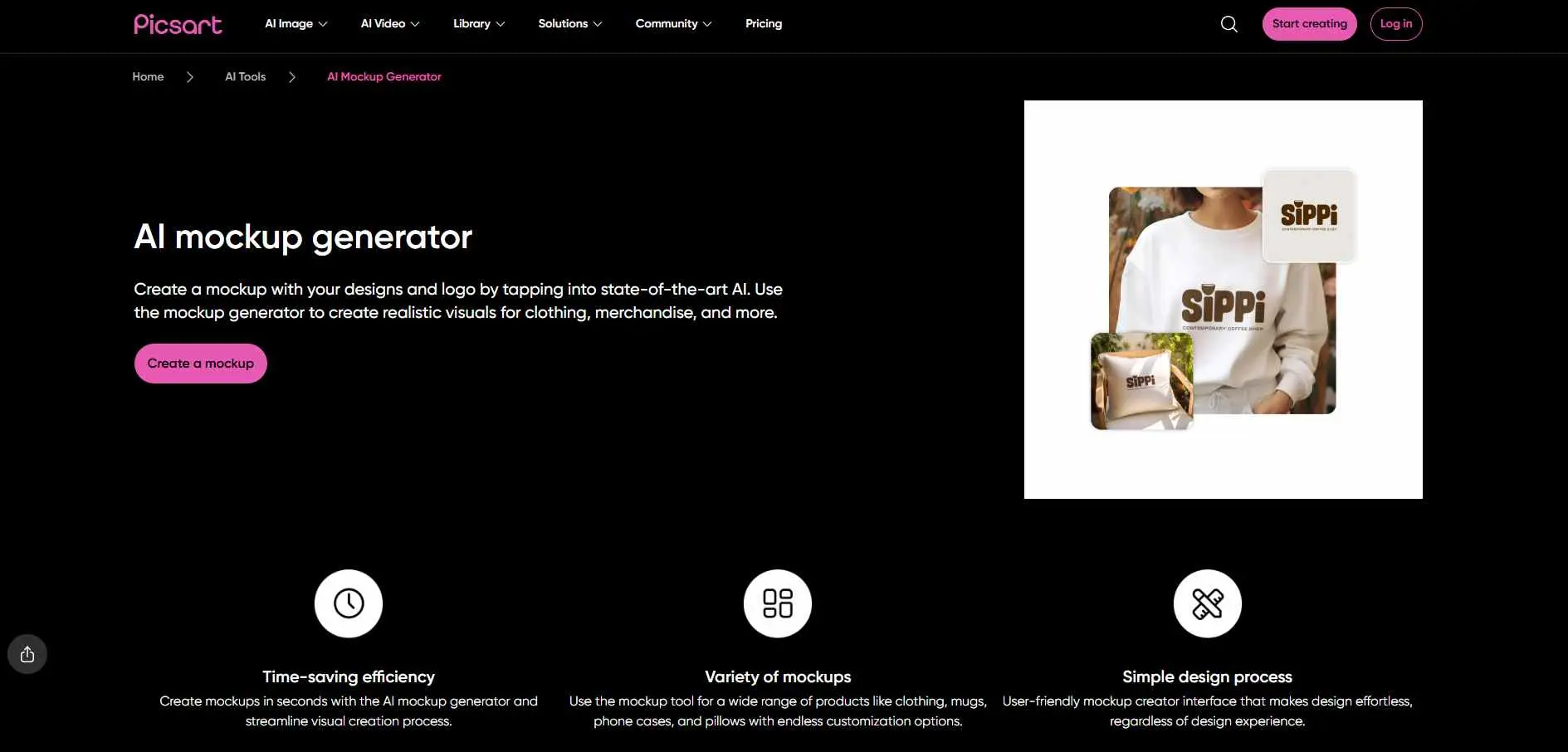
Picsart, best known for its AI imaging tools, offered an AI Mockup Generator to its tool package. It is an online mockup tool designed for fast marketing images. Upload your logo or design. Select a product template (clothing, mugs, pillows, etc.). The AI creates a realistic 3D mockup in seconds. Picsart is about ease of use and speed with more AI editing options.
Key Features :
- Works on web, iOS, and Android
- Apparel, accessories, packaging, and device templates
- Integrates with Picsart's editing and design suite
Best for: Individual creators and small businesses who want a mobile-friendly mockup tool tied to a full design platform.
10. Visme
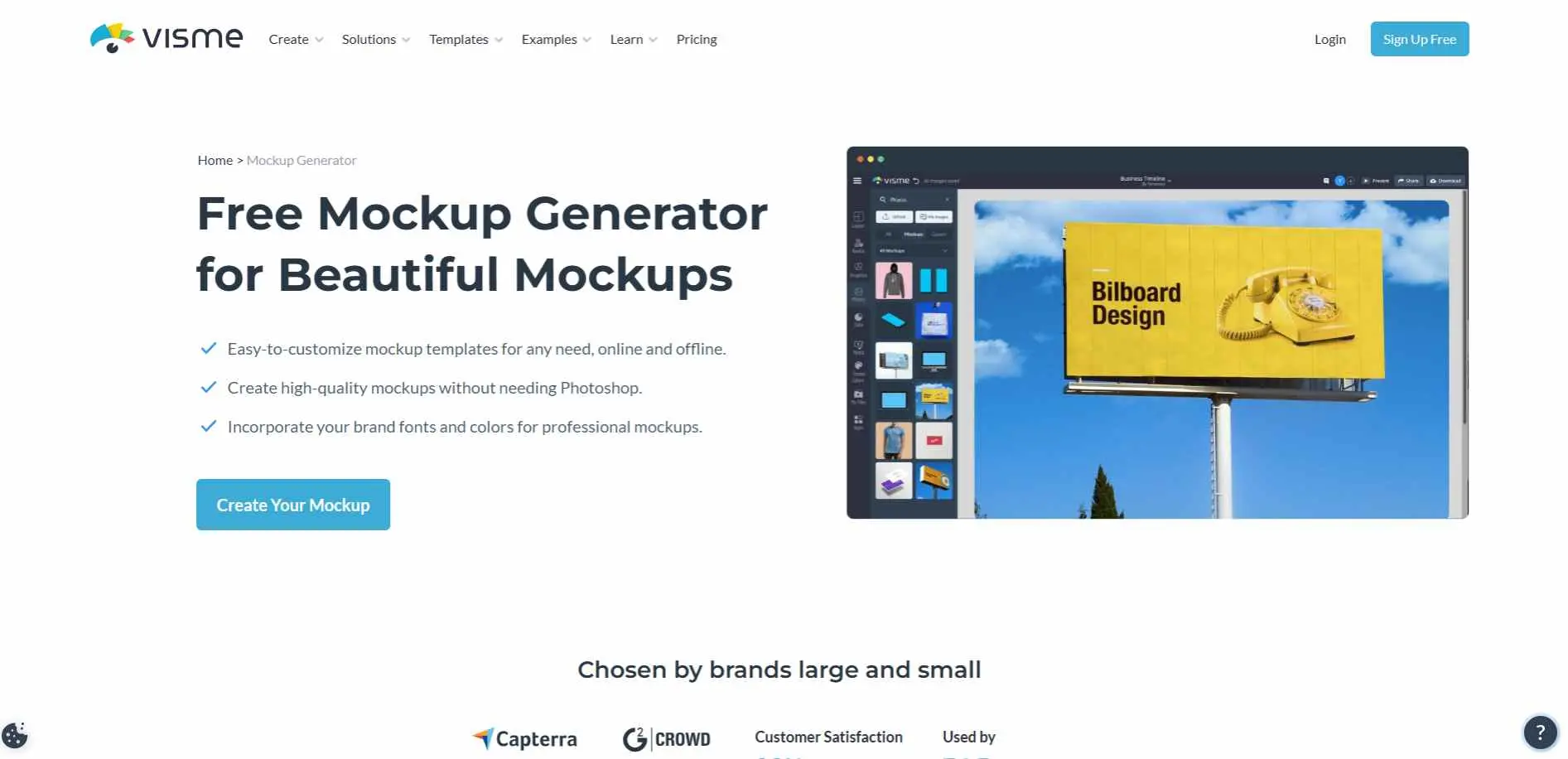
Visme is a design platform that can do a lot of things. It has a Mockup Generator with many templates for clothes, devices and paper things. Its drag-and-drop editor automatically handles perspective and scaling. As an integrated tool, it connects seamlessly with Visme's collaboration features, brand kits, and data visualization assets.
Key Features :
- Mockup generator built into Visme's presentation and infographic platform
- Embed mockups directly into slides and reports without exporting
- Brand kit support for consistent visuals across projects
Best for: Marketing teams who need mockups embedded inside presentations, reports, and infographics - not as standalone files.
11. Packify
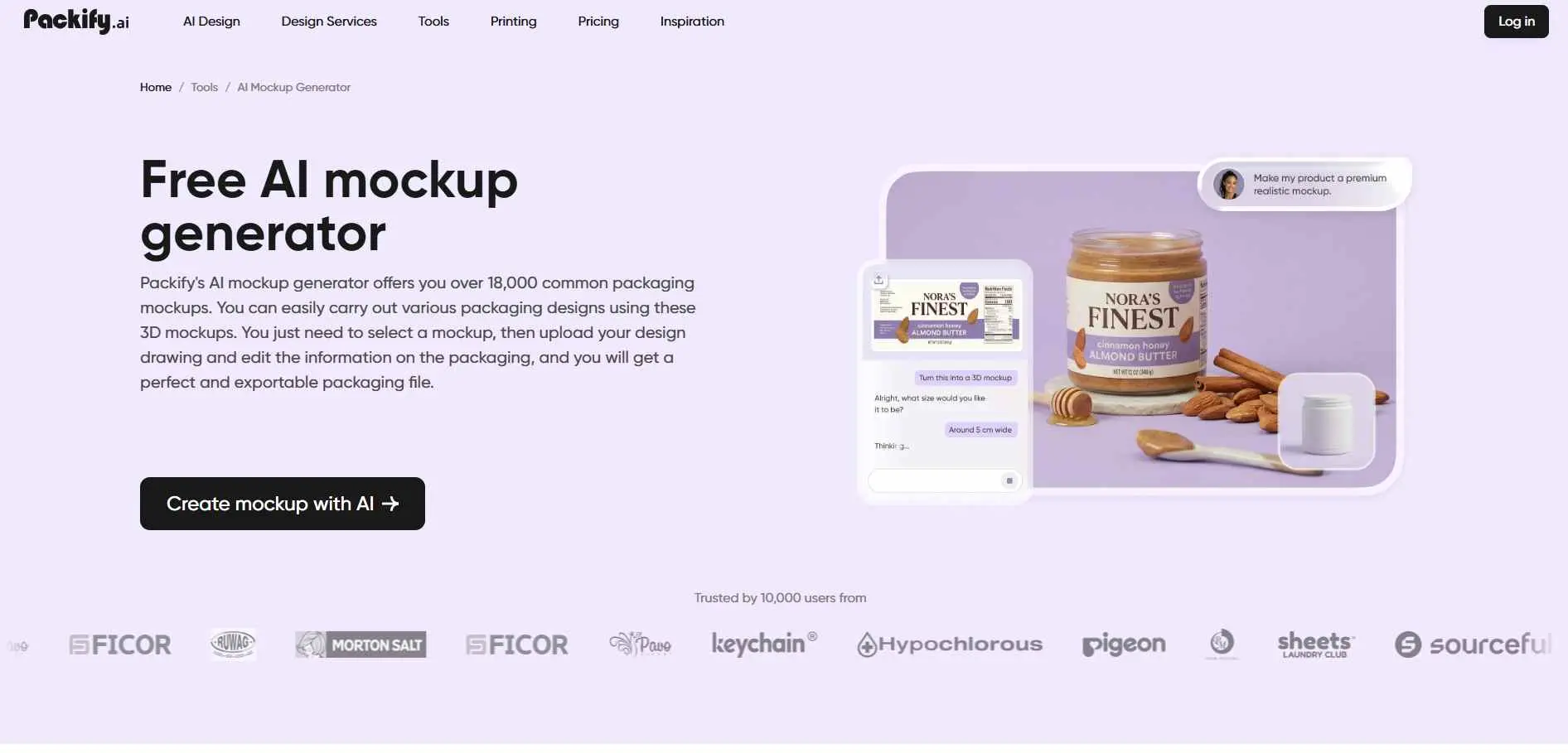
Packify is great for making packaging with over 18,000 templates for things, like food, cosmetics and electronics. Its unique AI assistant finds mockups via chat prompts or reference images. Users can upload artwork or use text descriptions for the AI to map designs onto 3D packaging.
Key Features :
- 18,000+ packaging mockup templates across all major container types
- Full workflow: mockup to 3D render to print-ready dieline output
- AI design generation from text prompts
Best for: Packaging designers and brand teams that need a tool focused entirely on packaging types - not general product visuals.
How to Choose the Right AI Mockup Generator
When choosing a tool, it's more important to find one that fits how you work. You don't need a list of features.
The right tool matches your actual workflow, not the longest feature list.
Start with your product type: apparel, packaging, device screens, or full catalogs? Some tools specialize; others cover everything adequately. Check the template library for your specific category before committing.
If you run a POD store or e-commerce platform at volume, automation is the priority - look for bulk generation, API access, and store integrations. For one-off mockup work, a free web tool is enough.
Check what you already use. A Figma plugin saves real time if you live in Figma. A Shopify integration matters if that's your storefront. No point paying for features disconnected from how you actually work. Beyond graphics, you also need to pick the right tools to manage your digital files and content. This choice should fit with the other digital marketing tools you already use to run your small business every day.
Finally, test on your real designs before paying. Edge accuracy, color fidelity, and lighting quality vary more than any tool's demo images will show you.
Conclusion
The right AI mockup generator comes down to what you're building and how fast you need to move. POD sellers handling volume should start with Mockey AI or Dynamic Mockups. Packaging teams will get more from Pacdora or Packify.
Designers inside Figma or Sketch should try Mockuuups Studio.If you want to pay for one thing that does everything, Placeit is a good choice.
Pick the one that works best for you now try it with your own designs and stop paying for product photography you no longer need.