 Table of Content
The first time I came across TrulyInbox, what stuck with me was the pricing.
While most, if not all, email warm-up platforms charge per inbox, TrulyInbox charges based on daily warm-up email volume.
This made it highly affordable at scale!
My immediate thought was "something that costs a fraction should come with a catch. A weaker warmup network. Fake engagement. Inflated dashboard numbers."
I dug into G2 and Trustpilot reviews, but couldn't find anything. So I decided to test the tool myself for 2 months.
TL;DR: I was wrong about the catch.
In this review, I'll walk you through exactly how I tested it, what the numbers showed, where TrulyInbox delivers, what it costs, and the few things you should know before paying.
By the end, you'll know whether it fits your setup or whether you should skip it.
My verdict at a glance
1. Does it improve inbox placement?
Yes. All four test mailboxes reached 95%+ inbox placement by day 60, verified externally.
2. Was quality compromised for the price?
No. The low price comes from the pricing model, not cut corners.
3. What does it cost?
Free plan available; paid plans from $22/mo (annual) or $29/mo (monthly).
4. Biggest strengths of TrulyInbox?
Cost at scale, Activity tab transparency, and the auto-pause safeguard.
5. Biggest catches?
Steep jumps between plan tiers, advanced features start only at Growth, and it does warmup only.
6. Who is it best for?
Anyone warming 3+ mailboxes. Agencies and SDR teams get the most value.
How I Tested TrulyInbox
Every placement number in this review was cross-checked with an independent third-party test.
I used 4 mailboxes covering the situations most senders are in:
- Fresh domain on Google Workspace, zero sending history
- Fresh domain on Microsoft 365, same age, to compare providers
- Burned mailbox landing in spam after an aggressive campaign
- Active healthy mailbox, to see if warmup maintains placement too
All ran on recommended settings: 25 warmup emails per day per mailbox, ramping up 3 daily.
TrulyInbox shows live inbox placement across Google Workspace, Microsoft 365, and others in its dashboard.
I verified it with third-party placement tests at day 0, 30, and 60. The two sources agreed within a small margin every time.
Why Sender Reputation Breaks in the First Place
Email providers don't score volume. They score engagement.
- Every open, reply, star, or rescue-from-spam is a positive signal.
- Every ignored or spam-marked email is a negative one. Your sender reputation is the running total.
A brand-new domain has no history.
If you send 200 cold emails on day 1, that pattern looks exactly like a spammer: sudden burst, unknown sender, zero engagement.
A burned mailbox has the opposite problem.
Hard bounces and spam complaints already damaged its reputation. The only way to recover is by lowering sending and gaining high positive signals to rebuild trust.
Warm-up tools exist to generate those signals before your real campaigns go out. That's the entire idea.
What Is TrulyInbox?
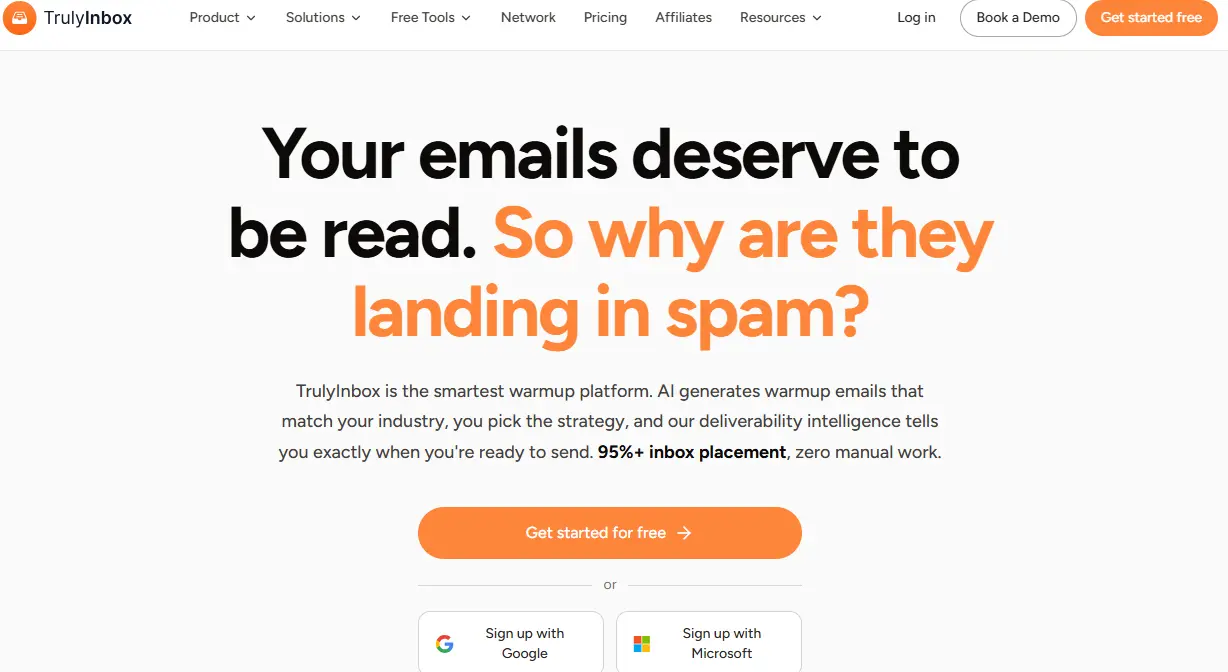
TrulyInbox is an AI-powered email warmup tool that connects your mailbox to a network of 40,000+ real inboxes.
It sends, receives, replies, and marks emails important on your behalf, building positive sending history automatically.
The structural difference from other email warm-up services: every paid plan includes unlimited email accounts. You pay for daily warmup volume, not per mailbox connected.
There's also a forever-free plan, no credit card needed.
Setup took me about five minutes per mailbox via OAuth or SMTP.
It works with Google Workspace, Outlook365, and 18 other providers.
The Features That Actually Move Inbox Placement
1. Four Warmup Strategies
Each strategy fits a specific mailbox situation, not a one-size-fits-all ramp.
- Progressive: steady daily increase, ideal for fresh domains
- AI Adaptive: adjusts pace based on your deliverability trends, best for burned mailboxes
- Randomized: varies volume to avoid patterns, good for maintenance
- Flat: same volume daily, predictable for agencies
You control daily volume, ramp-up rate, reply rate, and caps.
The catch: the tool offers little guidance on which strategy fits you. Start with defaults if you're new.
2. Human-Like Engagement Signals
The network doesn't just send and receive. It behaves like real recipients.
Replies come in natural timing patterns. Emails get starred, marked important, and built into multi-message threads. These are the exact signals providers use to judge legitimacy.
ESP-specific targeting lets Gmail senders warm up against Gmail inboxes, which matters because reputation is partly provider-specific. Warmup copy supports 50+ industries and 12 languages, so conversations resemble your real sending.
The catch: results take weeks by design. Any tool promising instant placement is cutting corners filters will eventually catch.
3. The Activity Tab (Why I Believed the Numbers)
This was the feature that converted me from skeptic to convinced.
The Activity tab shows every single interaction the network had with my emails: sent, received, replied, marked important, rescued from spam, all timestamped.
Most warmup tools hand you a score and ask you to trust it. Here, I could trace every number in the dashboard back to raw, visible activity.
When a tool shows its work, you stop needing faith. That transparency, combined with my matching third-party test results, is what settled the "inflated dashboard numbers" suspicion I started with.
4. Reporting and Auto-Pause
Daily reports cover sends, receives, inbox-vs-spam split, and deliverability trend, plus SPF, DKIM, and DMARC checks with blacklist monitoring.
The underrated feature is auto-pause. If your authentication breaks, TrulyInbox stops warmup automatically. Without this, a misconfigured domain keeps sending and digs its reputation deeper while nobody notices. Most competitors don't handle this well.
The catch: reporting covers warmup health only. Campaign metrics live in your sending platform.
The Results: 60 Days of Verified Placement Data
All four mailboxes reached 95%+ inbox placement by day 60, confirmed by both TrulyInbox's dashboard and my third-party tests.
The burned mailbox responded fastest to change: on AI Adaptive, it moved from spam to consistent inbox placement in about six weeks.
The fresh domains took longer since they were building from zero.
Google Workspace warmed slightly faster than Microsoft 365, which was stricter early on. The healthy mailbox simply stayed healthy, which is its own result.
The metric that mattered most wasn't placement. It was replies. Emails in spam generate zero replies.
Inbox placement is the floor everything else stands on.
The math flips past five or six mailboxes. Warming 20 on Lemwarm runs about $480/month. On TrulyInbox's Growth plan, $84.
Pricing: The Math, and One Honest Gripe
TrulyInbox has monthly and annual billing (current pricing here):
- Free: $0. 10 warmup emails/day, 1 account.
- Starter: $22/mo annual, $29/mo monthly. 200 warmup emails/day, best suited for ~3 inboxes.
- Growth: $84/mo annual, $99/mo monthly. 1,000 warmup emails/day, best suited for ~15 inboxes.
- Scale: $169/mo annual, $199/mo monthly. 3,000 warmup emails/day, best suited for ~50 inboxes.
- Scale Plus: from $407/mo annual, $479/mo monthly. 5,000+ warmup emails/day, for 100+ inboxes.
There's a 7-day free trial.
My gripe: the tier jumps are steep. Starter covers roughly 3 inboxes; the next stop is Growth at 15. If you're warming 7 or 8 accounts, Growth feels oversized for what you need, and the gap widens with every tier.
Even oversized, though, it's cheaper than per-inbox alternatives at the same count.
The Catches Nobody Mentions
No tool review is honest without this section.
Advanced features are gated.
Starter gets AI Adaptive only!
All four strategies, custom ramp-up settings, ESP-level analytics, and custom schedules start at Growth.
Honestly, that's not a real drawback, since every warmup tool gates features similarly, but know it going in.
The free plan's 10 emails/day is enough to explore the product, not to properly warm a mailbox.
But on the flip side, TrulyInbox is the only tool that gives you this much flexibility to test and use its product.
Who Should Use TrulyInbox
The unlimited-accounts model decides this.
TrulyInbox makes the most sense if you send from 3+ mailboxes, are starting on a domain younger than six months, or are recovering from a spam problem.
In those cases, the cost of not warming up shows as lost replies from emails nobody saw.
Agencies managing client mailboxes and SDR teams scaling across domains get the clearest win, since flat volume pricing is easier to budget than per-inbox fees.
If you run one established domain at modest volume, the free plan is probably enough. Don't pay for capacity you won't use.
Final Verdict
After 2 months and four mailboxes, TrulyInbox does what it claims.
All four reached 92%+ placement, the burned mailbox recovered in six weeks, and my third-party tests matched the dashboard throughout.
The suspicion I started with, that cheap means compromised, didn't hold.
The low price comes from charging per email instead of per inbox, not from a weaker network.
It's not flawless: steep tier gaps, no content control, minimal strategy guidance.
But here's a better idea than trusting me.
Connect one mailbox on the free plan and watch the inbox-versus-spam split for two weeks. That beats reading any review, including this one.