
 Table of Content
Running a law firm is about more than handling cases. You must manage client intake, keep track of deadlines, file documents, send emails, calculate billable hours, prepare invoices, maintain accounts, collect payments and juggle many small tasks that can slip between different systems.
That is where legal practice management software earns its place.
The problem is that most platforms start looking similar once you get past the feature list. Every tool can handle matters, calendars, documents, billing and client information. The real difference appears when you ask a useful question: Does this legal practice management software fit the way your firm actually works?
A solo attorney may want something simple and affordable. A midsize firm may care more about workflows and financial controls. A litigation firm might prioritize document and case management while a firm that is growing may need automation and clearer reporting.
So this list compares the legal practice management software in 2026 by use case, firm size, workflow, billing and the type of legal operation each platform is designed to support.
Understanding the Platform Models
All-in-one generalists (PracticePanther, MyCase, Clio) cover most practice areas and firm sizes without deep specialization, good defaults if you don't have an unusual workflow. Similar to all-in-one business management software, these solutions consolidate everyday operations so smaller practices can avoid tool sprawl.
Built-in accounting platforms (CosmoLex, CARET Legal) skip QuickBooks entirely, running trust accounting and general ledger natively, which matters most for firms tired of syncing two systems.
High‑volume contingency specialists such as Filevine and Litify are built for injury and mass tort firms that manage many cases at once.
Billing and automation specialists such as Smokeball and Rocket Matter focus mainly on capturing time and speeding up invoicing rather than on a wide range of features.
Quick Comparison
| Software | Best For | Standout Feature |
|---|---|---|
| PracticePanther | Solo to large general-practice firms | Built-in payments, 70+ bar approvals |
| MyCase | Small-mid firms wanting AI + lead management | 8am IQ AI case assistant |
| Actionstep | Midsize firms outgrowing basic tools | Multi-currency accounting, AWS security |
| Clio | Firms wanting the largest ecosystem | 150+ integrations, market leader |
| Smokeball | Firms living in Microsoft 365 daily | Passive time tracking via Word/Outlook |
| Filevine | Personal injury and mass tort firms | Deep per-practice-area customization |
| CosmoLex | Firms wanting to drop QuickBooks | Full built-in double-entry accounting |
| Rocket Matter | Firms prioritizing fast, accurate billing | Bill-as-you-work time capture |
| CARET Legal | Firms wanting native email + accounting | Two-way synced email, no workarounds |
| Litify | Enterprise and high-volume plaintiff firms | Native Salesforce platform |
PracticePanther
Overview
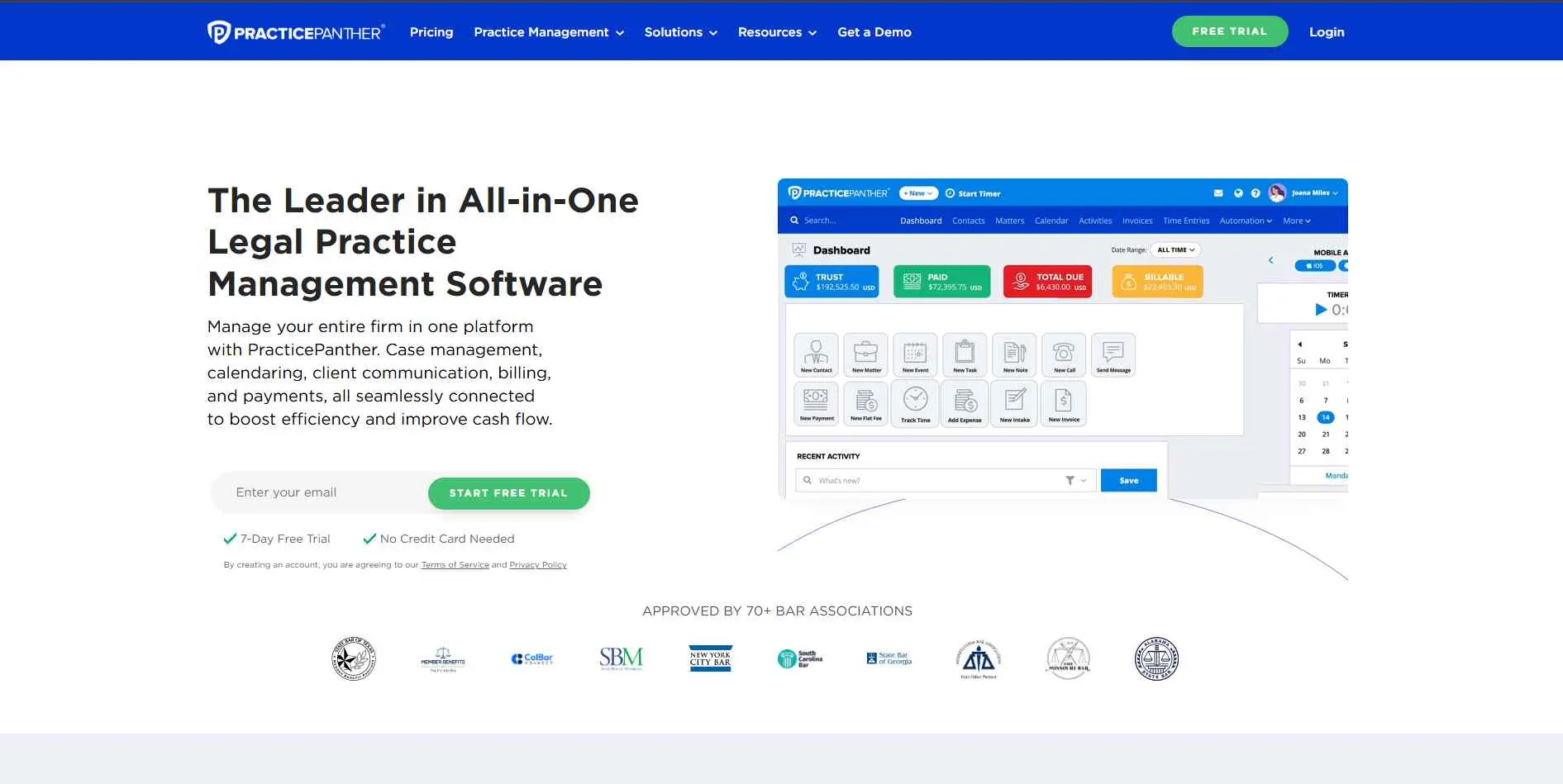
PracticePanther is a broad, all-in-one platform for solo and small-to-large firms, with built-in payments (PantherPayments) that reportedly gets firms paid 70% faster, plus workflow automation, client intake, and full trust accounting. It's approved by 70+ bar associations and covers most practice areas without specializing in any one.
Key Features
- PantherPayments for faster, compliant online payments
- Automated client intake and workflow triggers
- Full trust and operating account compliance tools
Best For: Solo and small-to-large firms wanting one clean, general-purpose system.
MyCase
Overview
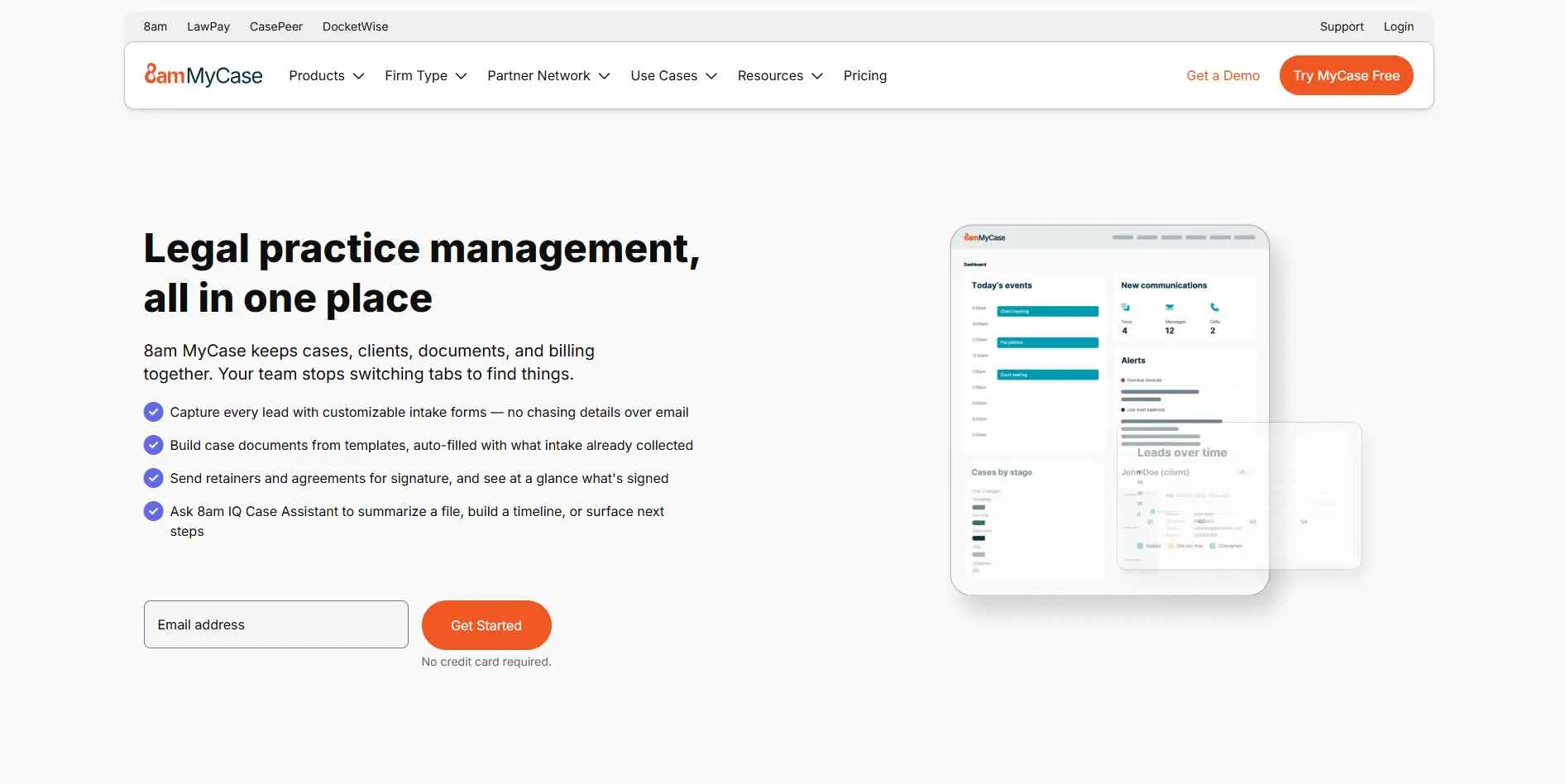
MyCase (it's under the 8am brand now) does standard case and billing work, plus 8am IQ - an AI assistant that'll summarize your files, build out a case timeline, run OCR on scanned docs. But honestly the company seems most interested in lead management, getting firms new clients. 19,000+ firms use it, mostly small-to-medium general practices.
Key Features
- 8am IQ AI assistant for summaries, timelines, and OCR
- 360-degree lead pipeline tracking from intake to signing
- LawPay-powered billing with IOLTA-compliant payments
Best For: Small-to-mid firms wanting AI-assisted case work and stronger lead tracking.
Actionstep

Overview
Actionstep targets mid-sized companies only, neither solo practitioners nor enterprises. Actionstep gives you multi-currency general ledger accounting, AWS security, and workflows you can customize for intake, billing, and compliance. It splits its features into three buckets - Work Efficiently, Grow, Oversee - which is a pretty clear signal of who it's for: firms past the spreadsheet stage but not yet running enterprise-scale legal ops.
Key Features
- Multi-currency general ledger and financial reporting
- Configurable workflows across five operational categories
- AWS-backed security with SOC 2 Type 2 certification
Best For: Midsize firms that have outgrown solo-practice tools but aren't enterprise-scale.
Clio

Overview
Clio is the market leader by user count, 400,000+ legal professionals, with the deepest integration ecosystem (150+) and context-aware AI built into case management. The price starts from $49/user with four tiers. It is a reliable choice for solo to growing firms looking for the biggest community support.
Key Features
- 150+ integrations, the largest ecosystem in the category
- Context-aware AI surfacing next tasks and case insights
- Approved by 100+ bar associations across all 50 states
Best For: Solo-to-growing firms wanting the most-supported, widely adopted option.
Smokeball

Overview
Smokeball's trick is that it tracks time without you asking it to. Hook it into Word and Outlook and it just logs your hours while you draft documents or send emails - no extra step. Add 17,000-plus form templates and you've basically got a desktop-cloud hybrid built for firms that never leave Microsoft's ecosystem.
Key Features
- Passive, automatic time tracking inside Word and Outlook
- 17,000+ pre-built automated legal forms
- Activity Intelligence tracks work without manual timers
Best For: Small-to-medium firms that run their daily work through Microsoft 365.
Filevine

Overview
Filevine is purpose-built for personal injury, mass tort, and other contingency-fee practices managing high case volume, with deeply customizable "project types" per practice area and an AI suite (LOIS) for contract and document intelligence. It's overkill for a solo or transactional firm, but strong for plaintiff-side litigation at scale.
Key Features
- Fully customizable project types per practice area
- LOIS AI suite for contract and document intelligence
- Built for high-volume contingency and mass tort caseloads
Best For: Personal injury and mass tort firms managing large case volumes.
CosmoLex
Overview
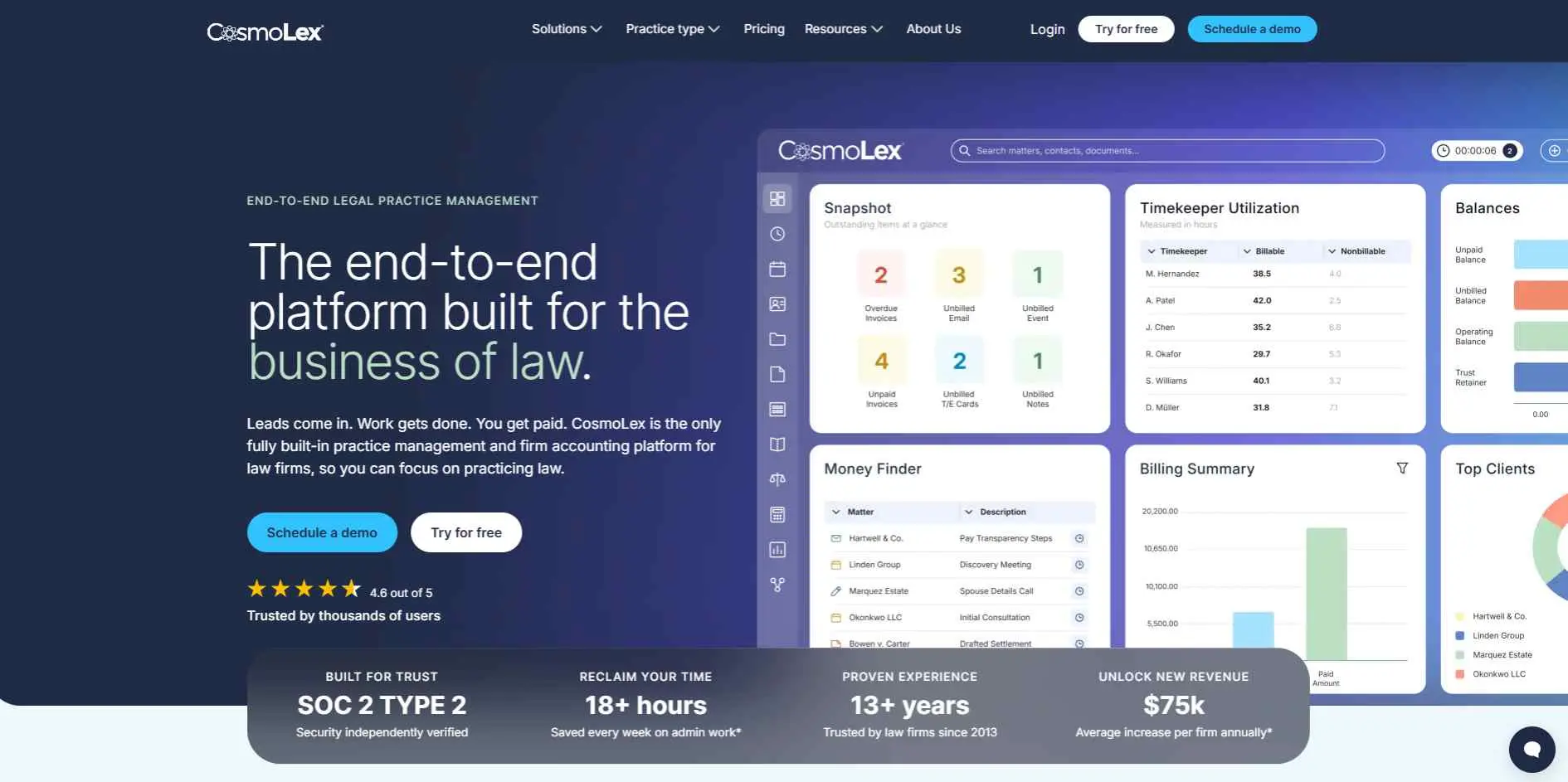
CosmoLex's entire pitch is built-in double-entry accounting, general ledger, trust accounting, three-way reconciliation, so firms drop QuickBooks entirely. That eliminates sync errors between billing and books, at $109+/user/month. It suits firms that have felt real pain from separate practice management and accounting subscriptions.
Key Features
- Full double-entry accounting with no QuickBooks required
- Three-way trust reconciliation built into daily workflow
- Real-time profit and loss without a separate sync
Best For: Firms that want practice management and accounting on one login.
Rocket Matter

Overview
Rocket Matter's whole angle is speed. Bill as you work, batch your invoices, sync with QuickBooks in a way reviewers keep calling best-in-class. Pricing runs four tiers, $49 to $129 per user per month, and the top tier throws in full legal accounting. If your firm cares more about getting bills out fast and accurate than about deep customization, this is the one built for that.
Key Features
- Bill-as-you-work time capture tied directly to invoicing
- Kanban-style matter boards for visual case tracking
- Tiered pricing scaling from essentials to full accounting
Best For: Small-to-midsize firms that want billing speed above all else.
CARET Legal

Overview
CARET Legal, which used to be Zola Suite, pairs case management with two-way email sync built in and full accounting baked into the product itself - no QuickBooks dependency like Clio has. It costs more than most of the field, and it makes the most sense for firms already running on Microsoft 365 or Google Workspace who want to see their finances without bolting on another integration.
Key Features
- Native two-way email sync, no separate plugin needed
- Full built-in accounting alongside case management
- Customizable workflows and dashboards by practice area
Best For: Firms in Microsoft 365 or Google Workspace wanting native email and accounting together.
Litify
Overview
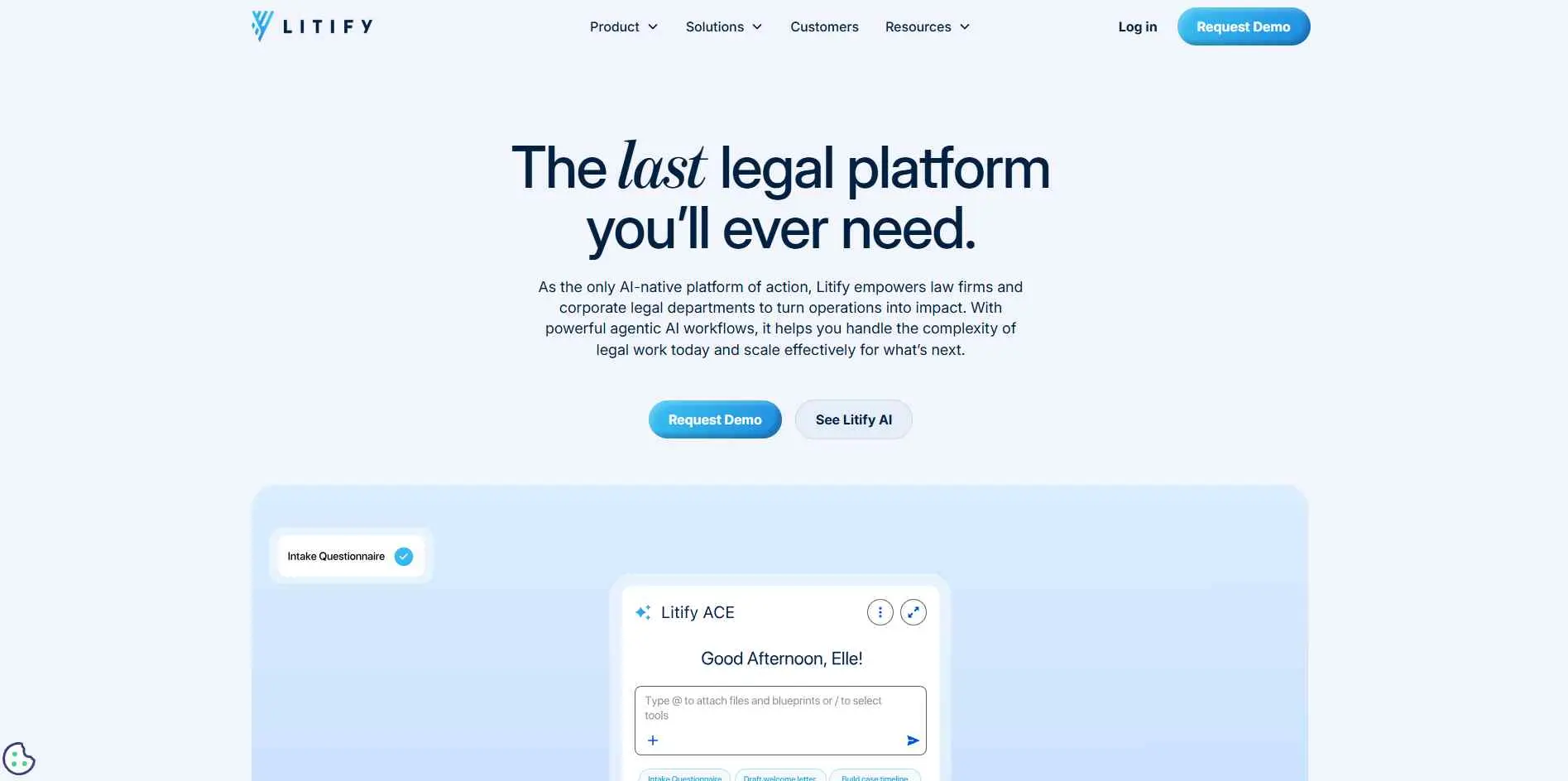
Litify runs natively on Salesforce, giving firms access to Salesforce's entire ecosystem, AppExchange integrations, Tableau reporting, enterprise SSO, layered with legal-specific case and billing tools. It's built for high-volume plaintiff firms and enterprise legal departments, and total cost typically reaches $150-300+/user/month once Salesforce licensing is included.
Key Features
- Native Salesforce foundation with full ecosystem access
- Built for mass tort campaigns with thousands of claimants
- Agentic AI and automation built directly into workflows
Best For: Enterprise legal departments and high-volume plaintiff firms already invested in Salesforce.
How to Choose Legal Practice Management Software
Firm size. Solo and small firms fit PracticePanther, MyCase, or Clio. Midsize firms outgrow those into Actionstep. Enterprise or high-volume plaintiff practices need Litify's Salesforce scale.
Accounting needs. If separate QuickBooks syncing has caused real problems, CosmoLex or CARET Legal remove that step entirely.
Practice type. Personal injury and mass tort firms get real value from Filevine's or Litify's specialization. General practice firms don't need that complexity.
Budget. Entry tools start under $50/user/month. Enterprise Salesforce-based platforms can run $150-300+/user/month once licensing is included. For practices keeping a tight rein on operating overhead, pairing practice management with dedicated business budgeting software can help forecast software expenses and cash flow more accurately.
Workflow habits. If your firm lives in Microsoft 365, Smokeball or CARET Legal's native integration is going to beat a browser-only tool every time.
Common Mistakes to Avoid When Buying Legal Software
A lot of firms pick software based on name recognition, then realize later it doesn't actually match how their practice area works. Choosing a QuickBooks-dependent platform without weighing the sync headache against built-in-accounting alternatives is a common regret. So is underestimating implementation time, enterprise platforms like Litify often need weeks of configuration, not days. And skipping a real trial with actual client data before signing an annual contract remains the most avoidable mistake of all.
Bottom Line
For a small firm that wants an all-in-one system, MyCase and PracticePanther are best to start. If workflows are the headache, look at Actionstep.
If accounting is a major concern, compare CosmoLex with PracticePanther. CARET Legal makes sense for firms trying to consolidate several systems, while Litify is better suited to larger organizations that can justify a more involved implementation.
Before you sign a contract, test the boring parts. Create a matter. Give some time. Send an invoice. Upload documents. Run a report. Try the client intake process.
That's where you'll find out whether the software actually fits your firm.