 Table of Content
Ask any finance leader what their biggest operational headache is, and they’ll probably point to a giant, multi-tabbed spreadsheet that broke three hours ago. Excel and Google Sheets are the lifeblood of business, but running a growing company's budget on them is a recipe for disaster.
Manual data entry leads to inevitable errors, version control becomes a nightmare, and your projections remain completely disconnected from actual bank balances. This curated guide breaks down the premier business budgeting software options built to automate your financial planning and analysis.
Some of these tools are built for deep multi-entity consolidations. Others are better at rolling forecasts, or at keeping corporate spend from spiraling.
We judged them on feature depth, ease of use, how well they plug into what you're already running, and whether they'll hold up as you grow - because the last thing you want is to outgrow a tool six months in.
Quick Comparison Table
| Software | Best For | Standout Feature |
|---|---|---|
| Abacum | High-growth Tech | Dynamic modeling |
| Prophix | Enterprise | Financial automation |
| PlanGuru | SMBs | Classic forecasting |
| Budgyt | Mid-market | Visual ease-of-use |
| Farseer | Modern FP&A | Speed of setup |
| Jedox | Data-heavy firms | Customizability |
| Tiller | Small Teams | Raw data control |
| Ramp | Spend Management | Real-time spend |
| Centage | Multi-entity | Built-in analytics |
| Scoro | Agencies | Project budgeting |
How to Choose Budgeting Software
Buying the wrong tool is a costly, time-consuming mistake. Before you sign a contract, be honest about these five criteria:
1. Complexity vs. Capability: Be honest about your scale. If you are a 10-person agency, Prophix is overkill. If you are a 500-person firm with global currency requirements, Tiller won't work. Buy for the company you will be in 18 months, not the one you are today.
2. The Budget: Don't just look at the subscription fee. Factor in the "hidden cost" of implementation. Enterprise tools often require expensive consultants to set up.
3. Integrations: If your budgeting software cannot pull data automatically from your GL (General Ledger) or ERP, you haven't solved the problem-you’ve just moved the spreadsheet work to a new interface. Ensure the API supports your specific accounting stack.
4. Onboarding: If the team does not like the software, it is going to be used inadequately. Poor usage results in poor data. Stress that you need a trial with your own data to see how much time it takes to build a simple forecast.
1. Abacum
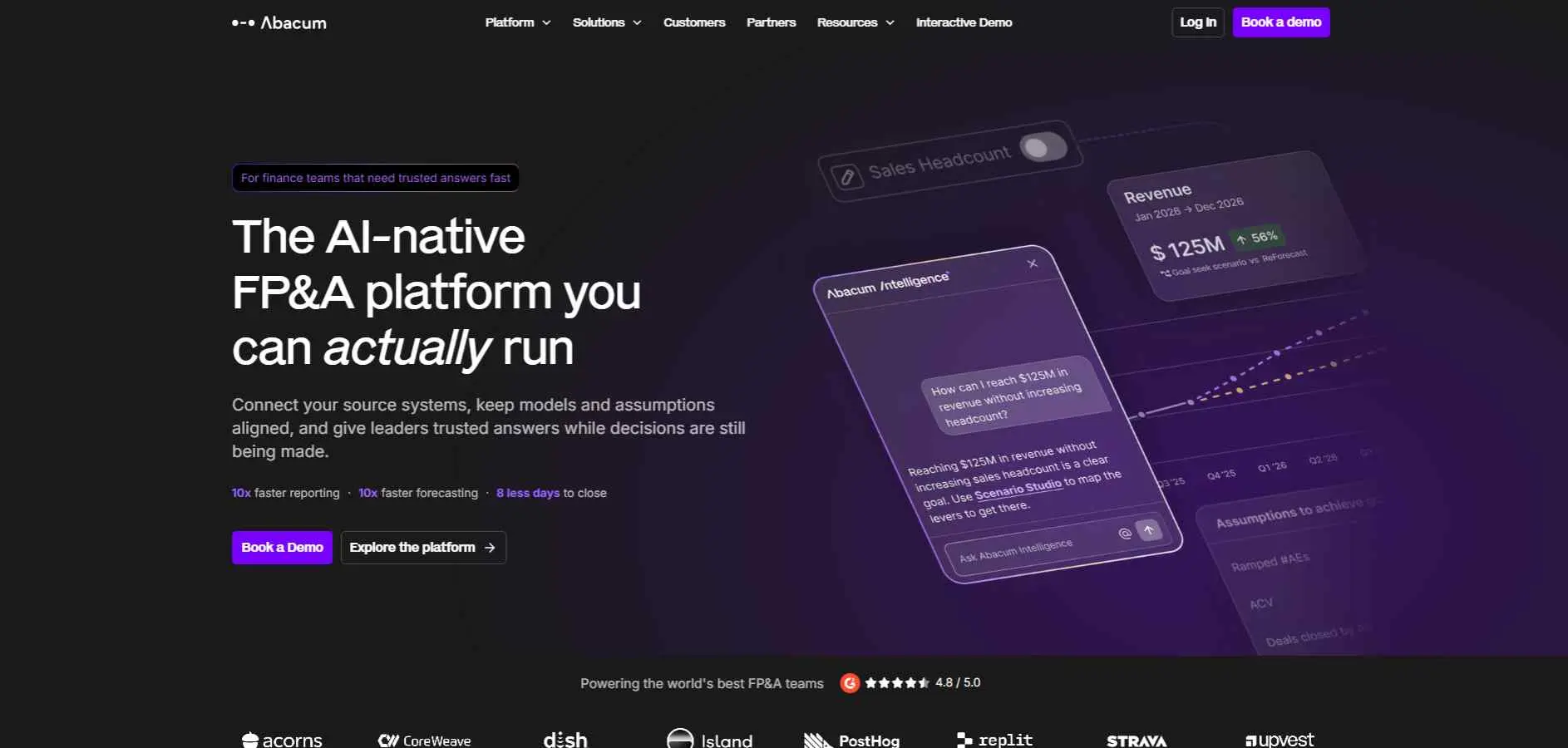
Abacum is the solution for mid-sized companies struggling with manual work in Excel. It allows you to integrate all your numbers into one dashboard from your ERP, CRM, and payroll systems.
Instead of chasing department heads for monthly budget updates, Abacum automates the whole approval process. It is powerful, yet surprisingly easy for non-finance managers to navigate without needing a team of expensive implementation consultants.
Key Features :
- Direct API integration with ERPs.
- Automated variance analysis vs. actuals.
- Intuitive scenario modeling (best/worst case).
Best For: Fast-growing tech companies needing collaborative, real-time FP&A.
2. Prophix
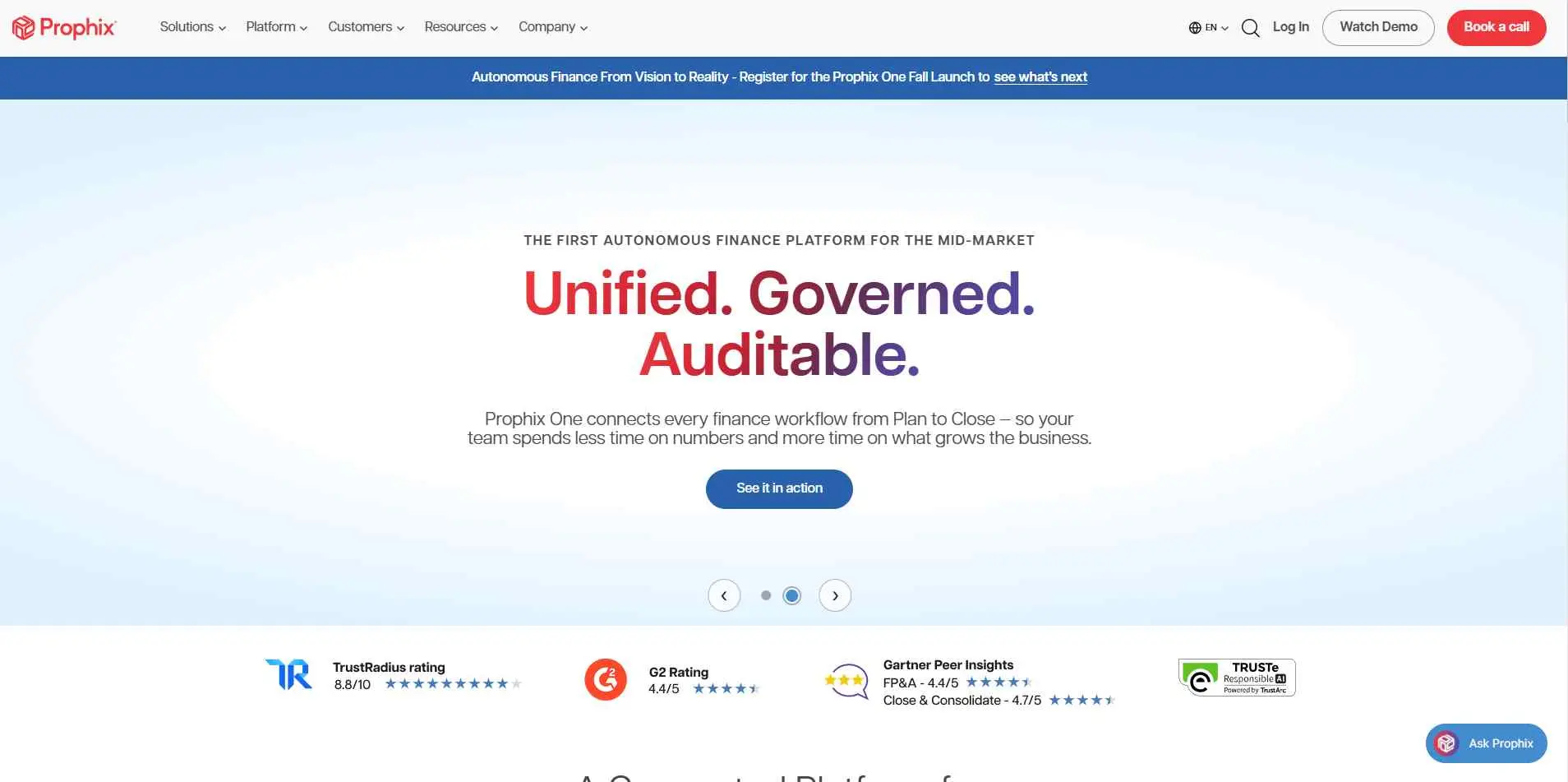
Prophix is a heavy hitter in the enterprise space. This is corporate performance management software designed to handle massive datasets and complex hierarchies. It is not cheap and not quick to implement, but for a business with multiple entities, global currency needs, and rigid compliance requirements, it is a workhorse. It automates consolidation tasks that would take a human days to complete, significantly reducing human error.
Key Features :
- Robust financial consolidation features.
- Advanced enterprise-level reporting.
- Workflow automation for approvals.
Best For: Large enterprises requiring sophisticated financial consolidation.
3. PlanGuru
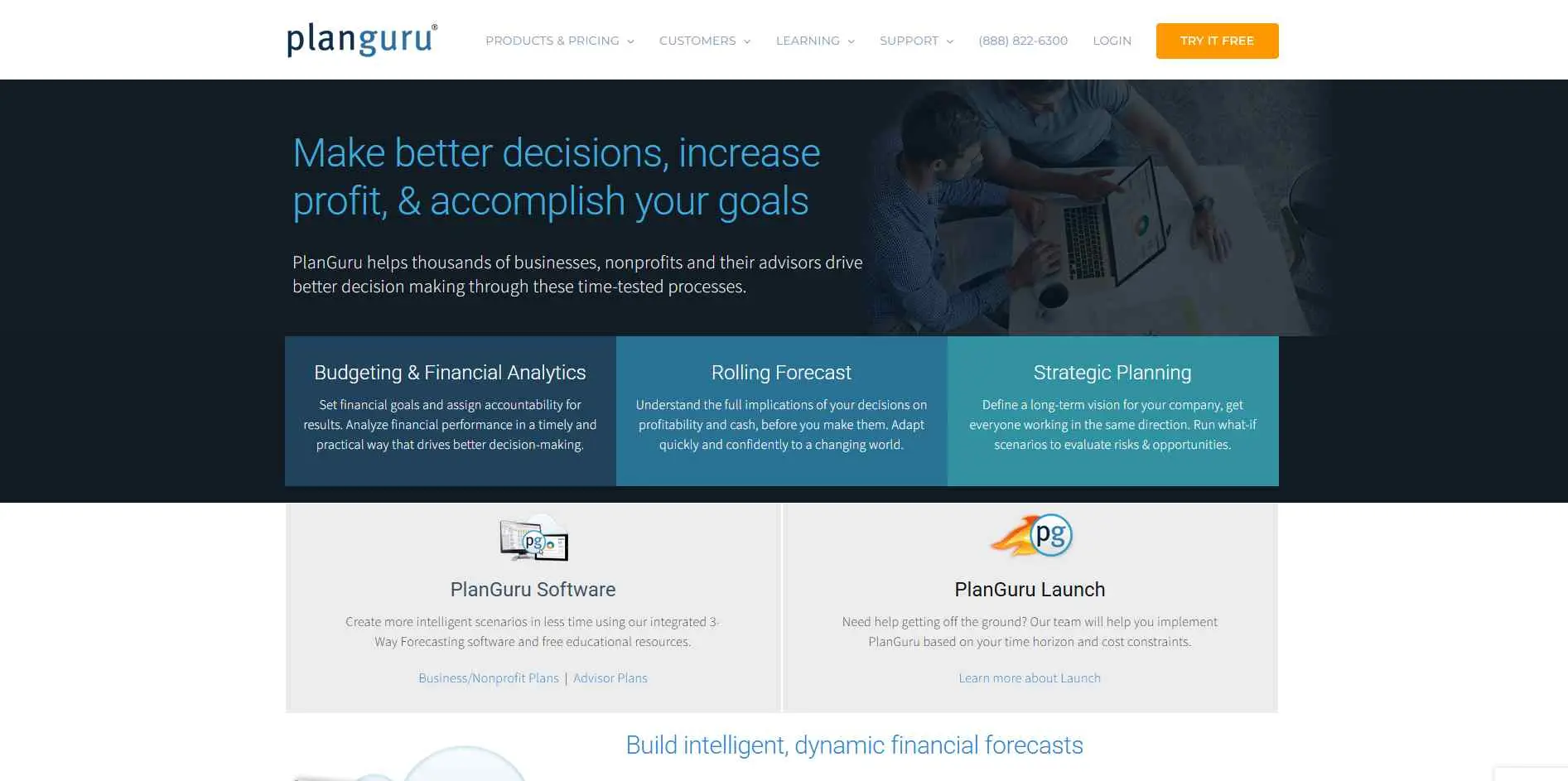
PlanGuru is the cost-efficient solution for small to medium-sized companies or growing nonprofits. It works well with three-statement modeling and helps you evaluate the impact of budgeting decisions on your balance sheet and cash flow.
Since it works seamlessly with QuickBooks Online and Xero, you can sync your actuals without writing any code. This tool is simple and template-based, and suitable for organizations which require forecasts but do not need the complexity that comes along with the enterprise solution.
Key Features :
- Structured financial statement modeling.
- Over 20 standard forecasting methods.
- Integration with QuickBooks and Xero.
Best For: SMEs needing a structured, classic approach to forecasting.
4. Budgyt
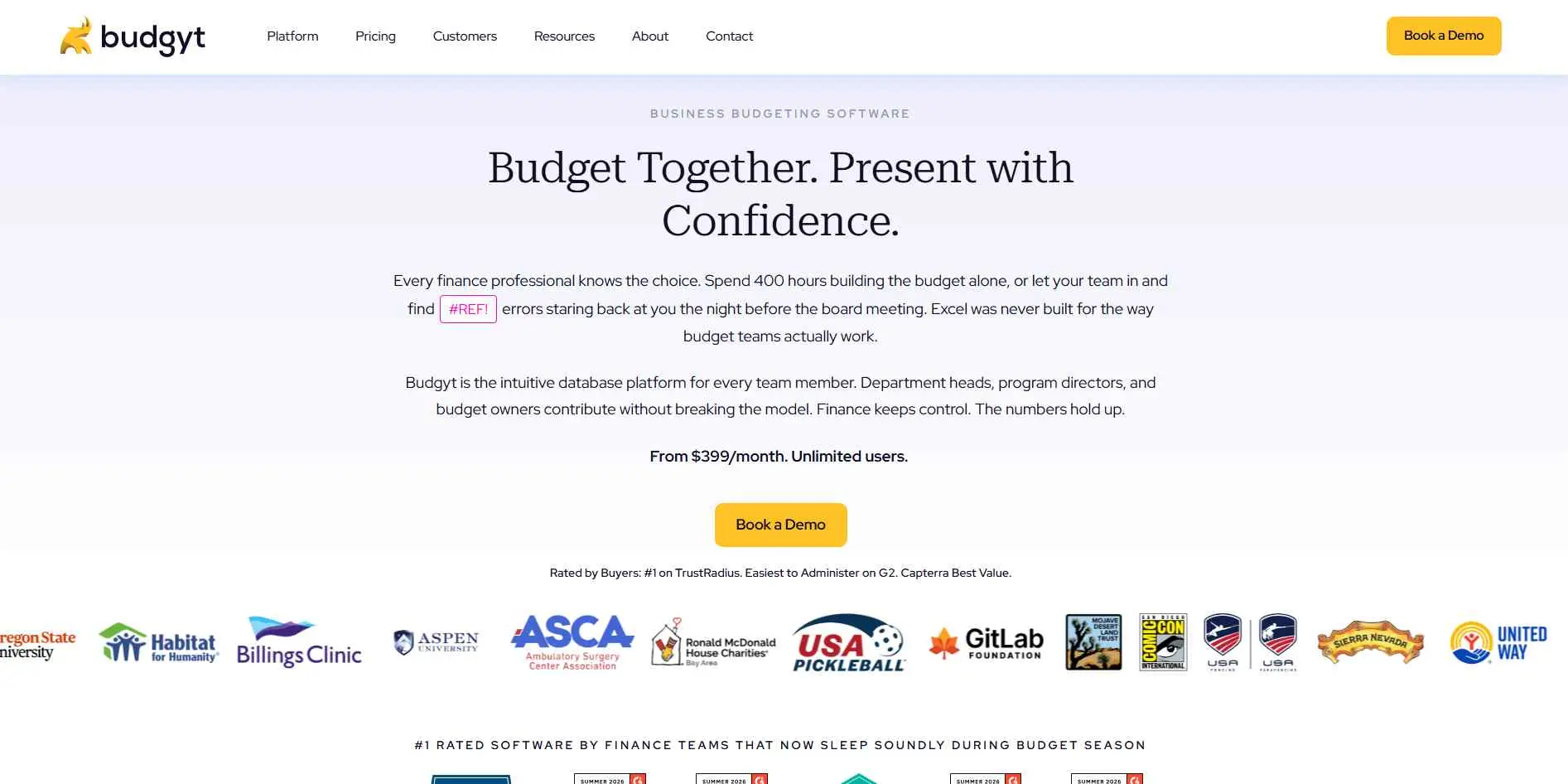
Budgyt is designed for lean financial teams and smaller companies which do not want to experience the madness of spreadsheets while spending money on unnecessary features. Instead of participating in endless email discussions, managers can simply input department numbers using an intuitive interface.
What makes it different is its transparent, flat-rate pricing based on your number of departments, paired with solid user permissions. It is an honest, stress-free tool for standard corporate budgeting needs.
Key Features :
- Clear, user-friendly permission settings.
- Easy tracking of budget vs. actuals.
- Visual dashboard reporting.
Best For: Mid-market companies needing budget accountability across departments.
5. Farseer
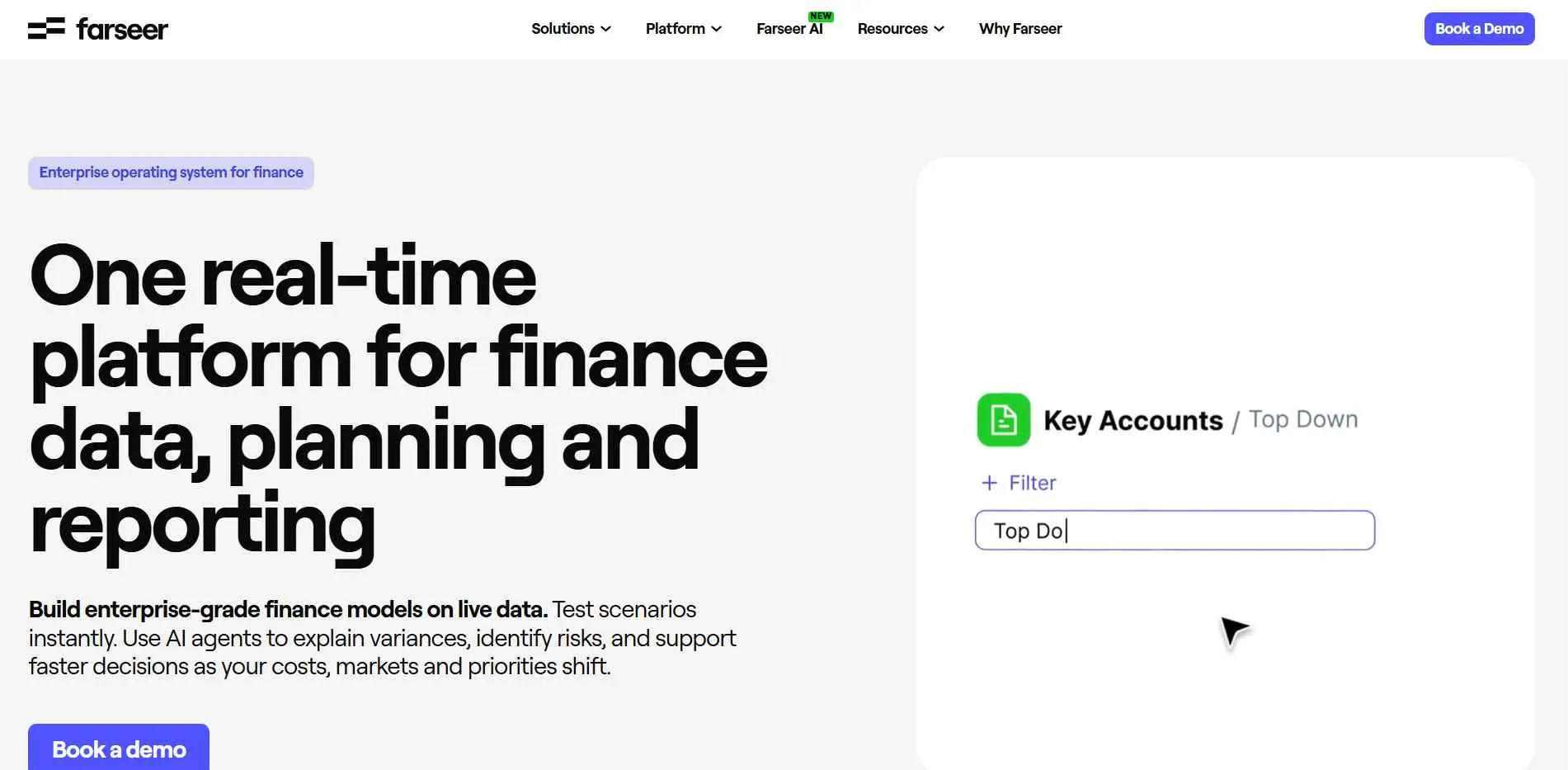
Farseer tackles enterprise-level FP&A by combining speed with a very clever AI assistant. Built on a proprietary "Rama" in-memory engine, the software recalculates massive, complex financial models in fractions of a second.
This means you can run what-if scenarios on the fly without system lag. To make collaboration easy, you can query your live budget data or run forecasts directly through standard chat apps like Microsoft Teams, WhatsApp, or Slack channels.
Key Features :
- Rapid implementation and onboarding.
- Flexible, non-rigid modeling structure.
- Real-time collaboration features.
Best For: Teams that need to migrate away from Excel quickly.
6. Jedox
Jedox is a power-user's tool. It is an EPM (Enterprise Performance Management) solution that gives you high levels of customizability. In case your business is unique and doesn’t fit the predefined templates, then Jedox is probably the right choice for you.
It is powerful and flexible enough but it has a more complex learning curve than many simpler cloud-based applications. You will need an administrator who knows how to work with data.
Key Features :
- Highly customizable data modeling.
- Strong Excel-adding functionality.
- Enterprise-grade security and performance.
Best For: Data-heavy organizations requiring custom configurations.
7. Tiller
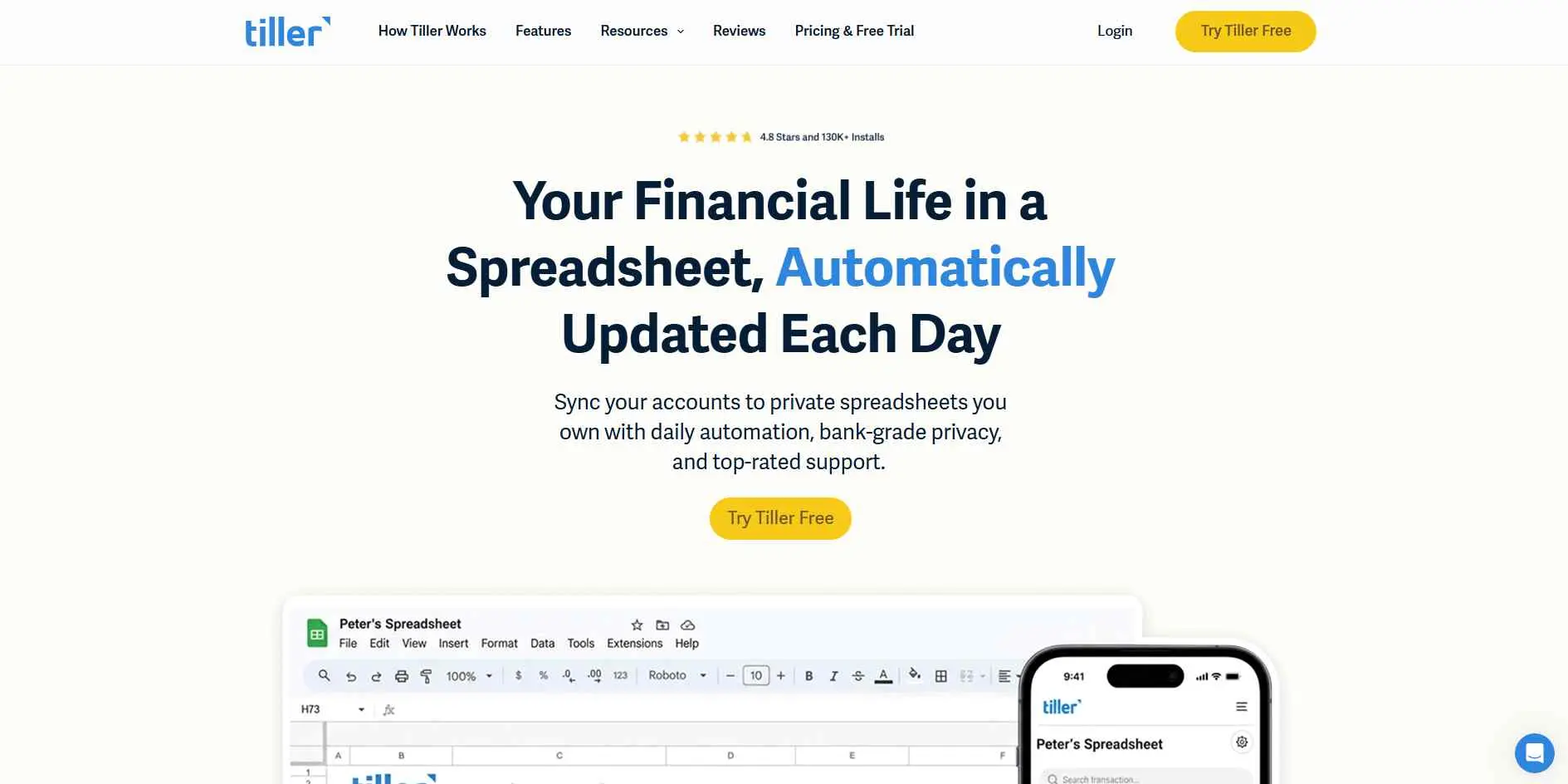
Tiller is fundamentally different. It is not an FP&A platform; it is a financial data aggregator that feeds your bank transactions directly into Google Sheets or Excel. If your definition of "budgeting" is keeping a tight grip on cash flow and personal or micro-business expenses, Tiller is the answer. You get the raw power of a spreadsheet with the automated data feeds of a bank API.
Key Features :
- Automated daily transaction feeds.
- Total control within your own spreadsheets.
- No proprietary UI to learn.
Best For: Small business owners who want to stay in Excel.
8. Ramp
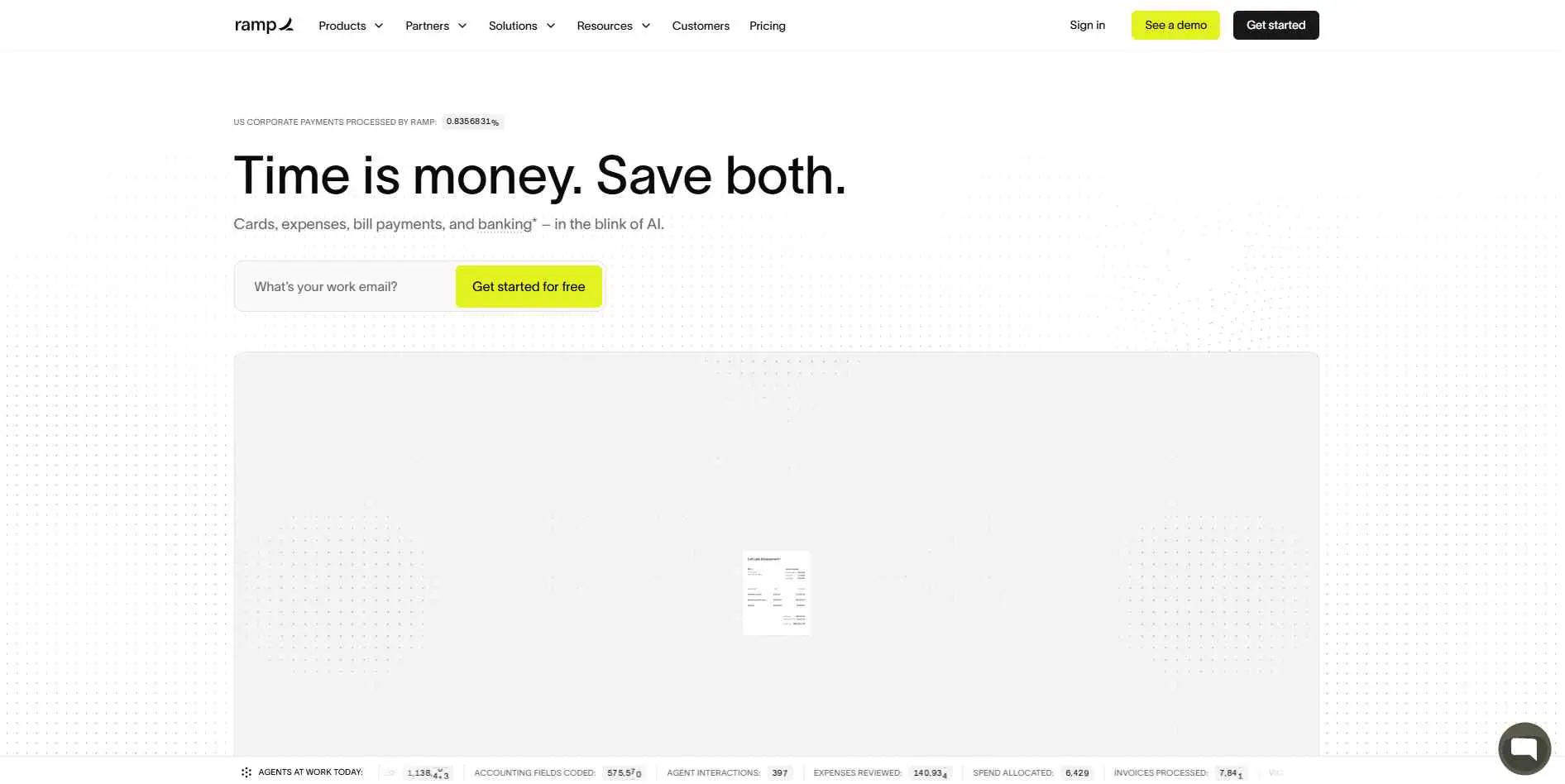
Ramp started as a corporate card provider and evolved into a spend management powerhouse. If your primary budgeting problem is "people spending money without approval," Ramp fixes that at the source. It automates receipt collection and enforces policy in real-time. It is the best choice if your budget is leaking through unmanaged employee expenses rather than complex planning errors.
If you're weighing Ramp against dedicated options, our expense management software roundup breaks down how the category's top players compare on receipt capture and approval workflows.
Key Features :
- Real-time spend control and visibility.
- Automated expense coding and reconciliation.
- Integrated corporate cards.
Best For: Controlling operational spend and T&E budgets.
9. Centage
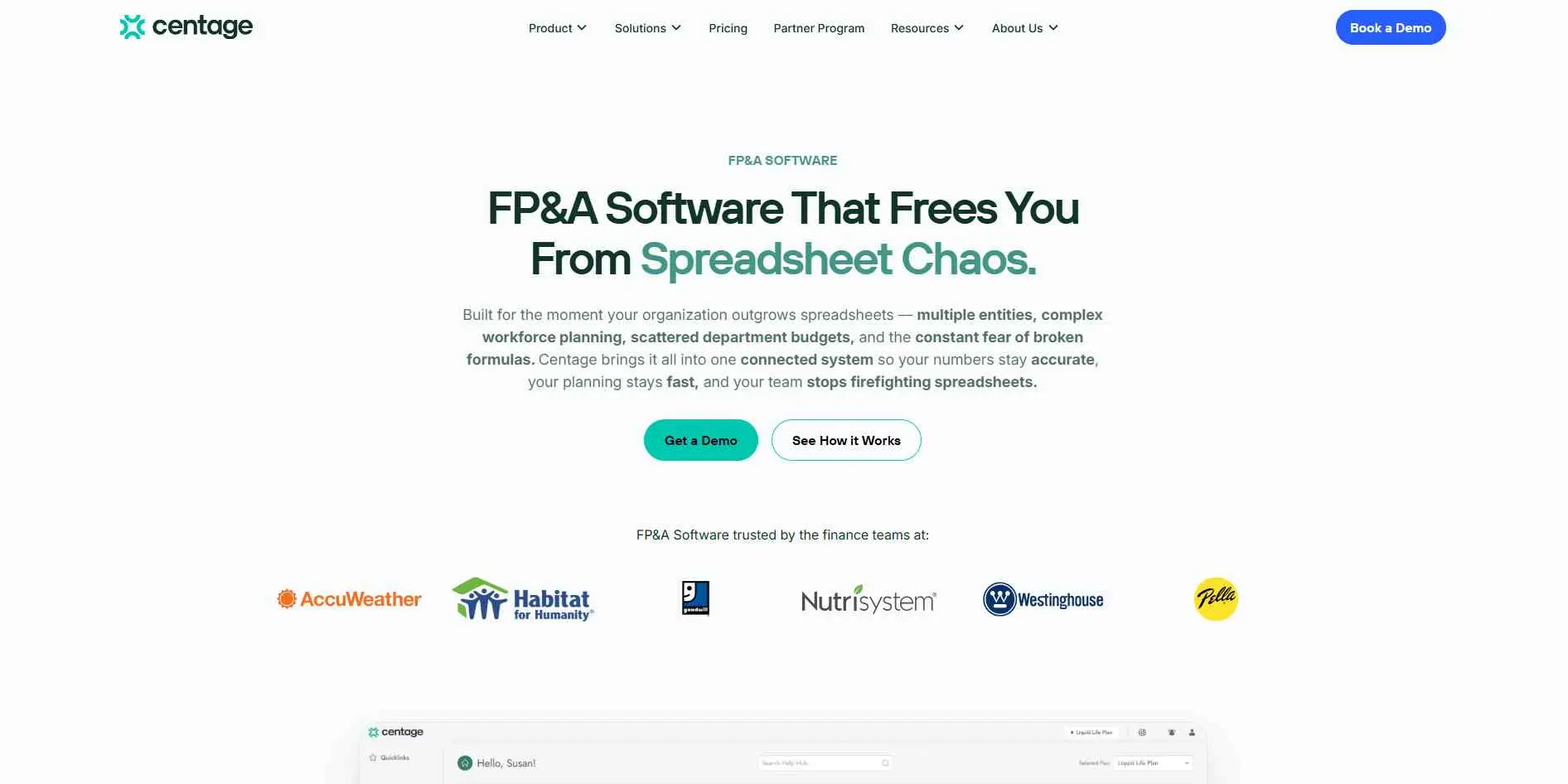
Centage is the ultimate tool for mid-market finance departments that need serious, formula-free three-statement forecasting. There will be constant and automated sync between your P&L, balance sheets, and cash flow statements.
As soon as you make changes regarding the headcount or add new members to the team, there is immediate adjustment to the forecasts of the cash flows. This recalculation is possible only when payroll software provides reliable information for the calculations.
This eliminates the nightmare of broken spreadsheet cells and ensures you always have a highly accurate, real-time picture of company-wide financial liquidity.
Key Features :
- Strong multi-entity consolidation.
- Automated financial reporting packages.
- Intelligent forecasting logic.
Best For: Mid-sized businesses scaling into multi-entity structures.
10. Scoro
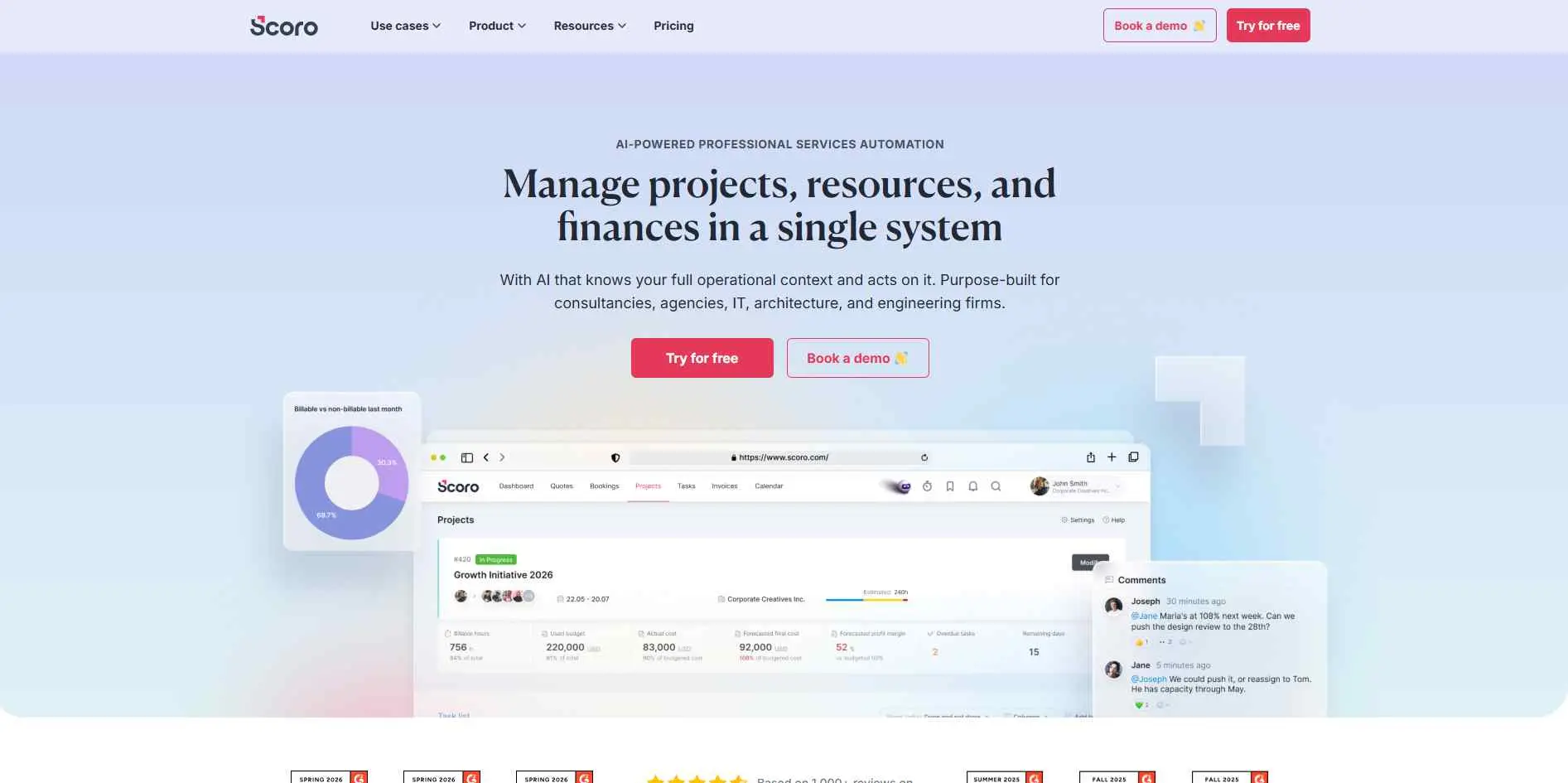
Scoro is a platform for work management which is also associated with budgeting and therefore can be used by agencies and project-based organizations. The budgeting system works not only for the company but also for each project. When the revenue depends on time tracking and billing, Scoro combines these two systems and provides insights about the profitability of a project right now, not three months later.
Key Features :
- Project-based profit tracking.
- Time management and billing integration.
- Comprehensive client and project reporting.
Best For: Professional service firms and agencies.
Common Mistakes to Avoid When Buying Budgeting Software
- Choosing on price alone: You will eventually pay for this in lost time and manual labor.
- Ignoring integrations: If the software creates data silos instead of breaking them, do not buy it.
- Ignoring the learning curve: An enterprise-level product that needs a dedicated administrator is too complicated for a small finance department.
- Underestimating multi-entity needs: For companies with several legal entities, make sure that there is native consolidation functionality; do not count on workarounds to get it done.
- Skipping the trial: Never skip the testing phase and do not buy budgeting software based on its demonstration. You always have to demand Proof of Concept (POC) with your imperfect data.
Conclusion
Ditching manual spreadsheets is the single best way to give your finance team their strategic business time back. For freelancers, Tiller automates bank feeds without ruining Excel's legendary flexibility.
Startups can lean on Ramp for free spend controls, while growing mid-market and enterprise teams should look at Abacum, Farseer, or Jedox to handle complex automated FP&A. Ready to stop chasing broken formulas and take back control of your financial planning?
Book a demo with one of these top-tier budgeting tools today and see what modern, automated forecasting can do for your business.