 Table of Content
Email is still one of those things that quietly takes over the day. You open your inbox to answer one message then find six more that need your attention and then spend 20 minutes searching for something you know you got week.
AI email assistants are becoming better at dealing with that mess. Some mainly help write replies. Others sort messages summarize long conversations find information, schedule meetings or prepare follow-ups before you even ask.
That difference is important. A tool that is great for writing emails might not be the choice for managing a busy team inbox.
So this list looks at what each tool's actually good at, instead of pretending there is one tool that works for everyone.
What is an AI email assistant?
An AI email assistant uses intelligence to handle parts of your inbox that usually take manual work. That could be writing a reply, summarizing a conversation, finding an old message, sorting new mail, pulling out tasks or checking your calendar before you answer a meeting request.
The key difference between an AI writer and a real assistant is that a writer helps when you ask it to create something. An assistant can handle the work too. The gap between the two is growing as more tools start to take care of inbox tasks on their own.
Best AI Email Assistants in 2026
| Tool | Best for |
|---|---|
| Missive | Team inboxes |
| Shortwave | AI-first Gmail users |
| Fyxer | Gmail and Outlook |
| SaneBox | Inbox cleanup |
| Gmelius | Gmail teams |
| Superhuman | Heavy email users |
| Canary Mail | Privacy-focused users |
| MailMaestro | Inbox triage |
| Mailbutler | Existing email clients |
| Friday | Email writing |
1. Missive
Overview
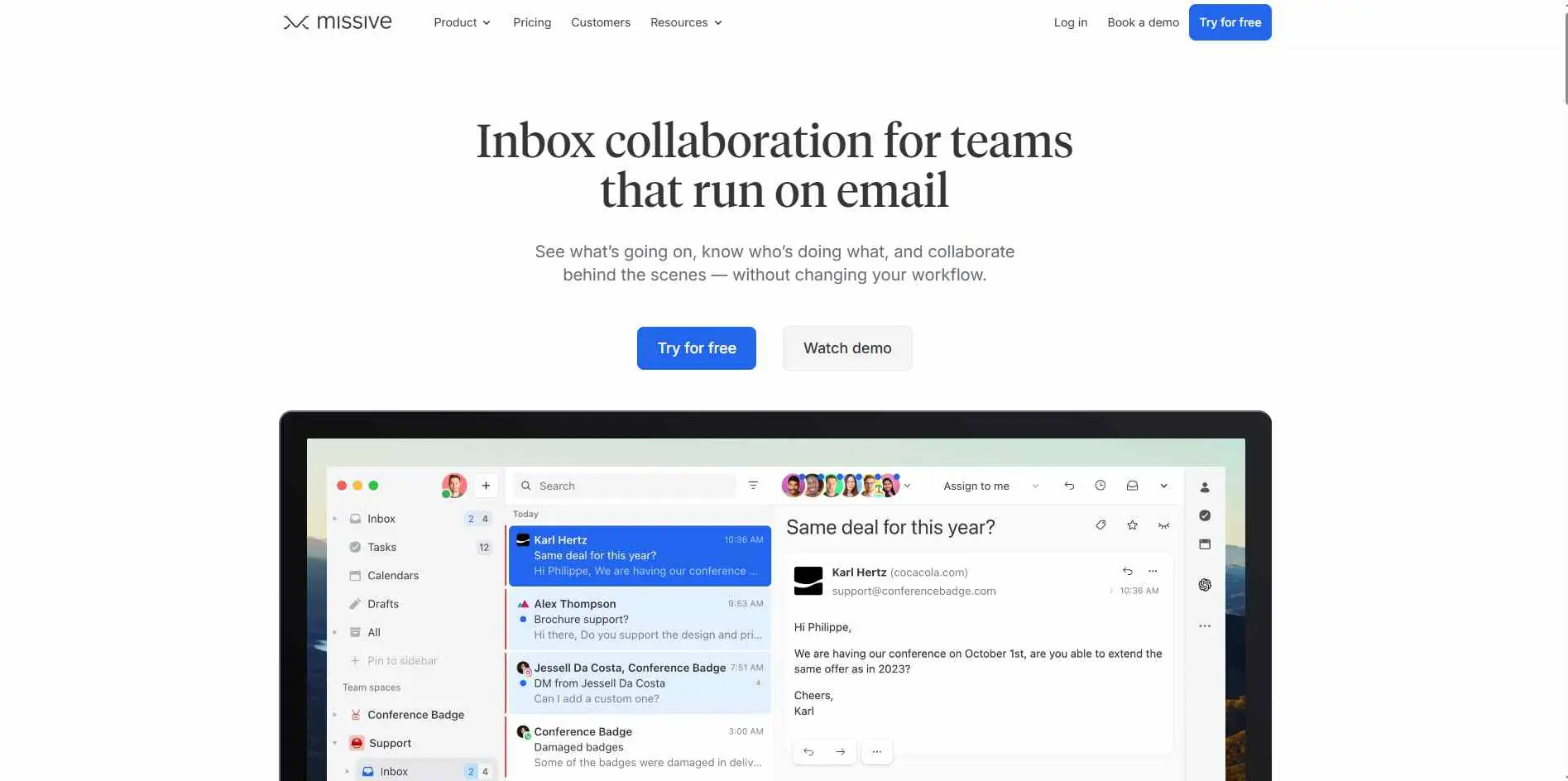
Missive is a team email workspace that brings shared inboxes, collaboration, automation and AI together for teams today. Missive’s assistant can read the conversation, search connected email accounts, check calendars, find contacts and draft replies. Missive’s AI Rules can also understand a message and trigger actions such as labeling, routing, task creation or draft generation. Missive is more suited for team workflows than an email writing tool.
Key Features
- AI assistant with email, conversation, and calendar context
- AI Rules for labeling, routing, summaries, tasks, and drafts
- Shared inboxes and team collaboration
Best For: Teams handling support, sales, or shared operational inboxes.
2. Shortwave
Overview
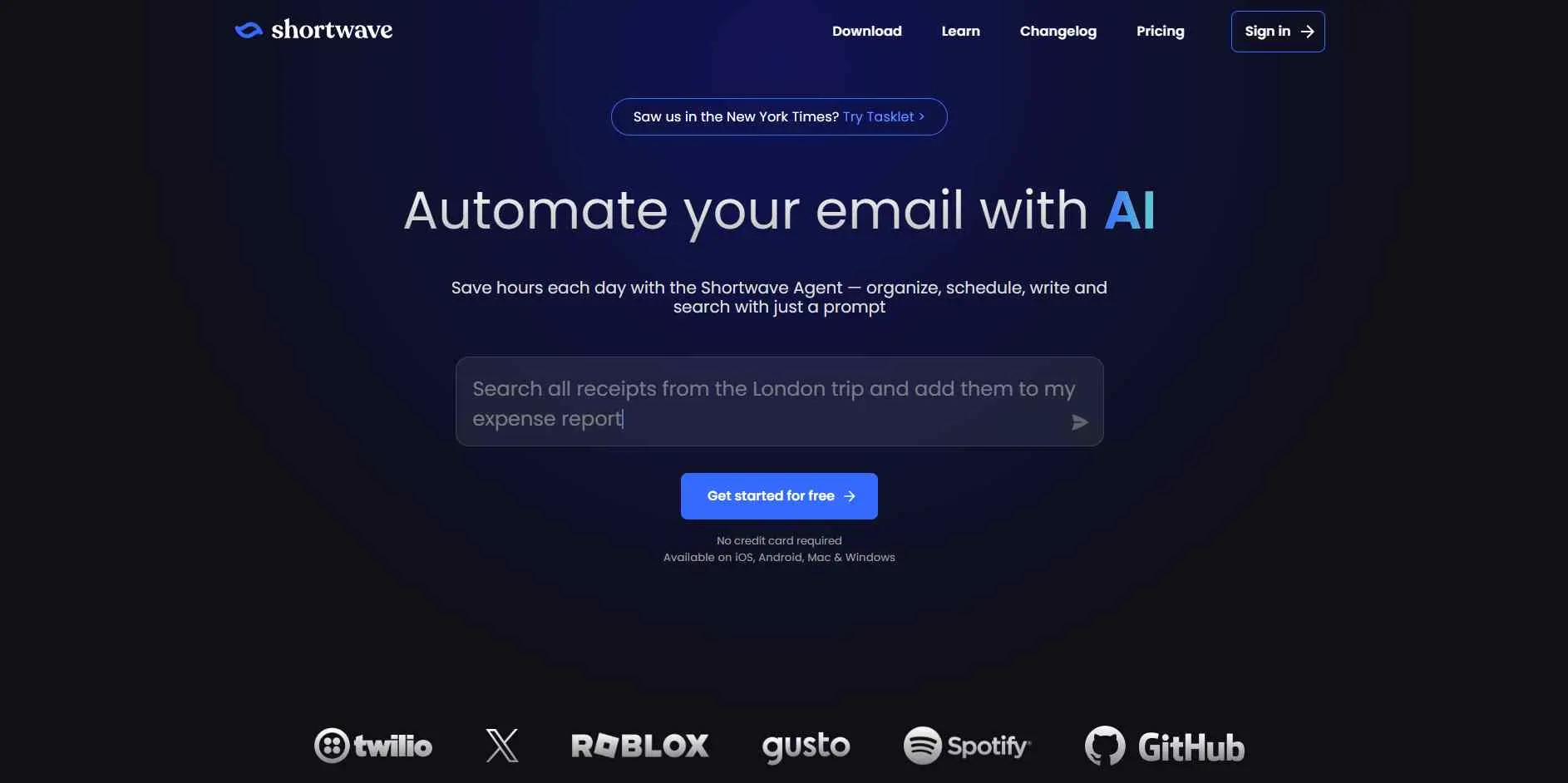
Shortwave feels like an add‑on and more like an email app built around AI from the start. Shortwave’s AI Assistant can search messages, summarize conversations, organize email, write replies and work with your calendar. The interesting part is Shortwave’s Ghostwriter system, which uses emails to make drafts sound more like you. Shortwave also has autocomplete and a way to refine drafts through natural language without starting over each time.
Key Features
- AI search, summaries, and inbox organization
- Ghostwriter for personalized replies and autocomplete
- Calendar and scheduling assistance
Best For: Gmail users who want AI built into the email experience.
3. Fyxer
Overview
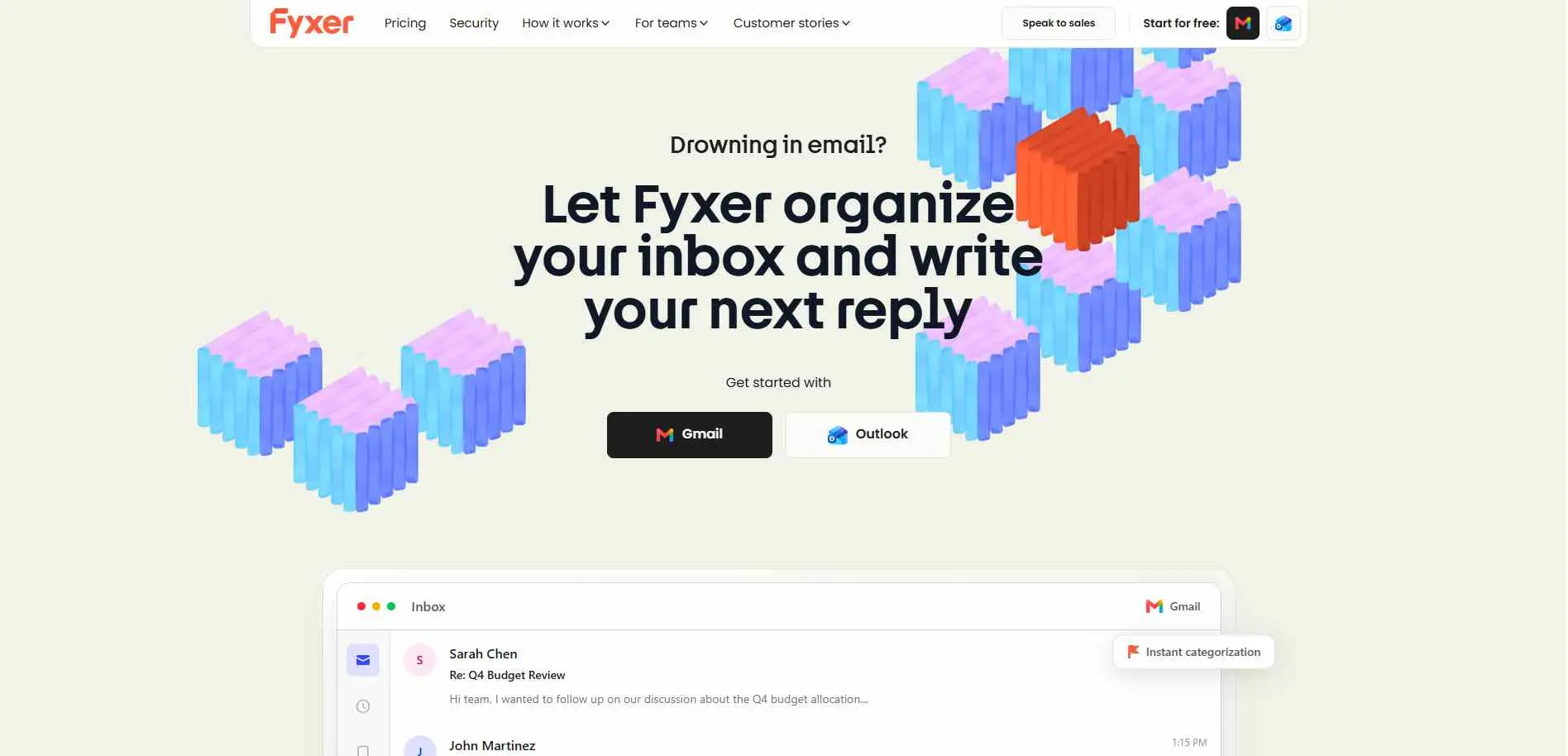
Fyxer is aimed at people who do not want another email app to learn. It works inside Gmail and Outlook, sorts new messages, prepares replies, and handles meeting notes and scheduling. Fyxer says it studies your writing patterns so its drafts match your style. That makes it useful for people who spend too much time doing the same small email jobs every day and would rather have those jobs handled automatically without changing their usual inbox.
Key Features
- Automatic inbox sorting by priority
- Reply drafts written in your style
- Meeting notes and scheduling support
Best For: Busy Gmail and Outlook users who want simple automation.
4. SaneBox
Overview
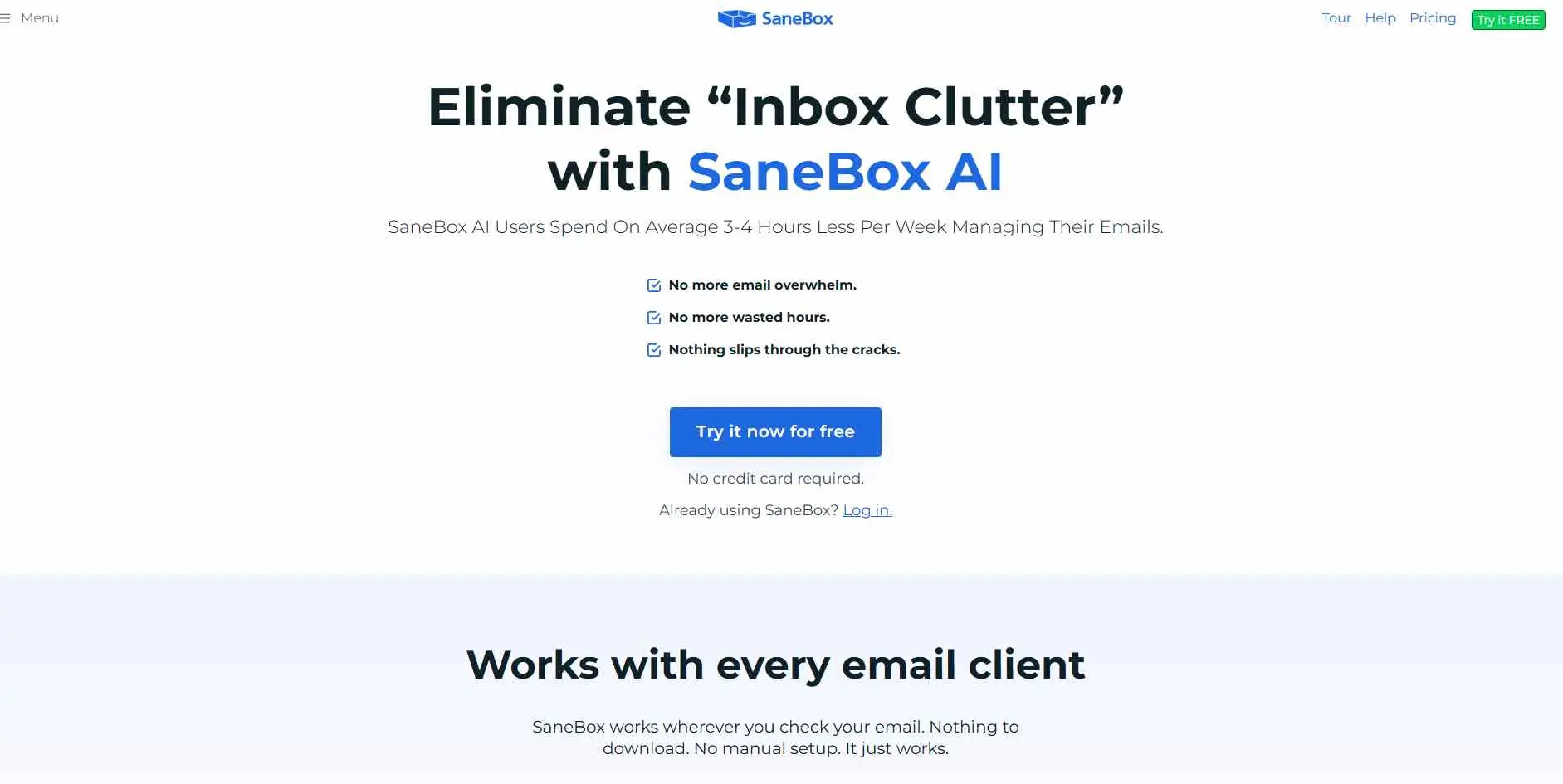
SaneBox focuses on one problem: keeping junk and low‑priority email away from the inbox. SaneBox creates folders such as SaneLater and SaneNews provides snoozing and reminders and sends a Digest of filtered messages. SaneBox also has SaneDrafts for AI reply drafts and SaneSummary for AI-generated summaries although those newer AI features are still listed as beta. If clutter is the problem, SaneBox makes sense for users.
Key Features
- Automatic filtering with SaneLater and other folders
- Snoozing, reminders, newsletters, and sender controls
- AI summaries and reply drafts
Best For: People whose biggest email problem is inbox clutter.
5. Gmelius
Overview
Gmelius puts AI and team email management inside Gmail. Gmelius’s Meli assistant can prepare replies, messages, schedule meetings, route conversations and help with follow‑ups. The team side matters here: shared inboxes, assignments and collaboration sit alongside the AI features. Gmelius is less about writing one reply and more about keeping a group of people organized while handling customer, sales or support email every day.
Key Features
- AI replies written in your tone
- Email routing and follow-up assistance
- Shared inboxes and team workflows
Best For: Teams that run customer or operational email through Gmail.
6. Superhuman
Overview
Superhuman is no longer an email client that helps you type faster. Superhuman’s Email Assistant can label mail, archive lower-priority messages, prepare replies in your voice and remind you about conversations that need a follow-up. Superhuman works directly with Gmail and Outlook so you do not have to move your inbox to another system just to use the assistant. This is one of the more hands-off options here for busy professionals.
Key Features
- Auto Labels for incoming messages
- Automatic archiving and reply drafts
- Follow-up reminders
Best For: Professionals who spend a big part of the day in email.
7. Canary Mail
Overview
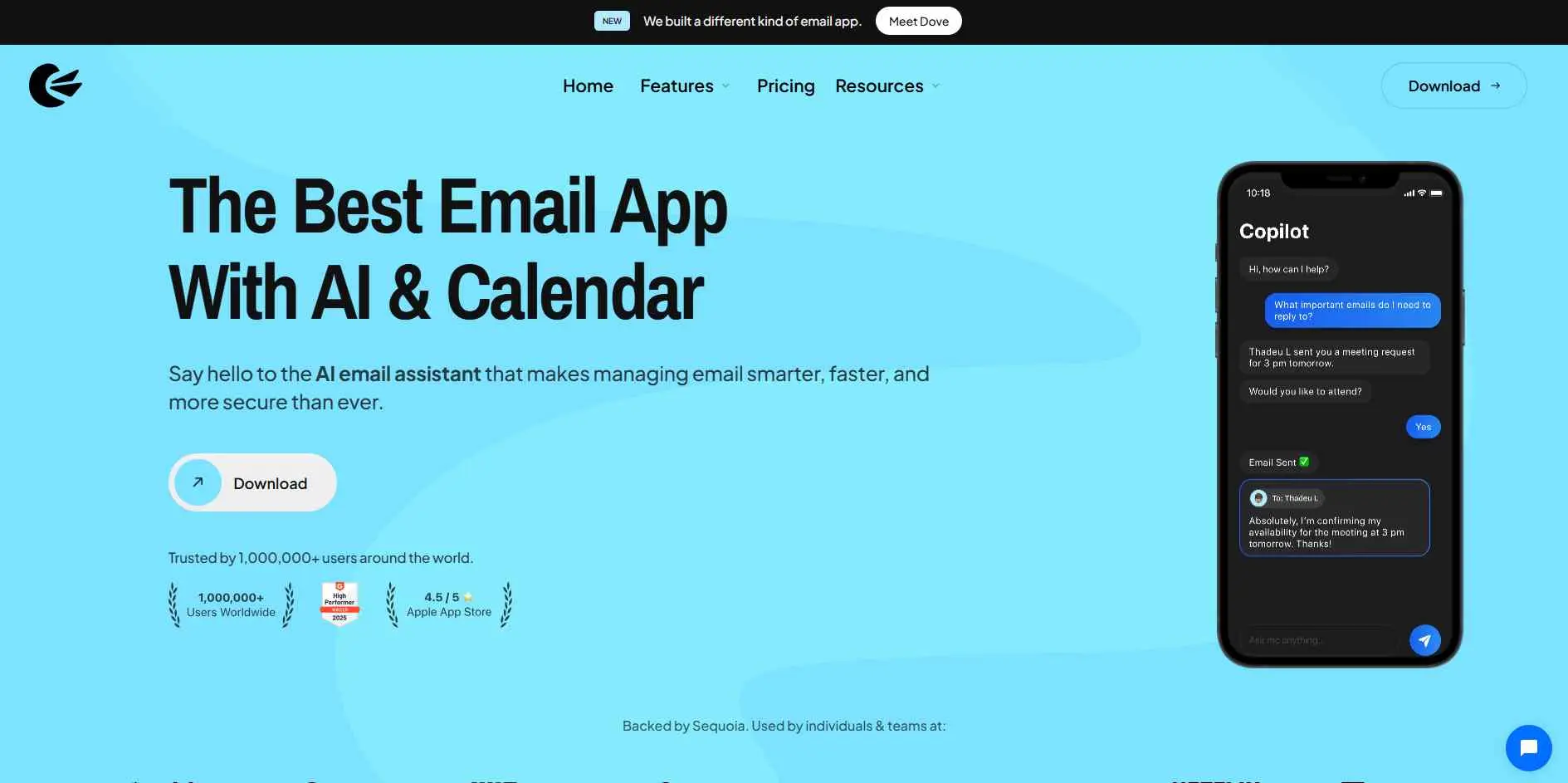
Canary Mail puts privacy high on the list while still offering AI features. Its Copilot can rewrite emails, summarize conversations and search connected accounts. Canary Mail says its personalized models for prioritization are stored and trained on the device while cloud models handle tasks such as writing and summaries. It also includes phishing protection and tracker blocking which makes Canary Mail more than an AI writer for users who care about privacy.
Key Features
- AI Copilot for drafting and summaries
- On-device personalized models for prioritization
- Security and privacy features
Best For: People who want AI help without ignoring privacy.
8. MailMaestro by Maestro Labs
Overview
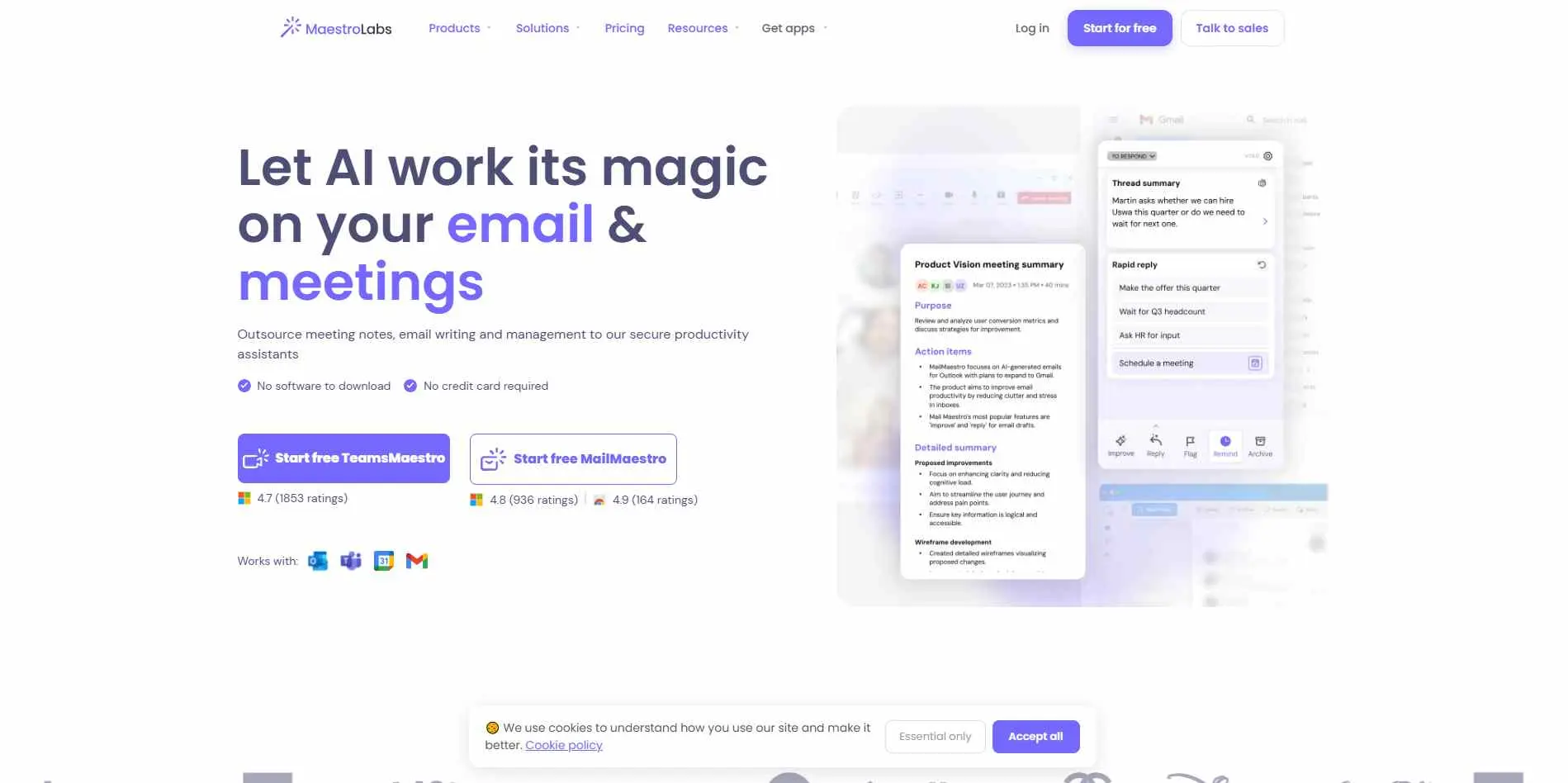
MailMaestro is built for professionals who need help getting through an inbox. It can prioritize messages, summarize threads and attachments, generate reply options and help with tasks, through Ask AI. MailMaestro also lets users teach the assistant their tone, words and writing preferences. It works with Gmail and Outlook so you can add AI help without replacing the email setup your team already uses or learning another inbox from scratch.
Key Features
- AI Priority Inbox and email triage
- Thread and attachment summaries
- Personalized AI replies and writing controls
Best For: Professionals who want stronger inbox triage and writing help.
9. Mailbutler
Overview
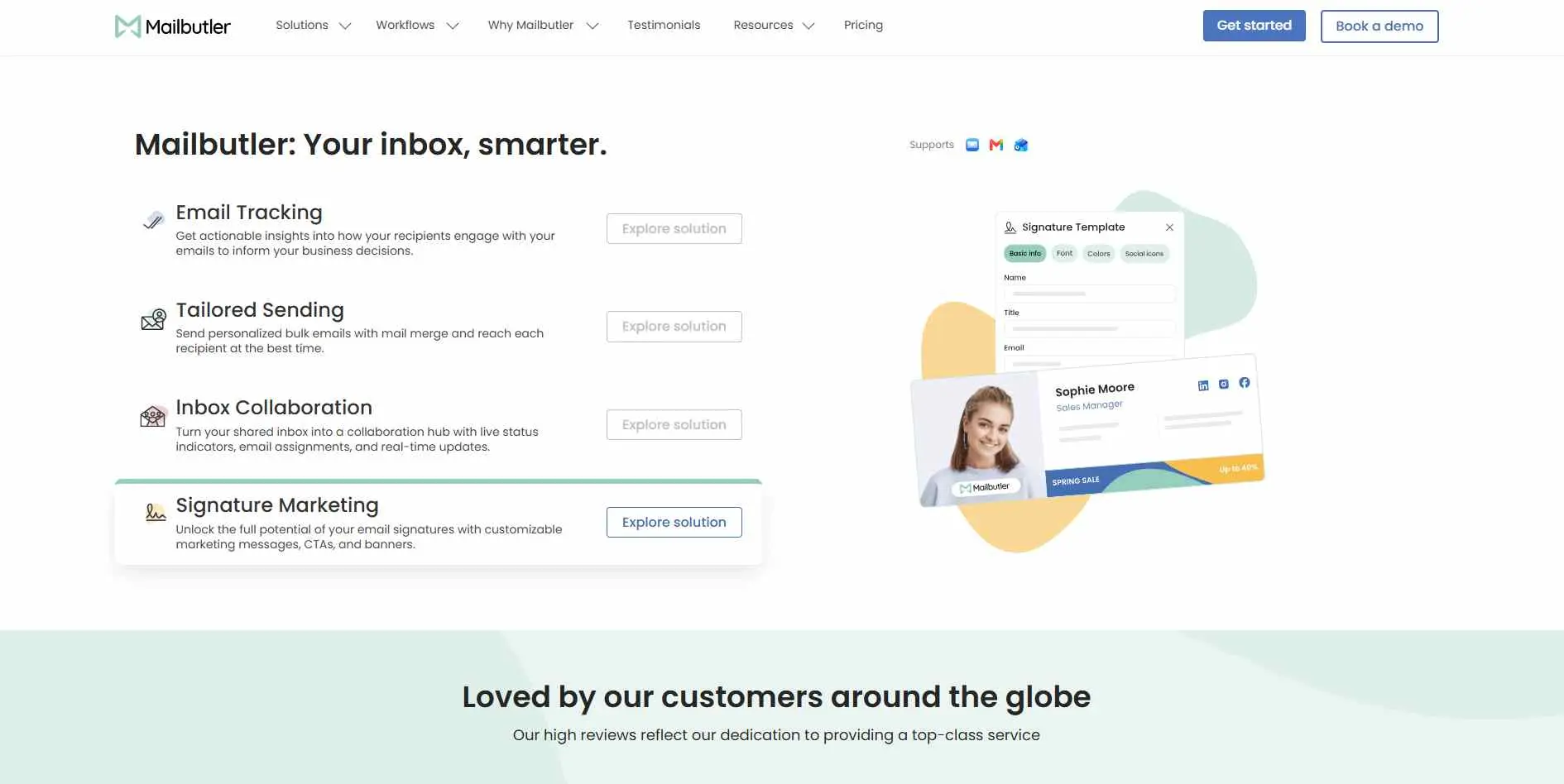
Mailbutler is designed for people who already use Apple Mail, Gmail or Outlook and do not want to switch. Mailbutler’s Smart Assistant can write an email from keywords, draft a reply, summarize a message, improve grammar and find tasks inside an email. Because Mailbutler’s AI sits on top of email clients, the learning curve is small. Mailbutler is practical when you want AI features without rebuilding your workflow around another email application.
Key Features
- Smart Compose and Smart Respond
- Email summaries and writing improvement
- Task extraction from messages
Best For: Users who want AI inside the email clients they already use.
10. Friday: AI E-mail Writer
Overview
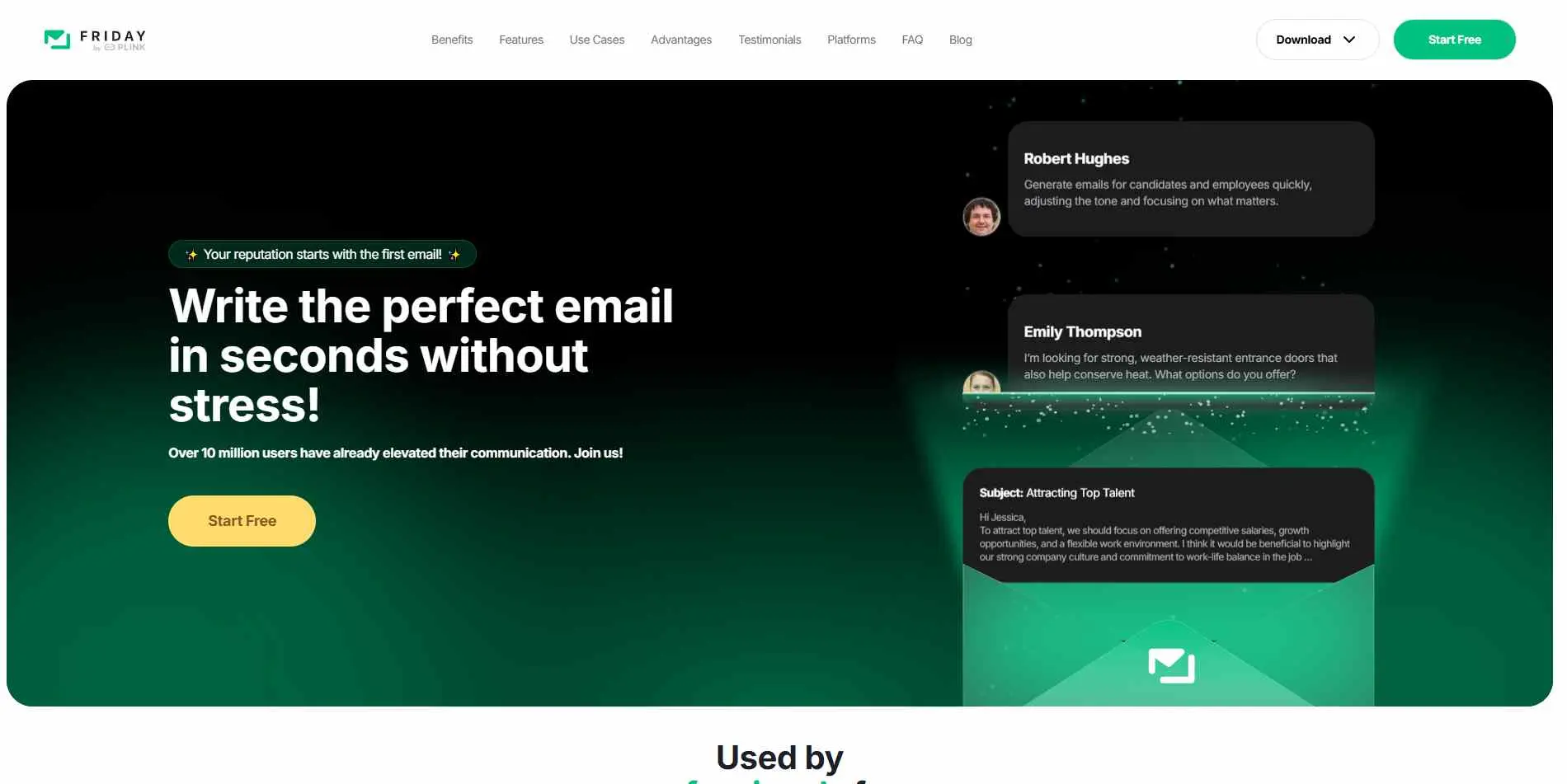
Friday is more focused than some of the other tools on this list. Its main job is helping you write and clean up emails quickly. You can give it your intent and let it draft a message, ask it to improve grammar or tone, or use it to create a reply. Friday also includes email read tracking and a dashboard for Google, iCloud, and Outlook calendars. It fits users who mainly need writing help instead of heavy inbox automation.
Key Features
- AI email drafting and replies
- Grammar, spelling, and tone improvement
- Email read tracking and calendar sync
Best For: People who mainly want help writing better emails.
How to Choose the Right AI Email Assistant
Start with the part of email that wastes your time.
If several people work from the same inbox, look at Missive or Gmelius. If you mainly use Gmail and want the AI to become part of the inbox itself, Shortwave is a better match. Fyxer is worth a look when you want sorting, drafts, and meeting help without changing your email setup.
For clutter, SaneBox is still the more obvious choice. Superhuman makes more sense if you want the software to do more work before you open your inbox. Canary is worth considering when privacy is a deciding factor.
Then there are the lighter options. MailMaestro and Mailbutler cover writing plus everyday email management, while Friday is the simplest choice when writing is the main headache.
Also check how the tool handles your data, what access it needs, which email services it supports, and whether an AI action creates a draft or actually sends something. Those details become important very quickly once the software has access to your real inbox.
If your priority is closer to outreach and campaigns rather than inbox triage, our email marketing coverage is a better next stop than this list.
AI email assistant vs AI email writer
The difference is easy to miss.
An AI email writer helps you create the message. Give it a few points, and it turns them into an email.
An AI assistant deals with more of the work around that message. It can search old conversations, summarize a thread, sort incoming mail, check a calendar, prepare a reply, or remind you about a follow-up.
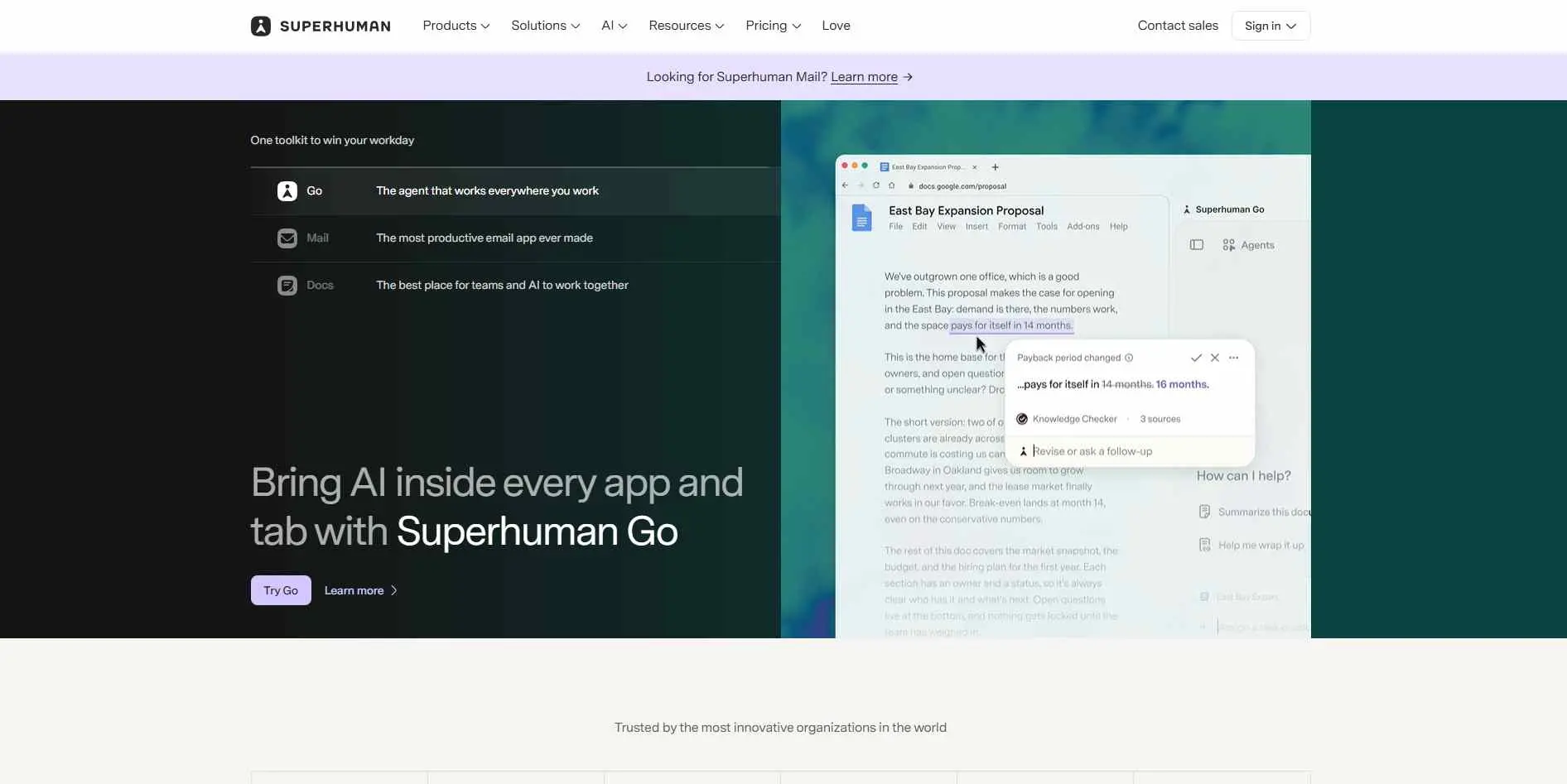
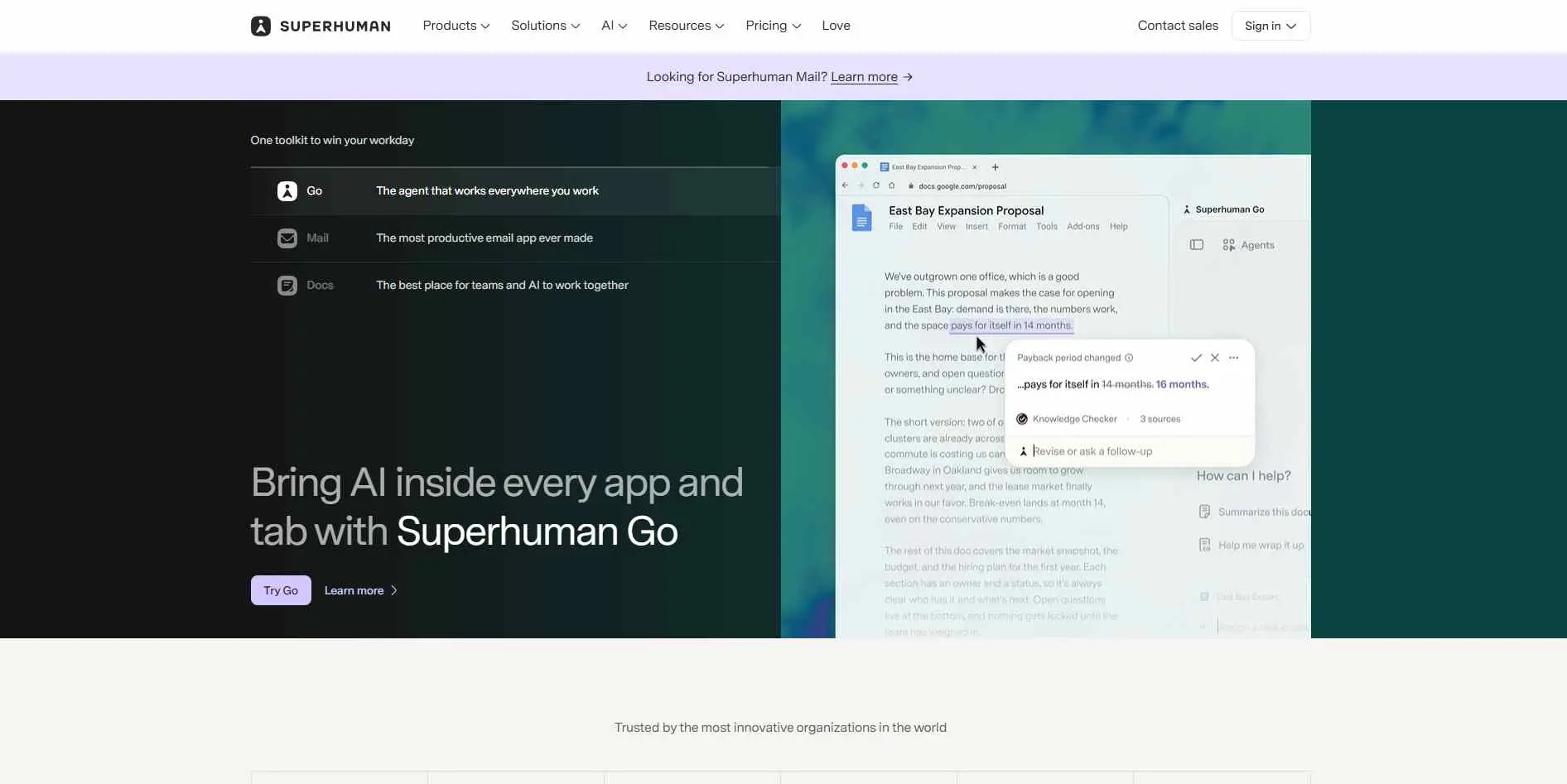
Superhuman's Email Assistant is a good example. It can label incoming messages, archive selected mail, prepare replies, and surface follow-ups in the background. That is a much bigger job than simply rewriting a sentence.
Final Verdict
There is no prize for picking the tool with the longest feature list.
Missive is the better fit for teams. Shortwave suits people who want an AI-first Gmail inbox. Fyxer is convenient for Gmail and Outlook users, while SaneBox is still a strong answer to inbox clutter. Superhuman is the more hands-off option. Canary deserves attention from privacy-conscious users.
MailMaestro and Mailbutler sit in the middle, offering writing and inbox help without forcing a major change. Friday is the straightforward choice when writing is the part you hate.
Pick based on the annoying work you want gone. That is a much better way to choose than simply asking which app has the most AI.