
 Table of Content
Some people use mind maps for throwing ideas onto a digital space. There are also those who use mind maps for preparing an article, studying for an exam, outlining a project, or understanding a heap of data.
That difference matters.
A student probably does not need the same software as a project manager. And someone who only wants a simple brainstorming board may have a miserable time inside a heavy business tool.
There are plenty of options now, and most of them claim to do roughly the same thing. Once you look closer, the differences become pretty obvious.
So, we looked at 10 popular mind mapping tools and what they are actually good at, rather than simply ranking them by the number of features on their websites.
Quick comparison
| Software | Good choice for | What you get |
|---|---|---|
| XMind | Most users | Mind maps, AI, tasks and project features |
| Coggle | Simple mapping | Easy collaboration and flowcharts |
| MindMeister | Team brainstorming | Online maps, AI and presentations |
| MindNode | Apple users | Mind maps, outlines and tasks |
| GitMind | AI-heavy workflows | Maps from prompts, files and media |
| Whimsical | Product and design work | Maps, diagrams, wireframes and boards |
| MindManager | Business planning | Maps tied to projects and processes |
| Ayoa | Personal productivity | Mind maps connected to tasks |
| Mindomo | Education and planning | Maps, outlines, presentations and offline work |
| EdrawMind | Custom layouts | Maps, AI, templates and presentations |
1. XMind
Overview
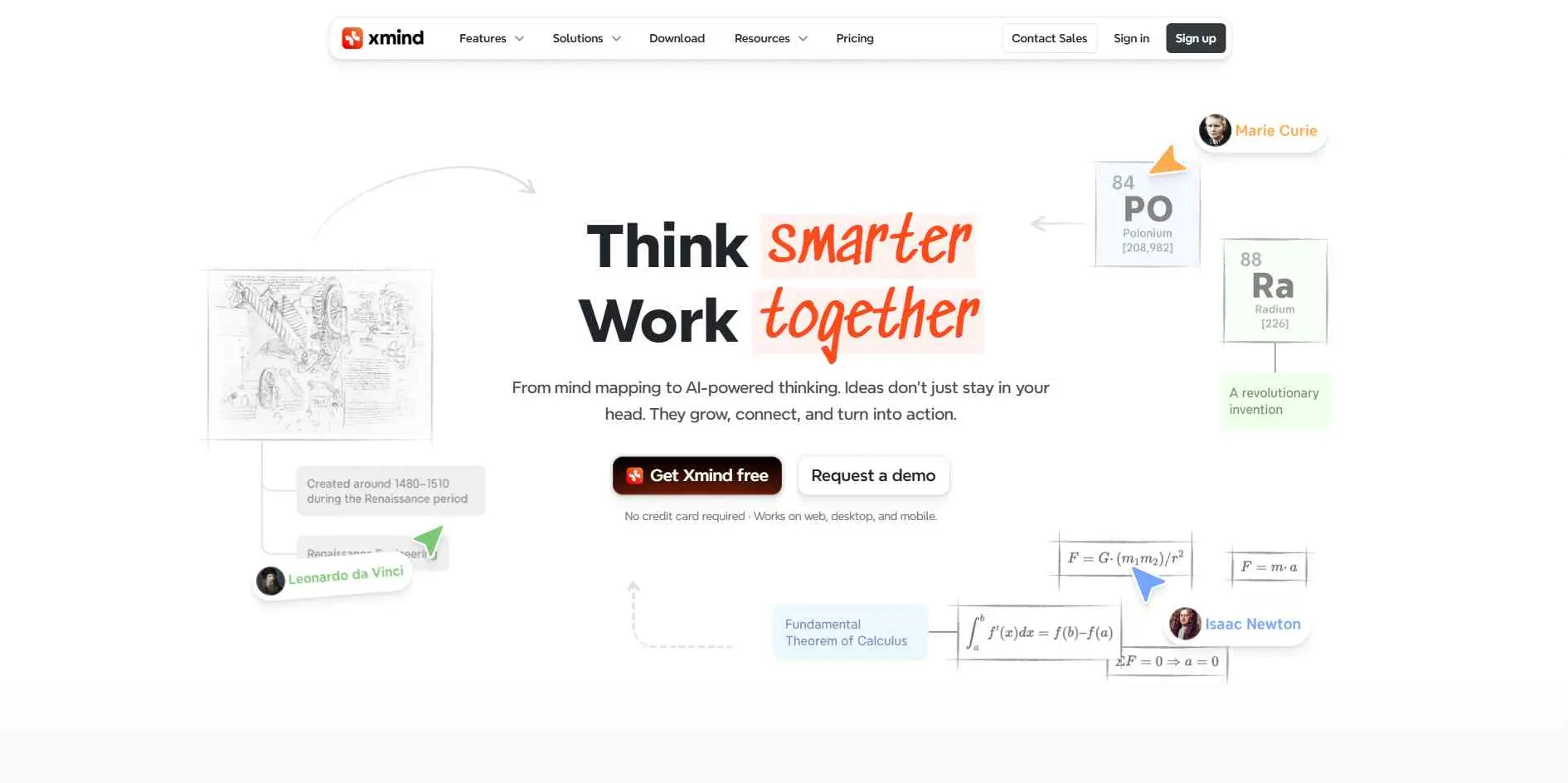
XMind is the best application to start with if you want a mind mapping software without confining yourself to one particular purpose of use. This application can be used for making notes, brainstorming, planning, presentation, and projects. The current version also has AI tools, task management, collaboration, and several map structures. That makes it more capable than a basic brainstorming app, bridging the gap between quick ideation and dedicated project management software tools, though you may never use half of those features for simple maps.
Key Features
- AI can create a map from text, files, links, and other inputs.
- Mind map branches can be used for tasks, priorities, and project planning.
- Supports different structures, attachments, audio notes, links, themes, and exports.
Best For
Best For: Most users who want a capable mind mapping app that can also handle planning and project work.
2. Coggle
Overview
Coggle takes a simpler route. Open it in your browser, start a diagram, and you can figure out the rest pretty quickly. That is its biggest advantage. It supports regular mind maps, flowcharts, notes, images, and real-time collaboration. You can also share a map without making everyone create an account. There are fewer distractions than you get in some larger platforms, which is useful when all you need is a clean place to sketch ideas.
Key Features
- Real-time collaboration with automatic saving and version history.
- Supports mind maps, flowcharts, images, notes, links, and multiple starting points.
- Free accounts include public diagrams, collaboration, PDF and image export, and other basic tools.
Best For
Best For: Beginners, students, and teams that want to build and share simple maps without much fuss.
3. MindMeister
Overview
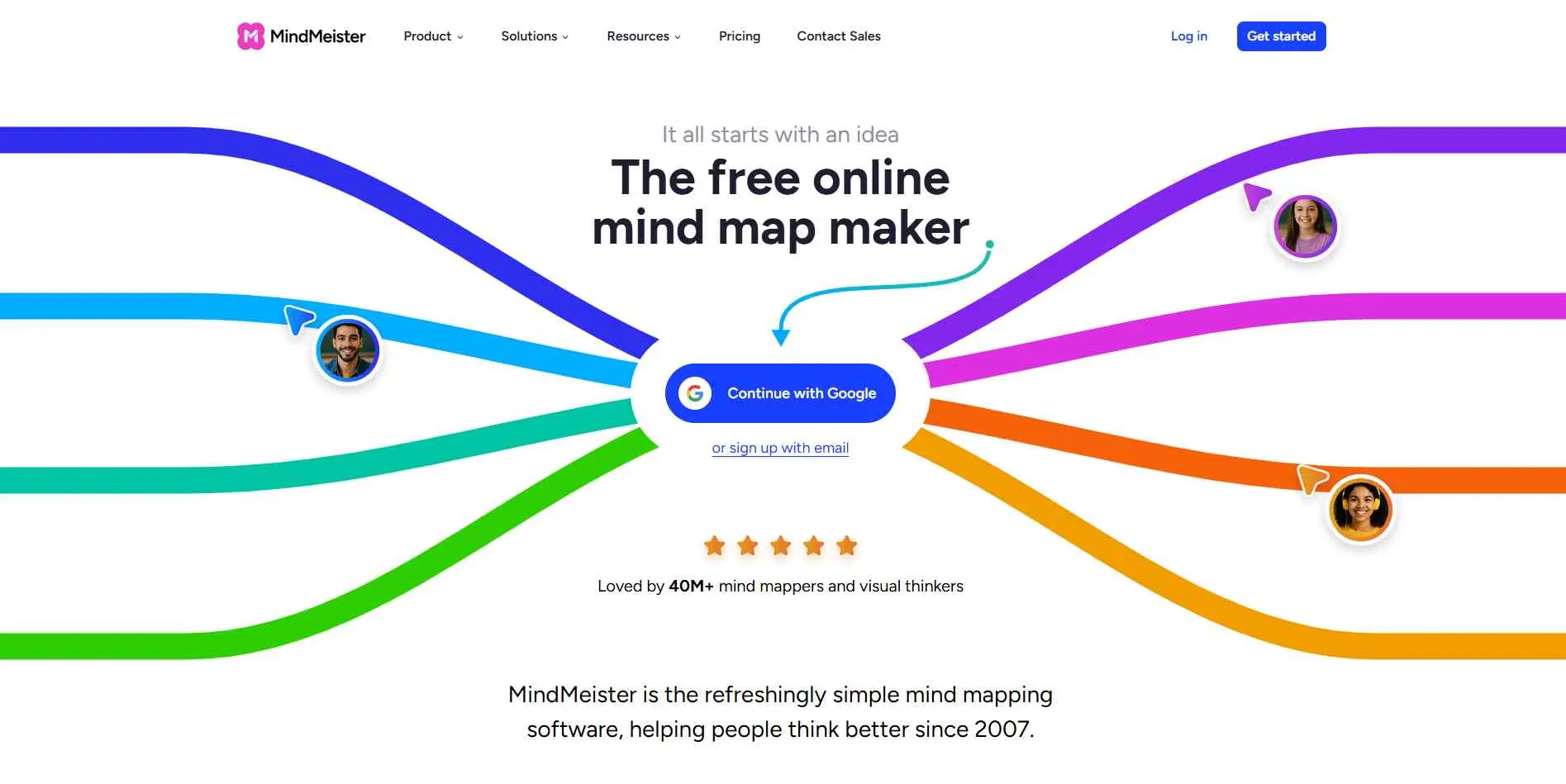
MindMeister feels more like a shared online workspace than a personal mind mapping program. That becomes useful when the map is something you expect other people to work on. You can collaborate in real time, leave comments, add notes and attachments, switch to an outline, and turn a finished map into a presentation. Its AI tools can also generate maps from prompts and uploaded material. It is a sensible choice for teams that brainstorm together instead of working alone.
Key Features
- Real-time collaboration with comments, shared maps, and version history.
- Map and outline views, notes, attachments, presentation mode, and tasks.
- AI can generate or expand maps and work from uploaded content.
Best For
Best For: Teams, teachers, students, and anyone who expects several people to work on the same map.
4. MindNode
Overview
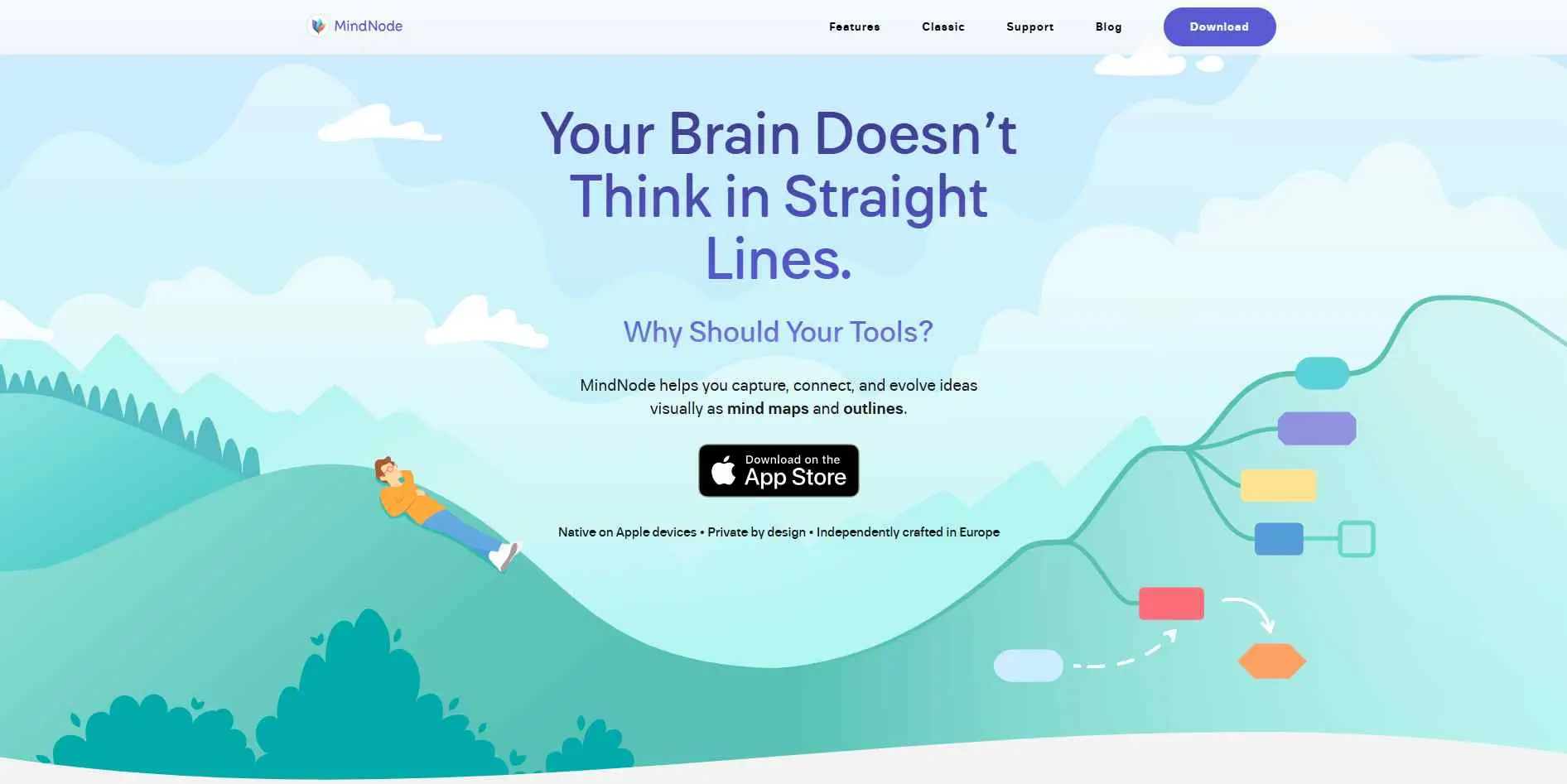
MindNode is a different proposition because it is closely tied to Apple's ecosystem.The application is all about how one can draw things visually first and convert it into a regular outline once the structure is clear. You can add tasks, notes, tags, links, images, and connections along the way. To a person who already use Mac, iPhone, or iPad, this combo will be very attractive, compared to just another web app.
Key Features
- Switch between a visual mind map and a traditional outline.
- Add tasks, tags, notes, links, images, and connections.
- Works with Apple-focused workflows and Shortcuts.
Best For
Best For: Apple users who want a polished mind mapping app that fits into their existing setup.
5. GitMind
Overview
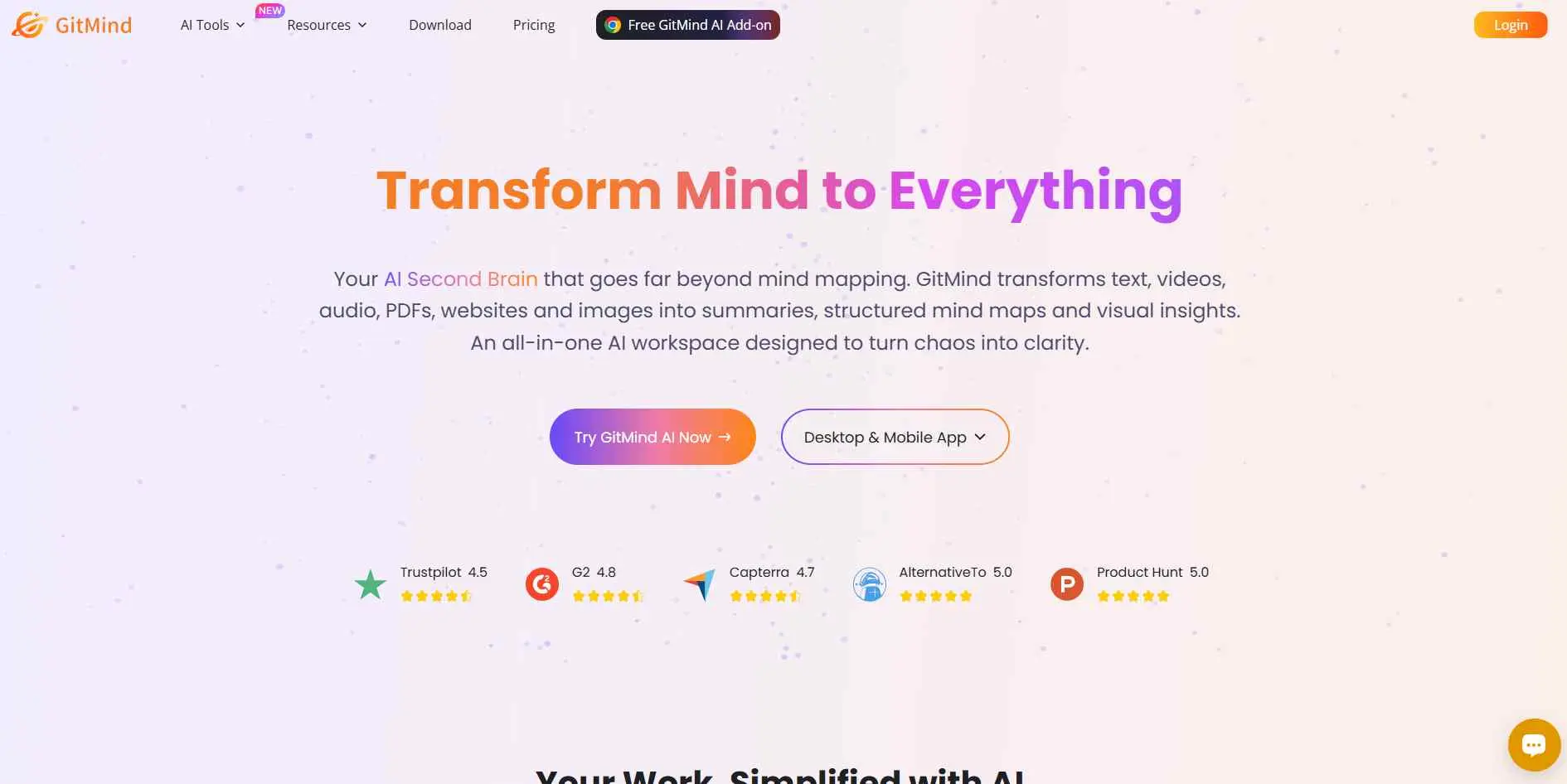
GitMind gets more interesting when you already have material to work with. You don't have to draw from scratch, using just the interface, but rather provide a prompt, documents, pictures, audio, video etc to generate a map and edit its result. That approach saves time when the problem is not having ideas, but having too much information to sort through.
Key Features
- Generate maps from text prompts with AI.
- Convert documents and other media into structured mind maps.
- Edit generated maps and collaborate with other users.
Best For
Best For: Researchers, students, content creators, and anyone starting with a large amount of source material.
6. Whimsical
Overview
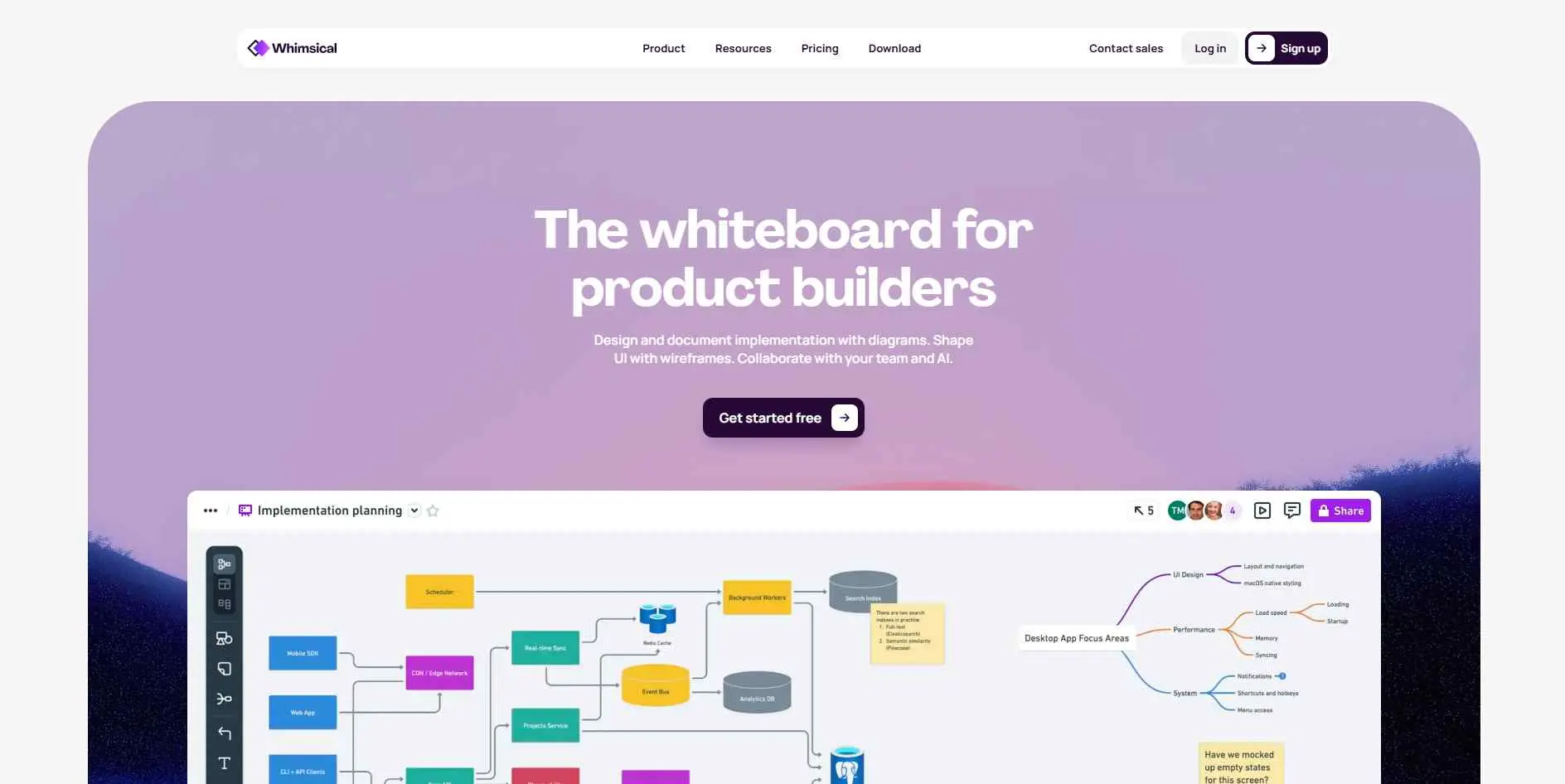
Whimsical is not really trying to be just a mind mapping app, and that is a good thing for the right user. You can put mind maps next to flowcharts, wireframes, diagrams, and whiteboards, so a project does not have to live across several different tools. The interface is made for quick visual work, and its AI can create editable maps from prompts. Product and design teams are likely to get more from it than casual users.
Key Features
- Mind maps, flowcharts, wireframes, diagrams, and whiteboards live in one workspace.
- Real-time collaboration, comments, templates, and version history.
- AI can create editable mind maps from text prompts.
Best For
Best For: Product managers, designers, developers, and teams already doing a lot of visual planning.
7. MindManager
Overview
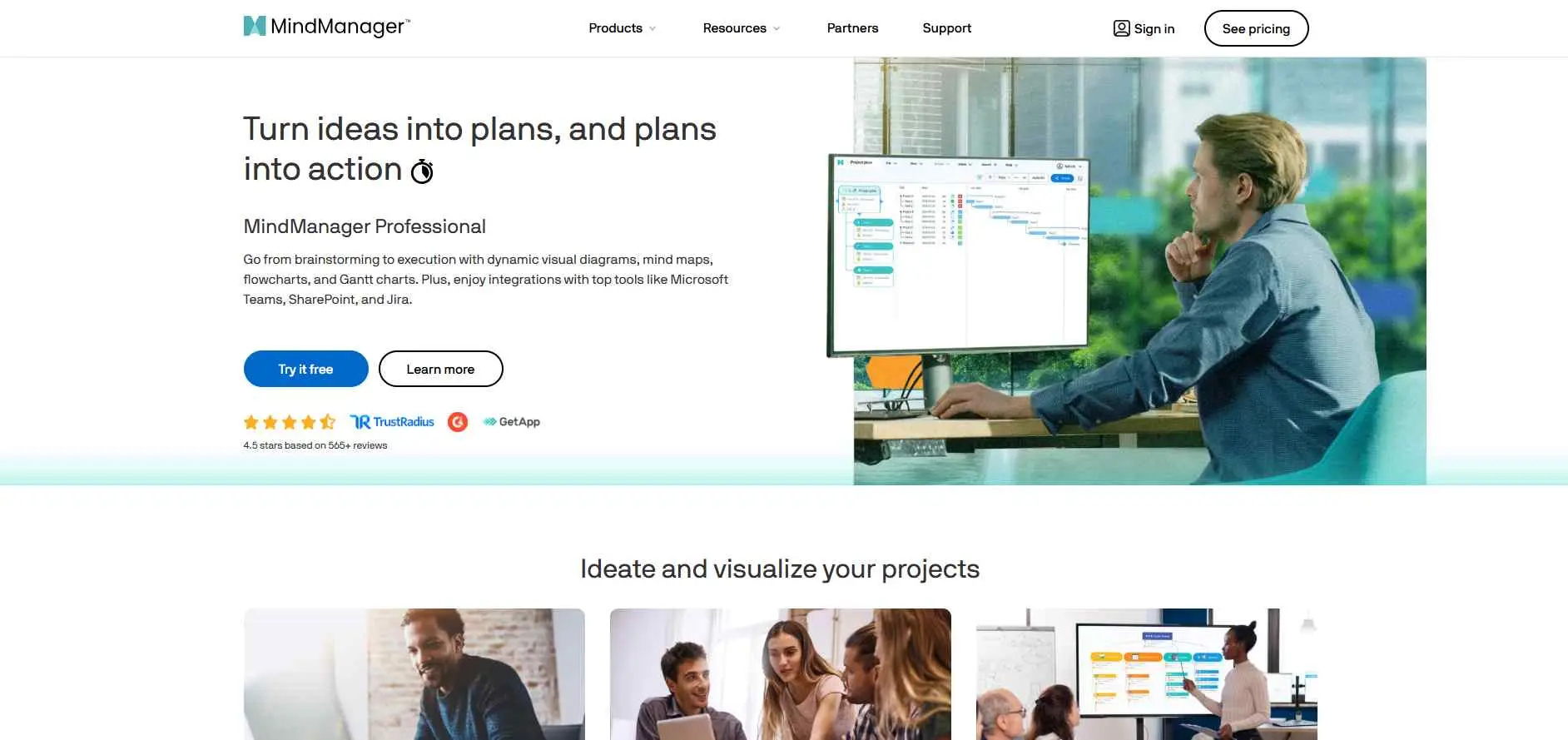
MindManager is the one to look at when "mind mapping" is really shorthand for business planning. It goes beyond branches and nodes with project timelines, Gantt charts, flowcharts, task details, and other ways to look at the same information. It also connects with a long list of business tools. The tradeoff is simple: there is more to learn. That may be unnecessary for casual brainstorming, but it makes sense once your maps become part of real project work.
Key Features
- Combines mind maps with Gantt charts, timelines, flowcharts, and task views.
- Integrates with Microsoft products, Jira, Zapier, and other workplace tools.
- Maps can hold tasks, notes, links, files, resources, and project details.
Best For
Best For: Project managers, consultants, and business teams dealing with complicated projects or information.
8. Ayoa
Overview
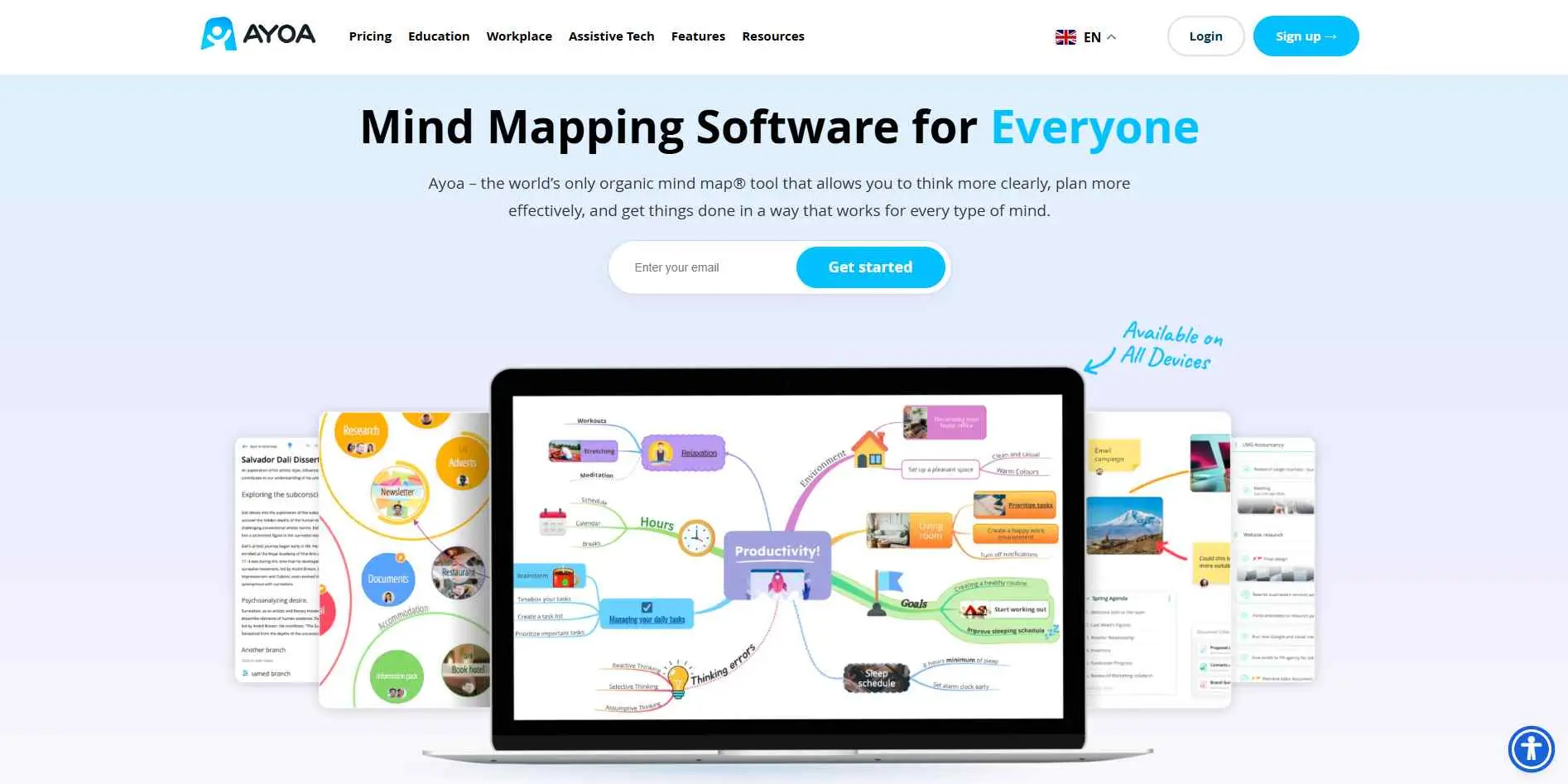
Ayoa's worth a look if you like mind maps but don't want them stuck at the brainstorming stage forever. You map out an idea, turn it into a task without leaving the map, and that task shows up in your other project views.
It's also got whiteboards, collaboration, and timeline planning baked in. So the whole loop — think, map, decide, track - actually holds together instead of feeling bolted on. If you just want a simple mind map though, this is more app than you need, but it fits well alongside other specialized tools to boost productivity.
Key Features
- Convert branches in a mind map into tasks.
- Move between mind maps, task boards, Gantt-style planning, and whiteboards.
- Includes collaboration and AI-assisted idea generation.
Best For
Best For: People who want to connect brainstorming directly to their day-to-day task list.
9. Mindomo
Overview
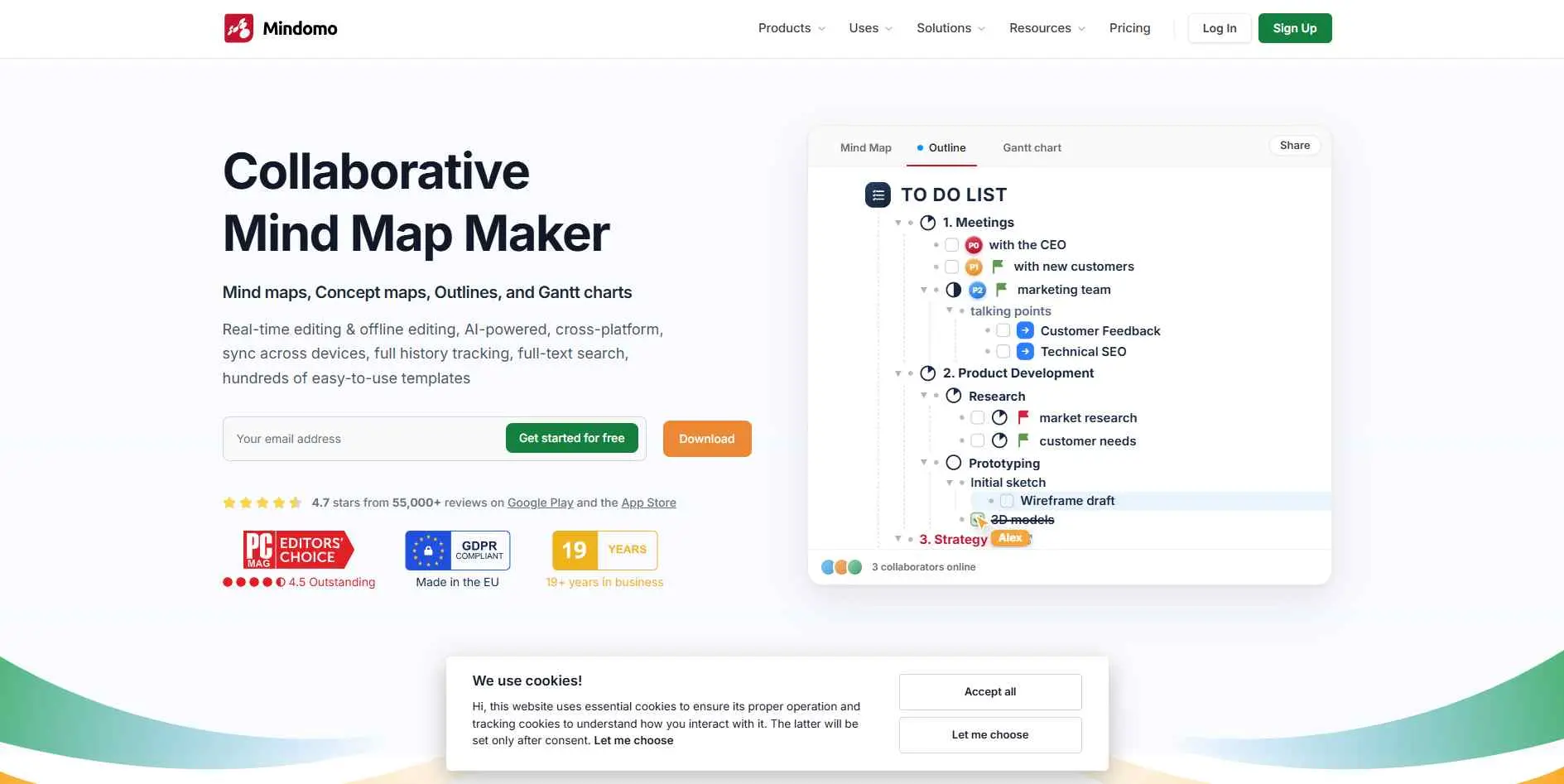
Mindomo is one of those tools, which make more sense once you go beyond the basic mind map. The project could be switched between the map view, the outline, presentation, and the task view, while the data would not have to be rebuilt from scratch each time. Offline working and multi-device support are also available. People involved in teaching would find the tool more useful than the one who wants to spend just five minutes brainstorming.
Key Features
- Switch between maps, outlines, timelines, and presentations.
- Supports online and offline work across desktop, web, and mobile.
- AI can generate, expand, translate, and edit diagrams.
Best For
Best For: Students, teachers, researchers, and users who need the same ideas in several formats.
10. EdrawMind
Overview
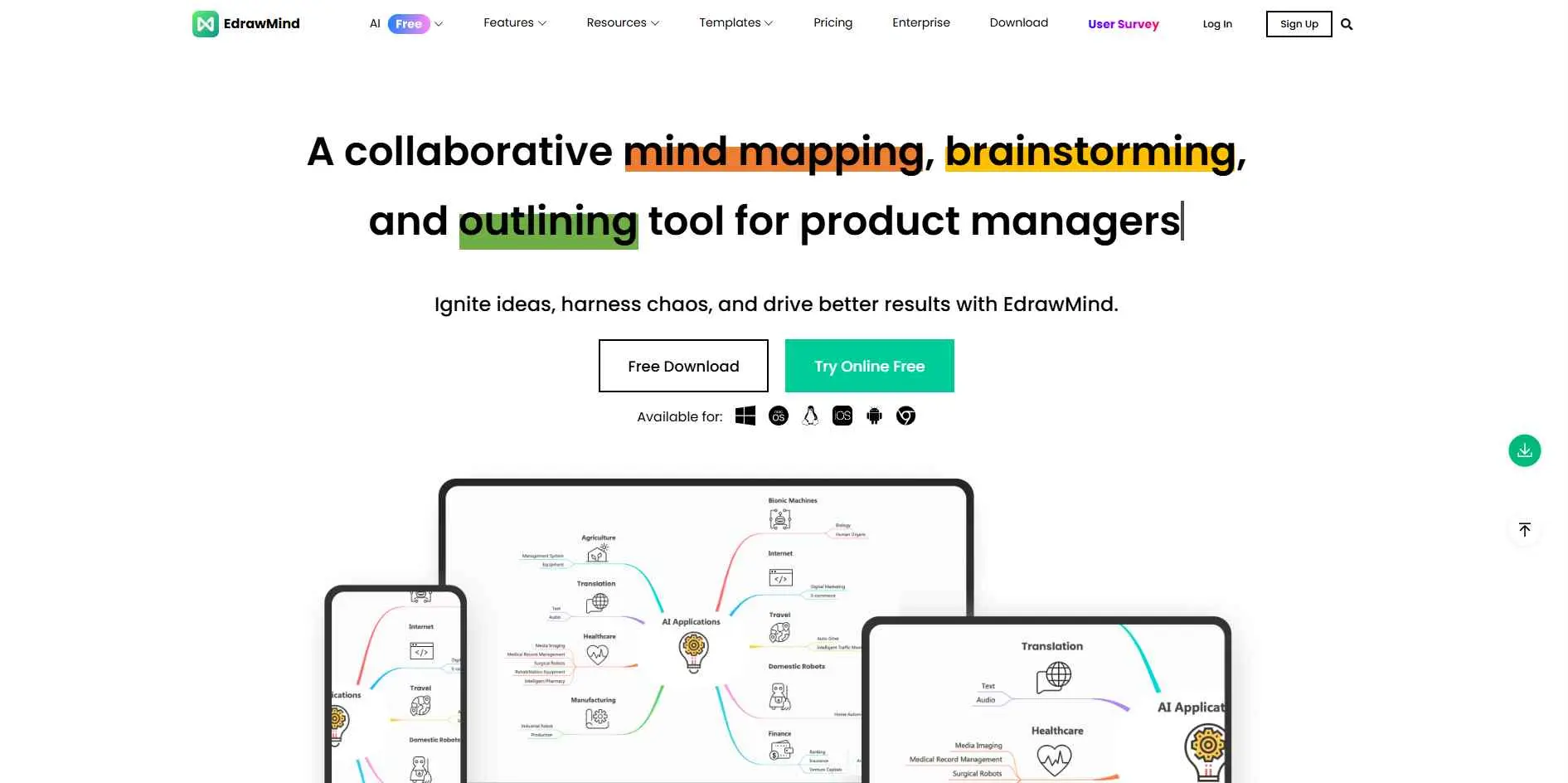
EdrawMind is a good fit when you care about what the final map looks like as much as what is inside it. There are plenty of layouts and templates, but the useful part is that the software also connects maps with outlines, presentations, and AI features. You can start from a blank canvas, bring in existing content, or let AI create a first version. It offers more room for visual tweaking than a stripped-down brainstorming tool.
Key Features
- Move between outlines and mind maps while developing content.
- Convert maps into presentations and adjust the visual design.
- AI supports map creation, brainstorming, translation, and other content tasks.
Best For
Best For: Students, trainers, professionals, and creators who want more control over layouts and presentations.
Which mind mapping software should you choose?
Honestly, we would not choose based on a huge feature list. Start with what annoys you about the way you work now.
Do you keep ideas in random notes? XMind or MindNode could be enough.
Need several people editing the same thing? MindMeister and Coggle are easier places to start. If your work also involves wireframes or flowcharts, Whimsical makes more sense.
Already have a pile of PDFs, links, videos, or other research? GitMind becomes more interesting because the AI can help create the first structure.
Running projects inside the map itself? MindManager is much better suited to that kind of work. Ayoa is another option when you want ideas and tasks connected.
For education, Mindomo has a useful mix of mapping, outlines, presentations, and offline access.
And if visual customization is a big deal, take a closer look at EdrawMind.
What we would never do is pick an AI-heavy tool simply because it says "AI." A generated mind map can save ten minutes, but it can also give you a beautifully organized version of the wrong idea. You still have to think.
Final Verdict
The best mind mapping software is simply the one you will actually use on a daily basis. Xmind and MindNode win on pure design and focus. MindMeister and Coggle are hard to beat for live team collaboration. For heavy-duty corporate needs, MindManager still holds the crown.
We recommend picking the top two that match your workflow and spending a week with their free versions. You will quickly find out which interface actually clicks with your brain and saves you time. There is no prize for choosing the software with the most features. The best one is the app you can open, dump your thoughts into, and still understand later.