

 Table of Content
Cybersecurity in 2026 isn’t about grabbing the biggest stack of tools and crossing your fingers. That approach fails pretty quickly. The real work comes down to three things: knowing your risks, picking tech that makes sense for your setup, and, maybe most importantly, getting people to actually use the stuff you roll out. The best security teams? They aren’t the ones that collect the most tools - they’re the ones who put their tools to work, every day, with purpose.
This guide skips the hype and gets right to the action. You’ll find real, practical tools you can use: packet analysis, penetration testing, monitoring, vulnerability scanning, data protection, phishing simulations - and much more. Some of these are totally free and open source; others are built for businesses, and a few land somewhere in between. The goal is not to overwhelm you with software - it’s to build a layered defense that actually works.
Key Cybersecurity Trends in 2026
- AI vs AI in cybersecurity (attackers vs defenders)
Cybersecurity now involves AI-driven battles. Attackers use it to crank out smarter phishing and faster recon. Defenders answer with AI-powered sorting and identification. That gap keeps growing, and now platforms like Splunk and Forcepoint put AI at the core.
- Zero Trust Architecture becoming standard
Zero Trust isn’t just a buzzword now; it’s the baseline. Agencies like NIST and CISA say it means moving away from static perimeters. No one is trusted automatically—minimal privilege access rules the day. That means tools for identity, visibility, and policy are absolutely critical..
- Cloud-native security dominance
Cloud-native security dominates too. Workloads keep moving, so the focus shifts. Now it’s about protecting APIs and hybrid systems, following data and traffic well beyond the old firewall.
- Increased focus on privacy regulations and compliance
Privacy and compliance are mandatory. The updated NIST Privacy Framework helps manage risks as stakeholders demand better data handling. Tools for classification, monitoring, and audit trails are now vital for business operations.
- Expansion of IoT and edge security risks
Expanding IoT and edge devices create more blind spots and vulnerable endpoints. Any device that connects to the network needs to be able to see, segment, and monitor.
How to Choose the Right Cybersecurity Tools
Start with size and use case. A single consultant doesn't need the same structure as a business with 5,000 employees. Small groups usually do better with tools that are easy to use and can do more than one job at a time. Large organizations usually need stronger integrations, deeper reporting, and more policy control. Buying enterprise software for a tiny team is how budgets get burned for nothing.
Budget matters, but risk tolerance matters more. A cheap tool that misses attacks is expensive in the worst possible way. On the other hand, a heavy platform loaded with features you will never use can create more confusion than protection. The right question is not “What is the most powerful tool?” It is “What risk am I actually trying to reduce?”
A lot of security projects fall apart at integration. If your tool can’t plug directly into your SIEM, ticketing system, endpoint platform, or cloud setup, it ends up unused. And let’s be honest: usability is critical. If analysts, system admins, or even non-technical folks can’t pick it up and get to work, what’s the point? Vendor support also matters more than people admit. When something breaks during an incident, you do not want to discover that the help desk is just a chatbot and a prayer.
Top Cybersecurity Tools to Use in 2026
1. Wireshark

Overview
Wireshark is the go-to open-source network packet analyzer worldwide. It captures packets flowing through your network and lets you dig into them byte by byte. Security analysts trust it for traffic investigation, troubleshooting, and mapping exactly what’s entering or leaving the network.
Key Features :
- Deep inspection of hundreds of protocols
- Live capture and offline analysis
- Cross-platform support across Windows, macOS, and Linux.
Pros :
- It's completely free.
- The depth of visibility it offers is unmatched at any price point.
- Massive community support means documentation and troubleshooting help is everywhere
Cons :
- The learning curve is steep.
- Without a solid understanding of networking fundamentals, the raw data it produces can feel overwhelming.
- Not designed for non-technical users.
Best For :
- Security analysts, network engineers, and enterprise IT teams who need to see packet data in detail.
Pricing:
- Free and open source.
2. Metasploit
Overview
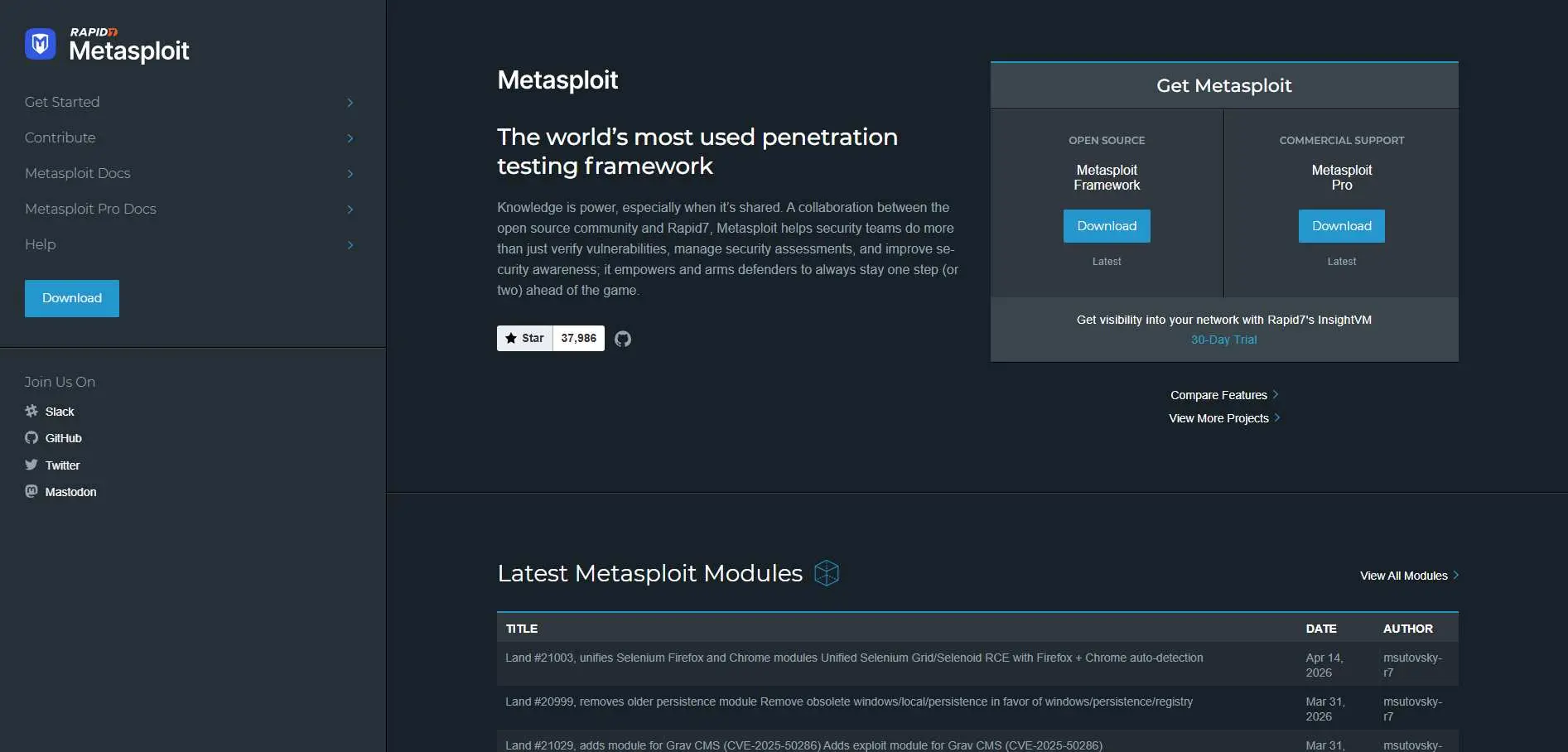
Metasploit is the best tool for penetration testing. Security teams use it to plan real-life attacks on their own networks to find weak spots before attackers can use them. Red teams often use Metasploit first because it has a huge database of known exploits.
Key Features :
- Extensive exploit library
- Payload generation
- Post-exploitation modules, integration with vulnerability scanners, and workflow automation in the Pro version.
Pros :
- Incredibly powerful for identifying real exploitable weaknesses.
- Widely used in the industry, so skills transfer across teams.
- The free Community Edition is genuinely capable for most use cases.
Cons :
- Requires significant security expertise to use responsibly.
- In the wrong hands - or without proper authorization - it can cause serious damage.
- Not suitable for untrained users.
Best For :
- Penetration testers, and security consultants doing tests
Pricing :
- Free (Community Edition).
- Pro version available with enterprise pricing.
3. Splunk
Overview
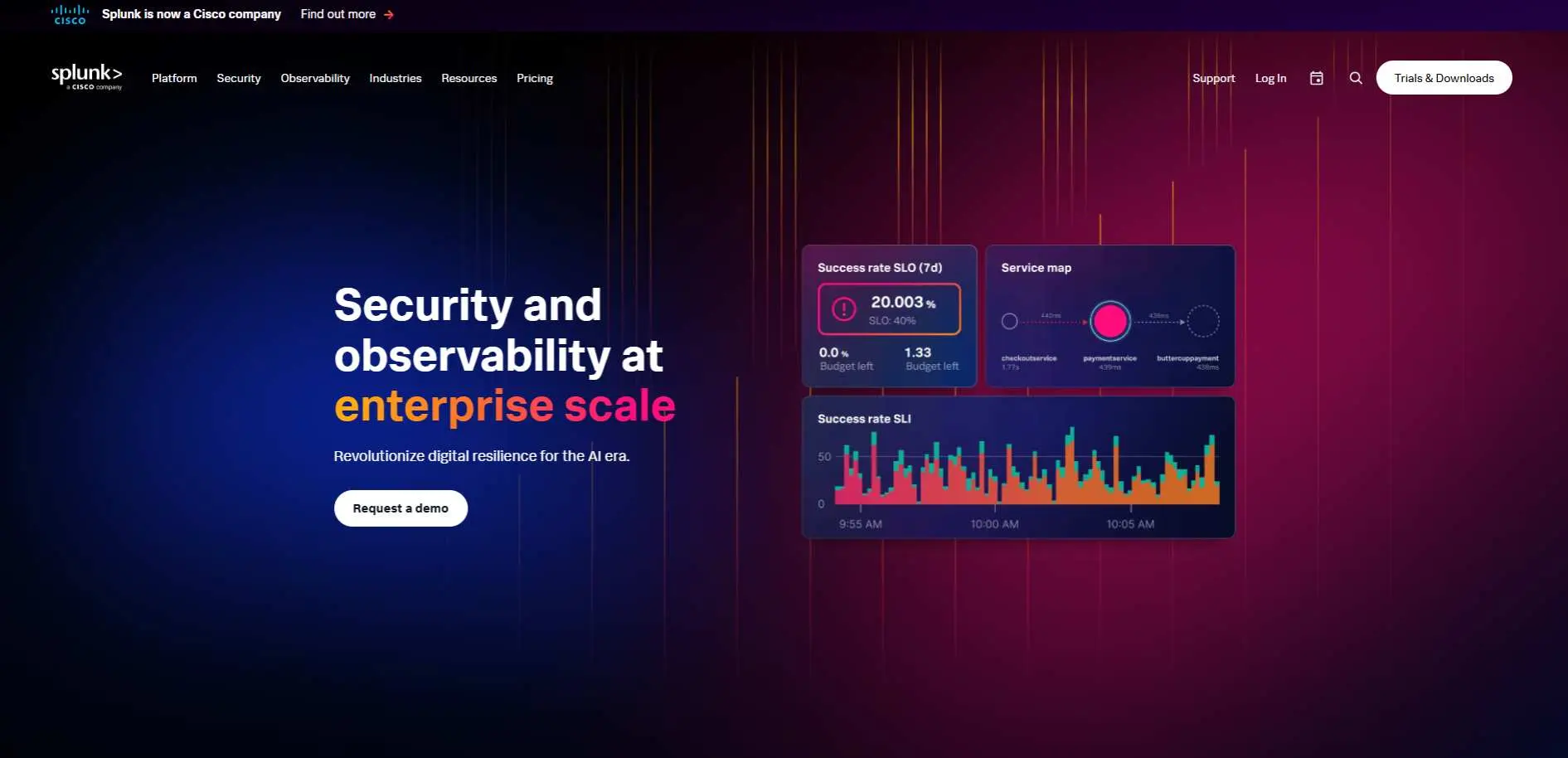
Splunk grabs machine data from everywhere - servers, apps, the cloud, network gear - so you can see and search everything in real time. Dashboards pull it all together. Security teams use it to watch over these vast, complex environments.
Key Features :
- Real-time data analytics and search capabilities
- Customizable dashboards and alerts
- Advanced event correlation and reporting
- Integration with cloud services and third-party security tools
Pros :
- Highly scalable for large enterprises
- Offers real-time analysis of machine data
- Can handle massive amounts of data
Cons :
- Can be expensive at scale
- Requires a skilled team to manage and configure
- Complex to set up and use for beginners
Best For
- These tools are essential for big organizations, Security Operations Centers, and anyone dealing with messy, multi-cloud or hybrid setups.
Pricing
- varies by data ingestion volume. Enterprise pricing available on request.
4. Nagios
Overview
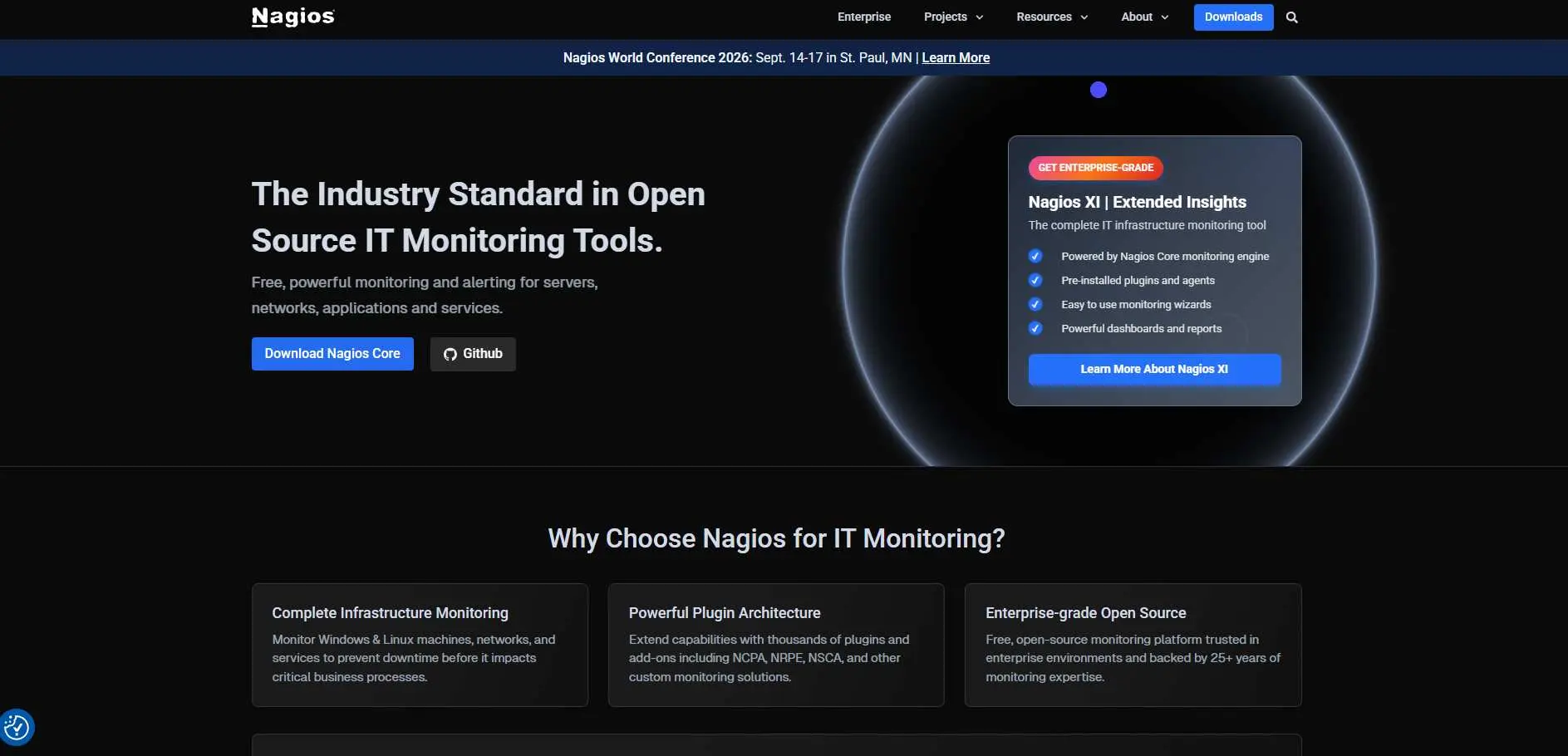
Nagios has been the go-to open-source monitoring tool for about 2 decades. It keeps an eye on your servers, network gear, and apps around the clock, flagging problems right away - sometimes even before things break. From a security perspective, it notifies you about outages that could be attacks and odd system behavior you don’t want to miss.
Key Features
- Extensive plugin ecosystem for custom monitoring
- Real-time monitoring of systems, applications, and network devices
- Advanced alerting and notification system
Pros
- Free and open-source for core functionality
- Highly extensible with plugins
- Reliable and mature tool used by many organizations
Cons
- Initial setup can be complex
- User interface feels outdated compared to newer tools
- Limited enterprise features in the open-source version
Best for
- Nagios is the best choice for companies that need a monitoring solution that can be changed and added to different types of IT systems.
Pricing
- Free for Nagios Core; Nagios XI offers paid plans for more features.
5. Acunetix
Overview
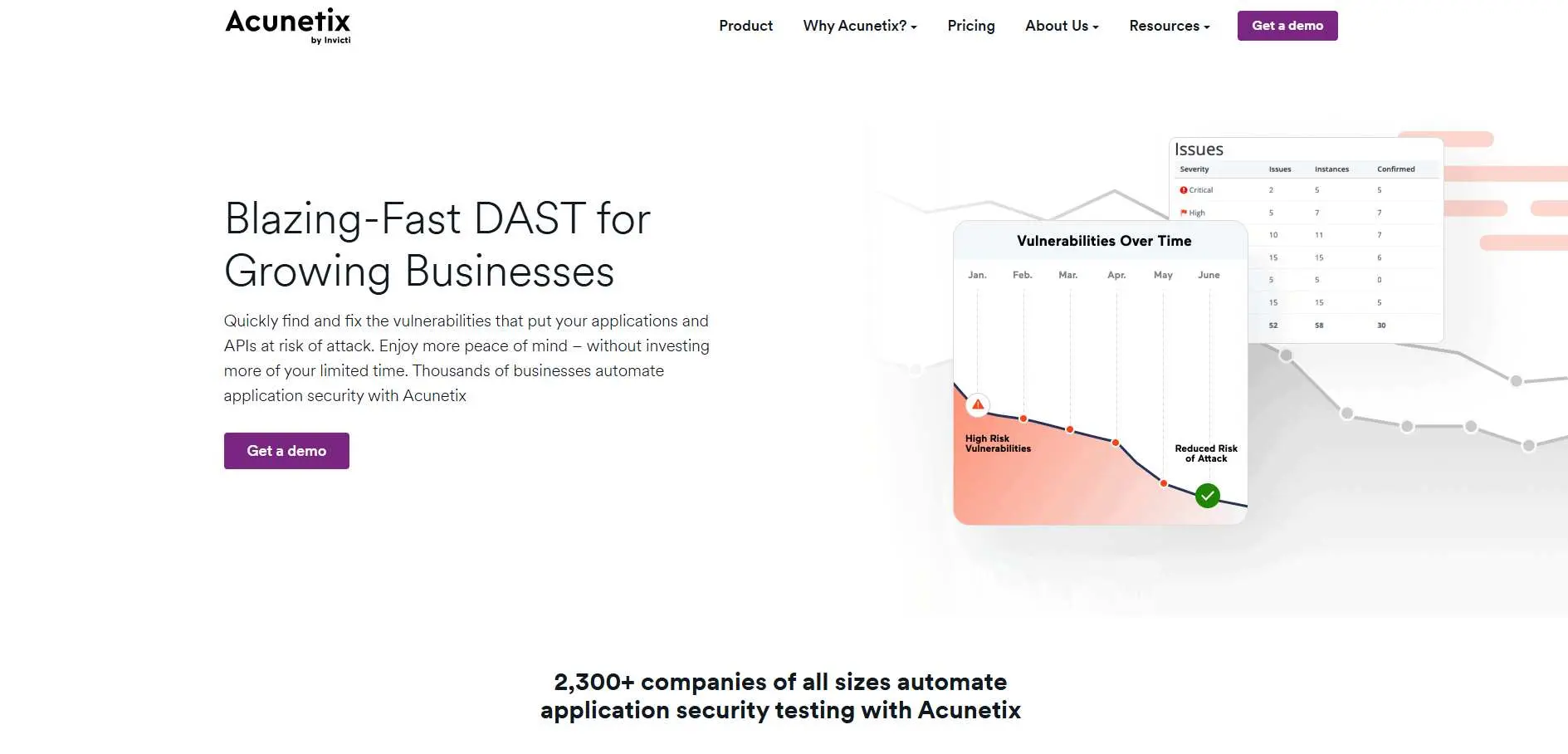
Acunetix is a no-nonsense web app vulnerability scanner. It crawls and tests web apps and APIs for threats like SQLi, cross-site scripting (XSS), broken authentication - hundreds of documented problems. Fast, accurate scan results that programmers can truly rely on.
Key Features:
- Automated vulnerability scanning
- Deep scanning for SQL injection, XSS, and other common threats
- Detailed reporting and remediation recommendations
Pros:
- Fast and efficient scanning
- Easy-to-understand reports
- Comprehensive coverage of web security issues
Cons:
- Expensive for small businesses
- Can produce false positives if not configured correctly
Best For:
- Web developers and security professionals
Pricing:
- Starts at $4,500/year
6. Forcepoint

Overview
Forcepoint does cybersecurity differently. Instead of chasing after every new malware signature, it focuses on how people behave. It looks for odd activity, like an insider going after files they shouldn't touch, someone using compromised accounts, or weird data transfers - everything based on real actions, not just a list of threats.
Key Features:
- Behavioral analytics for detecting insider threats
- Advanced data loss prevention (DLP)
- Cloud security capabilities
Pros:
- AI-driven threat detection
- Scalable for large enterprises
- Comprehensive coverage of security areas
Cons:
- Can be complex to configure
- High pricing for small businesses
Best For:
- Enterprises needing advanced threat protection
Pricing:
- Pricing available on request
7. Defendify
Overview
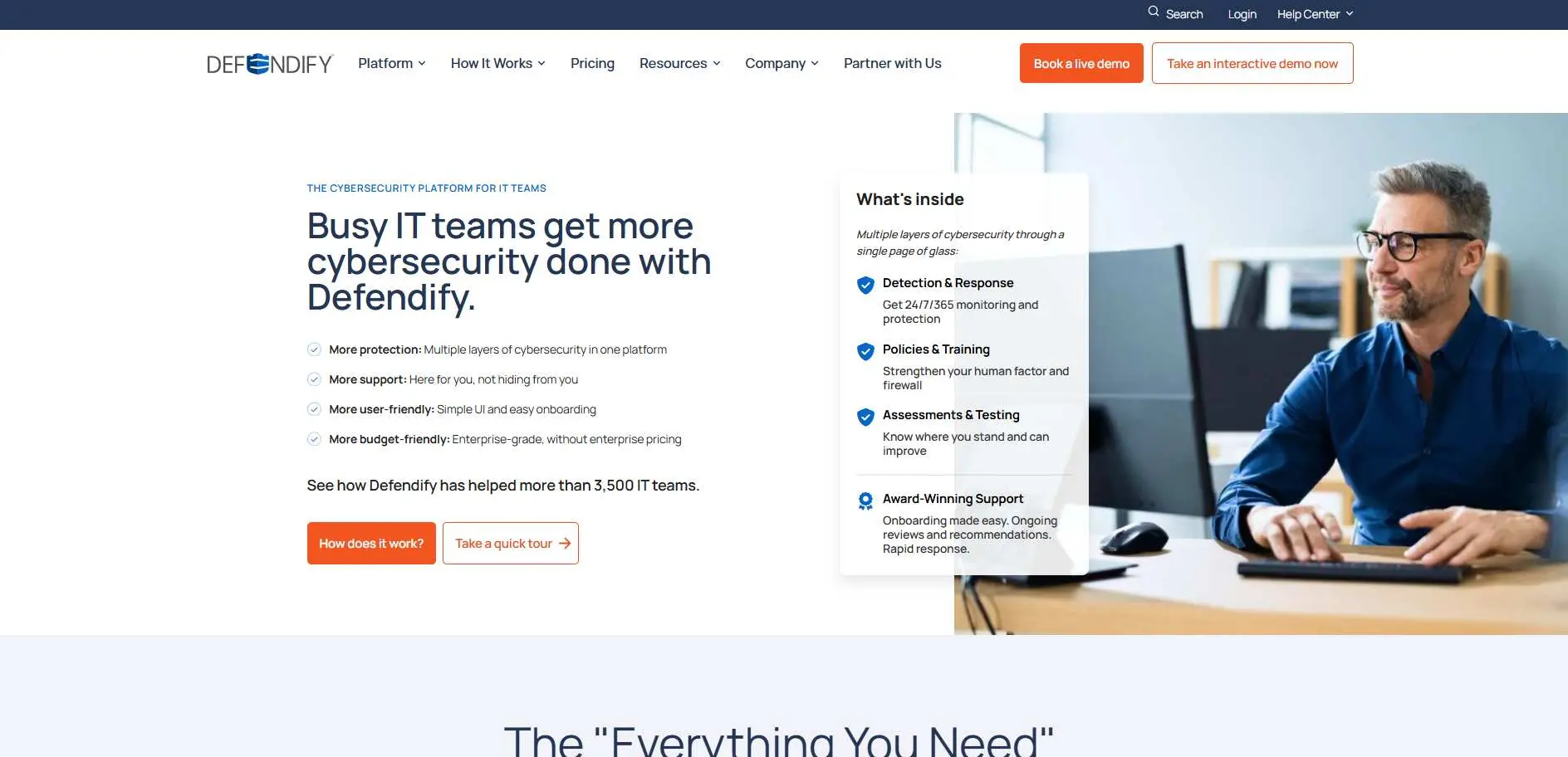
Defendify is made for businesses that need solid cybersecurity but don’t have a full-time security team. It pulls together the essential tools most small or mid-sized companies need and puts them into one easy-to-manage platform. You don’t have to be a security expert to use it.
Key Features:
- Managed security services
- Risk assessments and vulnerability scans
- Compliance and policy management tools
Pros:
- Easy-to-use interface
- Affordable for SMBs
- Comprehensive protection suite
Cons:
- Limited advanced features compared to enterprise solutions
- Limited integrations with some third-party systems
Best For:
- Small businesses and SMBs
Pricing:
- Starts at $150/month
8. Gophish
Overview
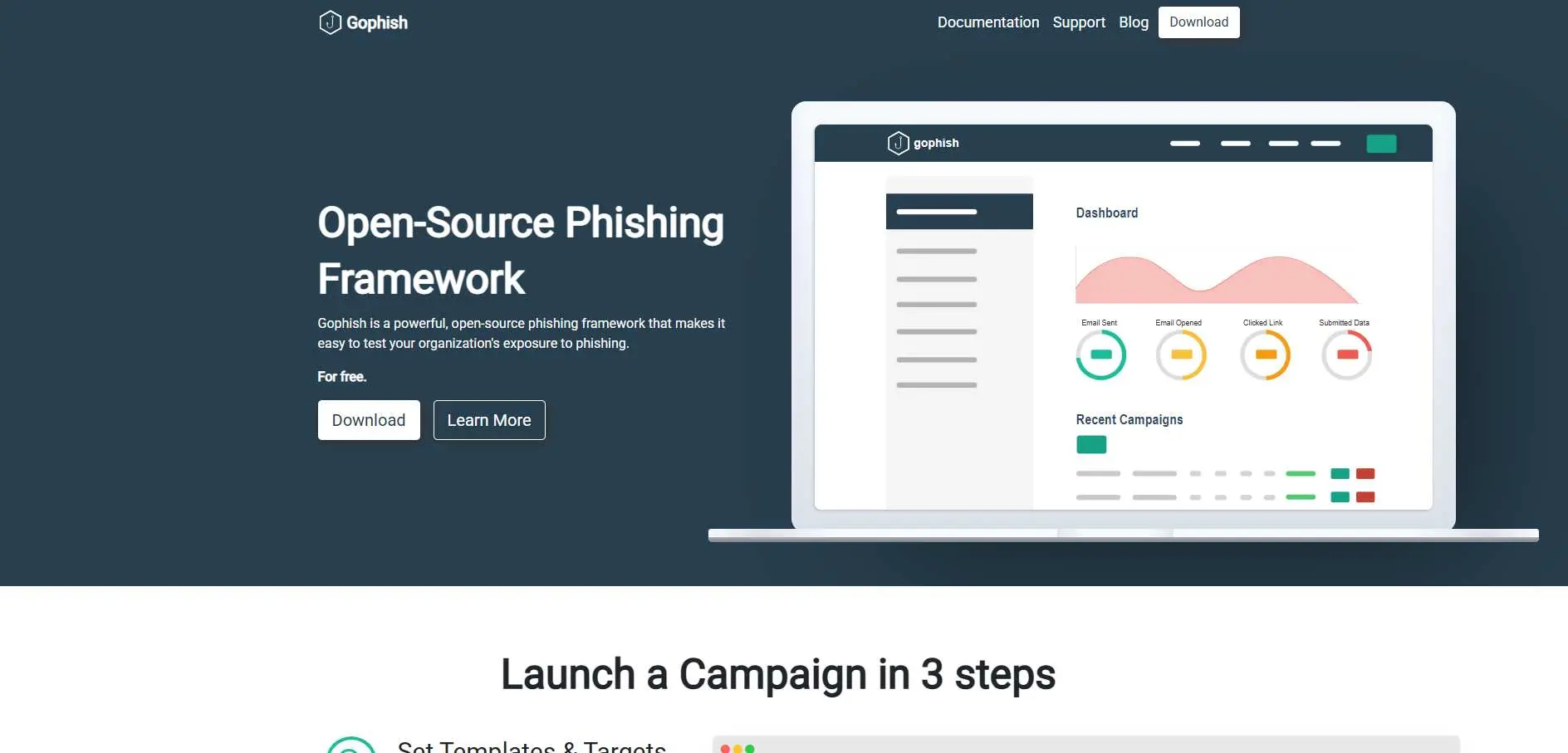
Gophish is an open-source platform designed to make it easy for your company to run phishing tests. Send out a bunch of fake phishing emails and see who falls for them or gives out their login information. This will help you find security holes before a real attacker does. It's one of the most cost-effective security awareness tools available.
Key Features:
- Phishing campaign management
- Customizable phishing templates
- Real-time reporting and analytics
Pros:
- Free and open-source
- Simple setup and easy-to-use interface
- Helps raise employee awareness of phishing threats
Cons:
- Limited functionality beyond phishing simulations
- Requires some technical setup
Best For:
- Small businesses and organizations training employees against phishing attacks
Pricing:
- Free
Common Mistakes When Choosing Cybersecurity Tools
Overbuying Complex Tools: People also make some classic mistakes. Buying way too much tech is a big one - lots of businesses waste funds on complex, pricey solutions packed with features they never use. Stick to the essentials that actually fit your risks.
Ignoring Employee Training: Skipping employee training is another trap. If your people don’t actually know how to use these platforms - or even worse, if they let attackers in -the best software in the world won’t save you.
Lack of Integration Planning: Skipping integration planning. Rolling out new cybersecurity tools without making sure they integrate with your existing systems just sets you up for headaches - and possibly downtime in the future.
Not Updating Tools Regularly: If you don't keep your tools up to date, you're asking for trouble. Threats change. Old tools just can’t keep up, and that’s when they let you down.
Future of Cybersecurity Tools Beyond 2026
- Autonomous security systems
The next wave will likely bring more autonomous security systems. These tools will not just alert humans. They will take action on their own when the risk is clear. That sounds bold, but in some environments, it will become normal.
- Quantum-resistant encryption
Now, quantum-resistant encryption is gradually entering the conversation. As computing power increases, companies have to pay attention to cryptography that’s built for the future, not the past. This wave won’t hit all at once, but make no mistake, it is on its way.
- AI-powered threat prediction
AI-powered threat prediction will also grow stronger. Instead of only reacting to attacks, tools will try to forecast them by spotting patterns earlier. That could help security teams move from defense to prevention in a more real way.
- Increasing regulation and compliance automation
Compliance automation will keep expanding too. Businesses will want tools that do more than protect systems. They will want tools that help prove they are following the rules. That is a big deal for regulated industries.
Conclusion
By 2026, the best cybersecurity tools are the ones that actually fit your risks - not just some ideal setup you saw in a guide. Tools like Wireshark and Nagios give you the visibility you need. Metasploit and Acunetix help you test your defenses. Splunk helps you make sense of events at scale.
Forcepoint and Defendify help protect data and simplify security programs. Gophish helps train people, which still matters more than many teams want to admit.
Here’s what really matters: Review your current setup before you buy anything new. Choose tools that help with your actual weak spots, not whatever’s trending this month. Small teams do better when they keep things manageable. If you’re dealing with enterprise-level challenges, invest early in tools that tie everything together - integration, automation, and solid reporting. The tech you pick matters, but your discipline and follow-through, they matter more.