
 Table of Content
Taking notes in a meeting sounds easy until you’re trying to listen, ask a question, and write down what everyone just agreed to. By the end, you might have missed a detail or be left sorting through pages of rough notes.
AI note taker apps can record the conversation, turn it into a transcript, pull out the main points, and list what needs to happen next. Some also let you search old meetings, translate conversations, or send notes to the tools you use to manage projects.
The right app depends on how you work. Here are 10 AI note-taker apps to consider in 2027, what each one does well, and where it falls short.
Quick Comparison of the Best AI Note-Taker Apps
App | Best for |
| Voice to Notes AI | Voice notes and organized transcription |
| Fireflies.ai | Searching meetings and managing team follow-ups |
| Otter.ai | Live transcription and asking questions about meetings |
| JotMe | Multilingual meetings and translation |
| Granola | Notes without a meeting bot |
| tl;dv | Recording, highlights, and meeting clips |
| Jamie | Bot-free meeting notes |
| Fathom | Sales calls and meeting summaries |
| HappyScribe | Transcribing and working with recorded files |
| Krisp | Noise cancellation and meeting notes |
How we selected these apps
We looked at how each app records meetings, what its transcripts and summaries offer, which languages it supports, and what else it can help you do. We also considered who would get the most out of each one, from someone taking personal notes to a sales team tracking customer calls.
We compared features and didn’t run hands-on accuracy tests. How well an app transcribes a meeting depends on the sound quality, accents, background noise, and how many people are speaking. Check the provider’s current pricing and privacy terms before using it for confidential meetings.
10 Best AI Note-Taking Apps in 2027
1. Voice to Notes AI
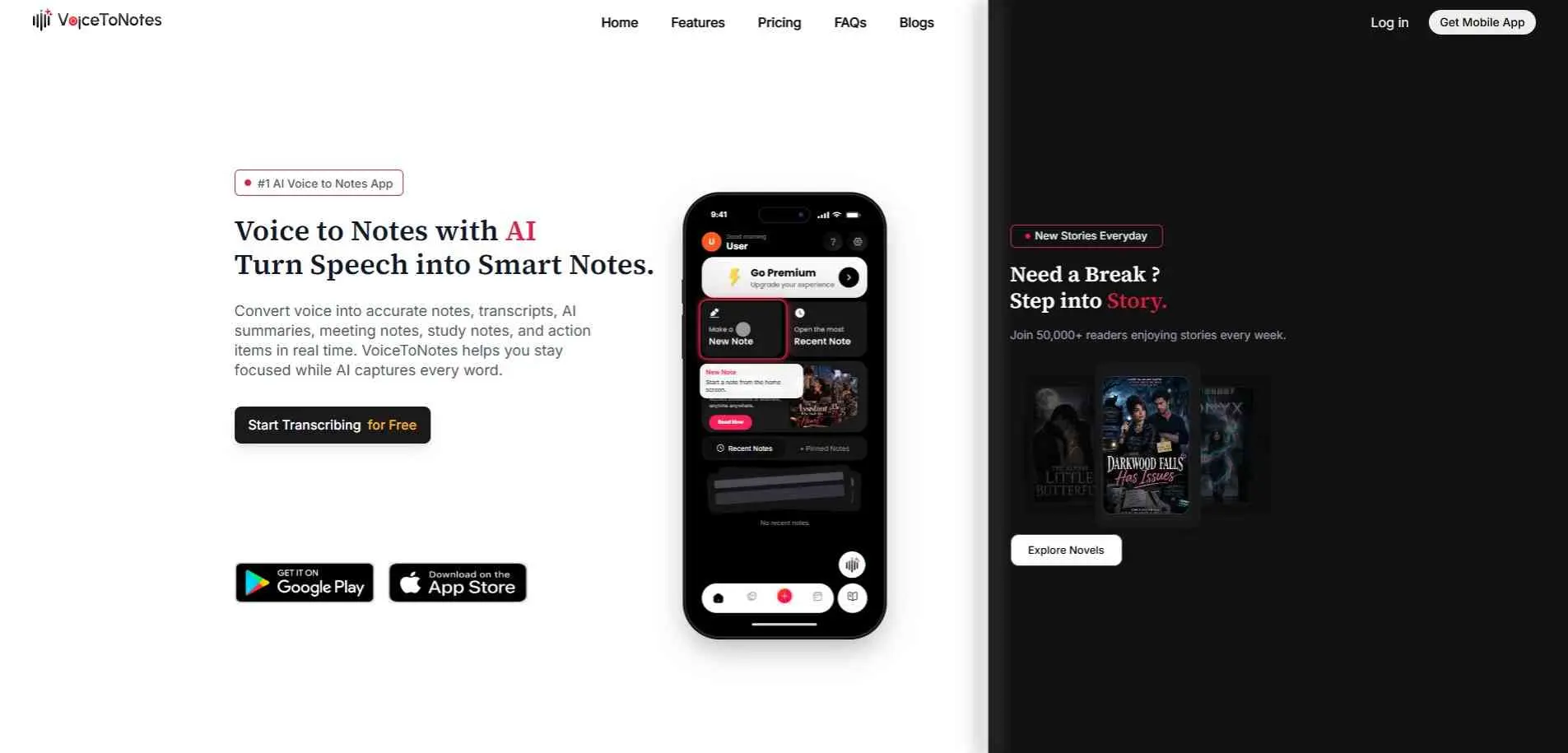
Voice to Notes AI turns speech into written notes, transcripts, and summaries. You can use it to capture a meeting, take notes during a lecture, or save an idea as soon as it comes to mind.
The app turns speech into text as you talk. It can tidy up your notes, help you sort them, and let you search for them later. It also supports several languages and syncs your notes across devices. That makes it useful for everyday voice notes as well as scheduled calls.
If your team needs detailed sales call reports or wants meeting notes to trigger several steps in a CRM, compare what Voice to Notes AI can do with tools built for those jobs.
Pros
- Turns speech into text in real time.
- Summarizes and tidies up notes.
- Lets you organize and search your notes.
- Works across devices.
Cons
- Limited focus on sales reports and CRM tasks.
- Check which plans cover the ways your team needs to work together.
Best for: Those who want to take their meetings and quick voice notes into something they can look up and read later.
2. Fireflies.ai
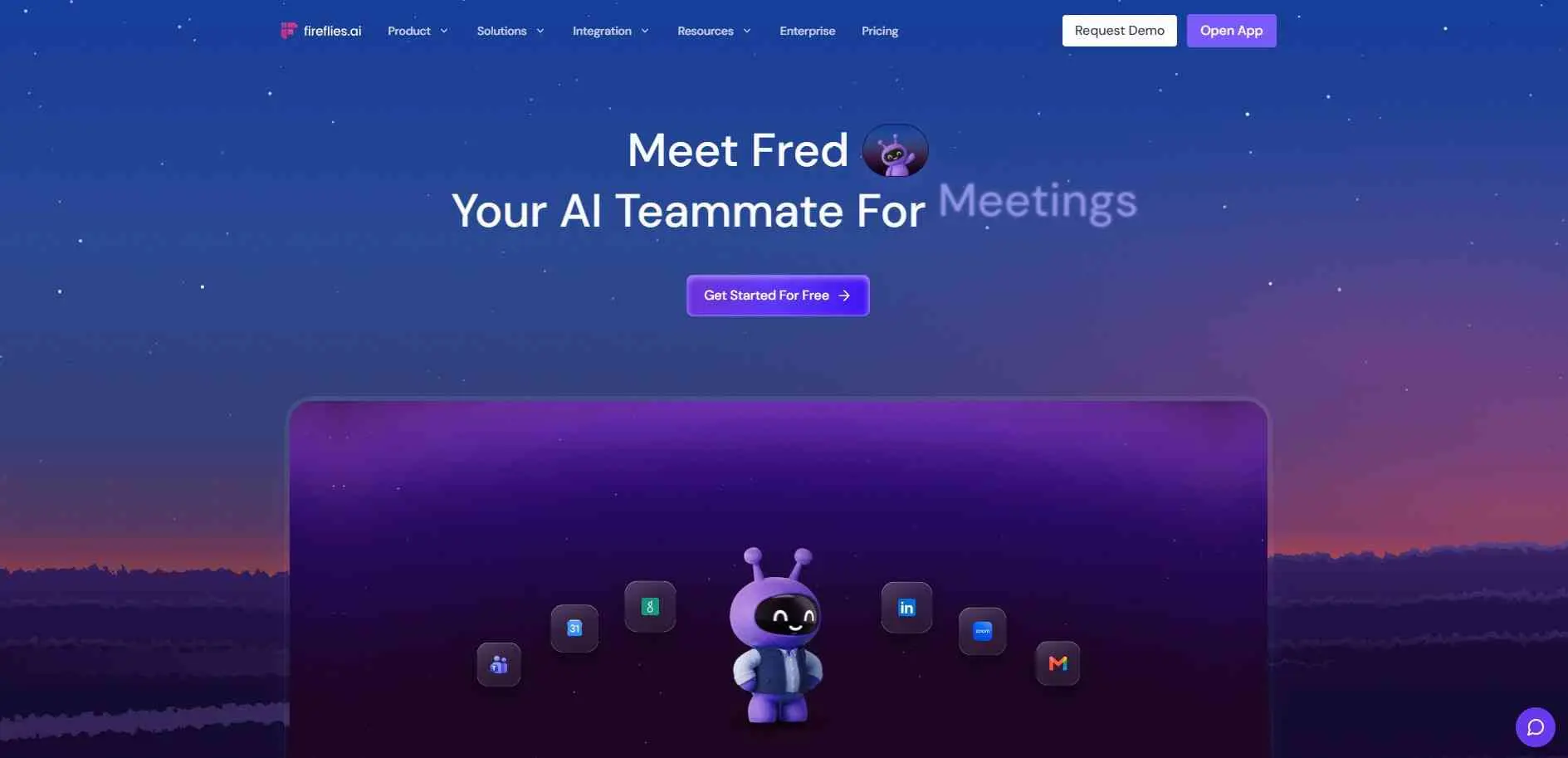
Fireflies.ai is useful if you spend a lot of time in online meetings and need to find what was said later. It can join supported video calls, turn the conversation into a transcript, and write a summary with follow-up tasks.
Its AskFred assistant lets you search meeting records and ask questions about past conversations. Fireflies can also connect to a CRM and the tools your team uses to manage projects.
For teams with a full meeting calendar, searching across old calls can be more useful than getting another summary in their inbox.
Pros
- Transcribes meetings and writes summaries.
- Lets you search past conversations.
- Pulls out follow-up tasks and provides meeting stats.
- Connects to other business tools.
Cons
- Not for workplaces that don`t allow meeting bots on calls.
- Usage limits and advanced features vary by plan.
Best for: Good for sales teams and anyone who needs meeting records and automatic follow-ups.
3. Otter.ai
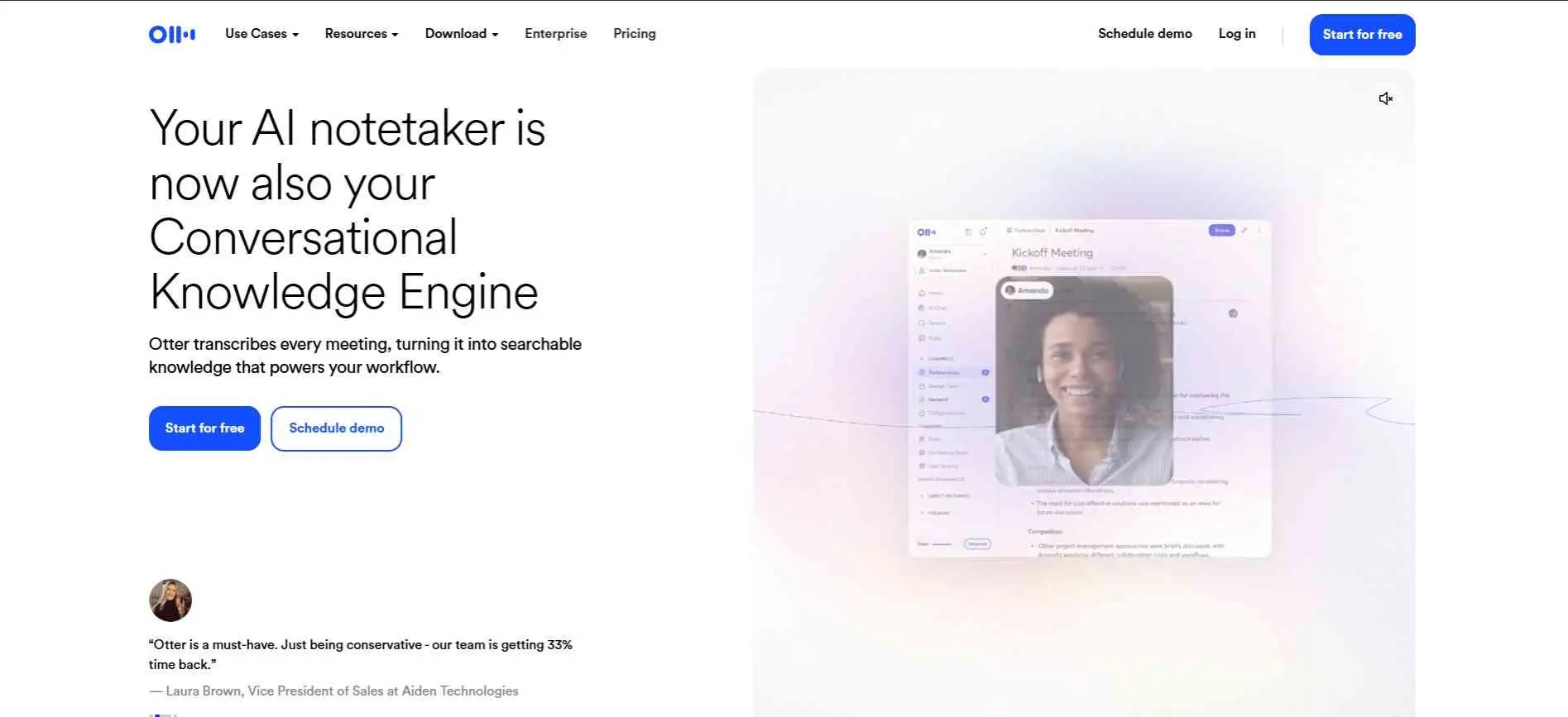
Otter.ai writes a transcript while people are talking and lets you search it later. It can tell speakers apart, summarize discussions, and pull out tasks people agreed to do.
With Otter AI Chat, you can ask a question about an earlier meeting and skip scrolling through a long transcript. The desktop app can also record meetings, giving you another way to capture a call without inviting a bot.
Otter is worth a look if your team often goes back to check what was discussed, what was decided, or who agreed to follow up.
Pros
- Transcribes conversations live and identifies speakers.
- Writes summaries and pulls out follow-up tasks.
- Lets you search and ask questions across meetings.
- Offers desktop and mobile recording.
Cons
- Transcription limits and features vary by plan.
- Some tools for teamwork and automation are aimed at teams on paid plans.
Best for: Useful if you want live transcripts and a fast way to search old conversations.
4. JotMe
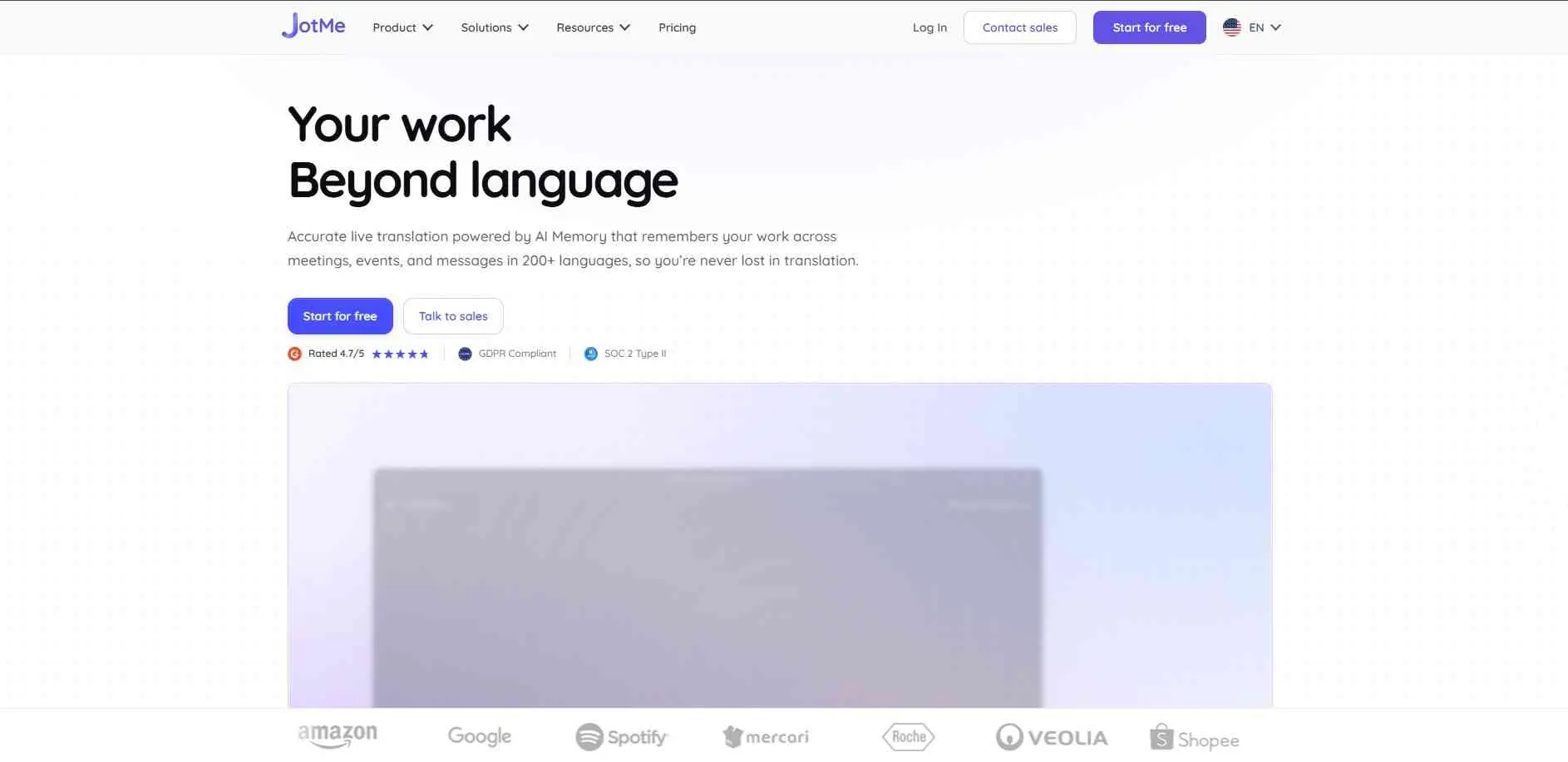
JotMe helps when people in the same meeting speak different languages. It can translate the conversation live, create a transcript, and prepare notes and a summary.
You can use it with tools such as Zoom, Google Meet, and Microsoft Teams. The desktop app can translate and transcribe live conversations. The Chrome extension is built for Google Meet.
JotMe can translate into more than 200 languages where that feature is supported. Translation, transcription, and meeting notes each have their own usage limits.
Pros
- Translates meetings as people speak.
- Creates transcripts and summaries.
- Helps teams communicate across languages.
- Offers desktop, mobile, and browser options.
Cons
- Each feature has its own usage limit.
- Some advanced features may require a paid plan.
Best for: Teams that switch between languages in meetings.
5. Granola
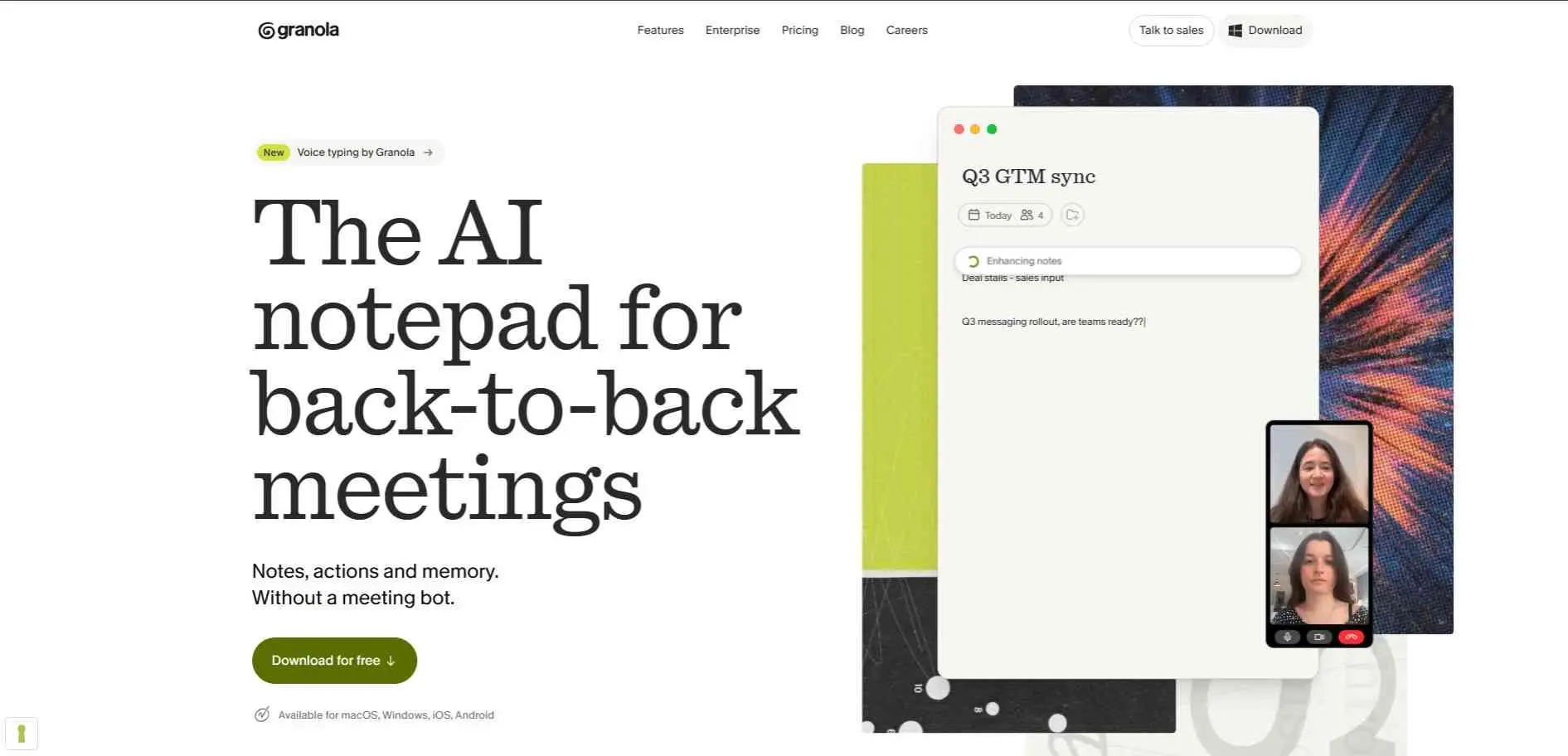
Granola picks up the call through your computer’s audio without adding a bot to the meeting. You can jot down your own notes while you talk, and Granola uses both your notes and the conversation.
After the call, it brings everything together into a set of organized notes. You can also look back at earlier discussions when you’re getting ready for the next one.
It’s a good fit if you like keeping a personal notepad open during calls and prefer to keep bots out of the participant list.
Pros
- Takes notes without a bot joining the call.
- Combine your own notes with details from the meeting.
- Summarizes the discussion and lists follow-up tasks.
- Works with major meeting platforms.
Cons
- Check whether it works on your device and operating system.
- Detailed CRM reports are outside its main focus.
Best for: People who want help with meeting notes without adding a bot to the call.
6. tl;dv
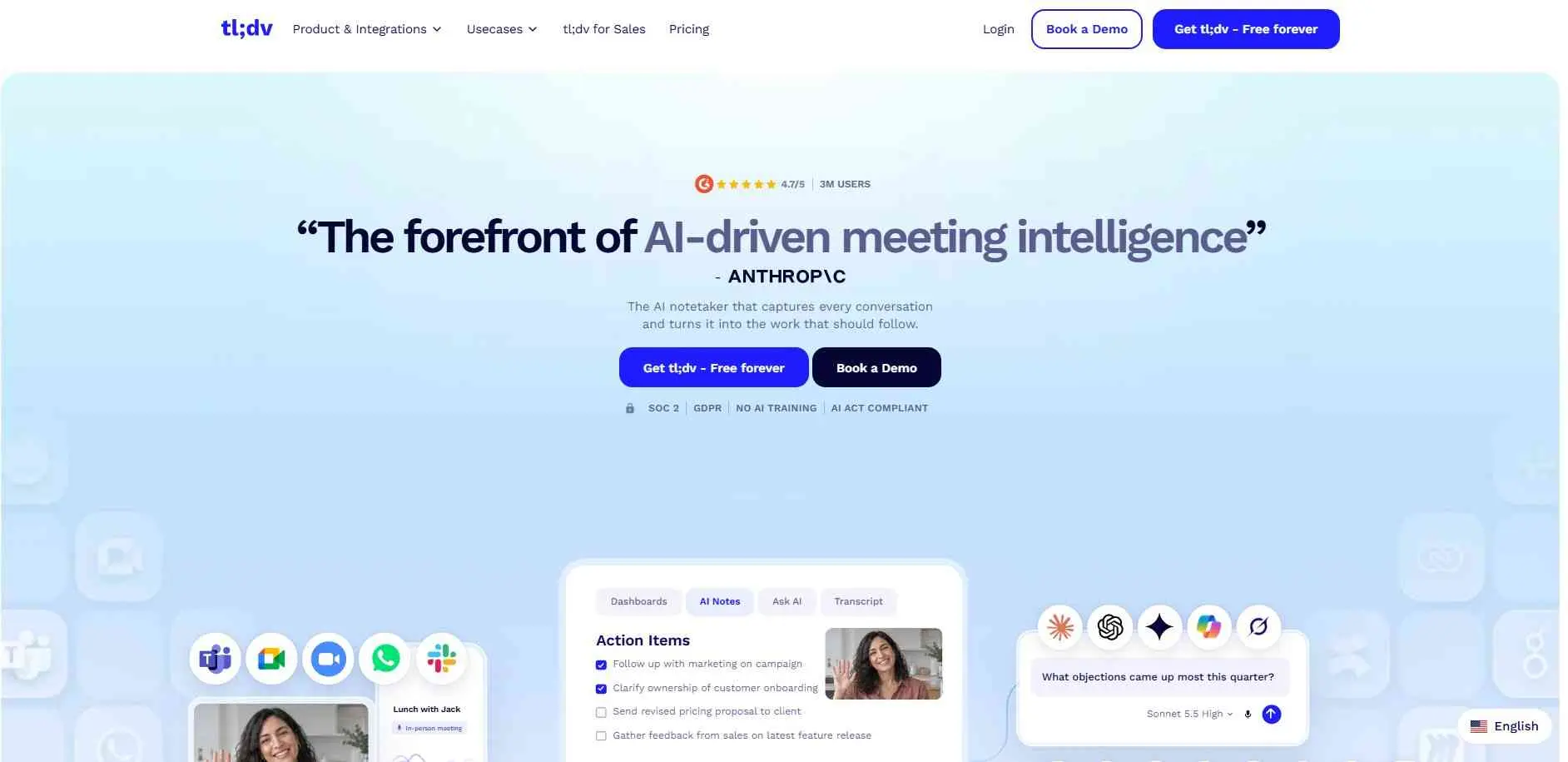
tl;dv records online meetings, creates transcripts, and sums up key moments. You can also cut a short clip from a recording and share it with a colleague.
The notes include timestamps. If you need to hear exactly what someone said, click the timestamp to go straight to that part of the recording.
You can also track topics and look for patterns across meetings. That can help sales and customer research teams see which subjects come up again and again.
Pros
- Records and transcribes meetings.
- Adds timestamps to summaries and highlights.
- Lets you share short video clips.
- Offers search and topic tracking.
Cons
- Video can be more than you need if written notes are enough.
- Some upload and team features vary by plan
Best for: Teams that review customer calls, interviews, and recorded meetings.
7. Jamie
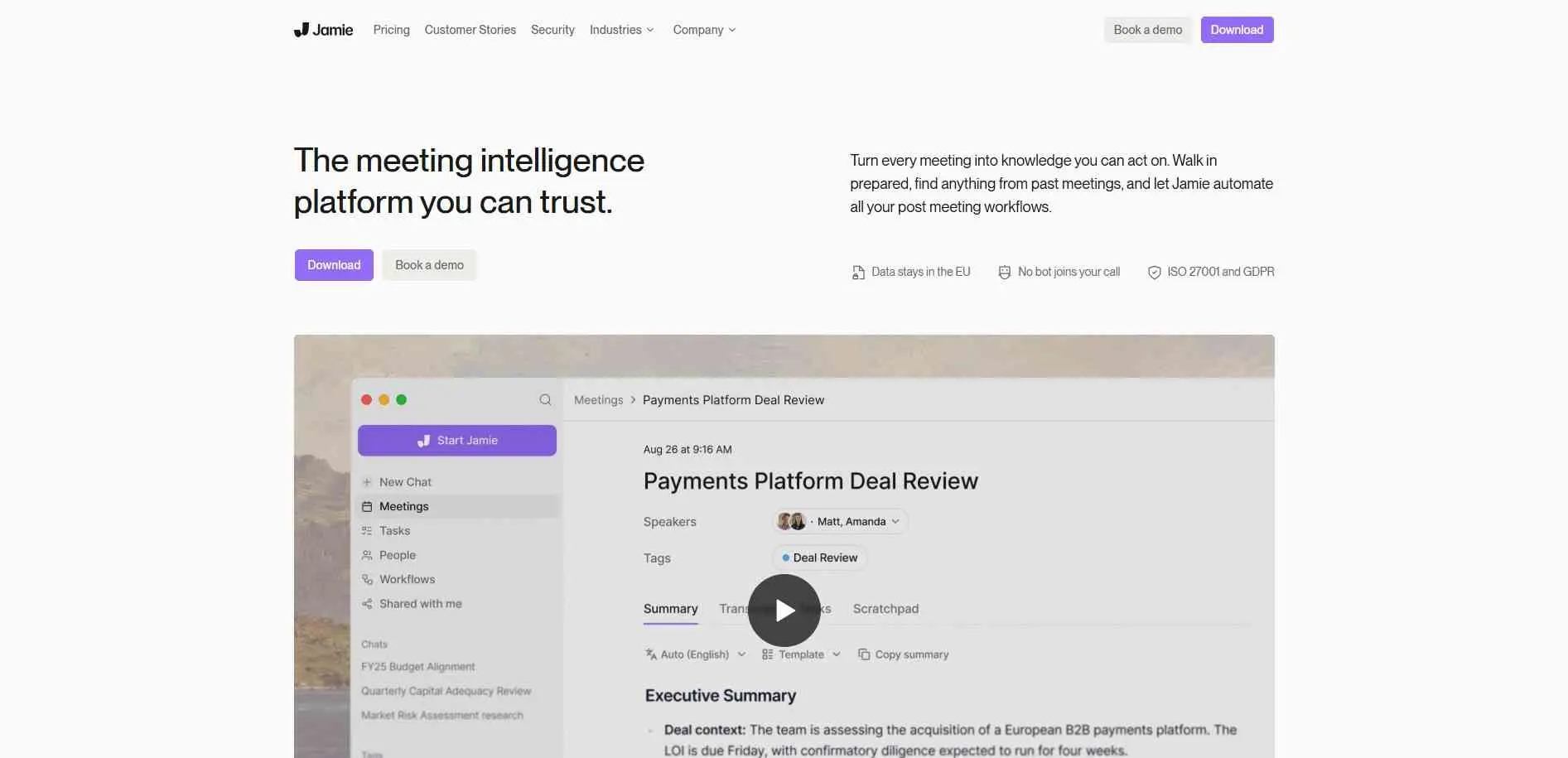
Jamie records audio from your device without adding a visible bot to the meeting. It turns the conversation into a transcript, a summary, and a list of follow-up tasks.
It works for video calls and in-person conversations, so you can use it when a meeting moves from your screen to the office. According to Jamie’s product information, it can transcribe more than 100 languages.
Since Jamie records from your device, check the system permissions and recording settings before your first meeting. Let participants know you’re recording and get consent where required.
Pros
- Records meetings without a bot.
- Works for online and in-person conversations.
- Provides transcripts, summaries, and follow-up tasks.
- Transcribes meetings in several languages.
Cons
- You need the desktop or mobile app to record.
- Some advanced features vary by plan.
Best for: People who want meeting notes without a recording bot showing up in the call.
8. Fathom
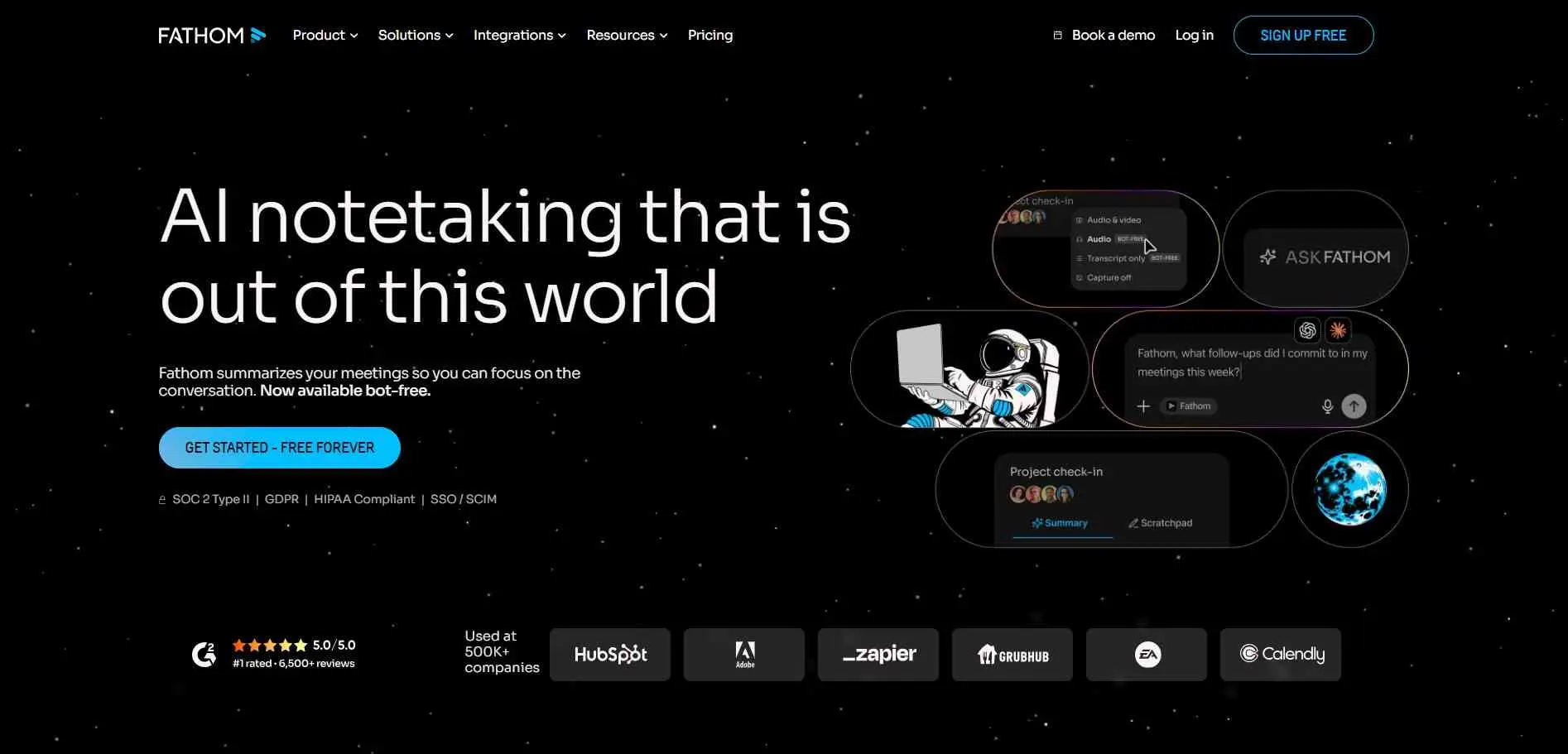
Fathom is a popular choice for keeping recordings, summaries, and follow-up tasks together. It records calls on supported platforms and prepares a transcript, a summary, and a list of action items after the call.
It also gives you a live summary so you can catch up on the discussion while it’s still going. Tools like Ask Fathom and Trackers help you find details across meetings.
The free plan includes unlimited meetings, transcription, and AI summaries. Some team features are available only on paid plans.
Pros
- Records and summarizes meetings.
- Shows a live summary during calls.
- Lists follow-up tasks and lets you search past meetings.
- Offers a free plan.
Cons
- Some advanced team features need a paid plan.
- Check which platforms and operating systems support recording without a bot.
Best for: Sales professionals and teams that need clear meeting summaries and a record of what to do next.
9. HappyScribe
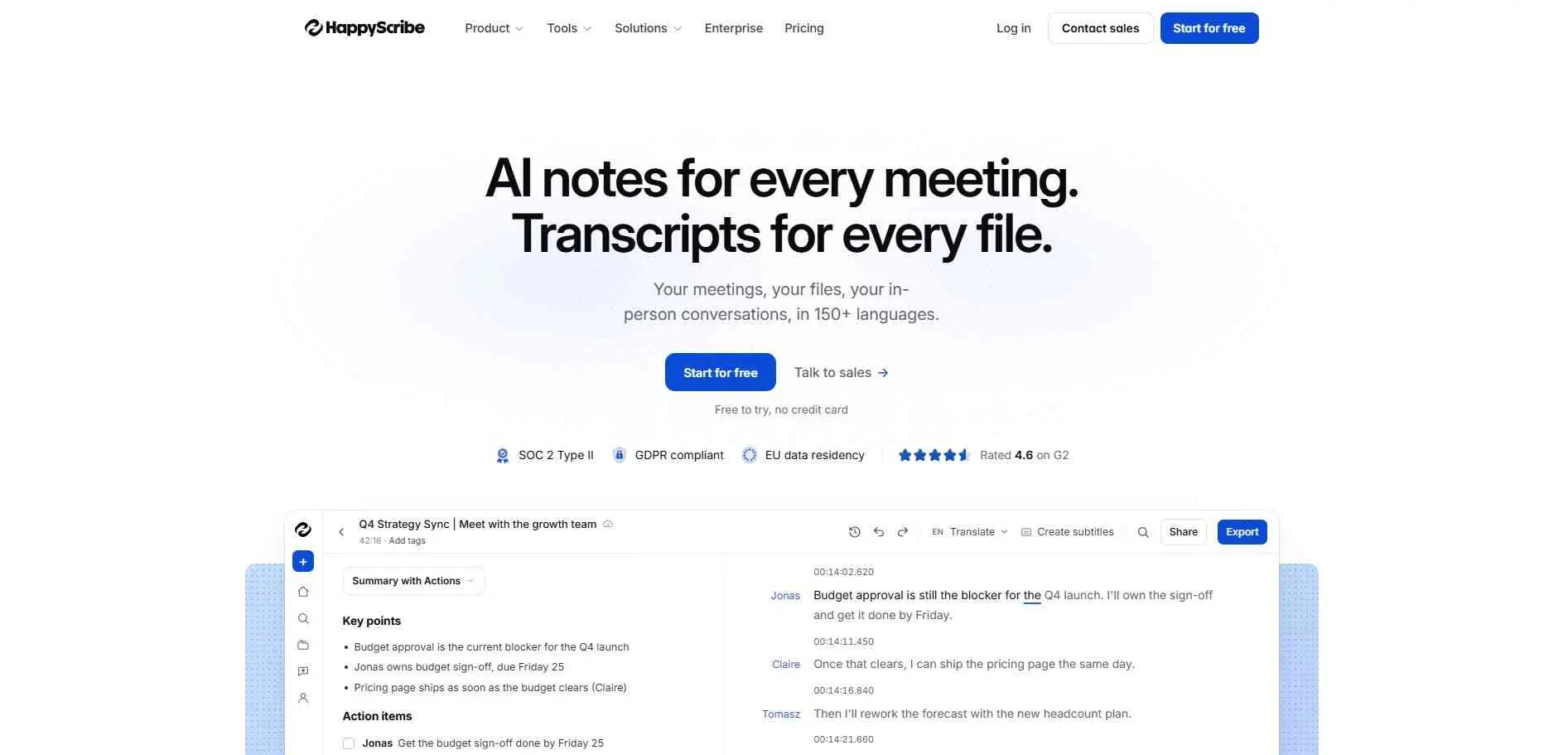
HappyScribe is best known for transcripts and subtitles. You can use it with recorded audio or video to create a transcript and get an AI summary of the conversation.
Its AI Chat feature lets you ask questions about transcripts and meeting notes. You can use it to find a specific detail across files or pull out tasks people agreed to do.
That makes HappyScribe useful for interviews, webinars, and recorded meetings you’ll need to revisit after reading the recap.
Pros
- Transcribes audio and video files.
- Summarizes transcripts and lets you ask questions about them.
- Works with recorded interviews and meetings.
- Supports both subtitles and transcription.
Cons
- The extra transcription tools may be more than you need for basic meeting notes.
- Check how it captures live meetings if you plan to use it as your main note taker.
Best for: Content teams, researchers, and people who regularly work with recorded conversations.
10. Krisp
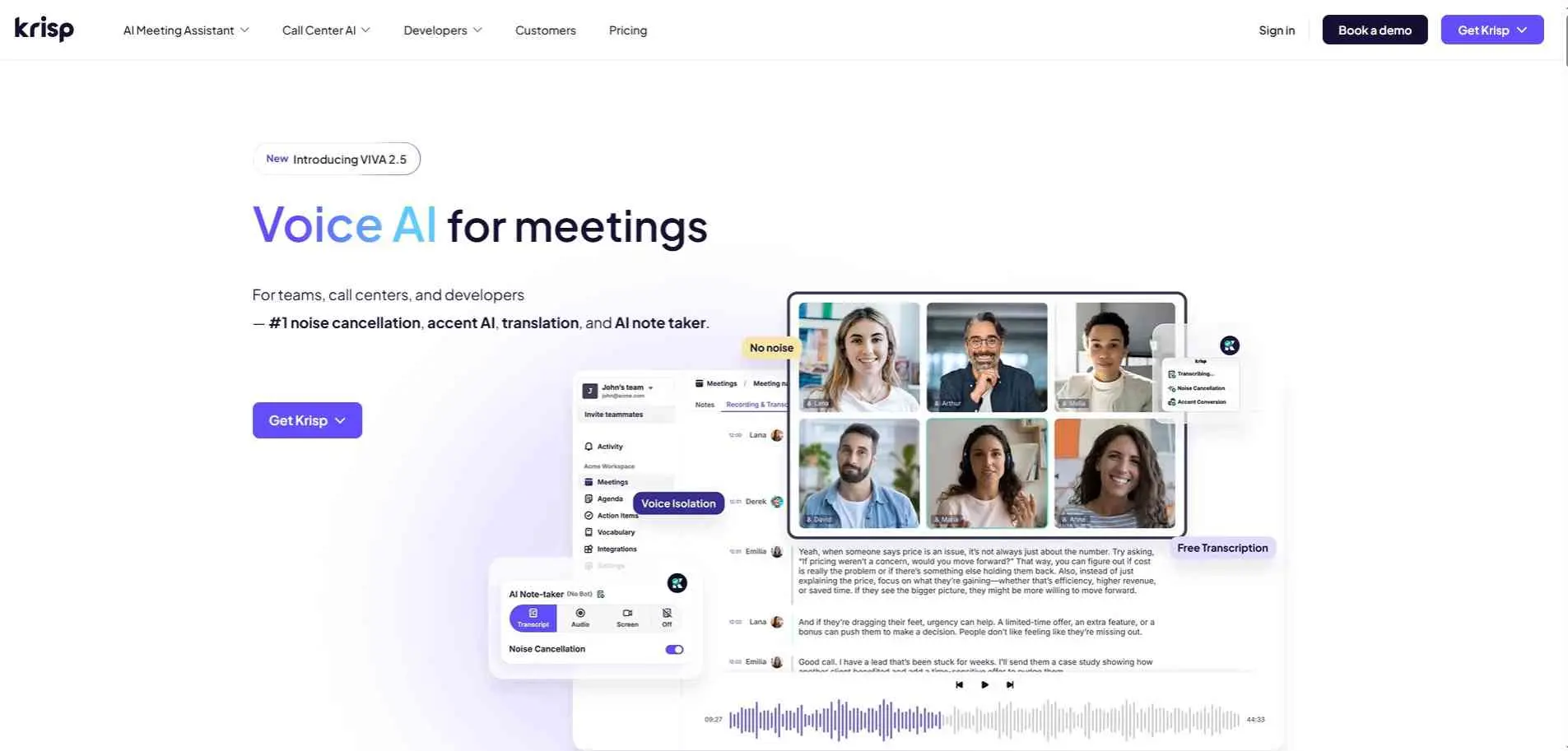
Krisp started as a noise cancellation tool and later added an AI meeting assistant. It can record and transcribe conversations, write notes, pull out follow-up tasks, and answer questions about past meetings.
Noise cancellation is still a big part of what Krisp offers. It can cut down background sound, which makes it easier to hear people calling from a busy home or shared office.
Krisp can also take notes without adding a recording bot to the meeting.
Pros
- Writes meeting notes and transcripts.
- Reduces background noise.
- Pulls out action items and lets you ask questions through AI chat.
- Records meetings without a bot.
Cons
- It may do more than you need if all you want is a basic notepad.
- Recording and meeting assistant features have plan limits worth checking.
Best for: Remote workers and teams that want clearer audio as well as meeting notes.
How to Choose the Right AI Note Taker
Start with how you join meetings. If most of your calls are on Zoom or Google Meet, check whether the app sends in a bot or records from your device. If you work with clients who speak different languages, put translation and language support ahead of extra integrations.
Sales teams should check how the app connects to their CRM, how easy it is to search old calls, and which follow-ups it can handle automatically. If you`re also comparing tools for finding prospects before the call, check out the best lead generation software platforms.
Check who can see recordings, where they’re stored, and how long the provider keeps them. Make sure the way you record also meets any consent requirements. Those details matter when the conversation is confidential.
Final Verdict
Start with what you do after a meeting. If you`re constantly digging up old decisions or chasing follow-ups across a team, try Fireflies.ai or Otter.ai. JotMe works better when a call switches between languages. Granola and Jamie are for people who`d rather record without a bot in the room.
Working with recorded interviews or other audio and video files? Look at HappyScribe. If background noise is the problem, Krisp cleans up the audio and takes notes too. Voice to Notes AI fits if you mostly want to turn spoken ideas into notes you can sort and search later.
Then test one in a meeting you`d attend anyway. Afterward, read the transcript and summary and count how much you had to fix. That tells you more than a feature list will.